Preferences
Privacy is important to us, so you have the option of disabling certain types of storage that may not be necessary for the basic functioning of the website. Blocking categories may impact your experience on the website. More information

Privacy is important to us, so you have the option of disabling certain types of storage that may not be necessary for the basic functioning of the website. Blocking categories may impact your experience on the website. More information

Discovered - currently not indexed means Google knows a URL but has not crawled it. See the real causes (server, crawl budget, links) and how to fix each one.

Tools

In short
"Discovered - currently not indexed" is a status in the Page indexing report of Google Search Console. It means Google found the URL (through a link or a sitemap) but has not crawled it yet, usually because crawling it was expected to overload the server or because Google does not see enough value to crawl it now. For a handful of new pages it is normal and clears on its own. When it covers a large share of your site, fix three things in this order: server speed and errors, the number of low-value URLs, and internal links pointing to the pages you want indexed.
Want to go further? Ask
Quick quiz
Who should fix the technical side of your site?
Our advice for you
A slow or unstable server is the right solution for you
Number 1 in this ranking, the best match for your answers.
Our advice for you
Too many low-value URLs competing for crawling is the right solution for you
Number 2 in this ranking, the best match for your answers.
Our advice for you
Weak internal linking is the right solution for you
Number 3 in this ranking, the best match for your answers.
Our advice for you
Site-wide quality signals is the right solution for you
Number 4 in this ranking, the best match for your answers.
Discovered - currently not indexed is one of the most common reasons listed under "Why pages aren't indexed" in Google Search Console, and one of the most misunderstood. Google's Page indexing report documentation gives a short definition: "The page was found by Google, but not crawled yet. Typically, Google wanted to crawl the URL but this was expected to overload the site; therefore Google rescheduled the crawl." This guide explains what sits behind that sentence, how to tell a normal backlog from a real problem, and the fixes that move URLs out of the queue. For the full indexing process, see our guide to getting pages indexed by Google.
Google indexes a page in three stages: discovery (it learns that the URL exists), crawling (Googlebot downloads the page) and indexing (Google analyses the content and decides whether to store it). A URL in this status has passed the first stage only. Google has the address in its queue, has never fetched it, and therefore has not judged its content yet. This is why the "Last crawled" field is empty when you inspect such a URL.
The status is often confused with its neighbour, "Crawled - currently not indexed". The difference decides where you look for the cause.
| Status | Has Google crawled the page? | Where the cause usually is | First check |
|---|---|---|---|
| Discovered - currently not indexed | No | Crawl capacity, crawl priority, internal links | Server response time, number of URLs, links to the page |
| Crawled - currently not indexed | Yes | Content quality, duplication, rendering | The page content itself |
| Excluded by noindex tag | Yes | A directive on the page | Meta robots tag or X-Robots-Tag header |
| Blocked by robots.txt | No (forbidden) | A rule in robots.txt | The Disallow lines matching the URL |
In short, "Discovered" is a crawling problem, while "Crawled" is an indexing decision. Rewriting the content of a page that Google never downloaded will not change anything until Googlebot comes back to fetch it.
It depends on the volume and on which pages are affected. Three situations are normal and need no action:
It becomes a problem when your important pages (products, categories, articles, service pages) stay in the list for weeks, or when the count grows faster than the number of indexed pages. Google's own crawl budget guide names this exact signal: sites with "a large portion of their total URLs" classified as Discovered - currently not indexed should look at how Google spends its crawling on them.
Note
Waiting is not a strategy for a large backlog. Asked how long the status can last, Google's John Mueller answered "That can be forever" (Search Central office hours, February 2022, reported by Search Engine Journal), and advised improving the site so that Google sees value in crawling more of it.
Google decides how much to crawl with two inputs described in its crawl budget documentation: the crawl capacity limit (how much your server can take without slowing down) and crawl demand (how much Google wants your URLs, based on size, update frequency, page quality and relevance compared with other sites). Every cause below lowers one of the two. The crawl budget concept matters most on large sites, but a slow server or a weak site structure can trigger the status on a site of a few hundred pages.
This is the cause Google mentions first. According to the crawl budget guide, crawl capacity rises when response times "remain stable or improve" and falls when the site slows down or returns server errors. Shared hosting, an overloaded database, a heavy theme or a firewall that throttles Googlebot all reduce the number of URLs Google is willing to fetch per day.
Faceted navigation, sorting parameters, session IDs, endless calendar pages, auto-generated tag pages and near-identical product variants create thousands of URLs. Google's guide warns that duplicate and unimportant URLs consume crawl time and that soft 404 pages "will continue to be crawled, and waste your budget". Your good pages wait in the same queue.
A URL listed only in the XML sitemap, or linked from a page five clicks deep, sends a weak priority signal. Google's documentation on crawlable links adds a technical trap: Google "can only crawl your link if it's an <a> HTML element" with an href attribute, so menus or "load more" buttons built only with JavaScript events may hide pages from the crawler.
Crawl demand depends partly on how Google rates the rest of the site. If a large share of already crawled pages are thin content or duplicate content, Google has little reason to hurry for the next ones. This is why the status often appears after publishing hundreds of similar pages at once.
A young domain with few backlinks and a lot of fresh content starts with low crawl demand. Mueller said in the same 2022 session that a newer site with a lot of content should expect much of it to stay in this status for a while.
Work from examples before changing anything. This sequence takes about an hour on most sites.
Tip
Compare the export with your XML sitemap. If the sitemap contains thousands of URLs that are redirected, blocked or set to noindex, clean it first: a sitemap should list only the canonical, indexable pages you want crawled. A sitemap checker lists these errors in seconds.
Match the fix to the cause found during the diagnosis. The table summarises the main cases.
| Cause | Fix | How to verify |
|---|---|---|
| Slow server, 5XX errors, timeouts | Faster hosting, caching, lighter pages, check that the firewall does not throttle Googlebot | Crawl stats: lower response time, more requests per day |
| Too many parameter or filter URLs | Stop linking them, block crawling of useless patterns in robots.txt, consolidate variants | Fewer non-canonical URLs in the crawl requests |
| Soft 404 and empty pages | Return a real 404 or 410, or redirect to the closest page | Soft 404 count falls in the Page indexing report |
| Orphan or deep pages | Links from the menu, category pages, related articles and the home page | URLs move to "Crawled" then "Indexed" |
| Many similar or thin pages | Merge, enrich or remove them; publish fewer, better pages | Indexed pages rise as a share of the total |
| Sitemap full of errors | Keep only indexable canonical URLs with accurate lastmod dates | Sitemap report: discovered pages match indexed pages over time |
If the Crawl Stats report shows server errors or rising response times, nothing else will work until this is fixed, because Google itself lowers its crawl rate to protect the site. Ask your host about limits, add page caching and a content delivery network, and remove heavy scripts from templates.
Every useless URL that Googlebot fetches is a useful URL it does not fetch. Remove internal links to filter combinations and tracking parameters, use the robots.txt checker to test Disallow rules before blocking patterns, and fix soft 404 pages. Google's guide is explicit on duplicates: eliminate them "to focus crawling on unique content rather than unique URLs".
Link the affected pages from pages Google already crawls often: the home page, main categories, popular articles. Use standard <a href> links with descriptive anchors. A clear site architecture keeps every important page within three or four clicks of the home page, which raises its crawl priority.
Submit a clean XML sitemap and use the "Request indexing" button only for a few strategic URLs: it is subject to a daily quota and does not raise your overall crawl capacity. Once you have fixed the cause, click "Validate fix" in the report. Google says validation "typically takes up to about two weeks, but in some cases can take much longer", and you should not click it again until it succeeds or fails.
If pages stay invisible after these steps, the cause may lie elsewhere: our checklist of reasons a website is not showing up on Google covers penalties, noindex tags and canonical errors.
A page that Googlebot never crawls cannot rank on Google, and it cannot be used as a source by Google's AI Overviews or AI Mode, which draw on Google's index. A crawl backlog therefore delays your visibility in classic results and in AI answers at the same time.
ChatGPT, Perplexity and Claude rely on their own crawlers and partner indexes, so a page can be fetched by them while Google still ignores it, or the reverse. Your server logs show which AI bots visit which pages; our glossary entry on AI crawler logs explains how to read them. The fixes in this guide (fast server, fewer useless URLs, clear internal links) help every crawler, Googlebot and AI bots alike.
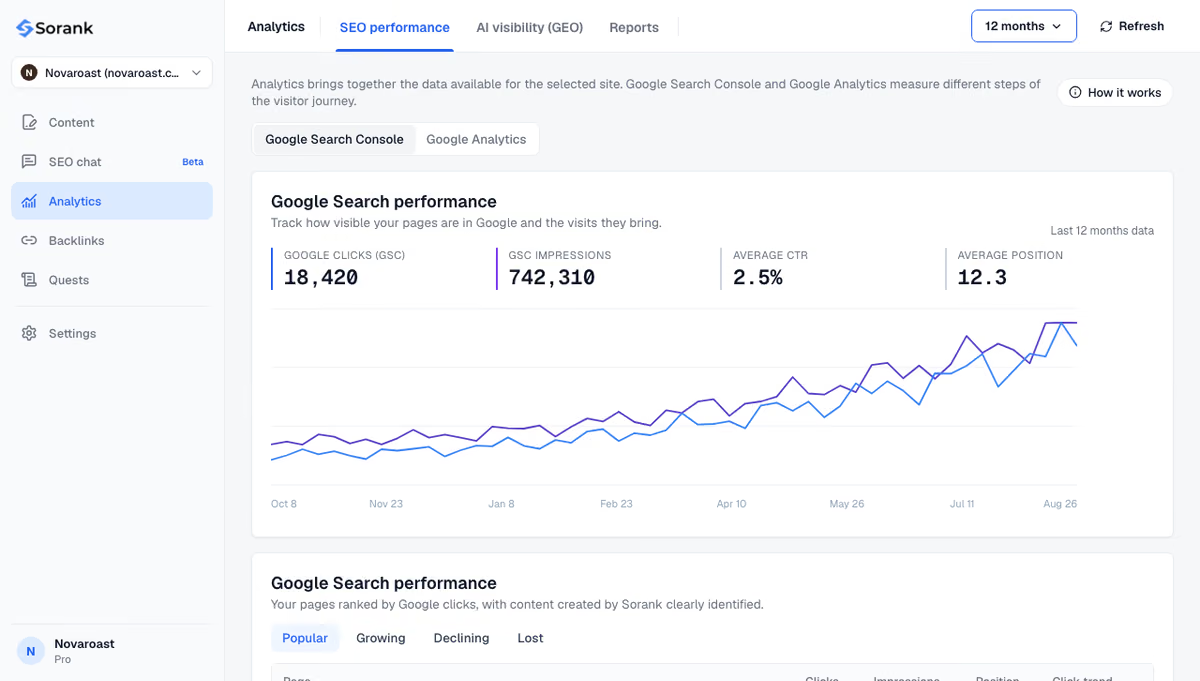
Sorank, our product, works on the content side of the problem. Its GEO and SEO dashboard connects to Search Console to follow clicks, impressions and positions after each fix, and its article generator publishes fewer, deeper articles with automatic internal links to existing pages, so new URLs are linked from the day they go live.
The short version: "Discovered - currently not indexed" means Google has your URL but has not spent crawl time on it yet. Ignore it for a few new pages, and act when it covers important pages: speed up the server, cut useless URLs and link the pages that matter. To automate the content and internal linking part, see the Sorank plans, from $49 per month billed annually, with a 3-day free trial.

For a few new pages on a healthy site, it usually clears within days or weeks once Googlebot crawls them. Google has also said the status can last indefinitely, because it does not crawl every URL it knows. If important pages stay in it for more than a month, look for server, internal linking or low-value URL problems.
Only for a few strategic URLs. The URL Inspection tool's Request indexing button has a daily quota and does not increase the crawl capacity Google gives your site. For dozens or thousands of URLs, fix the cause (server speed, useless URLs, internal links) and then click Validate fix in the Page indexing report.
Yes. Crawl budget is rarely the limit below a few thousand pages, so on a small site the status usually points to a slow or unstable server, pages linked only from the sitemap, or a low perceived quality of the site. A new domain with little authority can also see its first pages wait longer before Google crawls them.
We analyse your competitors, your website and your AI visibility to create a tailored content plan for free.
 AI Content Brief Generator
 FAQ Schema Generator
 AI Blog Post Ideas Generator
 Structured Data Validator (Schema Validator)
 Alt Text Checker
 Internal Link Analyzer
 Backlink Challenge
 AI Meta Description Generator
 AI Blog Title Generator
 Google Indexability Checker
 AI Blog Outline Generator
 UTM Link Builder
 Keyword Clustering Tool
 Canonical Tag Checker
 XML Sitemap Generator
 Broken Link Checker
 AI SEO Title Generator
 Headline Analyzer
 SERP Preview Tool
 Redirect Checker
 Hreflang Tag Generator
 Heading Structure Analyzer
 HTTP Headers Checker
 Favicon Extractor
 SERP CTR Calculator
 SEO vs Paid Search Savings Calculator
 SEO Share of Voice Calculator
 SEO ROI Calculator
 SEO Traffic and Revenue Forecast Calculator
 SEO Budget Calculator
 SEO Break-Even Calculator
 SaaS SEO ROI Calculator
 ROAS Calculator
 Reading Time Calculator
 Ranking Gain Simulator
 Organic Traffic Value Calculator
 Organic Traffic Estimator and Website Traffic Checker
 LTV to CAC Ratio Calculator
 Local SEO ROI Calculator
 Link Building Cost Calculator
 Keyword Value Calculator
 Keyword Opportunity Score Calculator
 Keyword Density Calculator
 GEO ROI Calculator
 GEO Content Investment Calculator
 Ecommerce SEO ROI Calculator
 Customer Lifetime Value Calculator
 Customer Acquisition Cost Calculator
 CTR Calculator
 Cost Per Article Calculator
 Conversion Rate Calculator
 Content Marketing ROI Calculator
 ChatGPT Referral Traffic Estimator
 Bounce Rate Calculator
 Backlink ROI Calculator
 AI Visibility Score Calculator
 AI Traffic Value Calculator
 AI Share of Voice Calculator
 Cost of AI Invisibility Calculator
 AI Citation Rate Calculator
 llms.txt Validator
 AI Overview Checker and AI Overviews Rank Checker
 Robots.txt Checker
 AI SEO Audit
 LLM Readability Checker
 SearchGPT Readiness Checker
 Structured Data LLM Audit
 Website Crawlability AI Audit
 Why ChatGPT Is Not Recommending My Website
 Gemini Ranking Tool
 Perplexity Ranking Checker
 LLM Citation Checker
 Answer Engine Optimization Audit
 GEO Audit
 AI Search Visibility Test
 ChatGPT Visibility Checker
 llms.txt Generator
 URL Extractor
 Webpage to Markdown
 Sitemap Checker
 SERP Volatility Sensor
 Page Size Checker
 Word Counter
 Slug Generator
 Schema Generator
 Robots Generator
 OG Preview
 Meta Tags Generator
 Image Compressor
 Favicon Generator
 On-Page SEO Audit: SEO Checker and SEO Analyzer
 Backlink Analysis Tool
 Keyword Research Tool
 Domain Authority Checker
THEY TRIED SORANK BEFORE YOU
 “I tested Sorank on a real client site and it's insane. It does everything an agency would bill you $1500 a month for. It's going into production on that client now.”

 Guillaume Guersanguersanguillaume.com“We are an Ads agency and we wanted to get our SEO back on track once and for all. Sorank gave us a clear view of our site, helped us prioritize optimizations, and properly structure our content. The tool is easy to use, well designed for a team, and very practical for centralizing tracking without having to juggle multiple platforms. A very solid foundation to start fresh with our SEO.”
 Gaspard MadouiAds Agency
 “I just let the Sorank software do its thing, and now my DR is 25 and my page is ranking higher.”
 Lucas Flandrefoundertrace.fr“I specialized in GEO thanks to Sorank. The GEO Leaderboard allows me to show my clients their position vs competitors on ChatGPT. It’s a real commercial differentiator.”
 MélanieSEO Freelance“Great service, works well for our website and helps us understand how to improve it to rank better on Google and elsewhere. Congrats, keep going, I recommend it.”
 Hugo T.E-commerce merchant