
Preferences
Privacy is important to us, so you have the option of disabling certain types of storage that may not be necessary for the basic functioning of the website. Blocking categories may impact your experience on the website. More information
Privacy is important to us, so you have the option of disabling certain types of storage that may not be necessary for the basic functioning of the website. Blocking categories may impact your experience on the website. More information

5xx server errors are HTTP codes that mean your server failed to answer. Learn what codes 500 to 511 mean, why they happen and how to fix them.







Founder Sorank, 7+ years in SEO.
Summary
5xx server errors are HTTP status codes that mean the server failed to handle a request that looked valid. The fault sits on the server side, not with the visitor. The codes run from 500 to 599, and the most common are 500, 502, 503 and 504. Most can be fixed on the server.
Want to go further? Ask
5xx server errors are the family of HTTP responses whose status code starts with a 5. HTTP is the protocol that browsers and crawlers use to ask for a page. The first digit of the status code tells you who is at fault. A 4 means the request was wrong. A 5 means the server failed. When your site returns one of these, a visitor or a search engine asks for a page and gets no usable answer. This guide explains what each code means, what causes it, how to find the real problem and how to fix it.
A 5xx status code is a three-digit number that a server sends back with every reply. The first digit is the class. A 2 means success, a 3 means redirect, a 4 means the request was wrong, and a 5 means the server itself could not complete the job. So a 5xx response tells you that the request reached the server, but the server could not finish it.
You meet 5xx errors as an error page, a blank page or a short message such as "Service Unavailable". Browsers show the message to visitors. Crawlers from Google and AI systems see only the number, and they treat it as a failed visit.
The IANA registry is the official list of HTTP status codes. It names the codes from 500 to 511, but only a few of them appear on normal websites. The table below lists each code with its usual cause.
| Code | Name | Usual cause |
|---|---|---|
| 500 | Internal Server Error | A generic failure: a bad configuration, a code exception or a file permission problem |
| 501 | Not Implemented | The server does not support the feature or method the request uses |
| 502 | Bad Gateway | A proxy or load balancer got an invalid answer from the server behind it |
| 503 | Service Unavailable | Planned maintenance, or a server overloaded and refusing new requests |
| 504 | Gateway Timeout | A proxy waited too long for the server behind it to answer |
| 505 | HTTP Version Not Supported | The request uses an HTTP version the server does not accept |
| 506 | Variant Also Negotiates | A configuration error in content negotiation, where the server picks the wrong version of a resource |
| 507 | Insufficient Storage | The server has no room left to store the data the request needs |
| 508 | Loop Detected | The server found a loop while it processed the request |
| 509 | Unassigned | Not in the official list. Some hosts send it anyway to signal a bandwidth limit |
| 510 | Not Extended | Obsolete. You should not see it today |
| 511 | Network Authentication Required | The network wants a login first, often a hotel or office Wi-Fi portal |
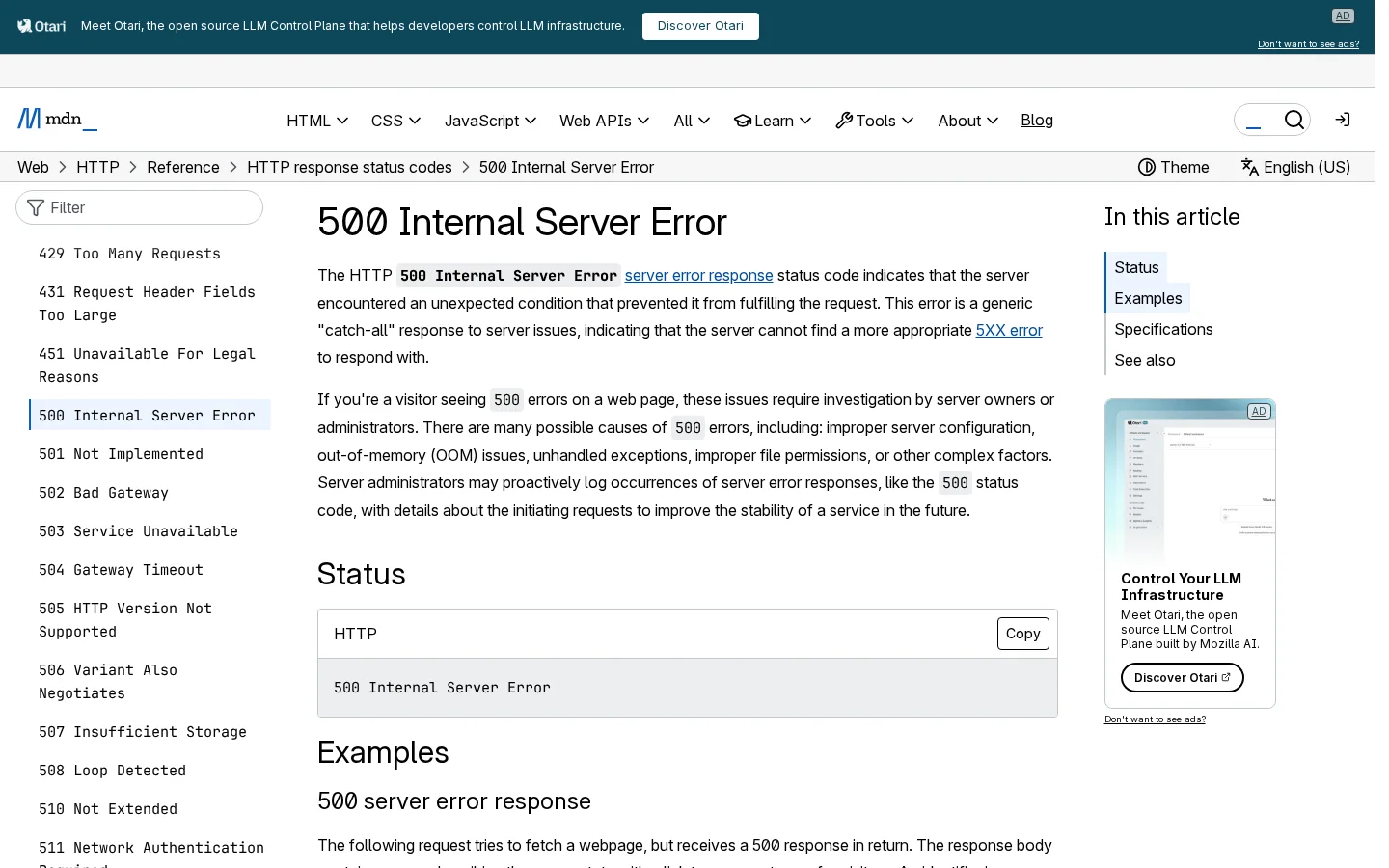
The most common codes are 500, 502, 503 and 504. The 500 code is a catch-all. MDN describes 500 as a generic "catch-all" response that the server sends when no more precise 5xx code fits. That is why a 500 tells you that something broke, but not what broke. The logs have to tell you that.
The cause is almost always on the server or in the software it runs. The MDN page on the 500 code lists the usual causes: improper server configuration, out-of-memory problems, unhandled exceptions in the code and improper file permissions. On many sites, a recent update, a new plugin or a new code release is the trigger, so ask what changed first.
Traffic can cause them too. When a server runs out of memory, connections or CPU, it may refuse new requests with a 503. A 502 or 504 usually means a second system, such as a proxy, a CDN or a database host, failed or answered too slowly.
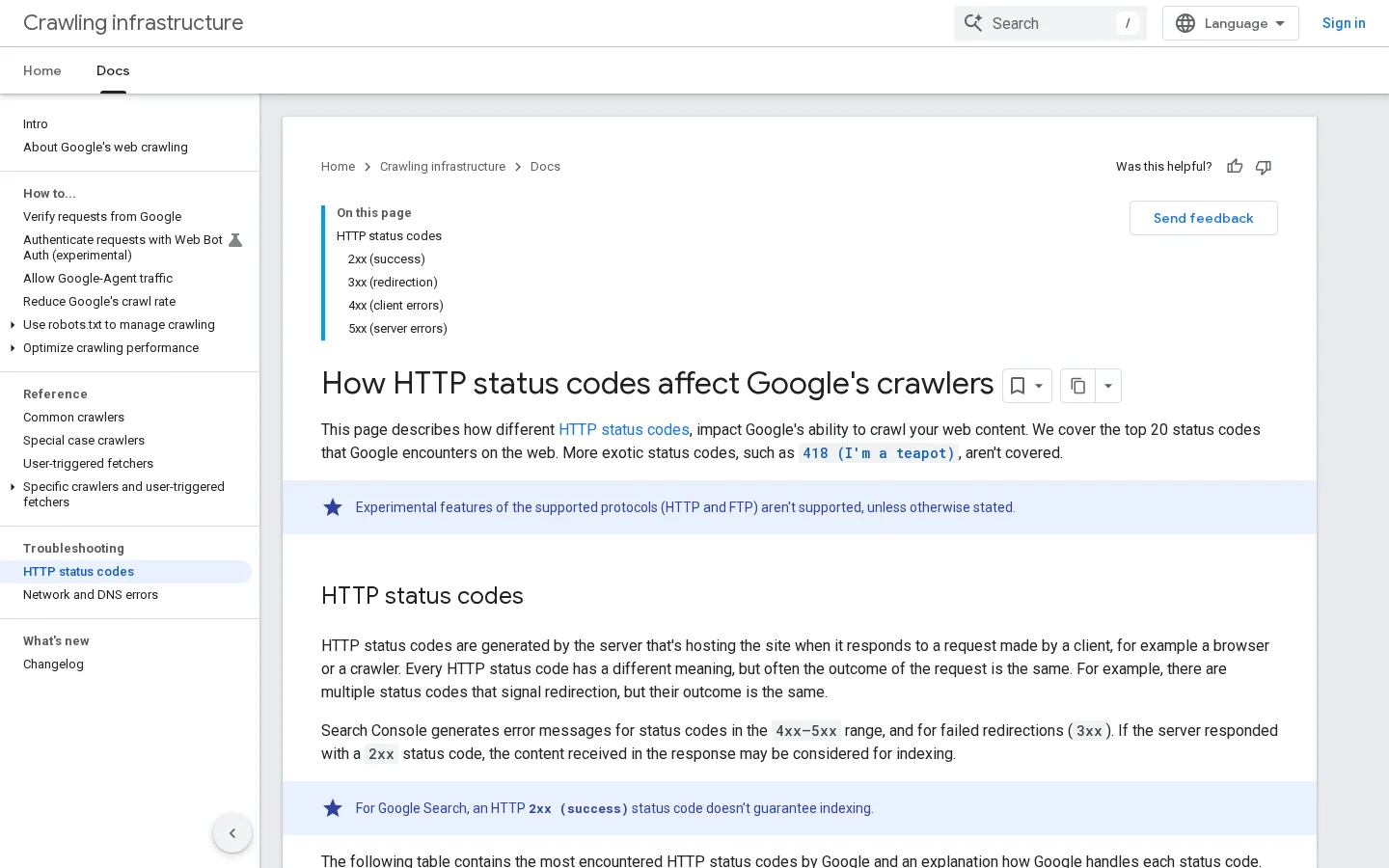
Google's guidance on HTTP network errors says that 5xx errors prompt its crawlers to slow down for a while. Once the server answers with a normal response again, Google raises the crawl rate gradually. The content of a URL that returns a 5xx is ignored. A page that was already indexed stays for a time, but a URL that keeps returning a server error is eventually dropped from the index. The rate at which Google visits your site is explained in crawl budget, and the basics of how bots reach a page are in crawling.
AI crawlers face the same problem. If a bot gets a 5xx response, it gets no page to read, so there is nothing to cite. A short outage does little harm. A site that fails for days loses its place.
Work from evidence, not from guesses. Follow these steps in order.
The fix depends on the cause. Match the code to the table above, then act on what the logs show.
Retry-After: 3600That header tells a client to wait 3600 seconds, which is one hour, before it tries again.
Tip
Fix the root cause, then keep watching. Google raises its crawl rate again only after normal responses return, so check the crawl reports for several days after the fix.
What it is: you restart the server, the site comes back, and you move on. How to spot it: the errors return at the same time of day, or after the next deployment. How to fix it: read the log from the first error after the last clean period, and fix the trigger it names.
What it is: the maintenance page keeps returning a 503 for days after the site is back. How to spot it: the headers checker still reports 503 on normal pages. How to fix it: return the normal 200 response as soon as the site works again. Google drops URLs that keep returning server errors from its index, so a long 503 can cost you pages.
What it is: the site displays "Something went wrong" but sends a 200 OK code. How to spot it: the headers checker reports 200 for a page that shows an error. How to fix it: send the real 5xx code together with the error page. Search engines can index a 200 error page as a real page. The same trap appears with missing pages, explained in soft 404 errors.
What it is: a security rule answers bots with a 503 error. How to spot it: your logs show the errors only for bot user agents, while normal visitors load the page without trouble. How to fix it: allow verified search crawlers, check that your rules match the official crawler addresses, and never block by user agent name alone.
What it is: only the product pages, or only one language, return a 500. How to spot it: a crawl or log report shows the errors clustered on one URL pattern. How to fix it: test one URL from the cluster, find the template or plugin that builds those pages, and fix that one thing. The same pattern shows up in the reports covered in crawl errors.
For SEO, a 5xx error stops the crawl of the page that fails, slows the crawl of the whole site, and drops pages from the index when it lasts. For GEO, an AI system that cannot fetch your page cannot quote it. Slow pages also cause 504 errors when a proxy gives up on them, so speed work and error work overlap. See page speed for that side of the problem.
A 5xx error means the server failed, not the visitor. Read the status code, read the log, fix the cause and check the result. Keep the errors short, because search engines and AI systems can only use pages that load.
Sources
A 4xx error means the request was wrong, for example a page that does not exist. A 5xx error means the request was fine, but the server failed to complete it. A 5xx fix happens on your server, not in the visitor's request.
One short 500 error does little harm. Google says that 5xx errors make its crawlers slow down, and a URL that keeps returning server errors is eventually dropped from the index. Fix the cause before the errors last for days.
Use a free HTTP headers checker. It shows the final status code of a URL, after any redirects. Check a normal page and a failing page, so you can compare them.
 “I tested Sorank on a real client site and it's insane. It does everything an agency would bill you $1500 a month for. It's going into production on that client now.”

 Guillaume Guersanguersanguillaume.com“We are an Ads agency and we wanted to get our SEO back on track once and for all. Sorank gave us a clear view of our site, helped us prioritize optimizations, and properly structure our content. The tool is easy to use, well designed for a team, and very practical for centralizing tracking without having to juggle multiple platforms. A very solid foundation to start fresh with our SEO.”
 Gaspard MadouiAds Agency
 “I just let the Sorank software do its thing, and now my DR is 25 and my page is ranking higher.”
 Lucas Flandrefoundertrace.fr“I specialized in GEO thanks to Sorank. The GEO Leaderboard allows me to show my clients their position vs competitors on ChatGPT. It’s a real commercial differentiator.”
 MélanieSEO Freelance“Great service, works well for our website and helps us understand how to improve it to rank better on Google and elsewhere. Congrats, keep going, I recommend it.”
 Hugo T.E-commerce merchant



















