Preferences
Privacy is important to us, so you have the option of disabling certain types of storage that may not be necessary for the basic functioning of the website. Blocking categories may impact your experience on the website. More information
Privacy is important to us, so you have the option of disabling certain types of storage that may not be necessary for the basic functioning of the website. Blocking categories may impact your experience on the website. More information

Run a full SEO audit in order: crawl, indexing,  Search Console data, Core Web Vitals and AI visibility, with the checks and fixes that move traffic.


Tools

In short
An SEO audit is a structured check of everything that stops your pages from being crawled, indexed, understood, clicked and cited. Run it in a fixed order: crawl, indexing, search data, speed, on-page content, links, then AI visibility. Score each finding by the traffic it blocks, and turn the top ten into dated tasks with an owner. A focused audit can be done in a few days. A full audit of a large site takes longer, and its output should be a plan, not a list.
Want to go further? Ask
Quick quiz
Is SEO right for you, and how should you start?
Sorank matches your answers


Test it for 3 days on your own site and see where you stand on Google, ChatGPT and the other AIs.
Start 3-day free trial3 days free, then stop whenever you want. 90-day results guarantee, conditions apply.
An SEO audit answers one question: which technical, content and authority problems are costing you visits right now, and in what order should you fix them? It is not a list of every best practice that exists. A 40-point checklist tells you what to look at. An audit tells you what is wrong on your site, how much it matters, and what to do first.
Three things get confused: the audit (the diagnosis), the checklist (the list of checks), and the report (what you hand to a client or a manager). Our SEO audit report template covers the report, and the technical SEO checklist covers the checks. This article is about the method that connects them, and about the data you need to decide what matters.
Two ways to brief the same audit
The difference is not effort. It is the question. A scoped brief names the pages, the period and the decision, so every check you run has a reason to exist.
Most audits go wrong before the first crawl, because nobody agreed on the scope or saved a starting point. Settle three things before you open a tool.
Before you crawl anything

The order matters. Crawling tells you what exists on your site. Indexing tells you what Google keeps. Search data tells you what people find and click. Speed, content and links then explain why a page underperforms. If you do it the other way round, you will spend hours rewriting a page that Google cannot index in the first place.
The seven stages of an SEO audit
Pre audit SEO checks confirm that the site you are about to audit is the one Google and your visitors actually see, and that your data is reliable enough to act on. Spend about an hour on them before any crawl. A wrong property, a live staging rule or broken tracking can make every later finding wrong, and a crawl will not reveal any of it.
Request each variant of your domain: http, https, with www and without www, with and without a trailing slash. Each variant should end at the same final address, ideally after a single redirect. Two live versions split links and signals between them, and a crawler will report both as healthy.
curl -I http://example.com/
curl -I https://www.example.com/
Read the Location header of each response. It should point straight to your preferred address, not to a second redirect. Repeat the check on the home page and on one deep page, because redirect rules often differ between templates.
Staging settings are one of the most common causes of a sudden drop. Look at the live robots.txt, the meta robots tag and the X-Robots-Tag header on the home page and on one article. A Disallow rule for the whole site, or a noindex left over from a test build, can hide sections from search while the pages still load for visitors. If you find one, fix it before you audit those sections, because every later finding would describe a site that Google cannot see.
Write a dated list of every release, redesign, CMS update, migration and robots or noindex edit from the last six months. Then compare those dates with the start of any traffic change. A drop that begins on the day of a template release points to that template. A drop with no change nearby may point to a search update, and needs a different check. Without the log, you will blame whatever you looked at last. For changes that involve URLs, the SEO migration checklist lists what to record.
Compare Search Console clicks with organic sessions in your analytics for the same 90 days. The two lines do not need to match, but they should move in the same direction. If they diverge, check the tags on key pages, the consent banner and any bot filtering before you diagnose the site. The comparison of the two tools explains what each one counts.
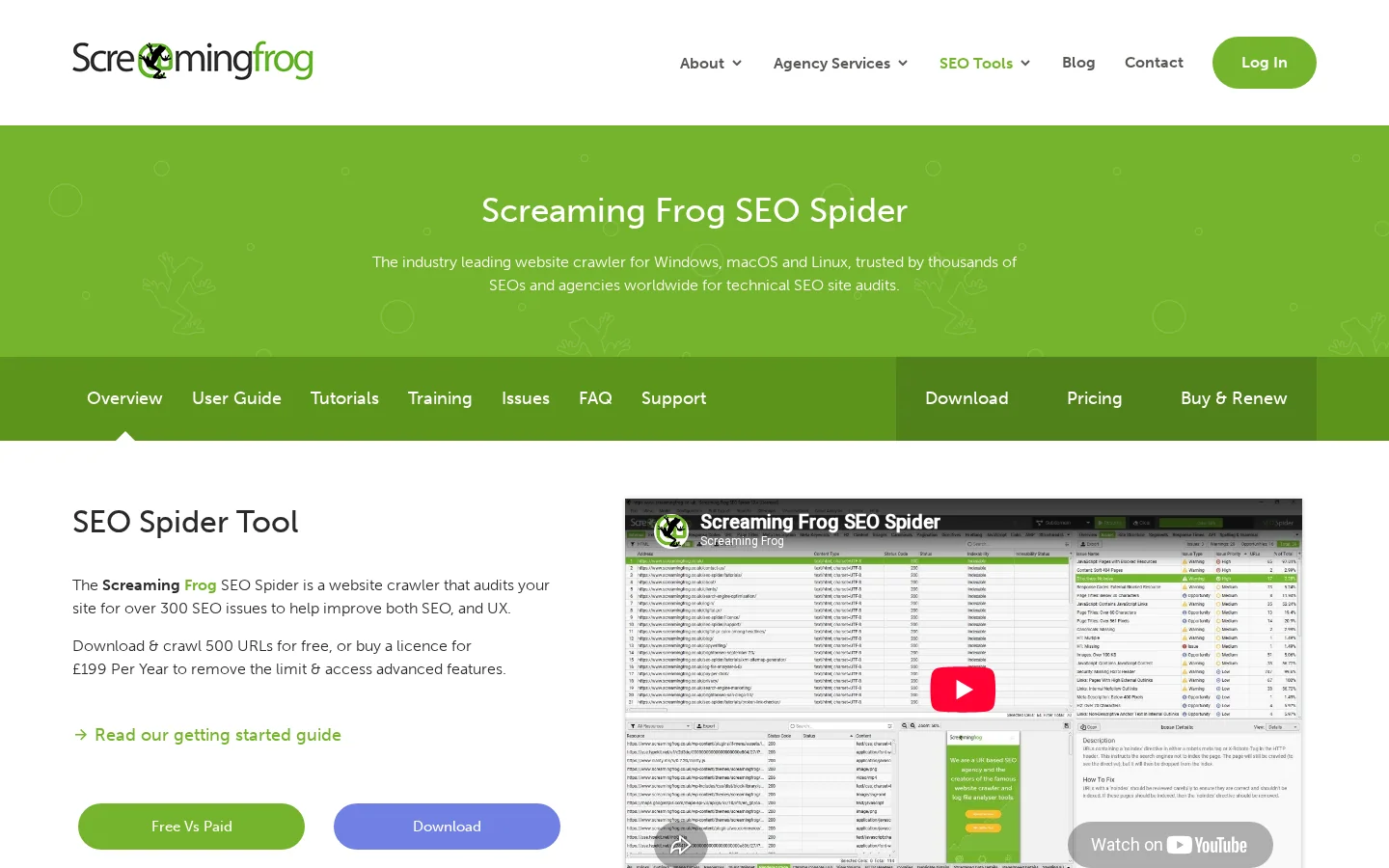
A crawler does, on a smaller scale, what Googlebot does: it starts from a page, follows the links it finds, and records what it sees for every URL. The tool we use in most audits is Screaming Frog SEO Spider. Its free version crawls up to 500 URLs, which is enough for a small site or for one section of a large one. A paid licence removes the limit. Our Screaming Frog guide walks through the setup.
Start the crawl from your home page and from your sitemap, then compare the two lists. Every URL that appears in one and not the other is a question. Set the crawler to respect robots.txt the way Googlebot does, and to render JavaScript if your site depends on it. A crawl that does not render your pages will miss content that users see.
Filter for 4xx and 5xx responses first. A 404 is not a problem on its own. It becomes one when internal links still point at it, because those links send users and crawlers into a dead end. Find the internal links that lead to error pages and point them at a live URL. Then look at redirect chains: an old URL redirects to a second URL, which redirects to a third. Each hop adds latency and dilutes the signal. Flatten every chain so the old URL points directly at the final one.
Check the type of redirect too. A temporary 302 used for a permanent move should be a 301. Our 301 vs 302 guide gives the decision rule.
Three settings can hide a page without anyone noticing. A disallow rule in robots.txt stops crawling. A noindex meta tag, or an X-Robots-Tag HTTP header, stops indexing. A canonical tag pointing to another URL tells search engines which version to keep. Check each one for every page type, because a rule added to fix one section often blocks another. A common case: a staging rule that was never removed from the live robots.txt.
Warning
Blocking a page in robots.txt is not the same as removing it from search. If Google cannot crawl the page, it cannot read a noindex tag on it. To drop a page from the index, allow crawling and add noindex, then wait for Google to recrawl it.
An orphan page has no internal link pointing at it. Crawlers find it only through the sitemap or through an external link, and users almost never find it at all. To spot orphans, compare three lists: the URLs the crawler reached through links, the URLs in your sitemap, and the URLs that get visits in your analytics. A page that is in the sitemap or gets visits but has no inbound internal link is an orphan candidate.
Also measure click depth, which is the number of clicks from the home page. An important page buried five or six clicks deep receives little crawl attention and few internal links. Link it from a relevant hub page, and make sure the hub itself is shallow.
Filter for missing titles, duplicate titles, duplicate meta descriptions, and titles too long to display fully in search results. Duplicates almost always come from a template, not from a writer. A product template that outputs the same title for every variant produces hundreds of duplicates, and fixing the template fixes them all at once. Treat the title tag as a strong suggestion to Google, not a guarantee. Google sometimes rewrites it, which is one more reason to keep it accurate and specific.
Server logs close the loop on the crawl. They show which URLs Googlebot requested, how often, and which status codes it received. If you have access to them, compare the requests with your sitemap. Pages that Googlebot hits constantly but that bring no value are a sign of crawl waste, which is explained in our crawl budget entry.
Search Console's Page indexing report lists the URLs Google knows about and the status it gives each one. Open it, then sort by reason, not by count. Each reason points to a different fix. Google's own definitions, from the Search Console help on indexing statuses, are the reference for the labels below.
| Status in the report | What it means | What to do |
|---|---|---|
| Discovered, currently not indexed | Google found the URL but has not crawled it yet, and rescheduled the crawl because it expected the site to be overloaded | Check server response times and how deep the URL sits. Make sure internal links point to it |
| Crawled, currently not indexed | Google crawled the page and chose not to index it. Google does not index every page on the web | Check quality first: thin content, near-duplicates, weak internal links. Use URL Inspection on the pages that matter |
| Blocked by robots.txt | Googlebot is not allowed to crawl the URL | Confirm the block is intentional. Remove it if the page should rank |
| Excluded by noindex tag | The page carries a noindex directive | Remove the directive if the page should rank. Keep it on pages that should stay out, such as internal search results |
A practical rule: when a whole page type shows a high share of "crawled, currently not indexed", look at the template before you look at the articles. Thin templates produce thin pages, and fixing a single article will not change the pattern. Our guide to the crawled, currently not indexed status covers the causes in detail.
For the pages that matter, use URL Inspection on one URL at a time. It shows the last crawl date, whether the page is indexed, and the canonical Google chose. When the chosen canonical is not the one you declared, the cause is almost always duplication or conflicting signals, such as a canonical that points to a redirected URL, or internal links that favour a parameter version.
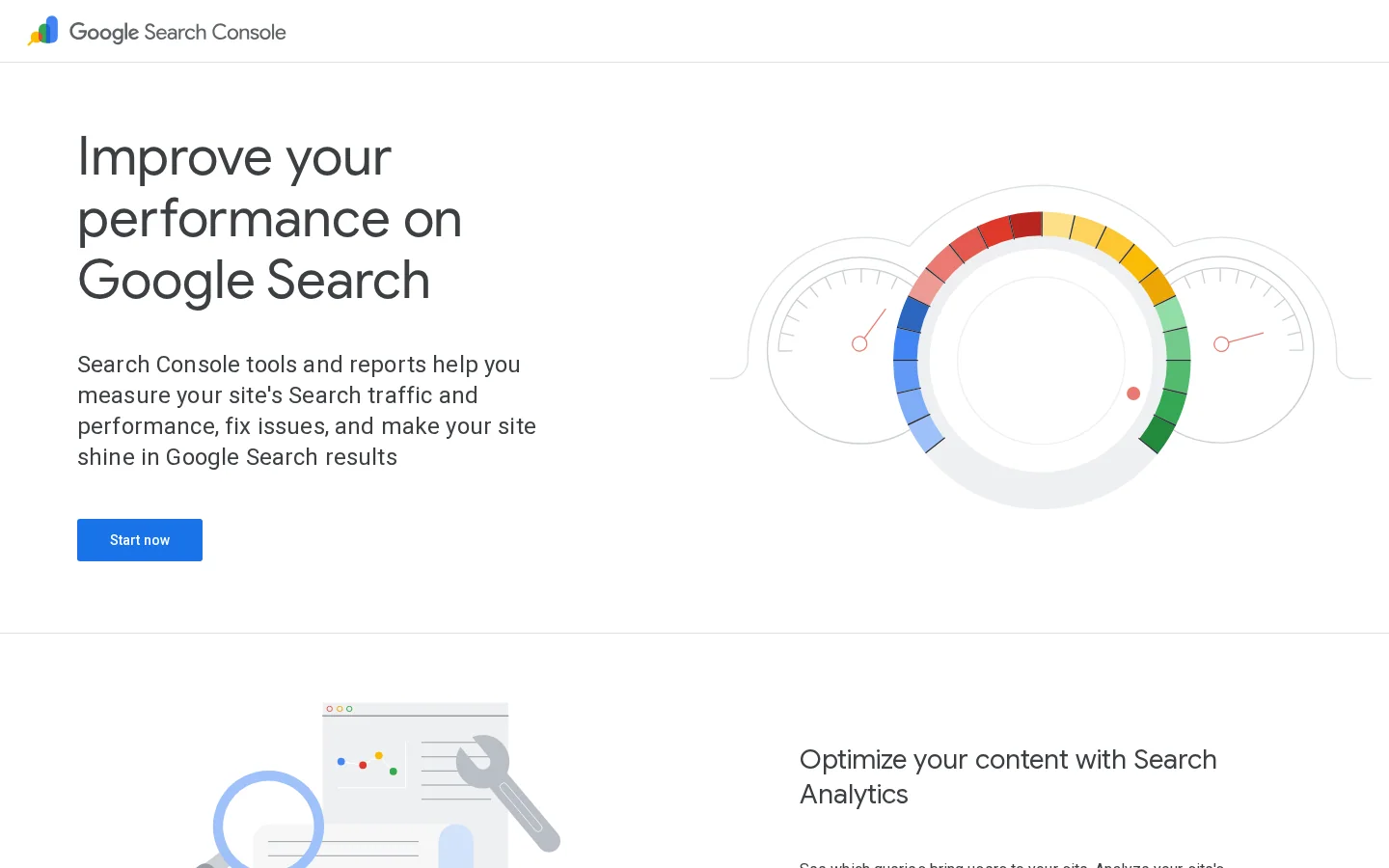
Search Console's Performance report is the most useful free data set for an audit. By default it shows the last three months, which is too short for a trend. Export at least 90 days of query and page data, and keep the file with a date, so that you can compare it with the next audit. Group the table by page and by query, and use the filters for country and device when the site serves more than one market.
Four analyses find most of the opportunity in this data.
To isolate a page type, add a page filter with a regular expression. For example, to see only the blog pages that target how-to queries, enter these two values:
Page filter (regex):   /blog-geo-seo/.*
Query filter (regex):  how to|guide|checklist
Click-through rate depends heavily on the top of the results page. A few published figures help you judge whether a gap is real. In a study of Google click-through rates, the first organic result received 27.6% of clicks, the top three together received 54.4%, and results on the second page received 0.63%.
Why position one matters so much
Source: Backlinko, Google click-through rate study (backlinko.com/google-ctr-stats)
Use these averages as a sanity check, not as a target. They mix every kind of query, and your own numbers depend on search intent, brand terms and the features shown above your listing, such as videos, images or AI answers. Compare each page with pages that rank for similar queries on your own site.
The thresholds below are starting points we use to triage the data. They are not Google rules, so adjust them to the size of your site and the volume of your queries.
| Check | Starting threshold (our rule of thumb) | Why it matters |
|---|---|---|
| Striking distance | Average position 8 to 20, at least 50 impressions over 90 days | Demand is there, and the page is close enough to move |
| Decay | Clicks down 30% or more between two equal periods | Enough traffic lost to justify a review |
| Thin content | Under 300 words of body text, excluding navigation and boilerplate | Often too little to answer the query. A short tool page can still be right, so check intent |
| Internal links | Fewer than 3 inbound internal links from indexable pages | A weak signal of importance, and a common sign of an orphan |
The Search Console data also gives you a second check: the queries you rank for but never target. Those are often the easiest additions to an existing page, because the relevance is already proven by the impressions.
Google's Core Web Vitals documentation defines three user experience measures and their thresholds. A page is in the "good" range when its Largest Contentful Paint is 2.5 seconds or less, its Interaction to Next Paint is 200 milliseconds or less, and its Cumulative Layout Shift is 0.1 or less. INP became a stable Core Web Vital in 2024, replacing First Input Delay.
| Metric | Good when | What it measures | Usual fix |
|---|---|---|---|
| LCP | 2.5 seconds or less | How fast the largest visible element loads | Optimise the hero image, reduce server response time, preload the font the page needs first |
| INP | 200 milliseconds or less | How quickly the page responds to clicks, taps and key presses during the visit | Split long JavaScript tasks, remove heavy third-party scripts, avoid blocking the main thread on load |
| CLS | 0.1 or less | How much content moves while the page loads | Set width and height on images and embeds, reserve space for banners and ads, avoid late-loading elements above the fold |
Read field data before lab data. Field data comes from real Chrome users and tells you whether visitors actually suffer. Lab data comes from a simulated test run and tells you why a page is slow. PageSpeed Insights shows both: field data when Google has enough traffic for the URL, and lab data for every URL you test.
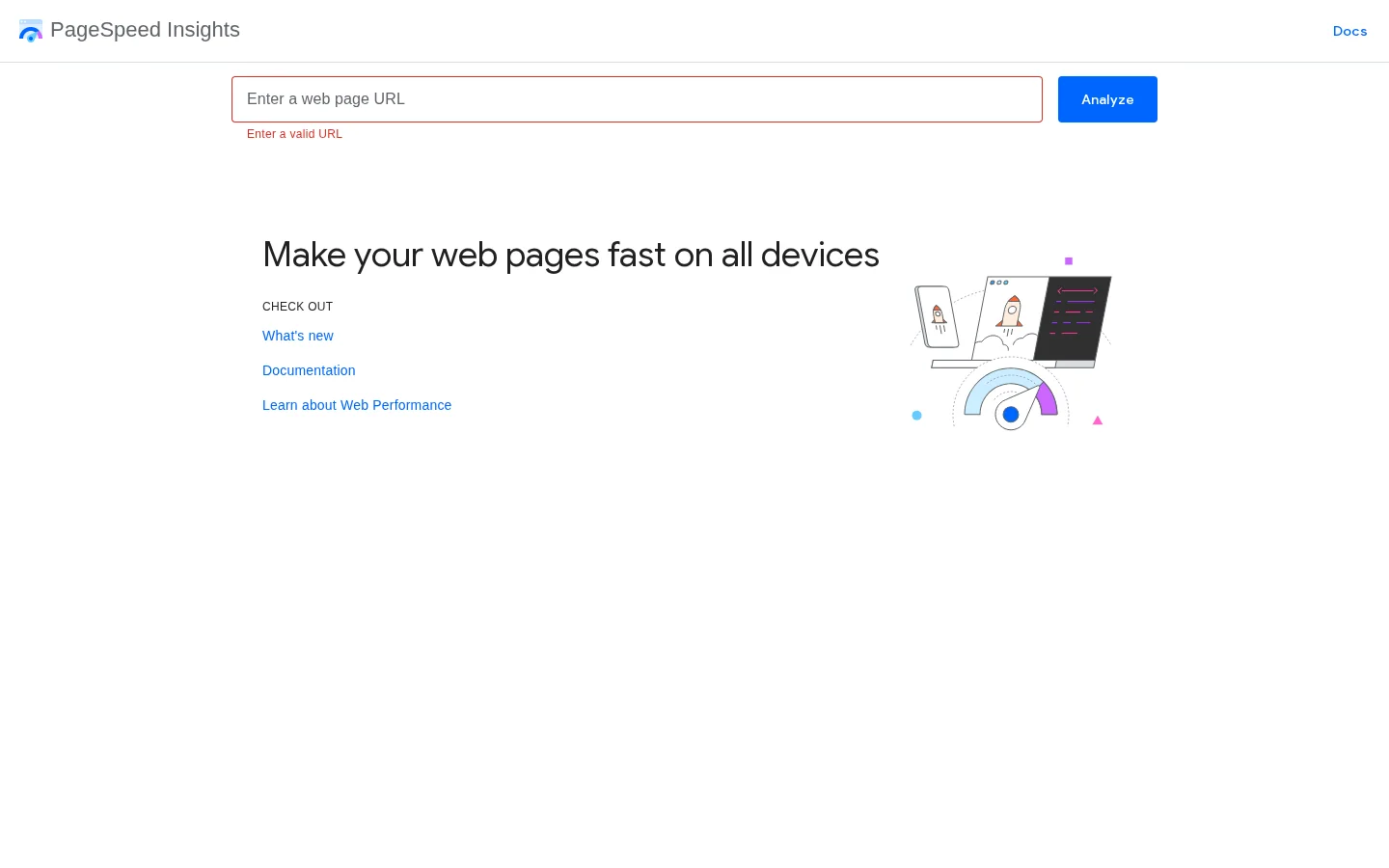
Test three to five URLs per template, not only the home page. A product template, a category template and a blog template can have very different scores on the same site, because they load different scripts. A high lab score with a poor field INP is a common result on sites with heavy tag managers and chat widgets. In that case the lab test is not wrong, but it does not represent the interaction users have with the page after it loads.
On mobile, check three things. The main content on the mobile version should match the desktop version, because Google primarily uses the mobile version of a page for indexing. Structured data and internal links should be the same on both. And no intrusive interstitial should cover the content on arrival. Speed matters for ranking, but the more useful reason to fix it is that slow templates lose visitors before they read anything.
For each important page, check the title, the headings, the depth of the answer, the links in and out, and whether a close duplicate exists. Do this for a sample of pages from each template, then for the pages that appear in the search data as striking distance or decaying.
| Check | Passes when | Fails when |
|---|---|---|
| Title tag | Names the topic and the page's main query, and is unique across the site | Duplicates another page, or is a template default such as the site name alone |
| H1 | One per page, states the topic in plain words | Missing, repeated, or replaced by a logo or a banner |
| First screen | The question the query asks is answered near the top | The first screen is context and brand copy, and the answer comes after several scrolls |
| Depth | Covers the sub-questions people ask about the topic, with specifics | Thin, or padded with repeated paragraphs |
| Internal links | Linked from related pages, and links on to the next logical step | Orphan, or linked only from the footer or the sitemap |
| Structured data | Matches the content the visitor can see on the page | Marks up content that is not on the page, or uses the wrong type |
Internal links are the cheapest lever in the whole audit. A link from a page that already ranks, placed in the body text and using the words of the target query in the anchor, passes both context and authority. Generic anchors such as "click here" or "read more" pass very little meaning. Work from the pages that bring most traffic, because each new link from them reaches a page that has a real audience.
Duplicate and near-duplicate content deserves its own pass. Category filters, sort parameters and tracking parameters often create many URLs that show the same list. Decide which version should exist, then use the canonical tag, the robots rules or the parameter handling that fits. Do not leave the decision to Google, because you will not like the result.
Tip
For a quick first pass on a single page, the free on-page SEO audit tool runs the common checks on title, headings, links and meta tags, so you can spend your time on the findings that need judgement.
The link profile check answers three questions: are you gaining referring domains at a steady pace, did you lose links that mattered, and are there patterns that look manipulated? Export the referring domains over time from a backlink tool, then look for sudden spikes, which often come from a campaign that was paid for or from spam, and for drops, which often come from expired pages or a site migration. Our backlink audit guide sets out the full review.
Be careful with the disavow tool. Google's own guidance is that most sites do not need it. Use it when you have a clear pattern of links you did not earn and a manual action or a serious problem linked to them, not because a backlink tool gave a low score to some domains. Disavowing good links by mistake costs more than leaving a few bad ones in place.
Two checks belong in every audit now. The first is access: can AI crawlers reach your pages? Check the robots.txt rules for each crawler that matters to you. OpenAI uses GPTBot and OAI-SearchBot, Anthropic uses ClaudeBot and Perplexity uses PerplexityBot, and they do not all serve the same purpose. A single rule for all of them is rarely the right decision. Our guide to AI crawlers lists them and their roles.
User-agent: OAI-SearchBot
Allow: /

User-agent: GPTBot
Disallow: /
The example above is one possible decision, not a recommendation for every site. It lets one crawler read your pages for search answers and blocks another one used for training. Decide per crawler, write the decision down, and check the file after every deployment, because a robots.txt that blocks everything often appears after a staging release.
The second check is visibility: do answer engines name you when a buyer asks the question you target? Build a list of ten to twenty prompts from the real questions in your search data and sales calls. Run them in ChatGPT, Perplexity and Gemini, log which brands and which URLs are cited, and repeat each prompt several times over a few days, because answers change between runs. The AI visibility audit method explains how to score the results.
Audits differ by scope and by the place where you start. Five methods are common in practice. Each is right in a different situation, and most teams end up combining two of them.
Principle: cover the whole site, every page type and every data source, then rank the findings. Use it when you are preparing a migration, after a sharp traffic drop, or doing the first audit of a large site. Advantage: it finds structural problems that no page-level review can see, such as a faceted navigation that multiplies URLs. Limit: it is slow, and it produces many findings that need a second pass to order. Example: a retailer with 40000 product URLs finds that one filter parameter creates most of its duplicates, which no single product review would have revealed.
Principle: start from what changed in the search data, then diagnose only the pages and queries involved. Use it when you run a monthly review, when a core update has just rolled out, or when the team is small. Advantage: the work is prioritised by traffic from the first minute. Limit: it is blind to pages that have no data yet, such as new sections or pages blocked from the start. Example: a blog that lost clicks on five pages checks those five pages, finds two cannibalising each other, and merges them.
Principle: run every check on one URL, then decide whether it needs a rewrite. Use it when a single money page underperforms, or before a planned rewrite. Advantage: fast and concrete, with a clear before and after. Limit: it cannot show patterns, so a template bug can look like a one-off problem. Example: a product page with a fine title and content turns out to have a canonical pointing to an out-of-stock variant.
Principle: compare your pages and topics with the ones that rank above you for the same queries. Use it when you plan new content or new links. Advantage: it shows what the market rewards in practice, including depth, format and the sub-questions covered. Limit: copying the leader can lead you into a crowded or wrong-intent topic. Check what the top results actually have in common before you decide. Example: the top five results for a query all answer a pricing question in the first screen, and yours does not.
Principle: check whether AI crawlers can read your pages, and whether answer engines cite you for the questions that matter. Use it when you need to know if AI tools recommend your brand. Advantage: it covers a channel that traditional rank trackers do not show. Limit: answers vary from run to run, so the sample has to be repeated before you draw conclusions. Example: a software company is cited for a feature it stopped selling, which shows that its comparison pages are outdated.
| Method | Starts from | Best for | Main limit |
|---|---|---|---|
| Full technical audit | The crawl and every data source | Migrations, large sites, sharp drops | Slow, and hard to order without a plan |
| Data-first audit | Search data changes | Monthly reviews, small teams | Misses pages with no data yet |
| Page-level audit | One URL | A single underperforming page | Cannot see template-wide patterns |
| Competitor gap audit | The results above you | New content and new links | Risk of copying into the wrong intent |
| AI visibility audit | Crawler access and answer engines | Knowing whether AI recommends you | Answers vary, so samples must repeat |
Quick audit vs full audit
Our advice is to start with the quick audit, then move to the full audit only when the quick one points to a structural cause or when you are about to change the architecture of the site.
An audit with 400 findings and no order is worth less than one with ten. Score each finding on two things: how much traffic or revenue it puts at risk, and how hard the fix is. Start with the high-impact, low-effort items. Then take the high-impact items that take more work but unlock a whole template, because one fix there changes thousands of pages.
| Finding | Traffic at risk | Effort | Priority |
|---|---|---|---|
| Template links to 404 pages from every page | High | Low | Do first |
| Money pages with duplicate titles | High | Low | Do first |
| Slow LCP on the category template | High | Medium | Plan in the next sprint |
| Blog posts showing decay | Medium | Medium | Refresh in order of clicks lost |
| Orphan glossary pages | Low | Low | Batch with the internal linking work |
| Tag archive pages with thin content | Low | Medium | Check intent, then noindex or consolidate |
Give each item an owner, a date and the metric you expect to move. A finding without an owner is a note, and notes do not change rankings. Re-measure after Google has recrawled the affected pages, which can take weeks, and compare with the baseline you saved at the start. When you present the results, the SEO audit report template gives you a structure that managers and clients can read in ten minutes.
If you want the Google and AI traffic in one place while you track these fixes, the GEO / SEO dashboard from Sorank shows both side by side.
A 90 minute SEO audit checks the pages that bring the most search traffic, in an order that finds real losses first. Use it when you have one session and need a ranked list of fixes, not a review of every URL. Limit the work to your top pages and one example URL per template, and the output is usable the same day.
Split the session into fixed blocks, and stop each block when its time runs out. The time limit is part of the method, because it forces you to choose.
| Minutes | Task | Output |
|---|---|---|
| 0 to 10 | Export 90 days of query and page data from Search Console and list the top 20 pages by clicks | A saved baseline and a shortlist of pages |
| 10 to 25 | Apply the striking distance and decay checks from Stage 3 to that shortlist | Pages that lost clicks or sit between positions 8 and 20 |
| 25 to 40 | Crawl one example URL per template and check the status code, canonical and robots directives | Errors, wrong canonicals and blocks, per template |
| 40 to 55 | Open the Page indexing report and sort the reasons by count | The status that affects the most pages |
| 55 to 70 | Run PageSpeed Insights on one URL per template, reading field data first | The template with the weakest field LCP or INP |
| 70 to 90 | Write the top ten findings with traffic at risk, effort and an owner | A ranked plan you can send the same day |
Each row answers one question, so you can skip a row without losing the others. If the indexing report shows nothing unusual, give that time to the search data instead, which is usually the faster route to a fix.
A time limit hides three things. It misses structural problems, such as a filter that multiplies URLs, because you only read samples. It does not use server logs, so you cannot see how often crawlers request a page. And it skips the link profile, which needs a full export from a backlink tool. Write these down as open questions for a later backlink audit or a full review, so the short audit does not look more complete than it is.
The most common mistake is starting with the crawler. A crawl of a large site can take longer than the whole session and return more warnings than anyone can read. Start from the search data instead, and open the crawler only for pages that have clicks or impressions. Fix the warnings on those pages first, because warnings on pages nobody visits do not change your traffic.
Tip
Put the session in your calendar with a timer and one output file. Use the columns of the SEO audit report template from the start, so the list is ready to share at minute 90.
Most audits contain the same mistakes. They are easy to avoid once you know the signs.
What it is: the audit covers everything, so nothing gets finished. How to spot it: the report has hundreds of issues, none with a traffic figure or an owner. How to fix it: restart with the scoped brief from the first section, limit the crawl to the page types that matter, and sort the findings by traffic before you write anything else.
What it is: the team fixes the warnings the tool shows in red, even when they affect pages nobody visits. How to spot it: the number of warnings goes down while the clicks on money pages keep falling. How to fix it: join the crawl to the search data, and fix the issues on pages that have traffic, impressions or links first.
What it is: the crawler reports no errors, so the team concludes the site is healthy. How to spot it: Search Console reports many "crawled, currently not indexed" or "discovered" URLs that the crawler never flagged. How to fix it: compare the crawl with the sitemap, the indexing report and the server logs. A crawler only sees what it can reach through links and render, so content behind logins, scripts or faceted filters may be missing from its list.
What it is: the team edits the same title, the same image or the same canonical on hundreds of pages, one at a time. How to spot it: the same finding appears on most URLs of one page type. How to fix it: fix the template once, then check a sample of pages to confirm the change worked everywhere. A single template change fixes the whole group.
What it is: the team adds a robots.txt disallow to a page they want out of Google. How to spot it: the page stays in the index with a bare URL and no snippet, and the report shows it as blocked. How to fix it: allow crawling, add a noindex directive, and wait for Google to recrawl the page. Once it has dropped out, you can block it if you need to, but you do not need to.
Example (illustrative)
Imagine a site that retired a set of campaign landing pages and blocked them in robots.txt. The pages keep appearing in search with a bare URL and no description, because other sites still link to them. Removing the block and adding noindex lets Google crawl the pages, read the directive and drop them from the index.
What it is: the team optimises for a 100 score in a lab test and ignores field data. How to spot it: the lab score is high, but the field INP for the same template is poor in the Search Console Core Web Vitals report. How to fix it: profile the interactions real users make, usually after the page has loaded. Look for long tasks triggered by scripts, not for the load time of the first paint.
Run a quick audit each month on the search data and on your most important templates. Run a full audit after a migration, a redesign, a change of CMS or a sudden drop in traffic, and do one full review a year to catch structural drift. The search data should be watched continuously, because a decline in clicks is more useful as an alert than as a calendar reminder.
A site audit is a crawl of every reachable URL on one domain, reported by issue type and severity. It shows what is broken across the whole site, including patterns that a page-by-page review misses. It does not tell you which fix will move rankings, so pair it with the search data.
Filters, sort options and tracking tags can create far more URLs than you have pages, and most of them show the same list. Exclude those parameters and media files, and crawl each subdomain as its own project. Keep the request rate low so the server stays fast for real visitors. Keep pagination (page=) in scope, because paginated lists can hold pages you want indexed.
.*\?(sort|filter|utm_[a-z]+)=.*
.*\.(jpg|jpeg|png|webp|gif|svg|pdf|mp4)$
Most crawlers accept exclude rules written as regular expressions like these. Test them on a short crawl, and check that the URL count drops only for the parameters you meant to exclude.
Every tool groups issues into levels and calculates its own health score. Labels differ between tools, but the triage logic is the same. A score is a trend line for one tool with fixed settings, not a grade that Google applies. Work through the levels in this order:
| Level | Typical issues | First action |
|---|---|---|
| Errors on indexable pages | 4xx or 5xx responses on URLs you want ranked, broken internal links | Fix first, starting with the pages that already earn clicks |
| Errors on pages you do not want indexed | Broken internal search, filter or retired campaign URLs | Remove the internal links that still point to them |
| Warnings | Titles too long, missing descriptions, duplicate headings | Fix in batches, ideally with one template change |
| Notices | Minor optimisation hints | Review once, and act only if they repeat on money pages |
The most useful output of a site audit is the difference between two runs. Export the issue list from the last run, crawl again with the same settings, and compare counts by issue type and by URL. New issues come first, because a new error on a live page usually follows a recent release. Match each new cluster against your change log before you assign an owner.
For example, run one reports 42 errors. Run two, four weeks later, reports 57, and 15 of the new ones sit on a pricing template that went live that week. You fix the template once. If the count drops back toward 42, the fix worked, and the run becomes the baseline for the next one.
A site audit that takes a full day will not be repeated. Save the scope, the exclude rules and the severity table as one configuration, so the next run takes minutes. Schedule the crawl, and export the same three files each time: the issue list, the indexable URLs and the URLs that receive clicks. Our automated SEO reporting guide explains what to automate and how to set it up.
If you are still choosing a crawler, our technical SEO tools comparison ranks the options by the job they do. A site audit is only worth scheduling if someone reads the difference between runs. Otherwise it is one more export in a folder.
If you have never run an audit, do four things in order. Export 90 days of Search Console data and save it with the date. Crawl your top templates with a crawler, starting with the free 500-URL version if your site is small. Read the indexing report and sort the reasons. Then fix the three biggest template-level issues you found, and measure again after Google has recrawled them.
A good audit does not end with a document. It ends with a short list of fixes that someone is doing this month, and a baseline that proves whether they worked.
It depends on the size of the site and how deep you need to go. A focused audit of your main templates and your search data can be done in a few days. A full audit of a large site with many templates takes longer, and most of that time goes into diagnosis and prioritisation rather than into the crawl itself.
At minimum, Google Search Console and a crawler such as Screaming Frog SEO Spider, plus PageSpeed Insights for speed. Analytics and server logs add useful context. Paid SEO suites help with backlinks and competitor data, but they are not required for a first audit.
A checklist lists the checks to run. An audit runs those checks on your site, decides which findings matter, and orders the fixes by the traffic they put at risk. Use a checklist to build the audit, and use the audit to choose the work.
We analyse your competitors, your website and your AI visibility to create a tailored content plan for free.
 AI Content Brief Generator
 FAQ Schema Generator
 AI Blog Post Ideas Generator
 Structured Data Validator (Schema Validator)
 Alt Text Checker
 Internal Link Analyzer
 Backlink Challenge
 AI Meta Description Generator
 AI Blog Title Generator
 Google Indexability Checker
 AI Blog Outline Generator
 UTM Link Builder
 Keyword Clustering Tool
 Canonical Tag Checker
 XML Sitemap Generator
 Broken Link Checker
 AI SEO Title Generator
 Headline Analyzer
 SERP Preview Tool
 Redirect Checker
 Hreflang Tag Generator
 Heading Structure Analyzer
 HTTP Headers Checker
 Favicon Extractor
 SERP CTR Calculator
 SEO vs Paid Search Savings Calculator
 SEO Share of Voice Calculator
 SEO ROI Calculator
 SEO Traffic and Revenue Forecast Calculator
 SEO Budget Calculator
 SEO Break-Even Calculator
 SaaS SEO ROI Calculator
 ROAS Calculator
 Reading Time Calculator
 Ranking Gain Simulator
 Organic Traffic Value Calculator
 Organic Traffic Estimator and Website Traffic Checker
 LTV to CAC Ratio Calculator
 Local SEO ROI Calculator
 Link Building Cost Calculator
 Keyword Value Calculator
 Keyword Opportunity Score Calculator
 Keyword Density Calculator
 GEO ROI Calculator
 GEO Content Investment Calculator
 Ecommerce SEO ROI Calculator
 Customer Lifetime Value Calculator
 Customer Acquisition Cost Calculator
 CTR Calculator
 Cost Per Article Calculator
 Conversion Rate Calculator
 Content Marketing ROI Calculator
 ChatGPT Referral Traffic Estimator
 Bounce Rate Calculator
 Backlink ROI Calculator
 AI Visibility Score Calculator
 AI Traffic Value Calculator
 AI Share of Voice Calculator
 Cost of AI Invisibility Calculator
 AI Citation Rate Calculator
 llms.txt Validator
 AI Overview Checker and AI Overviews Rank Checker
 Robots.txt Checker
 AI SEO Audit
 LLM Readability Checker
 SearchGPT Readiness Checker
 Structured Data LLM Audit
 Website Crawlability AI Audit
 Why ChatGPT Is Not Recommending My Website
 Gemini Ranking Tool
 Perplexity Ranking Checker
 LLM Citation Checker
 Answer Engine Optimization Audit
 GEO Audit
 AI Search Visibility Test
 ChatGPT Visibility Checker
 llms.txt Generator
 URL Extractor
 Webpage to Markdown
 Sitemap Checker
 SERP Volatility Sensor
 Page Size Checker
 Word Counter
 Slug Generator
 Schema Generator
 Robots Generator
 OG Preview
 Meta Tags Generator
 Image Compressor
 Favicon Generator
 On-Page SEO Audit: SEO Checker and SEO Analyzer
 Backlink Analysis Tool
 Keyword Research Tool
 Domain Authority Checker
 “I tested Sorank on a real client site and it's insane. It does everything an agency would bill you $1500 a month for. It's going into production on that client now.”

 Guillaume Guersanguersanguillaume.com“We are an Ads agency and we wanted to get our SEO back on track once and for all. Sorank gave us a clear view of our site, helped us prioritize optimizations, and properly structure our content. The tool is easy to use, well designed for a team, and very practical for centralizing tracking without having to juggle multiple platforms. A very solid foundation to start fresh with our SEO.”
 Gaspard MadouiAds Agency
 “I just let the Sorank software do its thing, and now my DR is 25 and my page is ranking higher.”
 Lucas Flandrefoundertrace.fr“I specialized in GEO thanks to Sorank. The GEO Leaderboard allows me to show my clients their position vs competitors on ChatGPT. It’s a real commercial differentiator.”
 MélanieSEO Freelance“Great service, works well for our website and helps us understand how to improve it to rank better on Google and elsewhere. Congrats, keep going, I recommend it.”
 Hugo T.E-commerce merchant