Preferences
Privacy is important to us, so you have the option of disabling certain types of storage that may not be necessary for the basic functioning of the website. Blocking categories may impact your experience on the website. More information

Privacy is important to us, so you have the option of disabling certain types of storage that may not be necessary for the basic functioning of the website. Blocking categories may impact your experience on the website. More information

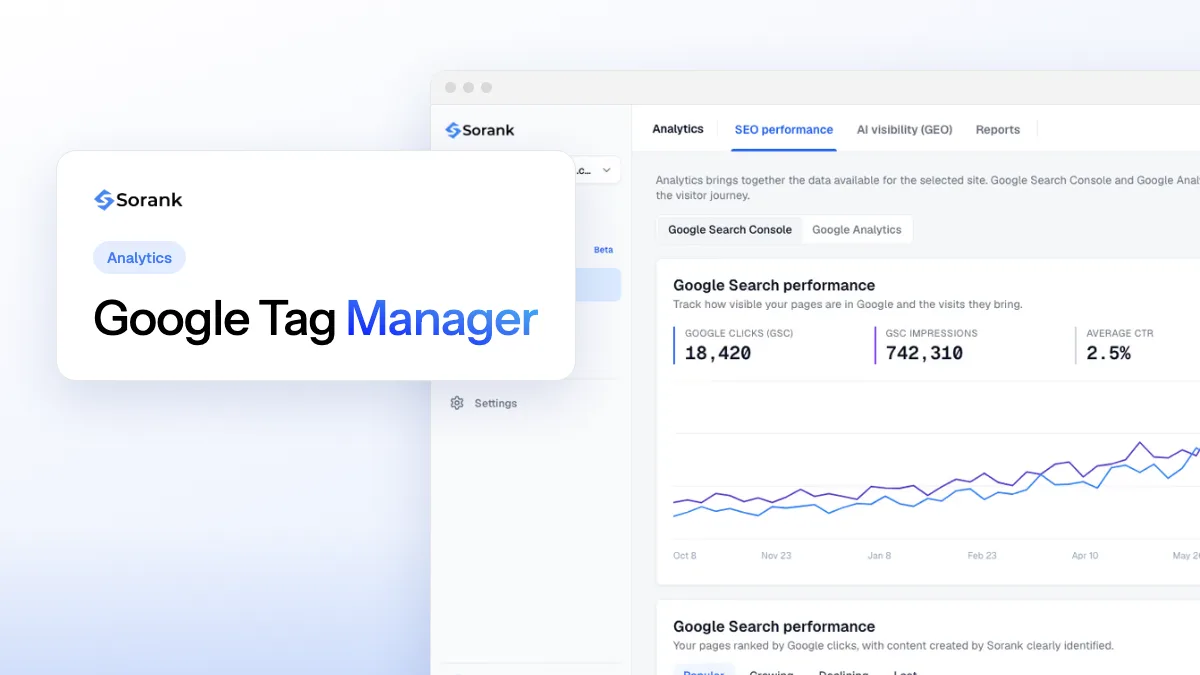
Automated SEO reporting pulls Search Console, analytics, rankings and AI visibility into reports that send themselves: what to include, tools and setup.
Tools

In short
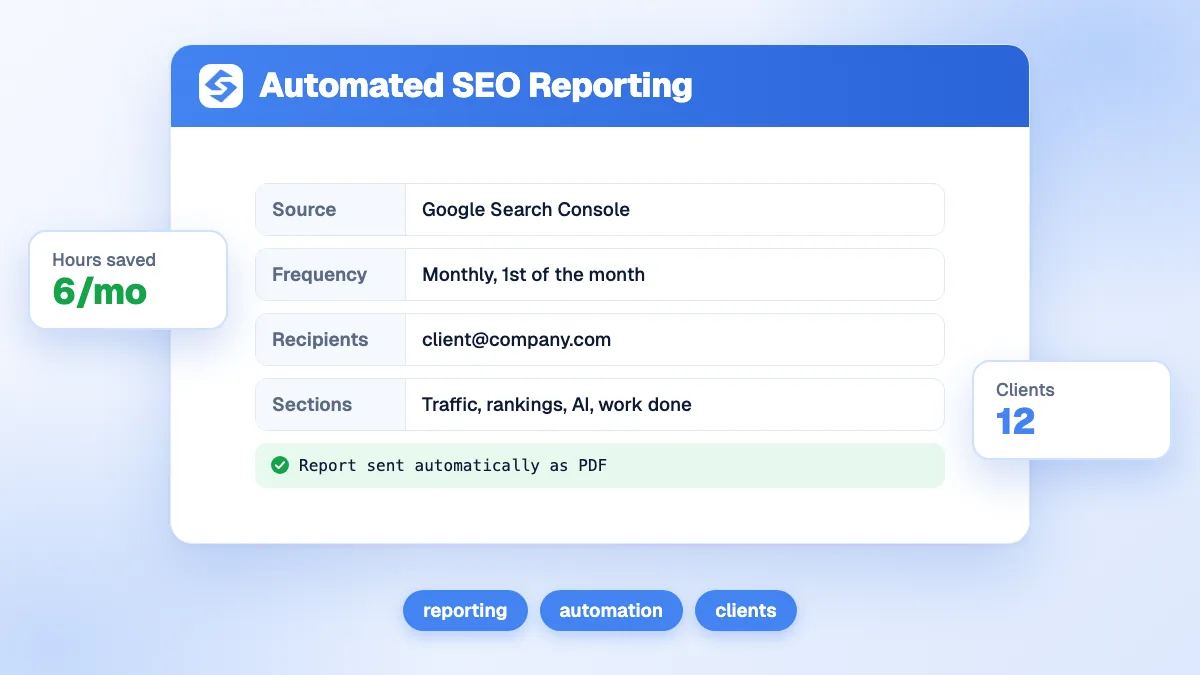
automated SEO reporting connects your data sources (Google Search Console, analytics, rank tracking, AI visibility tracking) to a dashboard or a report template that refreshes and is sent on a schedule. You set it up once: choose the metrics, connect the sources, build the template, schedule the delivery and add a short written comment each month. It saves hours of copy-paste, removes errors and, for agencies, makes reporting scale with the number of clients.
Want to go further? Ask
Quick quiz
How should you follow your positions on Google?
Sorank matches your answers


Test it for 3 days on your own site and see where you stand on Google, ChatGPT and the other AIs.
Start 3-day free trial3 days free, then stop whenever you want. 90-day money-back guarantee.
Automated SEO reporting answers a common frustration: spending the first days of each month exporting spreadsheets, pasting charts and fixing formulas, for a report clients skim in two minutes. The data already exists in your tools; the work is to connect it once and let it flow. This guide explains what to automate, what to keep human, which tools to use and how to set it up.
It is a reporting setup in which data is collected, assembled and delivered without manual steps. Three levels exist:
| Level | How it works | Effort |
|---|---|---|
| Live dashboard | A dashboard connected to the sources, always up to date, shared by link | Setup once, no monthly work |
| Scheduled report | A template filled with fresh data and sent as a PDF or email on a fixed date | Setup once, short comment each month |
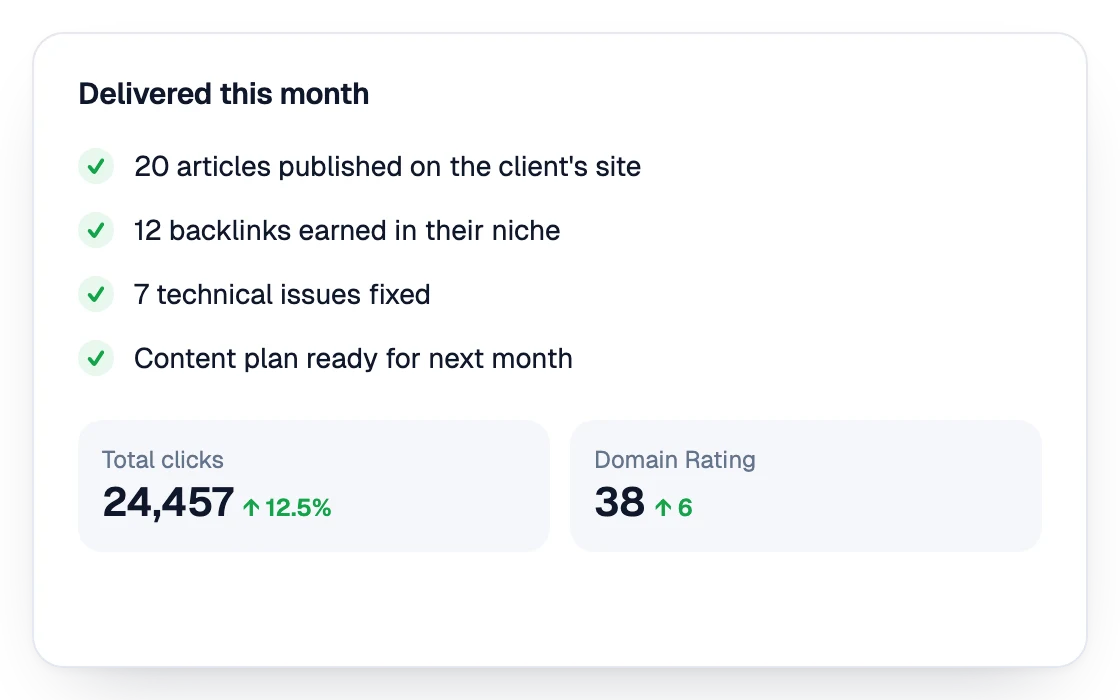
| Report with automated delivery | The tool that does the SEO work also reports what it did and the results | Almost none |
For the content of a good report, see our guide to SEO reporting and, for rankings in particular, keyword ranking reports.
Tip
Write the monthly comment in three lines: what went up and why, what went down and why, what you will do next month. It takes ten minutes and is the part clients value most.
| Source | Metrics | How to connect |
|---|---|---|
| Google Search Console | Clicks, impressions, CTR, average position, top queries and pages | Native connectors or the Search Console API |
| Analytics (GA4 or other) | Organic sessions, conversions, revenue | Native connectors |
| Rank tracker | Positions on target keywords, SERP features | Tool export or integration |
| AI visibility tracking | Mention rate and share of voice in ChatGPT, Gemini, Perplexity | Tool report or export |
| Work log | Articles published, links earned, fixes made | Project tool or SEO platform |
Search Console is the core: its Performance report gives the most reliable data on organic traffic, and it is free. Developers can pull the same data through the Search Console API.
Watch out
Check data consistency after setup. Search Console records data on California time, and analytics sessions differ from Search Console clicks by definition; explain the difference once in the report rather than every month.
For agencies, reporting time grows with every client, so automation matters more. Use one template for all clients, client-specific sections only where needed, and your own branding. Our agency guide on SEO reports clients understand details the content, and the quarterly business review guide covers the deeper review every three months.
Clients increasingly ask whether ChatGPT or Gemini recommend them. Add a section with the mention rate on a fixed list of questions and the competitors cited, fed by a tracker such as Sorank's AI mention tracking. The GEO and SEO dashboard shows both kinds of visibility in one view.
Automate the data, write the meaning: that is a report clients read. Sorank, SEO and GEO software that runs on autopilot, does the SEO work and reports it: articles published, backlinks obtained, traffic and AI visibility, in a monthly report. See the Sorank plans, with a 3-day free trial.

Yes. Looker Studio is free and connects to Google Search Console and analytics, with scheduled email delivery. You only pay if you add paid sources, such as a rank tracker or an AI visibility tool, or if you want a reporting platform with white label.
Monthly suits most businesses and clients, with a live dashboard available in between. Weekly reports are useful during a migration or a launch. Daily reports create noise, because rankings and traffic fluctuate from day to day.
A short written summary, organic traffic and conversions, rankings on target keywords, top pages and queries, AI visibility on key questions, the work done during the period and the next actions. Keep it to what the reader uses to decide.
We analyse your competitors, your website and your AI visibility to create a tailored content plan for free.
 AI Content Brief Generator
 FAQ Schema Generator
 AI Blog Post Ideas Generator
 Structured Data Validator (Schema Validator)
 Alt Text Checker
 Internal Link Analyzer
 Backlink Challenge
 AI Meta Description Generator
 AI Blog Title Generator
 Google Indexability Checker
 AI Blog Outline Generator
 UTM Link Builder
 Keyword Clustering Tool
 Canonical Tag Checker
 XML Sitemap Generator
 Broken Link Checker
 AI SEO Title Generator
 Headline Analyzer
 SERP Preview Tool
 Redirect Checker
 Hreflang Tag Generator
 Heading Structure Analyzer
 HTTP Headers Checker
 Favicon Extractor
 SERP CTR Calculator
 SEO vs Paid Search Savings Calculator
 SEO Share of Voice Calculator
 SEO ROI Calculator
 SEO Traffic and Revenue Forecast Calculator
 SEO Budget Calculator
 SEO Break-Even Calculator
 SaaS SEO ROI Calculator
 ROAS Calculator
 Reading Time Calculator
 Ranking Gain Simulator
 Organic Traffic Value Calculator
 Organic Traffic Estimator and Website Traffic Checker
 LTV to CAC Ratio Calculator
 Local SEO ROI Calculator
 Link Building Cost Calculator
 Keyword Value Calculator
 Keyword Opportunity Score Calculator
 Keyword Density Calculator
 GEO ROI Calculator
 GEO Content Investment Calculator
 Ecommerce SEO ROI Calculator
 Customer Lifetime Value Calculator
 Customer Acquisition Cost Calculator
 CTR Calculator
 Cost Per Article Calculator
 Conversion Rate Calculator
 Content Marketing ROI Calculator
 ChatGPT Referral Traffic Estimator
 Bounce Rate Calculator
 Backlink ROI Calculator
 AI Visibility Score Calculator
 AI Traffic Value Calculator
 AI Share of Voice Calculator
 Cost of AI Invisibility Calculator
 AI Citation Rate Calculator
 llms.txt Validator
 AI Overview Checker and AI Overviews Rank Checker
 Robots.txt Checker
 AI SEO Audit
 LLM Readability Checker
 SearchGPT Readiness Checker
 Structured Data LLM Audit
 Website Crawlability AI Audit
 Why ChatGPT Is Not Recommending My Website
 Gemini Ranking Tool
 Perplexity Ranking Checker
 LLM Citation Checker
 Answer Engine Optimization Audit
 GEO Audit
 AI Search Visibility Test
 ChatGPT Visibility Checker
 llms.txt Generator
 URL Extractor
 Webpage to Markdown
 Sitemap Checker
 SERP Volatility Sensor
 Page Size Checker
 Word Counter
 Slug Generator
 Schema Generator
 Robots Generator
 OG Preview
 Meta Tags Generator
 Image Compressor
 Favicon Generator
 On-Page SEO Audit: SEO Checker and SEO Analyzer
 Backlink Analysis Tool
 Keyword Research Tool
 Domain Authority Checker
THEY TRIED SORANK BEFORE YOU
 “I tested Sorank on a real client site and it's insane. It does everything an agency would bill you $1500 a month for. It's going into production on that client now.”
 Guillaume Guersanguersanguillaume.com“We are an Ads agency and we wanted to get our SEO back on track once and for all. Sorank gave us a clear view of our site, helped us prioritize optimizations, and properly structure our content. The tool is easy to use, well designed for a team, and very practical for centralizing tracking without having to juggle multiple platforms. A very solid foundation to start fresh with our SEO.”
 Gaspard MadouiAds Agency
 “I just let the Sorank software do its thing, and now my DR is 25 and my page is ranking higher.”
 Lucas Flandrefoundertrace.fr“I specialized in GEO thanks to Sorank. The GEO Leaderboard allows me to show my clients their position vs competitors on ChatGPT. It’s a real commercial differentiator.”
 MélanieSEO Freelance“Great service, works well for our website and helps us understand how to improve it to rank better on Google and elsewhere. Congrats, keep going, I recommend it.”
 Hugo T.E-commerce merchant