Preferences
Privacy is important to us, so you have the option of disabling certain types of storage that may not be necessary for the basic functioning of the website. Blocking categories may impact your experience on the website. More information
Privacy is important to us, so you have the option of disabling certain types of storage that may not be necessary for the basic functioning of the website. Blocking categories may impact your experience on the website. More information

Google personalized search explained: the signals Google names, what changes when you are signed out, and how to test your own rankings in the real results.

In short
Google personalized search changes the order of results for each person, using signals such as account search history, location, language and device. For most queries the same pages still appear, only in a different order. To know where you really rank, compare results under the same conditions over several days, and read your Search Console averages before you report a position.
Want to go further? Ask
Quick quiz
Is SEO right for you, and how should you start?
Sorank matches your answers


Test it for 3 days on your own site and see where you stand on Google, ChatGPT and the other AIs.
Start 3-day free trial3 days free, then stop whenever you want. 90-day results guarantee, conditions apply.
Google personalized search is the way Google changes the results for one person based on what it knows about that person. It is not a separate search engine. It is a layer on top of the normal ranking that moves some pages up and down the list. Two people can type the same query and see the same pages in a different order.
The idea is old. In 2005, Google launched Google Personalized Search for people signed in to their Google Account with Web History turned on. In late 2009, Google extended personalization to signed-out users, using a cookie in the browser. The names have changed since then. When you are signed in, the control is called Personalized Recommendations. When you are signed out, it is called Search customization. Google's help pages also say that these settings are being updated, so the wording on your screen may not match this article.
Start with Google's own description. Its help page on personalization says that, when the setting is on, results are tailored using things like your search history. It also says that personalization does not touch every result, and that often it only changes the order. That second point matters most for SEO. You are rarely fighting for a place in the results at all. You are fighting for a position in a list that shifts a little for each person. Source: Google Search Help, "Personalization and Google Search results".
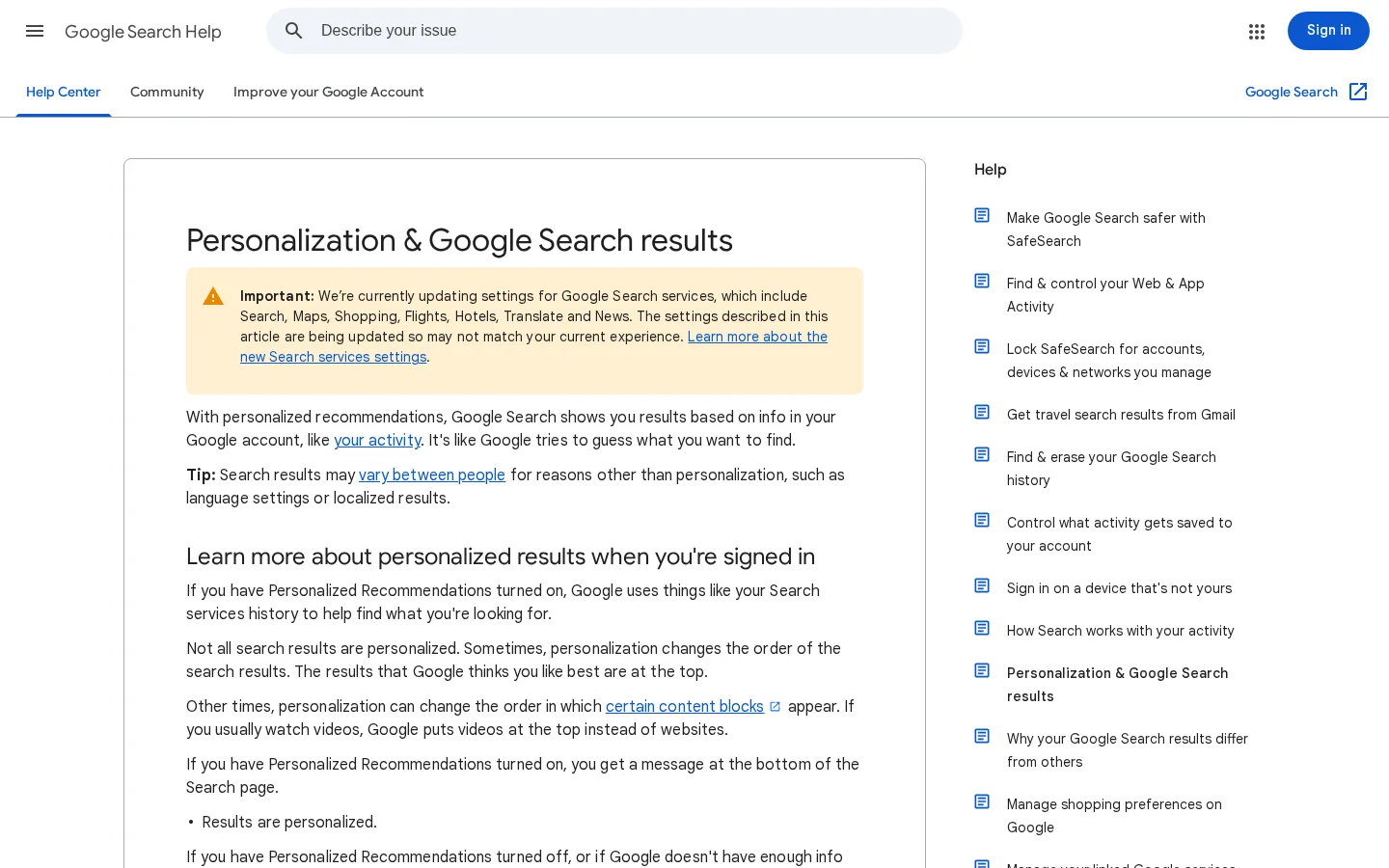
Google's help pages name a short list of signals. Some of them only apply when personalization is on. Others apply all the time, including for people who never touched a setting. The table splits them into those two groups. Use it as a checklist of what to hold constant when you test a ranking.
| Signal | Changed by the personalization setting | Still used when the setting is off |
|---|---|---|
| Your Search history in your account | Yes, when Personalized Recommendations is on | No |
| Current and recent searches | Used to understand what you want right now | Yes |
| Location | Not a personalization setting | Yes |
| Language | Not a personalization setting | Yes |
| Device type (mobile or desktop) | Not a personalization setting | Yes |
| Timing and data centers | Not a personalization setting | Yes |
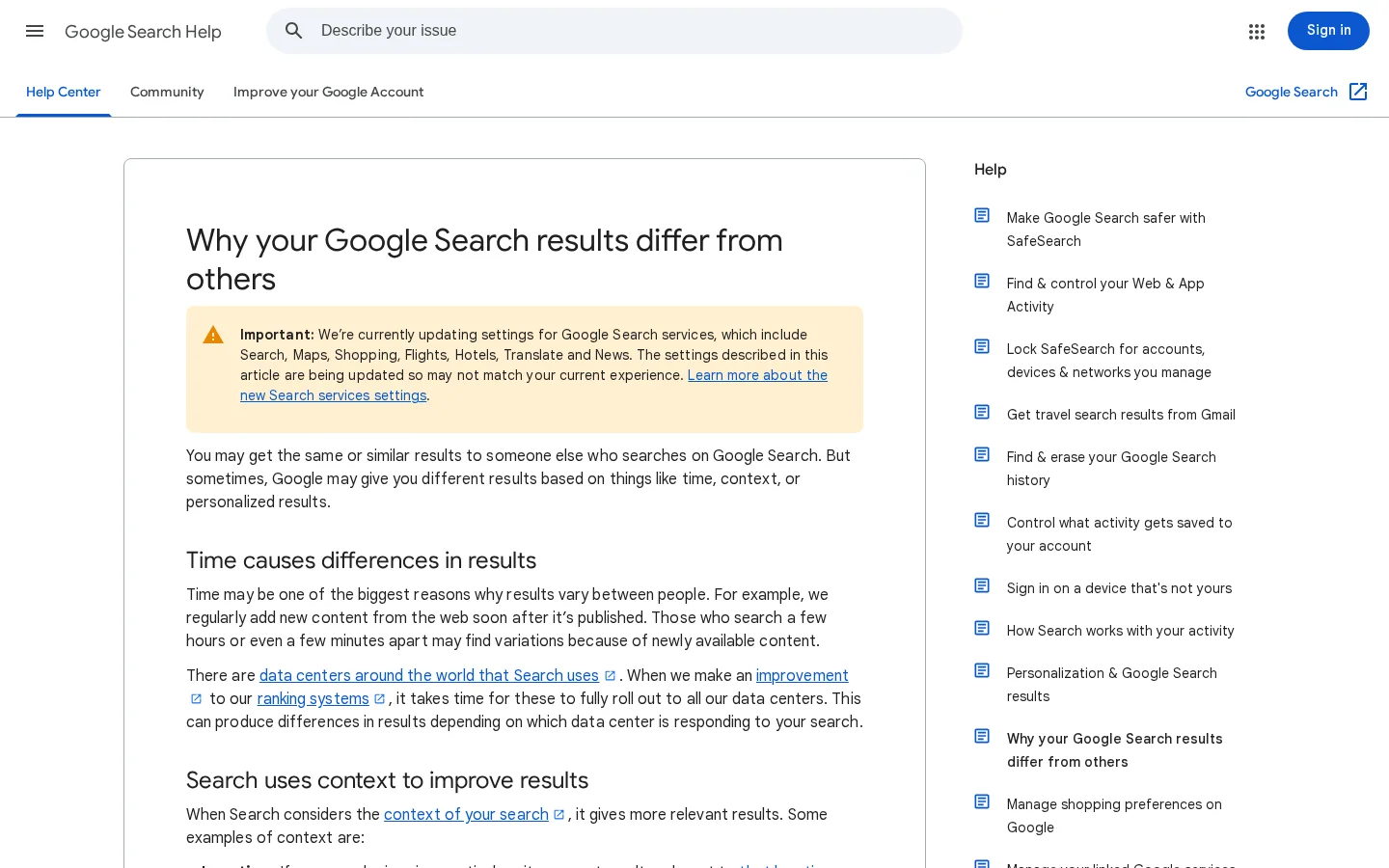
Look at the last column. Location, language and device are not personalization in the strict sense, but they change results as much as your history does. Google's help page on why results differ says that time can be one of the biggest reasons two people see different results. New content is added from the web all the time, and ranking updates reach its data centers at different moments. A test run on Monday morning can differ from one run on Friday afternoon, even on the same device.

When you are signed in and Personalized Recommendations is on, Google uses information from your account, including your Search history, to shape the list. When you are signed out, the equivalent control is Search customization, and personalization works without an account. A private window, signed out, is therefore the closest thing to a neutral baseline. It is still not a neutral view of the world, because location, language, device and timing still apply.
Signed in or signed out: what shapes the list
Google also gives you a way to compare without changing anything. When results are personalized, the page can show a note about it, and a "Try without" option lets you see the unpersonalized list for that one search. Using it does not change your settings. It is a quick check of how much a given query is personalized, but it covers one search at a time, so it cannot show you a trend.
You can see personalization for yourself in about ten minutes. The goal is not a laboratory experiment. It is a repeatable habit that shows whether a query moves for different people, and whether your page moves with it. Follow these steps.
Five steps to test a query
If you want to force a country and an interface language, you can set them in the URL. These parameters only set the country and the language. They do not switch personalization off, so keep the private window for that job.
https://www.google.com/search?q=project+management+software&gl=fr&hl=enHere is an example. A consultant in Lyon searches a query signed in on her laptop and sees her agency page at position 4. In a private window, the same page sits at position 7. Neither number is wrong. Both are real, and the gap tells her that personalization moves the list for her. She should report the signed-out number as her baseline and write the conditions beside it.
Tip
To tell a personal shift from a real change in Google's results, follow the same queries across several days with our free SERP Volatility Sensor. It is built to detect Google algorithm updates in real time. When many queries move on the same day, the cause is usually an update, not your login.
No single method shows the whole picture. Each one answers a different question, so use at least two. The four methods below cover most sites, and each one has a clear job.
The principle is simple. You search the way a new visitor would: in a private window, signed out, in the country you target.
Google Search Console reports the average position of your pages across the impressions it records. You can filter by query, page, country and device. The data comes from real searches by real people, personalized ones included, so there is no simulation involved. Read the Google Search Console guide before you rely on the numbers.
A rank tracker runs your queries from a chosen country or city, on a schedule, and stores each position. Most trackers search logged out, but check the method in the tool's own documentation before you trust a number. For background on how position checks work, read the rank tracking guide.
For queries that show an AI answer, a position in the classic list tells you less than it used to. You check whether your brand or page is named or cited in that answer for the same query. The AI visibility audit guide explains how to run this check across several assistants.
| Method | Best for | Main limit |
|---|---|---|
| Manual check, signed out | Quick checks of priority queries | One view, one moment |
| Search Console averages | Real trends by country and device | Averages hide the spread |
| Rank tracker with a set location | Many keywords over time | The tool's view is not your customer's view |
| AI answer citation check | Queries that show AI answers | Answers change between runs |
Location is the signal most people underestimate. Google's help page on why results differ gives the example of searching for pizza in a particular city, which returns results relevant to that place. The same logic applies to your business. A query with local intent can show a map pack in one city and a national list in another, so a single ranking number means little without a place attached to it. Google's help page on why your results differ lists location, language, device, timing and personalization as separate reasons.
Search intent is the other half. In our view, personalization has the most room to act where a query can mean more than one thing. A word that could be a product name or a general topic gives Google more choices to make for each person. That makes ambiguous queries a sensible place to start testing. First work out which intent the query carries, using the search intent guide as a reference. If you still need the basics of how Google finds, ranks and shows pages before you test anything, read the search engine guide.
Note
Local and personal effects stack. A signed-in search from a phone in your own city is the most personal result you can get. It is also the least useful result for measuring national visibility, so keep it out of that report. For local checks, use the local rank tracking guide.
AI answers are the newest reason the same query can give different outcomes. Google's help page on personalization says that Personal Intelligence in Search can use your own personal context to tailor responses. In practice, the answer you see may differ from the one a colleague sees for the same query. Google changes these features often, so check which AI experience your customers actually see before you draw a conclusion.
Classic results or AI answers: what you can measure
The practical rule is to measure AI answers as presence, not position. Ask whether your brand is named, whether your page is cited, and whether a competitor takes the slot. Then repeat the check. For the mechanics, read the guides on Google AI Mode SEO and on AI Mode versus AI Overviews, which explain how these answers differ from a classic ranking. The AI Mode glossary entry covers the vocabulary.
Personalization does not give you a reason to stop optimizing for the average. It gives you a reason to make your pages easy to match with the right query, for the right person, in the right place. Four changes do most of the work, and each one can be tested with the methods above.
The first is intent match. Open the top three results for a query and read them. If they all answer a how-to question and your page sells a product, your page will rarely win that query, whatever the history. Match the format, the depth and the promise that the current results show. The search intent guide gives you a checklist for doing this.
The second is location clarity. A page that names your city, your service area and your address in plain text gives Google an unambiguous signal about where you operate. That matters for local queries, where the list is already built around place. If you serve several cities, give each one a page that is useful for that city, not a copy with the name changed.
The third is entity consistency. Use the same business name, address and category on your site, on your Google Business Profile and in your directory listings. Keep the details identical across the listings described in the business directories guide. Inconsistent details make it harder for search and AI systems to connect your site to one business, and that can cost you visibility in both the list and the answer.
The fourth is a test before and after every change. Pick the query you want, run the signed-out check in your market, and write down the top 10. After the change, repeat the check on three days. A real gain shows as a steadier position over several days, not as one good result on a logged-in screen.
| Change | What it helps | How to test it |
|---|---|---|
| Match the intent of the top results | Relevance for each person who searches | Compare the top 10 before and after |
| Name your city and service area in text | Local and location queries | Check two cities, signed out |
| Same name, address and category everywhere | One clear business entity for search and AI | Check brand queries in AI answers |
| Repeat the test before and after | Separates a real gain from noise | Three days, same conditions |
Most bad personalization reports come from the same few habits. The block below sums up the shift you want. Each mistake that follows explains what it is, how to spot it in your own data, and how to fix it.
From one screenshot to a usable baseline
What it is: your own logged-in view is one personalized view, and it is not the baseline for anyone else. How to spot it: your position differs from a signed-out check, or from your Search Console average for the same query. How to fix it: report the signed-out number as the baseline, and always write the country, device and sign-in status next to it.
What it is: positions move from day to day for many reasons, and personalization is only one of them. How to spot it: a query swings several places and comes back the next day. How to fix it: measure over 7 to 14 days for tracker data, and use the 28-day Search Console average for the trend.
What it is: a VPN, a default setting or a browser language gives you a market your customers are not in. How to spot it: your test shows a position that does not match your Search Console data for the same market. How to fix it: set the country to your target market, and filter Search Console by country before you compare the two.
What it is: the thought "everyone sees something different, so we cannot measure" stops the work. How to spot it: the report has no numbers, only comments. How to fix it: measure the trend and the share of queries where you appear. That measure stays meaningful even when each individual position varies.
What it is: an update or a change in AI answers is often the real cause of a drop, and personalization is rarely the whole story. How to spot it: impressions and positions fall together, across many queries and pages, on the same date. How to fix it: compare the date of the drop with the moves shown by the SERP Volatility Sensor, and read the guide on the AI Overviews traffic drop.
What it is: the unpersonalized view is a one-off comparison for a single search. How to spot it: you use it, check your settings later, and find nothing changed. How to fix it: use it to understand one result, and measure the rest with a repeatable method such as the steps above.
Before a position goes into a report, go through this list. It takes about five minutes and prevents most of the mistakes above.
Before you report a ranking
If you want this done across many keywords, Sorank's GEO / SEO dashboard puts Google and AI traffic in one view, so you read the trend on your own data instead of on one search. For a first pass, the SERP Volatility Sensor and the steps in this guide are enough. Pick five queries, run the test this week, and write the baseline down before you change anything on the page.
Not exactly, but for most queries the same pages appear. Google says personalization does not affect every result, and often it only changes the order. Location, language, device and timing change results too.
When you are signed in, turn off Personalized Recommendations. When you are signed out, turn off Search customization. Location, language, device and timing still shape results after you turn these off.
Location, language, device, the time of the search and the data center that answers all change results. Personalization adds your account history on top. Compare results under the same conditions before you conclude anything.
We analyse your competitors, your website and your AI visibility to create a tailored content plan for free.
 Duplicate Content Checker
 Mobile-Friendly Test
 Website Speed Test
 Subdomain Finder
 Domain Age Checker
 CMS Detector
 Googlebot Simulator
 Nofollow Link Checker
 Meta Tag Checker
 Keyword Cannibalization Checker
 Keyword Intent Checker
 Keyword Extractor
 Google Ads Cost Calculator
 CPC Calculator
 Local Citation Finder
 Reddit Threads Finder
 Disavow File Generator
 Redirect Generator
 Canonical Tag Generator
 Passive Voice Checker
 Google Location Changer
 Google Review Calculator
 Google Review Link Generator
 Keyword Combiner
 Podcast Show Notes Generator
 AI Content Rewriter
 AI Text Humanizer
 ChatGPT Prompt Generator
 Twitter Thread Generator
 Tweet Generator
 Landing Page Copy Generator
 Google Ads Copy Generator
 Pinterest Pin Description Generator
 Anchor Text Generator
 Social Media Post Generator
 LinkedIn Post Generator
 Free AI Writer
 Review Response Generator
 LSI Keyword Generator
 YouTube Video Ideas Generator
 YouTube Tag Generator
 YouTube Description Generator
 Product Description Generator
 CTA Generator
 Blog Introduction Generator
 Conclusion Generator
 Hook Generator
 AI Content Brief Generator
 FAQ Schema Generator
 AI Blog Post Ideas Generator
 Structured Data Validator (Schema Validator)
 Alt Text Checker
 Internal Link Analyzer
 Backlink Challenge
 AI Meta Description Generator
 AI Blog Title Generator
 Google Indexability Checker
 AI Blog Outline Generator
 UTM Link Builder
 Keyword Clustering Tool
 Canonical Tag Checker
 XML Sitemap Generator
 Broken Link Checker
 AI SEO Title Generator
 Headline Analyzer
 SERP Preview Tool
 Redirect Checker
 Hreflang Tag Generator
 Heading Structure Analyzer
 HTTP Headers Checker
 Favicon Extractor
 SERP CTR Calculator
 SEO vs Paid Search Savings Calculator
 SEO Share of Voice Calculator
 SEO ROI Calculator
 SEO Traffic and Revenue Forecast Calculator
 SEO Budget Calculator
 SEO Break-Even Calculator
 SaaS SEO ROI Calculator
 ROAS Calculator
 Reading Time Calculator
 Ranking Gain Simulator
 Organic Traffic Value Calculator
 Organic Traffic Estimator and Website Traffic Checker
 LTV to CAC Ratio Calculator
 Local SEO ROI Calculator
 Link Building Cost Calculator
 Keyword Value Calculator
 Keyword Opportunity Score Calculator
 Keyword Density Calculator
 GEO ROI Calculator
 GEO Content Investment Calculator
 Ecommerce SEO ROI Calculator
 Customer Lifetime Value Calculator
 Customer Acquisition Cost Calculator
 CTR Calculator
 Cost Per Article Calculator
 Conversion Rate Calculator
 Content Marketing ROI Calculator
 ChatGPT Referral Traffic Estimator
 Bounce Rate Calculator
 Backlink ROI Calculator
 AI Visibility Score Calculator
 AI Traffic Value Calculator
 AI Share of Voice Calculator
 Cost of AI Invisibility Calculator
 AI Citation Rate Calculator
 llms.txt Validator
 AI Overview Checker and AI Overviews Rank Checker
 Robots.txt Checker
 AI SEO Audit
 LLM Readability Checker
 SearchGPT Readiness Checker
 Structured Data LLM Audit
 Website Crawlability AI Audit
 Why ChatGPT Is Not Recommending My Website
 Gemini Ranking Tool
 Perplexity Ranking Checker
 LLM Citation Checker
 Answer Engine Optimization Audit
 GEO Audit
 AI Search Visibility Test
 ChatGPT Visibility Checker
 llms.txt Generator
 URL Extractor
 Webpage to Markdown
 Sitemap Checker
 SERP Volatility Sensor
 Page Size Checker
 Word Counter
 Slug Generator
 Schema Generator
 Robots Generator
 OG Preview
 Meta Tags Generator
 Image Compressor
 Favicon Generator
 On-Page SEO Audit: SEO Checker and SEO Analyzer
 Backlink Analysis Tool
 Keyword Research Tool
 Domain Authority Checker
 “I tested Sorank on a real client site and it's insane. It does everything an agency would bill you $1500 a month for. It's going into production on that client now.”

 Guillaume Guersanguersanguillaume.com“We are an Ads agency and we wanted to get our SEO back on track once and for all. Sorank gave us a clear view of our site, helped us prioritize optimizations, and properly structure our content. The tool is easy to use, well designed for a team, and very practical for centralizing tracking without having to juggle multiple platforms. A very solid foundation to start fresh with our SEO.”
 Gaspard MadouiAds Agency
 “I just let the Sorank software do its thing, and now my DR is 25 and my page is ranking higher.”
 Lucas Flandrefoundertrace.fr“I specialized in GEO thanks to Sorank. The GEO Leaderboard allows me to show my clients their position vs competitors on ChatGPT. It’s a real commercial differentiator.”
 MélanieSEO Freelance“Great service, works well for our website and helps us understand how to improve it to rank better on Google and elsewhere. Congrats, keep going, I recommend it.”
 Hugo T.E-commerce merchant