Preferences
Privacy is important to us, so you have the option of disabling certain types of storage that may not be necessary for the basic functioning of the website. Blocking categories may impact your experience on the website. More information
Privacy is important to us, so you have the option of disabling certain types of storage that may not be necessary for the basic functioning of the website. Blocking categories may impact your experience on the website. More information

What an SEO strategist does day to day, how the role differs from an SEO specialist, the skills to check for, and a 90-day plan to start with this quarter.

In short
An SEO strategist plans the search work for a website. The strategist picks which topics and pages to target, decides which problems to fix first, sets the goals and checks the results. The job is mostly analysis and decisions, while specialists and writers carry out the changes. If you hire one, or want to become one, test the role with one question: can the person name the next three actions for your site, and explain why those come first?
Want to go further? Ask
Quick quiz
Is SEO right for you, and how should you start?
Sorank matches your answers


Test it for 3 days on your own site and see where you stand on Google, ChatGPT and the other AIs.
Start 3-day free trial3 days free, then stop whenever you want. 90-day results guarantee, conditions apply.
This guide is for three readers: a founder who needs to know what to ask for, a marketing manager who builds the team, and an SEO who wants to move from tasks to direction. It covers the daily work, the skills that matter, a 90-day plan and the mistakes that waste a strategist's time. For the full method to build a strategy document, read SEO strategy: how to build a plan in 9 steps. This article is about the role and the person who holds it.
Google's SEO Starter Guide describes the basic goal of SEO as helping search engines understand your content. That sounds simple. In practice a site has hundreds of pages, dozens of possible topics, a development backlog and a limited budget. The strategist turns that mess into an order of work.
The job has three parts. First, reading the data: what brings clicks today, what is shown in results but not clicked, and what competitors cover that you do not. Second, deciding: which findings matter for revenue or reach, and which are noise. Third, handing over: writing tasks that a writer, a developer or an editor can start without another meeting.
The strategist's weekly loop
Most of the week goes to the first two steps. A strategist who spends the week in tools and produces no task list has not done the job. A strategist who writes tasks without reading the data is guessing with better formatting.
Keyword research tells you what people type. Intent tells you what they want when they type it. Sort queries into groups: someone who wants to learn, someone comparing options, someone ready to buy, someone looking for a specific site or a login page. Each group needs a different page type. A guide rarely wins a buying query, and a product page rarely wins a learning query.
The practical output is a keyword map. Each row is a query group, its intent, the URL that should own it and what is missing on that URL. For a hypothetical software company, the map might show three pages all trying to rank for the same comparison query. The strategist picks one owner, turns the other two into pages that answer different questions, and links them together. That work does not show up in a keyword tool export, but it is where most of the traffic gain comes from.
Be careful with search volume alone. A query with high volume and mixed intent can waste a whole quarter. Check the top ten results before you commit. If they are all product pages and you have a blog post, the page type is wrong, however good the copy is.
A strategist does not need to fix the code. A strategist needs to know which technical problems block the others. A page that returns an error, a page blocked from crawling and a page that loads slowly are three different problems with three different costs. Fix the first two before you spend time on speed for a page that Google cannot reach.
The useful skill is writing a ticket. A good ticket names the URLs, the observed problem, the expected result and the way to check it. For example: "The product URLs under /shop/ return a 404 after the migration. Redirect each one to its new address. Done when Search Console shows no new 404s for the /shop/ path after two crawls." A developer can act on that without a call.
Content decisions are often the biggest lever. The strategist decides which pages to refresh, which to merge into a stronger page and which to remove. Removing pages sounds risky, but it is often right when two pages answer the same question and split the clicks. Every query needs one page that the team improves.
The strategist decides which pages deserve links, not just how many links to get. A link to a guide that explains a concept is worth more to a reader than a link to a generic product page. Start with the pages that answer a question well, then find the sites in your field that already cover that question and would link to a better version. Read the scoring criteria for quality backlinks before you set a monthly target.
AI answers add a question the strategist must answer: which of your pages should AI systems use, and for which questions should they name your brand? Google's documentation on AI features in Search says there are no additional requirements to appear in AI Overviews or AI Mode, and no special optimizations are necessary. That does not remove the strategist's job. The same fundamentals still decide the outcome: pages that are indexed, that say clearly what they answer and that are useful to a reader. What is new is tracking. The strategist adds a list of questions to watch and checks the answers each month. The AI visibility audit explains how to run that check.
The job titles overlap, so the line is easier to draw by the question each person answers. The strategist answers "what should we do next, and why?" The specialist answers "how do we do it correctly?" One person can do both in a small company, but the two tasks use different habits. Specialists check the work in detail. Strategists check whether the work changed the outcome that matters.
Strategist or specialist: who decides, who builds

| Question | SEO strategist | SEO specialist |
|---|---|---|
| Main question | What should change first, and what is it worth? | Is this change built and working correctly? |
| Typical output | Priority list, keyword map, quarterly plan | Fixed redirects, title tags, structured data, crawl reports |
| Time horizon | One to three quarters | One release or one crawl |
| Success measure | Clicks, conversions and AI mentions on the pages that matter | Errors removed and checks passed |
| Works most with | Management, content leads and product owners | Developers and content editors |
The risk runs in both directions. A strategist who never looks at implementation sets goals the team cannot reach. A specialist who never sees the big picture fixes ten small errors on a page nobody visits. The best setups have one person who reads both sides, and a short meeting where the priorities get re-ranked.
For the workflow that shows who does what and how long each step takes, read the SEO process. That article covers the campaign. This one covers the person who runs it.
A job listing for this role usually names a long list of tools. Skills matter more than tools, because tools change every year and the reasoning behind them does not. Here are the skills to test, in the order you use them during a normal month.
Skills to test in a candidate, or in yourself
Start with Search Console. Google presents it as the place to see which search terms lead visitors to your site. Four metrics form the base: clicks, impressions, CTR and average position. Google's Performance report help page defines CTR as the click count divided by the impression count, and average position as the average position of the topmost result from your site. The definitions sound basic, but mistakes come from reading them too fast. Average position is an average across queries, so a change in the mix of queries can move it with no change in any page.
The skill is reading the four together. Impressions up and clicks flat means the page appears but the title or snippet does not earn the click. Clicks down with impressions flat points to a change in the results around your page, not a ranking loss. To tell the difference, compare the same query group over the same dates. Then add your analytics tool to see what the visits did after they arrived. For the wider set of metrics, see SEO KPIs.
Intent is the skill that separates a good plan from a long list. Take twenty queries from one topic and sort them by what the searcher is trying to do. Then check the top results. If they are all tools, the searcher wants a tool. If they are all long guides, the searcher wants depth. Your page type should match what already ranks, unless you have a clear reason to challenge it.
You do not need to write code. You do need to understand the basic states of a URL: whether it can be crawled, whether it is indexed, which status code it returns and where its canonical tag points. When a developer says "it works on my side", the strategist asks for the URL, the status code and the Search Console report that flags the problem. That is the difference between a debate and a fix.
Most of the strategist's words go to people who will never open a spreadsheet. A manager needs the decision, the reason and the expected effect. A writer needs the query, the intent, the angle and the pages to link to. A developer needs the URL and the check. Write each message in that order, and keep it short enough that nobody stops halfway.
A plan is only useful if it gets done. The strategist sets an owner, a date and a review point for each task. Plan around the parts you cannot control: a developer's release calendar, a writer's queue, a Google update. The SEO roadmap article covers a twelve-month version of this discipline.
A strategist does not own every task, but owns the decision behind each workstream. The table shows what gets decided, what gets delivered and how often the review happens. Use it to check whether a job description asks for direction, execution or both.
| Workstream | What the strategist decides | What the team delivers | How often |
|---|---|---|---|
| Keywords and intent | Which topics get a page, and which page owns each query | Keyword map and briefs | Monthly, and after each release |
| Technical SEO | Which errors block crawling or indexing first | Developer tickets with URLs and the expected result | Each release, plus a regular crawl |
| Content | Which pages to refresh, merge or retire | Updated pages and a change log | Monthly |
| Links | Which pages deserve links, and which links are worth the time | Outreach list and earned links | Monthly |
| AI search | Which questions to track in AI answers, and which pages should answer them | Prompt list, answer tests and page updates | Monthly |
| Reporting | Which numbers go to management and which stay internal | One page each month with the decisions taken | Monthly |
Two things stand out. Technical SEO and content have the most tasks and the most handoffs, so they need the clearest tickets. AI search is the newest row, and it is the one most often left without an owner. If nobody owns the prompt list, nobody notices when the answers change.
New strategists often lose the first month to access problems and vague goals. A clear 90-day plan avoids both. The plan below assumes an existing site with some traffic. A brand-new site needs a different start, covered in SEO for new websites.
The first 90 days
Ask for these before anything else: owner or full user access to Search Console, read access to the analytics tool, editor access to the CMS and a copy of the current sitemap. Record the baseline for clicks, impressions, average position and conversions over the last three months, with the date range written next to each figure. Without that record, you cannot say later whether anything changed.
Then list the pages that bring most of the clicks today. Those pages form your protected list. Any change to them needs a note, a reason and a check two weeks later.
Build the keyword map for the top topics. Look for conflicts: two pages competing for the same query, a page with impressions but no clicks, and a topic with no page at all. Keep a short list of decisions for each one: merge, rewrite, create or leave alone. Share the list with the content lead before you change anything.
Write one brief or ticket for each fix. Start with the errors that block crawling or indexing, then the pages that already rank in positions where a better title or a new section could win more clicks. Avoid starting with a full site rewrite. Small, checkable changes teach you what the site responds to.
Compare the changed pages with the baseline. Drop the tasks that did not move anything, and write down why. Then set next quarter's goals, expressed as clicks, conversions or AI mentions on named pages, not as a rank on a broad keyword.
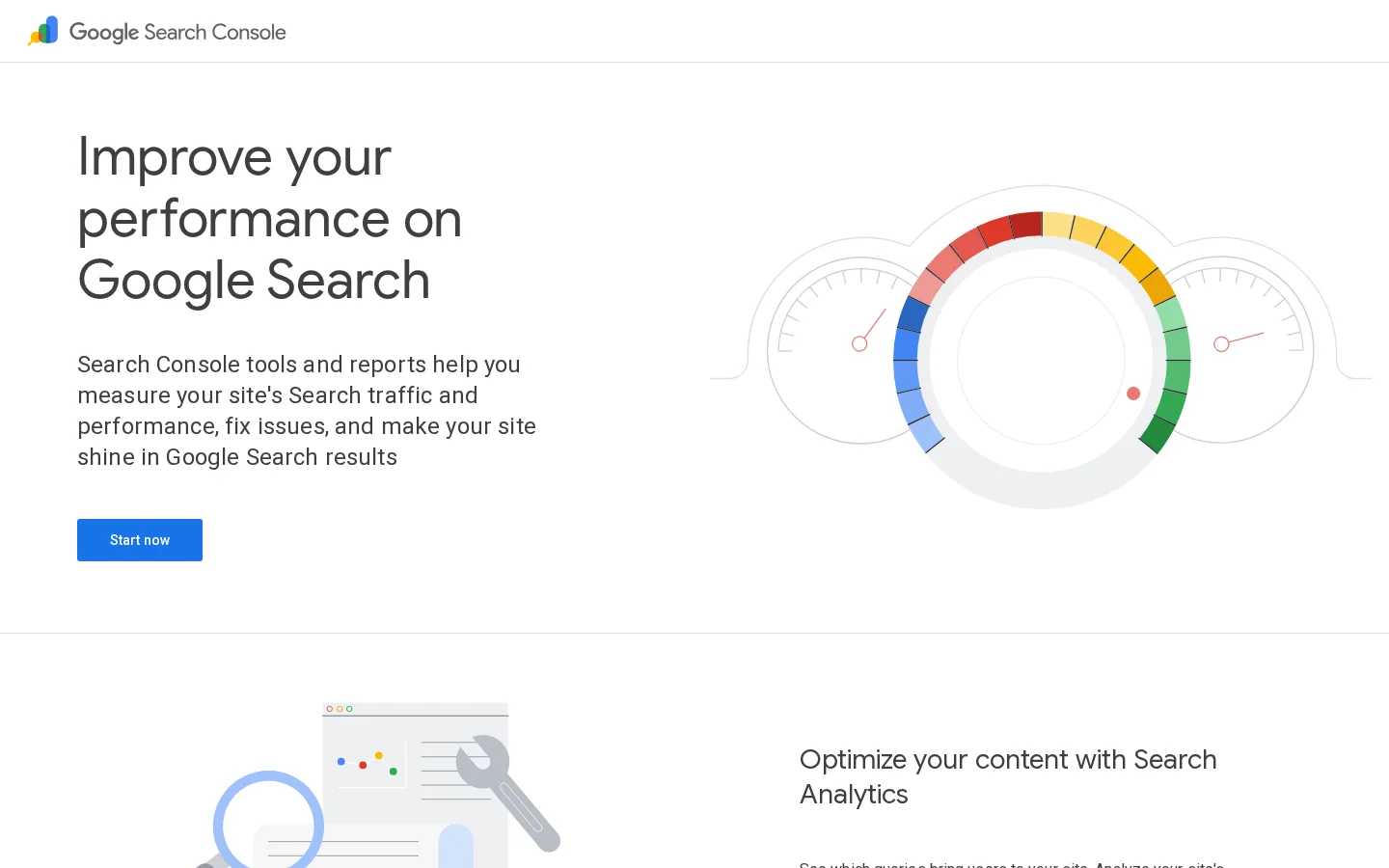
The strategist's report has to answer one question: did the decisions change the outcome? That means reading the metrics on the pages you changed, not the whole site. Start with Search Console. Google describes it, on its Search Console page, as the set of tools and reports that help you measure your site's Search traffic and performance, and fix the issues that hold it back.
| Metric | Where to read it | What it tells you | Trap |
|---|---|---|---|
| Clicks | Search Console, performance report | How many visits came from Google results | Seasonality can hide or fake a ranking change |
| Impressions | Search Console, performance report | How often your pages showed for a search | Rising impressions with flat clicks often means a weak title, or AI answers taking space above your result |
| CTR | Search Console, performance report | Clicks divided by impressions | Varies a lot by query type, so compare within one query group |
| Average position | Search Console, performance report | Average position of your topmost result | It averages across queries, so a change in the query mix can move it with no real change |
| Conversions | Your analytics tool | What the visits did after arriving | Needs a goal or tag set up before the change, or you have no baseline |
| AI mentions | An AI tracking tool or manual prompt tests | Whether AI answers name or cite you | Answers vary between runs, so test the same prompts over time |
Group queries before you read them. In a spreadsheet export, a simple formula can tag question queries so you can see how many clicks they bring. Here is one example, assuming the query text sits in column A:
=REGEXMATCH(A2, "^(how|what|why|which|when|can|is)\b")Fill the formula down, then filter for TRUE. You now see whether question-style queries bring the clicks you expected, and whether the page that targets them is earning its place.
When traffic drops, check three things in this order: did impressions fall, did average position fall for the same queries, and did CTR change? If impressions fell, the page shows less often, which can mean a ranking loss or a drop in demand. If position held and CTR fell, the results around your page changed. Write down which case you are in before you propose a fix. A title rewrite will not repair a demand drop.
Most failures in this job are not technical. They are habits: a plan nobody uses, a metric that flatters the team, a page that competes with another page. Each mistake below follows the same structure: what it is, how to spot it and how to fix it.
What it is. A long plan with no owners, no dates and no link to a ticket. It looks complete and changes nothing.
How to spot it. Ask three people on the team what the top priority is this month. If the answers differ, or nobody can name a task that closed last month, the plan is a document, not a process.
How to fix it. Cut the plan to ten tasks at most. Give each task one owner, one date and one check. Review the list in a short meeting every two weeks.
The same plan, before and after
What it is. Choosing a query because it has a high search volume, even when the intent does not match your offer.
How to spot it. Open the top results. If they are a different page type than the one you planned, or if they all come from brands that do not sell what you sell, the query is hard to win and may not bring the buyer you want.
How to fix it. Move the query to a page type that matches the results, or drop it. Use volume as a tie breaker, not as the first filter.
What it is. Two or more of your pages compete for the same query. Google has to choose between them, and your clicks split.
How to spot it. In Search Console, filter for one query and check which URLs appear. Several URLs for the same query, with unstable positions, is the sign.
How to fix it. Pick one owner. Merge the weaker page into it with a redirect, or rewrite the other page to answer a different question, and link between the two. Check the result after the next crawl, not the same week.
What it is. Reporting average position as the main result while clicks and conversions fall.
How to spot it. The monthly report shows a healthy ranking chart next to a flat or falling business line.
How to fix it. Lead the report with clicks and conversions on the pages you changed. Keep position as a supporting metric, and say across which queries it is averaged.
What it is. A task that says "improve the page" with no measurable target.
How to spot it. Read the last five tickets. If none has a URL, a before state, an expected change and a date to check, the team cannot tell whether the work helped.
How to fix it. Add a check line to every ticket: the URL, the metric, the expected direction and the review date.
What it is. Setting a monthly link count, then buying whatever links are needed to reach it.
How to spot it. The link target arrives before the content plan, and the sources are sites with no real audience in your field.
How to fix it. Replace the count with a list of pages that deserve links, and the sites that would cover them.
Warning
Paid links can hurt a site's rankings. Before you put link buying in any plan, read Should you buy backlinks? Risks, Google's rules and safer alternatives.
Many interview questions for this role test memory: what a canonical tag does, what a 301 redirect is. Those answers are easy to rehearse. Better tests give the candidate real data and watch how they reason. A longer list of questions is in SEO interview questions. The process below adds a page-level test.
A hiring process that tests the strategy part
Watch for red flags. A candidate who promises a ranking, a date or a fixed traffic gain is selling, not planning. Ask what they would refuse to promise. For what a provider can honestly commit to, see SEO guarantee. If you are choosing between an agency and a hire, SEO agency vs in-house SEO compares the options on cost, speed and control.
A strategist works with a small stack: Search Console for search data, an analytics tool for what visitors do, a crawler for technical state and a keyword tool for research. No tool makes the decision. Each one gives the strategist evidence to decide with.
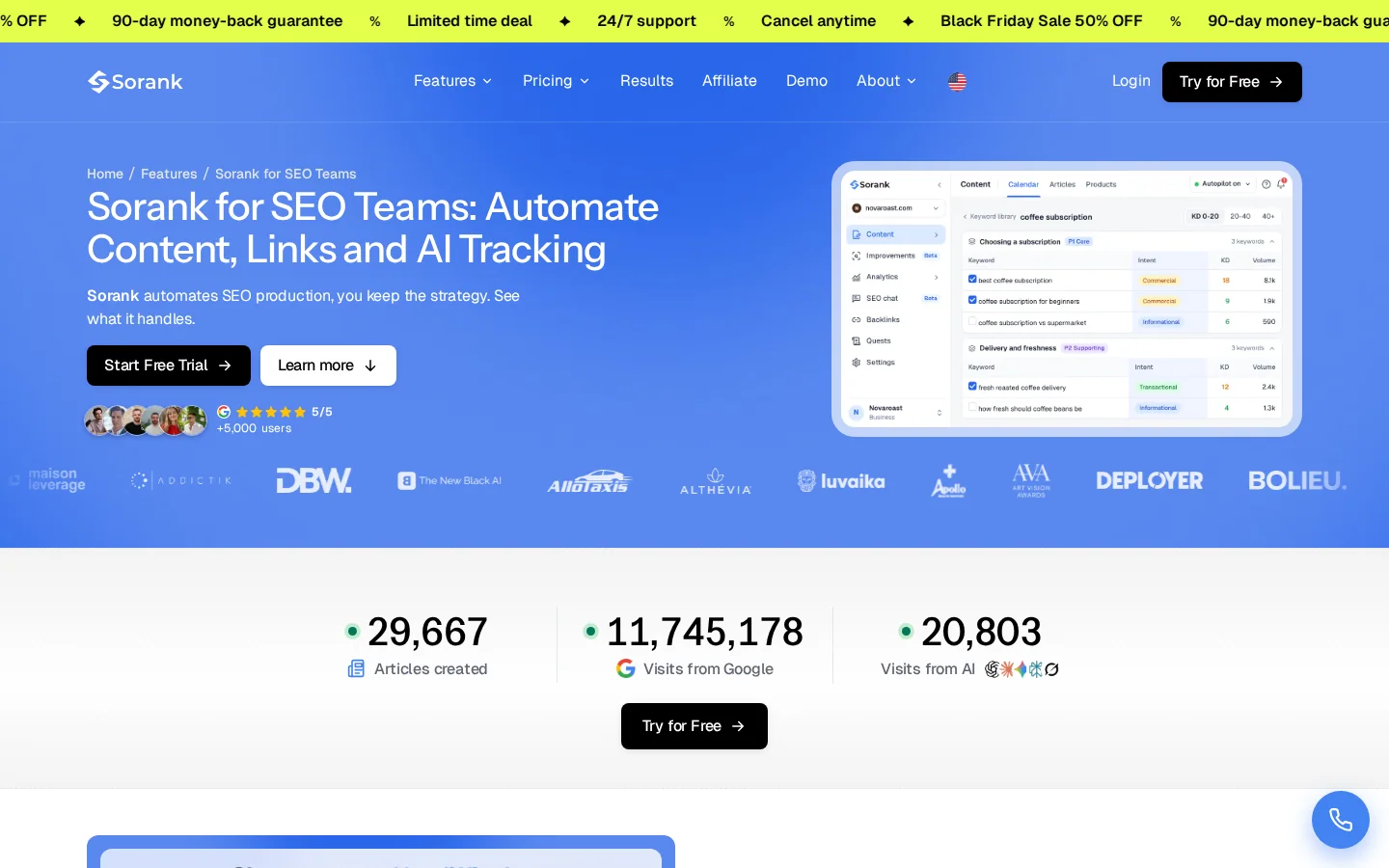
Part of the work is production: writing briefs, drafting articles, finding link opportunities and tracking AI mentions. Teams that need more output often hand that production to software and keep the direction in-house. Sorank is built for that split. Its page for SEO teams describes automating content, links and AI tracking while the team keeps the strategy. Check that against your own process before you buy anything.
For the research side, the automated keyword research feature and the topic cluster generator match the keyword map described above. To group a keyword list into pages without a spreadsheet, try the free keyword clustering tool.
Tip
Before the first strategy meeting, run the free On-Page SEO Audit Tool on your five most important pages. The output gives you a first list of issues to sort by the traffic at stake.
There is no single path. Most strategists start in an execution role, learn to read data, then take on planning. The table compares the common routes. Choose the one that gives you real decisions to make, because the judgment comes from making calls and seeing what happened next.
| Route | Best for | What you practice | Main risk |
|---|---|---|---|
| Your own site | Someone who wants to learn the full cycle | Data, decisions, changes and results on one site | No outside feedback, so mistakes repeat |
| Client work, freelance or agency | Someone who wants varied sites, fast | Diagnosis, prioritization and reporting to a client | Thin access and short timelines |
| Junior role in-house | Someone who wants depth in one product | Working with developers and one set of goals | A narrow scope for a long time |
| Structured course plus practice | Someone who needs a framework first | Concepts, then a small real project | Stays theoretical unless you apply it |
Whichever route you take, build a short portfolio: one written analysis of a real site, the decisions you proposed, and what happened. Be honest about what you could not prove. A portfolio with one clear decision and a measured result is worth more than a list of certificates. Keep a log of each decision as you make it: the date, the reason, the expected result and the outcome. That log becomes the proof.
The role comes down to one habit: decide what matters, write it down with a check, and look at the result when the check date comes.
An SEO strategist plans the search work for a site: which keywords to target, which pages to create or fix, which links to pursue and how to measure the results. The strategist sets the direction, while specialists and writers carry out the tasks.
A strategist decides what to do and in which order, based on data and business goals. A specialist executes, for example by fixing redirects, writing title tags or setting up structured data. In small teams, one person often does both.
Reading Search Console and analytics data together, keyword and search intent research, enough technical knowledge to brief developers, and clear writing to explain priorities to non-specialists. Project management matters as much as any single tool skill.
We analyse your competitors, your website and your AI visibility to create a tailored content plan for free.
 Duplicate Content Checker
 Mobile-Friendly Test
 Website Speed Test
 Subdomain Finder
 Domain Age Checker
 CMS Detector
 Googlebot Simulator
 Nofollow Link Checker
 Meta Tag Checker
 Keyword Cannibalization Checker
 Keyword Intent Checker
 Keyword Extractor
 Google Ads Cost Calculator
 CPC Calculator
 Local Citation Finder
 Reddit Threads Finder
 Disavow File Generator
 Redirect Generator
 Canonical Tag Generator
 Passive Voice Checker
 Google Location Changer
 Google Review Calculator
 Google Review Link Generator
 Keyword Combiner
 Podcast Show Notes Generator
 AI Content Rewriter
 AI Text Humanizer
 ChatGPT Prompt Generator
 Twitter Thread Generator
 Tweet Generator
 Landing Page Copy Generator
 Google Ads Copy Generator
 Pinterest Pin Description Generator
 Anchor Text Generator
 Social Media Post Generator
 LinkedIn Post Generator
 Free AI Writer
 Review Response Generator
 LSI Keyword Generator
 YouTube Video Ideas Generator
 YouTube Tag Generator
 YouTube Description Generator
 Product Description Generator
 CTA Generator
 Blog Introduction Generator
 Conclusion Generator
 Hook Generator
 AI Content Brief Generator
 FAQ Schema Generator
 AI Blog Post Ideas Generator
 Structured Data Validator (Schema Validator)
 Alt Text Checker
 Internal Link Analyzer
 Backlink Challenge
 AI Meta Description Generator
 AI Blog Title Generator
 Google Indexability Checker
 AI Blog Outline Generator
 UTM Link Builder
 Keyword Clustering Tool
 Canonical Tag Checker
 XML Sitemap Generator
 Broken Link Checker
 AI SEO Title Generator
 Headline Analyzer
 SERP Preview Tool
 Redirect Checker
 Hreflang Tag Generator
 Heading Structure Analyzer
 HTTP Headers Checker
 Favicon Extractor
 SERP CTR Calculator
 SEO vs Paid Search Savings Calculator
 SEO Share of Voice Calculator
 SEO ROI Calculator
 SEO Traffic and Revenue Forecast Calculator
 SEO Budget Calculator
 SEO Break-Even Calculator
 SaaS SEO ROI Calculator
 ROAS Calculator
 Reading Time Calculator
 Ranking Gain Simulator
 Organic Traffic Value Calculator
 Organic Traffic Estimator and Website Traffic Checker
 LTV to CAC Ratio Calculator
 Local SEO ROI Calculator
 Link Building Cost Calculator
 Keyword Value Calculator
 Keyword Opportunity Score Calculator
 Keyword Density Calculator
 GEO ROI Calculator
 GEO Content Investment Calculator
 Ecommerce SEO ROI Calculator
 Customer Lifetime Value Calculator
 Customer Acquisition Cost Calculator
 CTR Calculator
 Cost Per Article Calculator
 Conversion Rate Calculator
 Content Marketing ROI Calculator
 ChatGPT Referral Traffic Estimator
 Bounce Rate Calculator
 Backlink ROI Calculator
 AI Visibility Score Calculator
 AI Traffic Value Calculator
 AI Share of Voice Calculator
 Cost of AI Invisibility Calculator
 AI Citation Rate Calculator
 llms.txt Validator
 AI Overview Checker and AI Overviews Rank Checker
 Robots.txt Checker
 AI SEO Audit
 LLM Readability Checker
 SearchGPT Readiness Checker
 Structured Data LLM Audit
 Website Crawlability AI Audit
 Why ChatGPT Is Not Recommending My Website
 Gemini Ranking Tool
 Perplexity Ranking Checker
 LLM Citation Checker
 Answer Engine Optimization Audit
 GEO Audit
 AI Search Visibility Test
 ChatGPT Visibility Checker
 llms.txt Generator
 URL Extractor
 Webpage to Markdown
 Sitemap Checker
 SERP Volatility Sensor
 Page Size Checker
 Word Counter
 Slug Generator
 Schema Generator
 Robots Generator
 OG Preview
 Meta Tags Generator
 Image Compressor
 Favicon Generator
 On-Page SEO Audit: SEO Checker and SEO Analyzer
 Backlink Analysis Tool
 Keyword Research Tool
 Domain Authority Checker
 “I tested Sorank on a real client site and it's insane. It does everything an agency would bill you $1500 a month for. It's going into production on that client now.”

 Guillaume Guersanguersanguillaume.com“We are an Ads agency and we wanted to get our SEO back on track once and for all. Sorank gave us a clear view of our site, helped us prioritize optimizations, and properly structure our content. The tool is easy to use, well designed for a team, and very practical for centralizing tracking without having to juggle multiple platforms. A very solid foundation to start fresh with our SEO.”
 Gaspard MadouiAds Agency
 “I just let the Sorank software do its thing, and now my DR is 25 and my page is ranking higher.”
 Lucas Flandrefoundertrace.fr“I specialized in GEO thanks to Sorank. The GEO Leaderboard allows me to show my clients their position vs competitors on ChatGPT. It’s a real commercial differentiator.”
 MélanieSEO Freelance“Great service, works well for our website and helps us understand how to improve it to rank better on Google and elsewhere. Congrats, keep going, I recommend it.”
 Hugo T.E-commerce merchant