Preferences
Privacy is important to us, so you have the option of disabling certain types of storage that may not be necessary for the basic functioning of the website. Blocking categories may impact your experience on the website. More information
Privacy is important to us, so you have the option of disabling certain types of storage that may not be necessary for the basic functioning of the website. Blocking categories may impact your experience on the website. More information

 Gemini app in the coming weeks
On 23 November 2026, Google linked Wallet to Personal Intelligence in AI Mode. Drive and the Gemini app come next. What changes and the settings to check.
In short
On 23 November 2026, Google started rolling out a Google Wallet connection for Personal Intelligence in AI Mode. Google Drive and the Gemini app follow "in the coming weeks". The connections are opt-in. For your website, it means two people who ask Google the same question can get answers that differ more than before.
Want to go further? Ask
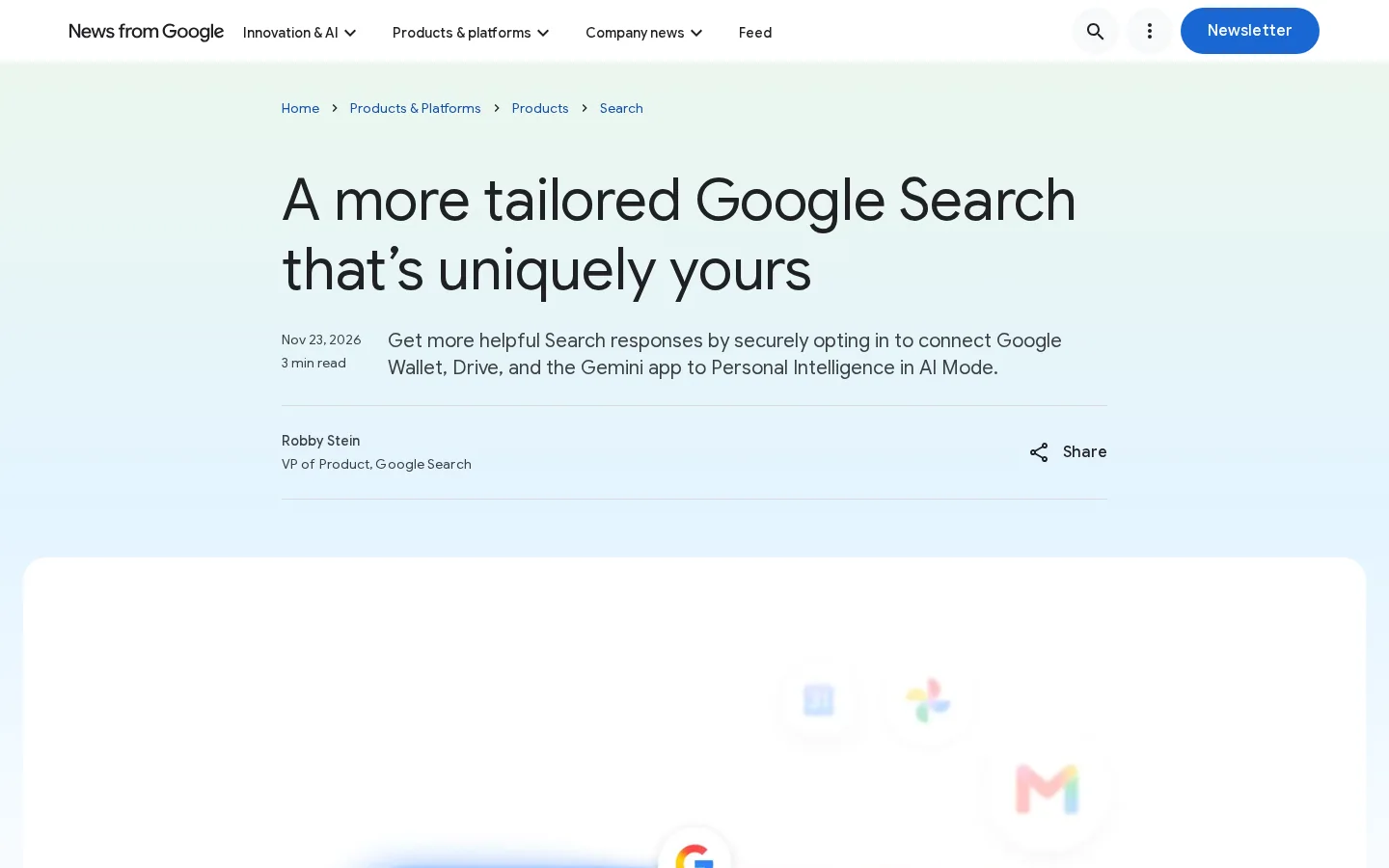
Robby Stein, VP of Product for Google Search, published the official announcement on the Google blog on 23 November 2026. Personal Intelligence is the option that lets AI Mode use information from your own Google apps. Gmail, Google Calendar and Google Photos could already be connected. Google is adding three sources and one wider change.
| Source | Status in AI Mode on 23 November 2026 | What it is for |
|---|---|---|
| Gmail, Google Calendar, Google Photos | Already available | Answers tailored with your own content |
| Google Wallet | Rolling out | Spending, milestones and card rewards, read-only |
| Google Drive | In the coming weeks | Docs, sheets and PDFs |
| Gemini app | In the coming weeks | Context shared both ways |
Google also promises more transparency. Soon, a "Personalization" icon below a tailored response will show the context AI Mode used.
Personal Intelligence in AI Mode: the key dates
Source: Google blog posts, January to November 2026
The most visible part of the news is Wallet. For a site owner, the sentence about recent searches may matter more. It covers AI Overviews as well as AI Mode, and Google does not present it as tied to a connected app.
Purchases were already part of the picture. In its post of 17 March 2026, Google described shopping recommendations based on recent purchases and troubleshooting help based on purchase receipts. Wallet and Drive add spending habits and documents to that context.
Personal context AI Mode can use, with the user's consent
Source: Google blog, 23 November 2026
Google does not say that connected data changes which websites are cited. Our reading, which is not a statement from Google: the more personal the question, the less one generic page can cover it. Pages that answer a precise situation (a budget, a type of customer, a constraint) have a better chance of fitting.
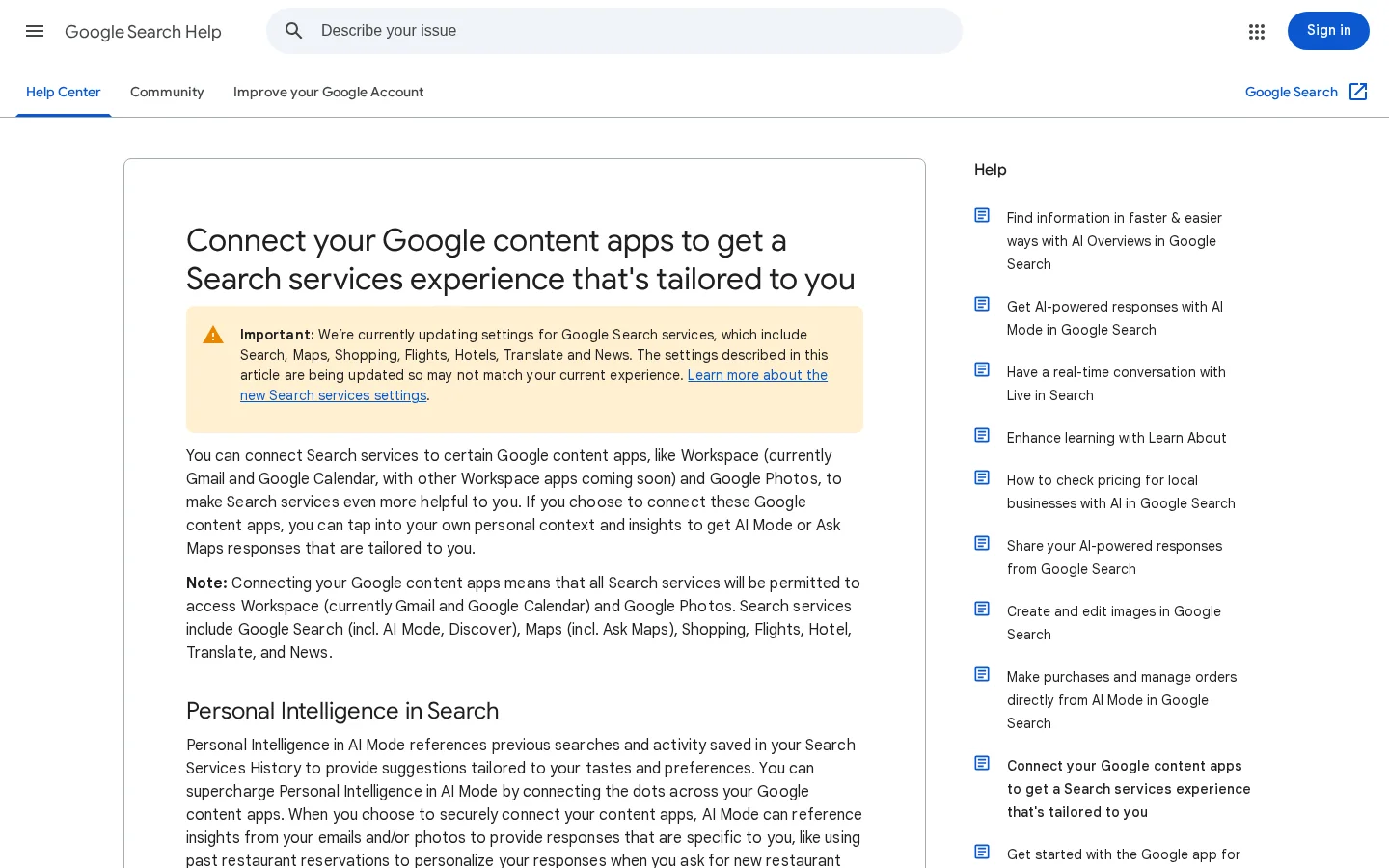
The announcement names no country, language, age limit or subscription for the new connections. For the existing ones, Google's help page on connected content apps gives the conditions:
We checked the help page's country list on 24 November 2026. Brazil, India, Japan and Türkiye are on it. France, Germany, Spain, Italy, the Netherlands, Poland, Ireland, Switzerland and the United Kingdom are not. Google says the rollout is gradual, so check again before you draw conclusions for your market.
Wallet may have a narrower start. In the Gemini app, the Wallet connection of 13 November 2026 is for users in the United States only. The 23 November 2026 post does not say whether AI Mode follows the same limit.
Nothing in the announcement asks you to change your site. There is no new tag and no new file. The change is in how you measure, and in how precise your pages are.
These are settings and actions described by Google in the announcement and its help page. Google is updating these screens, so the labels may differ on yours.
Personal Intelligence is an opt-in feature that lets AI Mode use information from your own Google apps to tailor its answers. Gmail, Google Calendar and Google Photos could already be connected. Google Wallet started rolling out on 23 November 2026, and Google Drive and the Gemini app are due in the coming weeks.
No. Google says AI Mode can only read information from your accounts. It can't move, manage or invest your money. The Wallet connection is optional and you can turn it off at any time.
Open your Search Personalization settings at google.com/search-personalization, select Connected Apps and disconnect the apps you do not want. You can also turn off personalization as a whole. Disconnecting an app does not delete your Search Services History, which you manage at activity.google.com.
We analyse your competitors, your website and your AI visibility to create a tailored content plan for free.
 Duplicate Content Checker
 Mobile-Friendly Test
 Website Speed Test
 Subdomain Finder
 Domain Age Checker
 CMS Detector
 Googlebot Simulator
 Nofollow Link Checker
 Meta Tag Checker
 Keyword Cannibalization Checker
 Keyword Intent Checker
 Keyword Extractor
 Google Ads Cost Calculator
 CPC Calculator
 Local Citation Finder
 Reddit Threads Finder
 Disavow File Generator
 Redirect Generator
 Canonical Tag Generator
 Passive Voice Checker
 Google Location Changer
 Google Review Calculator
 Google Review Link Generator
 Keyword Combiner
 Podcast Show Notes Generator
 AI Content Rewriter
 AI Text Humanizer
 ChatGPT Prompt Generator
 Twitter Thread Generator
 Tweet Generator
 Landing Page Copy Generator
 Google Ads Copy Generator
 Pinterest Pin Description Generator
 Anchor Text Generator
 Social Media Post Generator
 LinkedIn Post Generator
 Free AI Writer
 Review Response Generator
 LSI Keyword Generator
 YouTube Video Ideas Generator
 YouTube Tag Generator
 YouTube Description Generator
 Product Description Generator
 CTA Generator
 Blog Introduction Generator
 Conclusion Generator
 Hook Generator
 AI Content Brief Generator
 FAQ Schema Generator
 AI Blog Post Ideas Generator
 Structured Data Validator (Schema Validator)
 Alt Text Checker
 Internal Link Analyzer
 Backlink Challenge
 AI Meta Description Generator
 AI Blog Title Generator
 Google Indexability Checker
 AI Blog Outline Generator
 UTM Link Builder
 Keyword Clustering Tool
 Canonical Tag Checker
 XML Sitemap Generator
 Broken Link Checker
 AI SEO Title Generator
 Headline Analyzer
 SERP Preview Tool
 Redirect Checker
 Hreflang Tag Generator
 Heading Structure Analyzer
 HTTP Headers Checker
 Favicon Extractor
 SERP CTR Calculator
 SEO vs Paid Search Savings Calculator
 SEO Share of Voice Calculator
 SEO ROI Calculator
 SEO Traffic and Revenue Forecast Calculator
 SEO Budget Calculator
 SEO Break-Even Calculator
 SaaS SEO ROI Calculator
 ROAS Calculator
 Reading Time Calculator
 Ranking Gain Simulator
 Organic Traffic Value Calculator
 Organic Traffic Estimator and Website Traffic Checker
 LTV to CAC Ratio Calculator
 Local SEO ROI Calculator
 Link Building Cost Calculator
 Keyword Value Calculator
 Keyword Opportunity Score Calculator
 Keyword Density Calculator
 GEO ROI Calculator
 GEO Content Investment Calculator
 Ecommerce SEO ROI Calculator
 Customer Lifetime Value Calculator
 Customer Acquisition Cost Calculator
 CTR Calculator
 Cost Per Article Calculator
 Conversion Rate Calculator
 Content Marketing ROI Calculator
 ChatGPT Referral Traffic Estimator
 Bounce Rate Calculator
 Backlink ROI Calculator
 AI Visibility Score Calculator
 AI Traffic Value Calculator
 AI Share of Voice Calculator
 Cost of AI Invisibility Calculator
 AI Citation Rate Calculator
 llms.txt Validator
 AI Overview Checker and AI Overviews Rank Checker
 Robots.txt Checker
 AI SEO Audit
 LLM Readability Checker
 SearchGPT Readiness Checker
 Structured Data LLM Audit
 Website Crawlability AI Audit
 Why ChatGPT Is Not Recommending My Website
 Gemini Ranking Tool
 Perplexity Ranking Checker
 LLM Citation Checker
 Answer Engine Optimization Audit
 GEO Audit
 AI Search Visibility Test
 ChatGPT Visibility Checker
 llms.txt Generator
 URL Extractor
 Webpage to Markdown
 Sitemap Checker
 SERP Volatility Sensor
 Page Size Checker
 Word Counter
 Slug Generator
 Schema Generator
 Robots Generator
 OG Preview
 Meta Tags Generator
 Image Compressor
 Favicon Generator
 On-Page SEO Audit: SEO Checker and SEO Analyzer
 Backlink Analysis Tool
 Keyword Research Tool
 Domain Authority Checker
 “I tested Sorank on a real client site and it's insane. It does everything an agency would bill you $1500 a month for. It's going into production on that client now.”

 Guillaume Guersanguersanguillaume.com“We are an Ads agency and we wanted to get our SEO back on track once and for all. Sorank gave us a clear view of our site, helped us prioritize optimizations, and properly structure our content. The tool is easy to use, well designed for a team, and very practical for centralizing tracking without having to juggle multiple platforms. A very solid foundation to start fresh with our SEO.”
 Gaspard MadouiAds Agency
 “I just let the Sorank software do its thing, and now my DR is 25 and my page is ranking higher.”
 Lucas Flandrefoundertrace.fr“I specialized in GEO thanks to Sorank. The GEO Leaderboard allows me to show my clients their position vs competitors on ChatGPT. It’s a real commercial differentiator.”
 MélanieSEO Freelance“Great service, works well for our website and helps us understand how to improve it to rank better on Google and elsewhere. Congrats, keep going, I recommend it.”
 Hugo T.E-commerce merchant