Preferences
Privacy is important to us, so you have the option of disabling certain types of storage that may not be necessary for the basic functioning of the website. Blocking categories may impact your experience on the website. More information
Privacy is important to us, so you have the option of disabling certain types of storage that may not be necessary for the basic functioning of the website. Blocking categories may impact your experience on the website. More information

Get the free SEO templates that matter: audit, brief, sitemap and robots.txt, with the fields to fill, the rules to follow and the limits Google publishes.

In short
A free SEO template is a ready-made file (a sheet, a document or a page) with headings, fields and formulas for one SEO task, such as an audit or a content brief. It saves setup time, but only if every field is filled with data you checked. Technical templates must also follow the limits Google publishes.
Want to go further? Ask
Quick quiz
Is SEO right for you, and how should you start?
Sorank matches your answers


Test it for 3 days on your own site and see where you stand on Google, ChatGPT and the other AIs.
Start 3-day free trial3 days free, then stop whenever you want. 90-day results guarantee, conditions apply.
The free templates worth using are the ones that tell you what goes in each field. A list of empty headings saves you a few minutes. A template with a rule for each field and one filled example saves you hours of rework, because the next person can see what a finished file looks like.
Most SEO work repeats a small set of documents. You audit a site, brief a writer, report rankings, plan what gets published and pitch a client. Each of these has a standard shape, and each shape can be reused. The table below lists the five document types that come up most often, with the fields that matter most in each one.
| Template | Use it when | Fields that matter most | Full guide |
|---|---|---|---|
| SEO audit report | You audit a site or present findings to a client | Issue, priority, owner, fix date | SEO audit report template |
| Content brief | A writer needs a page plan | Search intent, headings, sources to cite | content brief with a template |
| Keyword ranking report | You report positions every month | Keyword, previous position, current position, URL | keyword ranking report |
| Content calendar | You plan what gets published and when | Topic, owner, status, publish date | content calendar, step by step |
| SEO proposal | You pitch a client | Scope, deliverables, timeline, price | SEO proposal template |
One of the most visible free-template pages on this topic lists six documents, including a proposal, a contract, an RFP, a content strategy, a checklist and a roadmap. It says they can be downloaded as PDF or opened as Google Docs. It does not say what goes inside most of them. That gap is what this guide fills. For each template you will find what each field means, where its numbers should come from, and how to check the result.
For the five document types in the table, our pages already go deep, so this guide focuses on what they do not cover: the technical templates, a method for building your own, and the mistakes that make a template useless. Read the table as a map. Pick the document you produce most often, then come back to the method below to build it.
Choose a template by the decision it must help you make, not by its name. An audit template should end with a short list of fixes, each with an owner. A content brief should end with a page a writer can draft without asking you a question. If the template does not lead to a decision, it is only a form, and forms get skipped.
Start with the question you need answered. "Is this page ready to rank?" needs a different template from "What did we ship this month?" Write that question at the top of the file. It sounds obvious, but most downloaded templates have no purpose line at all, so people fill them in because the headings look official.

The difference between a blank template and a worked one is easy to see in the block below. The blank version looks faster to use. The worked version is the one people still open three months later.
Blank template vs worked template
Before you rely on a template, run it on a real task and time yourself. If you cannot finish it in the time you planned, the fields are too many or too vague. Remove the fields you never used during the test. Keep the ones that changed a decision. As a rule of thumb, a usable template has between 6 and 12 fields. Beyond that, people start filling the extra cells with guesses, and the guesses look just as official as the real values.
Also check the reading order. The most important field should come first, not last. An audit template that puts "priority" in column J will be filled in last, if it is filled in at all. Move the decision fields to the left and the background fields to the right.
Every template that works has five parts: a purpose line, a source for each number, a default or example in each field, a status column, and a named owner with a review date. Missing one of them is usually where a template starts to rot, so check for all five before you share a file with anyone.
Fields every SEO template needs
Put one sentence at the top: what decision this file supports, who reads it and when it is used. For example: "This keyword tracker supports the monthly decision to refresh or rewrite pages that lost two or more positions. The marketing lead reads it on the first Monday of each month." Each part of that sentence should guide one field. If a field does not serve the decision in the purpose line, delete it.
Every number needs a source and a date. A search volume copied from a tool on 3 March is not the same as one copied on 3 November, and the file should say which tool and which date. Add a column called Source and a column called Checked. If a number has no source, mark it as an estimate in the cell, so nobody builds a report on it later.
Put a worked example in every field. An example in the cell tells the next person what a good value looks like. For an intent field, write "informational" with a short note such as "how to" or "what is". Spreadsheets also benefit from a calculated column. The formula below marks whether a keyword gained or lost ground, assuming column B holds the old position and column C the new one. A lower number is better in search results, so a higher new position means a loss.
=IF(C2<B2,"Gained","Lost or same")Test the formula on two rows where you know the answer before you trust it across a whole sheet. Sorting the rows after you write a formula can also break its reference, so lock the column letters with a dollar sign if the sheet will be sorted often.
Use a fixed list for status, such as To do, In progress, Done and Blocked. Free-text status fields drift: one person writes "wip", another writes "working on it", and every filter breaks. Add one owner per row. A row with no owner will sit in the file for months, and nobody will notice until a client asks about it.
Add the date the template was last checked against its sources. Search documentation changes, and so do tool limits and prices. A template that still states a limit from two years ago sends people in the wrong direction. Review each template every quarter, and whenever the source it depends on changes.
An SEO content template is a short form that a writer completes before drafting an article. It sets the target query, the search intent, the title, the outline, the sources and the date of the last check. Filled in first, it helps you replace guesses about what the reader wants with decisions you can review later.
| Field | Rule | Example |
|---|---|---|
| Target query | One phrase, with the date you checked it | seo content template, checked 24 November 2026 |
| Search intent | Informational, commercial or transactional, with the reason | Informational: the reader wants a structure to copy |
| Title | Contains the query once, describes the page, stays unique across the site | SEO Content Template: Fields, Rules and a Copyable Outline |
| Meta description | One sentence on what the reader gets, unique to the page | A copyable template with one rule per field and a worked example |
| Outline | One H2 per question the reader asks, in reading order | What it is, the fields, the steps, the mistakes |
| Internal links | One to three links to the page the reader needs next | A formatting guide placed after the fields |
| Sources | Primary sources only, with author and date | Google Search Central, checked 22 November 2026 |
| Last checked | The date someone last compared the rules with the sources | 24 November 2026 |
Search the query and read the first five results before you write a single H2. Note the questions they answer, then write your own headings in the order a reader asks them. If every result opens with the same definition, yours can be one sentence shorter and move on to the steps. An outline copied from another page gives you its structure but none of its judgment. For the basics of headings and page structure, the on-page SEO checklist covers the rest.
Target query: [query], checked [date]
Search intent: [informational or commercial], because [reason]
Title: [query] and the main benefit, short enough to show in full
Meta description: [one sentence on what the reader gets]
H2 outline: [question 1], [question 2], [question 3]
Internal links: [page 1], [page 2]
Sources: [author, title, date]
Last checked: [date]
Once the draft exists, compare it with each field. A title that does not match the query, a heading that answers a question nobody asks, or a link to a page the reader never needs shows up in five minutes. As a working rule, two or three uses of the target query in the body read naturally. More than that reads as stuffing.
Tip
Keep the template on one page. A writer who has to scroll through three tabs to find the rules will skip them. If you want a worked layout for the headings, the blog post formatting guide shows one, and it fits next to these fields.
Build templates from a finished piece of work, not from a blank page. The five steps are: finish one real task, strip it to its fields, write a rule for each field, test it with a second person, and set an owner and a review date. Most teams can produce a first version in an afternoon, then improve it over the next two or three uses.
Build a template set in five steps
Choose a task you finished recently and that went well. A template built from a poor piece of work copies its mistakes. Save the finished file under a new name that includes the date, and leave the original untouched so you can compare later. Good candidates are the last audit you delivered, the last brief a writer used without rework, or the last monthly report a client read to the end.
Replace each specific value with a label in square brackets, such as [keyword], [target URL] or [search intent]. Remove sections that existed only for that one project, such as a paragraph about a client's launch date. What remains is the structure: the headings, the columns and the order of the decisions. Keep the labels short. A label that needs a sentence to explain it is a field that needs a rule instead.
For each field, write one line: what a valid value looks like, where it comes from and what to do when it is missing. Take a title field. A rule could read: "Between 50 and 60 characters, contains the main keyword once, unique across the site, source: the CMS export, checked monthly." The character range is a working convention you set for your own team, not a Google requirement, so label it as a convention. Google does not set a title length limit in its documentation, but it truncates long titles in results, typically to fit the device width.
Give the template to someone who did not build it, and ask them to fill it in without your help. Watch them and do not answer their questions. Every pause or question marks a field that needs a rule or an example. Fix those, then test again with a different person. Two rounds are usually enough to remove the obvious gaps, and a third round is worth it for any template that more than three people will use.
Put the owner's name in the file header and a review date in your calendar. The review does not need to be long. Check the sources, delete unused fields and update the examples. Keep a short change log at the bottom of the file, with one line per change and its date. The log is what lets the next person understand why a rule changed.
The strongest setup combines four methods: a blank template for structure, a worked example for judgment, a tracker for repeated work and an automated template for data that changes often. Use one method alone only when the task is small and rarely repeated. The comparison table is at the end of this section, after each method has been described.
Principle: a structure you copy each time you start the same document. When to use it: for a document type you have not produced before, or for a one-off task where the structure matters more than the content. Advantages: it is fast to start and carries no bias from past work. Limits: it gives no judgment, so every field depends on the memory of whoever fills it. Example: a blank SEO proposal with section headings for scope, deliverables, timeline and price. Its weakness is that two people will fill the scope section in two different ways.
Principle: a finished file where the real values are replaced by notes that explain each choice. When to use it: when someone new has to produce the document for the first time. Advantages: it teaches the standard without a meeting. Limits: people copy the numbers from the example, even when the numbers were right only for that client. Fix: keep the explanations, and replace every number with a label. Example: a finished audit where each row explains why the issue got its priority.
Principle: one row per item, one column per field, and formulas for the calculated fields. When to use it: for repeated tasks such as a monthly ranking check or a publishing queue. Advantages: filters, history and charts come for free. Limits: after a year the sheet is messy, and nobody deletes the old rows. Fix: archive the sheet every quarter, and keep the live version short enough to read in five minutes.
Principle: a tool fills the fields from its own data, and you review the result. When to use it: for data that changes often, such as rankings, AI citations or competitor keywords. Advantages: the fields stay current without a manual copy. Limits: a field is only as good as the data behind it, so you still need the source and date columns. Fix: keep the source for each field and spot-check a sample every month. Sorank's [automated keyword research](/software-geo/keyword-research) is one example of this approach for the keyword fields, and its [SEO spy tool](/software-geo/seo-competitor-spy) follows competitor keywords on a weekly basis.
| Method | Best for | Main risk | Fix |
|---|---|---|---|
| Blank template | New document types, one-off tasks | Every field depends on memory | Add a rule and an example to each field |
| Worked example | Teaching a new team member | Numbers copied from a different client | Replace numbers with labels, keep the explanations |
| Spreadsheet tracker | Repeated checks and queues | Old rows pile up and nobody reads the sheet | Archive every quarter, keep the live sheet short |
| Automated template | Data that changes often | Stale or unsourced fields look current | Keep the source and date, spot-check monthly |
A technical template must respect the limits that search engines publish. Google documents a limit of 50000 URLs and 50 MB uncompressed per sitemap file, and 500 KiB for robots.txt. Titles and meta descriptions have no fixed length, but each one must be unique on its page, or the template creates duplicates at scale.
Google's published limits for technical files
Source: Google Search Central, sitemap and robots.txt documentation, checked 22 November 2026
Technical templates differ from document templates. They produce files that a machine reads, and one wrong line can block a whole site. Keep one template per file type, validate the output before you upload it, and write the limits into the template itself. That way the next person does not need to look them up, and the file cannot silently drift away from the rule.
A sitemap template needs a header, one row per URL and a field for the last modification date. In its sitemap documentation, Google sets the limit at 50000 URLs and 50 MB uncompressed per file. Above either limit, split the file and reference the parts from a sitemap index. Google also says that submitting a sitemap is only a hint, so it may not crawl every URL in it. Check the Sitemaps report in Search Console after each submission. You can submit the file there, through the Search Console API, or with a line in your robots.txt file:
Sitemap: https://www.example.com/sitemap.xml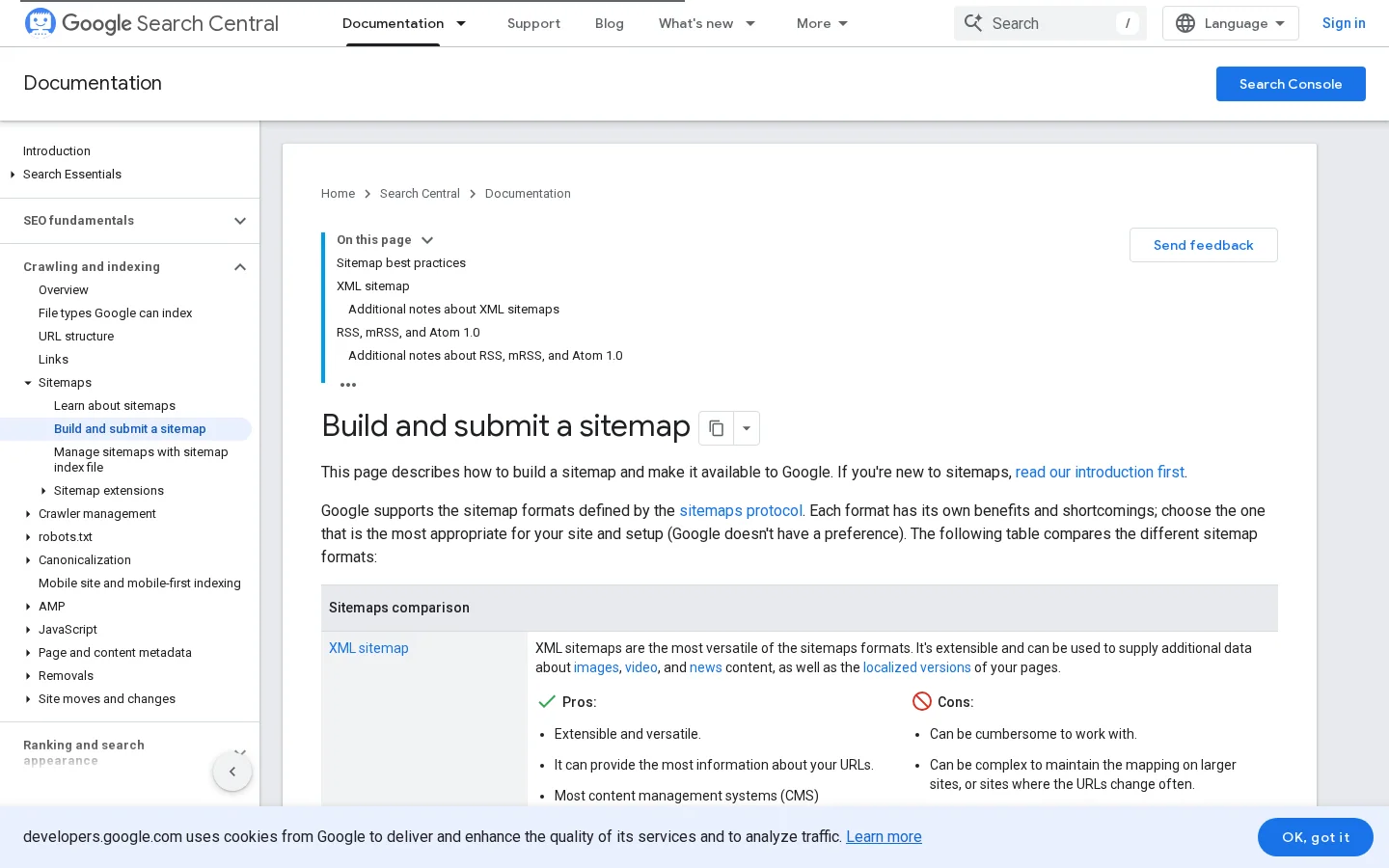
Host the sitemap at the root of the site when you can. Google's documentation notes that a sitemap only covers files in its parent directory unless you submit it through Search Console. A sitemap at the root can cover the whole site. Each URL in it should return a 200 status and be the canonical version of the page. A sitemap that lists redirects or broken pages wastes the crawl and makes the file look unreliable to anyone who reads the report. The [XML sitemap](/glossary-geo-seo/xml-sitemap) entry in our glossary explains the format in more detail.
A robots.txt template is short, but it is the file most often broken by copy and paste. Google enforces a limit of 500 KiB, and content past that limit is ignored. The file must sit in the top-level directory of the host, and it applies only to the protocol, host and port where it is hosted. Google treats a 404 response on robots.txt as if no file existed, which means no crawl restrictions apply. A server error is handled more carefully. Google stops crawling for the first 12 hours while it keeps retrying. If the file stays unreachable, it uses the last good copy for up to 30 days. Network failures such as timeouts or DNS errors count as server errors.
A rule in the template might look like this, under a User-agent line that applies to all crawlers:
Disallow: /cart/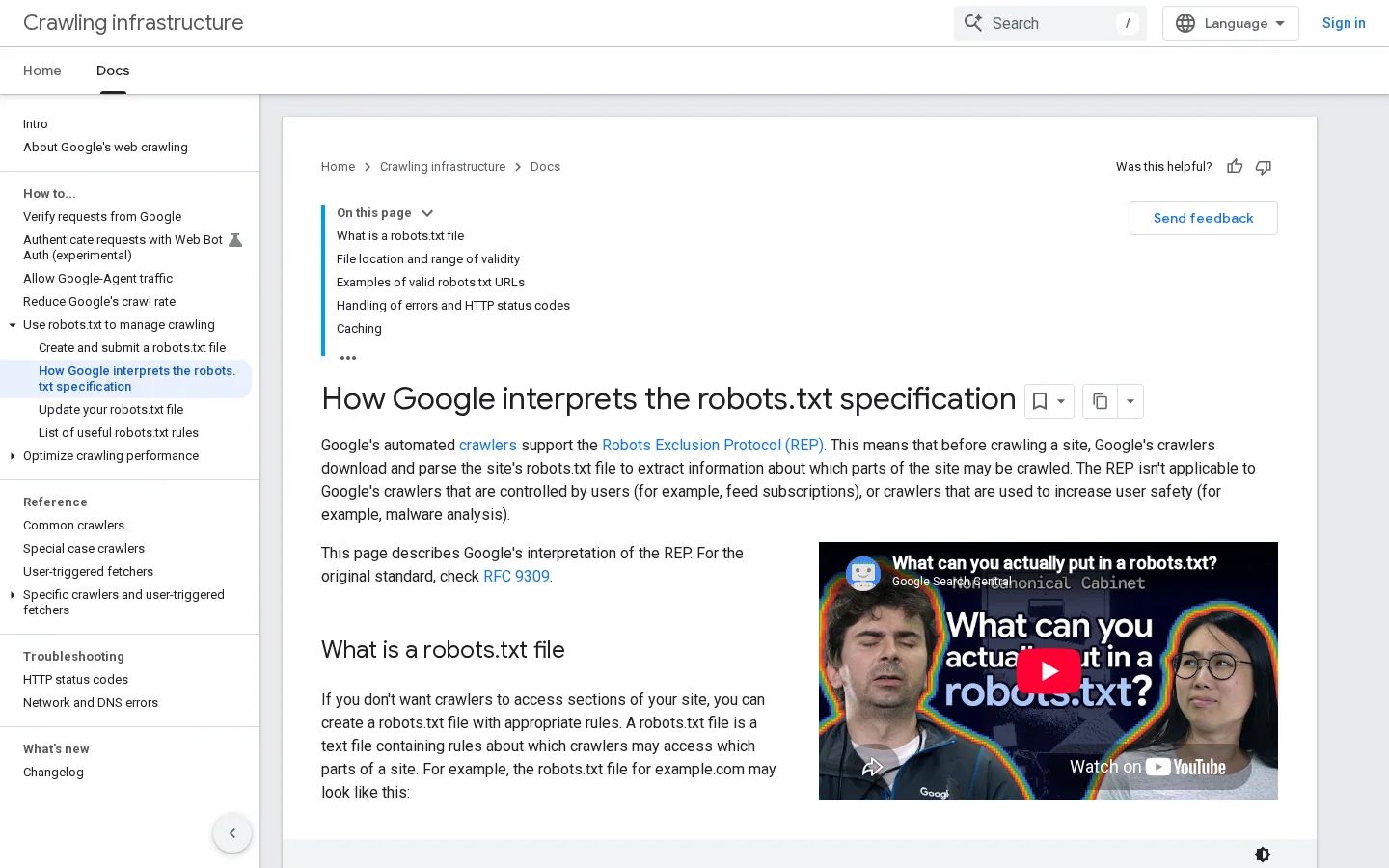
Warning
Never paste a rule you do not understand into the file. A rule that disallows the root path for all user agents blocks every page on the site for crawlers that respect the file. Check the file with a robots.txt checker after each change, and check it against the [robots.txt file](/glossary-geo-seo/robots-txt) rules before it goes live.
Titles and meta descriptions are the cheapest technical fields to get right, and the easiest to template badly. Google's title link documentation sets no character limit, but it truncates long titles in results, typically to fit the device width. It recommends distinct, descriptive titles, and it warns against boilerplate text and repeated keywords. For meta descriptions, Google says it may use them when they describe the page better than its visible text, and it advises a unique description for each page.
<title>Free SEO Templates: What Goes in Each One</title>The template for this field should hold one rule per page type, not one sentence for the whole site. For a product page, the title might include the product name and the category. For an article, the main topic and the year of publication. Then check the output with a crawler. A rule that works on ten pages can produce duplicates on ten thousand, and you will only notice if you look at the whole set.
The four mistakes that do the most damage are copying a template without changing its rules, filling fields with guesses, never reviewing the template and shipping technical files without validating them. Each one leaves a sign you can check in an hour, and each has a fix you can apply the same day.
What it is: the template came from a different site, market or year, and its rules were never adapted. A title rule written for a blog gets applied to a store's product pages, or a reporting template built for a retainer client gets sent to a one-off project. How to spot it: fields that never change from one file to the next, or titles and descriptions that look identical across page types. Open three recent files side by side and see whether the rules match the pages they describe. How to fix it: write one rule per page type, and delete any rule that does not apply to the current site. Keep a note at the top of the file about which site or client it was adapted for.
What it is: a number, a status or a priority typed from memory rather than taken from a source. How to spot it: the row has no source and no date, or the numbers all end in zero or round to the nearest five. Ask the person who filled the row where the value came from, and watch how long it takes them to answer. How to fix it: add the Source and Checked columns, mark estimates as estimates, and remove any row you cannot back with a source within one week. A missing value is better than a confident wrong one, because the missing value tells the next reader to check.
What it is: the template still describes an old limit, a retired tool or a process the team no longer follows. How to spot it: the review date is empty, or it is older than the last change to the source the template depends on. Search for the limits in the template and compare them with the current documentation. How to fix it: set a quarterly review with a named owner, and keep a change log. A review takes less time than a single wrong report, and it is the only way to catch a changed limit before a client does.
What it is: a sitemap, a robots.txt file or structured data uploaded straight from the template, with no check. How to spot it: the Sitemaps report in Search Console shows errors, or a page you want indexed does not appear. A file that returns the wrong status code or contains a typo in a directive can look fine in a text editor and still fail. How to fix it: validate the file before upload and again after publication. Our [robots.txt checker](/seo-tool/robots-txt-checker) and [sitemap checker](/seo-tool/sitemap-checker) cover the first check. After publication, look at the [crawl errors](/blog-geo-seo/crawl-errors) report for the URLs that matter most.
A template stays useful when it has an owner, a review date and a change log. Review it every quarter, and sooner when the source it depends on changes, such as a Google limit or the data from a tool. Track whether the template changed a decision. If nobody used the last audit to choose what to fix, the template is still a form, whatever its layout.
Before you publish a technical template, run through the checklist below. Each item is a question you can answer in a few minutes, and most of them need no more than a browser and the file itself.
Before you publish a technical template
Tip
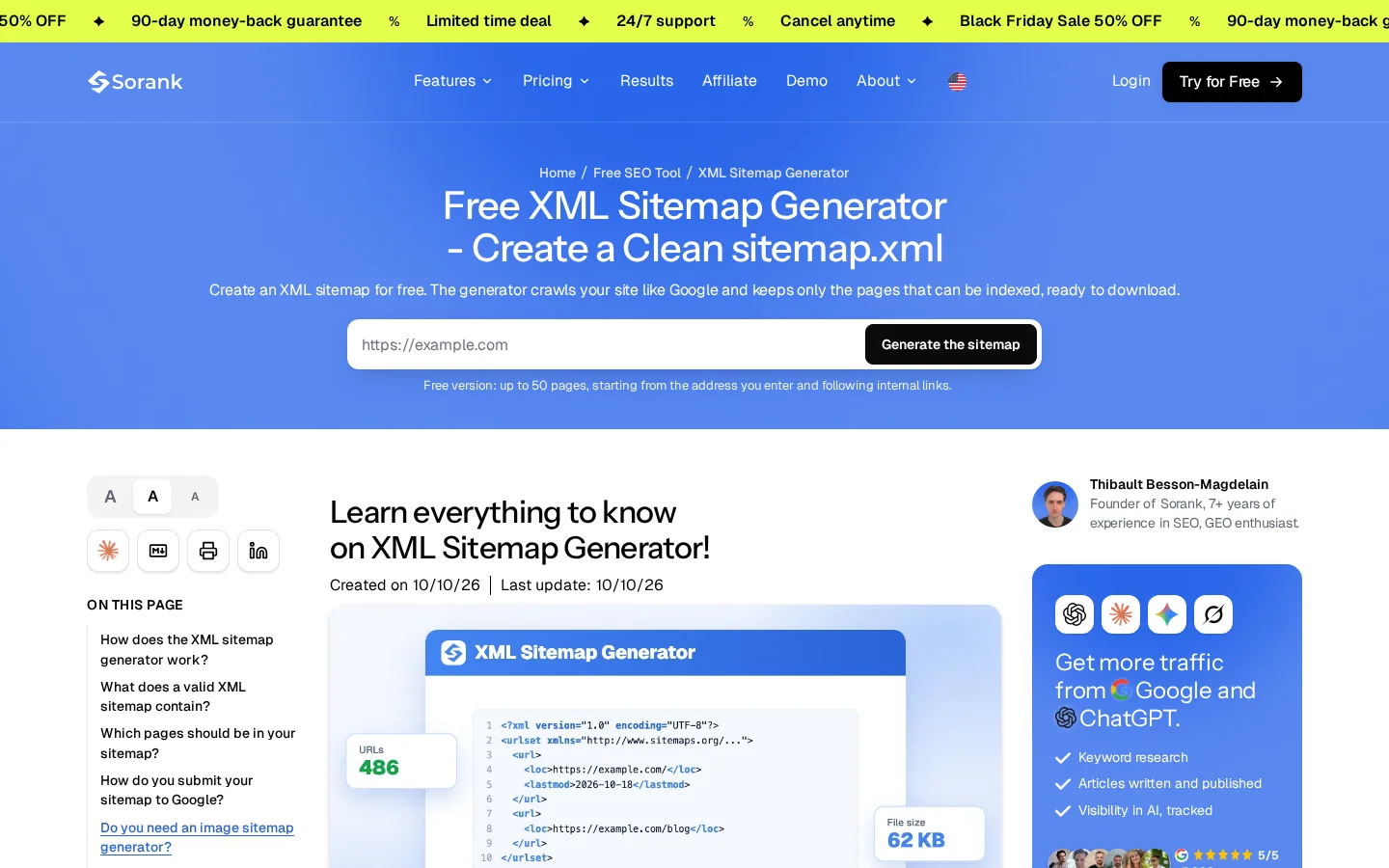
Generate the file, then check it. The free [XML sitemap generator](/seo-tool/xml-sitemap-generator) builds a clean sitemap.xml you can compare with your template, and the [robots.txt generator](/seo-tool/robots-generator) writes a starting file for the root of your site. Use the output as a draft, then apply your own rules before upload.
Once the technical templates are in place, a full [technical SEO audit](/glossary-geo-seo/technical-seo-audit) tells you which fields to check first, which is faster than reviewing every row at once. If you would rather not fill the keyword fields by hand, Sorank's [automated keyword research](/software-geo/keyword-research) covers that step, and the [topic cluster generator](/software-geo/topical-cluster-generator) groups the keywords into pages. The [content calendar](/software-geo/blog-planner-content) keeps the publishing plan in one place, so the status column stays accurate.
Start with one template. Pick the document you produce most often, build it from a finished piece of work, test it with a second person and set a review date before you share it. Then add the technical templates, one file type at a time, and check each output before it goes live.
A free SEO template is a ready-made file with headings, fields and formulas for one SEO task, such as an audit, a content brief or a sitemap. It saves setup time. It is only useful when each field has a rule and a source.
Start with the document you produce most often, usually a content brief or a monthly report. Build it from a finished piece of work, test it with a second person, and set a quarterly review date.
Yes. Google documents a limit of 50000 URLs and 50 MB uncompressed per sitemap file, and 500 KiB for robots.txt. Titles and meta descriptions have no fixed length, but Google truncates long titles in results.
We analyse your competitors, your website and your AI visibility to create a tailored content plan for free.
 Duplicate Content Checker
 Mobile-Friendly Test
 Website Speed Test
 Subdomain Finder
 Domain Age Checker
 CMS Detector
 Googlebot Simulator
 Nofollow Link Checker
 Meta Tag Checker
 Keyword Cannibalization Checker
 Keyword Intent Checker
 Keyword Extractor
 Google Ads Cost Calculator
 CPC Calculator
 Local Citation Finder
 Reddit Threads Finder
 Disavow File Generator
 Redirect Generator
 Canonical Tag Generator
 Passive Voice Checker
 Google Location Changer
 Google Review Calculator
 Google Review Link Generator
 Keyword Combiner
 Podcast Show Notes Generator
 AI Content Rewriter
 AI Text Humanizer
 ChatGPT Prompt Generator
 Twitter Thread Generator
 Tweet Generator
 Landing Page Copy Generator
 Google Ads Copy Generator
 Pinterest Pin Description Generator
 Anchor Text Generator
 Social Media Post Generator
 LinkedIn Post Generator
 Free AI Writer
 Review Response Generator
 LSI Keyword Generator
 YouTube Video Ideas Generator
 YouTube Tag Generator
 YouTube Description Generator
 Product Description Generator
 CTA Generator
 Blog Introduction Generator
 Conclusion Generator
 Hook Generator
 AI Content Brief Generator
 FAQ Schema Generator
 AI Blog Post Ideas Generator
 Structured Data Validator (Schema Validator)
 Alt Text Checker
 Internal Link Analyzer
 Backlink Challenge
 AI Meta Description Generator
 AI Blog Title Generator
 Google Indexability Checker
 AI Blog Outline Generator
 UTM Link Builder
 Keyword Clustering Tool
 Canonical Tag Checker
 XML Sitemap Generator
 Broken Link Checker
 AI SEO Title Generator
 Headline Analyzer
 SERP Preview Tool
 Redirect Checker
 Hreflang Tag Generator
 Heading Structure Analyzer
 HTTP Headers Checker
 Favicon Extractor
 SERP CTR Calculator
 SEO vs Paid Search Savings Calculator
 SEO Share of Voice Calculator
 SEO ROI Calculator
 SEO Traffic and Revenue Forecast Calculator
 SEO Budget Calculator
 SEO Break-Even Calculator
 SaaS SEO ROI Calculator
 ROAS Calculator
 Reading Time Calculator
 Ranking Gain Simulator
 Organic Traffic Value Calculator
 Organic Traffic Estimator and Website Traffic Checker
 LTV to CAC Ratio Calculator
 Local SEO ROI Calculator
 Link Building Cost Calculator
 Keyword Value Calculator
 Keyword Opportunity Score Calculator
 Keyword Density Calculator
 GEO ROI Calculator
 GEO Content Investment Calculator
 Ecommerce SEO ROI Calculator
 Customer Lifetime Value Calculator
 Customer Acquisition Cost Calculator
 CTR Calculator
 Cost Per Article Calculator
 Conversion Rate Calculator
 Content Marketing ROI Calculator
 ChatGPT Referral Traffic Estimator
 Bounce Rate Calculator
 Backlink ROI Calculator
 AI Visibility Score Calculator
 AI Traffic Value Calculator
 AI Share of Voice Calculator
 Cost of AI Invisibility Calculator
 AI Citation Rate Calculator
 llms.txt Validator
 AI Overview Checker and AI Overviews Rank Checker
 Robots.txt Checker
 AI SEO Audit
 LLM Readability Checker
 SearchGPT Readiness Checker
 Structured Data LLM Audit
 Website Crawlability AI Audit
 Why ChatGPT Is Not Recommending My Website
 Gemini Ranking Tool
 Perplexity Ranking Checker
 LLM Citation Checker
 Answer Engine Optimization Audit
 GEO Audit
 AI Search Visibility Test
 ChatGPT Visibility Checker
 llms.txt Generator
 URL Extractor
 Webpage to Markdown
 Sitemap Checker
 SERP Volatility Sensor
 Page Size Checker
 Word Counter
 Slug Generator
 Schema Generator
 Robots Generator
 OG Preview
 Meta Tags Generator
 Image Compressor
 Favicon Generator
 On-Page SEO Audit: SEO Checker and SEO Analyzer
 Backlink Analysis Tool
 Keyword Research Tool
 Domain Authority Checker
 “I tested Sorank on a real client site and it's insane. It does everything an agency would bill you $1500 a month for. It's going into production on that client now.”

 Guillaume Guersanguersanguillaume.com“We are an Ads agency and we wanted to get our SEO back on track once and for all. Sorank gave us a clear view of our site, helped us prioritize optimizations, and properly structure our content. The tool is easy to use, well designed for a team, and very practical for centralizing tracking without having to juggle multiple platforms. A very solid foundation to start fresh with our SEO.”
 Gaspard MadouiAds Agency
 “I just let the Sorank software do its thing, and now my DR is 25 and my page is ranking higher.”
 Lucas Flandrefoundertrace.fr“I specialized in GEO thanks to Sorank. The GEO Leaderboard allows me to show my clients their position vs competitors on ChatGPT. It’s a real commercial differentiator.”
 MélanieSEO Freelance“Great service, works well for our website and helps us understand how to improve it to rank better on Google and elsewhere. Congrats, keep going, I recommend it.”
 Hugo T.E-commerce merchant