Preferences
Privacy is important to us, so you have the option of disabling certain types of storage that may not be necessary for the basic functioning of the website. Blocking categories may impact your experience on the website. More information
Privacy is important to us, so you have the option of disabling certain types of storage that may not be necessary for the basic functioning of the website. Blocking categories may impact your experience on the website. More information

Grok Bot is xAI's always-on agent that works in your apps and sites. Learn how it works, what the beta covered, and how to set up and approve its tasks.

In short
Grok Bot is xAI's agent product: an AI teammate that runs on its own cloud computer, signs into your tools and websites, and works on multi-step tasks until it needs your approval. xAI launched it in beta on August 11, 2026.
Want to go further? Ask
Quick quiz
How should you get mentioned by ChatGPT and other AI assistants?
Sorank matches your answers


Test it for 3 days on your own site and see where you stand on Google, ChatGPT and the other AIs.
Start 3-day free trial3 days free, then stop whenever you want. 90-day results guarantee, conditions apply.
Grok Bot is xAI's name for a persistent agent. You describe a job, the bot does it on a computer that stays on, and it messages you when a decision is needed. A chatbot waits for your next prompt. A bot keeps going after you close your laptop. The launch post opens with "Grok Bot is your team of always-on agents," and the developer docs call it "your proactive AI teammate." The docs point to multi-step work such as building a deck, running a marketing campaign, booking a reservation, or keeping a calendar in sync.
If you already know the Grok glossary entry, set that picture aside for a minute. The two products share a name and very little else. The rest of this guide treats Grok Bot as a worker you supervise, because that is what it is designed to be.
The name covers two products. The Grok assistant answers when you ask it something, in the X app or on the website, and the exchange ends when the answer is delivered. Grok Bot keeps a job alive across hours or days. The table below is the fastest way to decide which one a task needs.
| Question | Grok assistant | Grok Bot |
|---|---|---|
| What you do | Ask a question, get an answer | Give a job, review what comes back |
| Where it works | In the conversation | On a cloud computer with a browser, filesystem and terminal |
| Keeps working when you leave | No | Yes, per the launch post and the guide |
| How it starts | You type a prompt | Chat, voice, a schedule, or a message from another bot |
| Touches your accounts | Rarely | Yes, by signing into the tools you connect |
| Main control | Your next prompt | Written rules and approval steps |
Assistant or Bot: which one fits the job
An assistant that only answers can give you a wrong paragraph, and you catch it before you act. An agent that signs into your email, your CRM or your store admin can send a message, change a record or publish a page while you are in a meeting. So the setup questions are about access, approvals and what the bot may do without you. Prompt wording comes second.
A Bot does its work on a cloud computer. The docs describe the environment as "a persistent cloud computer with a browser, filesystem, and terminal." A bot can open a website, download a file, edit a spreadsheet or run a script, the way a person would at a desk, without you on the other end.
Think of the computer as where state lives. Files a bot creates stay there, and so do the logins it uses. A bot that was halfway through a form yesterday can pick it up today. That is the core of the "always-on" claim. It is also why the access questions later in this guide matter so much.
The guide describes what happens when a site asks for a human. If a login needs you, for example for a CAPTCHA or a two-factor code, the bot hands control back to you. For passwords or API keys, it can send you a secure form instead of asking you to paste them into chat. You can also view the cloud machine remotely, which is useful when a bot's result looks wrong and you want to see the screen it saw.
Those three features reduce risk, but they do not remove it. A secure form protects the key on its way in. It does not decide which other bot can use the session afterward, which is the problem covered in the approvals section below. Treat every login a bot holds as shared with every other bot on the same computer.
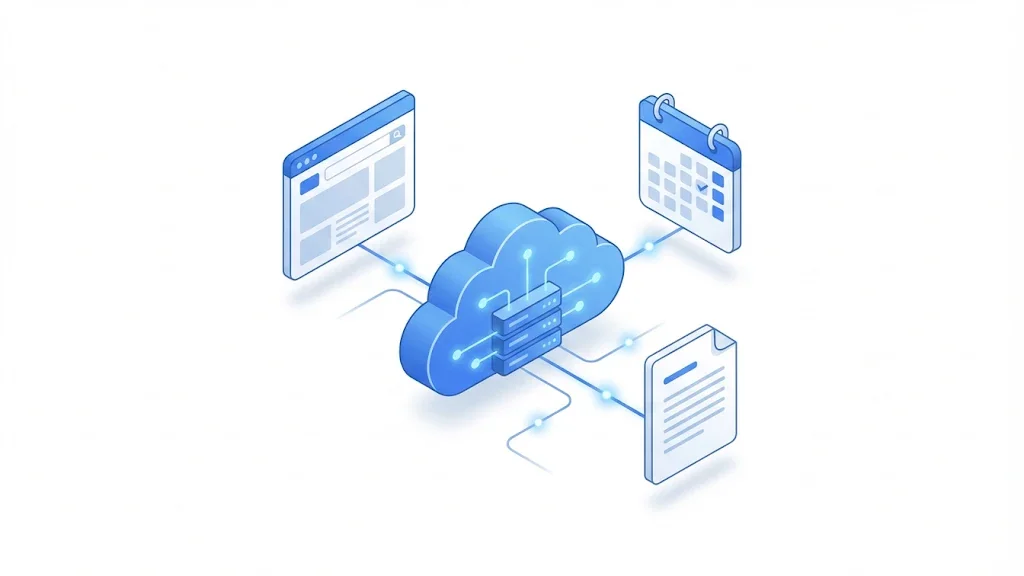
You give a Bot work in three ways. Chat is the main interface, and the guide describes it that way. Routines and triggers run a task on a schedule or when something happens. Messages between bots let one Bot pass its result to another. The docs add that a voice call or a voice note is handled as if you had typed the request, so you can brief a bot while you walk to a meeting.
Routines are where Grok Bot starts to save real time. A weekly report that pulls numbers from three tools, a Monday check for new brand mentions, a deck built from last week's notes: each one becomes a routine. The rule is simple. If you repeat a task the same way every week, write the steps once and let the bot repeat them. If the steps change every time, keep it as a chat request.
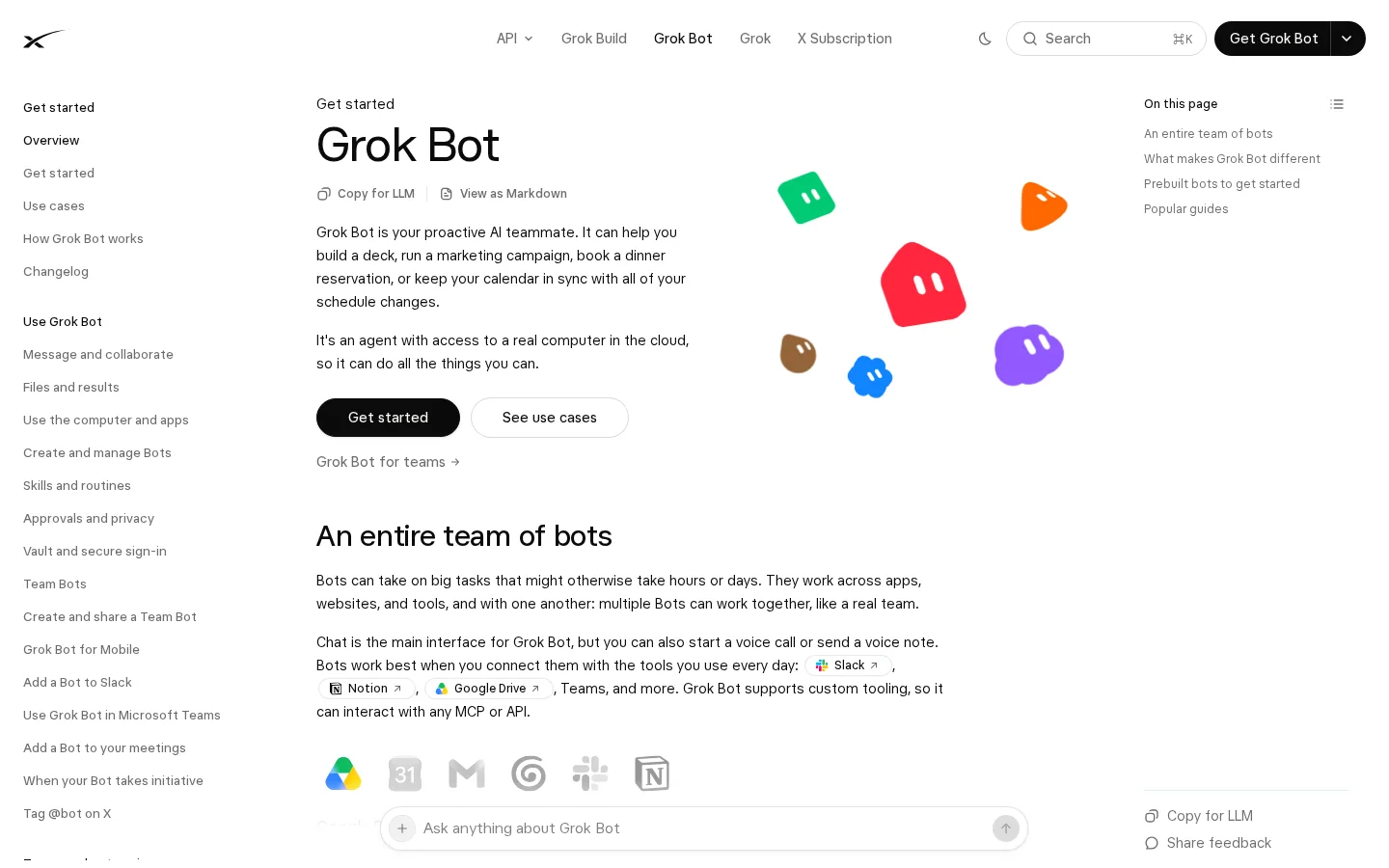
The xAI developer docs for Grok Bot say you can work with Bots "on desktop, mobile, in Slack, or on X." The integrations named on the docs page include Slack, Notion, Google Drive, Google Calendar, Gmail, Granola and Teams. The guide adds that a bot can use MCP servers, plugins and skills, the same kind of tooling Cursor supports. If your stack is custom, that path matters most, because the docs state that Grok Bot "supports custom tooling, so it can interact with any MCP or API."
The X route needs its own note. The docs list X as a place where you can work with Bots, but they do not describe what a Bot can do on X, so do not assume it can post or read on your behalf until you have tested it. If you already run a plan for marketing on X, keep the bot out of the account until you have seen one routine run cleanly. An X profile is public, so a mistake there is visible to everyone.
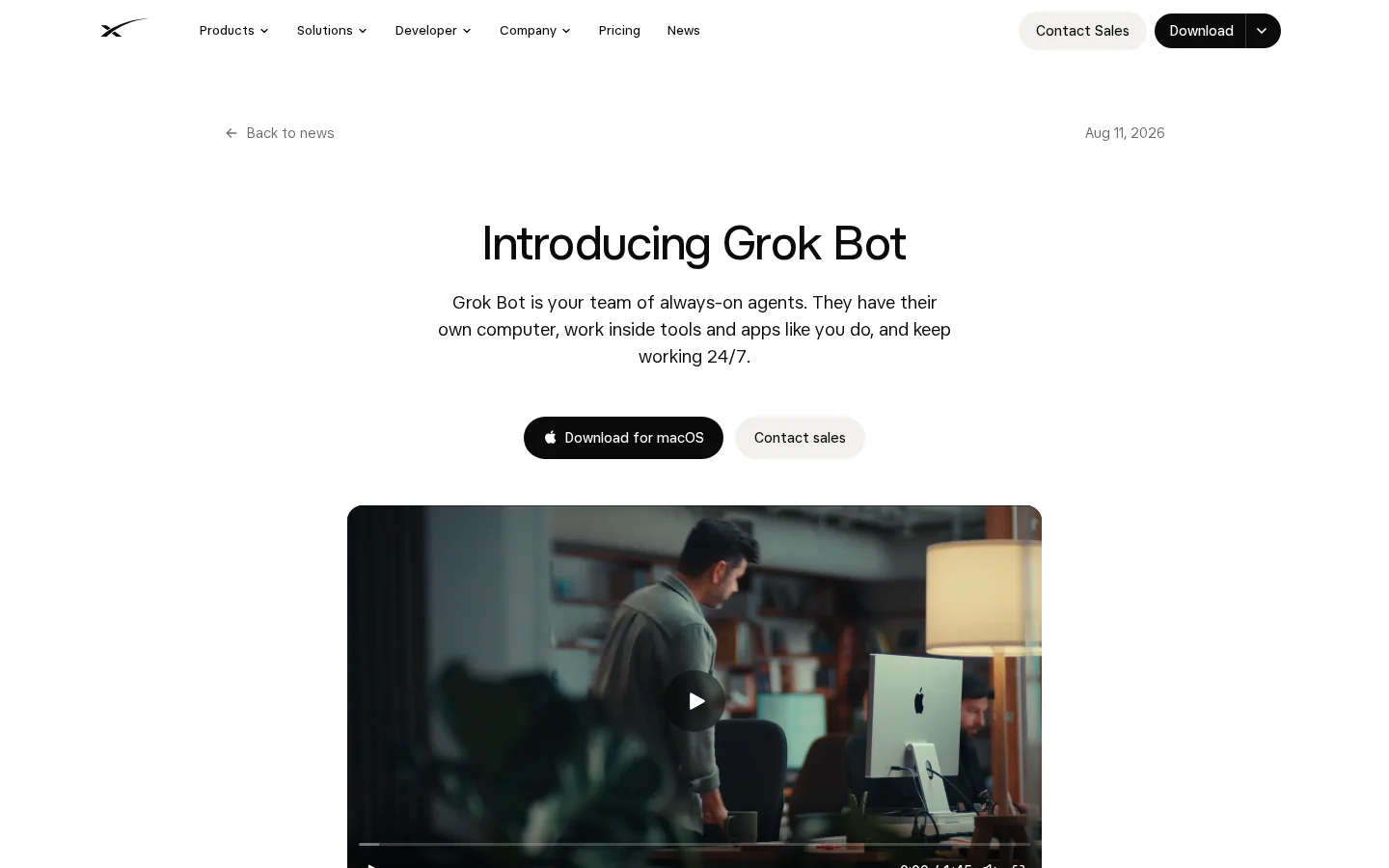
At launch, Grok Bot came bundled into subscription plans rather than sold on its own. In its August 11, 2026 post, xAI's launch announcement said the beta was open to SuperGrok, SuperGrok Plus and SuperGrok Heavy subscribers, and to Cursor Pro, Pro+ and Ultra subscribers and Cursor Teams Standard and Premium subscribers. Enterprise users could join a waitlist. The post also says Bot usage is separate from Grok and Cursor plan usage.
The model itself has its own page on our site, in case you want to compare the underlying Grok model with the agent layer. The two are priced and limited differently, so read both before you commit a budget.
Plan names and access move during a beta, so the questions matter more than any table you find today. Ask four things. Which plan includes Bots now. Whether Bot usage has its own limits. Whether you need an enterprise contract for the team. Whether the platforms you need (desktop, iOS, Slack, X) are covered for every seat that will use the bot. Write the answers into your budget before you build routines that depend on them.
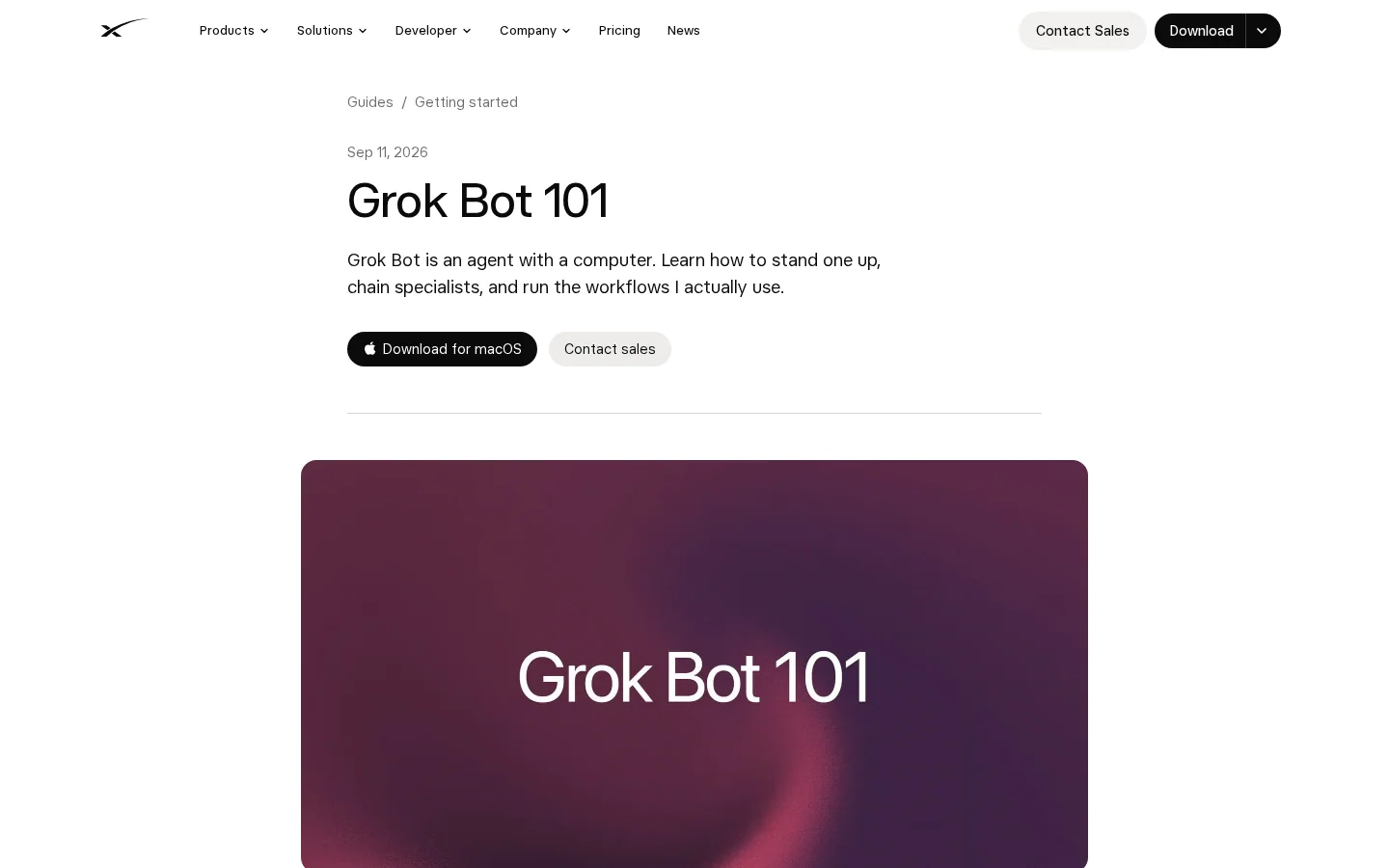
Setup takes less time than planning it. The xAI Grok Bot 101 guide says "Standing one up takes 10 or 15 minutes," which is the author's estimate for a simple bot, not a promise for a complex one. The five steps below are the ones that decide whether the bot is useful or risky.
Five steps to a first working Bot
Source: xAI Grok Bot 101 guide, setup time 10 or 15 minutes
The guide asks for a name, a title and a description. The name is for you. The title and description are what the bot reads to understand its purpose. "SEO weekly report" is a weak title. "Pulls last week's Search Console and analytics numbers into one sheet every Monday, and flags any page that lost more than 20 percent of its clicks" is a usable one. The second version tells the bot what to read, what to produce and what counts as a problem.
The guide recommends describing a workflow in detail, or recording a demo of it, and then asking the bot to do it. A demo beats a paragraph because it captures the clicks, the tabs and the odd exceptions that you forget to write down. Run the demo once yourself while the bot watches, then ask it to repeat the task on a copy of the data before you touch real records.
Connect only what the job needs. The guide says you can attach multiple accounts per service, which is useful for an agency running several client accounts, but it also widens the blast radius. Prefer a read-only account for analytics and a separate sending account for email. Revisit the list each month and disconnect anything the bot no longer uses.
The rules are written in natural language under Settings > General > Agent. A separate review agent reads each proposed action against them and decides whether to allow it, block it or escalate it to you. Write rules with a clear verb and a clear object. Here is an example of the kind of text that works.
Read-only on the analytics account.
Draft emails, but never send them without my approval.
Draft social posts, but never publish them.
Ask me before spending money or changing a price.
Never invent a quote, a number or a source.
Rules like "be careful with customers" give the reviewer nothing to check. The examples in the docs are more useful. One guardrail reads "never invents a quote," and another reads "never sends without you." Copy that style.
Run the first version by hand. Read each output, check each figure against its source and fix the rules where the bot overstepped. Only then turn the routine on. A scheduled bot can pause for your approval before it acts, and you should keep that pause on until the routine has run cleanly for several cycles.
Judge the first output on three tests. Does every number have a source you can open? Does the bot stop where your rules say it must? Could a colleague who never saw the setup repeat the task from the output alone? If any answer is no, change the title, the description or the rules, then run it again. Two or three rounds are normal. Ten rounds mean the job is too vague for a single bot, so split it into two.
Approval rules are the main control you have over a Bot, and the guide describes them as plain-language rules plus an automatic review step. The reviewer can allow an action, block it or pass it to you. Allow and block lists guide that decision too. So the reviewer is only as strict as the rules you wrote, and a vague rule produces a vague decision.
Some bots are set up to wait for you by design. The launch post says they "only come back when something needs your approval." The docs give examples of drafting bots that hold work until a person signs off, with guardrails such as "never posts on your behalf" and "never sends without you." Use the same pattern for any action that is public, paid or irreversible.
The guide contains a warning that matters more than any feature. It says sessions are shared across bots: "if you log into a site with one bot, every other bot can reach that site too." Any login one Bot holds may be usable by another.
Warning
Do not give a Bot your personal admin login, your banking account or your main domain registrar. Create a dedicated account with the lowest role the job allows, and remove it when the job ends.
xAI's launch post does not settle whether each Bot has its own computer or the Bots share one. The post says "Bots have their own computer," and later says "Bots share a computer of their own in the cloud." Treat the bots as sharing one machine until xAI states it clearly. That assumption makes the shared-login warning above more important, not less.
Note
When the vendor's own pages disagree, plan for the stricter reading. Check the current docs before you rely on either version, because product details in beta change quickly.
Before you connect any account to a Bot
A Bot using a browser sees what a visitor sees. If a page hides its answer behind a cookie wall, a slow script or a PDF, the bot will struggle the same way a person would, and it may give up or guess. Build the pages you care about so the answer is visible in the first screen of plain text.
Open the page in a private window with scripts and images off and see whether the main answer, the price and the contact route still show. If they do not, the page is fragile for every reader, human or machine. Fix the page before you worry about any particular bot.
A pricing page before and after the fix
In the xAI pages I read for this guide, I did not find a published user agent name for Grok Bot. That means you cannot write a rule that targets it by name with confidence. Use the general rules that already govern your site, and read our guide to robots.txt for AI crawlers for the rules that matter across bots. A minimal file looks like this.
User-agent: *
Disallow: /admin/
Allow: /pricing/
Tip
Paste your robots.txt into the Robots.txt Checker to validate the syntax and see how AI crawlers are treated before you publish a change.
A Bot that researches a vendor for a team reads the open web and the tools it has been given, then writes a summary. Your job is to make the facts about your business easy to find, consistent everywhere, and dated. The Grok assistant works from the same open web, so the detailed playbook for that side lives in our article on ranking in Grok. This section covers what is different when the reader is an agent acting for a person.
Start each key page with a direct answer to the question a buyer would type: what the product does, who it is for, and what it costs. An agent that has to summarize you in three sentences will reuse the first sentence it finds. Make that sentence accurate and complete. A bot that copies a vague first line will repeat the vagueness.
Agents check more than one place. The product page, the pricing page, the help center and your social profiles should give the same name, the same plan list and the same date of the last change. When they disagree, a bot has to pick one, and it may pick the wrong one. Audit those pages together once a quarter.
| Where a bot looks | What it should show | Common gap |
|---|---|---|
| Product page | What the product does and for which buyer | Benefits with no concrete use case |
| Pricing page | Plans, what each one includes, billing unit | Prices only inside an image |
| Help center | Setup steps, limits and a last-updated date | Articles with no date at all |
| Social profiles | The same name and one-line description | Old plan names still in the bio |
Pick the gap that hurts most and fix it first. For most small sites that is the pricing page, because it is the page a buyer's agent is most likely to open and quote.
Most problems with a Bot come from setup, not from the model. The five mistakes below are the ones that cause real damage, and each has a simple check.
What it is: connecting a personal or owner account because it is faster than creating a new one. How to spot it: the connected account is the one you use for everything else. How to fix it: create a dedicated account with a limited role, connect that one, and remove the old connection.
What it is: a routine that posts, sends or spends without an approval step. How to spot it: you cannot name the rule that stops the action. How to fix it: write one rule per forbidden action, then run the routine once with approval on and read the first outputs.
What it is: rules such as "be careful" or "keep it professional." How to spot it: you would struggle to tell whether an output broke the rule. How to fix it: rewrite each rule as a test with a verb and an object, such as "draft, do not send" or "never invent a number."
What it is: a summary that contains numbers the bot did not check. How to spot it: a figure with no link or a link you cannot open. How to fix it: add a rule that every figure needs a source URL, then open each URL before the output leaves your hands.
What it is: planning as if the assistant and the Bot were the same. How to spot it: your plan only covers public answers and ignores the work a Bot does in your accounts. How to fix it: split the plan in two, one for what the assistant says about you and one for the access and approvals the Bot needs.
All five mistakes share a cause. A Bot's speed and fluent output make it easy to trust, and the setup screens do not force you to slow down. Build the friction yourself: a dedicated account, a written rule and a first run you read line by line. That is the cheapest insurance you will buy this year.
| Mistake | First sign | Fix |
|---|---|---|
| Main login connected | The account is the one you use for everything | Dedicated account, lowest role, old connection removed |
| No approval on public or paid steps | You cannot name the rule that stops the action | One rule per forbidden action, approval on for the first runs |
| Vague rules | Words like "careful" or "professional" in the rules | Rewrite each rule as a testable verb and object |
| Unsourced figures | Numbers with no link, or a link that does not open | Rule requiring a source URL, checked by hand |
| Assistant and Bot confused | The plan covers public answers only | Two plans: public reach, and access with approvals |
A Bot's private work inside your accounts does not appear in public answers. So you measure the public side separately. Sorank's AI Mention Tracking page covers when ChatGPT cites your brand, and the Grok visibility tracker covers Grok answers. Track 20 to 50 buyer questions on a fixed schedule, and read the trend over several weeks rather than one run.
Build the question list from the jobs your buyers would give an agent, not from brand terms alone. A question such as "which tool can publish a weekly SEO report without a human" is closer to a Bot's real work than "best SEO tool." Record, for each question, whether your brand appears, which pages are cited and which competitor takes the slot. Those three columns tell you what to fix on the website, and they do not need any tool to start.
Start with access, then routines, then public reach. The checklist below gives you the order. Each item takes less than an hour, and none of them needs a Grok Bot subscription to begin.
Your first week with Grok Bot
Once those six items are done, you have a Bot you can trust to run and a site that a bot can read. Add routines one at a time, and review each one after a month.
No. The Grok assistant answers a question in the conversation and stops there. Grok Bot is an agent that runs multi-step jobs on its own cloud computer and keeps working after you close your laptop, according to xAI's launch post and developer docs.
A Bot works from a cloud computer with a browser, filesystem and terminal, and it can sign into the tools you connect. Sessions are shared across bots, so any login one bot holds may be reachable by the others. Create dedicated accounts with limited roles for each bot.
No, you write the rules. A separate review agent checks each proposed action against your written rules and can allow, block or escalate it to you. Keep approval on for public, paid or irreversible actions until a routine has run cleanly for several cycles.
We analyse your competitors, your website and your AI visibility to create a tailored content plan for free.
 Duplicate Content Checker
 Mobile-Friendly Test
 Website Speed Test
 Subdomain Finder
 Domain Age Checker
 CMS Detector
 Googlebot Simulator
 Nofollow Link Checker
 Meta Tag Checker
 Keyword Cannibalization Checker
 Keyword Intent Checker
 Keyword Extractor
 Google Ads Cost Calculator
 CPC Calculator
 Local Citation Finder
 Reddit Threads Finder
 Disavow File Generator
 Redirect Generator
 Canonical Tag Generator
 Passive Voice Checker
 Google Location Changer
 Google Review Calculator
 Google Review Link Generator
 Keyword Combiner
 Podcast Show Notes Generator
 AI Content Rewriter
 AI Text Humanizer
 ChatGPT Prompt Generator
 Twitter Thread Generator
 Tweet Generator
 Landing Page Copy Generator
 Google Ads Copy Generator
 Pinterest Pin Description Generator
 Anchor Text Generator
 Social Media Post Generator
 LinkedIn Post Generator
 Free AI Writer
 Review Response Generator
 LSI Keyword Generator
 YouTube Video Ideas Generator
 YouTube Tag Generator
 YouTube Description Generator
 Product Description Generator
 CTA Generator
 Blog Introduction Generator
 Conclusion Generator
 Hook Generator
 AI Content Brief Generator
 FAQ Schema Generator
 AI Blog Post Ideas Generator
 Structured Data Validator (Schema Validator)
 Alt Text Checker
 Internal Link Analyzer
 Backlink Challenge
 AI Meta Description Generator
 AI Blog Title Generator
 Google Indexability Checker
 AI Blog Outline Generator
 UTM Link Builder
 Keyword Clustering Tool
 Canonical Tag Checker
 XML Sitemap Generator
 Broken Link Checker
 AI SEO Title Generator
 Headline Analyzer
 SERP Preview Tool
 Redirect Checker
 Hreflang Tag Generator
 Heading Structure Analyzer
 HTTP Headers Checker
 Favicon Extractor
 SERP CTR Calculator
 SEO vs Paid Search Savings Calculator
 SEO Share of Voice Calculator
 SEO ROI Calculator
 SEO Traffic and Revenue Forecast Calculator
 SEO Budget Calculator
 SEO Break-Even Calculator
 SaaS SEO ROI Calculator
 ROAS Calculator
 Reading Time Calculator
 Ranking Gain Simulator
 Organic Traffic Value Calculator
 Organic Traffic Estimator and Website Traffic Checker
 LTV to CAC Ratio Calculator
 Local SEO ROI Calculator
 Link Building Cost Calculator
 Keyword Value Calculator
 Keyword Opportunity Score Calculator
 Keyword Density Calculator
 GEO ROI Calculator
 GEO Content Investment Calculator
 Ecommerce SEO ROI Calculator
 Customer Lifetime Value Calculator
 Customer Acquisition Cost Calculator
 CTR Calculator
 Cost Per Article Calculator
 Conversion Rate Calculator
 Content Marketing ROI Calculator
 ChatGPT Referral Traffic Estimator
 Bounce Rate Calculator
 Backlink ROI Calculator
 AI Visibility Score Calculator
 AI Traffic Value Calculator
 AI Share of Voice Calculator
 Cost of AI Invisibility Calculator
 AI Citation Rate Calculator
 llms.txt Validator
 AI Overview Checker and AI Overviews Rank Checker
 Robots.txt Checker
 AI SEO Audit
 LLM Readability Checker
 SearchGPT Readiness Checker
 Structured Data LLM Audit
 Website Crawlability AI Audit
 Why ChatGPT Is Not Recommending My Website
 Gemini Ranking Tool
 Perplexity Ranking Checker
 LLM Citation Checker
 Answer Engine Optimization Audit
 GEO Audit
 AI Search Visibility Test
 ChatGPT Visibility Checker
 llms.txt Generator
 URL Extractor
 Webpage to Markdown
 Sitemap Checker
 SERP Volatility Sensor
 Page Size Checker
 Word Counter
 Slug Generator
 Schema Generator
 Robots Generator
 OG Preview
 Meta Tags Generator
 Image Compressor
 Favicon Generator
 On-Page SEO Audit: SEO Checker and SEO Analyzer
 Backlink Analysis Tool
 Keyword Research Tool
 Domain Authority Checker
 “I tested Sorank on a real client site and it's insane. It does everything an agency would bill you $1500 a month for. It's going into production on that client now.”

 Guillaume Guersanguersanguillaume.com“We are an Ads agency and we wanted to get our SEO back on track once and for all. Sorank gave us a clear view of our site, helped us prioritize optimizations, and properly structure our content. The tool is easy to use, well designed for a team, and very practical for centralizing tracking without having to juggle multiple platforms. A very solid foundation to start fresh with our SEO.”
 Gaspard MadouiAds Agency
 “I just let the Sorank software do its thing, and now my DR is 25 and my page is ranking higher.”
 Lucas Flandrefoundertrace.fr“I specialized in GEO thanks to Sorank. The GEO Leaderboard allows me to show my clients their position vs competitors on ChatGPT. It’s a real commercial differentiator.”
 MélanieSEO Freelance“Great service, works well for our website and helps us understand how to improve it to rank better on Google and elsewhere. Congrats, keep going, I recommend it.”
 Hugo T.E-commerce merchant