Preferences
Privacy is important to us, so you have the option of disabling certain types of storage that may not be necessary for the basic functioning of the website. Blocking categories may impact your experience on the website. More information
Privacy is important to us, so you have the option of disabling certain types of storage that may not be necessary for the basic functioning of the website. Blocking categories may impact your experience on the website. More information

Build an ecommerce SEO strategy that works: audit your store, map keywords to pages, control filters and variants, and add product data. Step by step.

In short
An ecommerce SEO strategy decides which URLs search engines should crawl and index, and which page should answer each search. Start with a technical check so Google can reach the right pages. Then give each page one primary keyword and one search intent, strengthen your category pages, control filter and variant URLs, and publish accurate product data. Organic search keeps sending buyers when your ad budget is paused, but only if the store is built to be read.
Want to go further? Ask
Quick quiz
Where should your online shop find its next customers?
Sorank matches your answers


Test it for 3 days on your own site and see where you stand on Google, ChatGPT and the other AIs.
Start 3-day free trial3 days free, then stop whenever you want. 90-day results guarantee, conditions apply.
A strategy is not a list of tasks such as "add keywords" or "build links". It is a map. For each type of page on your store, it says which search the page should win, what the searcher wants, and what must be true for Google to show that page. Tasks only make sense once that map exists.
Ecommerce has problems a blog does not. One category can produce hundreds of URLs through filters, sorting and pagination. Products go out of stock and come back. Manufacturer descriptions are copied by every store that sells the same item. Demand peaks around holidays and then falls. Each of these is a decision you make on purpose, or the platform makes for you.
Most strategies rest on four pillars:
The order matters. Rewriting ten titles by hand is worth less than fixing the product template that every product page uses. Keyword research for a store that Google cannot crawl produces a plan nobody can carry out. This guide follows the order that works in practice: audit first, then map, build, control and measure. If you want the wider plan that also covers blogs and services, read our general SEO strategy guide. This article stays on stores.
Organic search also deserves protection because the results page itself is changing. In a study published on April 17, 2025, Ahrefs compared 300000 keywords with and without an AI Overview. On the keywords with an overview, the top-ranking page's average click-through rate was 34.5% lower. That is a correlation, not proof that the overview caused the drop, but it is a good reason to protect the clicks you already earn.
Two numbers that shape the plan
Sources: Ahrefs, April 2025 (300000 keywords); Google Search Central, guide to large sites and crawl budget
Each step below gets its own section in this guide. Do them in this order, because later steps depend on the earlier ones.
The ecommerce SEO method, in order
Open the indexing report in Google Search Console. Compare three sets of URLs: the pages in your XML sitemap, the pages Google has indexed, and the pages that earn organic clicks. The gaps show most problems. Thousands of indexed URLs with no clicks usually means filters, tag archives or internal search results have leaked into the index. Important products missing from the index usually means a broken internal path, a canonical that points somewhere else, or a noindex tag left over from a staging site.
Then sort the excluded URLs by reason. "Discovered, currently not indexed" means Google knows the URL exists, often from a sitemap or a link, but has not crawled it yet. "Crawled, currently not indexed" means Google fetched the page and chose not to index it, which often points to thin or near-duplicate content. These two labels need different fixes, so do not treat them as one list.
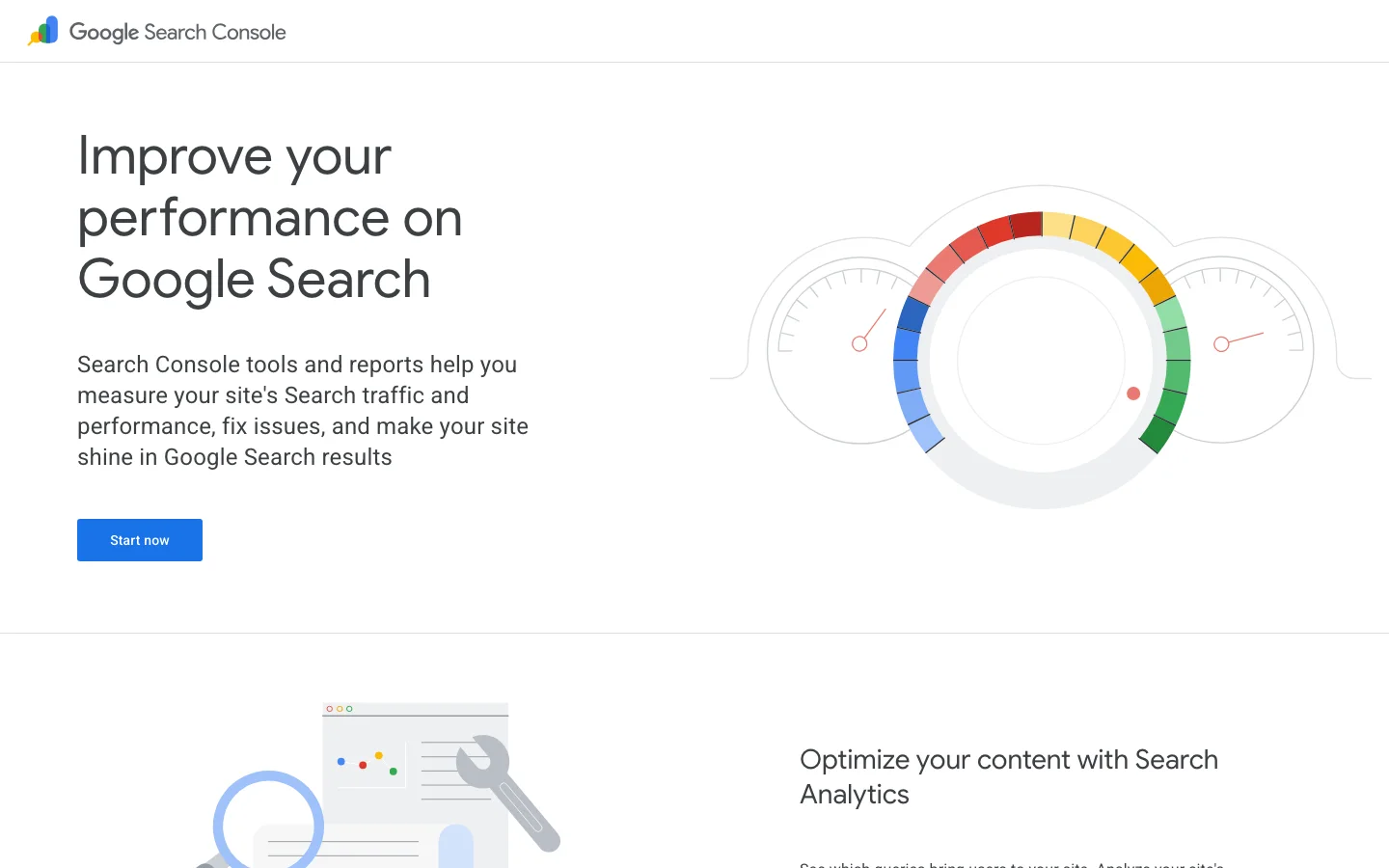
Search Console is the source of truth for this work, because it shows what Google actually saw. Your SEO tool's estimate is a guess by comparison. For a store-wide list of issues to check after this step, read our ecommerce SEO audit checklist. This guide covers what to do with the results.
Crawl budget is roughly how many URLs Googlebot will fetch from your site in a given period. Google's guidance on large sites says the topic matters mainly for big sites. Its examples start at 1000000 unique pages with content that changes about weekly, or 10000 unique pages with content that changes daily, and Google adds that these are not exact thresholds. A store with a few hundred products and a few thousand filter combinations is below those numbers. For most stores, crawl budget is therefore an efficiency question, not a hard limit. Filter URLs still compete with product URLs for Googlebot's attention, so the fixes in this guide help either way.
Export 90 days of Search Console performance data for your category and product pages: clicks, impressions, average position and the top queries for each page. Group the URLs by page type (home, category, product, guide) and save the file with today's date. A baseline lets you tell whether a change worked or whether the market moved. Without one, a drop in product clicks can hide a gain in category clicks, and you end up judging the wrong pages.
Run the URL Inspection tool on three URLs: your strongest category, your best-selling product and one page that underperforms. Check three things. Does the rendered HTML contain the product name, price and description, or do they only appear after a script runs? Which canonical has Google selected, and does it match the one you declared? When was the last crawl? If the price is missing from the rendered page, or Google picks a different canonical than yours, you have found a priority that no keyword work will fix.

A keyword list of 2000 terms is easy to build and hard to use, because it does not say which page should rank for each term. Start from the page types your store actually has: homepage, category, subcategory, product, buying guide and comparison. Each type serves a different intent. Category and product pages should match commercial and transactional searches such as "waterproof hiking boots" or "buy espresso machine 15 bar". Guides match informational searches such as "how to choose hiking boots". Comparisons match "X vs Y" searches.
Each page gets one primary keyword, and it can carry related terms naturally. When two of your URLs compete for the same primary keyword, Google has to pick one, and it often ends up ranking neither well. This is keyword cannibalization. You find it in Search Console by looking at a query and the pages that receive its impressions. If two URLs both show for the same term, decide which one is the target. Then either redirect the weaker page to the stronger one, or change the weaker page's focus so it targets a different intent. For a deeper method, see our guide to keyword clustering.
Use three sources, then compare them:
Sorank's keyword research feature combines your Search Console queries, up to five competitors you choose, and the questions AI models ask in Sorank's monthly GEO analyses. It then flags the terms that overlap with pages you already have, so the gaps are visible without a spreadsheet. If you prefer to work by hand, the same logic applies: one column per source, one row per term, and a column naming the page that will target it.
Intent decides the page type, and the page type decides the layout. Use this table as the rule.
| Intent | What the searcher wants | Page to target | Example query |
|---|---|---|---|
| Transactional | Buy now | Product page | "buy trail running shoes size 11" |
| Commercial | Compare options before buying | Category or comparison page | "best trail running shoes for wide feet" |
| Informational | Learn before choosing | Buying guide | "how to choose trail running shoes" |
| Navigational | Find a specific brand or store | Brand or category page | "Brand X running shoes" |
A common mistake is to send a commercial query to a guide. A guide can rank, but a shopper who searches "best trail running shoes for wide feet" wants to compare options. A category or comparison page with filters and a short buying guide serves that person better.
Architecture is how your pages link to each other. It decides how far a product sits from the homepage, which pages collect links, and which topics Google sees as your specialties. There are three common models. None is always right, but each one fits a different catalog size and ambition. Google's ecommerce guidance makes the same starting point: design a site navigation structure and link between pages to help Google understand what is most important.
Principle: almost every product is one or two clicks from the homepage, with few categories and little nesting. Use it when the catalog is small, roughly a few dozen products, and changes rarely. Advantages: it is simple to crawl, every product is close to the top of the site, and it is easy to maintain. Limits: it does not scale. As the catalog grows, the homepage and a handful of category pages carry every link, their topics blur, and each category has to cover too much. Example: a shop with 40 candles that lists everything on one "Candles" page.
Principle: a clear tree of categories, subcategories and products, with the URL path showing the tree, for example /candles/soy/lavender/. Links flow down the tree, and breadcrumbs link back up it. Use it when the store has more than a few hundred products across several product types. Advantages: each category can target a clear keyword and gather links, and breadcrumbs help shoppers and Google understand how deep a product sits. Limits: categories can turn thin, and a deep tree can bury good products five clicks from the homepage. Check depth in your crawl report and keep every important product within a short, logical path. Example: Home, then Outdoor, then Hiking, then Boots, then Waterproof boots, with real content on each level.
Principle: a hub page for a topic (a category or a pillar guide) links to a set of supporting pages: buying guides, comparisons, sizing advice and product lines. Each supporting page links back to the hub and to the products it discusses. The structure groups pages by what the buyer wants to learn, not only by product type. Use it when your niche generates many questions before purchase, such as running gear, coffee equipment or outdoor clothing. Advantages: informational content gets a place in the structure, link equity reaches your money pages, and your topical coverage becomes visible to search engines. Limits: it needs writing and upkeep, and supporting pages can overlap and compete if nobody checks. Example: a hub called "Trail running shoes", linked to "How to choose trail shoes", "Trail shoes for wide feet" and "Trail shoes vs road shoes", each of which links to the product lines that fit.
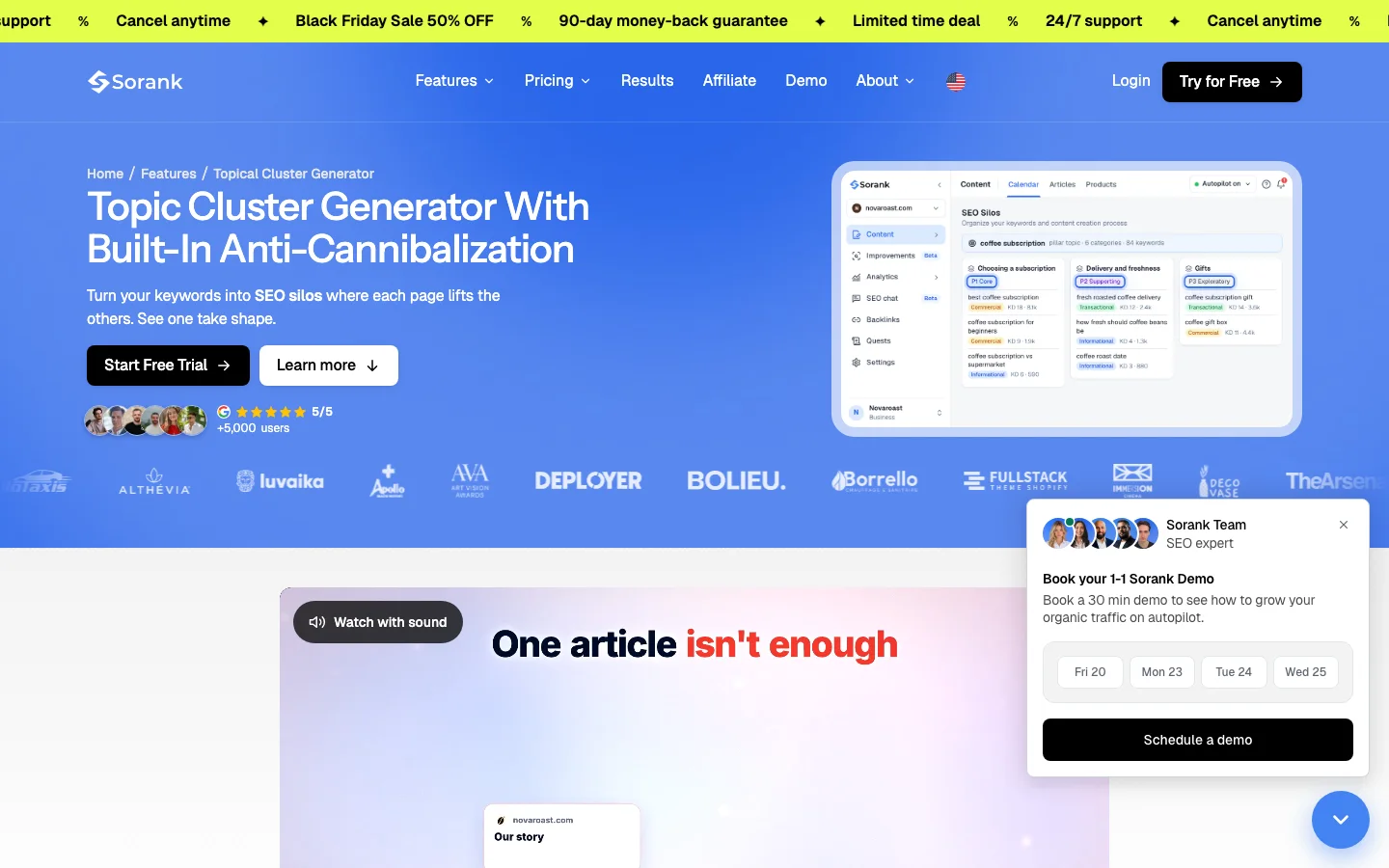
Sorank's Topic Cluster Generator builds these groups from a keyword list and checks for overlaps while it builds them, so each silo can be seen as clean or not. You can reproduce the grouping in a spreadsheet, but automated checks catch overlaps that are easy to miss by eye. For the grouping logic in more depth, read our guide to keyword clustering.
| Model | Best for | Main strength | Main risk |
|---|---|---|---|
| Flat | Small catalogs, a few dozen products | Simple, short click paths | Collapses as the catalog grows |
| Category-first | Stores with several hundred products | Category pages that each target a keyword | Thin categories and buried products |
| Topic hub | Niches with many pre-purchase questions | Content and products linked by topic | Upkeep, and overlapping pages |
For most stores the answer is a category-first tree, with topic hubs placed on the categories that have real search demand. Do not build hubs for topics nobody searches for, and do not leave a large category without its own page.
Category pages are usually the strongest landing pages for commercial searches, because they gather links and match broad queries. Product pages match narrower queries and close the sale. Both need work. For most stores, start with the category pages that already get impressions.
A category page, before and after the rebuild
In most cases this gives the page more to rank on than a bare grid of products. That is a judgment, not a law, so measure the change on a few categories before you copy it across the catalog.
Manufacturer descriptions are the most common reason two stores look identical to Google. If you sell a product that hundreds of shops list, write a description that answers the questions your own customers ask: what the product is good for, what it does not suit, how it compares with the next model, and what the returns policy means for this item. Our guide to product description SEO covers the writing in more depth. Keep product titles close to how buyers search, for example "Men's waterproof trail running shoe, size 11, wide", rather than an internal model code alone.
Check that the product name, price, availability, description and main specifications exist in the page's HTML, and not only in a script that loads them later. Use the rendered HTML from the audit step. Content that is already in the HTML, even inside a collapsed section, is usually processed. Content that only appears after a user action can be missed. If in doubt, put the core facts in plain HTML and keep the extras behind a toggle.
This is where most ecommerce SEO problems hide. The site works fine for shoppers, and every filter click can create a URL that Google may crawl again and again. For the platform side of these fixes, such as templates, redirects and speed, read our article on technical SEO for ecommerce. This section is about the URL decisions.
Imagine a shoe category with 6 colors, 4 sizes and 3 price ranges. That gives 72 combinations before sort orders, pagination and multiple selections are added, and each combination can become its own URL. Google's December 2024 post on faceted navigation says it is "by far the most common source of overcrawl issues site owners report to us". The filtered pages are often empty, near-duplicates of the category, or both. For a closer look at which filter pages to index, see our guide to faceted navigation SEO.
There are four main methods. Each does a different job, and most stores combine two or three. Choose by asking three questions about the URL: should it be crawled, should it be indexed, and should it pass signals to the main page?
Principle: each filtered URL carries a rel="canonical" tag that points to the main category. Use it when a filter page adds no unique value, but you still want its links followed, for example a color filter with no search demand of its own. Advantages: ranking signals consolidate on one URL, and the navigation keeps working for shoppers. Limits: Googlebot must still fetch each filtered URL to read the tag, so a very large set still uses crawl time. Google can also ignore a canonical when other signals point elsewhere. Example: /shoes/?color=red declares /shoes/ as its canonical.
Principle: a robots.txt rule stops Googlebot from fetching URL patterns that never need to be read. Use it when a parameter creates endless variants with no value, such as sort orders or session identifiers. Advantages: it cuts crawl waste quickly and reliably. Limits: Google cannot read a canonical or a noindex tag on a blocked URL, a blocked URL can still appear in the index if other sites link to it, and it passes no signals. Test every rule before you publish it, because a broad pattern can block product pages too.
User-agent: *
Disallow: /*?sort=
Disallow: /*?session=
Disallow: /*&price=
Test these rules in Search Console's robots.txt report and against a list of real product URLs before you deploy them. The session rule only matters if your platform really uses that parameter, so remove any line that does not match your own URLs.
Principle: the page can be crawled and its links followed, but a noindex tag keeps it out of Google's index. Use it when shoppers need the filtered view on the site, for example an "in stock only" view, but no search engine should show it. Advantages: the page stays usable for people and stays out of search results. Limits: the page still has to be crawled, so noindex does not save crawl time, and it only works if Google can fetch the page. Never combine noindex with a robots.txt block on the same URL, because Google cannot read a noindex tag on a page it is not allowed to fetch.
Principle: put the filter state after a # fragment, which Google's post says search engines generally ignore, or add rel="nofollow" to filter links. Use it when a filter only changes the view in the browser, such as a sort order that does not need its own address. Advantages: no new crawlable URL is created. Limits: a fragment view cannot be linked to or ranked as its own page. Nofollow discourages crawling only when it is applied consistently, as Google's post also notes.
The table compares what each method does to crawling, indexing and signals.
| Method | Stops crawling? | Keeps the URL out of the index? | Consolidates signals? |
|---|---|---|---|
| Canonical tag | No | Usually, by pointing to another URL | Yes |
| Robots.txt block | Yes | No, a blocked URL can still be indexed | No |
| Noindex tag | No | Yes | No |
| Fragment or nofollow | Avoids creating the URL | Avoids creating the URL | Not applicable |
Canonical or robots.txt: choose by what the URL should do
A practical rule: use canonical tags for filters that might deserve a ranking, and robots.txt for parameters that should never be crawled. Use noindex for pages that help shoppers but should not appear in search results.
For the filter URLs you do let Google crawl, follow the basics in Google's December 2024 guidance. Use the standard & separator for parameters, keep the order of filters consistent so one selection always produces one URL, and return a 404 status for filter combinations with no results. Hide or grey out filter options that return zero products, so shoppers do not land on empty pages.
Size variants of the same shoe rarely need separate pages, because few people search for "size 11 of model X" as a topic. Color variants sometimes do, when a color has its own demand, its own photos and its own description, for example "forest green trail running shoes". Make that decision attribute by attribute. Give a variant a unique URL and unique copy when it has search demand, and point the other variants to one parent URL with a canonical tag. Keep price and availability on the parent page accurate, so that the shopper, the page and the feed agree.
Structured data describes what a page contains in a format machines can read. It does not guarantee a rich result, but it removes ambiguity about price, availability and reviews. Google's Product snippet documentation makes a point that matters most for stores: "We recommend focusing on adding markup to product pages instead of pages that list products or a category of products." Category pages can describe the group, but the product markup belongs on each product page.
| Field | Status | What it holds |
|---|---|---|
| name | Required | The name of the product |
| offers.price (or offers.priceSpecification.price) | Required | The price of the offer |
| review, aggregateRating or offers | At least one required | Reviews, a rating, or the offer itself |
| priceCurrency | Recommended | Three-letter ISO 4217 currency code, for example EUR or USD |
| availability | Recommended | One value that matches the page, for example InStock or OutOfStock |
Place this markup on the product page and replace every value with live data. The price and availability in the markup must match what the shopper sees on the same URL.
{
  "@context": "https://schema.org/",
  "@type": "Product",
  "name": "Trail Running Shoe Model X, Men, Size 11, Wide",
  "offers": {
    "@type": "Offer",
    "price": "129.00",
    "priceCurrency": "EUR",
    "availability": "https://schema.org/InStock"
  }
}
Add a rating or review block only when the reviews are real and visible on the same page. A rating you cannot show is a rating you should not mark up.
If your product feed says a model is in stock while the page says sold out, the shopper and the search engine receive two different facts. The fix is one source of truth: a single product record that feeds the page, the markup and the feed. Check it weekly for the first month after any migration, because price and stock errors multiply quickly across variants.
Warning
Markup that does not match the visible page can be ignored, and it can cause rich results to be withdrawn. Keep price, availability and reviews in the markup identical to what the shopper sees at the same URL.
Technical work makes your pages eligible to rank. Content and links tell search engines which pages deserve to win. For a store, authority has to flow to the money pages, meaning categories and products, and not only to the homepage or the blog.
A buying guide answers the questions a shopper asks before choosing: how to pick the right size, what a material means, which option suits a given use. Each guide should link to the two or three categories it helps the shopper choose from, and each category should link back to the guide in its buying guide block. This is the topic hub model from the architecture section, applied in practice. Write guides for the questions your support team already receives, because those questions are real. Keep one guide per intent, so two guides do not compete for the same query.
Most external links point to the homepage, and the homepage often holds the most authority. But a homepage will not rank for "waterproof hiking boots". Link from guides, reviews and partner pages straight to the categories where the link helps the reader. Your internal linking should do the same. Our internal linking strategy guide covers the mechanics. Use the free internal link analyzer to see which pages receive links from your own site and which receive none.
Earned links come from content other sites want to cite: original data from your sales or returns, a sizing study, or a comparison based on tests you ran yourself. Outreach to relevant sites in your niche is the reliable route. Avoid paid link schemes and link exchanges that look manufactured. We explain the risks in our guide on whether you should buy backlinks.
| Link source | How to get it | Risk level |
|---|---|---|
| Original data from your store | Publish returns, sizing or usage data with a clear method | Low |
| Manufacturer and partner pages | Ask for a link to your category when you are an official retailer | Low |
| Relevant editorial mentions | Pitch a specific, useful resource to a writer in your niche | Low to medium, depending on the outreach |
| Paid placements or link exchanges | Buy or trade links in bulk | High, against Google's spam policies |
Ecommerce SEO becomes manageable when you review the same numbers on the same schedule. Use the baseline you recorded, and compare page types rather than single URLs, so one odd product does not decide the outcome.
A sensible order for the first eight weeks
Changes take time to show. Judge a batch once Google has recrawled the pages you changed, and avoid changing the same page twice in one week, because then you will not know which change worked.
These six problems appear on most stores. Each entry says what the problem is, how to spot it, and how to fix it.
What it is: filter combinations with no products, or with content almost identical to the category, sit in Google's index. How to spot it: Search Console shows many indexed URLs with parameters and no clicks, or a site search returns filter URLs. How to fix it: return a 404 when a filter has no results, apply a canonical or noindex to filtered views that should not rank, and remove empty options from the interface.
What it is: a broad pattern, such as one that blocks every URL with a question mark, also blocks category pages and product URLs that carry harmless parameters. How to spot it: the indexing report shows "Blocked by robots.txt" on pages you care about. How to fix it: narrow each rule to the exact parameter, test it on a list of real URLs, and deploy it only after the test passes. Our guide on blocked by robots.txt explains the status in detail.
What it is: you publish the copy that hundreds of other shops publish, so none of you stands out. How to spot it: search a sentence from your description in quotation marks and count how many domains return it. How to fix it: rewrite the descriptions of your bestsellers first, using the questions your customers ask, and add what only you can say, such as your sizing advice or your own returns experience.
What it is: a product exists in the catalog, but no page links to it except the sitemap. How to spot it: crawl your store and compare the result with the sitemap, or run the internal link analyzer on your category pages. How to fix it: add the product to its category grid, link it from a buying guide if one fits, and make sure the category is reachable from the navigation.
What it is: a discontinued product returns a page with a price and an add-to-cart button, or disappears with an error while it still earns links. How to spot it: check the indexing report for your top URLs and look for error pages or "sold out" pages with no alternatives. How to fix it: keep the page live with a clear availability message and links to a similar product while the item is out of stock, and redirect a permanently removed product to its closest equivalent. Our guide on crawl errors covers the status codes to check.
What it is: a category is a grid of thumbnails, a filter panel and nothing else. How to spot it: read the page as a shopper who has never seen your brand. If you cannot tell who the category is for, neither can Google. How to fix it: add the introduction and buying guide block described in the category page steps, then link the category to the guides it draws from.
| Mistake | Where to look | First fix |
|---|---|---|
| Empty filter pages are indexed | Indexing report, URLs with parameters and no clicks | 404 for empty results, canonical or noindex for filtered views |
| Robots.txt blocks wanted pages | "Blocked by robots.txt" status on key URLs | Narrow the rule and test it on real URLs |
| Copied manufacturer descriptions | Exact-match search for a description sentence | Rewrite bestsellers first |
| Orphan products | Crawl compared with the sitemap | Link from category grid and one guide |
| Accidental error pages | Error status on top URLs | Keep the page with alternatives, or redirect |
| Category pages with no copy | The page read as a stranger would | Introduction and buying guide block |
If you do only three things this week, do these. Each one feeds the next, and each one can be done without new software.
Before you launch a batch of changes
Tip
Run the checklist on a copy of your top 20 URLs before you touch the live store. For the revenue case behind the work, the ecommerce SEO ROI calculator helps you size the budget. For tools that run these checks at scale, compare the options in our guide to the best ecommerce SEO tools.
The rest of the plan follows from those three decisions. An ecommerce SEO strategy is not the list of tasks. It is the set of choices about which pages deserve to be found, and the discipline to keep them clean as the catalog changes.
It is the plan that decides which URLs search engines crawl and index, and which page should answer each search. It covers four areas: technical health, keyword and intent alignment, on-page optimization, and content with links.
Stores create many near-duplicate URLs through filters and product variants, and products go out of stock or change with the season. Most of the work is deciding which of those URLs Google should see, and making category pages strong enough to rank.
There is no fixed timeline. Technical fixes can show within weeks of Google recrawling the pages, while new category content and links usually need longer. Compare Search Console data with your baseline before judging a change.
We analyse your competitors, your website and your AI visibility to create a tailored content plan for free.
 AI Content Brief Generator
 FAQ Schema Generator
 AI Blog Post Ideas Generator
 Structured Data Validator (Schema Validator)
 Alt Text Checker
 Internal Link Analyzer
 Backlink Challenge
 AI Meta Description Generator
 AI Blog Title Generator
 Google Indexability Checker
 AI Blog Outline Generator
 UTM Link Builder
 Keyword Clustering Tool
 Canonical Tag Checker
 XML Sitemap Generator
 Broken Link Checker
 AI SEO Title Generator
 Headline Analyzer
 SERP Preview Tool
 Redirect Checker
 Hreflang Tag Generator
 Heading Structure Analyzer
 HTTP Headers Checker
 Favicon Extractor
 SERP CTR Calculator
 SEO vs Paid Search Savings Calculator
 SEO Share of Voice Calculator
 SEO ROI Calculator
 SEO Traffic and Revenue Forecast Calculator
 SEO Budget Calculator
 SEO Break-Even Calculator
 SaaS SEO ROI Calculator
 ROAS Calculator
 Reading Time Calculator
 Ranking Gain Simulator
 Organic Traffic Value Calculator
 Organic Traffic Estimator and Website Traffic Checker
 LTV to CAC Ratio Calculator
 Local SEO ROI Calculator
 Link Building Cost Calculator
 Keyword Value Calculator
 Keyword Opportunity Score Calculator
 Keyword Density Calculator
 GEO ROI Calculator
 GEO Content Investment Calculator
 Ecommerce SEO ROI Calculator
 Customer Lifetime Value Calculator
 Customer Acquisition Cost Calculator
 CTR Calculator
 Cost Per Article Calculator
 Conversion Rate Calculator
 Content Marketing ROI Calculator
 ChatGPT Referral Traffic Estimator
 Bounce Rate Calculator
 Backlink ROI Calculator
 AI Visibility Score Calculator
 AI Traffic Value Calculator
 AI Share of Voice Calculator
 Cost of AI Invisibility Calculator
 AI Citation Rate Calculator
 llms.txt Validator
 AI Overview Checker and AI Overviews Rank Checker
 Robots.txt Checker
 AI SEO Audit
 LLM Readability Checker
 SearchGPT Readiness Checker
 Structured Data LLM Audit
 Website Crawlability AI Audit
 Why ChatGPT Is Not Recommending My Website
 Gemini Ranking Tool
 Perplexity Ranking Checker
 LLM Citation Checker
 Answer Engine Optimization Audit
 GEO Audit
 AI Search Visibility Test
 ChatGPT Visibility Checker
 llms.txt Generator
 URL Extractor
 Webpage to Markdown
 Sitemap Checker
 SERP Volatility Sensor
 Page Size Checker
 Word Counter
 Slug Generator
 Schema Generator
 Robots Generator
 OG Preview
 Meta Tags Generator
 Image Compressor
 Favicon Generator
 On-Page SEO Audit: SEO Checker and SEO Analyzer
 Backlink Analysis Tool
 Keyword Research Tool
 Domain Authority Checker
 “I tested Sorank on a real client site and it's insane. It does everything an agency would bill you $1500 a month for. It's going into production on that client now.”

 Guillaume Guersanguersanguillaume.com“We are an Ads agency and we wanted to get our SEO back on track once and for all. Sorank gave us a clear view of our site, helped us prioritize optimizations, and properly structure our content. The tool is easy to use, well designed for a team, and very practical for centralizing tracking without having to juggle multiple platforms. A very solid foundation to start fresh with our SEO.”
 Gaspard MadouiAds Agency
 “I just let the Sorank software do its thing, and now my DR is 25 and my page is ranking higher.”
 Lucas Flandrefoundertrace.fr“I specialized in GEO thanks to Sorank. The GEO Leaderboard allows me to show my clients their position vs competitors on ChatGPT. It’s a real commercial differentiator.”
 MélanieSEO Freelance“Great service, works well for our website and helps us understand how to improve it to rank better on Google and elsewhere. Congrats, keep going, I recommend it.”
 Hugo T.E-commerce merchant