Preferences
Privacy is important to us, so you have the option of disabling certain types of storage that may not be necessary for the basic functioning of the website. Blocking categories may impact your experience on the website. More information
Privacy is important to us, so you have the option of disabling certain types of storage that may not be necessary for the basic functioning of the website. Blocking categories may impact your experience on the website. More information

What an AI marketing stack is, its 7 layers, the 4 ways to assemble it, the data flows that matter and a 7-step method to build yours without wasted tools.

In short
An AI marketing stack is the set of connected tools, data and AI models a team uses to plan, create, publish, distribute and measure marketing. It works in layers: data at the base, models and content in the middle, channels and measurement on top. The value comes from the data flows between layers, not from the number of tools.
Want to go further? Ask
Quick quiz
How should you use AI in your marketing?
Sorank matches your answers


Test it for 3 days on your own site and see where you stand on Google, ChatGPT and the other AIs.
Start 3-day free trial3 days free, then stop whenever you want. 90-day results guarantee, conditions apply.
An AI marketing stack is your marketing technology, rebuilt so that AI models do part of the work and the tools share the same data. A classic martech stack stores contacts, sends emails and reports on campaigns. An AI marketing stack adds a layer that reads that data, makes drafts or decisions, and hands them back to the channels, with a human checking the output at the right points.
The simplest way to see it: a pile of AI tools is not a stack. If your team writes posts in one chat window, makes images in another app and pastes everything by hand into the CMS, you have tools. You get a stack when the output of one tool becomes the input of the next without someone copying it, and when the results flow back to change the next decision.
Most articles on this topic are lists of tools. A list tells you what to buy. A stack tells you how the pieces talk to each other. A suite (one vendor for everything) is one way to build a stack, but not the only one, and we compare the options further down.
A pile of AI tools vs a connected AI marketing stack
In a small business, the founder or one marketer builds it. In larger teams, the job sits with marketing operations, and more and more with a marketing engineer who can write prompts, read an API response and fix a broken automation. If you want the wider picture of that function, our guide on marketing operations and its tool stack covers roles and metrics. This article focuses on the AI part: which layers you need, how they connect and how to build them in order.
Most stacks underdeliver because teams add AI tools on top of data and processes that are not connected. The tools work. The handoffs between them do not.
The survey data says the same thing. In its Marketing Data Report published on 6 March 2026, Supermetrics surveyed 435 marketers at brands and agencies: 80% feel pressure to adopt AI, but only 6% have fully embedded it into their workflows. Only 33% say they can activate their data effectively, and 37% say a lack of integration between analytics tools and activation tools blocks them.
AI pressure is high, integration is low
Source: Supermetrics Marketing Data Report, 435 marketers, March 2026
Analyst data points the same way. In a July 2026 piece for MarTech, Benjamin De Castro summarises Gartner findings: only 5% of marketing leaders who use generative AI solely as a tool report significant gains in business outcomes, and 45% of martech leaders running AI agents said vendor capabilities did not meet expectations, with half saying their organisation lacked the technical and data readiness.
What analysts see in AI martech projects
Sources: Gartner, cited by MarTech (July 2026); Supermetrics (March 2026)
Read together, these figures say one thing: almost everyone uses AI to write, very few have wired it into how marketing runs. That gap is what a well built stack closes. For more figures on adoption and budgets, see our collection of sourced AI marketing statistics.

A working AI marketing stack has seven layers: data, models, content, search and AI visibility, activation, orchestration and measurement, with governance running across all of them. Vendors count three, five or seven layers depending on what they sell. The count matters less than the rule: each layer must take inputs from the one below and send results to the next.
| Layer | Job | Typical tools | Main input | Main output |
|---|---|---|---|---|
| 1. Data | One clean record of customers, events and spend | GA4, a CRM, a data warehouse, a customer data platform | Site events, sales, ad spend | Segments, conversions, clean tables |
| 2. Models | Read, write, classify and predict | ChatGPT, Claude, Gemini (chat or API), built-in AI of your tools | Prompts, context, data | Drafts, scores, labels |
| 3. Content | Produce briefs, articles, emails, ads, visuals | CMS, AI writers, design tools, a digital asset library | Keywords, segments, brand rules | Approved assets |
| 4. Search and AI visibility | Be found on Google and cited by AI models | Search Console, rank and AI mention tracking, link building | Pages, links, structured data | Rankings, citations, query lists |
| 5. Activation | Put the right asset in front of the right person | Email and SMS platform, ad platforms, social scheduler | Assets, audiences | Sends, impressions, clicks |
| 6. Orchestration | Move data and trigger the next step | Zapier, Make, n8n, AI agents | Events from every layer | Tasks, handoffs, approvals |
| 7. Measurement | Say what worked and change the plan | GA4, dashboards, attribution tools | Conversions, costs | Budget and content decisions |
The data layer is the base: if it is wrong, every AI decision above it is wrong faster. At minimum you need one analytics tool with conversions set up, one CRM that is the only place where contacts live, and a naming convention for campaigns that every tool follows.
The technical detail that breaks most stacks is naming. If paid uses utm_source=facebook, email uses utm_source=fb and a partner uses Facebook, your reports split one channel in three and any model you ask about "what works" will read noise. Write the rule once and enforce it with a free UTM link builder that everyone uses.
# Campaign naming rule (lowercase, no spaces, hyphens only)
utm_source   = platform        # google, meta, linkedin, newsletter, partner-name
utm_medium   = channel type    # cpc, paid-social, email, organic-social, referral
utm_campaign = yyyy-mm_goal_offer   # 2027-01_trial_spring-promo
utm_content  = asset id        # vid-03, carousel-12, cta-top

# Event naming in analytics (object_action)
lead_submit, trial_start, demo_book, purchase_complete
Also decide where personal data may go. Many AI tools send prompts to a model provider. Customer emails, phone numbers and order history should only reach models through contracts and settings you have checked. Our glossary entry on data privacy in AI systems lists the main risks.
The model layer is where the reading and writing happens: large language models such as ChatGPT, Claude and Gemini, plus the AI features built into the tools you already pay for. You have three ways to access them, and a mature stack uses all three.
| Access mode | Best for | Strength | Limit |
|---|---|---|---|
| Chat interface | Ideas, one-off drafts, analysis by a person | No setup | Not repeatable, no audit trail, copy and paste |
| API | Repeated tasks inside automations | Same prompt every time, logged, cheap at volume | Needs someone to build and maintain it |
| Built into a tool | Tasks inside one product (email subject lines, ad variants) | Already connected to that tool's data | Locked to one vendor, little control over prompts |
The expert move is to treat prompts as assets. Store each production prompt in one shared place with a version number, an owner, the model it was tested on and an example of good output. When a model update changes the output, you know which prompts to retest. Good prompt engineering matters less than having this list. For tasks that need your own facts (prices, product specs, policies), feed the model those documents at run time instead of trusting what it remembers, which is the idea behind retrieval-augmented generation.
The content layer turns inputs (keywords, audience segments, offers) into assets a human approves. The rule that separates a stack from a tool: content never starts from a blank prompt. It starts from a brief that the data and search layers filled in.
How content moves through the content layer
Google is clear that the production method is not the issue. In a post of 8 February 2023, Danny Sullivan and Chris Nelson of the Google Search Quality team wrote that "using AI doesn't give content any special gains" and that automation used mainly to manipulate rankings breaks spam policies. So the fact check and the human edit are not optional steps. Our method to fact-check AI content before publishing gives a checklist you can paste into the workflow.
This layer makes sure people find your content on Google and that AI models cite or recommend you when someone asks them a question in your market. It is the layer most AI marketing stacks forget, because it sits between content and channels.
It has three jobs. First, measure classic search: Search Console gives you queries, clicks and indexing problems for free. Second, measure AI visibility: run the prompts your buyers ask ChatGPT, Claude and Gemini, and record whether your brand appears and which sources are cited. Third, earn authority: links from relevant sites still decide much of who ranks and who gets cited.
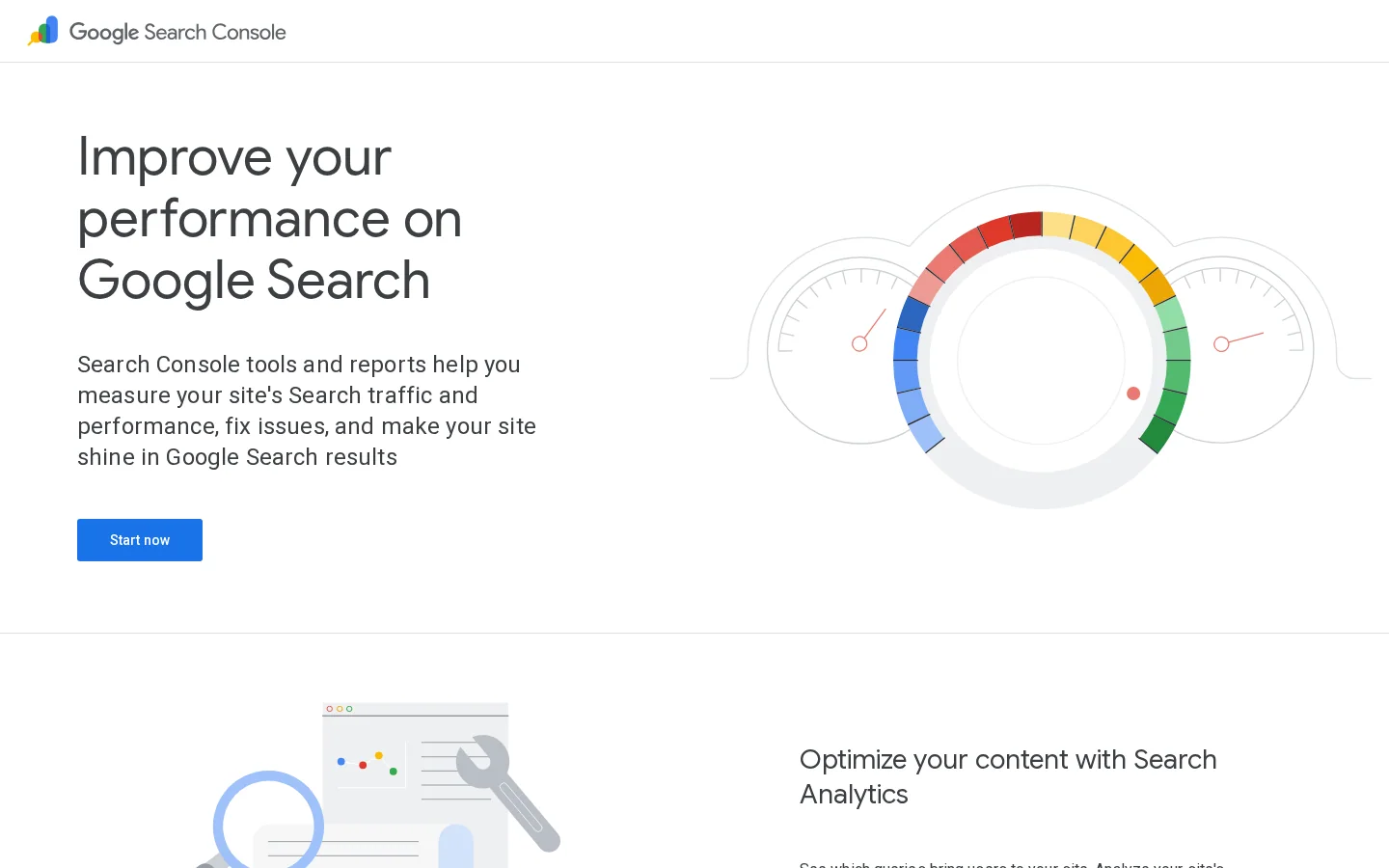
The output of this layer is a list of queries and prompts, each with a status (ranking, cited, absent). That list goes back down to the content layer as the next briefs. Tools like AI mention tracking in Sorank record when ChatGPT, Claude or Gemini name your brand, so the list updates without manual checks.
Tip
Before you buy anything for this layer, run a free AI search visibility test on your brand. If AI models already cite you on your main topics, this layer needs maintenance. If they do not, it should be your first investment.
Activation is where assets meet people: email, SMS, paid ads, social posts, sales sequences. AI helps here in two ways: it makes variants (subject lines, ad copy, visuals) and it decides who gets what and when (send time, budget, bids).
Rules-based activation vs AI-assisted activation
The technical point: AI optimisation needs volume. Automated bidding or send time optimisation on a list of 800 contacts learns very little. Below a few thousand contacts or a few dozen conversions a month, stay with clear rules and use AI for the variants only. Our guide to email marketing automation workflows covers the rules that still work best for small lists.
Orchestration moves data and tasks between layers so nobody copies and pastes. It is the layer that turns tools into a stack. Integration platforms such as Zapier, Make and n8n run the flows; AI agents can now plan and run several steps on their own, which our glossary describes under agentic workflows.
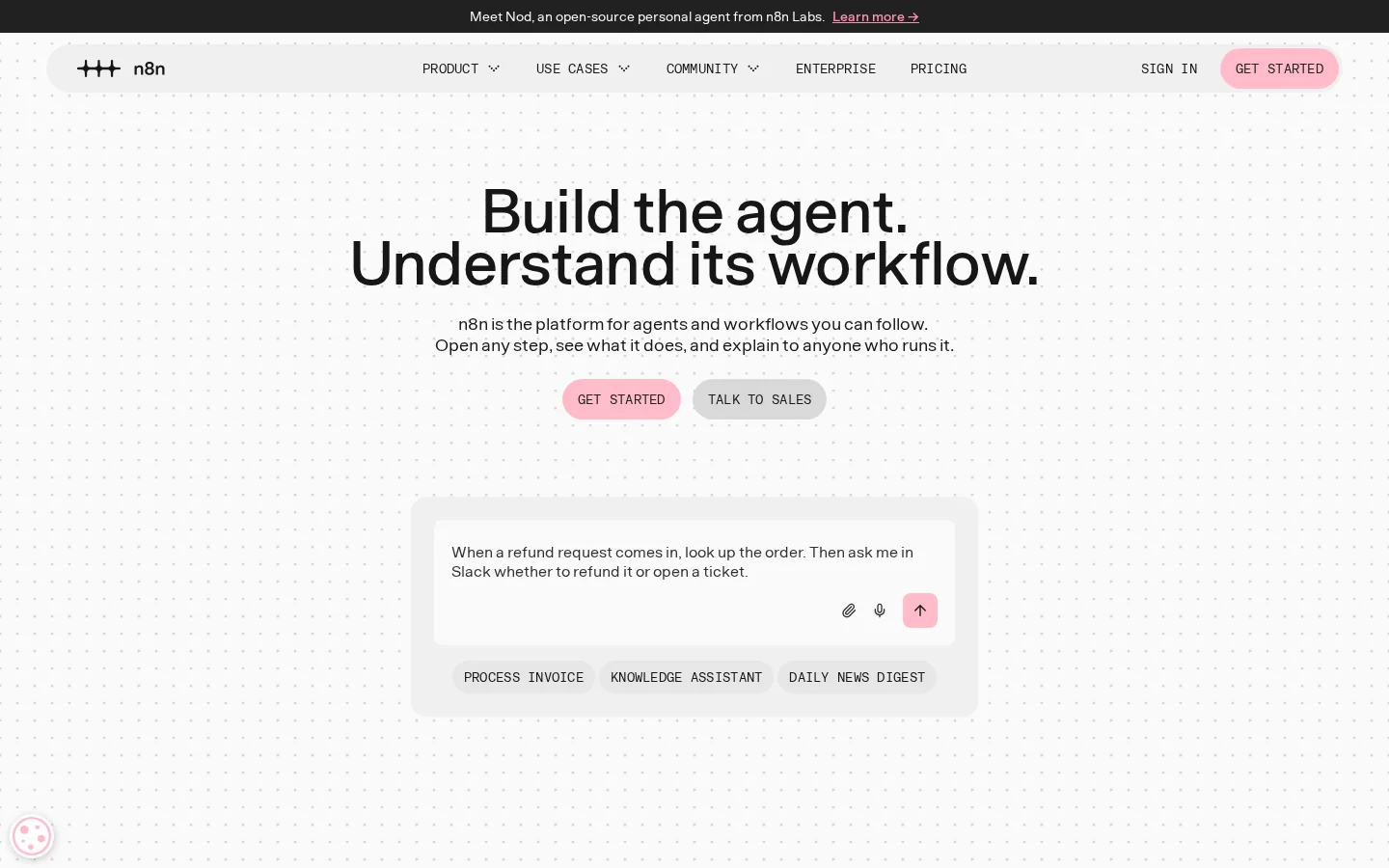
Write every flow as a small spec before you build it. It forces you to name the trigger, the data, the model step, the human check and the failure path.
flow: new-keyword-to-draft
trigger: weekly, Monday 07:00
input: top 10 queries with status "absent" from visibility layer
steps:
  1. build brief (keyword, intent, segment, offer) from CRM + Search Console
  2. draft with prompt "article-draft v4" (model + brand rules + product facts)
  3. run fact check prompt "claims-check v2", flag every unsourced number
  4. send to editor for approval   # human step, no auto-publish
  5. on approval: publish in CMS, add UTM, log asset id in sheet
on_error: notify owner, keep draft, never publish
owner: content lead
If you want examples you can copy, our article on n8n workflows for SEO automation details eight of them with their limits.
Measurement tells you which assets, channels and audiences produced revenue, and sends that answer back to the data and content layers. Without it, AI only helps you produce more, not better.
One setting most teams miss: traffic from AI models lands in "Referral" by default in GA4 and gets mixed with every other site. Create a custom channel group with a channel called "AI models" that matches the session source with a regex like this one, and place it above Referral in the channel order.
^(chatgpt\.com|chat\.openai\.com|claude\.ai|gemini\.google\.com|copilot\.microsoft\.com)$AI answers also influence people who never click. Attribution models only see part of that effect, which our guide on marketing attribution models and AI traffic explains with the workarounds (self-reported "how did you hear about us" fields, branded search trends).
Governance is the set of rules that say what AI may do alone, what needs a human, and who is responsible. It is not a layer you buy. It is a page you write and keep up to date.
Minimum governance for an AI marketing stack
There are three main ways to assemble the layers: an all-in-one suite, a best-of-breed composable stack, or a hybrid with one core platform plus specialists. A fourth, the custom agent build, suits only teams with engineers.
Principle: one vendor covers CRM, email, ads, content and reporting, with AI built in. When to use it: small teams with no technical profile, or companies that want one contract. Advantages: data is shared by design, one login, fast to start. Limits: each module is rarely the best in its category, prices rise with contacts, and leaving is hard. Example: a 10-person B2B company runs CRM, emails, landing pages and reporting in one marketing suite and uses its built-in AI for drafts.
Principle: you pick the best tool for each layer and connect them through a data warehouse or an integration platform. When to use it: teams with an operations person or engineer, and specific needs per channel. Advantages: best features per layer, you can swap a tool without rebuilding everything. Limits: every connection is something to maintain, and each new tool adds a place where data can drift. Example: an ecommerce brand runs a warehouse as source of truth, a specialist email platform, a separate ads tool and custom AI flows in n8n.
Principle: one core platform (usually the CRM) holds the customer data, and a few specialist tools plug into it for jobs the core does badly, such as SEO, AI visibility or video. When to use it: most growing companies. Advantages: one source of truth, and the best tool where it matters most. Limits: you must decide clearly which tool owns which data. Example: a SaaS company keeps contacts and email in its CRM and adds a specialist for search and AI visibility that writes, publishes and tracks content on its own.
Principle: engineers build AI agents on model APIs that call your tools directly. When to use it: large teams with unusual processes and in-house developers. Advantages: fits your process exactly. Limits: you own every bug, every model change and every security review. Example: a marketplace builds an agent that writes and updates thousands of category descriptions from its product database.
| Approach | Setup effort | Data consistency | Flexibility | Skills needed | Best for |
|---|---|---|---|---|---|
| All-in-one suite | Low | High | Low | Marketer | Small teams, one contract |
| Best-of-breed composable | High | Depends on your integration work | High | Ops person or engineer | Specific needs per channel |
| Hybrid core plus specialists | Medium | High if ownership is clear | Medium to high | Marketer plus some automation skills | Most growing companies |
| Custom agent build | Very high | High if well designed | Total | Developers | Large teams with unusual processes |
A stack compounds when results from one layer automatically improve the next decision in another. Five flows do most of that work. If you build only these five, you already have more than most teams.
| Flow | From | To | What moves | How often |
|---|---|---|---|---|
| 1. Questions to briefs | CRM, sales calls, support | Content | Real customer questions and objections | Weekly |
| 2. Search gaps to briefs | Search and AI visibility | Content | Queries and prompts where you are absent | Weekly |
| 3. Winners to paid | Measurement | Activation (ads) | Organic pages and posts that convert best | Every 2 weeks |
| 4. Paid audiences to CRM | Ad platforms | Data | Converting segments and their source | Daily or by API |
| 5. Results to budget | Measurement | Planning | Cost and revenue per channel and asset | Monthly |
Flow 1 is the one most teams skip and the most valuable for AI search. The questions your buyers ask your sales team are close to the prompts they type into ChatGPT or Claude. Record calls, extract the questions with a model, and you have a list of briefs that answers real demand. Our free AI content brief generator turns one of those questions into a full brief in seconds.
Build the stack in this order: audit, goals, data, one flow, measurement, then expansion. Adding tools before the data and the first flow work is the most common reason stacks fail.
The 7-step build method
Open a sheet with one row per tool: name, monthly cost, owner, data it produces, where that data goes, last login. Then draw arrows between tools that exchange data. Any tool with no outgoing arrow is an island. Any tool nobody logged into this month is a candidate to cancel. This "signal map" usually pays for the whole project by cutting unused licences.
Choose one business goal (for example, more qualified demo requests from organic search) and one efficiency goal (for example, cut the time from brief to published article from ten days to three). Write the starting value today. Without a baseline, you cannot say later whether the stack worked.
Check that conversions fire correctly in analytics, that the CRM is the only place contacts are created, and that the naming rule from layer 1 is written down. Test a form yourself and follow the contact from the click to the CRM. If you cannot follow it, no AI layer above will.
Use the comparison table above. A useful test: if nobody in your team can read a JSON response from an API, start with a suite or a hybrid. If you have that skill, composable becomes realistic.
Pick the flow closest to your goal from step 2. Write its spec (trigger, input, steps, human check, error path, owner), build it, and run it by hand three times before you schedule it. Keep the human approval step for anything that goes public.
Track the two goals plus two health signals: how many runs needed a manual fix, and how many outputs the human rejected. A rejection rate that stays high means the prompt or the input data needs work, not that AI does not fit the task.
Only when the first flow runs a full month without manual repairs, add the second. A stack of three flows that run every week beats ten tools that each work in isolation.
The right stack depends on team size and skills more than on budget. Here are three typical setups, by layer.
| Layer | Solo founder or small business | Growth team (3 to 15 people) | Enterprise |
|---|---|---|---|
| Data | GA4, Search Console, a simple CRM | GA4, CRM as source of truth, shared dashboard | Data warehouse, customer data platform, consent management |
| Models | One chat subscription | Chat plus API access for automations | Several models via API, approved list, logging |
| Content | CMS plus one AI writing workflow | Content calendar, AI drafts, editor review | Asset library, brand rules engine, legal review |
| Search and AI visibility | One platform that covers SEO and AI visibility | SEO platform plus AI mention tracking | Dedicated team, tracking by market and language |
| Activation | Email tool, native social scheduling | Email automation, ads with AI variants | Multi-channel journeys, AI bidding at scale |
| Orchestration | A few no-code automations | Zapier, Make or n8n with written specs | Integration platform plus custom agents |
| Measurement | GA4 with an AI channel group | Dashboard by channel and asset | Attribution and marketing mix modelling |
For the small business column, one rule saves the most time: let a single tool cover a whole layer end to end where you can. On the search layer, for example, Sorank for marketing teams researches keywords, writes and publishes articles, gets backlinks through exchanges with other sites and tracks your visibility in ChatGPT, Claude and Gemini, so one person does not have to connect five tools. For tool picks in each other category, see our comparison of the best AI marketing tools by job.
Measure the stack on three levels: time saved, output quality and business results. Most teams only measure time saved, which shows the stack is busy, not that it is useful.
From activity to revenue: what to measure at each level
A simple monthly formula keeps everyone honest. Count tool costs and the hours people spend maintaining the stack, not only the subscriptions.
Stack ROI = (attributed revenue + value of hours saved - total stack cost) / total stack cost

value of hours saved = hours saved per month x loaded hourly cost
total stack cost     = subscriptions + API usage + hours spent maintaining flows x hourly cost
For the content part, our content marketing ROI calculator does the math from your traffic and conversion figures.
The common mistakes are not about choosing the wrong tool. They are about order, ownership and missing checks. Here are the eight we see most, with how to spot and fix each.
What it is: adding AI tools on top of broken conversions and duplicated contacts. How to spot it: two tools give different numbers for the same campaign. How to fix it: pause new purchases, fix conversions and the naming rule, make the CRM the single contact list.
What it is: each person uses their own AI tool, with outputs pasted by hand. How to spot it: in your signal map, AI tools have no outgoing arrows. How to fix it: pick one shared model access, move recurring tasks into automated flows.
What it is: production prompts live in personal chat histories. How to spot it: quality drops when one person is on holiday, or after a model update, and nobody knows why. How to fix it: one shared prompt library with versions, owners and test examples.
What it is: flows that publish AI output directly to your site, emails or ads. How to spot it: errors are found by customers, not by your team. How to fix it: add a human approval step on everything public, and a fact check prompt before it.
What it is: the stack covers Google and paid channels but never checks what ChatGPT, Claude or Gemini say about your brand. How to spot it: you cannot answer "which competitors do AI models recommend instead of us?". How to fix it: add the search and AI visibility layer, with a fixed list of prompts tracked every week.
What it is: turning on automated bidding, send time or scoring with a small list or few conversions. How to spot it: results swing from week to week with no clear cause. How to fix it: use rules until volume is high enough, and keep AI for creating variants.
What it is: reporting "we published 40 articles" instead of traffic, citations and leads. How to spot it: your stack report has no revenue line. How to fix it: use the five-level funnel above, and report the bottom two levels first.
What it is: your content, prompts and data live only inside one vendor. How to spot it: you cannot export your assets and contacts in a usable format today. How to fix it: check export options before signing, and keep a copy of prompts and key data outside the tool.
A stack before and after fixing these mistakes
Start with the map, not with a new tool. In one afternoon you can know what you have, what is connected and which layer is missing.
Your first AI marketing stack actions
If the search and AI visibility layer is the one you are missing, the GEO and SEO dashboard shows your Google and AI traffic in one view, which gives the rest of your stack the feedback it needs.
An AI marketing stack needs seven layers: data, AI models, content, search and AI visibility, activation (email, ads, social), orchestration and measurement, plus governance rules across all of them. Each layer should take its inputs from the one below and send its results to the next, so the tools share data instead of working alone.
It depends far more on team size and skills than on the tools. A small business can cover every layer with a few subscriptions, while an enterprise adds a data warehouse, several model APIs and staff to maintain the flows. Always count the hours spent maintaining automations, not only the subscriptions.
An all-in-one suite suits small teams without technical skills because the data is shared by design. Separate best-of-breed tools give more power but need someone to maintain every connection. Most growing companies do best with a hybrid: one core platform, usually the CRM, plus a few specialists such as SEO and AI visibility.
We analyse your competitors, your website and your AI visibility to create a tailored content plan for free.
 AI Content Brief Generator
 FAQ Schema Generator
 AI Blog Post Ideas Generator
 Structured Data Validator (Schema Validator)
 Alt Text Checker
 Internal Link Analyzer
 Backlink Challenge
 AI Meta Description Generator
 AI Blog Title Generator
 Google Indexability Checker
 AI Blog Outline Generator
 UTM Link Builder
 Keyword Clustering Tool
 Canonical Tag Checker
 XML Sitemap Generator
 Broken Link Checker
 AI SEO Title Generator
 Headline Analyzer
 SERP Preview Tool
 Redirect Checker
 Hreflang Tag Generator
 Heading Structure Analyzer
 HTTP Headers Checker
 Favicon Extractor
 SERP CTR Calculator
 SEO vs Paid Search Savings Calculator
 SEO Share of Voice Calculator
 SEO ROI Calculator
 SEO Traffic and Revenue Forecast Calculator
 SEO Budget Calculator
 SEO Break-Even Calculator
 SaaS SEO ROI Calculator
 ROAS Calculator
 Reading Time Calculator
 Ranking Gain Simulator
 Organic Traffic Value Calculator
 Organic Traffic Estimator and Website Traffic Checker
 LTV to CAC Ratio Calculator
 Local SEO ROI Calculator
 Link Building Cost Calculator
 Keyword Value Calculator
 Keyword Opportunity Score Calculator
 Keyword Density Calculator
 GEO ROI Calculator
 GEO Content Investment Calculator
 Ecommerce SEO ROI Calculator
 Customer Lifetime Value Calculator
 Customer Acquisition Cost Calculator
 CTR Calculator
 Cost Per Article Calculator
 Conversion Rate Calculator
 Content Marketing ROI Calculator
 ChatGPT Referral Traffic Estimator
 Bounce Rate Calculator
 Backlink ROI Calculator
 AI Visibility Score Calculator
 AI Traffic Value Calculator
 AI Share of Voice Calculator
 Cost of AI Invisibility Calculator
 AI Citation Rate Calculator
 llms.txt Validator
 AI Overview Checker and AI Overviews Rank Checker
 Robots.txt Checker
 AI SEO Audit
 LLM Readability Checker
 SearchGPT Readiness Checker
 Structured Data LLM Audit
 Website Crawlability AI Audit
 Why ChatGPT Is Not Recommending My Website
 Gemini Ranking Tool
 Perplexity Ranking Checker
 LLM Citation Checker
 Answer Engine Optimization Audit
 GEO Audit
 AI Search Visibility Test
 ChatGPT Visibility Checker
 llms.txt Generator
 URL Extractor
 Webpage to Markdown
 Sitemap Checker
 SERP Volatility Sensor
 Page Size Checker
 Word Counter
 Slug Generator
 Schema Generator
 Robots Generator
 OG Preview
 Meta Tags Generator
 Image Compressor
 Favicon Generator
 On-Page SEO Audit: SEO Checker and SEO Analyzer
 Backlink Analysis Tool
 Keyword Research Tool
 Domain Authority Checker
 “I tested Sorank on a real client site and it's insane. It does everything an agency would bill you $1500 a month for. It's going into production on that client now.”

 Guillaume Guersanguersanguillaume.com“We are an Ads agency and we wanted to get our SEO back on track once and for all. Sorank gave us a clear view of our site, helped us prioritize optimizations, and properly structure our content. The tool is easy to use, well designed for a team, and very practical for centralizing tracking without having to juggle multiple platforms. A very solid foundation to start fresh with our SEO.”
 Gaspard MadouiAds Agency
 “I just let the Sorank software do its thing, and now my DR is 25 and my page is ranking higher.”
 Lucas Flandrefoundertrace.fr“I specialized in GEO thanks to Sorank. The GEO Leaderboard allows me to show my clients their position vs competitors on ChatGPT. It’s a real commercial differentiator.”
 MélanieSEO Freelance“Great service, works well for our website and helps us understand how to improve it to rank better on Google and elsewhere. Congrats, keep going, I recommend it.”
 Hugo T.E-commerce merchant