Preferences
Privacy is important to us, so you have the option of disabling certain types of storage that may not be necessary for the basic functioning of the website. Blocking categories may impact your experience on the website. More information
Privacy is important to us, so you have the option of disabling certain types of storage that may not be necessary for the basic functioning of the website. Blocking categories may impact your experience on the website. More information

Plan, write and structure service pages that rank on Google and get cited by AI: page anatomy, schema, site models, internal links and the mistakes to fix.

Tools

In short
a service page ranks when it targets one service with commercial intent, answers every question a buyer has before calling you (scope, process, price logic, proof, area), and sits in a clear structure: one page per service, linked from a hub and supported by blog articles. Add Service and LocalBusiness structured data, avoid near-duplicate city pages, and measure leads, not just rankings.
Want to go further? Ask
Quick quiz
Is SEO right for you, and how should you start?
Sorank matches your answers


Test it for 3 days on your own site and see where you stand on Google, ChatGPT and the other AIs.
Start 3-day free trial3 days free, then stop whenever you want. 90-day results guarantee, conditions apply.
A service page describes one thing you sell: "emergency plumbing", "B2B SEO audit", "commercial window cleaning". It is not your home page, not a blog article and not a generic "Our services" list. Its job is to rank for the query a buyer types when they are ready to hire, and to turn that visit into a call, a form or a booking.
That makes it the page with the highest value per visit on most service businesses. A blog article on "how to unclog a drain" brings readers. A service page on "drain cleaning in Lyon" brings customers. Both matter, but only one pays the bills directly.
People mix these three up, and the confusion produces pages that fail at everything. A landing page is built for one campaign, often paid traffic, and is usually kept out of the navigation. A blog article answers an informational question. A service page is permanent, indexable, part of the navigation and built for organic search with buying intent.
| Page type | Search intent | Main traffic source | Lifespan | Main goal |
|---|---|---|---|---|
| Service page | Commercial, transactional | Organic search, AI answers, navigation | Permanent, updated | Lead or booking |
| Landing page | Campaign specific | Ads, email, social | Campaign length | One conversion |
| Blog article | Informational | Organic search, AI answers | Evergreen, refreshed | Trust, links to services |
| Location page | Commercial with a place | Local search, map pack | Permanent | Local lead |
For a query like "accountant for freelancers", Google shows pages from businesses that offer the service, not guides. The results page itself tells you the intent. If you try to rank a blog post there, it loses. If you try to rank a thin service page for "how to do your freelance taxes", it loses too. Matching page type to intent is the first ranking decision you make, before any wording.
Thin service page vs expert service page
The most common reason service pages fail is not the writing. It is the plan: one page covering eight services, or forty pages covering the same service with different words. Start from how buyers search, not from how your company is organised internally.
If two services have different buyers, different prices or different processes, they deserve separate pages. "Web design" and "website maintenance" are two pages. "Logo design" and "logo creation" are one page: same buyer, same service, two ways of saying it. Treat synonyms as variants on one page, as explained in our guide on how many keywords to target per page.
Type your candidate query in a private window. If the top results are service pages from companies, build a service page. If they are guides and lists, it is a blog subject. If both appear, the intent is mixed: build the service page and support it with an article that links to it.
Export your keyword list and cluster it by shared results: when two queries return mostly the same URLs, they belong to the same page. Our article on keyword clustering details the method, and our free keyword clustering tool does the grouping for you.
Tip
Look for buying modifiers: "price", "cost", "near me", "company", "agency", "hire", "quote", "emergency", "for [industry]". Queries that carry them belong on service pages. Our guide to buying intent keywords lists the full set and how to score them.
From keyword list to service page plan
A good service page answers, in order, the questions a buyer asks themselves. Can you do what I need? How does it work? How much will it cost? Can I trust you? What do I do next? Each answer is a block. Skip one and the visitor either leaves or calls a competitor whose page answered it.
The H1 names the service in the buyer's words ("Commercial roof repair in Bordeaux", not "Our roofing solutions"). Under it: one sentence on who it is for and what result they get, a primary call to action, and one trust element (rating, years, a known client). On mobile, all of this should fit before the first scroll.
List what the service covers, and say what it does not. "We repair flat and pitched roofs up to 2000 m². We do not do new builds." Exclusions filter out bad leads and, oddly, raise trust: they show you know your limits. This block is also the one AI assistants quote most easily, because it is factual and well delimited.
Describe the steps with real durations: visit, quote within 48 hours, work, follow up. Buyers of services fear the unknown more than the price. A clear process removes that fear.
You do not have to publish rates. You do have to explain what drives the price: surface, urgency, materials, number of pages, contract length. Give a range or a worked example when you can. Pages that dodge price entirely lose the visitor to the competitor who gave a starting point.
Short case studies with a before and after, named reviews, certifications, insurance, photos of real work (not stock). This is where E-E-A-T stops being a theory. Google's guide on creating helpful, reliable, people-first content (Google Search Central) states that among experience, expertise, authoritativeness and trust, "trust is most important". A service page is where you show it.
Take the five questions your sales team hears on every call and answer them in two to four sentences each. These blocks capture long-tail queries and give AI answers clean material to cite.
State where you work (cities, regions, remote), then repeat the call to action with a reason to act now: availability, free diagnosis, response time.
Service page content checklist
Once the content is right, the technical settings make sure Google understands it. None of them replaces content, but each one removes friction.
Keep the URL short and stable: /services/roof-repair or /roof-repair-bordeaux. Never put a year or a campaign in it. The title tag carries the service, the place if local, and a differentiator: "Roof Repair in Bordeaux | 48h Quote, 10-Year Warranty". The meta description sells the click: who, what result, what proof.
Use H2s like "What our roof repair includes", "How much does roof repair cost?", "How the work happens". They read naturally, match question queries and give AI systems clear sections to extract. You can check any page's structure with our free heading structure analyzer.
Use photos of your own work, compressed, with descriptive alt text ("crew replacing slate tiles on a Bordeaux townhouse"). Service buyers often search from a phone, sometimes in an emergency: a slow page or a form that breaks on mobile costs leads directly.
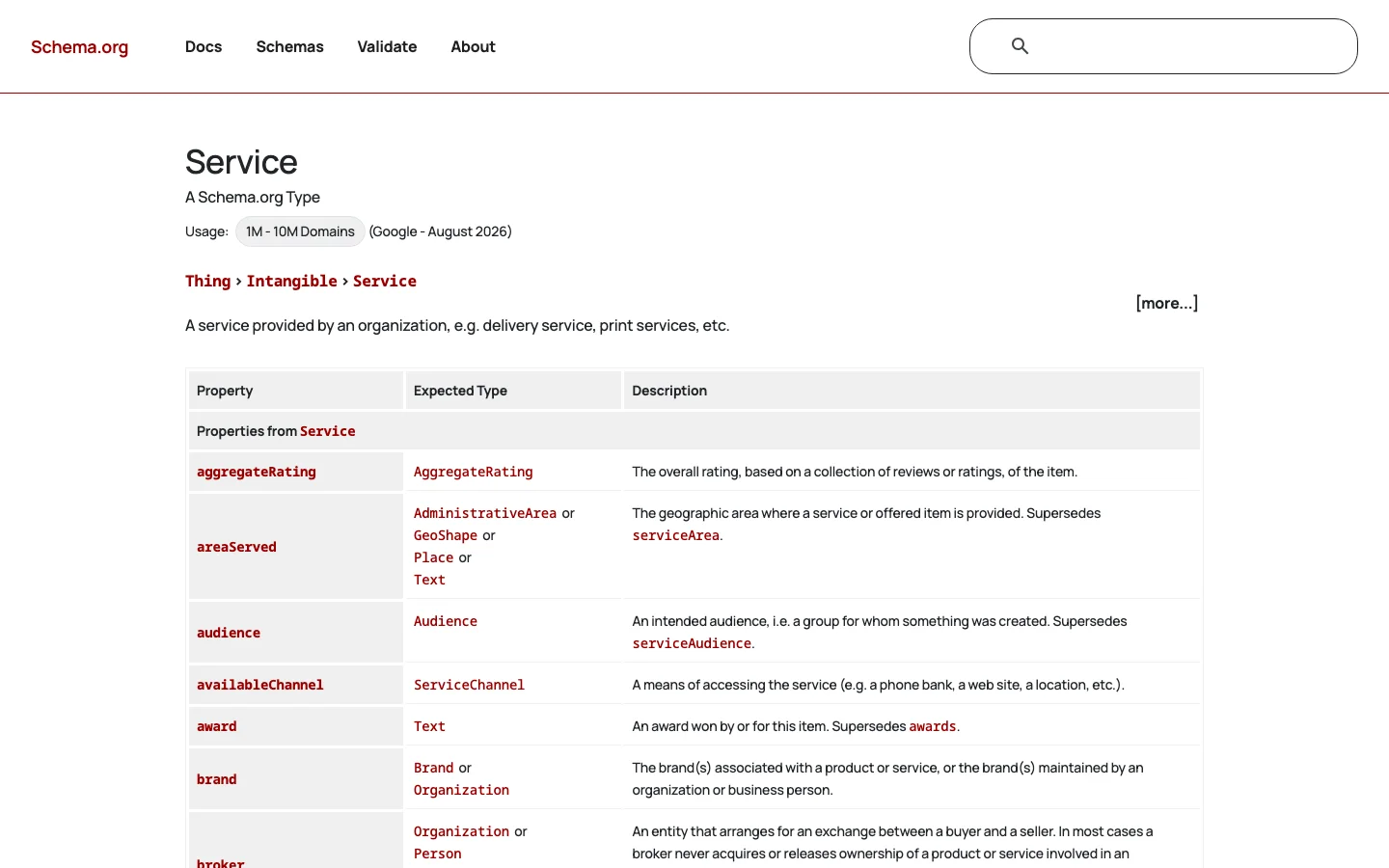
Structured data tells search engines and AI crawlers what the page offers, for whom and where. The Service type on schema.org defines properties such as provider, areaServed, serviceType, offers and hasOfferCatalog. Google does not show a special rich result for Service, but the markup still clarifies the entity. For local businesses, pair it with LocalBusiness markup, detailed in our Local Business schema guide.
<script type="application/ld+json">
{
  "@context": "https://schema.org",
  "@type": "Service",
  "name": "Commercial roof repair",
  "serviceType": "Roof repair",
  "description": "Repair of flat and pitched commercial roofs up to 2000 m2, quote within 48 hours.",
  "provider": {
    "@type": "RoofingContractor",
    "name": "Example Roofing",
    "url": "https://www.example.com/",
    "telephone": "+33 5 00 00 00 00",
    "address": {
      "@type": "PostalAddress",
      "addressLocality": "Bordeaux",
      "addressCountry": "FR"
    }
  },
  "areaServed": [
    { "@type": "City", "name": "Bordeaux" },
    { "@type": "City", "name": "Merignac" }
  ],
  "offers": {
    "@type": "Offer",
    "priceCurrency": "EUR",
    "price": "450",
    "description": "Starting price for a diagnosis and minor repair"
  }
}
</script>
Only mark up what is visible on the page. A price in the JSON-LD that does not appear in the text is a mismatch, and Google's structured data guidelines treat hidden or misleading markup as a policy issue.
Tip
Generate valid Service, LocalBusiness or FAQPage markup in a few clicks with our free schema markup generator, then test it before publishing.
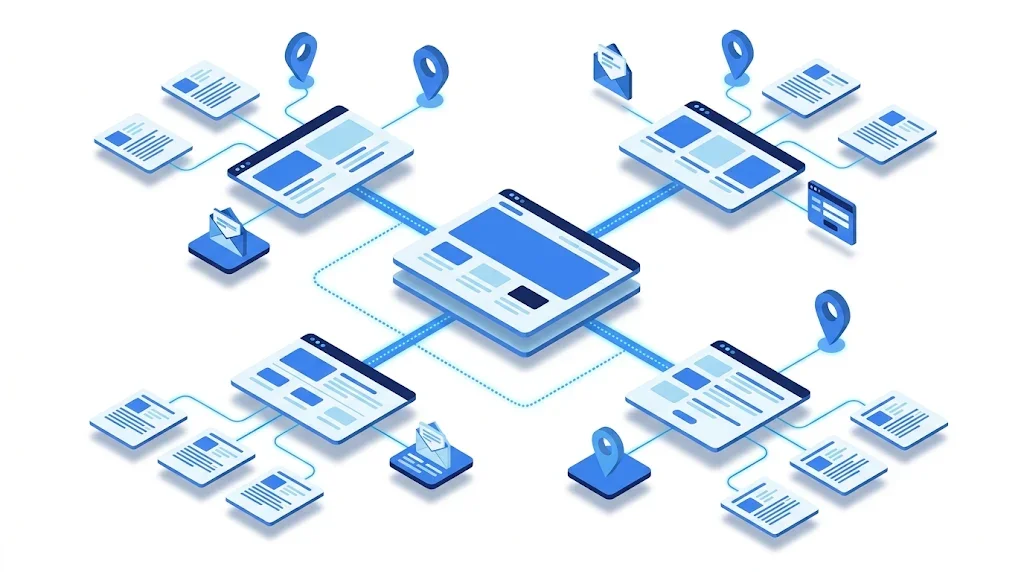
How your service pages relate to each other, to location pages and to the blog is the architecture decision with the biggest long-term effect. There are four common models. Most sites end up with a mix, but you should pick one as the backbone.
Principle: every service page sits at the same level, linked from a single "Services" menu. When to use it: fewer than eight services, one location or a remote business. Advantages: simple, fast to build, every page is one click from the menu. Limits: no topical grouping, breaks down when the catalogue grows. Example: a freelance designer with logo, brand identity, packaging and web design pages.
Principle: a hub page per service family (/services/roofing/) with child pages for each specific service (/services/roofing/flat-roof-repair). Links stay mostly inside the family. When to use it: a wide catalogue with clear families. Advantages: clear structure for users and crawlers, hub pages can rank for broad queries. Limits: rigid URLs, cross-family links are often forgotten. Example: a building contractor with roofing, plumbing and electrical families.
Principle: one page per service and per city (/roof-repair-bordeaux, /roof-repair-toulouse). When to use it: you truly operate in several areas, with local teams, addresses or local proof. Advantages: captures "service + city" queries, strong for local packs. Limits: the most dangerous model. Without unique content per page, it becomes the doorway pattern Google penalises. Our guide to local landing pages covers how to make each location page genuinely different. Example: a pest control company with branches in five cities.
Principle: the service page is the pillar; blog articles answer the informational questions around it and all link back to it. When to use it: competitive services where authority decides the ranking, and where buyers research a lot before hiring. Advantages: builds topical authority, feeds the service page with relevant internal links, captures AI answers on the research questions. Limits: needs steady content production. Example: an accounting firm whose "company formation" page is supported by articles on legal statuses, costs and timelines.
| Model | Best for | Main strength | Main risk | Effort |
|---|---|---|---|---|
| Flat list | Small catalogue, one area | Simplicity | Does not scale | Low |
| Service silo | Wide catalogue with families | Clear hierarchy, hub pages rank | Rigid, isolated families | Medium |
| Service by location | Real multi-area operations | Local queries and map pack | Doorway pages, duplicate content | High |
| Topic cluster | Competitive, research-heavy services | Authority and AI citations | Needs ongoing articles | High, continuous |
Building clusters by hand means checking that no two articles target the same query. Sorank's topic cluster generator plans the articles around each service page with built-in anti-cannibalization, and its automated keyword research finds the buying and research queries for each service.
Service pages rarely earn backlinks on their own. Nobody links spontaneously to "boiler repair in Nantes". Their authority comes from inside the site: the home page, the menu, hub pages and, above all, blog articles that earn links and pass them on.
From the main navigation or a services hub. From the home page for your top three to five services. From every blog article on a related topic, with a descriptive anchor ("our flat roof repair service", not "click here"). From related service pages ("often booked with gutter cleaning").
Place the link in the body text where it answers the reader's next question, not in a list of links at the bottom. Vary anchors naturally around the service name. Our internal linking strategy guide explains how to prioritise the pages that bring revenue, and our free internal link analyzer shows which links a page already has.
Service page linking: before and after
Here is the method we use on real projects. It works for a new page and for rewriting a page that ranks on page two.
The 7-step service page method
For the top five results, write down: page type, word count range, the sections they all share, the sections only one has, whether they show prices, and what proof they use. Shared sections are the minimum. Sections only one competitor has are your chance to do better. The gaps (nobody explains the process, nobody shows a price range) are where you win.
Read your support emails and call notes. Customers write "my boiler makes a banging noise", not "heating system malfunction". Those phrases are long-tail queries, and they are the questions people now type into ChatGPT or Gemini. Put them in your H2s and FAQ.
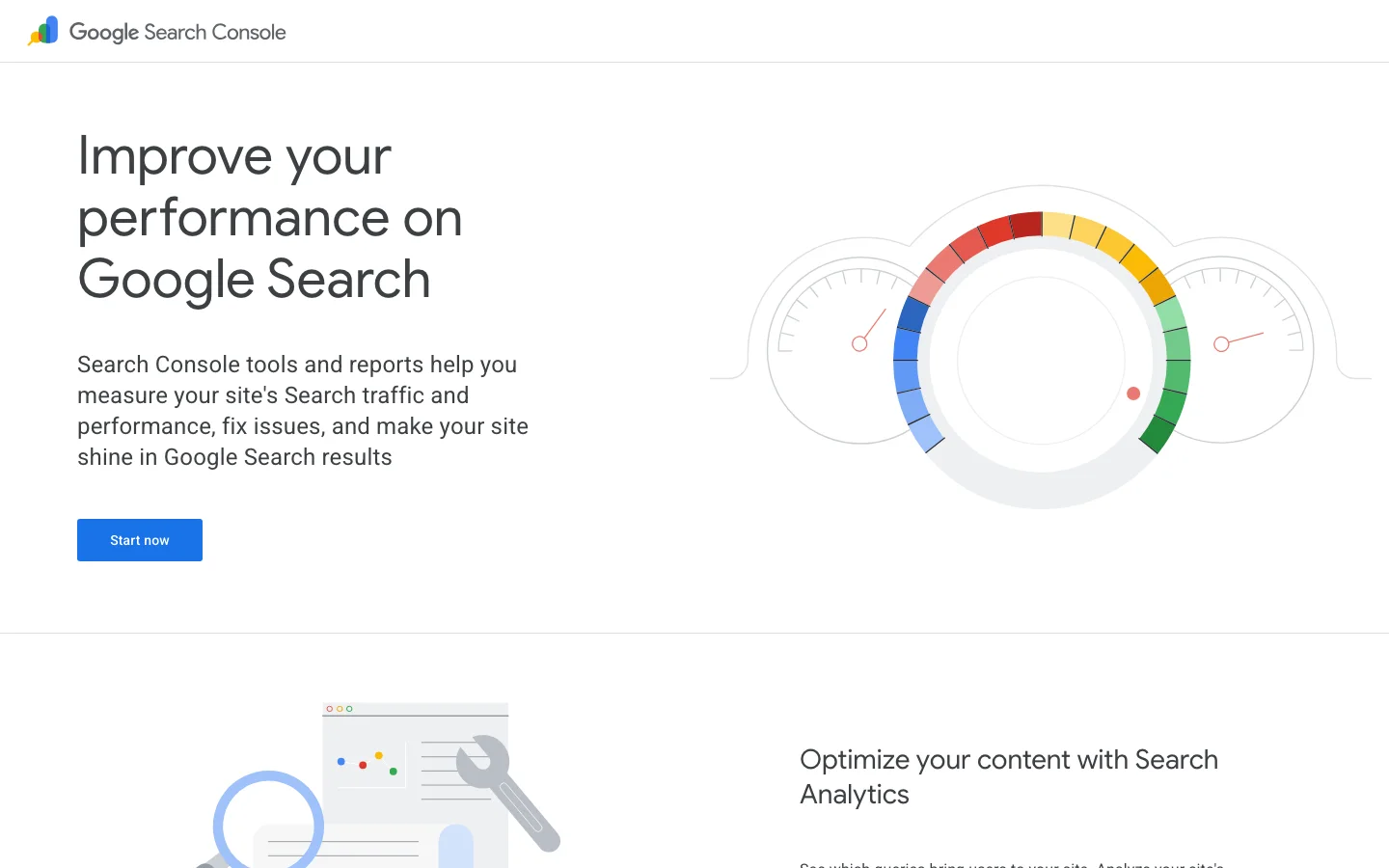
Use the URL Inspection tool in Search Console to request indexing. After two to four weeks, check the Performance report filtered on the page: which queries bring impressions, at what position, with what click rate. Queries with impressions but no clicks tell you what to add to the title or the content.
A growing share of buyers ask an AI assistant "who is the best accountant for freelancers in Lille?" before they ever open Google. These systems search the web, read pages and recommend businesses. Your service page is the page they read.
Clear, self-contained statements: "We repair flat roofs in Bordeaux and Merignac, with a quote within 48 hours." Explicit scope, prices or price factors, area and credentials written in text, not hidden in images. A FAQ with direct answers. Consistent facts across your site, your Google Business Profile and directories. Our free LLM readability checker scores how easy a page is for AI to extract.
You cannot improve what you do not measure. Ask the assistants the questions your buyers ask and note who gets named. Sorank's AI mention tracking does this automatically and shows when ChatGPT, Gemini, Claude or Perplexity cite your brand, and which competitors they recommend instead.
These are the errors we find most often in audits. Each one has a symptom you can spot and a fix you can apply this week.
What it is: a single "Our services" page listing everything in short paragraphs. How to spot it: in Search Console, that page gets impressions for many different service queries, all at low positions. How to fix it: keep it as a hub, create one dedicated page per service, and link each block of the hub to its page.
What it is: the same text with only the city name swapped. Google's spam policies (Google Search Central) list "having multiple domain names or pages targeted at specific regions or cities that funnel users to one page" as an example of doorway abuse. How to spot it: copy a paragraph from one city page and search it in quotes on your site; if it appears on ten pages, you have the problem. Pages also show "Duplicate, Google chose different canonical" in the Pages report. How to fix it: keep location pages only where you have real local substance (team, address, local projects, local reviews, local constraints), merge the rest into one page that lists the area served, and redirect the removed URLs.
What it is: an article and a service page compete for the same commercial query. How to spot it: in Search Console, filter on the query and check the Pages tab; if two URLs swap positions over time, they cannibalize. How to fix it: refocus the article on the informational angle, add a contextual link from it to the service page, and move commercial content to the service page.
What it is: "Founded in 1998, we are a passionate team..." as the opening. How to spot it: count the "we" versus the "you" in the first 150 words. How to fix it: open with the buyer's problem and the result; move company history to the About page or a short proof block.
What it is: "Contact us for a quote" as the only answer to cost. How to spot it: queries containing "price" or "cost" show impressions but very low click rates. How to fix it: add a "What affects the price" section, a starting price or a range, and one worked example.
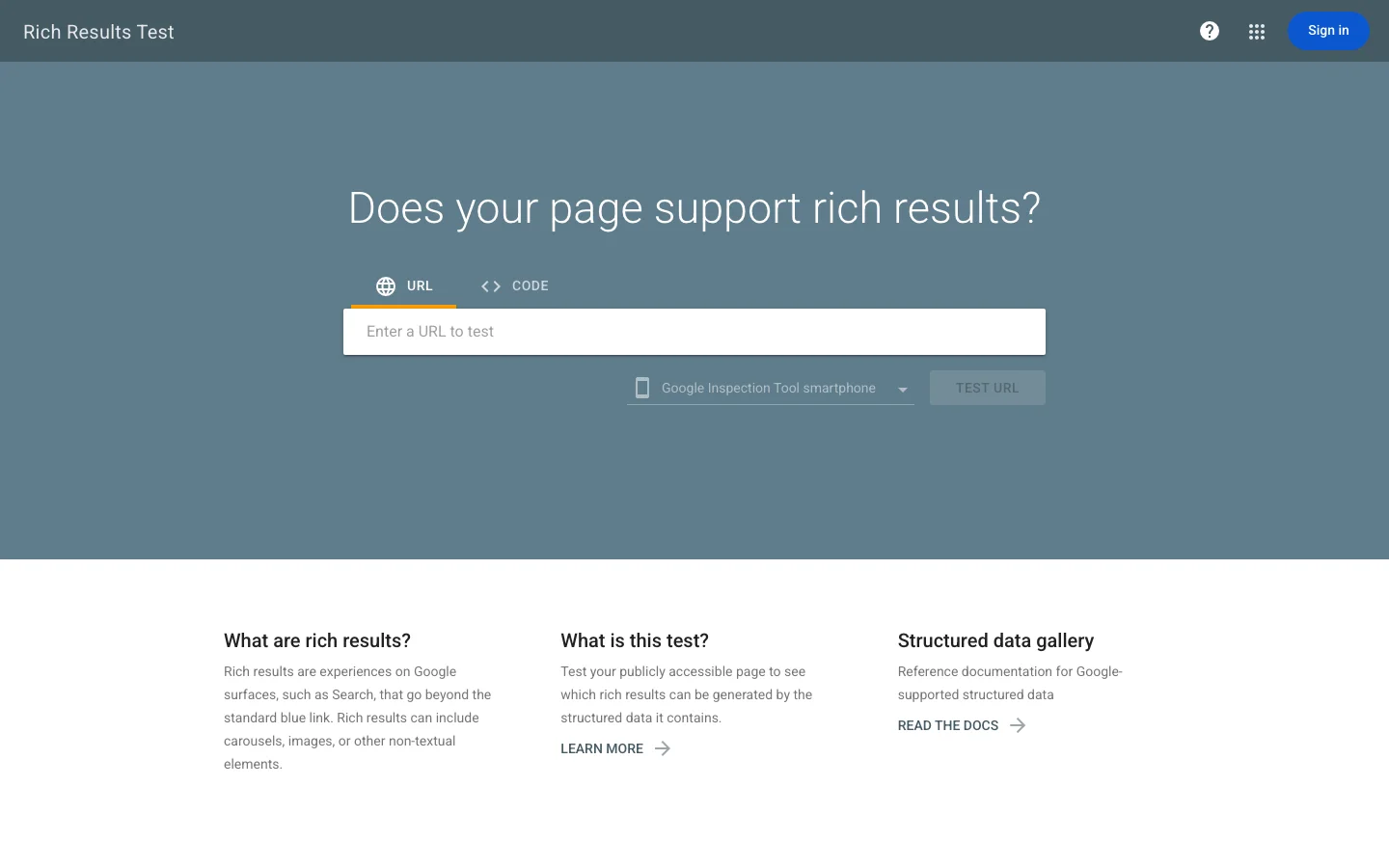
What it is: FAQ or Service JSON-LD with content not visible on the page, or copied from another page. How to spot it: run the page in the Rich Results Test and compare each marked value with the visible text. How to fix it: generate the markup from the visible content only, and update it each time the page changes. Our FAQ schema guide explains what Google still supports.
What it is: the page exists but almost nothing links to it. How to spot it: a crawler or the Links report in Search Console shows zero or one internal link. How to fix it: add it to the navigation or a hub, and link it from every related article.
Mistakes to remove from your service pages
Rankings are a means. A service page is judged on leads, and on the quality of those leads.
In Search Console: impressions and clicks on the page's target queries, average position, click rate. In your analytics: conversions from organic visits to the page (form, call, booking), conversion rate, and leads per month. In your CRM: how many of those leads became customers, and their value. Our guide to conversion tracking covers the setup in GA4.
High impressions and low clicks: your title and meta do not match the intent. Good clicks and few conversions: the content or the call to action does not reassure. Leads but poor quality: your scope is not explicit enough, so state who the service is not for. Revisit each service page every quarter with these three questions.
What to fix depending on the signal
Pick your most profitable service. Search its main query in a private window and compare your page with the top three. Check four things: does your page cover scope, process, price logic and proof? Does at least one blog article link to it? Does it have Service markup that matches the visible text? Is there another page on your site competing for the same query? Fix the first gap you find this week. For an example of this applied to one industry, see how we structure service pages for IT providers.
There is no fixed length: a service page should be as long as needed to answer the buyer's questions on scope, process, price, proof and area. Compare with the top results for your query and cover at least what they all share, then add what they miss.
Only if each city page has real local substance: a team, an address, local projects or local reviews. Pages that only swap the city name are treated by Google as doorway pages. Otherwise, use one service page that lists the area served.
It is not required, but Service and LocalBusiness markup help search engines and AI assistants understand what you offer, where and by whom. Mark up only what is visible on the page and test it with the Rich Results Test.
We analyse your competitors, your website and your AI visibility to create a tailored content plan for free.
 AI Content Brief Generator
 FAQ Schema Generator
 AI Blog Post Ideas Generator
 Structured Data Validator (Schema Validator)
 Alt Text Checker
 Internal Link Analyzer
 Backlink Challenge
 AI Meta Description Generator
 AI Blog Title Generator
 Google Indexability Checker
 AI Blog Outline Generator
 UTM Link Builder
 Keyword Clustering Tool
 Canonical Tag Checker
 XML Sitemap Generator
 Broken Link Checker
 AI SEO Title Generator
 Headline Analyzer
 SERP Preview Tool
 Redirect Checker
 Hreflang Tag Generator
 Heading Structure Analyzer
 HTTP Headers Checker
 Favicon Extractor
 SERP CTR Calculator
 SEO vs Paid Search Savings Calculator
 SEO Share of Voice Calculator
 SEO ROI Calculator
 SEO Traffic and Revenue Forecast Calculator
 SEO Budget Calculator
 SEO Break-Even Calculator
 SaaS SEO ROI Calculator
 ROAS Calculator
 Reading Time Calculator
 Ranking Gain Simulator
 Organic Traffic Value Calculator
 Organic Traffic Estimator and Website Traffic Checker
 LTV to CAC Ratio Calculator
 Local SEO ROI Calculator
 Link Building Cost Calculator
 Keyword Value Calculator
 Keyword Opportunity Score Calculator
 Keyword Density Calculator
 GEO ROI Calculator
 GEO Content Investment Calculator
 Ecommerce SEO ROI Calculator
 Customer Lifetime Value Calculator
 Customer Acquisition Cost Calculator
 CTR Calculator
 Cost Per Article Calculator
 Conversion Rate Calculator
 Content Marketing ROI Calculator
 ChatGPT Referral Traffic Estimator
 Bounce Rate Calculator
 Backlink ROI Calculator
 AI Visibility Score Calculator
 AI Traffic Value Calculator
 AI Share of Voice Calculator
 Cost of AI Invisibility Calculator
 AI Citation Rate Calculator
 llms.txt Validator
 AI Overview Checker and AI Overviews Rank Checker
 Robots.txt Checker
 AI SEO Audit
 LLM Readability Checker
 SearchGPT Readiness Checker
 Structured Data LLM Audit
 Website Crawlability AI Audit
 Why ChatGPT Is Not Recommending My Website
 Gemini Ranking Tool
 Perplexity Ranking Checker
 LLM Citation Checker
 Answer Engine Optimization Audit
 GEO Audit
 AI Search Visibility Test
 ChatGPT Visibility Checker
 llms.txt Generator
 URL Extractor
 Webpage to Markdown
 Sitemap Checker
 SERP Volatility Sensor
 Page Size Checker
 Word Counter
 Slug Generator
 Schema Generator
 Robots Generator
 OG Preview
 Meta Tags Generator
 Image Compressor
 Favicon Generator
 On-Page SEO Audit: SEO Checker and SEO Analyzer
 Backlink Analysis Tool
 Keyword Research Tool
 Domain Authority Checker
 “I tested Sorank on a real client site and it's insane. It does everything an agency would bill you $1500 a month for. It's going into production on that client now.”

 Guillaume Guersanguersanguillaume.com“We are an Ads agency and we wanted to get our SEO back on track once and for all. Sorank gave us a clear view of our site, helped us prioritize optimizations, and properly structure our content. The tool is easy to use, well designed for a team, and very practical for centralizing tracking without having to juggle multiple platforms. A very solid foundation to start fresh with our SEO.”
 Gaspard MadouiAds Agency
 “I just let the Sorank software do its thing, and now my DR is 25 and my page is ranking higher.”
 Lucas Flandrefoundertrace.fr“I specialized in GEO thanks to Sorank. The GEO Leaderboard allows me to show my clients their position vs competitors on ChatGPT. It’s a real commercial differentiator.”
 MélanieSEO Freelance“Great service, works well for our website and helps us understand how to improve it to rank better on Google and elsewhere. Congrats, keep going, I recommend it.”
 Hugo T.E-commerce merchant