Preferences
Privacy is important to us, so you have the option of disabling certain types of storage that may not be necessary for the basic functioning of the website. Blocking categories may impact your experience on the website. More information
Privacy is important to us, so you have the option of disabling certain types of storage that may not be necessary for the basic functioning of the website. Blocking categories may impact your experience on the website. More information

Choose a domain name people can remember, type and trust. Five tests, a step-by-step method, the extension question, expired domains and common mistakes.

In short
Pick a name people can remember, type and say out loud, and that still fits your business in five years. Google has said that keywords in an extension (the TLD, such as .shop) give no advantage or disadvantage in search. The words in your name are a different question: they help people understand your topic, but they do not rank your site. Run each candidate through five tests, check availability and history before you pay, and buy the .com unless a country extension fits your market better.
Want to go further? Ask
Quick quiz
Which way of finding customers online fits you best?
Sorank matches your answers


Test it for 3 days on your own site and see where you stand on Google, ChatGPT and the other AIs.
Start 3-day free trial3 days free, then stop whenever you want. 90-day results guarantee, conditions apply.
Your domain is the address that every page on your site inherits. It does not rank pages by itself. It does shape three things that affect search: whether people remember you and come back, whether they click your result when they see it, and whether other sites link to you by name.
In July 2015, Google's Search Central blog said that new generic extensions are handled like .com and .org, and that "Keywords in a TLD do not give any advantage or disadvantage in search" (Google Search Central blog, 21 July 2015). That sentence is about the extension, not the words before it. Google's URL guidance talks about readable words in the path of a URL, not about keywords in the domain.
Five effects are real in day-to-day work. Use this table to decide what to weigh when you pick a name.
| Effect | What happens | Where you see it |
|---|---|---|
| Memory | People recall the name and type it later | Branded searches, direct visits |
| Click rate | People judge the domain next to your title in the results | Search results pages |
| Links | Writers link to a name they can recall and spell | Your referring domains |
| Trust | A clean, plain name looks like a real company | Landing pages, ads, AI answers that name your brand |
| Keyword match | Little direct effect according to Google, but it can signal your topic | Only where the words fit your business |
The last row is the one most articles overrate. A keyword in the name helps a stranger understand what you sell in two seconds, and that is worth something. It does not replace the content and links that rank the site, and it can create problems, as section 3 explains.
AI answers add one more reason to pick a plain name. When an assistant names a company, it draws on what the web says about that brand. A name spelled the same way on your site, your social profiles, your business listings and your email signature is easier to match than one that changes from place to place. Pick the spelling once, and use it everywhere, including the title tag of your home page.
Most guides list ten rules. In practice, five tests settle most choices. Write down your candidates, run each one through the same five tests, and drop any name that fails the first two, even if you like it.
| Test | Pass | Fail |
|---|---|---|
| Say it on the phone | Someone spells it right the first time | You spell it twice and they still ask |
| Type it from memory | Easy to type, no unusual letters | Typos on the first try |
| Look for hyphens and digits | None, or a clear brand reason | A hyphen between every word, or a digit such as 2 for "to" |
| Check the length | Readable at a glance in a search result and on a business card | Long chains of words that run together |
| Check for a clash | No known brand, no trademark in your category | A famous name inside yours |
The phone test catches most problems. Say the name to a colleague over the phone, then ask them to write it down without seeing it. If they write it differently, a visitor will type something different too, and your traffic goes to a stranger. Watch for sound-alike spellings such as Kwik and Quick, Lite and Light, or Tidewell and Tide Well.
Real words are easy to say, but most good ones are taken. Invented words are easy to register, but they need to be heard a few times before people learn them. A blend of two common words, such as tidewell, often sits in between: the words are familiar, and the result can still be free. Check how the name sounds in your other languages too, because a word that is neutral in English can mean something else in French, German or Turkish.
Google's URL guidance recommends hyphens over underscores to separate words in URLs (Google Search Central, URL structure documentation). That guidance is about URL paths, but it shows that hyphens are not a penalty. The cost of a hyphenated domain is recall. Visitors type it without the hyphen, land on another site or on nothing, and you lose the visit. Digits have the same problem: "4" for "for" or "2" for "to" is hard to say aloud and easy to mistype.
Note
A hyphen is not a ranking problem. A missing hyphen in a name people already know is a traffic problem, because the wrong site gets the visit. If you must use a hyphen, also register the version without it and redirect that one to your main address.
Short names are easier to remember, but short common words are usually taken. Many good options are two words or a blend. Read the name in a search result, in an email signature and on a business card. If it works in all three without zooming or hovering, the length is fine.
A name that contains another company's brand invites a complaint and a rebrand later. Search the name in your national trademark database and in the main search engine. Then check the words against your category: a name that describes a competitor's product confuses buyers. Keep the check simple, and talk to a trademark professional before you spend money on a logo.
An exact-match domain (EMD) is a name that equals a search query, such as bestcoffeeparis.com for "best coffee paris". The idea was that the name alone would rank for that query. Google changed that in 2012, and the lesson still explains why many SEOs avoid EMDs.
In late September 2012, Matt Cutts announced on Twitter a change aimed at low-quality exact-match domains. According to Brian Harnish, writing in Search Engine Journal on 1 December 2017, the update did not ban EMDs. It targeted names that paired a keyword domain with thin or poor content. Moz's Pete Meyers found that about 41 EMDs fell out of the top 10, and non-.com names were hit harder than .com names. The lesson is the one that still applies: a keyword name cannot carry a site that has nothing else to offer.
Keywords in domain names, from 2012 to today
Sources: Google Search Central blog (2015); Search Engine Journal (2017)
This is the choice most teams face. The examples are fictional: Tidewell is a made-up brand for a coffee roaster.
Keyword name or brand name
A word from your category is fine, and often useful. tidewellcoffee.com tells a visitor what you do, and it still lets you sell tea next year. The test is simple: if you remove the category word, does the name still identify you? If yes, the category word is a helpful addition. If no, the name is only a keyword, and you will probably rebuild it later.
Warning
Do not buy an exact-match name as a shortcut. The name does not carry the rankings. If the site behind it is thin, the name becomes one more reason it looks like spam, which is what the 2012 update targeted.
This is the method we would follow for a new site. The first three steps are thinking, and the last three are checks and paperwork. Start with a written brief, because most bad names come from skipping it.
The naming method
Write three sentences: what you sell, who buys it, and what you want to offer in five years. The brief sets the boundaries. A name that fits a bakery in Leeds may not fit a bakery that ships across Europe, and a name tied to one product will box you in when you add another.
Aim for a long list, then cut hard. Start from the words in the brief, add two-word and invented blends, and say each candidate out loud. Keep only the names you would be happy to see on a delivery van. Keyword research can suggest vocabulary (see section 9), but do not let search volume choose the name for you.
Run the shortlist through the phone test, the typing test, the hyphen and digit check, the length check and the clash check. Expect to lose two or three names. If every name passes on the first try, the tests were too easy, so try them on someone who has never heard the brand.
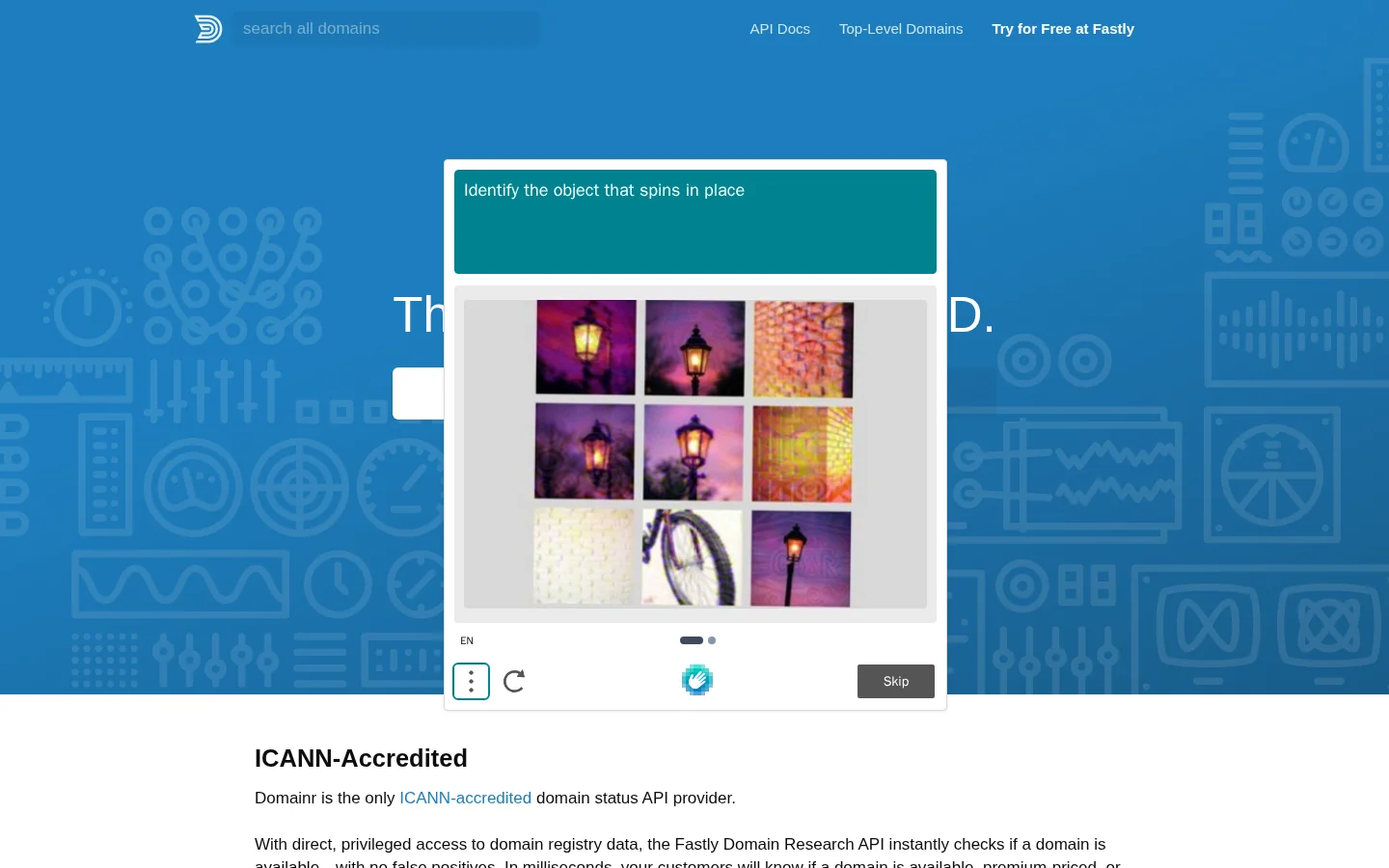
Availability is a registry question, not a website question. A domain can be registered with no website, and an empty DNS answer does not mean the name is free. Use a registrar or a search tool that queries registry data, and check several extensions at once so you can compare them. The tool in the screenshot below does that across many extensions.
From a terminal, DNS and WHOIS tell you whether a name is already in use. They do not tell you whether it is free to buy:
dig +short NS tidewell.com
whois tidewell.com | grep -i "creation date"
If the first command returns name servers, someone has set up DNS for the name, so it is almost certainly taken. An empty answer is not proof that the name is free. If the WHOIS output shows a creation date, the name was registered before, which matters for the history check in section 6. Some registries hide owner details behind privacy services, so treat the output as a clue, not a verdict. For the mechanics behind name servers, read our DNS glossary entry.
A name you like may already have a past. Check the expired-domain section below before you go further, and run the trademark check from section 2. If a name has a spam past or a well-known trademark, drop it, even if it is short and free.
Register for at least two or three years, enable auto-renewal, and keep the owner email on your company domain, not on a personal inbox. Expiry is a common and avoidable loss. Compare renewal prices, not just the first-year price, because a cheap first year often hides a higher renewal. Consider registering the main variants (with and without a hyphen, and your country extension) and redirecting them to the main address.
The extension is the last part of the name, and it matters for trust and for local search. Most of the time, the question is whether the .com is free and whether a country extension would help. Our full comparison is in the guide to domain extensions (TLDs), so this section covers only the choice you make when you name a site.
The size of the domain market
Source: Verisign Domain Name Industry Brief, Q2 2026, as reported by DN Journal on 24 July 2026
Visitors, journalists and partners expect a .com, and many good names are already taken there. If the .com is free and you can afford it, buy it, even if you plan to use another extension as well. If someone else holds the .com for a similar name, they can send your visitors to their site, so weigh that risk before you accept a second choice.
If your business serves one country, a country extension such as .fr, .de or .ca tells visitors and search engines where you are. The downside is that the name signals one market. Expanding to another country needs more planning, with a second domain or a subfolder structure. Choose the option that matches the next three years of your plan, not the one you wish you had.
New extensions such as .shop or .photos can be memorable, but they add a step for people who expect a .com. Use one only if the full name reads well, for example for a campaign or a product line, and keep a .com or a country domain as the main address. Google's 2015 statement applies here too: the extension gives no direct ranking advantage, so the choice is about trust and recall.
| Extension | Good fit | Main risk |
|---|---|---|
| .com | Most businesses with a global or national audience | Often taken, and resale prices can be high |
| Country code (.fr, .de, .ca) | Local businesses and local search | Harder to expand into other countries |
| New generic (.shop, .photos) | Campaigns and niche product lines | Less trusted by people who expect a .com |
| Hyphenated or numbered .com | Rarely the right answer | Lost in speech and mistyped |
An expired domain can look like a shortcut: a name that already has age and links. Some people pay for those names. The risk is what comes with them. A domain keeps its past, and past spam, penalties or a bad link profile can follow it to your site.
Use this check on any name that has been registered before, whether it comes from an auction, an expired drop or a previous owner who gave it up.
Open an archive of the site, such as the Wayback Machine, and check several snapshots across the years. You are looking for a change of topic, adult or gambling content, or a site that was sold for links. Then search Google for the site with the site: operator. The results show the pages Google has indexed for the name. Unrelated pages in an unrelated language are a red flag.
Links are the valuable part and the risky part. A few links from real sites on the same topic are a good sign. Many links from unrelated sites, link farms or sites with no content are a warning, because cleaning them up costs time. Compare the link profile with a checker, and treat any authority score as one input, not the answer.
A domain authority score summarizes the link profile in one number. It is useful for comparing two candidate names, but a high score on a spammy name still means a problem.
Tip
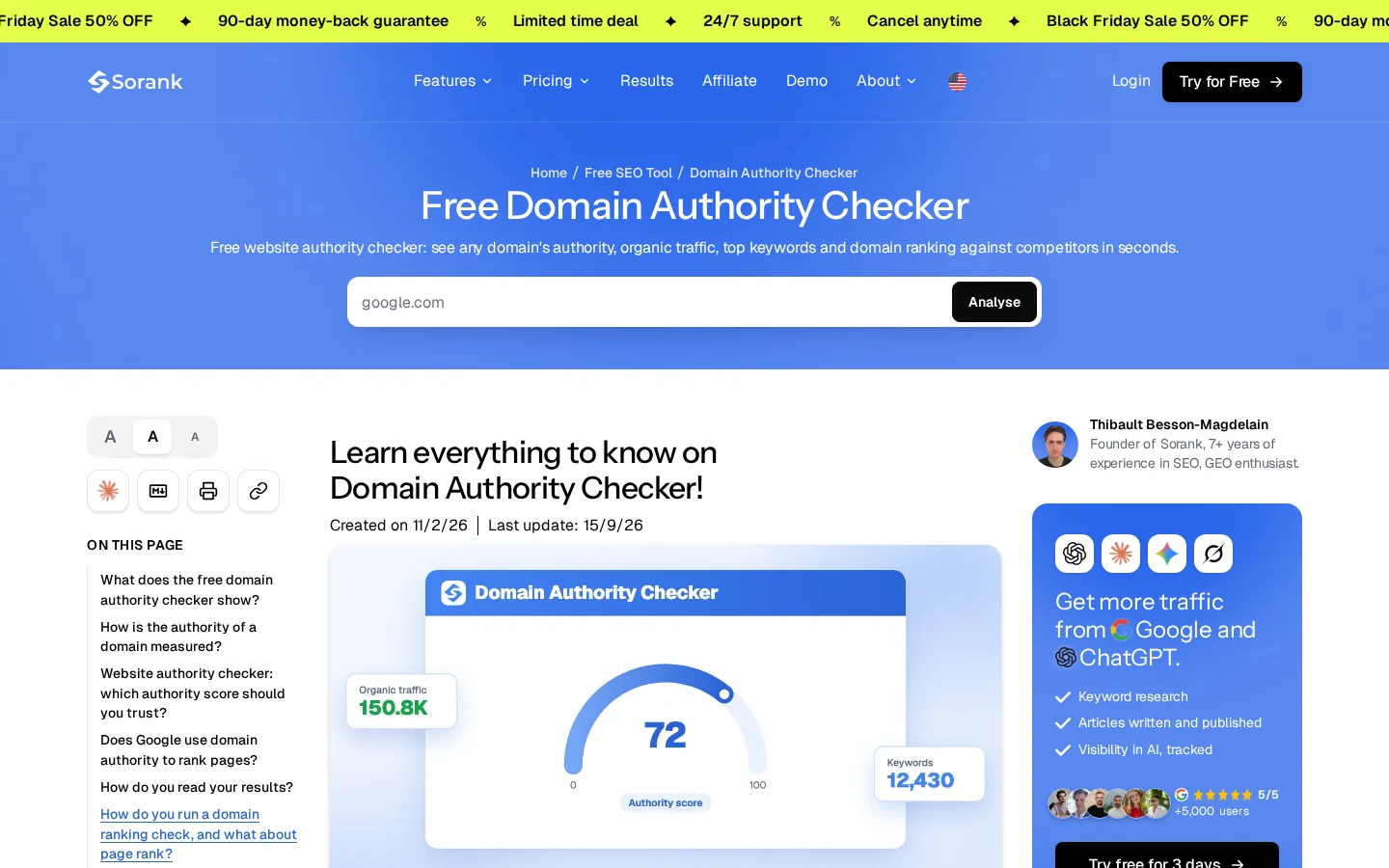
Run the name through the free domain authority checker before you bid in an auction. Then check the archive and the indexed pages yourself, because a score cannot show you a past of spam.
Two related reads go deeper. Domain age covers how much a name's age helps, and what domain authority is explains what the score measures and what it does not.
Brands change names, merge, or move to a better .com. A domain change is a migration, and most of the traffic loss comes from a weak plan, not from the new name. The plan has five parts: map every old URL, redirect each one with a 301, update internal links and the sitemap, keep both properties in Search Console, and watch the traffic for several weeks.
A domain move, done badly or done well
A permanent move uses a 301 redirect, which tells browsers and search engines that the new address replaces the old one. On an Apache server, a site-wide rule looks like this:
RewriteEngine On
RewriteCond %{HTTP_HOST} ^oldname\.com$ [NC]
RewriteRule ^(.*)$ https://www.newname.com/$1 [R=301,L]
This rule keeps each path: /pricing on the old domain goes to /pricing on the new one. Test a sample of URLs with our free redirect checker before you announce the move. If you need the difference between permanent and temporary redirects, read 301 vs 302 redirects.
Ask the main sites that link to you to update their links. A 301 tells search engines where the content moved, but updated links are cleaner and faster to recognize. Keep the old domain registered for years. If you let it lapse, someone else can buy it, along with the links and the traffic it still receives.
Each mistake below shows up later, usually when the cost is higher. For each one, the symptom tells you it has happened and the fix tells you what to do next.
What it is: a domain that equals a search query, bought in the hope that it ranks by itself. How to spot it: the site has little content, the name reads like an ad, and rankings stay flat for months. How to fix it: add real pages and improve the content. If the name is wrong for the business, plan a move using the steps in the previous section.
What it is: a name that ties you to one product, such as cheapsoccerboots.com for a company that later sells running shoes. How to spot it: the product list no longer matches the name, and the sales team apologizes for it. How to fix it: choose a name from the brief in step 1, with room to grow. If the name is already live, plan a migration with 301 redirects.
What it is: a name that needs spelling on every call. How to spot it: the phone test fails, and direct traffic goes to a different site or to nothing. How to fix it: rename before launch, or buy the clean version and redirect the hyphenated one to it.
What it is: a name bought for its age and links, without looking at what came with it. How to spot it: a site: search shows unrelated pages, or a backlink review shows spam networks. How to fix it: drop the name. If you already own it, clean up the content, remove the worst links where you can, and use Google's disavow tool for the rest.
What it is: a registration that lapses because the renewal email went to someone who left the company. How to spot it: no company inbox on the registrar account, or a renewal date within months with no plan. How to fix it: register for several years, enable auto-renewal, and put a shared company inbox on the account. A lapsed name can be bought by anyone, so the loss is hard to undo.
What it is: twenty names bought "to be safe". How to spot it: a renewal bill that grows every year, with no clear main address. How to fix it: keep the .com and the one or two variants that matter, and redirect them to the main site.
| Mistake | Symptom | Fix |
|---|---|---|
| Keyword name as a shortcut | Flat rankings, thin pages | Build real content, or migrate |
| Named after one product | The name no longer matches the offer | Migrate with 301 redirects |
| Hyphens and digits | The wrong site gets the visit | Buy the clean version and redirect |
| No history check | Spam pages or bad links | Drop the name, or clean up |
| Lapsed renewal | An expiry notice, or a stranger owns the name | Multi-year term, auto-renewal, company inbox |
| Too many variants | Renewal bills grow, no clear main address | Keep the .com and one or two redirects |
Keyword research tells you the words people type. Those words should shape your category pages, your titles and your descriptions. They should not decide the name by themselves, because the name has to be memorable and the pages do the ranking. Use the research to find the vocabulary your buyers use, then write that vocabulary into your site.
Sorank's automated keyword research covers Google and AI search, so you can see the vocabulary your category uses before you settle the wording. For the manual method, the keyword research guide walks through each step.
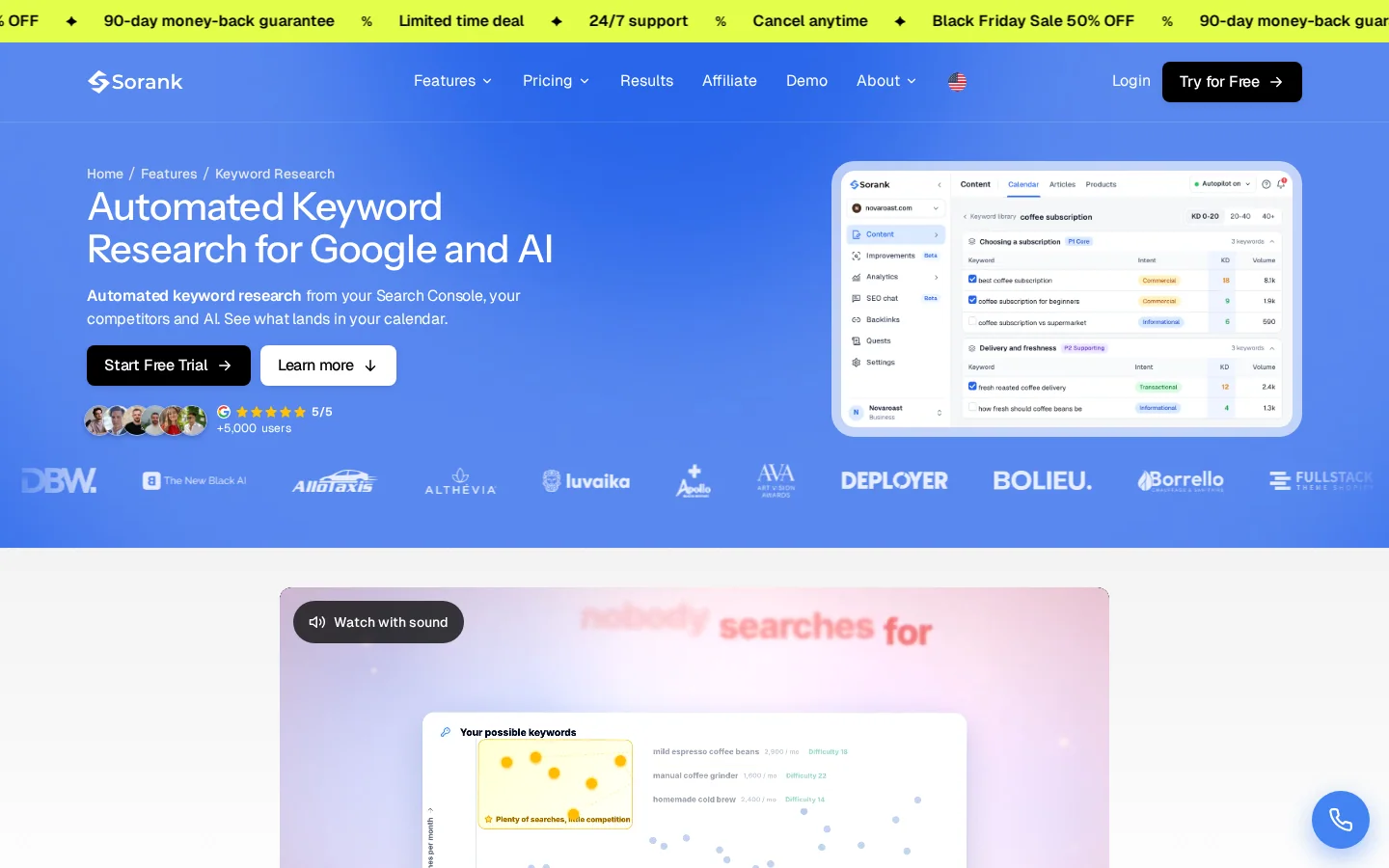
Once the name is chosen, group the queries into pages with keyword clustering, so each page targets one cluster. That way the name never has to carry the topic.
Run this list on your top name. If any line is a no, go back to the shortlist.
Before you pay
A good name is not the one that wins an argument. It is the one a stranger can spell, remember and find again a year later. Choose that, check the history, and then spend your time on the pages, which is where the rankings come from.
Google has said that keywords in an extension (the TLD) give no advantage or disadvantage in search. Keywords in the name itself can help people understand your topic, but they do not rank a site on their own. An exact-match name on thin content can even look like spam.
Google treats new generic extensions like .com and .org, so the extension alone does not change rankings. The .com still matters for memory and trust, because visitors and partners expect it. A country extension can help a local business, but only if your market is that country.
Yes, if every old URL is redirected to its new address with a 301 redirect, your internal links and sitemap are updated, and both properties stay in Search Console during the move. Rankings can dip for a while, so plan the move for a quiet period.
We analyse your competitors, your website and your AI visibility to create a tailored content plan for free.
 AI Content Brief Generator
 FAQ Schema Generator
 AI Blog Post Ideas Generator
 Structured Data Validator (Schema Validator)
 Alt Text Checker
 Internal Link Analyzer
 Backlink Challenge
 AI Meta Description Generator
 AI Blog Title Generator
 Google Indexability Checker
 AI Blog Outline Generator
 UTM Link Builder
 Keyword Clustering Tool
 Canonical Tag Checker
 XML Sitemap Generator
 Broken Link Checker
 AI SEO Title Generator
 Headline Analyzer
 SERP Preview Tool
 Redirect Checker
 Hreflang Tag Generator
 Heading Structure Analyzer
 HTTP Headers Checker
 Favicon Extractor
 SERP CTR Calculator
 SEO vs Paid Search Savings Calculator
 SEO Share of Voice Calculator
 SEO ROI Calculator
 SEO Traffic and Revenue Forecast Calculator
 SEO Budget Calculator
 SEO Break-Even Calculator
 SaaS SEO ROI Calculator
 ROAS Calculator
 Reading Time Calculator
 Ranking Gain Simulator
 Organic Traffic Value Calculator
 Organic Traffic Estimator and Website Traffic Checker
 LTV to CAC Ratio Calculator
 Local SEO ROI Calculator
 Link Building Cost Calculator
 Keyword Value Calculator
 Keyword Opportunity Score Calculator
 Keyword Density Calculator
 GEO ROI Calculator
 GEO Content Investment Calculator
 Ecommerce SEO ROI Calculator
 Customer Lifetime Value Calculator
 Customer Acquisition Cost Calculator
 CTR Calculator
 Cost Per Article Calculator
 Conversion Rate Calculator
 Content Marketing ROI Calculator
 ChatGPT Referral Traffic Estimator
 Bounce Rate Calculator
 Backlink ROI Calculator
 AI Visibility Score Calculator
 AI Traffic Value Calculator
 AI Share of Voice Calculator
 Cost of AI Invisibility Calculator
 AI Citation Rate Calculator
 llms.txt Validator
 AI Overview Checker and AI Overviews Rank Checker
 Robots.txt Checker
 AI SEO Audit
 LLM Readability Checker
 SearchGPT Readiness Checker
 Structured Data LLM Audit
 Website Crawlability AI Audit
 Why ChatGPT Is Not Recommending My Website
 Gemini Ranking Tool
 Perplexity Ranking Checker
 LLM Citation Checker
 Answer Engine Optimization Audit
 GEO Audit
 AI Search Visibility Test
 ChatGPT Visibility Checker
 llms.txt Generator
 URL Extractor
 Webpage to Markdown
 Sitemap Checker
 SERP Volatility Sensor
 Page Size Checker
 Word Counter
 Slug Generator
 Schema Generator
 Robots Generator
 OG Preview
 Meta Tags Generator
 Image Compressor
 Favicon Generator
 On-Page SEO Audit: SEO Checker and SEO Analyzer
 Backlink Analysis Tool
 Keyword Research Tool
 Domain Authority Checker
 “I tested Sorank on a real client site and it's insane. It does everything an agency would bill you $1500 a month for. It's going into production on that client now.”

 Guillaume Guersanguersanguillaume.com“We are an Ads agency and we wanted to get our SEO back on track once and for all. Sorank gave us a clear view of our site, helped us prioritize optimizations, and properly structure our content. The tool is easy to use, well designed for a team, and very practical for centralizing tracking without having to juggle multiple platforms. A very solid foundation to start fresh with our SEO.”
 Gaspard MadouiAds Agency
 “I just let the Sorank software do its thing, and now my DR is 25 and my page is ranking higher.”
 Lucas Flandrefoundertrace.fr“I specialized in GEO thanks to Sorank. The GEO Leaderboard allows me to show my clients their position vs competitors on ChatGPT. It’s a real commercial differentiator.”
 MélanieSEO Freelance“Great service, works well for our website and helps us understand how to improve it to rank better on Google and elsewhere. Congrats, keep going, I recommend it.”
 Hugo T.E-commerce merchant