Preferences
Privacy is important to us, so you have the option of disabling certain types of storage that may not be necessary for the basic functioning of the website. Blocking categories may impact your experience on the website. More information
Privacy is important to us, so you have the option of disabling certain types of storage that may not be necessary for the basic functioning of the website. Blocking categories may impact your experience on the website. More information

 Ahrefs: Which Rank Tracker Fits Your SEO Work
AccuRanker vs Ahrefs compared on update frequency, locations, cost per keyword and workflow, plus a two-week test to run before you buy either.

In short
AccuRanker is a specialist rank tracker, and Ahrefs is an all-in-one SEO suite with a rank tracker inside. AccuRanker lists daily updates on its Professional plan, and Ahrefs says its rankings update weekly. Choose AccuRanker for daily positions alone, and Ahrefs when you also need backlinks and keyword research.
Want to go further? Ask
Quick quiz
Which kind of SEO tool is right for you?
Sorank matches your answers


Test it for 3 days on your own site and see where you stand on Google, ChatGPT and the other AIs.
Start 3-day free trial3 days free, then stop whenever you want. 90-day results guarantee, conditions apply.
AccuRanker is built to answer one question every day: where does this keyword rank, in this location, on this device? Ahrefs is built to answer many questions about your site, your competitors and your links, and its rank tracker is one module among several. That difference drives most of the other choices in this comparison, so start there.
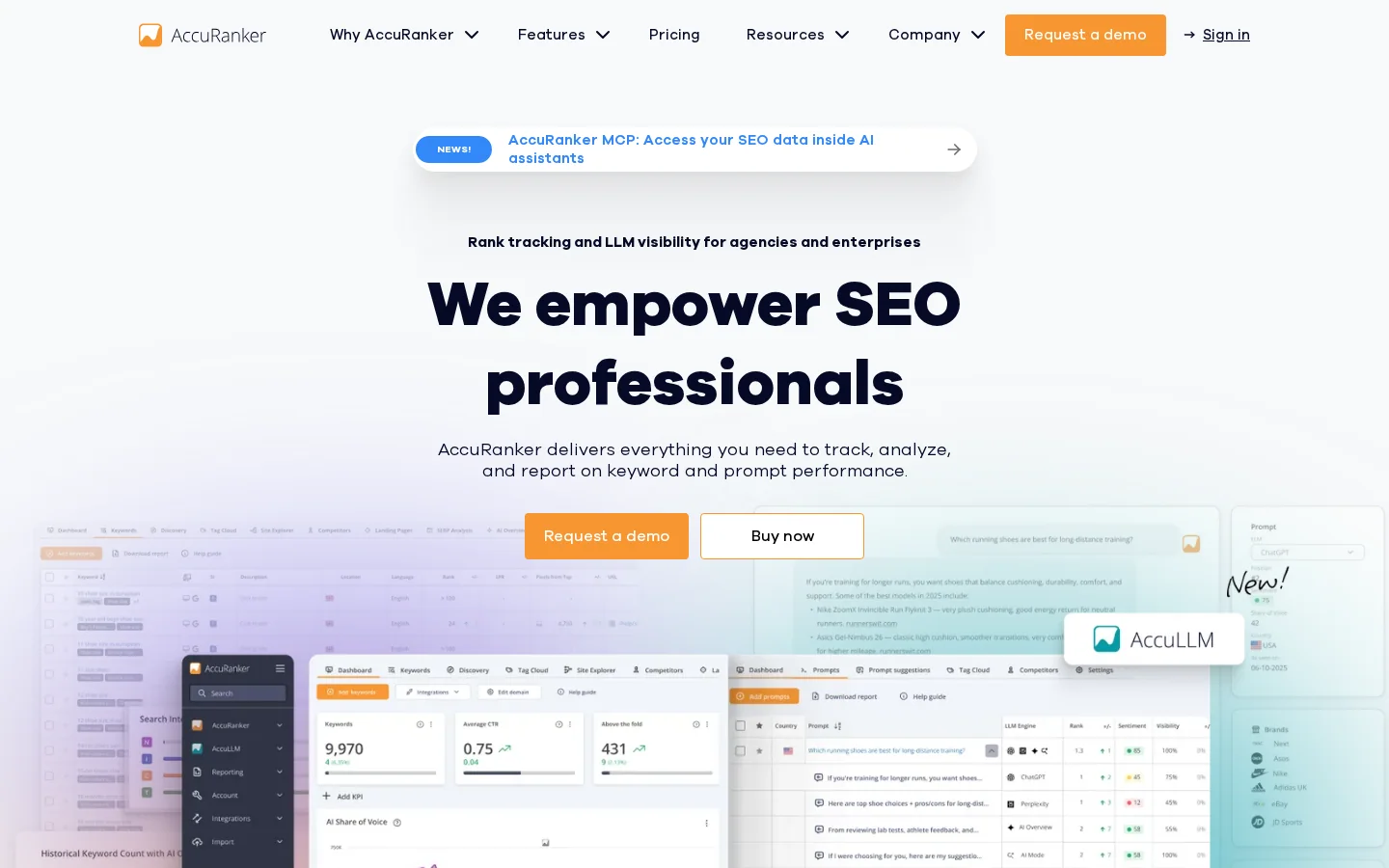
The AccuRanker homepage describes "rank tracking and LLM visibility for agencies and enterprises", and the product is organized around the results page. You add keywords, choose the markets, and read positions, filters and reports from one place. The homepage also lists "50+ filters" and says you get unlimited users, domains and API calls. Those are vendor claims, so test the filters on your own keyword list before you rely on them.
Ahrefs puts its rank tracker next to a backlink index, a site crawler and keyword research. Its pricing page shows crawl credits next to the keyword limit on each paid plan, so the crawler is billed inside the same subscription. The rank tracker then becomes one line of a larger bill. If you have not read it yet, our Ahrefs review explains what the suite does and who should buy it.
Two products, two jobs
A rank check sends a query to a search engine from a chosen location and device, then records where your URL appears in the organic results. Two tools checking the same keyword can still report different positions, for four main reasons: the location, the device, the time of the check, and the SERP features that push organic results down the page. A featured snippet or a block of AI Overviews above your result changes what "position" means on screen, even when the organic order has not changed.
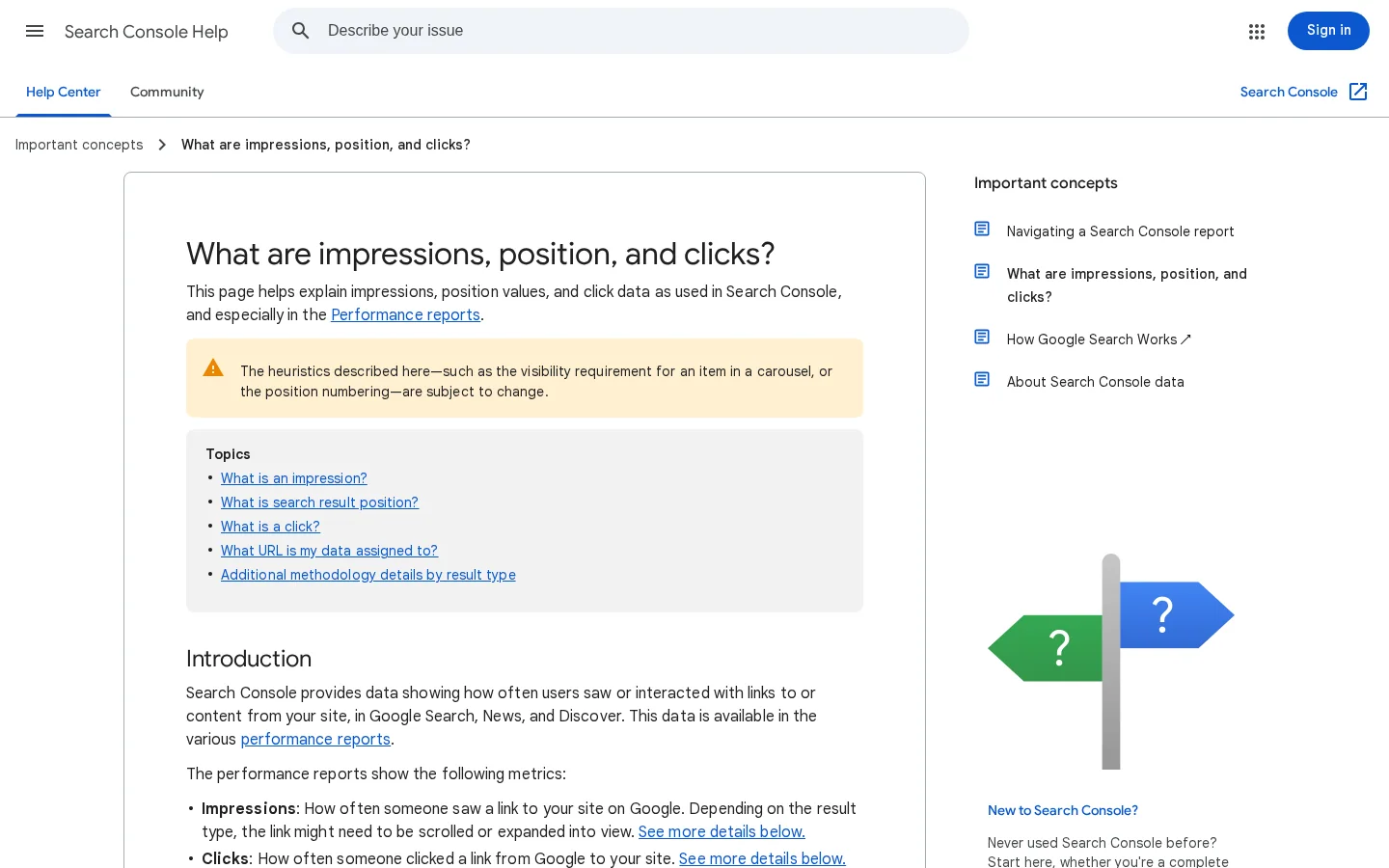
Before you judge a tool by its numbers, read how the number is defined. Google's own definition in Search Console shows how much an average can hide. The Search Console help page, checked on 22/11/2026, says the position is "the topmost position occupied by a link" and that it is "averaged across all queries in which your property appeared". It also warns that "for your specific search your position might be different than the average". Read the metric as a summary of many queries, not as the rank of one keyword. Our average position glossary entry covers this trap in more depth.
Position matters because it sets the share of searchers who click. When you turn a ranking report into a traffic forecast, a simple model is enough to start:
estimated clicks = impressions × CTR at that positionThe CTR at a given position depends on the query, the SERP layout and the result type, so take it from your own Search Console data where you can. A generic curve from a blog post is a starting point, not a forecast. A tracker reports position, while Search Console reports impressions and clicks, so the two only meet when you join them on the same query.
Tip
To put a number on a ranking gain before you chase it, plug your position and your impressions into the free SERP CTR calculator. It gives a quick estimate of clicks for any Google position, so you can weigh a move from position 8 to position 4 against the effort it needs.

The main difference is the update schedule: AccuRanker lists daily updates, and Ahrefs lists weekly ones. On its pricing page, checked on 22/11/2026, AccuRanker lists "Daily updates" as a feature of its Professional plan. Its homepage promises "real-time data" about your tracked keywords. The Rank Tracker page at Ahrefs, checked the same day, says rankings update weekly, and it lists competitor alerts as weekly and monthly updates.
In practice, weekly updates mean a drop that starts on Monday can sit unseen in your report for up to a week. Daily updates cut that lag to about one day. The gap matters when you ship a change to a money page and need to know within days whether it helped. It matters much less if you review rankings once a month for a content plan, and in that case the cheaper tool is the better one.
If you monitor a period after a Google core update, watch the trend across several days instead of a single reading. One weekly snapshot can catch a dip mid-recovery or miss it entirely, while a daily series shows the shape of the drop. Keep the same keyword list and settings across the whole period so the comparison stays honest.
Update schedules, as the vendors state them
Sources: AccuRanker pricing page and Ahrefs Rank Tracker page, checked on 22/11/2026
Two warnings apply. First, "real-time" on a homepage and "daily" on a pricing page are not the same promise. Ask which one applies to the plan you would buy, and get the answer in writing. Second, check the update line on the plan itself, not the headline. Marketing pages describe the best case, while a plan list describes what you pay for.
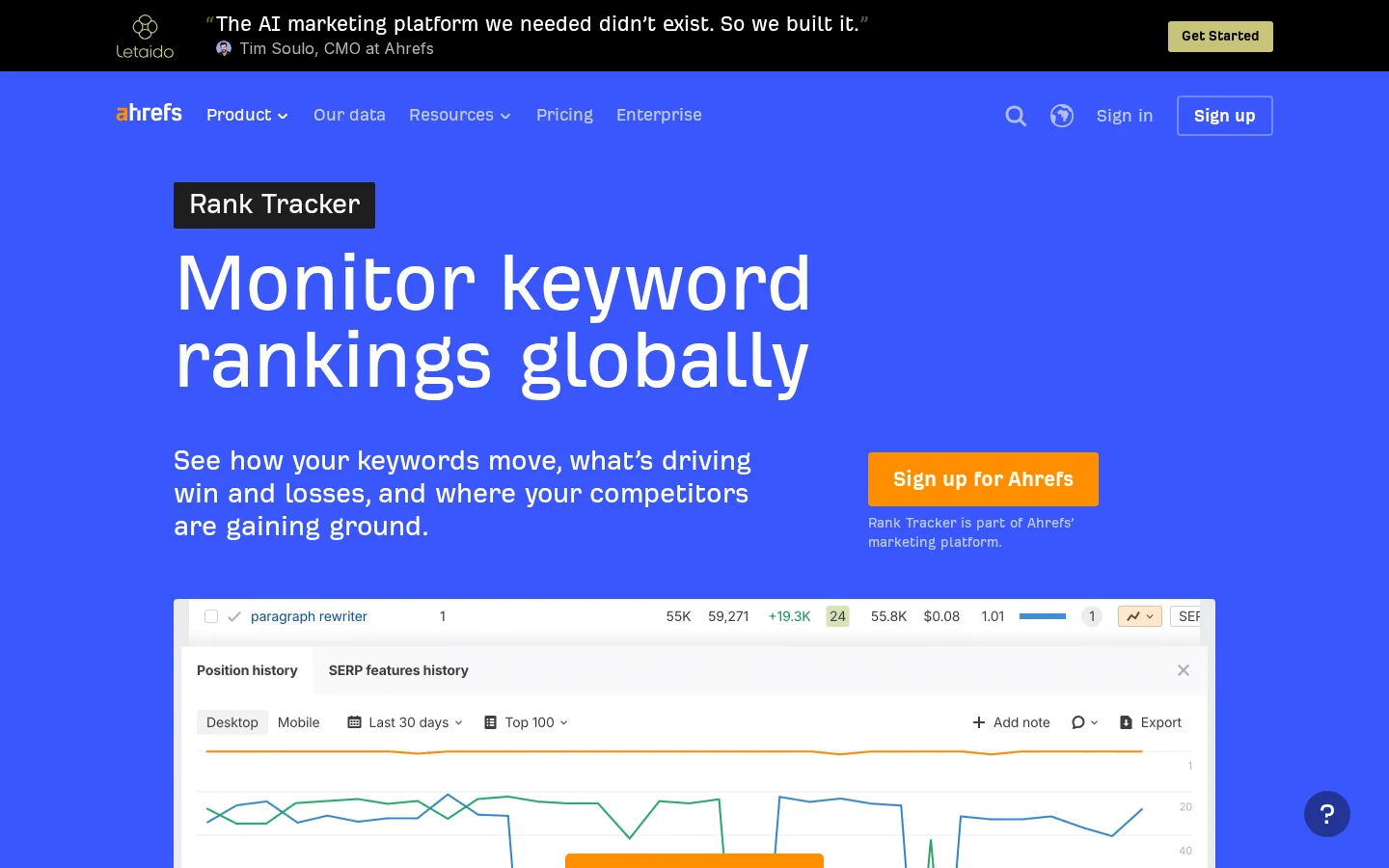
Ahrefs publishes its location coverage: its Rank Tracker lists "190+" locations, with tracking "from country, to city, to ZIP code", and it covers mobile and desktop. AccuRanker's pages that I could read give no location count and no device list, so you cannot compare the two on paper. That gap is a question for the demo, not for a comparison article.
Location is where most rank reports go wrong. A keyword checked from a city center can return a different position from the same keyword checked in a suburb, and a tracker that stops at country level hides that. The Ahrefs figure has no date or source on the page, so treat it as the vendor's own count. Third-party reviews say AccuRanker covers desktop and mobile, and they name Google, Bing, YouTube and Baidu as search engines, with some adding Yandex. Those are secondary sources, and they disagree, so check them yourself. Before you buy, open the location picker in the demo and confirm your three most important cities are available.
| Question | AccuRanker | Ahrefs |
|---|---|---|
| Update schedule | Daily on Professional (pricing page), "real-time" on the homepage | Weekly (Rank Tracker page) |
| Location detail | No count or list on the pages I read | "190+" locations, from country to ZIP code (vendor figure, no source) |
| Devices | Not listed on its pages, third-party reviews say desktop and mobile | Mobile and desktop |
| Search engines | Not listed on its pages, third-party reviews name Google, Bing, YouTube and Baidu | Not stated on the page I read |
| SERP features | Not counted on its pages | 19 listed on the Rank Tracker page |
Most teams use one of three ways to measure rankings: a dedicated rank tracker such as AccuRanker, the rank tracker inside a suite such as Ahrefs, or the free Search Console report from Google. Each answers a different question and each has a blind spot. If you can afford it, use two of them, one for speed and one for ground truth.
Principle: it checks your chosen keywords in your chosen locations on a schedule, and stores the history. When to use it: after a site change, when you manage many clients or markets, or when you need daily reports. Advantages: the freshest position data, strong filters and reporting that clients can read. Limits: it tracks rankings and little else, so links and research need another tool, and cost grows with each keyword. Example: an agency tracks 2000 keywords across four markets, checks them every morning, and tags each client's money pages so a drop is seen the same day.
Principle: the same kind of check, run inside a product that also holds backlinks, crawl data and keyword research. When to use it: when rankings and competitor analysis belong in one workflow and a weekly review is enough. Advantages: one login, and the same data sits next to your link and keyword work. Limits: the Rank Tracker page states weekly updates, and the cheaper plans come with credit limits. Example: a small site tracks 750 keywords on the Lite plan, reviews them each week, and uses the same account to check which pages attract links.
Principle: Google reports, for each query, the average of the topmost positions where your pages appeared. When to use it: to see how real searchers met your pages, including queries you never added to a tracker. Advantages: it is free and comes from Google. Limits: it averages across queries and is delayed, and it does not show competitors. Example: a page averages position 9 for a long-tail query you never tracked. That tells you the page is close to page one for that query and may be worth a small update.
| Method | Question it answers | Update speed | Main limit |
|---|---|---|---|
| Dedicated tracker | Where do I rank today, in this location? | Daily on AccuRanker's Professional plan | Rankings only, and cost grows with keywords |
| Suite tracker | How do my rankings and links compare with rivals? | Weekly on Ahrefs' Rank Tracker page | Credit limits, and attention split across modules |
| Search Console | How did real searchers see my pages? | Delayed and averaged over queries | No competitors, and averages hide single keywords |
If you are still choosing between tool categories, our guide to the best keyword rank checking tool covers more options, and the rank tracking explainer covers the mechanics behind every method above.
If you need the link side of the work, Ahrefs has a clear advantage over a specialist tracker. Its pricing page lists crawl credits on each paid plan, and its backlink data is a reason many people buy the suite in the first place. AccuRanker's homepage describes rank tracking and LLM visibility and does not mention backlinks or site crawling, so if links are your goal, you will need a second tool.
The practical question is how much of the suite you will open each week. If you only check positions, you pay for modules you never use. If you run a link plan, the rank tracker inside Ahrefs saves a second login and a second export. The table below shows where each product stands on the main modules, based on the pages I could read.
| Module | AccuRanker | Ahrefs |
|---|---|---|
| Rank tracking | Core product, daily updates on Professional | Rank Tracker, weekly updates on its page |
| Backlink data | Not mentioned on its homepage | Included in the suite |
| Site crawling | Not mentioned on its homepage | Crawl credits on each paid plan |
| Keyword research | Not mentioned on its homepage | Included in the suite |
| AI visibility | LLM visibility, as its homepage describes | Brand Radar, a separate product |
For a fuller picture of the suite, read the Ahrefs, Semrush and SpyFu comparison, and the review of Ahrefs Brand Radar, which covers its AI visibility product.
Compare plans by price per tracked keyword, because the headline price hides how many keywords you get for it. Divide the monthly price by the keyword limit to put every plan on one scale. Here is the arithmetic, using the Ahrefs prices on its pricing page, checked on 22/11/2026. The page does not say whether these are monthly or annual rates, so confirm at checkout.
price per keyword = monthly price / tracked keywords| Ahrefs plan | Monthly price | Tracked keywords | Price per keyword |
|---|---|---|---|
| Lite | €119 | 750 | €0.159 |
| Standard | €229 | 2000 | €0.115 |
| Advanced | €419 | 5000 | €0.084 |
AccuRanker's pricing page shows Professional at €229 per month, with 2000, 3000 or 5000 keywords, and Expert at €809 per month, with 10000, 15000 or 20000. The page does not say which price goes with which keyword tier, so I did not calculate a per-keyword figure for AccuRanker. Ask for the exact quote for the count you need. Both vendors say annual payment saves money: AccuRanker says "up to 15%", and Ahrefs says "up to 17%".
Treat the per-keyword figure as a floor, not the bill. Add the cost of the locations and devices you multiply in, the seats your team needs, and any add-ons. AI visibility tracking, for example, is described as an add-on for AccuRanker in one third-party review. Build the total before you compare.
Check the credit terms too. The Ahrefs Lite plan gives 1000 credits per user, while Standard and Advanced list unlimited credits per user. If your team grows, the credit cap can matter more than the keyword count. Comparison sites often quote prices in dollars and use older plan names, so take your numbers from the vendor's own page on the day you buy.
Run both tools on the same keyword list for two weeks, and you will learn more than from any comparison, this one included. The goal is not to prove one tool right. It is to find where the tools disagree, and to decide whether you can live with each disagreement. Follow the steps below, and keep the exports.
The two-week fair test
Use between 100 and 200 keywords. Include your money terms, your brand terms, and a set of queries where you rank between positions 11 and 20, because a small move there decides whether you reach page one. Brand queries behave differently from generic ones, since users see your name in the results. Split them out with a filter in your Search Console export. Replace the placeholder with your own brand name:
^(yourbrand)\bMatch the country, the city or ZIP code, the device, the Google domain and the language in both tools. A mismatch here creates most of the gaps people later blame on the software. Record the date and time of each check in your sheet. A daily tool and a weekly tool will never agree on a timestamp, so the log is how you tell a real gap from a timing gap.
Each day, subtract one tool's position from the other for every keyword. Treat gaps of more than three positions on the same day as findings to investigate, and ignore smaller ones, which are normal noise. Three positions is my suggested threshold, not a standard, so set your own. For each big gap, look at the query in Search Console. If your average position for that query sits between the two tracker values, both tools are roughly right and the gap is a matter of measurement. If it sits close to one of them, the other tool is probably reading a different location or a different SERP layout.
Note
Trial periods and plan limits change. Before you start, ask each vendor whether a trial is available for the plan you will test, and confirm the keyword count your list will use once locations and devices are multiplied in.
Most bad comparisons come from the same five mistakes. Each one looks harmless in a spreadsheet and produces a wrong decision in a meeting.
What it is: one tool checks a city while the other checks a country, or one checks desktop while the other checks mobile. How to spot it: the gaps cluster on a few keywords, often the local or mobile ones. How to fix it: set one location and one device in both tools, and check the location column of each export before you compare positions.
What it is: a number repeated across comparison sites, such as a count of SERP features or locations, with no date and no source. One comparison article I read gave Ahrefs two different SERP feature counts in two sections. How to spot it: a figure with no link to the vendor's page. How to fix it: open the live product page, note the date you checked it, and use that number, as the Rank Tracker page lists 19 SERP features at the time of writing.
What it is: treating a marketing word as a service level. How to spot it: the word "real-time" with no interval beside it, while the plan page says something else. How to fix it: ask for the refresh schedule of your plan, in writing, and build your reporting calendar around it. A weekly schedule and a daily schedule need different review habits.
What it is: reading Search Console's average position as if it were a tracker's exact position. How to spot it: the page shows position 9 in Search Console while your tracker shows position 4 for the same keyword, and the query has few impressions. How to fix it: filter the report to that single query, check the impressions, and compare the tracker on the same day. The average is built from several searches, so it can differ from any single check. Our SERP monitoring guide shows how to read several checks together.
What it is: counting keywords without counting the locations and devices you multiply them by. How to spot it: the tracker reaches its limit in the middle of the month, or a credit warning appears after a new user joins. How to fix it: multiply your list by each location and device you need, then compare that total with the plan. A third-party review says mobile and different Google countries count as separate keywords in some tools, so check how your chosen tool counts before you commit.
Reading a comparison
Sorank is not a rank tracker, and this article would mislead you if it suggested otherwise. The Sorank homepage describes writing and publishing articles, acquiring backlinks, tracking AI mentions and fixing technical SEO issues automatically. For the question "does ChatGPT name my brand", the AI mention tracking page covers that question directly. For Google and AI traffic side by side, the GEO / SEO dashboard puts both on one screen. For daily positions, use a rank tracker, and set it up with the steps in our SERP monitoring guide.
Choose AccuRanker when daily positions drive your decisions, when you manage many clients or markets, and when your links and research live in another tool. Choose Ahrefs when you want rankings, links and research in one subscription and a weekly rank check is enough. Many teams run both: a daily tracker for the money pages, and a suite for links and research. Whichever you pick, run the two-week test first, and keep the export so you can show why you chose it.
Before you buy either tool
AccuRanker is the narrower, more specialized tool, and its pricing page lists daily updates on the Professional plan. Ahrefs is the better fit if you also need backlinks, site crawling and keyword research in one subscription. Its Rank Tracker page says rankings update weekly.
Not according to its Rank Tracker page, which states weekly updates for rankings and lists competitor alerts as weekly and monthly. If you need daily positions, check the update line for the exact plan you would buy, since the page does not give a schedule for every plan.
Yes. A common split is a daily tracker for your money pages and a suite for links and research. Run both on the same keyword list for two weeks before you cancel either one.
We analyse your competitors, your website and your AI visibility to create a tailored content plan for free.
 AI Content Brief Generator
 FAQ Schema Generator
 AI Blog Post Ideas Generator
 Structured Data Validator (Schema Validator)
 Alt Text Checker
 Internal Link Analyzer
 Backlink Challenge
 AI Meta Description Generator
 AI Blog Title Generator
 Google Indexability Checker
 AI Blog Outline Generator
 UTM Link Builder
 Keyword Clustering Tool
 Canonical Tag Checker
 XML Sitemap Generator
 Broken Link Checker
 AI SEO Title Generator
 Headline Analyzer
 SERP Preview Tool
 Redirect Checker
 Hreflang Tag Generator
 Heading Structure Analyzer
 HTTP Headers Checker
 Favicon Extractor
 SERP CTR Calculator
 SEO vs Paid Search Savings Calculator
 SEO Share of Voice Calculator
 SEO ROI Calculator
 SEO Traffic and Revenue Forecast Calculator
 SEO Budget Calculator
 SEO Break-Even Calculator
 SaaS SEO ROI Calculator
 ROAS Calculator
 Reading Time Calculator
 Ranking Gain Simulator
 Organic Traffic Value Calculator
 Organic Traffic Estimator and Website Traffic Checker
 LTV to CAC Ratio Calculator
 Local SEO ROI Calculator
 Link Building Cost Calculator
 Keyword Value Calculator
 Keyword Opportunity Score Calculator
 Keyword Density Calculator
 GEO ROI Calculator
 GEO Content Investment Calculator
 Ecommerce SEO ROI Calculator
 Customer Lifetime Value Calculator
 Customer Acquisition Cost Calculator
 CTR Calculator
 Cost Per Article Calculator
 Conversion Rate Calculator
 Content Marketing ROI Calculator
 ChatGPT Referral Traffic Estimator
 Bounce Rate Calculator
 Backlink ROI Calculator
 AI Visibility Score Calculator
 AI Traffic Value Calculator
 AI Share of Voice Calculator
 Cost of AI Invisibility Calculator
 AI Citation Rate Calculator
 llms.txt Validator
 AI Overview Checker and AI Overviews Rank Checker
 Robots.txt Checker
 AI SEO Audit
 LLM Readability Checker
 SearchGPT Readiness Checker
 Structured Data LLM Audit
 Website Crawlability AI Audit
 Why ChatGPT Is Not Recommending My Website
 Gemini Ranking Tool
 Perplexity Ranking Checker
 LLM Citation Checker
 Answer Engine Optimization Audit
 GEO Audit
 AI Search Visibility Test
 ChatGPT Visibility Checker
 llms.txt Generator
 URL Extractor
 Webpage to Markdown
 Sitemap Checker
 SERP Volatility Sensor
 Page Size Checker
 Word Counter
 Slug Generator
 Schema Generator
 Robots Generator
 OG Preview
 Meta Tags Generator
 Image Compressor
 Favicon Generator
 On-Page SEO Audit: SEO Checker and SEO Analyzer
 Backlink Analysis Tool
 Keyword Research Tool
 Domain Authority Checker
 “I tested Sorank on a real client site and it's insane. It does everything an agency would bill you $1500 a month for. It's going into production on that client now.”

 Guillaume Guersanguersanguillaume.com“We are an Ads agency and we wanted to get our SEO back on track once and for all. Sorank gave us a clear view of our site, helped us prioritize optimizations, and properly structure our content. The tool is easy to use, well designed for a team, and very practical for centralizing tracking without having to juggle multiple platforms. A very solid foundation to start fresh with our SEO.”
 Gaspard MadouiAds Agency
 “I just let the Sorank software do its thing, and now my DR is 25 and my page is ranking higher.”
 Lucas Flandrefoundertrace.fr“I specialized in GEO thanks to Sorank. The GEO Leaderboard allows me to show my clients their position vs competitors on ChatGPT. It’s a real commercial differentiator.”
 MélanieSEO Freelance“Great service, works well for our website and helps us understand how to improve it to rank better on Google and elsewhere. Congrats, keep going, I recommend it.”
 Hugo T.E-commerce merchant