Preferences
Privacy is important to us, so you have the option of disabling certain types of storage that may not be necessary for the basic functioning of the website. Blocking categories may impact your experience on the website. More information
Privacy is important to us, so you have the option of disabling certain types of storage that may not be necessary for the basic functioning of the website. Blocking categories may impact your experience on the website. More information

 Ahrefs Review: What It Does, What It Costs and Who Should Buy It
Ahrefs review: what each tool does, the plan limits and prices on its pricing page, the free Webmaster Tools option, and when a paid plan pays off.

In short
Ahrefs is a paid SEO toolset for backlinks, keyword research, site audits and rank tracking, with free Webmaster Tools reports for websites you verify. Its best-known strength is its backlink index, and its main cost is a monthly plan, from €119 excluding tax on its pricing page as we checked it on 21/11/2026. It pays off when you study links and competitors every week, so try the free reports first.
Want to go further? Ask
Quick quiz
Which kind of SEO tool is right for you?
Sorank matches your answers


Test it for 3 days on your own site and see where you stand on Google, ChatGPT and the other AIs.
Start 3-day free trial3 days free, then stop whenever you want. 90-day results guarantee, conditions apply.
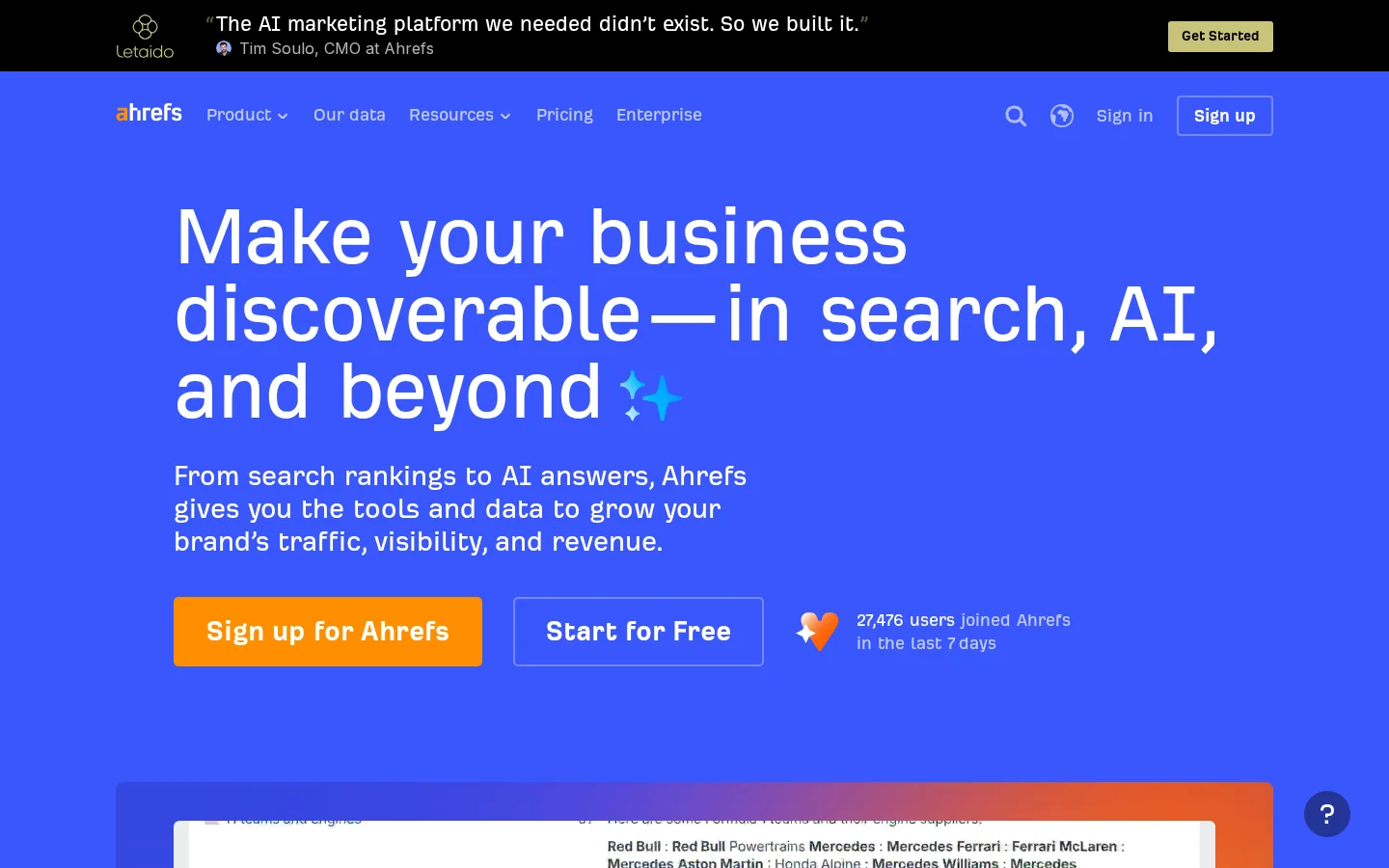
Ahrefs is a web platform built around one large index of links between websites. You type a domain and see which sites link to it, which keywords it ranks for, and which of its pages bring the most organic traffic. Around that core, it adds site audits, rank tracking and a module that measures how often AI assistants mention a brand. The homepage now also lists traffic analytics, content tools, reporting and an API, so the product is broader than the SEO basics it started from.
It suits people who make decisions from SEO data: in-house SEO leads, agency teams that report to clients, and consultants who audit sites for a living. It is a poor fit for a solo writer who checks five keywords a month. If you are unsure which group you belong to, read the pricing section before the feature list, because plan limits decide what you actually get.
We cover Ahrefs in full here, with a focus on what changes a buying decision: the backlink data, the plan limits and the free reports. Ahrefs' AI visibility module has its own review, the Ahrefs Brand Radar review, so this article mentions it only where it affects the price.
Ahrefs groups its features into a few tools. Each one answers a different question, and they share the same plan limits, so it helps to know which question you need answered first.
Site Explorer is the tool most people buy Ahrefs for. Enter a domain or a URL and it lists the backlinks pointing at it, the referring domains, the anchor texts, and the organic keywords and top pages that bring it traffic. Do not stop at the total link count. Ten links from ten unrelated sites with branded anchors mean something different from ten exact-match anchors from one network. The anchor text optimization guide shows how to read that pattern before you act on it.
Keywords Explorer gives you search volume, keyword difficulty and the results page for a term, plus related ideas. Use it before you write a page, not after. Open the top ten results and ask whether those pages are the same kind of page you plan to publish. If they are news sites or large marketplaces, a small site will struggle however low the difficulty score looks. The keyword metrics guide explains what each number measures and what it leaves out.
Site Audit crawls your site and lists technical and on-page problems: broken links, redirect chains, missing titles, thin pages and duplicate content. Start with the errors, then the warnings. Crawling uses crawl credits, which work as a budget. On a large site, that budget decides whether the audit covers every section, so audit one section at a time if the first run stops short of what you expected.
Rank Tracker follows where your keywords sit over time. The plan decides how many keywords you can track: 750 on Lite, 2000 on Standard and 5000 on Advanced, according to the pricing page. Track the terms tied to pages that matter to revenue. A list of 2000 keywords where half are informational queries hides the few movements you actually need to see.
Brand Radar measures how brands appear in AI answers. Its checks are counted separately from the SEO features: the pricing page lists 150 AI prompt checks on Lite, 300 on Standard and 600 on Advanced, and a separate Brand Radar AI plan starts at €179 per month. Budget it as its own product, not as a bonus inside your SEO plan.
| Module | Question it answers | In the free Webmaster Tools reports |
|---|---|---|
| Site Explorer | Who links to this site, and which keywords does it rank for? | Yes, with 1000 backlinks and keywords visible at once |
| Keywords Explorer | How much demand is there, and who ranks for it? | Not listed |
| Site Audit | What is broken or weak on the site? | Yes, 5000 crawl credits per month per project |
| Rank Tracker | Where do my keywords stand now? | Not listed |
| Brand Radar | How do AI answers mention my brand? | Not listed |

Domain Rating (DR) is Ahrefs' score for the strength of a site's backlink profile. In a May 4, 2022 article on its blog, Ahrefs describes it as a logarithmic scale from 0 to 100, where 100 is the strongest. On a logarithmic scale, moving from 20 to 21 takes far less work than moving from 70 to 71, so a point gained near the top means much more than a point gained near the bottom.
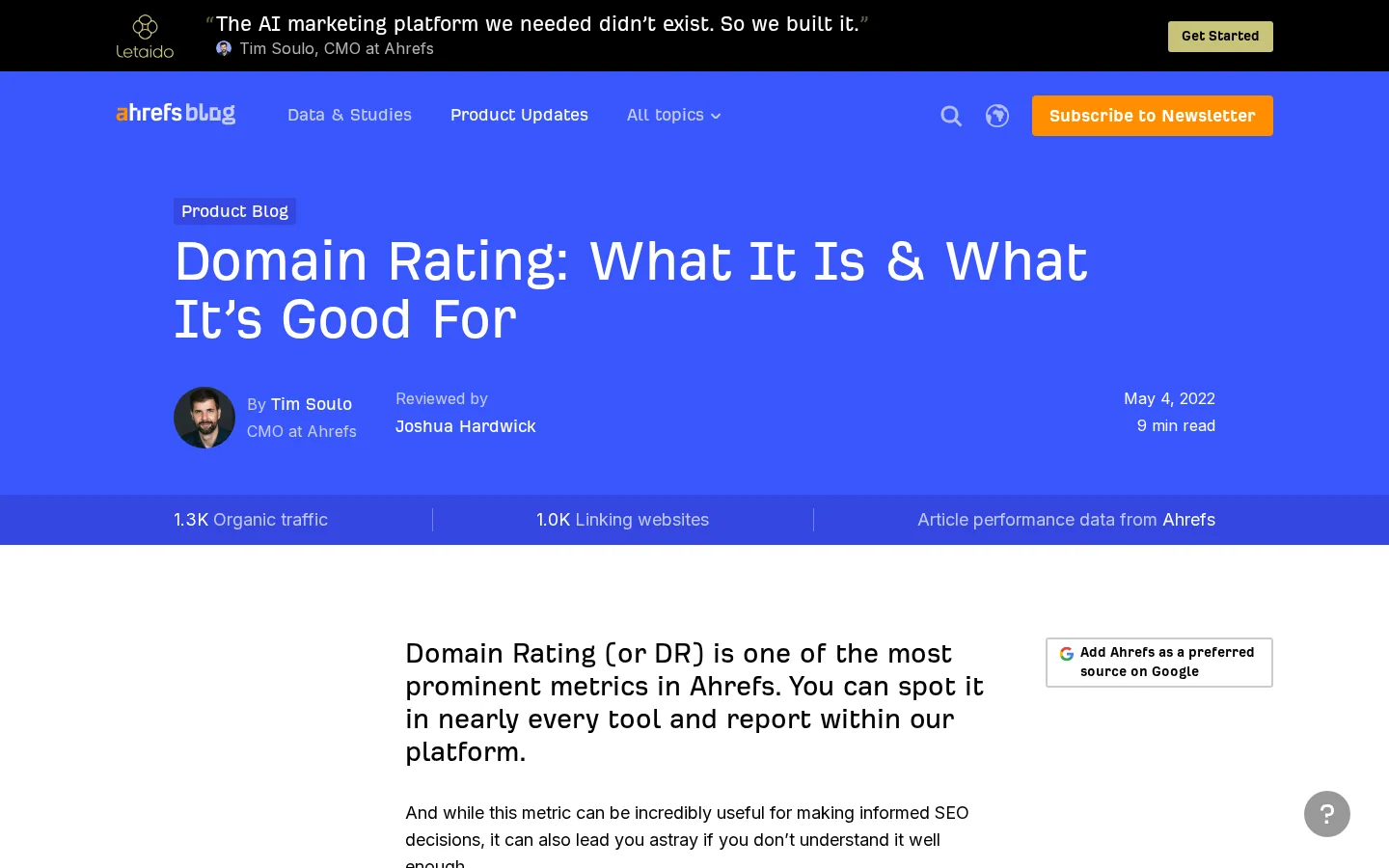
The score is built only from links. According to the same Ahrefs article, search traffic, domain age and brand popularity are not inputs. Only followed links count, and the rules are stricter than most people expect. Nofollow links do not raise DR, and only the first link from a given domain counts. A linking site's strength is also split among the domains it links to, so a link from a page that links to many others passes less value than a link from a page that links to a few. That is why one DR number can hide a very uneven link profile.
Do not treat DR as a ranking factor. Ahrefs itself says that Google ranks pages, not websites, and advises you not to focus your efforts on growing DR for its own sake. DR does correlate with search traffic, which is why it is useful for comparing sites and picking link prospects. For a short definition, read the Domain Rating entry in our glossary. If you follow the score for many sites, the domain authority tracker keeps it in one place.
Warning
A fast DR jump after a batch of cheap links is a warning sign, not a success. Google's spam policies (checked on 21/11/2026) define link spam as "the practice of creating links to or from a site primarily for the purpose of manipulating search rankings", and buying or selling links for ranking purposes is the first example it gives.
The Ahrefs pricing page shows plans in euros, excluding tax, and says annual billing saves up to 17%. Older reviews quote dollar prices, so check the currency before you compare numbers. The figures below are what we read on the page on 21/11/2026. They can change, and they may vary by region.
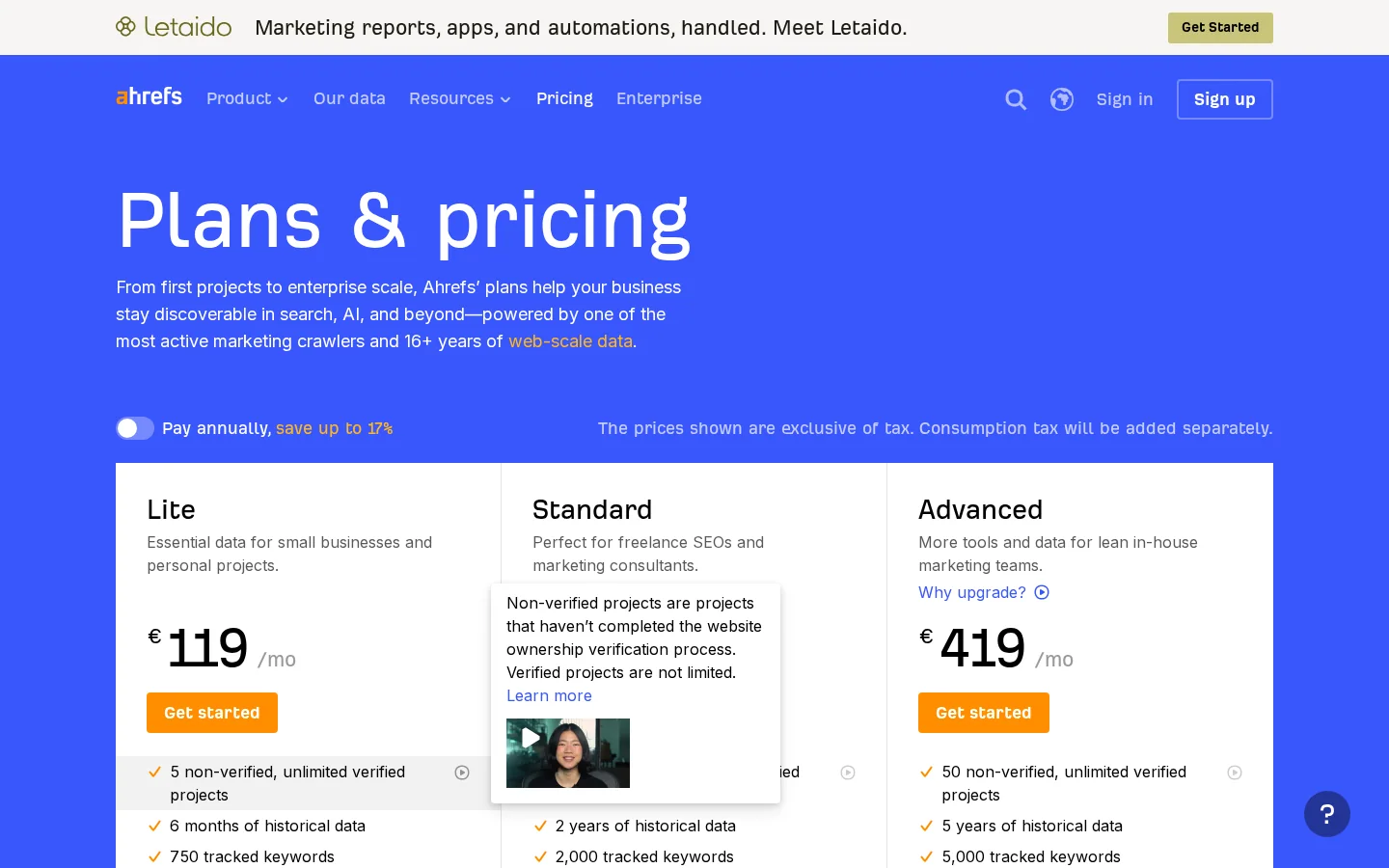
| Plan | Monthly price, excl. tax | Tracked keywords | Crawl credits | Non-verified projects | Historical data |
|---|---|---|---|---|---|
| Lite | €119 | 750 | 100000 | 5 | 6 months |
| Standard | €229 | 2000 | 500000 | 20 | 2 years |
| Advanced | €419 | 5000 | 1500000 | 50 | 5 years |
| Enterprise | Contact sales | Higher limits | Personalized | Personalized | Unlimited |
Two columns matter more than the price. The first is projects. Verified projects are unlimited on every paid plan, but non-verified projects, such as a client's site or a competitor you only want to analyze, count against a cap of 5, 20 or 50 depending on the plan. The second is crawl credits, which decide how much you can audit. Lite includes 100000 crawl credits, Standard 500000 and Advanced 1500000.
Seats are the third cost. Each plan includes one user, and extra users cost €37.4 per month on Lite, €56.1 on Standard and €74.8 on Advanced. A three-person team on Lite therefore pays €119 for the first seat plus two extra seats at €37.4, which comes to €193.8 per month before tax, by our sum. That is the number to set against a cheaper tool that covers the same work. Standard starts at €229 before the same two extra seats, so the gap grows as the team grows.
Enterprise has no public price. The page asks you to contact sales, and it lists uncapped API access and unlimited historical data among its features.
Note
Reviews disagree on details such as tier names and trials, and some quote prices from earlier versions of the page. Trust the pricing page on the day you buy, and read the billing period and currency before you compare it with another tool.
Ahrefs Webmaster Tools is the free route, and it is more useful than most people expect. Once you verify a site you own, the free reports cover web analytics, Site Audit and Site Explorer. The limits are clear: verified websites are unlimited, web analytics allows up to 1000000 events per project, Site Audit allows 5000 crawl credits per month per project, and Site Explorer shows 1000 backlinks and keywords at once. Site Audit only charges credits for HTML pages that return status 200.
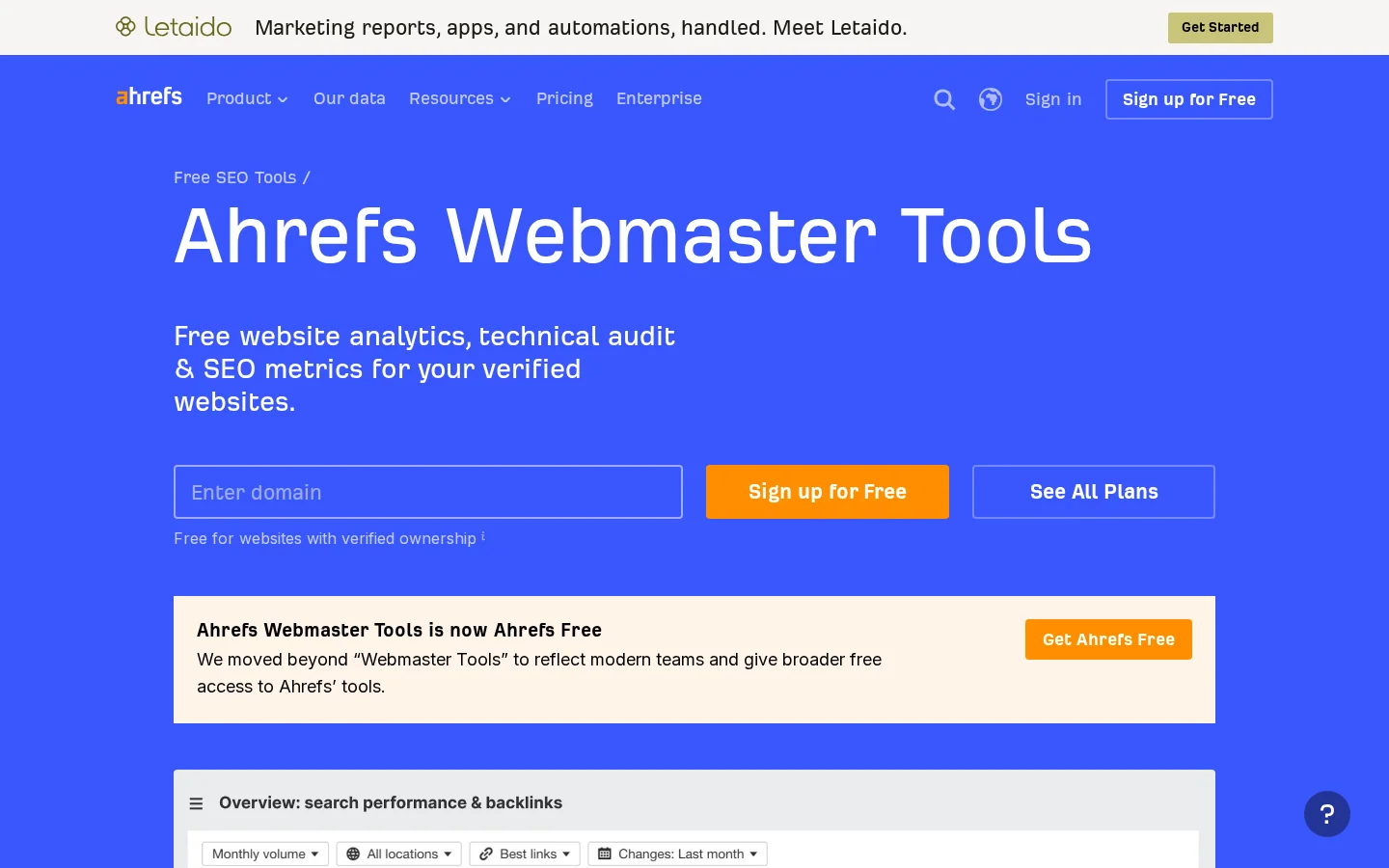
The limit that matters most for a site owner is the competitor one. Analyzing a site you have not verified needs a paid subscription, according to the page's FAQ. So the free route is strong for your own site, and the paid route is for everyone else's.
Free Webmaster Tools limits
Sources: Ahrefs Webmaster Tools page (checked 21/11/2026); Ahrefs blog on Domain Rating (May 4, 2022)
Tip
Before you pay for anything, run your own domain through our free backlink checker and analysis tool. It gives you a quick first look at the links pointing to a domain, which helps you decide whether you need the deeper data a paid plan provides.
This is the audit we would run in the first hour with a new site, using only the free reports. It takes an afternoon to read properly, and it gives you a baseline to compare against three months later.
A first audit of your own site in 5 steps
Verify the domain in Webmaster Tools so the reports open for it. Then write down the current number of referring domains, the number of pages with issues, and your top ten organic pages. A baseline without a date is useless, so add the date and keep the file where you will find it in three months.
Start with broken internal links and error pages, because they waste crawl budget and send visitors to dead ends. Then check redirect chains: a URL that passes through three hops before it loads is slower for visitors and harder for crawlers to follow. Warnings come last. A missing meta description on an old blog post rarely costs you as much as a broken link on a page that sells.
Open Site Explorer and sort the referring domains by quality, not by the number of links. A domain that links once from a relevant article is worth more than a footer link repeated across a whole network. Then read the anchors. If most of them are your exact money keyword, the profile looks engineered, and that is a risk you should review before you build anything else.
See which pages earn organic traffic and which keywords they rank for, then compare that list with the pages you want to rank. If a commercial page sits in second place for a term but gets no clicks, look at the title, the content depth and the internal links to it before you target more keywords. Fix the page you have before you add another.
Example
Take a B2B blog where most links come from one partner directory. The referring domain count looks healthy, but the profile depends on a single source. The fix is to earn two or three links from relevant sites, not to add more directory listings.
Write three fixes with an owner and a date for each. Ahrefs will keep producing data, and a long list of issues without owners is the fastest way to waste a subscription.
Ahrefs is strong on link and keyword data, and that strength sets its weak points. Four things are worth knowing before you commit.
The first is cost for small teams. Seats, projects and crawl credits add up quickly, and the features agencies ask for most, such as client reporting, sit in add-ons. The pricing page lists the Report Builder add-on at €89 per month, with 50 reports and 500 total widgets.
The second is the gap between the data and the work. Ahrefs tells you which links and keywords matter, but it does not write the page, publish it or fix the template. You still need a content process, a link process and a way to check what changed after each action.
The third is that reviews disagree on details, such as the size of the backlink index, the accuracy of difficulty scores and the exact tier names. Some of those claims come from reviewers' own tests with no published method. Test the claim on your own domains, with a sample you can check, before you rely on it.
The fourth is that all third-party indexes are estimates of the web, not the web itself. Use the numbers to rank choices and spot patterns, not to forecast an exact traffic figure to the click.
Where Ahrefs wins and where it falls short
Most bad decisions with Ahrefs come from a correct number read in the wrong context. These are the six mistakes we see most often, with how to spot each one and how to fix it.
What it is: you set a DR target for your site and measure progress against it, as if the score were an input Google uses to rank pages. How to spot it: your reports track DR but not rankings, clicks or the pages that earn revenue. How to fix it: keep DR as a comparison tool, and report on organic clicks, rankings and conversions instead.
What it is: you buy guest posts or sponsored links with keyword anchors because they raise DR quickly. How to spot it: a sudden set of links from unrelated sites, with the same exact-match anchor, all arriving in the same few weeks. How to fix it: ask the site owner to remove the paid links you placed, and stop buying links of that kind. Google's spam policies name buying or selling links for ranking purposes as the first example of link spam, so the risk lands on your site, not only on the score.
What it is: you pick a keyword with a low difficulty score and assume it is easy. How to spot it: the top results are large brands or pages that do not match your intent. How to fix it: open the results page for every target keyword and check the page type, the age of the top pages and the depth of their content. A low score on a term that big publishers own is still a hard term for you.
What it is: you celebrate a total of thousands of backlinks that come mostly from one site's footer. How to spot it: the referring domain count is a small fraction of the link count. How to fix it: measure referring domains and their quality first, then review your anchors with the guide to auditing and balancing anchors before you plan new links.
What it is: a plan sized for a team of five, used by one person who verifies two sites. How to spot it: unused non-verified projects, a keyword list that is half empty, or a team that logs in once a month. How to fix it: check usage before each renewal, and move to a smaller plan when a limit is no longer your bottleneck.
What it is: you read a clean audit as proof the site is healthy. How to spot it: the crawled page count is lower than the number of pages you know exist, or whole sections are missing from the report. How to fix it: compare the crawl with your sitemap, then crawl the missing sections on their own, keeping the crawl credit budget in mind.
| Mistake | How to spot it | How to fix it |
|---|---|---|
| DR treated as a ranking factor | Reports track DR, not clicks or revenue | Report on organic clicks, rankings and conversions |
| Buying links to lift DR | Sudden links with the same exact-match anchor | Remove paid links you placed, stop buying them |
| Trusting low difficulty | Top results are large brands with other intent | Read the results page for every target term |
| Counting links, not domains | Referring domains are a small share of links | Measure referring domains and balance anchors |
| Paying for unused capacity | Empty keyword lists and idle projects | Check usage before renewal and downgrade |
| Assuming full coverage | Crawled pages are fewer than known pages | Compare with the sitemap and crawl missing sections |
Buy Ahrefs when you will use the data every week and you have a person who acts on it. Before you pick a plan, check the points in this list.
Before you pay for a plan
If you publish a few pages a year, or you want a finished workflow rather than a set of reports, Ahrefs is the wrong first purchase. Start with the free Webmaster Tools reports, then compare lower-cost options in the keyword research tools compared before you commit to a monthly bill.
Sorank is an autopilot platform for SEO and GEO. It runs keyword research, plans and publishes articles, and tracks visibility in ChatGPT, Gemini, Claude and Perplexity. If your goal is to turn keyword and link data into published pages without a manual weekly routine, look at automated keyword research for Google and AI and natural backlink acquisition. The Ahrefs data is still useful for checking a result, and the two can sit side by side.
Ahrefs is a strong data product with real limits. It is worth the money for a team that reads links and keywords every week, and it is hard to justify for a site that needs only a monthly check. Start with the free reports on your own site, write down the question you need answered, and buy the smallest plan that answers it.
It is worth it when you research links and competitors every week and act on the data. If you only check rankings once a month, a cheaper tool or the free Webmaster Tools reports may cover you. Start with the free reports on your own site before you pay.
Yes, Ahrefs Webmaster Tools is free for websites you verify. Its free reports cover web analytics, Site Audit and Site Explorer, with limits such as 5000 crawl credits per month per project. Analyzing a competitor's site that you have not verified requires a paid plan.
On its pricing page, checked on 21/11/2026, the Lite plan is €119 per month excluding tax, Standard is €229 and Advanced is €419, and Enterprise is quoted on request. Prices vary by region and change over time, so check the currency and billing period before you compare.
We analyse your competitors, your website and your AI visibility to create a tailored content plan for free.
 AI Content Brief Generator
 FAQ Schema Generator
 AI Blog Post Ideas Generator
 Structured Data Validator (Schema Validator)
 Alt Text Checker
 Internal Link Analyzer
 Backlink Challenge
 AI Meta Description Generator
 AI Blog Title Generator
 Google Indexability Checker
 AI Blog Outline Generator
 UTM Link Builder
 Keyword Clustering Tool
 Canonical Tag Checker
 XML Sitemap Generator
 Broken Link Checker
 AI SEO Title Generator
 Headline Analyzer
 SERP Preview Tool
 Redirect Checker
 Hreflang Tag Generator
 Heading Structure Analyzer
 HTTP Headers Checker
 Favicon Extractor
 SERP CTR Calculator
 SEO vs Paid Search Savings Calculator
 SEO Share of Voice Calculator
 SEO ROI Calculator
 SEO Traffic and Revenue Forecast Calculator
 SEO Budget Calculator
 SEO Break-Even Calculator
 SaaS SEO ROI Calculator
 ROAS Calculator
 Reading Time Calculator
 Ranking Gain Simulator
 Organic Traffic Value Calculator
 Organic Traffic Estimator and Website Traffic Checker
 LTV to CAC Ratio Calculator
 Local SEO ROI Calculator
 Link Building Cost Calculator
 Keyword Value Calculator
 Keyword Opportunity Score Calculator
 Keyword Density Calculator
 GEO ROI Calculator
 GEO Content Investment Calculator
 Ecommerce SEO ROI Calculator
 Customer Lifetime Value Calculator
 Customer Acquisition Cost Calculator
 CTR Calculator
 Cost Per Article Calculator
 Conversion Rate Calculator
 Content Marketing ROI Calculator
 ChatGPT Referral Traffic Estimator
 Bounce Rate Calculator
 Backlink ROI Calculator
 AI Visibility Score Calculator
 AI Traffic Value Calculator
 AI Share of Voice Calculator
 Cost of AI Invisibility Calculator
 AI Citation Rate Calculator
 llms.txt Validator
 AI Overview Checker and AI Overviews Rank Checker
 Robots.txt Checker
 AI SEO Audit
 LLM Readability Checker
 SearchGPT Readiness Checker
 Structured Data LLM Audit
 Website Crawlability AI Audit
 Why ChatGPT Is Not Recommending My Website
 Gemini Ranking Tool
 Perplexity Ranking Checker
 LLM Citation Checker
 Answer Engine Optimization Audit
 GEO Audit
 AI Search Visibility Test
 ChatGPT Visibility Checker
 llms.txt Generator
 URL Extractor
 Webpage to Markdown
 Sitemap Checker
 SERP Volatility Sensor
 Page Size Checker
 Word Counter
 Slug Generator
 Schema Generator
 Robots Generator
 OG Preview
 Meta Tags Generator
 Image Compressor
 Favicon Generator
 On-Page SEO Audit: SEO Checker and SEO Analyzer
 Backlink Analysis Tool
 Keyword Research Tool
 Domain Authority Checker
 “I tested Sorank on a real client site and it's insane. It does everything an agency would bill you $1500 a month for. It's going into production on that client now.”

 Guillaume Guersanguersanguillaume.com“We are an Ads agency and we wanted to get our SEO back on track once and for all. Sorank gave us a clear view of our site, helped us prioritize optimizations, and properly structure our content. The tool is easy to use, well designed for a team, and very practical for centralizing tracking without having to juggle multiple platforms. A very solid foundation to start fresh with our SEO.”
 Gaspard MadouiAds Agency
 “I just let the Sorank software do its thing, and now my DR is 25 and my page is ranking higher.”
 Lucas Flandrefoundertrace.fr“I specialized in GEO thanks to Sorank. The GEO Leaderboard allows me to show my clients their position vs competitors on ChatGPT. It’s a real commercial differentiator.”
 MélanieSEO Freelance“Great service, works well for our website and helps us understand how to improve it to rank better on Google and elsewhere. Congrats, keep going, I recommend it.”
 Hugo T.E-commerce merchant