Preferences
Privacy is important to us, so you have the option of disabling certain types of storage that may not be necessary for the basic functioning of the website. Blocking categories may impact your experience on the website. More information
Privacy is important to us, so you have the option of disabling certain types of storage that may not be necessary for the basic functioning of the website. Blocking categories may impact your experience on the website. More information

Topical authority studies show faster visibility, not proven traffic gains. Here is what the data says, and how to test topic coverage on your site.

In short
Topical authority is how completely your site covers one subject, from the basic questions to the expert details. Public studies link good topic coverage with faster visibility and better rankings. None of them proves that coverage alone raises total organic traffic, so treat it as a strong signal to test on your own site, not a guaranteed result.
Want to go further? Ask
Quick quiz
How should you get links from other websites?
Sorank matches your answers


Test it for 3 days on your own site and see where you stand on Google, ChatGPT and the other AIs.
Start 3-day free trial3 days free, then stop whenever you want. 90-day results guarantee, conditions apply.
Many articles say topical authority "works" and quote large percentages. Most of those numbers trace back to two studies. This guide reads both, checks what Google says, and shows you how to test the idea on your own site. Our glossary has a short definition of topical authority, so here we focus on the evidence and the method.
The studies people quote most come from Graphite and Surfer. Both companies sell SEO software, and both studies are correlational. They show that some pages do better than others. They do not show that a site covering a topic more deeply will earn more visits in total.
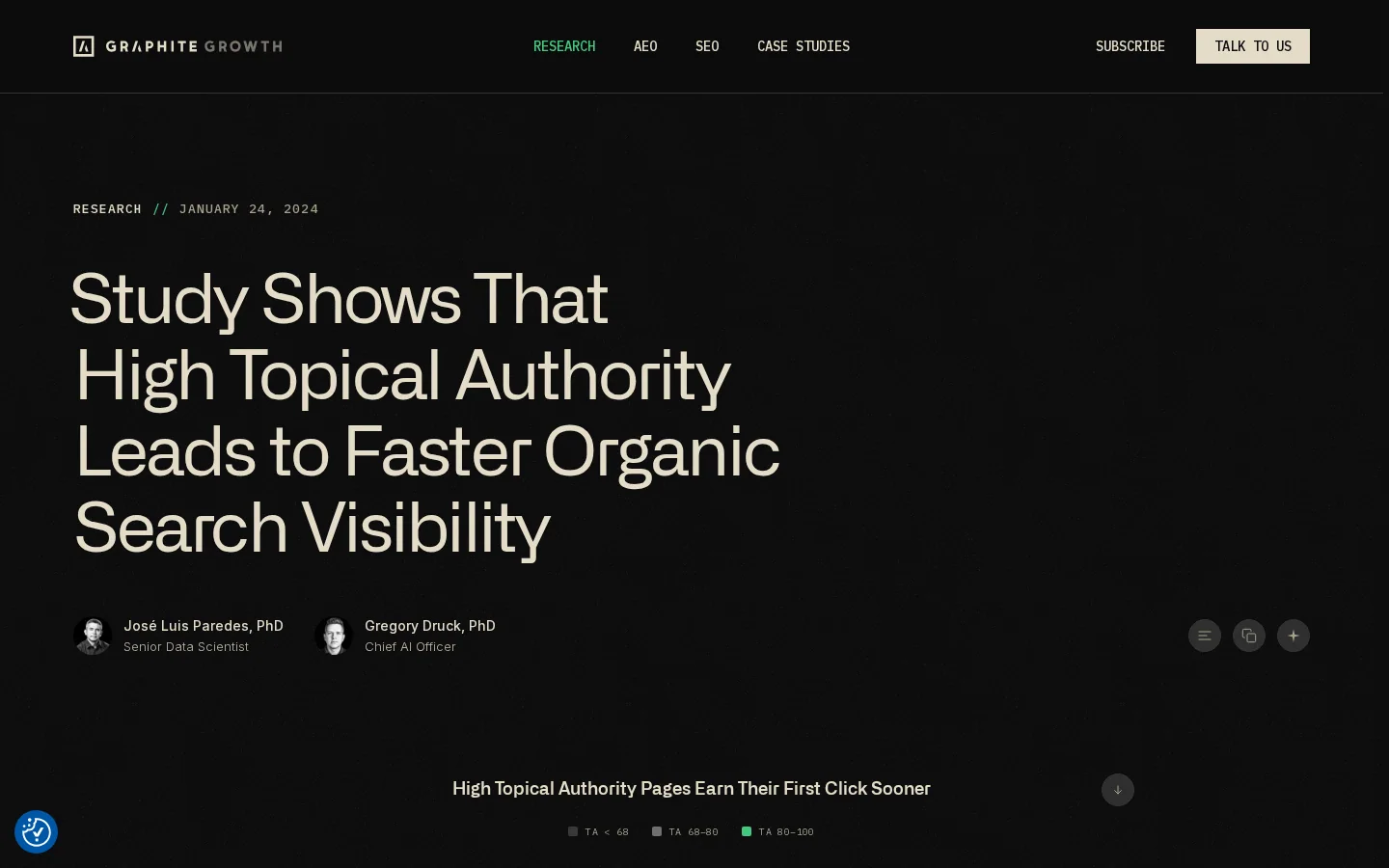
Graphite published its topical authority white paper on January 24, 2024. It looked at 12 domains and 332 URLs from client sites in software, healthcare software, e-learning, financial services, manufacturing and media production. The articles were published between June 1 and July 31, 2023. Graphite scored each URL with its own Topical Authority metric, a number from 0 to 100 that estimates how close a new topic is to the topics the site already ranks for. It then split the URLs into three roughly equal groups.
The main measure was time to visibility: how long a page took to get its first impression and its first click. Graphite reports that high-scoring pages became visible sooner, and that a larger share of them earned visibility in the first three weeks after publication. The results appear only in charts. The page gives no exact figures in its text, no ranking positions and no statistical tests. Graphite also says it plans to study total traffic in a later paper.
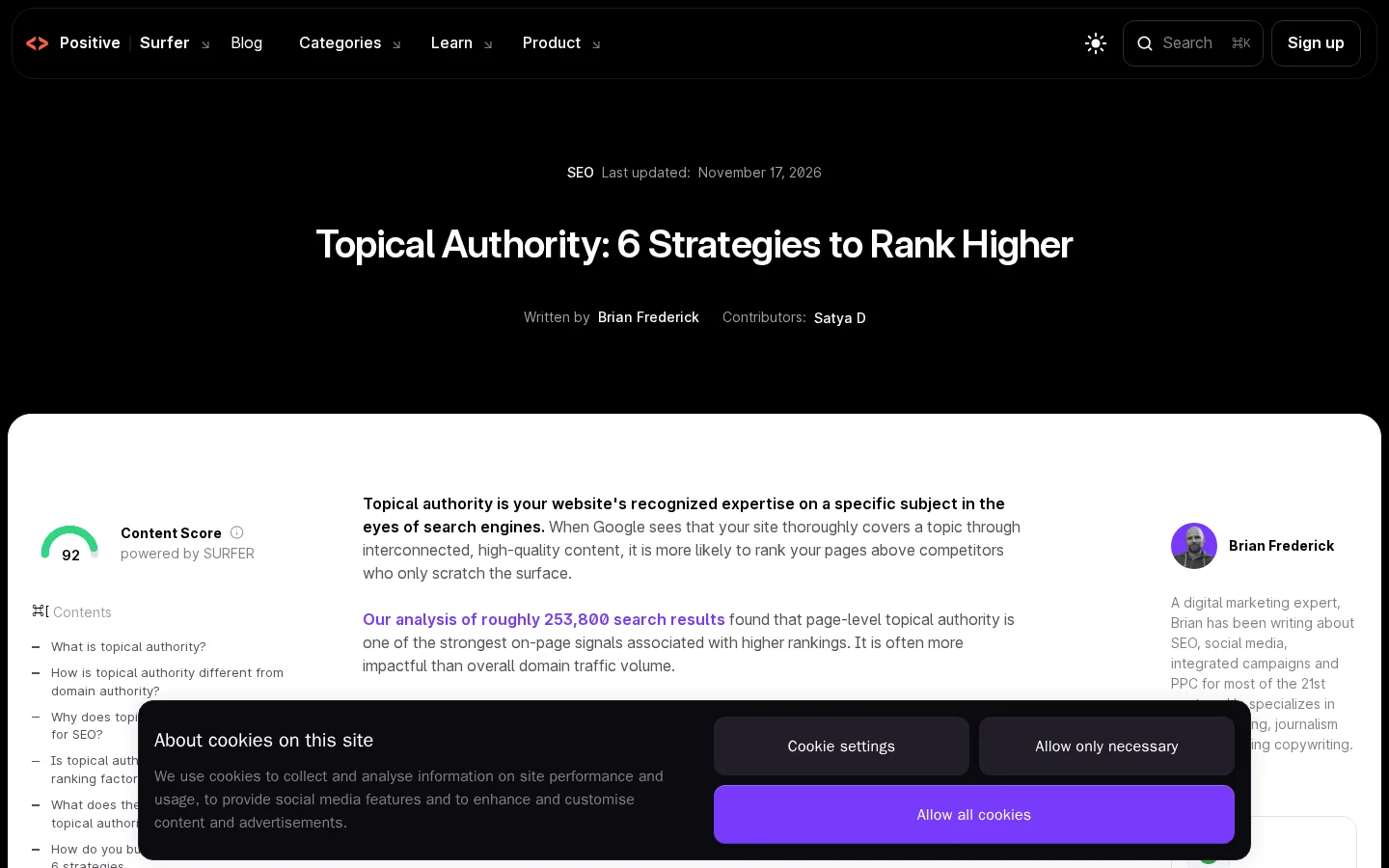
Surfer reports a different study on its topical authority study page. It analyzed 253800 search results with data scientists at WLDM and ClickStream. Its page says the study "concluded that page-level topical authority is the largest on-page ranking factor" for a page's Google ranking. The page gives no correlation values and no effect sizes, and it lists no limits from the authors. The method sits in the full write-up in Search Engine Journal, which we did not check for this guide.
What the two studies covered
Sources: Graphite, January 24, 2024; Surfer, topical authority study
No public study shows that topical coverage raises total organic traffic by a set amount. Four limits explain why, and each one matters if you plan to make a business decision from these numbers.
Graphite's Topical Authority score is proprietary, and you can only use it on Graphite's platform. Surfer's Topical Authority Score combines keyword count, search volume, ranking positions and semantic similarity. Surfer's page says that the score is separate from its study. So a site can look strong in one tool and average in another. A result measured with one score does not transfer to a different one.
Graphite measured how fast pages got their first impressions and first clicks. That is useful, because early visibility shows that Google is testing a page. But a page that appears in week one can still end the year with fewer visits than a page that started slowly. Total traffic depends on how long a page keeps its position, and the Graphite study does not measure that.
Strong sites tend to cover more topics. They also tend to have more links, older domains and bigger editorial teams. When high-coverage pages rank well, a study cannot separate the effect of coverage from the effect of everything else. Only a controlled test on your own site can do that, and we show one at the end of this guide.
Surfer's page also cites a separate study of about 1 million search results. According to that page, pages covering about 74% of the relevant subtopics outperform pages covering 50%. The figure may be right, but the page does not link to the underlying data, so we could not check it. Use it as a hypothesis, and name the source when you repeat it.

Google has no page authority score, and it does reward complete answers and a clear internal structure. On June 20, 2021, John Mueller of Google wrote: "We don't have a notion of page authority." The post was reported by Search Engine Roundtable the next day. It is about page authority, not topical authority, but it shows that Google does not publish a topic score you can track.
The closest thing to a rule on topic coverage comes from Google's guidance on helpful content. It asks whether a page offers a "substantial, complete, or comprehensive description of the topic". It also asks whether the content shows "first-hand expertise and a depth of knowledge". Both questions are about the content itself, so they apply page by page.
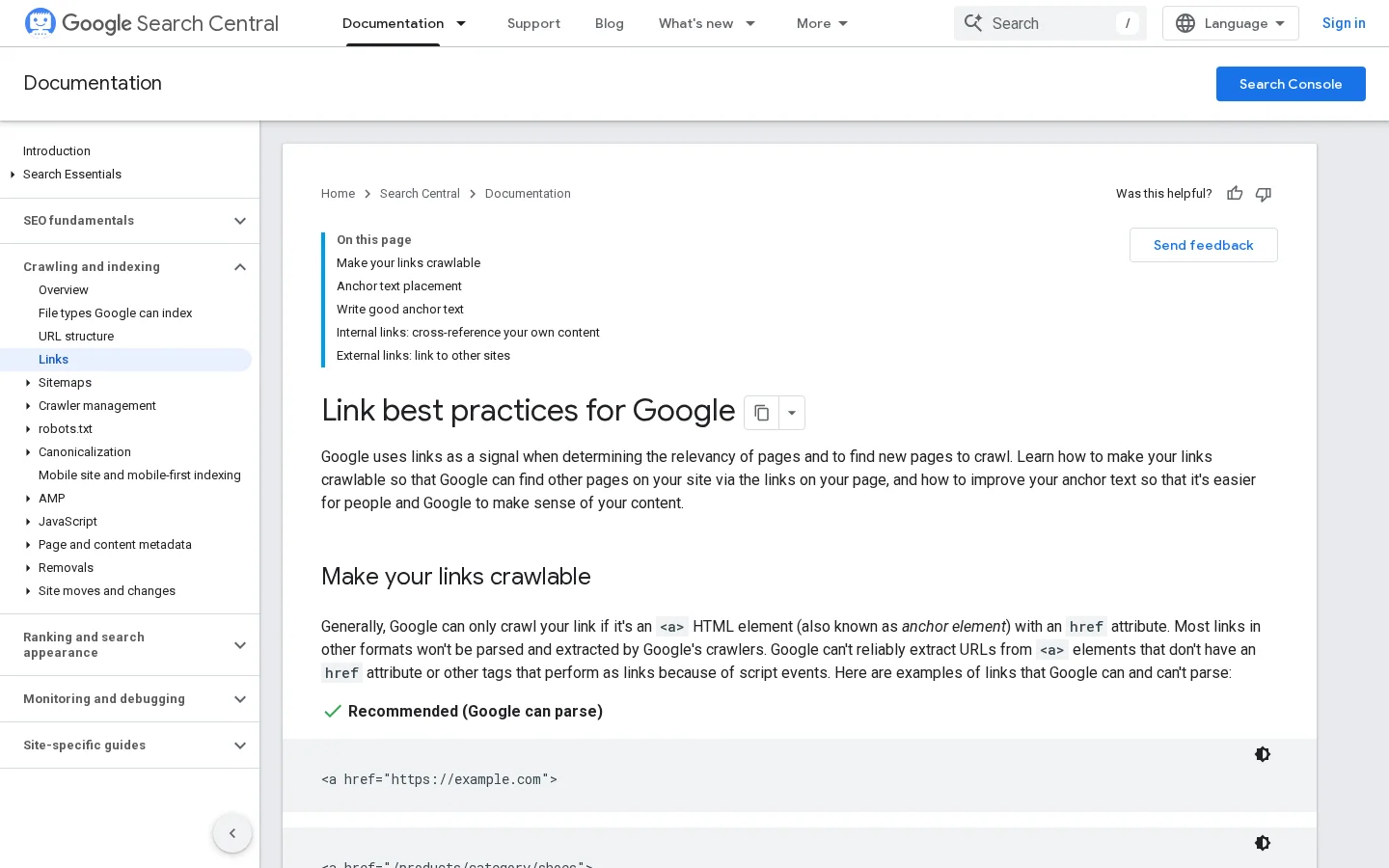
For the structure, Google's guide on links that Google can crawl says that every page you care about should have a link from at least one other page on your site. It also says that Google can only crawl a link that uses an HTML anchor element with an href attribute, written as <a href="...">. Anchor text should be "descriptive, reasonably concise, and relevant" to both the page it sits on and the page it points to.
Measure coverage by topic cluster, not by the site as a whole. Count how many of the questions in one cluster your site answers, then check how many of those pages get impressions. An impression is each time a page appears in Google results, whether or not someone clicks.
A keyword list gives you words. A topic gives you the job a reader wants done. Pick one subject your business really knows, such as "invoice reminders for small shops". Then write down 10 to 20 questions a buyer asks about it, in their own words. Customer emails, support tickets and sales calls are good sources, because they show the real wording.
Take each question and search your site for a page that answers it fully. A page that touches the question in one paragraph does not count. Mark each question as covered, partly covered or missing. The missing ones are your gaps, and the partly covered ones are often the fastest wins, because the page already exists.
Use Google's free Search Console report for impressions and clicks per page. Look at the cluster as a group, not one page at a time. The table below lists what each number tells you.
| Number | What it tells you | Where to get it |
|---|---|---|
| Impressions per page | Whether Google shows the page for the question | Search Console, performance report |
| Days to first impression | How fast a new page is tested | Your publish date and the first day of impressions |
| Share of cluster pages with clicks | Whether the cluster earns traffic as a group | Search Console, grouped by URL folder or list |
| Internal links into each page | How well the cluster connects | A crawler or an internal link tool |
Measure one cluster in five steps
Three methods are common among SEO teams: a hub that links to everything, a semantic cocoon, and a URL silo. Each one organizes a topic in a different way. None has a public study showing that it beats the others, so choose by the size of your site and how often you publish.
The principle is simple. One large page covers the topic, and it links to every related page. Each related page links back to the hub. Wikipedia works this way for its main subjects, with its main articles linking to many sub-articles and back again.
Use it when your site has a clear central subject and fewer than about 40 related pages. The advantage is that the hub is easy to build and easy to explain to a writer. The limits are real. The hub becomes long and hard to maintain, and every new page means a new link on the hub. Example: a software company with 30 articles on email deliverability writes one guide on deliverability. The guide links to each article with a short summary, and each article links back.
A semantic cocoon groups pages into a tight ring around one broad subject. Pages inside the ring link to each other often. Links to pages outside the ring are few and deliberate. The cocoon is described in our semantic cocoon guide.
Use it when you plan to publish a batch of 10 to 20 articles on one theme. The advantage is a clear shape that search engines and readers can follow. The limits are that it needs planning before you write, and changing it later means moving links across many pages. The main risk is over-linking, where every page links to every other page and the links stop meaning anything. Example: a blog about espresso machines builds one cocoon around "espresso at home", with 12 pages on grinders, pressure, milk and maintenance. Links stay mostly inside the cocoon.
A URL silo matches the folder structure to the topic structure. A page about descaling a coffee machine sits under a folder for maintenance, and it links mainly to other pages in that folder. Read more about it in our site architecture guide.
Use it when your site already has clear categories, or when it is a large catalog, such as an online shop. The advantage is that the structure is visible in the address bar and in the menus. The limits are that a page about two topics does not fit in one folder, and moving a page changes its address, so you need redirects. Example: an online shop puts all its guides under one folder per product category, and the links inside each folder point to products and guides in the same category.
| Method | Best for | Main strength | Main risk | Setup effort |
|---|---|---|---|---|
| Hub that links to everything | Small sites with one central subject | Simple to build and to explain | The hub becomes long and hard to maintain | Low |
| Semantic cocoon | Batches of articles on one theme | A clear shape that is easy to follow | Over-linking that dilutes the links | Medium |
| URL silo | Large sites with clear categories | The structure shows in the address | Pages that belong to two topics and changed URLs | High |
Note
The methods can be combined. Many sites use a URL silo for the folders and a hub page inside each folder. Pick the one your team can keep up for two years, because a method you abandon after three months leaves a worse structure than none.
A topic map lists your subjects, the questions under each one, and the page that answers each question. You can build one in five steps. Each step produces a list you can check. A topical map is the same idea, written as a single document for the whole site.
Write down 5 to 10 subjects that match what you sell. Keep each one narrow. "Email" is too broad. "Email deliverability for shops" is narrow enough to cover in a cluster. Drop any subject you cannot explain to a customer in one sentence.
For each subject, gather the questions from your own Search Console queries, the search suggestions that appear when you type the subject, and your support tickets. Keep the exact wording. A question such as "why do my invoices land in spam" tells a writer more than "invoice deliverability".
Put questions that a reader would ask in the same visit into one cluster. Each cluster gets one hub page, which answers the broad question. The rest become supporting pages. The file below is a simple way to keep the map in a spreadsheet.
cluster,page_url,role,target_question
email deliverability,/guides/email-deliverability,hub,how do I stop my emails going to spam
email deliverability,/guides/spf-record-setup,supporting,how do I set up an SPF record
email deliverability,/guides/invoice-emails-spam,supporting,why do my invoices land in spam
Our free keyword clustering tool groups a list of keywords into pages, so you can skip the manual sorting if you already have a keyword export.
Tip
Sorank's keyword research feature covers both Google and AI search, which makes it a good fit for building a map like this one. Start with the free clustering tool if you only need the grouping.
Every question gets one page, and no two pages answer the same question. If two pages compete for one question, merge them into the stronger one and redirect the other. Keep the title of each page close to its question, so a reader sees the answer in the search results.
The hub links to every supporting page, and each supporting page links back to the hub and to one or two sibling pages. Use the internal link analyzer to check which pages get few links. Then add those links where a reader would expect them.
Before you publish a cluster
Internal links show Google how your pages relate to each other. Use anchors that name the target topic, place the links where the reader needs them, and make sure every page you care about has at least one link from another page. Google's guidance says that good anchor text is "descriptive, reasonably concise, and relevant" to the page it links to.
The most common mistake is the vague anchor. "Click here" and "read more" tell Google nothing about the page. An anchor such as "keyword clustering method" tells the reader and Google what to expect. The guide on internal linking strategy covers the priority order for linking a large site, and the keyword clustering guide explains how to group the anchors you will use.
The same link, written two ways
Vary the anchors. Use the exact topic name in some links, a partial match in others, and a plain description in the rest. A single anchor repeated on every page looks forced, and it gives you no way to see which link is working.
Most failed topic projects make the same four mistakes. Each one is easy to spot once you know what to look for, and each one has a direct fix.
The thin-pages problem, before and after a cleanup
What it is: A site publishes 30 short articles on one subject, each covering a single question in 300 words. The pages overlap, and none is complete.
How to spot it: Several pages have few impressions, and their titles look alike. When you search Google for one of the questions, the results show your own pages competing with each other.
How to fix it: Merge the overlapping pages into one complete guide for each question. Redirect the old addresses to the new page, and keep one page per question from then on.
What it is: A page that no other page on the site links to. Readers and Google can only find it through the sitemap or by chance.
How to spot it: Run a crawl of your site and list the pages with zero internal links pointing to them. Compare that list with the pages you published on purpose.
How to fix it: Link each orphan from its hub, and from one related page in the same cluster. If the page does not fit any cluster, check whether it belongs on the site at all.
What it is: A page about pricing sits in a cluster about content writing, because someone filed it there by habit. Its links pull the wrong pages together.
How to spot it: The questions that bring visitors to the page are unrelated to the rest of the cluster. The hub links to it, but its readers do not follow those links.
How to fix it: Move the page to the cluster where its questions belong, or rewrite it to answer a question that does fit. Update the links on the hub and on its old neighbors.
What it is: A team pushes a tool score up to a target and adds terms until the score rises. The pages read like checklists, and the headings repeat across the site.
How to spot it: Read two pages in the same cluster side by side. If the section titles match and the examples repeat, the pages were written from a template, not from questions.
How to fix it: Rewrite from the customer questions you collected in step two. Keep the facts a reader needs, add real examples from your own work, and drop the terms that were added only for the score.
You can test the idea on your own site. Pick two clusters of similar difficulty. Expand one with new pages, and leave the other as it is. Then compare how fast the new pages get their first impressions and clicks, and how the two clusters perform after 90 days. Graphite used a three-week window, so start there and extend it.
Set up the test before you write anything. Name the two clusters, record the publish date of every page, and agree on the numbers you will compare. Changing the numbers after you see the results makes the test worthless.
| What to record | Expanded cluster | Untouched cluster |
|---|---|---|
| New pages published | 8 pages, one per question | None |
| Days to first impression, per page | Record each page | Record each page |
| Pages with a first click within 21 days | Count and divide by the number of pages | Count and divide by the number of pages |
| Total clicks at day 90 | Sum for the cluster | Sum for the cluster |
Read the result with care. A clear gap in favor of the expanded cluster is a reason to expand more clusters. A small gap, or one that shows up in only a few pages, is not proof of anything. Repeat the test on a second pair of clusters before you change your whole plan.
Start small, and measure before you expand. The steps below take a few hours for one cluster, and they give you the evidence for the next decision.
Your first cluster, this week
If you want the planning and the publishing handled together, Sorank's content calendar plans and publishes a blog on a schedule, so the clusters stay on track after the first month.
Public studies show that pages on well covered topics tend to become visible faster and rank better. None of them proves that topical coverage alone raises total organic traffic. Treat it as a strong signal to test on your own site, not a guaranteed result.
No public study gives a fixed number. A practical start is one cluster of 10 to 20 pages that answer the main questions on one topic. Measure how many of those pages get impressions before you expand to another cluster.
No. Domain authority is a score from third-party tools, based mainly on links. Topical authority describes how completely a site covers one subject. John Mueller of Google has said that Google does not have a notion of page authority, so the two are different ideas.
We analyse your competitors, your website and your AI visibility to create a tailored content plan for free.
 AI Content Brief Generator
 FAQ Schema Generator
 AI Blog Post Ideas Generator
 Structured Data Validator (Schema Validator)
 Alt Text Checker
 Internal Link Analyzer
 Backlink Challenge
 AI Meta Description Generator
 AI Blog Title Generator
 Google Indexability Checker
 AI Blog Outline Generator
 UTM Link Builder
 Keyword Clustering Tool
 Canonical Tag Checker
 XML Sitemap Generator
 Broken Link Checker
 AI SEO Title Generator
 Headline Analyzer
 SERP Preview Tool
 Redirect Checker
 Hreflang Tag Generator
 Heading Structure Analyzer
 HTTP Headers Checker
 Favicon Extractor
 SERP CTR Calculator
 SEO vs Paid Search Savings Calculator
 SEO Share of Voice Calculator
 SEO ROI Calculator
 SEO Traffic and Revenue Forecast Calculator
 SEO Budget Calculator
 SEO Break-Even Calculator
 SaaS SEO ROI Calculator
 ROAS Calculator
 Reading Time Calculator
 Ranking Gain Simulator
 Organic Traffic Value Calculator
 Organic Traffic Estimator and Website Traffic Checker
 LTV to CAC Ratio Calculator
 Local SEO ROI Calculator
 Link Building Cost Calculator
 Keyword Value Calculator
 Keyword Opportunity Score Calculator
 Keyword Density Calculator
 GEO ROI Calculator
 GEO Content Investment Calculator
 Ecommerce SEO ROI Calculator
 Customer Lifetime Value Calculator
 Customer Acquisition Cost Calculator
 CTR Calculator
 Cost Per Article Calculator
 Conversion Rate Calculator
 Content Marketing ROI Calculator
 ChatGPT Referral Traffic Estimator
 Bounce Rate Calculator
 Backlink ROI Calculator
 AI Visibility Score Calculator
 AI Traffic Value Calculator
 AI Share of Voice Calculator
 Cost of AI Invisibility Calculator
 AI Citation Rate Calculator
 llms.txt Validator
 AI Overview Checker and AI Overviews Rank Checker
 Robots.txt Checker
 AI SEO Audit
 LLM Readability Checker
 SearchGPT Readiness Checker
 Structured Data LLM Audit
 Website Crawlability AI Audit
 Why ChatGPT Is Not Recommending My Website
 Gemini Ranking Tool
 Perplexity Ranking Checker
 LLM Citation Checker
 Answer Engine Optimization Audit
 GEO Audit
 AI Search Visibility Test
 ChatGPT Visibility Checker
 llms.txt Generator
 URL Extractor
 Webpage to Markdown
 Sitemap Checker
 SERP Volatility Sensor
 Page Size Checker
 Word Counter
 Slug Generator
 Schema Generator
 Robots Generator
 OG Preview
 Meta Tags Generator
 Image Compressor
 Favicon Generator
 On-Page SEO Audit: SEO Checker and SEO Analyzer
 Backlink Analysis Tool
 Keyword Research Tool
 Domain Authority Checker
 “I tested Sorank on a real client site and it's insane. It does everything an agency would bill you $1500 a month for. It's going into production on that client now.”

 Guillaume Guersanguersanguillaume.com“We are an Ads agency and we wanted to get our SEO back on track once and for all. Sorank gave us a clear view of our site, helped us prioritize optimizations, and properly structure our content. The tool is easy to use, well designed for a team, and very practical for centralizing tracking without having to juggle multiple platforms. A very solid foundation to start fresh with our SEO.”
 Gaspard MadouiAds Agency
 “I just let the Sorank software do its thing, and now my DR is 25 and my page is ranking higher.”
 Lucas Flandrefoundertrace.fr“I specialized in GEO thanks to Sorank. The GEO Leaderboard allows me to show my clients their position vs competitors on ChatGPT. It’s a real commercial differentiator.”
 MélanieSEO Freelance“Great service, works well for our website and helps us understand how to improve it to rank better on Google and elsewhere. Congrats, keep going, I recommend it.”
 Hugo T.E-commerce merchant