Preferences
Privacy is important to us, so you have the option of disabling certain types of storage that may not be necessary for the basic functioning of the website. Blocking categories may impact your experience on the website. More information
Privacy is important to us, so you have the option of disabling certain types of storage that may not be necessary for the basic functioning of the website. Blocking categories may impact your experience on the website. More information

SEO management explained: the four areas of the work, four ways to staff it, a monthly routine and the mistakes that waste budget most, plus where to start.


In short
SEO management is the ongoing work of choosing what to rank for, changing your site and checking what those changes did. It covers four areas (keyword research, content, technical work and links) and one step that makes it management: a monthly review that decides what happens next. You can run it in-house, through an agency, with a freelancer or with software plus human oversight. The right choice depends on your binding constraint.
Want to go further? Ask
Quick quiz
Is SEO right for you, and how should you start?
Sorank matches your answers


Test it for 3 days on your own site and see where you stand on Google, ChatGPT and the other AIs.
Start 3-day free trial3 days free, then stop whenever you want. 90-day results guarantee, conditions apply.
Most people picture SEO as a list of fixes: a title here, a redirect there, a few links each month. Management is the layer above that list. It decides which fixes matter, in which order, and whether they worked. Without that layer, a team does a lot of work and the site does not move.
The work splits into four areas. They are not equally urgent, and they are rarely all urgent at the same time.
The four areas of the work
A new site with a handful of pages usually has a content problem. An older site with thousands of URLs usually has a technical one, and a mature brand often has a links or conversion problem. Management means finding the area that holds the rest back right now, then putting most of your effort there.
Writing, fixing and outreach can all be delegated. The monthly review cannot, because it is where decisions get made. Each month, read the data, name the constraint, choose three actions and drop everything else. A team that skips this step stays busy, but it does not steer.
Management also does not mean doing all four areas at once. Most small teams try, and the result is that nothing finishes.
A workable routine has a fixed weekly slot and a fixed monthly review. Ad hoc requests from the rest of the company are the fastest way to kill SEO work. Block the time first, then let urgent requests compete for what is left.
| Activity | Frequency | Typical owner |
|---|---|---|
| Reviewing search performance | Weekly | SEO manager |
| Keyword and intent research | Monthly | SEO lead |
| Content briefing and editing | Weekly | SEO lead with a writer |
| Publishing and on-page checks | Weekly | Writer or CMS admin |
| Technical crawl | Monthly, with alerts in between | SEO lead or developer |
| Link review and outreach | Monthly | Outreach owner |
| Reporting and decisions | Monthly | SEO manager |
Briefing and editing take the largest share of the week on most sites. A good brief names the search intent, the questions the page must answer, the pages it should link to and each claim that needs a source. Without a brief, the editor rewrites the draft, and that doubles the work.
A brief should contain these four parts, in this order:
The routine breaks when the monthly review is skipped. Work continues without direction. By the third month, nobody remembers why a page was rewritten, and the next rewrite repeats the old mistake.

Ranking is no longer the only way people find you. AI answers summarize results, and fewer people click through when a summary sits on the page. In a Pew Research Center study of 900 U.S. adults, users clicked a traditional result in 8% of visits when an AI summary appeared, against 15% without one. That gap is the reason management has to measure more than clicks.
Clicks with and without an AI summary
Source: Pew Research Center, July 2025 (900 U.S. adults, browsing in March 2025)
Google's own documentation is calmer about it. It states that there are no additional requirements to appear in AI Overviews or AI Mode, nor other special optimizations necessary. The basics still apply: pages that answer clearly, links that can be followed and content that matches the question. What changes is the measurement.
Track citations and mentions in AI tools next to your clicks. Otherwise a traffic drop looks like a ranking problem, and you fix the wrong thing.
Note
A page that answers one question in its first two sentences is easy to quote, for people and for AI tools alike. Put the answer first under each heading, then the detail.
The model you choose is a constraint decision, not a quality ranking. Each of the four models below works well in one situation and fails in another. Read the risks as carefully as the benefits.
Principle: one hire owns the plan and most of the execution. Best when: search is a main channel and there is enough work for a full role. Strength: deep knowledge of your product and your customers, with decisions made in the same room as sales. Limit: one person rarely has strong skills in technical SEO, writing and link building at once. Hire for the monthly review skill, not only for the job title.
Principle: an outside team runs the work under a contract. Best when: you lack time more than knowledge, and you can judge the deliverables. Strength: several skills available at once. Limit: the agency learns your business slowly, and reports can count activity instead of outcomes. Ask for a written link between each action and the metric it should move.
Principle: one expert sets the plan and reviews the work, while your team executes. Best when: you have writers and developers but nobody who can set the priorities. Strength: expert judgment without a full hire. Limit: a consultant who only audits hands you a list, and the list still needs someone to work through it.
Principle: software runs the repeatable execution (keyword research, drafts, internal links, monitoring), and a person approves each decision before it goes live. Best when: you can review the output and state your content goal in plain terms. Strength: steady volume at a low marginal cost. Limit: software does not hear the objections your customers raise on a sales call, and unreviewed output drifts away from your brand.
Sorank, the platform this blog belongs to, is one example of this model. It plans and writes articles with sources, internal links and images, publishes them on your site, tracks mentions in AI tools and looks for technical problems. A human still decides what goes live.
| Model | Best when | Main risk | Who reviews the work |
|---|---|---|---|
| In-house SEO manager | Search is a main channel and there is enough work for a full role | One person covers every area, and skills are uneven | The manager, every week |
| Agency retainer | You lack time more than knowledge | Activity reports that hide a weak outcome | Your team, against a goal you set |
| Freelance specialist | You have writers and developers but no plan owner | An audit with no execution behind it | Your team, with the specialist in the monthly review |
| Software with human oversight | You can review output and state the content goal | Unreviewed pages that drift from your brand | A named person who approves each page |
One hire, or software with a reviewer
If you start from nothing, these steps get a working loop running in four weeks. Each step ends with a file or a decision you can check. You can skip a step you already have, but do not skip the baseline.
=REGEXMATCH(A2, "(?i)^(how|what|why|which|when|can|does|is)\b")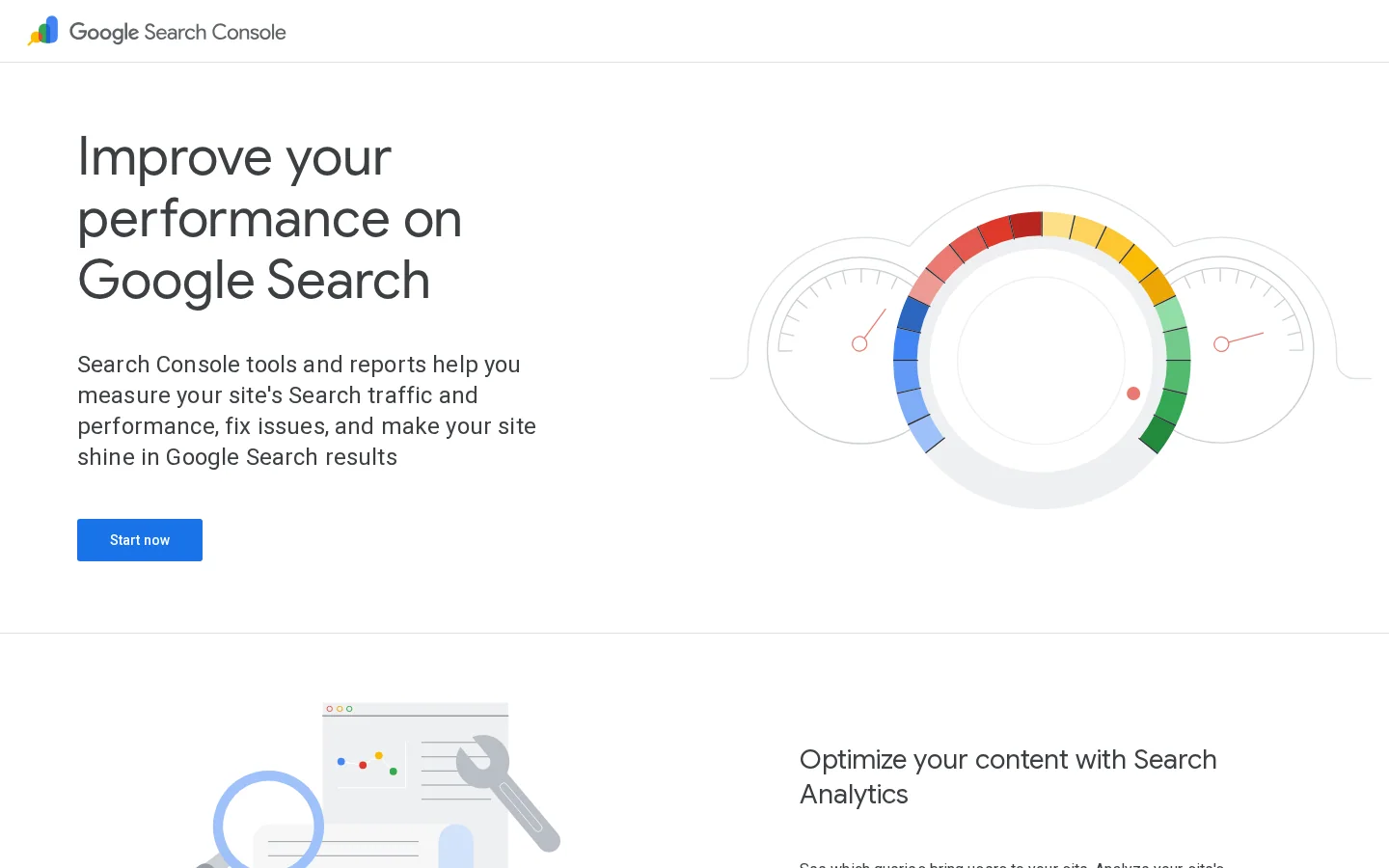
Tip
Before you export, run the free On-Page SEO Audit tool on your top page. It shows the basic on-page checks for one URL, which is a quick way to test your title and heading choices.
Technical SEO decides whether a page can be found at all. You do not need to fix everything. You need the pages that earn money or answer key questions to be reachable, indexable and linked. Start there, then widen the list.
Google's documentation says that it can only crawl a link if it is an HTML a element with an href attribute. Buttons that navigate through a script, and links with no URL, give crawlers nothing to follow. A link that works fine for a visitor can still be invisible to search.
<a href="/blog-geo-seo/seo-process">How an SEO campaign runs</a>Write anchor text that makes sense out of context. "Read more" tells Google nothing about the page it points to. Name the topic instead, and keep the link close to the sentence it supports.
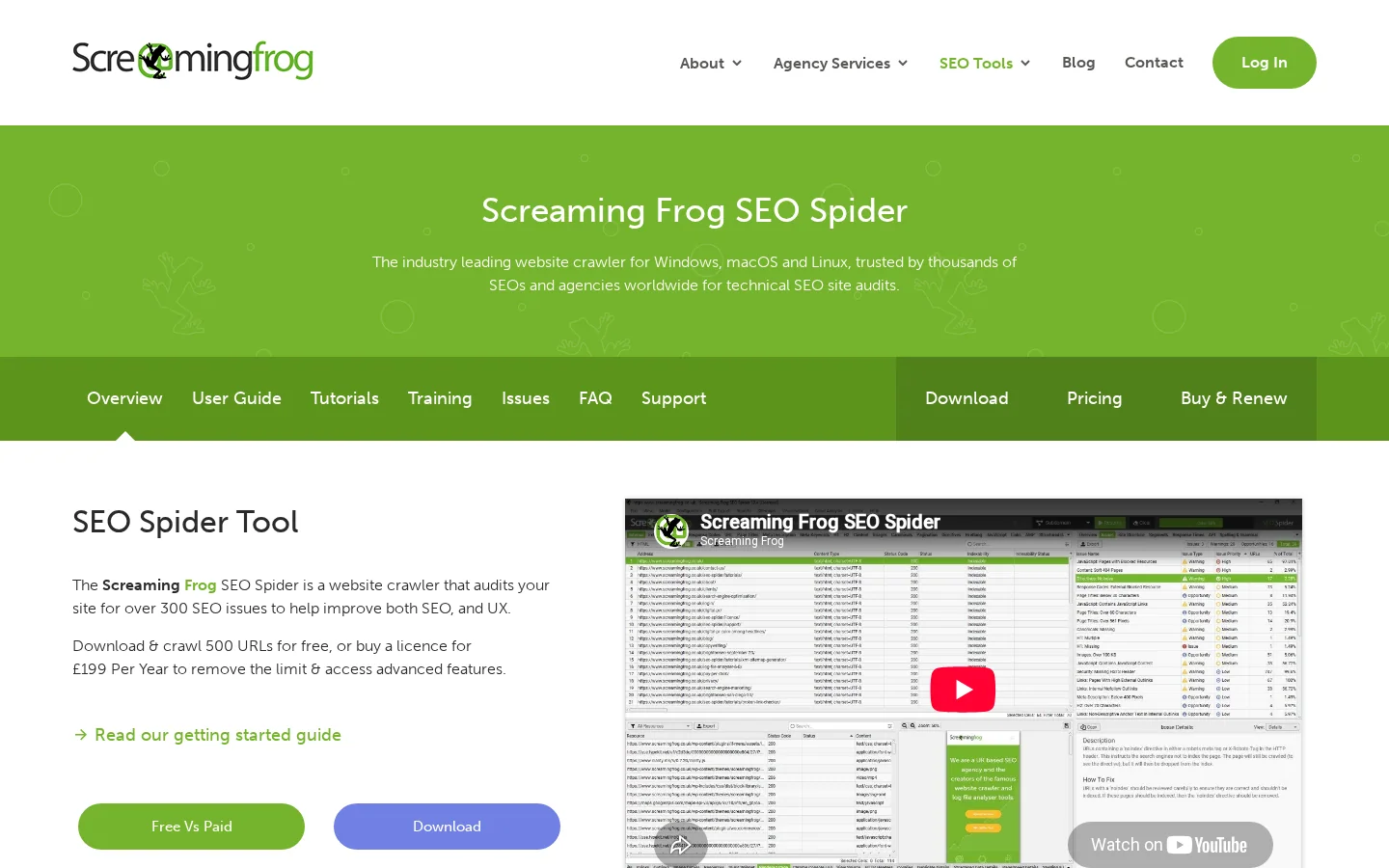
A desktop crawler lists every URL with its status code, title, canonical tag and the number of internal links it receives. Export that list once a month and compare it with the last one. The changes between two crawls are often more useful than any single crawl.
An orphan page has no internal link pointing to it. It may sit in the sitemap and still get no traffic, because nothing in the site sends readers or Google to it. The fix is usually one link from a hub page on the same topic, placed in a sentence that explains why the reader needs the page.
A page with no internal link, then the same page connected
Internal linking is where technical and content work meet. The full method is in our internal linking strategy guide.
Each page should answer one intent. When two pages compete for the same query, Google shows one of them and the other loses ground. Merge the two, redirect the weaker URL to the stronger one, and point internal links at the survivor. Our guide to 301 and 302 redirects explains which redirect to use and why.
Plan content around groups of intents, not single keywords. The SEO content strategy guide shows how to group them.
Google's spam policies list several link practices as link spam. Among them are buying or selling links for ranking purposes, excessive link exchanges made just for cross-linking, automated programs that create links to your site, and links placed in footers or templates across many sites. Management means choosing link sources you can explain to a reviewer, and stopping the ones you cannot.
| Link source | Defensible? | Why |
|---|---|---|
| A mention in a relevant article, earned on merit | Yes | The link exists because the content helps the reader |
| A listing from a partner you really work with | Usually | Keep the context relevant and the relationship visible |
| Paid text links that pass ranking credit | No | Buying links for ranking is link spam |
| A footer link repeated across many template sites | No | Widely distributed footer links are listed as link spam |
| A directory with no real editorial review | Rarely | Low-quality directory links are listed as link spam |
The same test applies to AI-written pages. Google says that using generative AI tools or other similar tools to generate many pages without adding value for users may violate its spam policies. The test is the value on each page, not the tool that wrote it.
Warning
Scaled pages with no added value can break Google's spam policies, whatever tool wrote them. Review every page before it goes live.
Reporting is the only part of management that changes the plan. Keep the report to one page with three parts: the constraint, the actions and the metric you will check. Tie it to a business outcome such as leads, sign-ups or sales from organic pages. Rankings alone do not pay the bills.
If you want Google and AI traffic in one view instead of combining sources by hand, the GEO and SEO dashboard shows both.
Monthly review checklist
Source: Google Search Console Performance report, with its date filter
Five errors cause most of the wasted budget. Each one looks like progress from the inside, which is why they last. The table gives the short version. Each error below then covers what it is, how to spot it and how to fix it.
| Error | Sign that it is happening | First fix |
|---|---|---|
| Tracking rankings and nothing else | No one can say why a page changed | Track clicks and conversions per page |
| Two pages for one question | Two URLs swap positions for one query | Merge, then redirect the weaker URL |
| Publishing without a brief | Editors rewrite most of each draft | Write a one-page brief first |
| Buying links as a shortcut | Linking sites share one template | Ask for removal and keep a record |
| Automating without a review step | Pages share the same structure and claims | Keep a named approver for each page |
What it is: a dashboard of positions that moves every week without leading to a decision. How to spot it: nobody can say which page changed last month, or why. How to fix it: track clicks and conversions per page, and tie each action to one of them.
What it is: a page and a near-copy, both trying to rank for the same query. How to spot it: Search Console shows two URLs for one query, and their positions swap from week to week. How to fix it: merge the two, redirect the weaker URL to the stronger one, and update internal links so they point at the survivor.
What it is: writers guess the intent and the structure. How to spot it: the editor rewrites most of each draft, or the page targets a query nobody types. How to fix it: write a one-page brief with the intent, the questions, the sources and the links before anyone drafts.
What it is: links from paid placements or networks with no editorial reason to exist. How to spot it: the linking sites share one template, have little real audience, or place your link in a footer across many domains. How to fix it: ask the site owner to remove the link, keep a record of each request with its date, and stop buying from that source.
What it is: software publishes output that nobody read. How to spot it: pages share the same structure and phrases, or they make claims nobody can source. How to fix it: keep a named person approving each page, and check every claim against a source you can open. Our guide to SEO automation lists what to automate and what to keep human.
Start with the constraint, not the list. If you have no baseline, export one this week. If the baseline shows pages you cannot find, fix indexing first. If it shows traffic without conversions, change the pages that already get clicks. Then pick one staffing model for the next quarter, and write down how you will judge it.
| What the baseline shows | Do this first |
|---|---|
| No baseline at all | Export queries and pages, then save them with clicks and positions |
| Important pages that are not indexed | Fix the blocking issue, then connect the pages with internal links |
| Traffic that does not convert | Rewrite the pages that already get clicks, starting with the calls to action |
| Work with no plan owner | Choose a staffing model and name the person who runs the monthly review |
Our guide to the SEO process covers the campaign view: the steps of a project and how long each one takes. This article covers the ongoing side, the loop that keeps a site moving after the first campaign ends.
Tip
Two free tools help in the first week. The internal link analyzer shows which internal links a page receives, and the keyword clustering tool groups a keyword list into pages for your intent map.
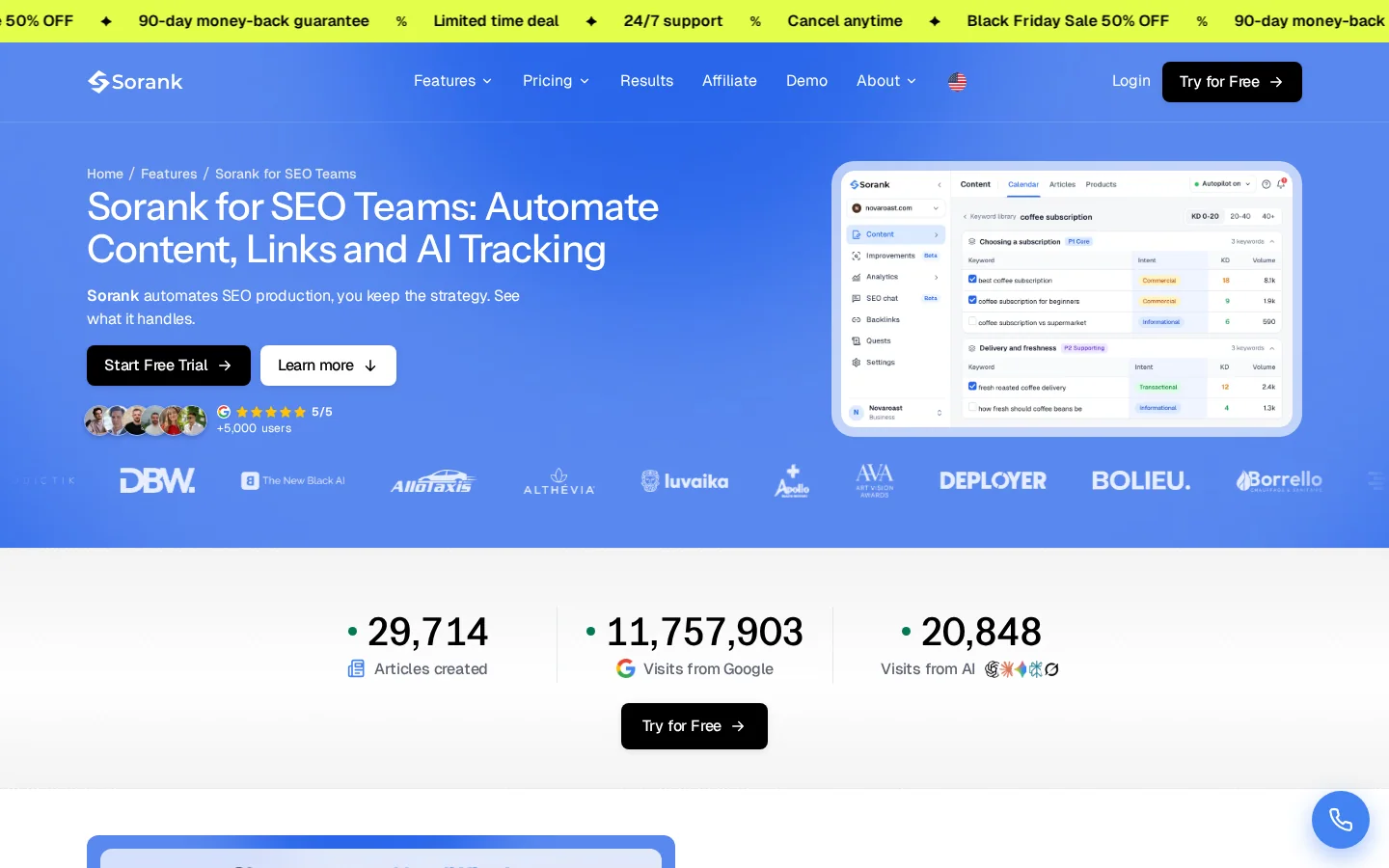
If you want the whole loop run for you, with a person approving each decision, see Sorank's page for SEO teams.
SEO management is the ongoing work of choosing what to rank for, making changes to the site and checking the results. It covers keyword research, content, technical work and links, plus a monthly review that decides what happens next.
It depends on the size of the site and how much content you publish. Briefing and editing usually take the largest share, so give that work a fixed weekly slot instead of fitting it in between other tasks.
Choose by your binding constraint. If you lack knowledge, an expert advisor helps most. If you lack time, an agency or software takes over the execution. Whichever you pick, someone who can judge the work must review it every month.
We analyse your competitors, your website and your AI visibility to create a tailored content plan for free.
 AI Content Brief Generator
 FAQ Schema Generator
 AI Blog Post Ideas Generator
 Structured Data Validator (Schema Validator)
 Alt Text Checker
 Internal Link Analyzer
 Backlink Challenge
 AI Meta Description Generator
 AI Blog Title Generator
 Google Indexability Checker
 AI Blog Outline Generator
 UTM Link Builder
 Keyword Clustering Tool
 Canonical Tag Checker
 XML Sitemap Generator
 Broken Link Checker
 AI SEO Title Generator
 Headline Analyzer
 SERP Preview Tool
 Redirect Checker
 Hreflang Tag Generator
 Heading Structure Analyzer
 HTTP Headers Checker
 Favicon Extractor
 SERP CTR Calculator
 SEO vs Paid Search Savings Calculator
 SEO Share of Voice Calculator
 SEO ROI Calculator
 SEO Traffic and Revenue Forecast Calculator
 SEO Budget Calculator
 SEO Break-Even Calculator
 SaaS SEO ROI Calculator
 ROAS Calculator
 Reading Time Calculator
 Ranking Gain Simulator
 Organic Traffic Value Calculator
 Organic Traffic Estimator and Website Traffic Checker
 LTV to CAC Ratio Calculator
 Local SEO ROI Calculator
 Link Building Cost Calculator
 Keyword Value Calculator
 Keyword Opportunity Score Calculator
 Keyword Density Calculator
 GEO ROI Calculator
 GEO Content Investment Calculator
 Ecommerce SEO ROI Calculator
 Customer Lifetime Value Calculator
 Customer Acquisition Cost Calculator
 CTR Calculator
 Cost Per Article Calculator
 Conversion Rate Calculator
 Content Marketing ROI Calculator
 ChatGPT Referral Traffic Estimator
 Bounce Rate Calculator
 Backlink ROI Calculator
 AI Visibility Score Calculator
 AI Traffic Value Calculator
 AI Share of Voice Calculator
 Cost of AI Invisibility Calculator
 AI Citation Rate Calculator
 llms.txt Validator
 AI Overview Checker and AI Overviews Rank Checker
 Robots.txt Checker
 AI SEO Audit
 LLM Readability Checker
 SearchGPT Readiness Checker
 Structured Data LLM Audit
 Website Crawlability AI Audit
 Why ChatGPT Is Not Recommending My Website
 Gemini Ranking Tool
 Perplexity Ranking Checker
 LLM Citation Checker
 Answer Engine Optimization Audit
 GEO Audit
 AI Search Visibility Test
 ChatGPT Visibility Checker
 llms.txt Generator
 URL Extractor
 Webpage to Markdown
 Sitemap Checker
 SERP Volatility Sensor
 Page Size Checker
 Word Counter
 Slug Generator
 Schema Generator
 Robots Generator
 OG Preview
 Meta Tags Generator
 Image Compressor
 Favicon Generator
 On-Page SEO Audit: SEO Checker and SEO Analyzer
 Backlink Analysis Tool
 Keyword Research Tool
 Domain Authority Checker
 “I tested Sorank on a real client site and it's insane. It does everything an agency would bill you $1500 a month for. It's going into production on that client now.”

 Guillaume Guersanguersanguillaume.com“We are an Ads agency and we wanted to get our SEO back on track once and for all. Sorank gave us a clear view of our site, helped us prioritize optimizations, and properly structure our content. The tool is easy to use, well designed for a team, and very practical for centralizing tracking without having to juggle multiple platforms. A very solid foundation to start fresh with our SEO.”
 Gaspard MadouiAds Agency
 “I just let the Sorank software do its thing, and now my DR is 25 and my page is ranking higher.”
 Lucas Flandrefoundertrace.fr“I specialized in GEO thanks to Sorank. The GEO Leaderboard allows me to show my clients their position vs competitors on ChatGPT. It’s a real commercial differentiator.”
 MélanieSEO Freelance“Great service, works well for our website and helps us understand how to improve it to rank better on Google and elsewhere. Congrats, keep going, I recommend it.”
 Hugo T.E-commerce merchant