Preferences
Privacy is important to us, so you have the option of disabling certain types of storage that may not be necessary for the basic functioning of the website. Blocking categories may impact your experience on the website. More information
Privacy is important to us, so you have the option of disabling certain types of storage that may not be necessary for the basic functioning of the website. Blocking categories may impact your experience on the website. More information

Product review SEO: what Google expects, how to test and compare products, and the common mistakes that keep review pages from ranking on Google.

Tools

In short
Product review SEO is the work of getting a page that judges products to rank on Google and to be cited by AI assistants. Google's guidance asks for proof that the reviewer used the product, a fair look at the alternatives, and measurements a reader can check. Give each review page one job, mark up each reviewed item correctly, and stop your own review pages from competing with each other.
Want to go further? Ask
Quick quiz
Is SEO right for you, and how should you start?
Sorank matches your answers


Test it for 3 days on your own site and see where you stand on Google, ChatGPT and the other AIs.
Start 3-day free trial3 days free, then stop whenever you want. 90-day results guarantee, conditions apply.
A product review page answers one question: should I buy this, and if so, which one? That question arrives in three main forms. Someone types a product name with the word "review" and wants to check one product before buying. Someone types "best" plus a category, such as "best running shoes for flat feet", and wants a shortlist. Someone types "X vs Y" and wants to choose between two options. Each form needs its own page, and Google's guidance judges all of them by the same standard: does this help a buyer decide?
A review page is not a product page. A product page sells the item from the seller's side and lists what the seller wants you to know. A review page is useful when the author can say what the product does badly and when a reader can check the claims. That independence is why readers trust reviews, and it is the first thing Google's guidance asks you to protect.
If your site earns from affiliate links, sponsorships or its own products, the review format is also where trust problems show up first. The sections on disclosure and on common mistakes below cover that.
A product page and a review page answer different questions
A product review project usually needs four formats. Give each one a single query family, and do not mix them on one URL.
Principle: one product, one verdict, one test. When to use it: the product has its own search demand, for example a new model that people search by name. Advantages: it answers the exact question behind a product name, and it earns trust when it shows the tests. Limits: you need the product in hand or real use cases, and you cannot cover many products at once. Example: a page on one espresso machine that reports how long it takes to heat up, how steady the temperature stays over a series of shots, how loud it is, and which buyers should skip it.
Principle: a short list of products for one use case, with a clear pick for each need, such as best overall, best budget and best for small kitchens. When to use it: the query is "best" plus a category. Advantages: it catches the comparison query and can link to every single review in the family. Limits: every entry needs real substance. Google's guidance asks that ranked lists stand alone, so a list that only repeats other sites' summaries is weak. Example: "best espresso machines under a set budget", with one tested pick per budget and the test notes behind each pick.
Principle: two products measured against the same criteria, in one table, with a verdict for each use case. When to use it: both products are searched together, and buyers hesitate between them. Advantages: it answers a decision question directly and is easy to cite. Limits: the page has to treat both products fairly. If you sell one of the two, say so, and still give the other an honest verdict. Example: a table with weight, battery life from your own test, a typical price range, and a verdict such as "choose A for travel, B for a desk".
Principle: explain how to choose within a category, with the criteria, the trade-offs and the common mistakes, before naming products. When to use it: the query is "how to choose" or "what to look for" in a category. Advantages: it is broad, earns links from people who cite advice, and works as the hub above your single reviews. Limits: it rarely ranks for product names by itself, so it needs the single reviews behind it. Example: a guide to trail running shoes that compares drop, cushioning and width, then links to one review per shoe.
| Format | Query family | Proof it needs | Main risk |
|---|---|---|---|
| Single review | "[product] review" | Your own test data and photos | Thin pages on products you never used |
| Roundup | "best [category]" | One tested pick per need | Summaries of other sites' lists |
| Comparison | "[A] vs [B]" | The same criteria measured on both | Favoring the product you sell |
| Buyer's guide | "how to choose [category]" | Criteria and trade-offs explained | Never ranks for product names alone |
Pick the format from the query first, then write the page. If you cannot name the query, the page is not ready to write.
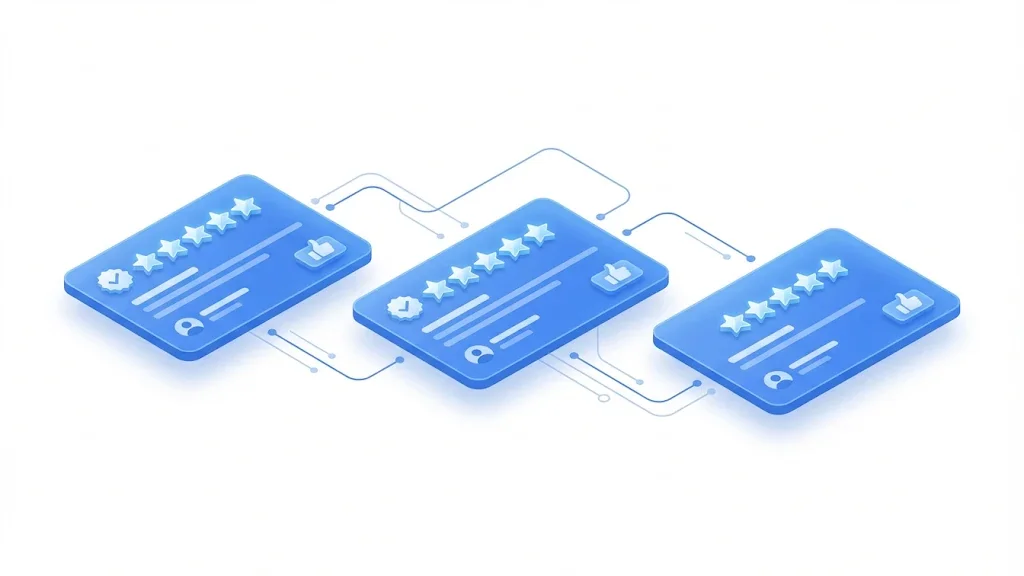
Google's guidance on product reviews is one document, Write high quality product reviews, on Google Search Central. It starts from the reader: would a person who wants to buy this find the page useful? The guidance has grown over time, as the timeline shows.
How Google's product review guidance grew
Source: Google Search Central blog, 1 December 2021
The December 2021 post from the Search Central blog says that the automated assessment of review content is only one of many ranking factors. Both new practices were folded into the same guidance page. Read the guidance as a whole, not as a checklist to tick once.
The guidance lists about a dozen practices. In practice they fall into four groups.
The guidance also says that quality and originality matter more than length. A shorter page with one real test serves the reader better than a long page of copied specs.
Before you publish a review page
Google's guidance asks for evidence of experience, and readers ask for the same thing. Evidence is anything a reader can check: photos you took of the product in use, a short video of a test, an audio clip of a blender at full speed, a dated test log, or a link to the manufacturer's spec sheet placed next to your own measurement. A claim without evidence is an opinion, and a page of opinions rarely beats a page with a real test.
Write the protocol before you buy or receive the product. It keeps the results comparable across products, and it stops you from testing only what you already like. Keep the conditions the same for each product: the same room, the same water, the same route, the same charger. Then publish the protocol next to the results, so a reader can judge the method and repeat it.
A repeatable test in five steps
The most useful measurements are the ones tied to a choice. For a running shoe, that is the weight on a scale you own, the drop (heel height minus forefoot height) checked against the manufacturer's spec, and the forefoot width measured with a ruler. For a blender, it is the time to blend a fixed recipe and the noise level at one meter. Measure a few things well instead of many things loosely, and label any figure that is an estimate.
A photo of the unit next to a dated object, such as a receipt, is a cheap signal that you had the product in hand. Add the purchase date or the date you received it. If the seller sent the product free, say so on the first screen of the page. The disclosure rules are covered further down.
Start with the verdict. Most readers want the answer on the first screen, then the evidence, then the detail. A page that opens with the history of the brand loses the reader before the test. Google's guidance asks you to write from the reader's side, so the order of the page should follow the decision.
The first two paragraphs carry the verdict, the main trade-off and the audience. Write them after the test, when you know the trade-off. Compare the two openings below. Only someone who used the product can write the second one.
The same opening, before and after the test
Keep the same order on every review so readers learn where to look: the verdict, who it is for, the test results, the pros and cons, what changed since the previous model, the alternatives in the family, where to buy it, and the date of the last test. Use a real heading for each part. Readers scan by headings, and so do the tools that pull a single answer out of a page.
Do not give a score unless you can explain it. A rating out of 10 with no criteria reads as decoration. If you give a score, list the criteria and what each one weighs.
A site with a review of product X, a roundup that lists X, and a comparison of X against Y can end up with three pages competing for the same clicks. Google then has to choose which page to show, and often none of them ranks well. This is a problem of structure, so the fix is structural.
The usual name for this is keyword cannibalization. Sorank's topic cluster generator is built with that problem in mind: it plans the pages of a topic so that each one has its own job and they link to each other.
Two ways to organize a product review family
Write the query down before you write the title. A single review targets the product name. A roundup targets "best" plus the category. A comparison targets "X vs Y". The title, the first heading and the first paragraph use that query, and the other pages in the family link to the page instead of repeating its query.
The roundup links to every single review, with anchor text that names the product, such as "our tested review of the Model E2". Each single review links back to the roundup with a line that says where it fits, such as "if you want the cheapest option, see the budget roundup". Do not stuff the same keyword into every link. Name the product, and say what the reader gets from the click.
Markup does not make a page rank by itself. It can make the page eligible for review stars in search results, and it helps machines see which product the review is about. Google's review snippet documentation sets the rules. Our article on review schema covers the full decision tree for stars. This section covers the product review rules you hit most often.
Four rules from that documentation matter most for product reviews:
Here is an example for a fictional product. It uses the Product type with one nested Review, which is the usual shape for a single product review.
{
  "@context": "https://schema.org",
  "@type": "Product",
  "name": "Example Espresso Machine E2",
  "review": {
    "@type": "Review",
    "author": {"@type": "Person", "name": "Jane Doe"},
    "datePublished": "2026-11-01",
    "reviewBody": "Heats up quickly. Loud at full pressure, so skip it in a shared flat.",
    "reviewRating": {
      "@type": "Rating",
      "ratingValue": "4",
      "bestRating": "5",
      "worstRating": "1"
    }
  }
}
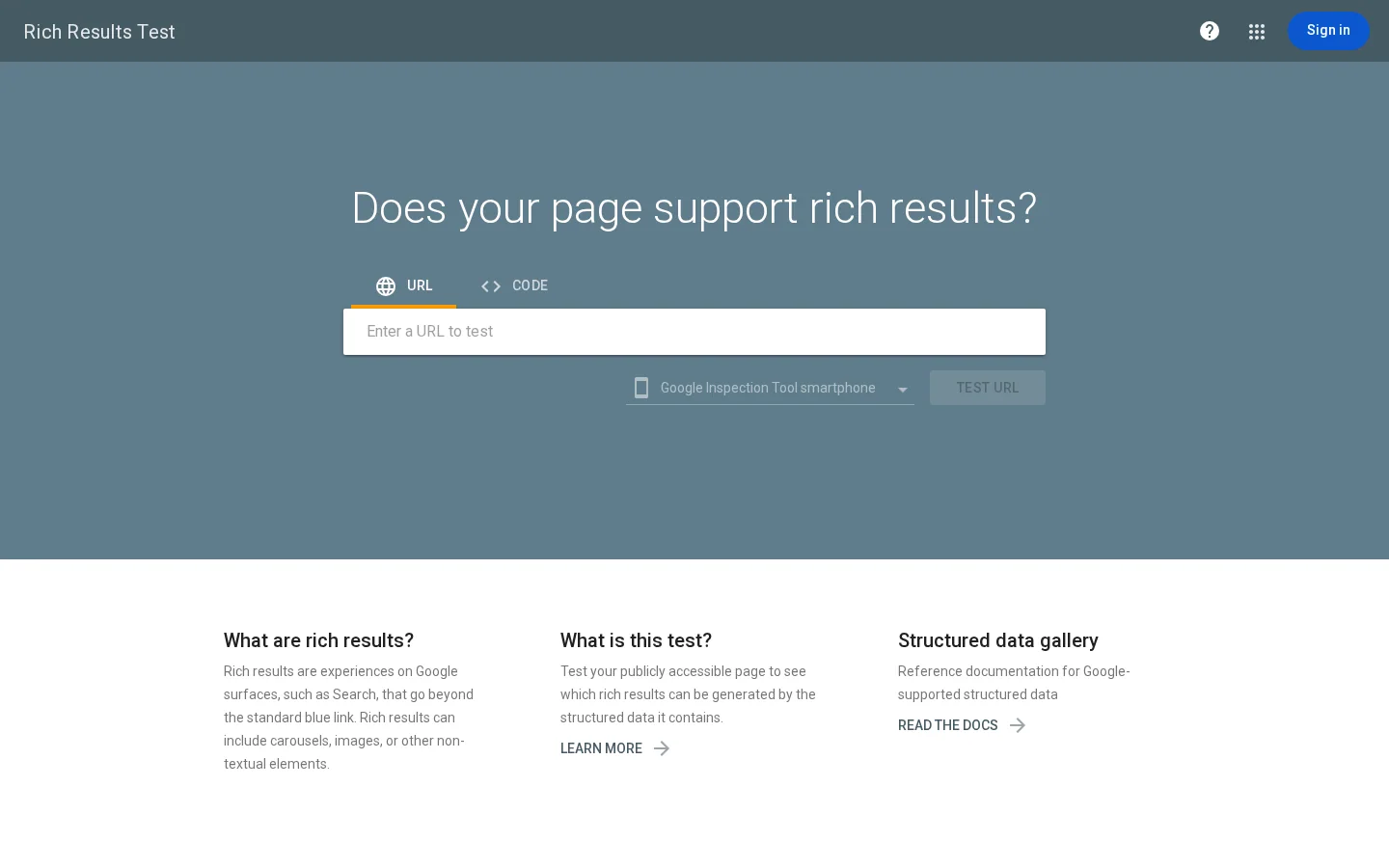
Read the example against the rules. The item is named, the author and the rating are present, the date is given, and the review text matches what a reader sees on the page. The documentation lists the author and the rating as required, so a missing one can stop the stars from showing. Paste the code into Google's Rich Results Test to see what Google reads, then test the live page once the markup is in place.
Tip
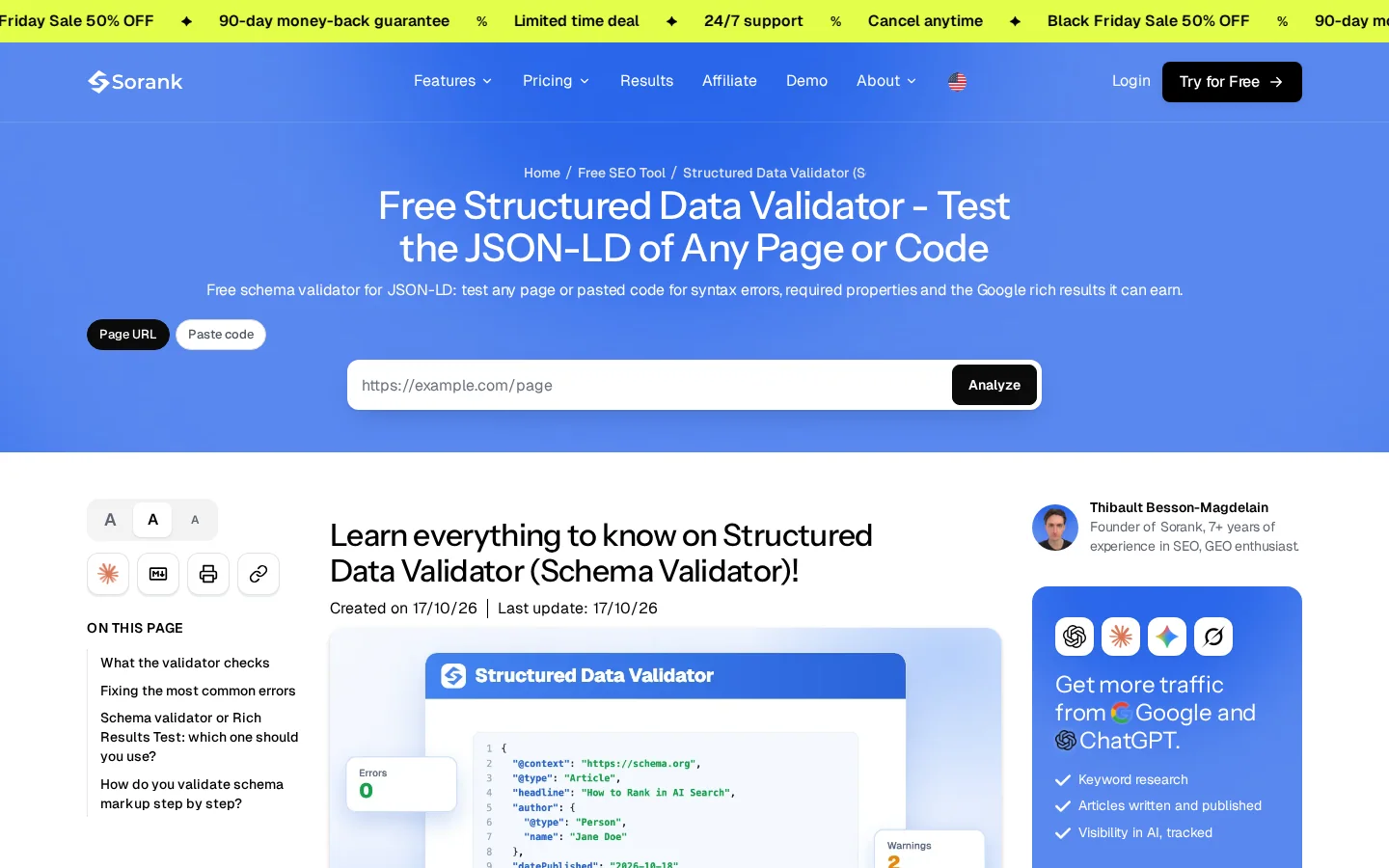
Test the JSON-LD of any page, or of a code snippet you paste in, with the free structured data validator from Sorank.
Warning
Markup that describes text the reader cannot see goes against the visibility rule. Keep the markup in step with the page, and update the date when you retest.
Google's guidance notes that reviews often use affiliate links, and it points to its own guidance on affiliate programs. The practical rule is that a reader should know you may earn money before they click. Put the line near the top of the page, not in the footer. A short sentence works, as long as it is true of your page: "We earn a commission if you buy through the links on this page. Our verdicts come from our own tests."
The review snippet documentation is stricter about incentives. It asks you to avoid reviews written in exchange for a benefit, such as money, discounts, vouchers or free products, unless the incentive is clearly disclosed. The safe approach is to disclose every time, whether or not you want the stars.
Google's guidance also suggests linking to several sellers, so readers can buy from the merchant they prefer, when that makes sense for your site. In a buy box, list two or three sellers and show the date you checked the price. Our article on affiliate links covers disclosure wording and placement in more detail.
Disclosure check before you publish
Note
Prices and availability change. Show the check date next to them, and remove a link when the product leaves the store.
Most weak review pages fail in the same few ways. Each mistake below has a sign you can check on your own pages and a fix you can apply without rewriting the whole site.
| Mistake | Sign on the page | Fix |
|---|---|---|
| Spec-sheet review | Specs copied from the maker, no measurement | Add one measured result per claim |
| Roundup with no picks | A list with no verdict per need | Name one pick per use case and say why |
| Stale test | No test date, or a discontinued model | Show the test date, then retest or label the page |
| Hidden incentive | Affiliate link or free product not mentioned | Disclose near the top, every time |
| Markup on the list | Review markup on a roundup, covering the whole list | Mark up each item, or remove the markup |
| Borrowed rating | Average built from other sites' scores | Use only your own tests and ratings from users |
| Competing pages | Two URLs ranking for the same query | Give each URL one job and link them |
| Untested products | Same template and same photos across products | Test the product, or do not publish a review |
What it is: a page that restates the manufacturer's specifications, with a few adjectives and no test. Google's guidance asks for firsthand evidence and for measurements, so this page lacks what the guidance asks for.
How to spot it: read the page and count the sentences a buyer could check. If the only numbers came from the seller's product page, the page is a summary.
How to fix it: pick the two or three criteria that matter most for the product, measure them, and publish the method next to the result. One measured line is worth more than a long list of specs.
What it is: a list of products gathered from store descriptions and other sites' lists, with no clear pick.
How to spot it: ask whether a reader would know what to buy after reading. If each entry says what the product is but never says who it suits best, the list has no verdict.
How to fix it: give each product a short paragraph that names the use case it wins, the trade-off and the test behind the pick. Move products you have not tested out of the main list, or label them clearly as not tested.
What it is: a review written once and left alone while the product changes, the price moves and the model is replaced.
How to spot it: the page has no test date, the photos show an older version of the product, or a model in the list no longer sells.
How to fix it: show the date of the last test in the first screen. When you retest, update the page and the date together, and note what changed. If a product is discontinued, keep the page with a clear note and a link to its successor instead of deleting it.
What it is: an affiliate link or a free sample that the page does not mention, or mentions only in the footer.
How to spot it: search the page for "affiliate", "commission", "sample" and "free". If none of these appears above the first test result, a reader can act before they see the disclosure.
How to fix it: add the disclosure to the first screen, and repeat a short note on each affiliate block. Review your policy on free samples as well, because the documentation asks you to avoid reviews written for a benefit unless the benefit is clearly disclosed.
What it is: one review markup on a roundup page, covering the list as a whole, or a rating that stands for several products at once.
How to spot it: open the markup in the Rich Results Test. If the item named is the category or the page title rather than one product, the markup is wrong for a list.
How to fix it: remove the list-level review markup. Mark up each product on its own single review, naming the item it describes.
What it is: an aggregate rating built by averaging scores from other review sites, or a shop's rating copied onto your page.
How to spot it: look at where each number came from. If you cannot name the source of each score, you cannot defend the number.
How to fix it: show your own test scores with their criteria, and cite other sites in the text as sources, not as your own aggregate. The documentation says not to aggregate reviews or ratings from other websites.
What it is: two single reviews of the same product, or a review and a roundup that both target "best" plus the category.
How to spot it: in Search Console, filter the queries and look for one query that brings clicks to two URLs. The steps further down show the filter.
How to fix it: merge the two pages into one, redirect the weaker URL to the stronger one with a permanent redirect, and rewrite the roundup so its primary query is "best" plus the category. The links between the pages then carry the relationship that the titles used to carry.
What it is: pages written from one template for products nobody tested, often produced in bulk to cover a long list of names.
How to spot it: the same sentence structure repeats from page to page, the measurement section is missing or identical across products, and the photos are the maker's product shots.
How to fix it: test the product, or do not publish a review of it. A buyer's guide or a roundup can name the product honestly as not tested, with a link to a source you trust. Sorank's content optimization checks existing pages for weak titles, links and structured data, and rewrites weak pages at the same address, so you can review the new version before it goes live. It cannot test a product for you, so the test still has to happen.
This is the order we would follow on a site with a few review pages and no clear plan. Each step produces something you can check before you move to the next one.
Six steps from list to published family
In Search Console, open the performance report, switch to the queries view, and add a query filter with a custom regular expression. A filter like this one lists the queries that use review-type wording:
review|best|vsThen compare the pages behind those queries. When one query brings clicks to two URLs, you have found a competing pair. The filter matches substrings, so "best" also matches "bestseller", and you should read the list before you act on it.
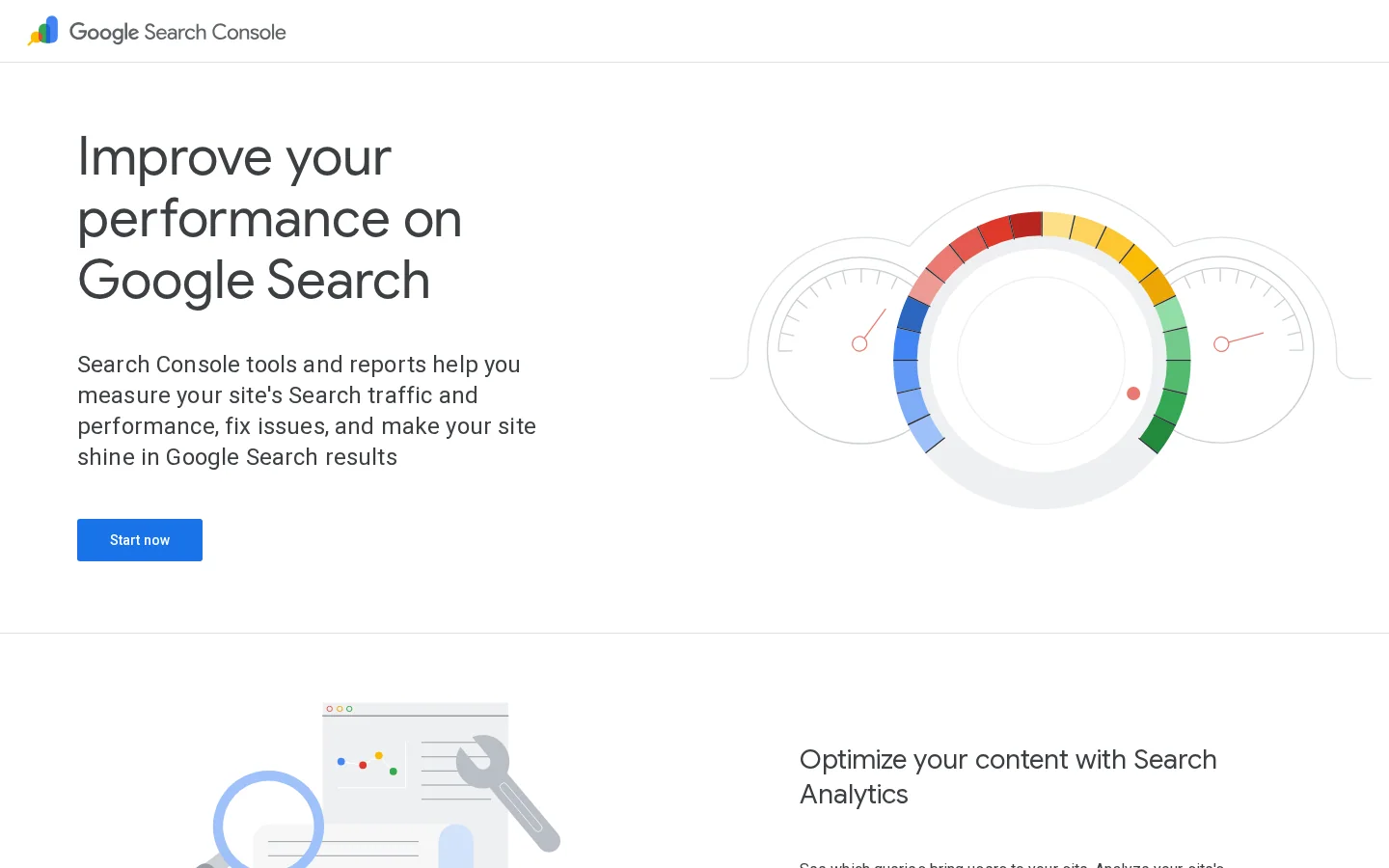
In Search Console, look at each page's clicks, impressions and average position for its primary query, and at the queries that bring the page clicks. A single review should win the product name. A roundup should win "best" plus the category, and a comparison should win "X vs Y". If the wrong page wins a query, the split between jobs is wrong, not only the writing.
Give a changed page time to be recrawled and evaluated before you judge it. Note the date you changed it, so that every later number has a reference point.
AI assistants answer "best" questions with product names taken from pages they can read and trust, and some of them show links to their sources. The steps that help there are the ones above: a verdict near the top, a table of measured values, dated tests and clear disclosure. To see where your brand already appears, start with an AI visibility audit. For how review sites shape those answers, read review sites and AI recommendations.
Example
This is an illustrative case, not real data. A site has one review of a kettle, a roundup of "best kettles" and a comparison of two kettles. Before the change, the roundup and the review both target "best kettle", and neither ranks well. After the change, the roundup owns "best kettle", the review owns the kettle's name, and the comparison owns "X vs Y", with links between all three. Measure those three queries for a few months to see whether the split worked.
Product review SEO is the work of getting pages that judge products, such as single reviews, best-of roundups and comparisons, to rank on Google and to be cited by AI assistants. Each page format needs one clear query and proof that the reviewer used the product. The page has to help a buyer decide.
Yes. Google's guidance asks for evidence of firsthand experience, such as photos, video, audio or links, and for measurements that support the verdict. A page that only repeats specs or other sites' summaries is weaker. Google also says that quality and originality matter more than length.
Yes. Google's guidance notes that reviews often use affiliate links. Put a clear disclosure near the top of the page, and link to several sellers when that makes sense for your readers.
We analyse your competitors, your website and your AI visibility to create a tailored content plan for free.
 AI Content Brief Generator
 FAQ Schema Generator
 AI Blog Post Ideas Generator
 Structured Data Validator (Schema Validator)
 Alt Text Checker
 Internal Link Analyzer
 Backlink Challenge
 AI Meta Description Generator
 AI Blog Title Generator
 Google Indexability Checker
 AI Blog Outline Generator
 UTM Link Builder
 Keyword Clustering Tool
 Canonical Tag Checker
 XML Sitemap Generator
 Broken Link Checker
 AI SEO Title Generator
 Headline Analyzer
 SERP Preview Tool
 Redirect Checker
 Hreflang Tag Generator
 Heading Structure Analyzer
 HTTP Headers Checker
 Favicon Extractor
 SERP CTR Calculator
 SEO vs Paid Search Savings Calculator
 SEO Share of Voice Calculator
 SEO ROI Calculator
 SEO Traffic and Revenue Forecast Calculator
 SEO Budget Calculator
 SEO Break-Even Calculator
 SaaS SEO ROI Calculator
 ROAS Calculator
 Reading Time Calculator
 Ranking Gain Simulator
 Organic Traffic Value Calculator
 Organic Traffic Estimator and Website Traffic Checker
 LTV to CAC Ratio Calculator
 Local SEO ROI Calculator
 Link Building Cost Calculator
 Keyword Value Calculator
 Keyword Opportunity Score Calculator
 Keyword Density Calculator
 GEO ROI Calculator
 GEO Content Investment Calculator
 Ecommerce SEO ROI Calculator
 Customer Lifetime Value Calculator
 Customer Acquisition Cost Calculator
 CTR Calculator
 Cost Per Article Calculator
 Conversion Rate Calculator
 Content Marketing ROI Calculator
 ChatGPT Referral Traffic Estimator
 Bounce Rate Calculator
 Backlink ROI Calculator
 AI Visibility Score Calculator
 AI Traffic Value Calculator
 AI Share of Voice Calculator
 Cost of AI Invisibility Calculator
 AI Citation Rate Calculator
 llms.txt Validator
 AI Overview Checker and AI Overviews Rank Checker
 Robots.txt Checker
 AI SEO Audit
 LLM Readability Checker
 SearchGPT Readiness Checker
 Structured Data LLM Audit
 Website Crawlability AI Audit
 Why ChatGPT Is Not Recommending My Website
 Gemini Ranking Tool
 Perplexity Ranking Checker
 LLM Citation Checker
 Answer Engine Optimization Audit
 GEO Audit
 AI Search Visibility Test
 ChatGPT Visibility Checker
 llms.txt Generator
 URL Extractor
 Webpage to Markdown
 Sitemap Checker
 SERP Volatility Sensor
 Page Size Checker
 Word Counter
 Slug Generator
 Schema Generator
 Robots Generator
 OG Preview
 Meta Tags Generator
 Image Compressor
 Favicon Generator
 On-Page SEO Audit: SEO Checker and SEO Analyzer
 Backlink Analysis Tool
 Keyword Research Tool
 Domain Authority Checker
 “I tested Sorank on a real client site and it's insane. It does everything an agency would bill you $1500 a month for. It's going into production on that client now.”

 Guillaume Guersanguersanguillaume.com“We are an Ads agency and we wanted to get our SEO back on track once and for all. Sorank gave us a clear view of our site, helped us prioritize optimizations, and properly structure our content. The tool is easy to use, well designed for a team, and very practical for centralizing tracking without having to juggle multiple platforms. A very solid foundation to start fresh with our SEO.”
 Gaspard MadouiAds Agency
 “I just let the Sorank software do its thing, and now my DR is 25 and my page is ranking higher.”
 Lucas Flandrefoundertrace.fr“I specialized in GEO thanks to Sorank. The GEO Leaderboard allows me to show my clients their position vs competitors on ChatGPT. It’s a real commercial differentiator.”
 MélanieSEO Freelance“Great service, works well for our website and helps us understand how to improve it to rank better on Google and elsewhere. Congrats, keep going, I recommend it.”
 Hugo T.E-commerce merchant