Preferences
Privacy is important to us, so you have the option of disabling certain types of storage that may not be necessary for the basic functioning of the website. Blocking categories may impact your experience on the website. More information
Privacy is important to us, so you have the option of disabling certain types of storage that may not be necessary for the basic functioning of the website. Blocking categories may impact your experience on the website. More information

Google now shows AI Overviews on most brand searches. Here is what the data says, what Google lets you control and how to monitor your name.

Tools

In short
Google now shows an AI Overview on most searches for brand names, where it rarely did in 2025. Ahrefs found one on 82.91% of US desktop branded results on 29 September 2026, against 13.1% in its September 2025 data. Google documents no separate switch to turn AI Overviews off. You can, however, control what Google may quote from your pages, check which sources it uses for your name, and fix the pages it leans on.
Want to go further? Ask
Quick quiz
What should you work on first for your brand?
Sorank matches your answers


Test it for 3 days on your own site and see where you stand on Google, ChatGPT and the other AIs.
Start 3-day free trial3 days free, then stop whenever you want. 90-day results guarantee, conditions apply.
For years, a brand search was the safest query you had. If someone typed your name, your homepage usually sat at the top, and Google rarely put a summary above it. That default has moved, and fast.
Ahrefs analysed 232.8 million US desktop Google results from July to September 2026. It split them into 92.5 million branded and 140.2 million non-branded keyword results. Its monthly averages for branded results rose in each month of the quarter:
Branded searches with an AI Overview, monthly average (US desktop)
Source: Ahrefs, "AI Overviews Currently Appear for 83% of Branded Searches", October 2026
Non-branded queries were already high, and they rose too. Branded results gained 12 points between July and September, against 4.8 points for non-branded ones. The gap between the two groups fell from 12.2 points in July to 5 points in September.
The timeline below shows the same shift from several angles. Read these figures as a direction, not as a precise trend line. The 2025 figure comes from the Ahrefs study of AI Overview triggers, published on 10 November 2025, and the 2026 figures come from different samples and different query sets.
How the brand-search numbers moved
Sources: Ahrefs, November 2025 and October 2026
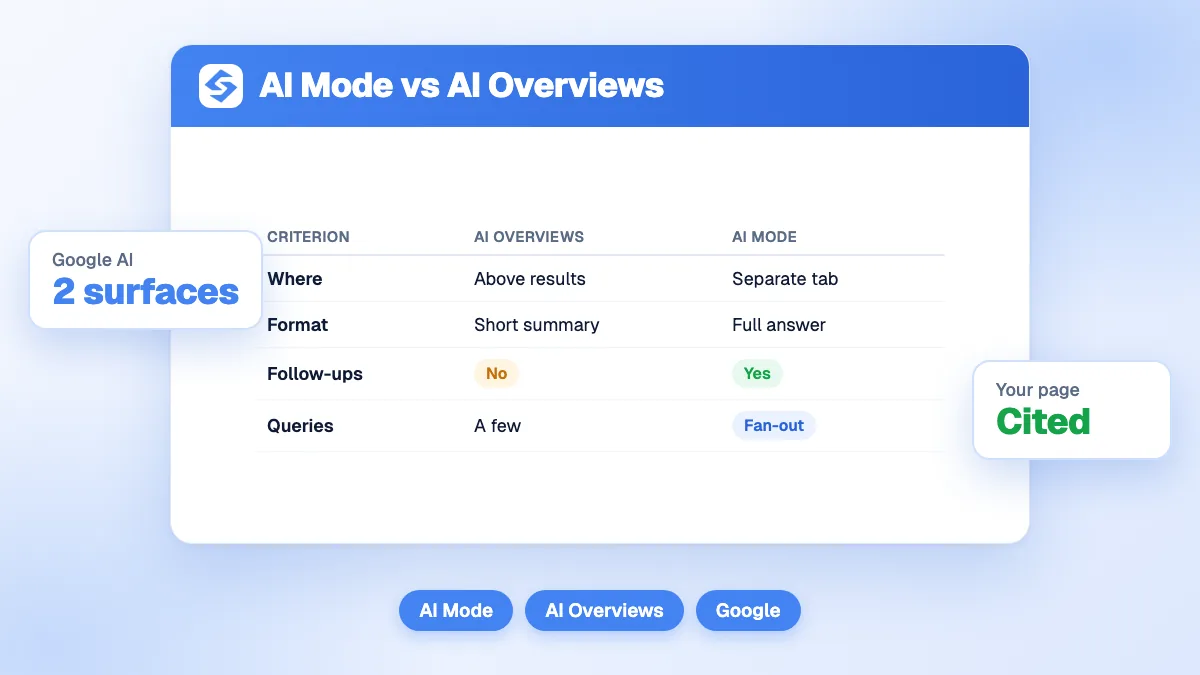
If you want the difference between the two Google AI surfaces, read our guide to AI Mode vs AI Overviews. This article stays on the brand query only.
"Brand" hides three different groups. Ahrefs itself points out that its branded figures mix three populations: bare names, brand plus a modifier such as "pricing" or "vs", and navigational queries classified by intent. Their figures are not directly comparable, so one brand number can mislead you. Split your own data before you draw a conclusion. Our guide to branded keywords shows how to set up that split in your analytics.
| Query group | Example | What to know |
|---|---|---|
| Bare brand name | "acme" | The group where the summary most often sits at the top. Ahrefs found 48 of its 63 bare-name overviews (76.2%) in first position. |
| Brand plus modifier | "acme pricing", "acme vs" | Closer to a buying decision. Measure it in its own row, because the answer often names alternatives. |
| Navigational | "acme login", "acme help" | Grouped by intent, not by words. Your result depends on how the classifier decided what counts as navigational. |
Position matters more than the yes or no. When the summary sits above your first organic result, a searcher can read the answer and stop there. Your listing still exists, but it now sits below a block of text that Google wrote about you. Ahrefs found most bare-name overviews in first position, so the bare name is the row to watch first.
If "brand SERP" is a new phrase for your team, the brand SERP glossary entry explains what the results page for your name is made of. Use that page as the reference when you describe the layout in your report.
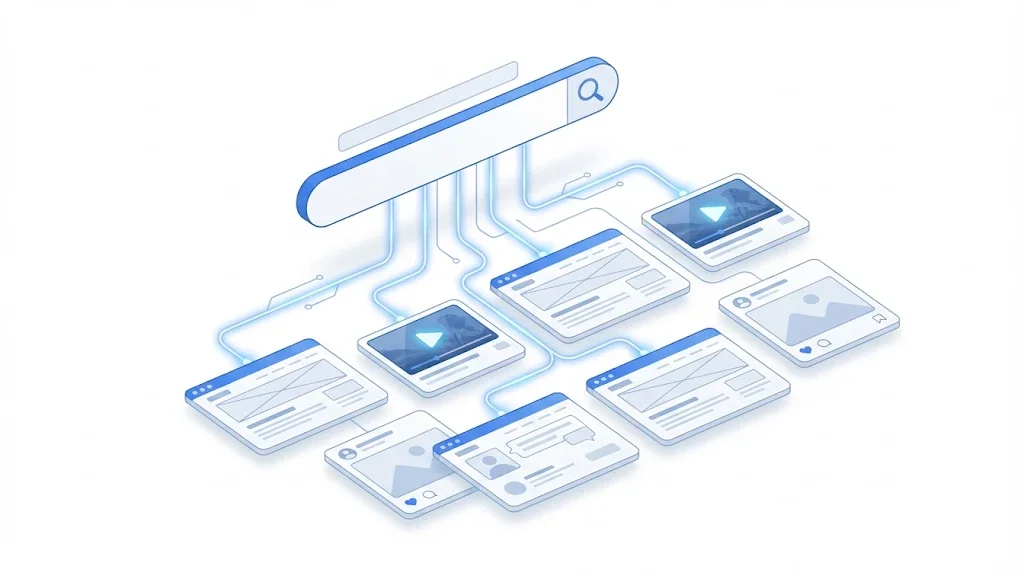
An AI Overview names the pages it draws on. In its October 2026 study, Ahrefs looked at 57 overviews that carried a source list, and three platforms came up again and again: Wikipedia in 41 of them (71.9%), YouTube in 22 (38.6%) and LinkedIn in 13 (22.8%). None of those three is your website. They are the pages that describe you when you have not written the description yourself.
Read the bars as shares of the 57 overviews, not of all searches. The sample is small. The bare-name panel was built from Interbrand's list of the world's best global brands, which is not a typical set of companies. A smaller business may see a different mix of sources, so check your own.
What Google asks of your page is simpler than most people expect. The Google documentation on AI features in Search says a page must be indexed and eligible to appear in Search with a snippet to be shown as a supporting link in AI Overviews or AI Mode. It adds no extra technical requirements. A clean, indexed page is therefore eligible. Eligibility is not a guarantee, though. Google chooses the sources for each answer, and the platforms above still compete with your page.
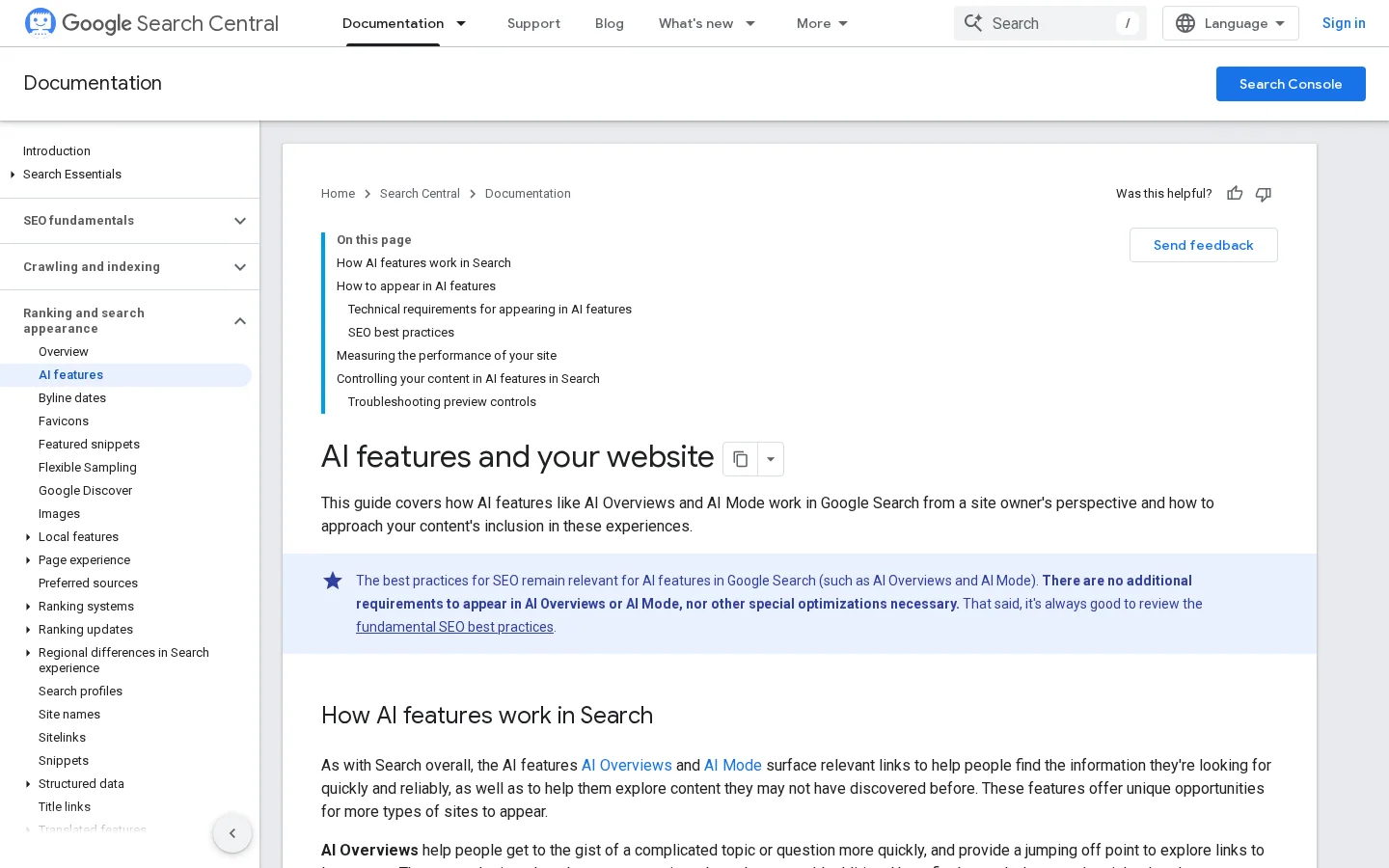
In practice, the sources you find fall into three groups. The first is your own pages that answer the query. The second is accurate third-party pages. The third is third-party pages that are old or wrong. You can improve the first group directly, and you can keep the second up to date. The third group is where most of the damage happens, because the summary repeats whatever those pages say. The steps to make your own pages quotable are in our guide to ranking in AI Overviews.
The short answer is no. Google's documentation describes no separate switch for AI Overviews. The controls it names limit what Search shows from your pages: nosnippet, data-nosnippet, max-snippet and noindex. The doc does not explain how each of them applies inside AI Overviews, so test before you rely on one.
| Control | What the documentation says | What it leaves open |
|---|---|---|
| nosnippet, data-nosnippet, max-snippet | Limit the information Search shows from a page | How each one applies inside AI Overviews |
| noindex | Keeps the page out of Search | A full removal, so a last resort for this purpose |
| Googlebot in robots.txt | Controls how your site is crawled for Search | Blocking Googlebot takes you out of Search |
| Google-Extended | Points to AI training and grounding in Google's other systems | The doc does not tie it to Search or to AI Overviews |
The nosnippet control is a tag placed on the page. It removes the snippet for the whole page, so use it on a narrow set of pages, never on your homepage:
<meta name="robots" content="nosnippet">After any change, open the page in the URL Inspection tool and allow time for Google to recrawl it. The documentation says that if your content still appears in AI features after you add preview controls, you should check the markup and wait for a new crawl.
Robots.txt is a different tool. Google's documentation says Googlebot directives control how your site is crawled for Search, so a rule that blocks Googlebot takes you out of Search. That costs far more than one unwelcome summary. The documentation points to Google-Extended for AI training and grounding in Google's other systems. A rule for it looks like this:
User-agent: Google-Extended
Disallow: /
That rule is tied to Google's other AI systems, not to Search. Do not expect it to change what appears in AI Overviews. Read the current documentation before you edit the file, because Google updates these pages.
Most brands have one of four situations. The summary is present and accurate. It quotes outdated third-party pages. It quotes platforms you do not control. Or one specific page should not appear as a snippet at all. Each situation calls for a different response, and the table below sets them side by side.
| Response | Fits when | What it gets you | Limit |
|---|---|---|---|
| Monitor on a schedule | The summary cites your pages and accurate sources | An early warning and a baseline | Changes nothing on its own |
| Fix outdated third-party pages | The summary quotes old or wrong pages about you | The facts the summary draws on become correct | Slow, and you do not control the page |
| Publish a current official page | The summary quotes videos or posts you do not control | A current page for Google to quote | Only works if the page answers the query plainly |
| Use snippet controls | One page's snippet is the problem | Limits what Search shows from that page | Blunt, and not documented for AI Overviews |
Choose the response from the source group, not from the fear. If the overview cites your own accurate pages and reliable third parties, monitoring is the right answer. Changing controls in a hurry is the usual way to create a new problem, such as a page that disappears from Search.
Run this check once a month. Run it every week for the first month, so you see the normal range before you act on it. The method has five steps, and each one is explained below.
The monthly check
Start with the bare name, because it is where the summary most often sits at the top. Then add the modifiers that sit closest to a buying decision: pricing, reviews, alternatives, and "vs" queries with each main competitor. Those are the queries where a rival would be named, so they deserve the most rows. Add one or two navigational queries, such as login or help, to see what the summary tells people who already know you.
Keep the list fixed for at least three months. If you change the list, the results show a change in your list as well as a change in Google, and you cannot tell which is which.
Results change with country, language and device. Ahrefs' figures come from US desktop results only, so set the market you sell in and measure that market. Run the same queries from a clean browser profile, and log desktop and mobile as separate rows. Run them at about the same hour each time, and repeat the run over several days, so one unusual day does not decide your report. If you change the method, start a new series and do not compare it with the old one.
For each row, record the date, the query, whether an overview appeared, where it sat (first, middle or lower on the page), the domains it cited, and one line on what it says about you. Teams often skip the one-line field, and it is the field that tells you what to fix. Save a screenshot too, because a summary can change within a week, and you need proof of what it said on the day. Keep the sheet next to your Search Console numbers, so you can see whether a drop in clicks lines up with a change in the summary.
A single check feels decisive, but it answers only one question on one day. The comparison below shows why a log beats a snapshot.
Test once or track over time
Search Console counts AI features in its normal figures. The Google documentation says pages that appear in AI features are included in your overall Search traffic, and they are reported under the Web search type in the Performance report. It does not say whether overview appearances get their own filter.
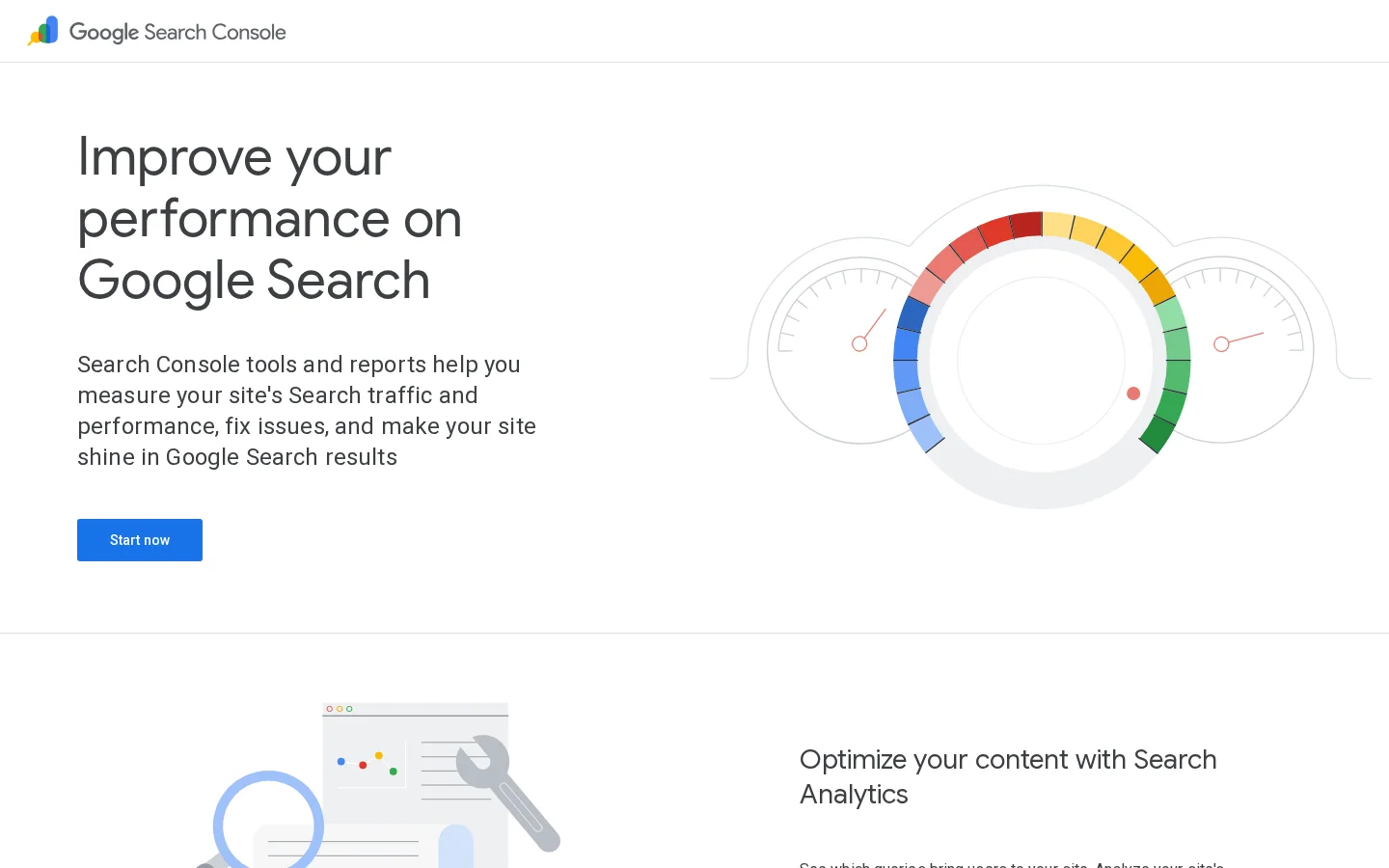
So you can see clicks and impressions for a brand query, but not whether an overview sat above them. Pair the two sources. Filter the Performance report to queries that contain your brand, and watch clicks and CTR week over week beside your log from the monthly check. A falling CTR with stable impressions is a signal to open the results page for that query and look at it. Our guide to SERP monitoring covers how to track SERP features, including AI Overviews, over time.
If you want both sides in one view, Sorank's GEO / SEO dashboard pulls clicks, impressions, CTR and position from Search Console. It also separates visits from ChatGPT, Claude, Gemini, Perplexity and Grok from your other sources. The AI mention tracking feature asks ChatGPT, Claude and Gemini each month about your prompts, and reports a monthly visibility rate, the sources those assistants rely on, and a dated history. Grok is included on the Pro plan. As described on their pages, neither feature reports whether a Google AI Overview appeared, so keep the log for that.
Tip
Sorank's free AI Overview checker scores one page for how ready it is to be used as a source in AI Overviews. It fetches the page and its robots.txt, runs nine checks, and returns a score out of 100 with a fix for each weak point. It does not query live search results, so it cannot tell you whether your brand gets an overview today. For that, run the monthly check above.
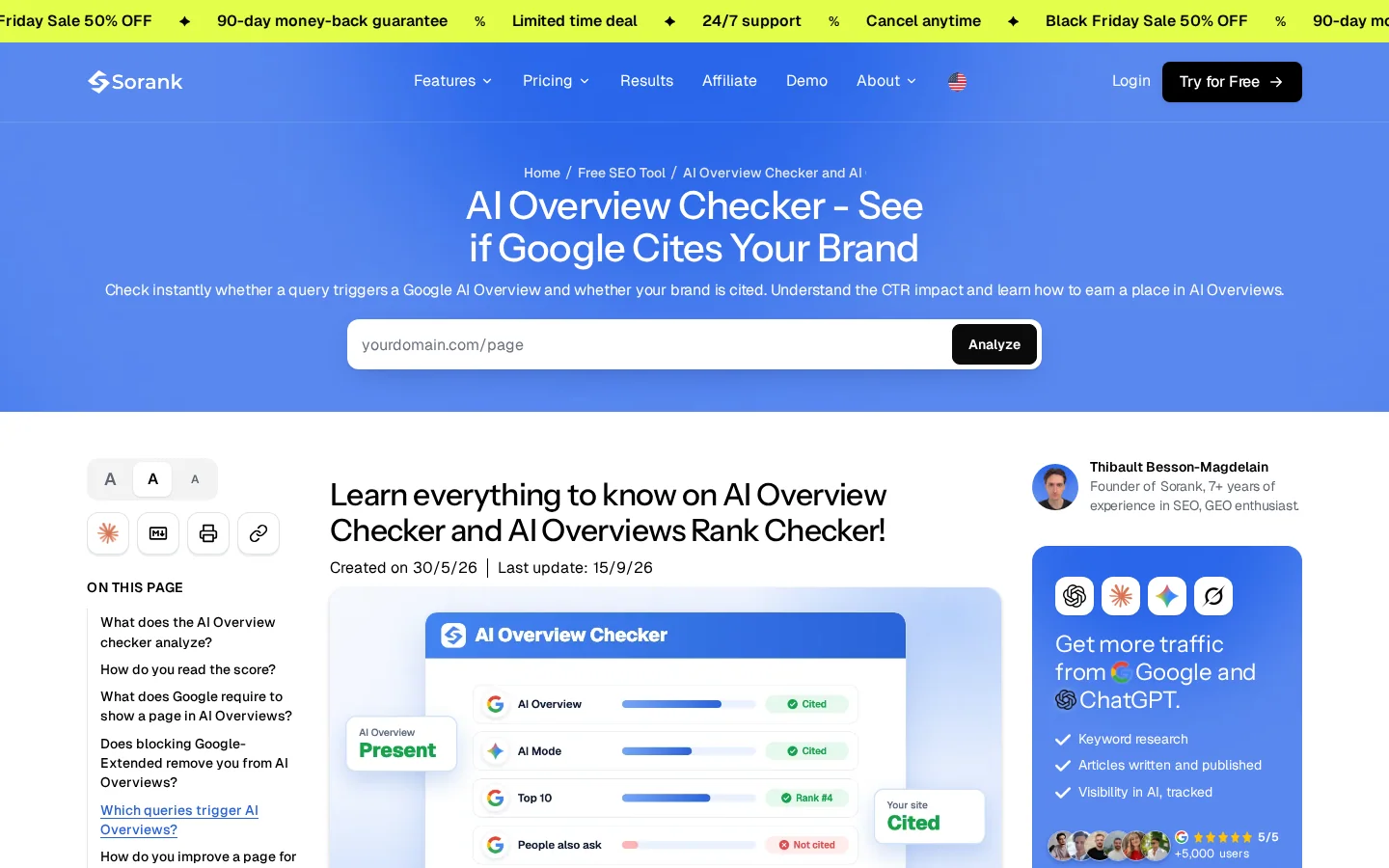
Use the checker after you fix a page, not as a measure of your brand. A better score is a good sign when your own page was the weak point. It says nothing about the outdated third-party pages or the platforms the summary quotes, so it covers only one of the three source groups.
Most of the wrong conclusions about brand searches come from six habits. Each one is easy to spot in a report once you know what to look for.
| Mistake | How to spot it | How to fix it |
|---|---|---|
| Testing once and calling it a trend | One screenshot and a yes or no | Sample the same queries across several days each month |
| Reporting "branded" as one number | A single branded percentage in a slide | Split the list into bare name, modifier and navigational rows |
| Blocking Googlebot to fight a summary | A recent robots.txt or meta robots change | Remove the rule and check the URL in URL Inspection |
| Looking for an AI Overview filter in Search Console | A long search for a control the documentation does not describe | Use the Web search type and pair it with your log |
| Assuming big-brand figures describe you | A stat quoted with no market or device named | Name the source's market, then measure yours |
| Ignoring the pages the summary quotes | The same third-party domain in your log, month after month | Correct your own pages and ask owners of outdated pages to update |
What it is: one search on one day, then a conclusion about your brand for the whole quarter. How to spot it: your report has a single screenshot and a yes or no. How to fix it: sample the same queries across several days each month, log every run, and read the change over weeks. Presence on brand queries moves from day to day, so one check can make you look safe or in danger when neither is true.
What it is: one branded figure that mixes bare names, brand plus modifier, and navigational queries. How to spot it: a slide that says "branded searches" with a single percentage. How to fix it: split the list into the three groups and keep them in separate rows. Never compare a bare-name figure with a modifier figure as if they measured the same thing, because Ahrefs says its groups are not directly comparable.
What it is: a robots.txt rule that disallows Googlebot, or a noindex tag, added to remove an answer you dislike. How to spot it: a change to robots.txt or to a meta robots tag made soon after a bad screenshot. How to fix it: remove the rule, check the URL in URL Inspection, and use snippet controls only on the narrow set of pages where the snippet is the actual problem. Blocking Googlebot removes you from Search, which costs far more than one summary.
What it is: a search for an overview filter that the documentation does not describe. How to spot it: a long hunt through the Performance report, then a guess based on a third-party chart. How to fix it: use the Web search type, filter by your brand queries, and pair the numbers with your monthly log. Google's documentation puts AI features inside the overall totals. It does not give them a separate filter, so do not build a report that assumes one.
What it is: quoting Ahrefs' 82.91% as if it described your market. How to spot it: a sentence in your report that says AI Overviews appear on 83% of branded searches, with no market named. How to fix it: state the source's market and device, then measure yours. Ahrefs' branded figures cover US desktop results, and its bare-name panel was built from a list of global brands. A local business in France will see different numbers, so run the check in your own market.
What it is: treating the summary as Google's problem and leaving the pages it quotes alone. How to spot it: your log shows the same third-party domain each month, and nothing changed on your side. How to fix it: correct the facts on the pages you control, ask the owners of outdated third-party pages to update them, and publish a current official page when the summary leans on videos or posts you do not control. Be realistic about Wikipedia. Its editing rules are strict, and you should not try to write your own article there.
Start with what you can control. The list below is in order of effort, from the cheapest step to the most involved.
This week
In the sources we read, Google has not documented a reason for the shift in brand queries. Plan as if the summary will stay on your name. Measure the sources it quotes, keep your own pages current and easy to quote, and treat the controls as tools for narrow cases, not as a way to make the summary go away.
Often, yes. Ahrefs measured an AI Overview on 82.91% of US desktop branded results on 29 September 2026, up from 13.1% in its September 2025 data. The share depends on the query, the device and the market, so measure your own brand names.
Google's documentation describes no separate opt-out for AI Overviews. You can limit what Search shows from specific pages with snippet controls such as nosnippet, but the documentation does not say how each one applies inside AI Overviews. Blocking Googlebot would remove you from Search, so avoid that.
Not with a filter of its own. Google's documentation says AI features count in your overall Search traffic, under the Web search type. To know whether an overview appeared, keep a monthly log of the queries you care about.
We analyse your competitors, your website and your AI visibility to create a tailored content plan for free.
 AI Content Brief Generator
 FAQ Schema Generator
 AI Blog Post Ideas Generator
 Structured Data Validator (Schema Validator)
 Alt Text Checker
 Internal Link Analyzer
 Backlink Challenge
 AI Meta Description Generator
 AI Blog Title Generator
 Google Indexability Checker
 AI Blog Outline Generator
 UTM Link Builder
 Keyword Clustering Tool
 Canonical Tag Checker
 XML Sitemap Generator
 Broken Link Checker
 AI SEO Title Generator
 Headline Analyzer
 SERP Preview Tool
 Redirect Checker
 Hreflang Tag Generator
 Heading Structure Analyzer
 HTTP Headers Checker
 Favicon Extractor
 SERP CTR Calculator
 SEO vs Paid Search Savings Calculator
 SEO Share of Voice Calculator
 SEO ROI Calculator
 SEO Traffic and Revenue Forecast Calculator
 SEO Budget Calculator
 SEO Break-Even Calculator
 SaaS SEO ROI Calculator
 ROAS Calculator
 Reading Time Calculator
 Ranking Gain Simulator
 Organic Traffic Value Calculator
 Organic Traffic Estimator and Website Traffic Checker
 LTV to CAC Ratio Calculator
 Local SEO ROI Calculator
 Link Building Cost Calculator
 Keyword Value Calculator
 Keyword Opportunity Score Calculator
 Keyword Density Calculator
 GEO ROI Calculator
 GEO Content Investment Calculator
 Ecommerce SEO ROI Calculator
 Customer Lifetime Value Calculator
 Customer Acquisition Cost Calculator
 CTR Calculator
 Cost Per Article Calculator
 Conversion Rate Calculator
 Content Marketing ROI Calculator
 ChatGPT Referral Traffic Estimator
 Bounce Rate Calculator
 Backlink ROI Calculator
 AI Visibility Score Calculator
 AI Traffic Value Calculator
 AI Share of Voice Calculator
 Cost of AI Invisibility Calculator
 AI Citation Rate Calculator
 llms.txt Validator
 AI Overview Checker and AI Overviews Rank Checker
 Robots.txt Checker
 AI SEO Audit
 LLM Readability Checker
 SearchGPT Readiness Checker
 Structured Data LLM Audit
 Website Crawlability AI Audit
 Why ChatGPT Is Not Recommending My Website
 Gemini Ranking Tool
 Perplexity Ranking Checker
 LLM Citation Checker
 Answer Engine Optimization Audit
 GEO Audit
 AI Search Visibility Test
 ChatGPT Visibility Checker
 llms.txt Generator
 URL Extractor
 Webpage to Markdown
 Sitemap Checker
 SERP Volatility Sensor
 Page Size Checker
 Word Counter
 Slug Generator
 Schema Generator
 Robots Generator
 OG Preview
 Meta Tags Generator
 Image Compressor
 Favicon Generator
 On-Page SEO Audit: SEO Checker and SEO Analyzer
 Backlink Analysis Tool
 Keyword Research Tool
 Domain Authority Checker
 “I tested Sorank on a real client site and it's insane. It does everything an agency would bill you $1500 a month for. It's going into production on that client now.”

 Guillaume Guersanguersanguillaume.com“We are an Ads agency and we wanted to get our SEO back on track once and for all. Sorank gave us a clear view of our site, helped us prioritize optimizations, and properly structure our content. The tool is easy to use, well designed for a team, and very practical for centralizing tracking without having to juggle multiple platforms. A very solid foundation to start fresh with our SEO.”
 Gaspard MadouiAds Agency
 “I just let the Sorank software do its thing, and now my DR is 25 and my page is ranking higher.”
 Lucas Flandrefoundertrace.fr“I specialized in GEO thanks to Sorank. The GEO Leaderboard allows me to show my clients their position vs competitors on ChatGPT. It’s a real commercial differentiator.”
 MélanieSEO Freelance“Great service, works well for our website and helps us understand how to improve it to rank better on Google and elsewhere. Congrats, keep going, I recommend it.”
 Hugo T.E-commerce merchant