Preferences
Privacy is important to us, so you have the option of disabling certain types of storage that may not be necessary for the basic functioning of the website. Blocking categories may impact your experience on the website. More information
Privacy is important to us, so you have the option of disabling certain types of storage that may not be necessary for the basic functioning of the website. Blocking categories may impact your experience on the website. More information

Threads social network explained: how it works, how to set up an account, brand strategies, fediverse sharing and how to measure visits from Threads.
In short
Threads is Meta's text-first social network. It launched in July 2023, you sign in with an Instagram or Facebook account, and each post can hold up to 500 characters. For a brand, it works best as a place for conversation: post your own point of view, reply to people in your niche, and link to pages you already own. Tag those links with UTM parameters, or you will not know whether Threads sends anyone to your site.
Want to go further? Ask
Quick quiz
Which social network should you focus on?
Sorank matches your answers


Test it for 3 days on your own site and see where you stand on Google, ChatGPT and the other AIs.
Start 3-day free trial3 days free, then stop whenever you want. 90-day results guarantee, conditions apply.
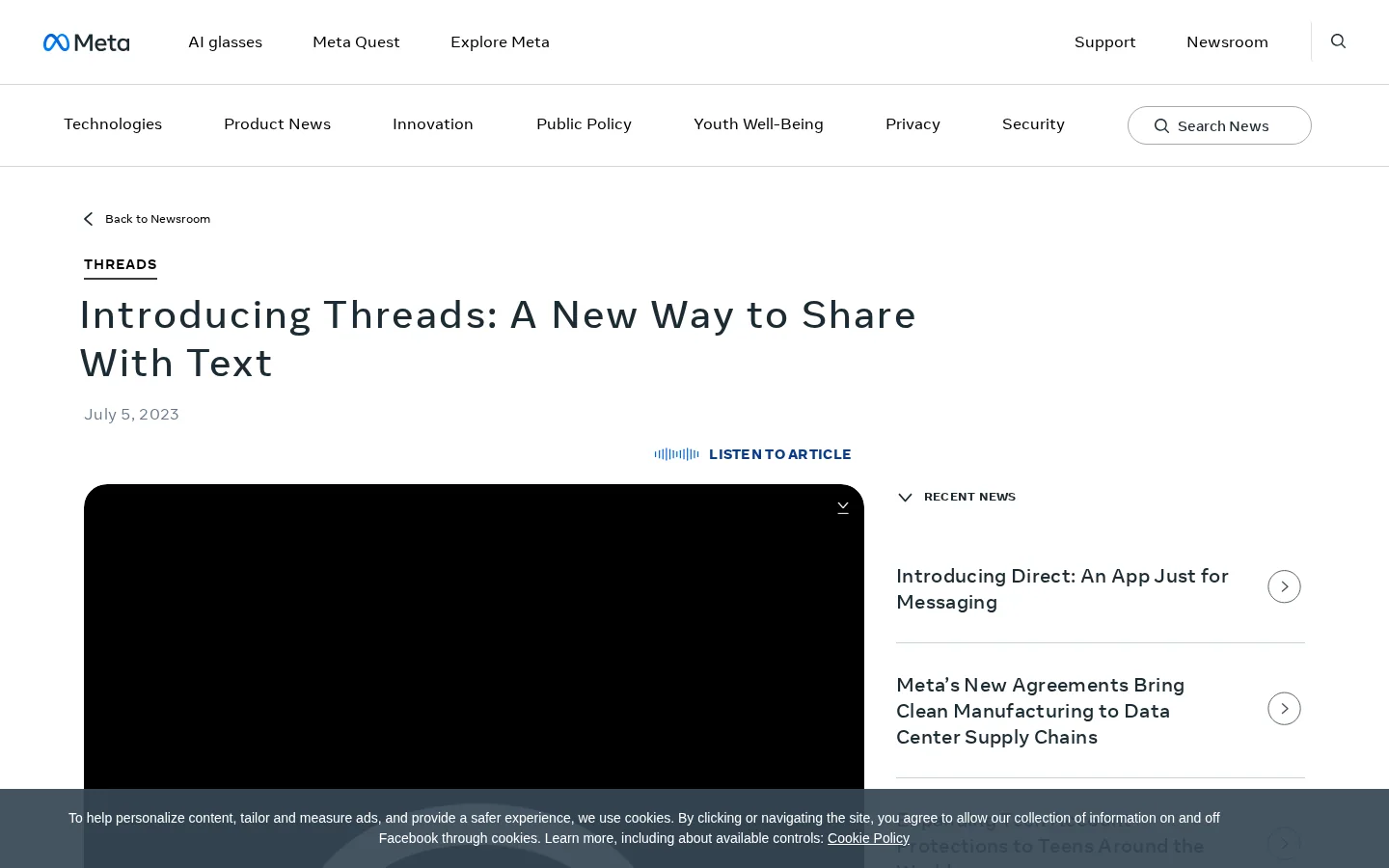
Threads is a social app from Meta, the company behind Facebook and Instagram. Meta describes it as an app from Instagram where you can view and share public conversations. The format is close to X (formerly Twitter): short posts, replies, and a feed that mixes accounts you follow with posts the app recommends. The difference is the account system. Many people already have an Instagram login, so they can start without building a new audience from zero.
Meta launched the app in July 2023. If you are new to social channels in general, start with our guide to social media marketing, which covers the basics across networks. This article stays on Threads itself: how the app works, how to set up an account, which brand strategies make sense, and how to measure the result.
Meta now reports Threads figures on its earnings calls. On the third-quarter 2025 call, Meta said Threads had 150 million daily active users and that ads were running globally in the feed, as Engadget reported on October 29, 2025. The same report noted more than 400 million monthly users, as reported in August 2025. Meta has likely published newer numbers since then, so check its newsroom or investor materials before you quote a figure in a client deck.
Most of the early changes were about who can use the app and how posts travel. Each one affects how a brand should spend its time. The Europe option limits what people without a profile can do. The fediverse switch sends posts to other servers. The ads change the feed you compete in. Here is the sequence, as Meta's own update notes and the Engadget report describe it.
Threads milestones, 2023 to 2025
Sources: Meta announcement and update notes; Engadget, October 29, 2025
When you open Threads, you see posts from accounts you follow next to posts the app recommends. Your reach depends on three things: whether the post appears in a feed, whether people reply to it, and whether they open your profile. Feeds across networks rank posts with signals like these, and our guide to social media algorithms explains the general logic. Threads has its own version, and the exact weights change, so judge your posts by what happens to them rather than by a fixed formula.
Every Threads post follows a few rules that shape what you write:
| Feature | What it means for your plan |
|---|---|
| Post length | Up to 500 characters per post. Longer ideas become a chained thread, so write each post so it stands alone. |
| Video | Up to 5 minutes. Short clips work better than long explainers, because the feed is text-first. |
| Sign-in | An Instagram or Facebook account. Your Threads reach is tied to an account you may already manage. |
| Topic tag | Labels a post with a subject. Use one or two tags you can repeat. |
| Fediverse sharing | Opt-in only. Needs a public profile and is limited to users aged 18 and up. |
| Ads | Running globally in the feed, per Meta's Q3 2025 earnings call. Budget for paid reach if organic reach is not enough. |
Threads at a glance
Sources: Meta, Threads official page and July 2023 announcement; Engadget, October 29, 2025
Keep the constraints in mind when you draft. A post written for X often runs long, and a post copied from Instagram often needs a new opening. The text limit is a writing tool: one clear claim, one question, or one link per post reads better than a block of text cut at the limit.
A weak profile wastes the posts that follow. Set the account up before you publish anything, so the first people who land on it see a clear reason to follow. The steps below take you from install to a repeatable routine. None of them are hard. The work is in choosing the right settings and sticking to a schedule long enough to judge the result.
Set up your brand account in six steps
The bio is the first thing a stranger reads after a post catches their eye. Write it as a direct answer to the question your audience asks. A bio like "Helping small shops fix their product pages" tells a visitor what you do and who you do it for. A bio like "Creative thinking for brands" tells them nothing they can check. If you cannot finish the sentence "We help [who] with [what]," the profile is not ready.
Set a simple schedule for four weeks: a few posts a week, a short reply session each day, and one link per week to a page you want to measure. Write down what you posted and what came back. After a month you will know which format fits your audience. Before that point, the numbers mostly reflect the start-up phase.
Brands use Threads in roughly four ways. The methods overlap, and most working accounts mix two of them. Each one below has a principle, a best use, its advantages, its limits, and an example. The table at the end compares them side by side.
Principle. Write one idea per post, in your own voice: a finding, an opinion, or a question to your customers.
Use it when you have something specific to say, such as a result from your own data or a mistake you fixed this week.
Advantages. It builds recognition over time. When people see the same perspective across several posts, they start to expect your views, and that is the basis of brand recall.
Limits. On a new account, original posts reach few people. Expect a slow start and judge the channel over weeks, not days.
Example (invented for illustration). A bakery posts: "Our sourdough sells out before 10 a.m. The change that fixed it was moving the bake to 4 a.m., not hiring more staff." The post makes one claim, shows a cause, and invites a reply.
Principle. Reply to posts from accounts in your niche with an answer that adds something: a concrete step, a number from a source you can name, or a link to a document that solves the problem.
Use it when the account is new and has no audience yet. Replies put your name in front of people who already care about the topic, without needing a follower count first.
Advantages. The visibility is immediate and targeted. A useful reply to a well-read post can reach people who would never have found your profile otherwise.
Limits. Generic replies look like spam, and a brand that only replies and never posts looks empty. Pick a short list of niche accounts and reply to them every day, rather than chasing every large account in sight.
Example (invented for illustration). Someone asks how to choose a CRM for a five-person team. A useful reply names two criteria, explains which matters most at that size, and links to a comparison page. The reply helps the person asking and shows your expertise to everyone else who reads the thread.
Principle. Take one finding from an article, a carousel, or a video, and rewrite it as a short post with a link to the full piece.
Use it when you already publish long content and want more starting points for readers to find it.
Advantages. It costs little, and you reuse work you already paid for. One article can supply a month of posts.
Limits. A copy-paste of an Instagram caption reads badly here. Threads readers expect shorter, looser text, so rewrite the hook and cut the length. A post that only says "New article!" with a link gives people no reason to click.
Example (invented for illustration). Your blog post on backlinks has a table of five link types. Post the most surprising row as a question, then link the full article with a UTM tag so you can measure the visit.
Principle. Pick one tag and one recurring format, such as a weekly question or a myth-busting post, so readers learn what to expect and come back for it.
Use it when your niche has questions that come up again and again.
Advantages. A series is easy to plan and easy to measure, because you can compare one week with the next.
Limits. A tag is a label, not a guarantee of reach. Series die when they run out of questions, so keep a running list of ideas before you start.
Example (invented for illustration). A "Friday fix" post names one common SEO problem, gives the fix in two steps, and stays under 500 characters.
| Method | Effort | Best for | Main risk |
|---|---|---|---|
| Original posts | Medium | Brands with a clear point of view | Slow reach on a new account |
| Replies first | Medium, every day | New accounts with no audience | Looks like spam when generic |
| Repurposed content | Low | Teams that already publish long content | Copy-pasted text reads badly |
| Topic series | Low to medium | Niches with recurring questions | Runs dry without a list of ideas |
Original posts or replies first?
My recommendation for most new brand accounts: start with replies for two or three weeks, then add one original post a week. Replies build the first audience, and your own posts give those visitors something to follow.
Threads can share your posts to the fediverse. The fediverse is a set of independent servers that talk to each other through the ActivityPub protocol, so a post on Threads can appear for people on other servers. The official Threads page describes sharing as an opt-in feature. It is off unless you turn it on.
According to Meta's pages, turning it on does four things:
Principle. Treat fediverse sharing as a second audience with its own culture. Test it with posts you would not mind seeing on other servers, and learn how those readers respond before you run a campaign through it.
When to turn it on. When your audience already uses fediverse apps, or when you write for technical and open-source readers who often use them.
When to leave it off. When your posts depend on the Threads feed for conversation or sales, when you post for a client who has not agreed to a second audience, or when a post includes material you are not ready to see outside the app.
Warning
Assume every post with sharing on is public everywhere it goes. Read it once more before you publish, as if a stranger on another server were reading it. The 15-minute delay gives you time to catch an error, but only if you check the post.
Fediverse sharing: off or on
Threads is not a search engine, and you should not plan it like one. Still, three things connect it to search results and AI answers, and you should understand each before you put effort into it.
Some SEO writers report that public Threads posts appear in Google results. Neither Meta nor Google documents this clearly, and coverage is partial. Many posts are never shown, and the ones that are can change without notice. Use it as a bonus. Do not build a ranking plan on it, and do not expect a Threads post to bring you a keyword the way a page on your site can.
For a brand, the most measurable result of a Threads post is the visit it sends. That makes the link the part to get right. Tag it with UTM parameters (section seven explains how), and point it to a page that works for a cold visitor who has never heard of you. A visitor who lands on a slow, unclear page leaves, and the post gets the blame.
Tip
Before you send Threads traffic to a page, run the free AI SEO Audit. It checks whether that page is ready for AI tools to read and cite, which is the same check an assistant makes when it decides whether to name your site.
Whether ChatGPT, Gemini, Claude, or Perplexity name a brand depends on what they can read and which sources they cite. Our social media AI citation study looks at which networks AI tools cite, and the AI visibility audit guide explains how to check your brand by hand. To follow mentions over time, Sorank's AI mention tracking shows when ChatGPT names your brand, so you can compare one period with the next.
Before you link to your site from Threads
Tag every link you post. Google's Analytics help defines the three main parameters. utm_source identifies the site or publication that sends traffic. utm_medium names the marketing medium. utm_campaign holds the campaign name, slogan, or promo code (see the Google Analytics campaign tagging help). A tagged Threads link looks like this:
https://www.example.com/blog/backlinks?utm_source=threads&utm_medium=social&utm_campaign=backlink-tipsUse the same names every time. Write threads, not "Threads" or "thr" on some posts. Keep everything lowercase, use hyphens instead of spaces, and never rename a campaign halfway through a test. If the names drift, you lose the comparison, and the work you did for the month cannot be read.
Choose one page, one month, and one set of UTM names. Compare the visits from Threads with the visits from another social network you use, in the same analytics view. Then count conversions, such as signups, downloads, or enquiries, rather than clicks. A channel that sends few visitors who convert is worth less than a channel that sends fewer visitors who buy.
Example
Imagine two pages that receive visits from Threads and from LinkedIn over one month. Threads sends more visits, but LinkedIn visitors sign up at a higher rate. The decision is not "Threads wins." It is "Threads brings reach, LinkedIn brings buyers, so keep both and post different things on each."
Measurement checklist
Note
Your analytics tool groups traffic by source. Search your source report for the name you used in utm_source. If you use the same name in every tagged link, the source appears as one row you can track week by week.
Most weak Threads accounts make the same handful of errors. For each one below, the description says what the mistake is, how to spot it in your own account, and how to fix it.
What it is. Every post is a link to a product, a page, or an offer. The account behaves like an advertising feed, and people stop reading it.
How to spot it. Scroll your last 20 posts. If most of them end with a link and few of them ask a question or give a view, you have the problem.
How to fix it. Write most posts without a link. Link only when the page answers the question in the post, and make the post worth reading even if the reader never clicks.
What it is. The account never talks to other accounts. It broadcasts and waits for people to find it.
How to spot it. Open your activity. If you have no replies to other accounts, or only replies to your own posts, the account is isolated.
How to fix it. Set a short daily reply session, about ten minutes, on the same niche accounts. Each reply should add a fact, a step, or a source, not a compliment.
What it is. The sharing setting is on from an earlier test, and a post meant for your Threads audience goes to other servers too.
How to spot it. Check the setting before every campaign day, not only when you first set up the account.
How to fix it. Decide the setting per account and write it down. Do not publish client material while sharing is on until the client has agreed to it.
What it is. You post links with no UTM parameters, so the visits appear as direct traffic or as an unknown source.
How to spot it. Your analytics show no Threads source, even though you posted links for weeks.
How to fix it. Build every link with a fixed naming list before you post it. Adding tags after publication does not change the visits that already arrived.
What it is. Long posts are chained into a thread the app builds for you, so the split falls in the wrong place and the second post makes no sense alone.
How to spot it. Read each post in preview. If the second part starts in the middle of a sentence or depends on the first part, the split is wrong.
How to fix it. Write each post under 500 characters on purpose. When an idea needs more room, write a deliberate thread in which each post makes sense alone.
Posting for reach versus posting for conversation
No. They share an origin and an account system, but Threads is a text-first app. Photos, links, and short videos work, but the core format is the post and the reply. Instagram is built around images and video, so the same creative does not transfer cleanly. Read the Instagram marketing guide if your work is mainly visual.
You sign in with an Instagram or Facebook account. In the EU, Meta's update notes say you can also use Threads without a profile, but only to read. You cannot post or interact with content that way.
Compare the audiences, not the features. If your buyers read Threads, spend time there. If they do not, a few posts a week with tagged links will tell you within a month. The Twitter marketing guide covers X in more depth, and the social media content guide helps you plan the posts themselves across networks.
Start this week
Threads is a text-first social network made by Meta. It launched in July 2023, and you sign in with an Instagram or Facebook account. Posts can hold up to 500 characters, plus photos, links and videos up to 5 minutes long.
It can be, if you use it to start conversations rather than only push links. Reply to people in your niche, post your own point of view, and tag every link with UTM parameters so you can measure whether it sends visitors.
Public Threads posts can appear in Google results, but neither Meta nor Google documents this clearly, and coverage is partial. Treat it as a bonus for visibility, not as a ranking plan.
We analyse your competitors, your website and your AI visibility to create a tailored content plan for free.
 AI Content Brief Generator
 FAQ Schema Generator
 AI Blog Post Ideas Generator
 Structured Data Validator (Schema Validator)
 Alt Text Checker
 Internal Link Analyzer
 Backlink Challenge
 AI Meta Description Generator
 AI Blog Title Generator
 Google Indexability Checker
 AI Blog Outline Generator
 UTM Link Builder
 Keyword Clustering Tool
 Canonical Tag Checker
 XML Sitemap Generator
 Broken Link Checker
 AI SEO Title Generator
 Headline Analyzer
 SERP Preview Tool
 Redirect Checker
 Hreflang Tag Generator
 Heading Structure Analyzer
 HTTP Headers Checker
 Favicon Extractor
 SERP CTR Calculator
 SEO vs Paid Search Savings Calculator
 SEO Share of Voice Calculator
 SEO ROI Calculator
 SEO Traffic and Revenue Forecast Calculator
 SEO Budget Calculator
 SEO Break-Even Calculator
 SaaS SEO ROI Calculator
 ROAS Calculator
 Reading Time Calculator
 Ranking Gain Simulator
 Organic Traffic Value Calculator
 Organic Traffic Estimator and Website Traffic Checker
 LTV to CAC Ratio Calculator
 Local SEO ROI Calculator
 Link Building Cost Calculator
 Keyword Value Calculator
 Keyword Opportunity Score Calculator
 Keyword Density Calculator
 GEO ROI Calculator
 GEO Content Investment Calculator
 Ecommerce SEO ROI Calculator
 Customer Lifetime Value Calculator
 Customer Acquisition Cost Calculator
 CTR Calculator
 Cost Per Article Calculator
 Conversion Rate Calculator
 Content Marketing ROI Calculator
 ChatGPT Referral Traffic Estimator
 Bounce Rate Calculator
 Backlink ROI Calculator
 AI Visibility Score Calculator
 AI Traffic Value Calculator
 AI Share of Voice Calculator
 Cost of AI Invisibility Calculator
 AI Citation Rate Calculator
 llms.txt Validator
 AI Overview Checker and AI Overviews Rank Checker
 Robots.txt Checker
 AI SEO Audit
 LLM Readability Checker
 SearchGPT Readiness Checker
 Structured Data LLM Audit
 Website Crawlability AI Audit
 Why ChatGPT Is Not Recommending My Website
 Gemini Ranking Tool
 Perplexity Ranking Checker
 LLM Citation Checker
 Answer Engine Optimization Audit
 GEO Audit
 AI Search Visibility Test
 ChatGPT Visibility Checker
 llms.txt Generator
 URL Extractor
 Webpage to Markdown
 Sitemap Checker
 SERP Volatility Sensor
 Page Size Checker
 Word Counter
 Slug Generator
 Schema Generator
 Robots Generator
 OG Preview
 Meta Tags Generator
 Image Compressor
 Favicon Generator
 On-Page SEO Audit: SEO Checker and SEO Analyzer
 Backlink Analysis Tool
 Keyword Research Tool
 Domain Authority Checker
 “I tested Sorank on a real client site and it's insane. It does everything an agency would bill you $1500 a month for. It's going into production on that client now.”

 Guillaume Guersanguersanguillaume.com“We are an Ads agency and we wanted to get our SEO back on track once and for all. Sorank gave us a clear view of our site, helped us prioritize optimizations, and properly structure our content. The tool is easy to use, well designed for a team, and very practical for centralizing tracking without having to juggle multiple platforms. A very solid foundation to start fresh with our SEO.”
 Gaspard MadouiAds Agency
 “I just let the Sorank software do its thing, and now my DR is 25 and my page is ranking higher.”
 Lucas Flandrefoundertrace.fr“I specialized in GEO thanks to Sorank. The GEO Leaderboard allows me to show my clients their position vs competitors on ChatGPT. It’s a real commercial differentiator.”
 MélanieSEO Freelance“Great service, works well for our website and helps us understand how to improve it to rank better on Google and elsewhere. Congrats, keep going, I recommend it.”
 Hugo T.E-commerce merchant