AnswerThePublic is popular because it shows, in one view, the questions, prepositions, comparisons and related searches people type around a topic. Content writers, SEO specialists and PR teams use it to find the exact words their audience uses. Once you have that list, the next question is what to do with it: do you need more questions, more data on each query, or a full SEO workflow?
Looking for an AnswerThePublic alternative is often a sign that your work has grown past brainstorming. You may need to see which questions get searched often enough to justify an article, which competitors already answer them, or how a topic is trending. You may also want rankings and audits in the same place, without opening five tabs. The tools below cover that range, from question finders to full SEO platforms.
Before you switch, check four things: where the questions come from (live Google data, autocomplete or a listening panel), whether you get volume and difficulty figures, what the tool costs at the number of searches you run, and whether it covers your country and language. Our glossary entry on keyword research explains the basic metrics, and the search intent behind each question tells you which ones deserve a page.
Top 10 AnswerThePublic Alternatives
1.  Answer Socrates
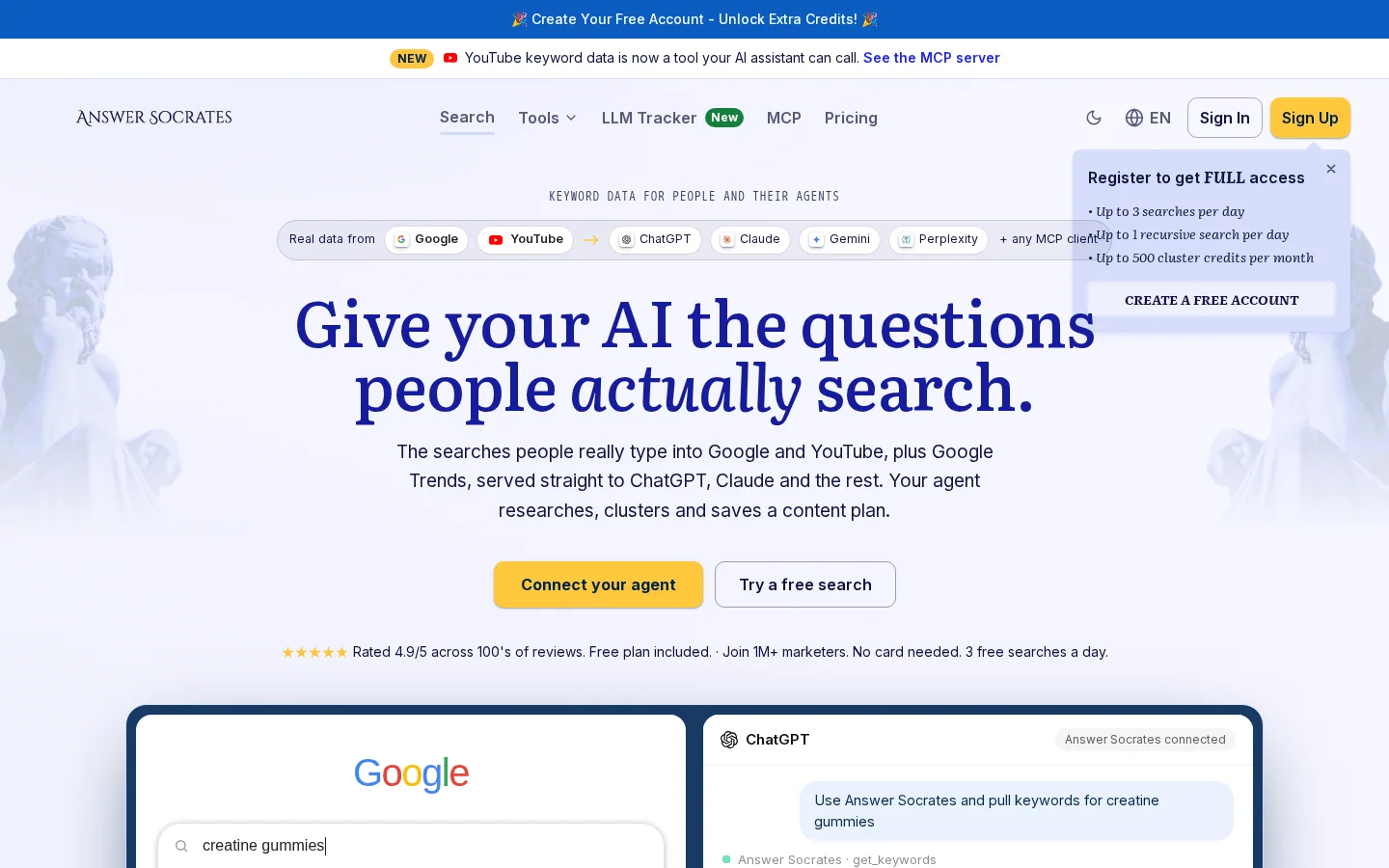
Answer Socrates turns a seed topic into questions, search ideas and topic clusters. Its questions come from Google Autocomplete, People Also Ask and live search results, which makes it the closest match to AnswerThePublic’s question-first approach. It suits SEOs, content marketers and small publishers who want the questions sorted into groups. The page describes a free plan with 3 keyword searches a day and 500 clustering credits a month, and paid plans start at $19 a month for 100 keyword searches.
The difference is the grouping. Instead of a raw list, you get clusters you can turn into an article plan. It also offers trending topics, YouTube keyword data and an LLM Brand Tracker. The limit to watch is the daily search count on the free plan, which can feel tight on a large project.
2.  AlsoAsked
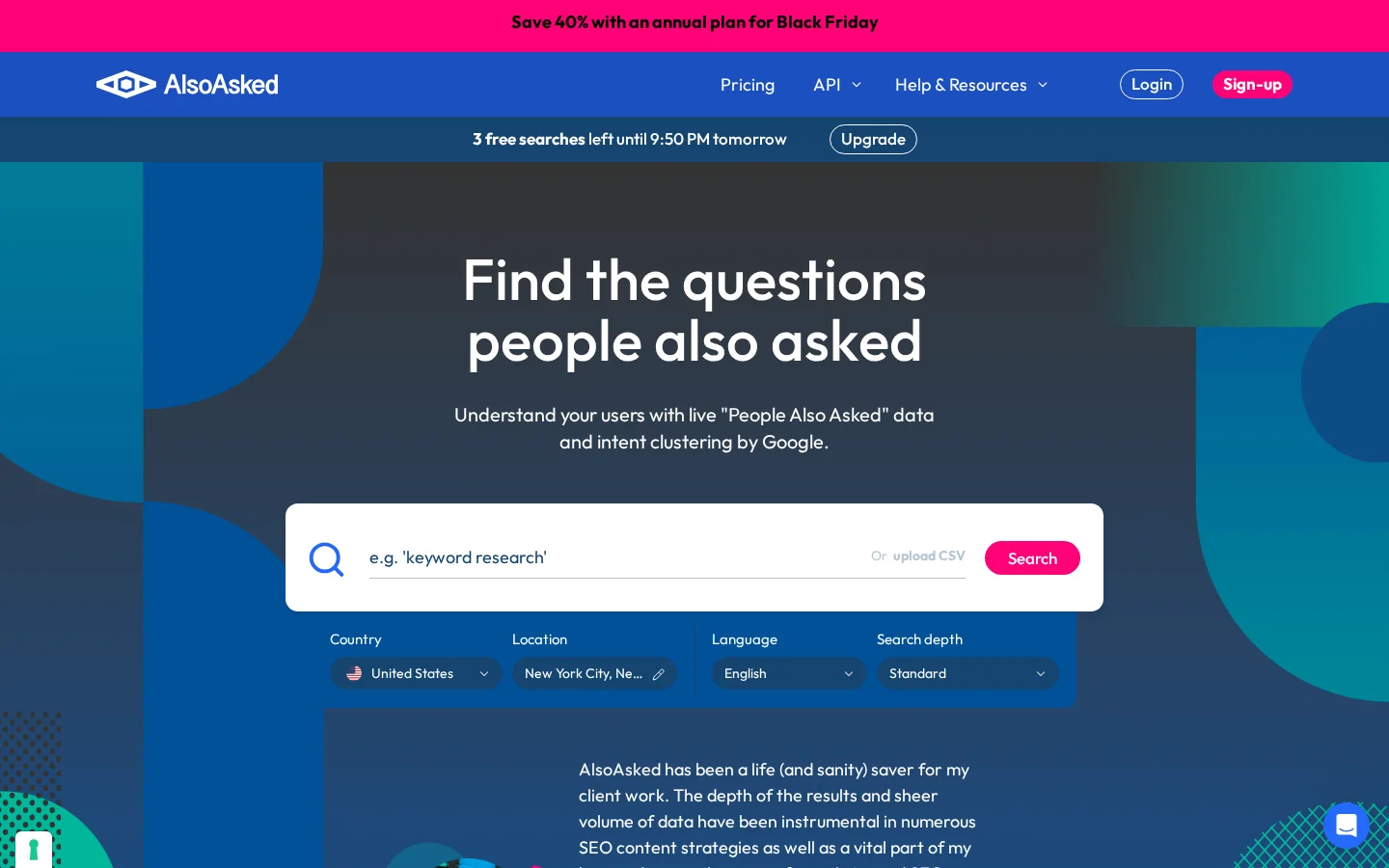
AlsoAsked maps the “People Also Ask” questions Google shows for a query and expands them into a tree of follow-up questions. It is built for SEO professionals, content strategists and copywriters who write for one specific query and want every related question covered. The page says a Deep Search returns about 150 questions per query on average, and it offers bulk upload and an API.
AnswerThePublic looks at many search patterns around a seed. AlsoAsked goes deeper on one Google results page at a time, which makes it useful for page outlines and FAQ sections. Its homepage does not show a plan price or say whether a free plan exists, so check the pricing page before you set a budget.
3.  Keyword Tool
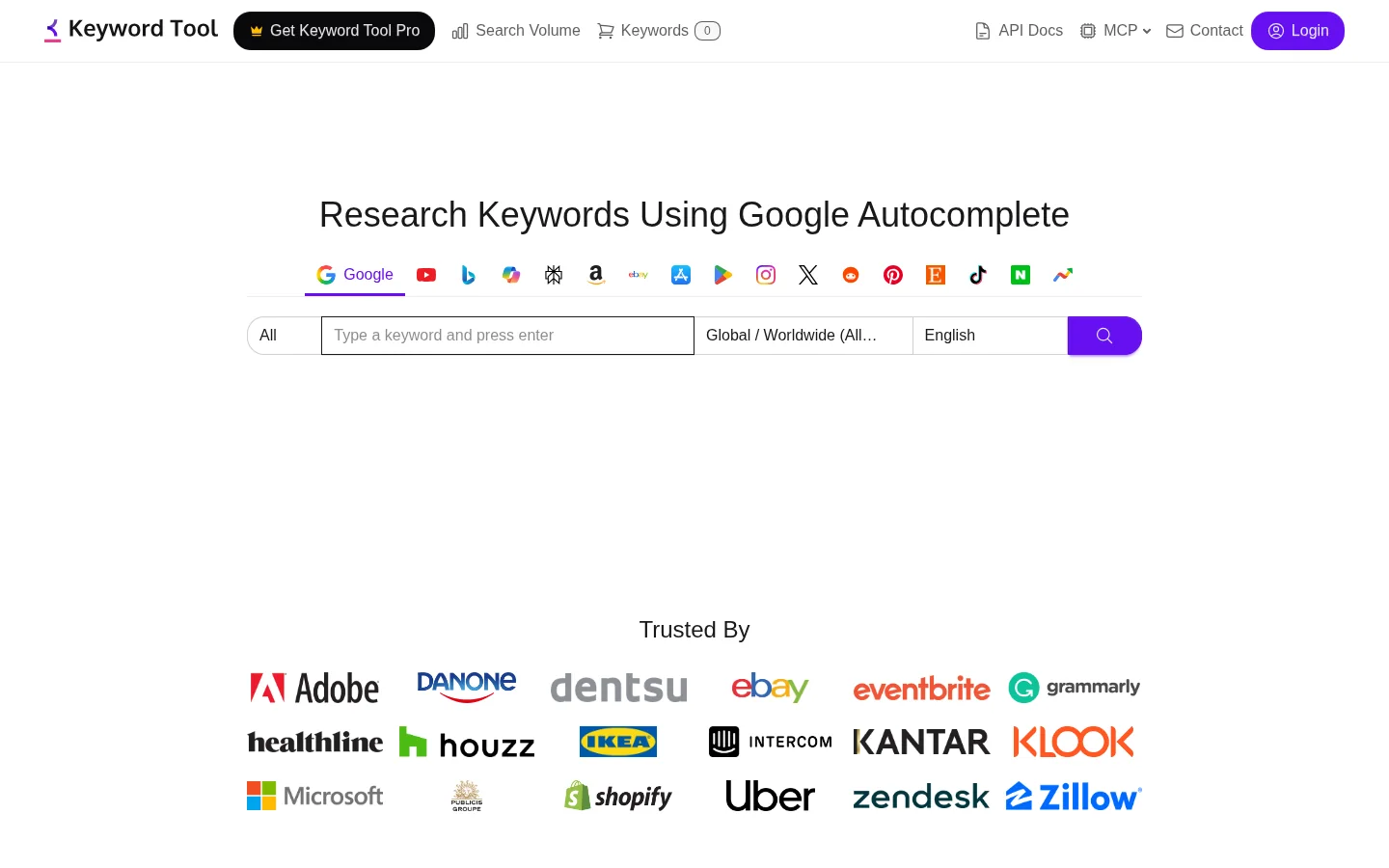
Keyword Tool pulls long-tail suggestions from search engine autocomplete, and many of them are phrased as questions. It covers 17 platforms, including YouTube, Bing, Amazon and TikTok, which helps if your audience searches outside Google. Its free version needs no account and shows keyword suggestions without a paid plan.
Compared with AnswerThePublic, Keyword Tool gives you a longer flat list rather than a map of question types. The paid Pro version adds search volume, cost per click, competition and trend data, bulk uploads of up to 1000 keywords, and CSV export. The Pro price is not shown on the homepage, so check the pricing page before you commit.
4.  Soovle
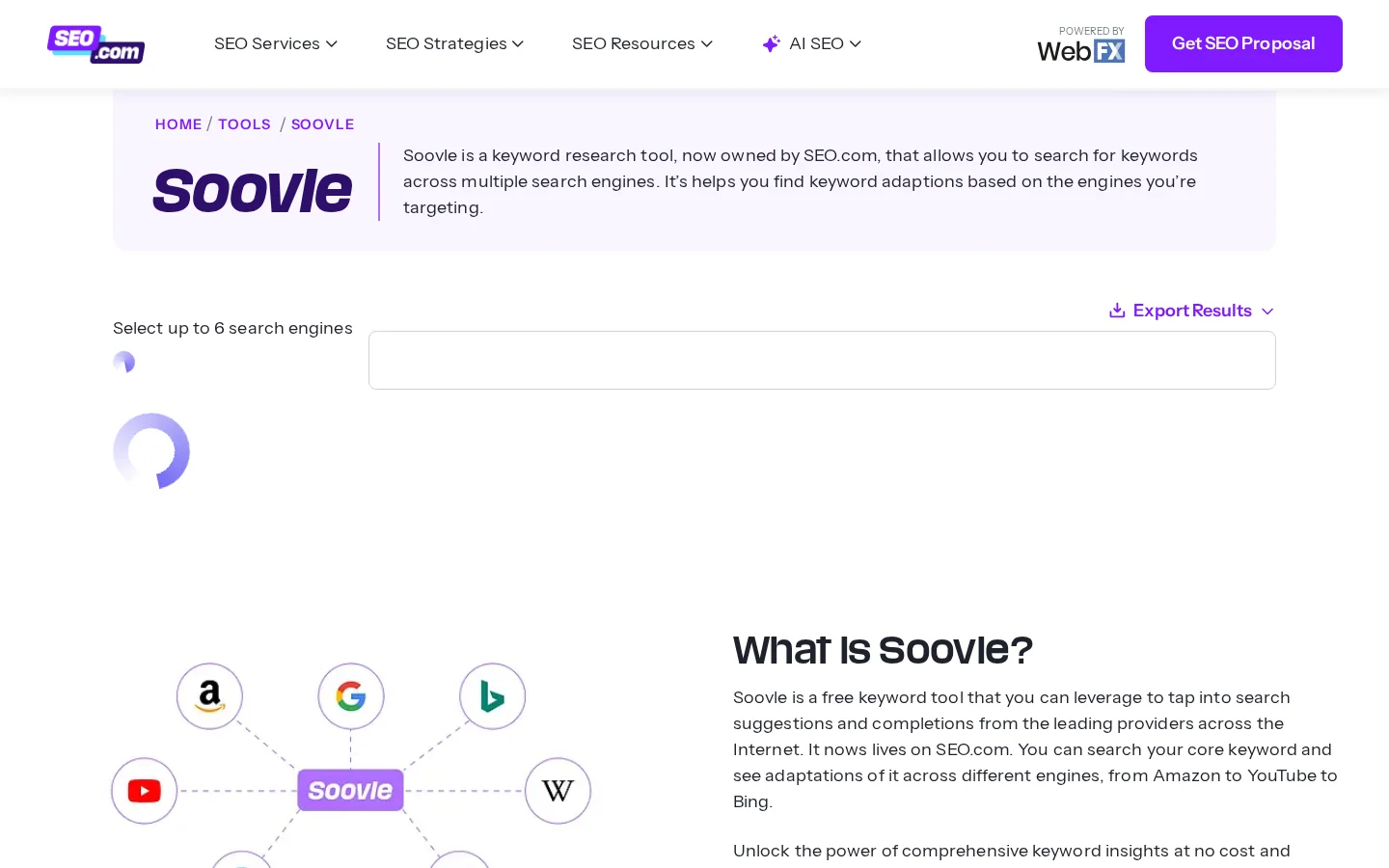
Soovle shows autocomplete suggestions for one keyword across up to six search engines, such as Google, Amazon, YouTube, Bing and Wikipedia. The page says it is completely free to use. It suits people doing SEO and content planning who want to see how the same topic is typed on different platforms.
Soovle does not give search volume, difficulty or cost per click. Use it to collect question and phrase ideas, star the ones you like and export them into topic clusters. For the numbers, pair it with a volume tool. Soovle is now owned by SEO.com.
5.  Keywords Everywhere
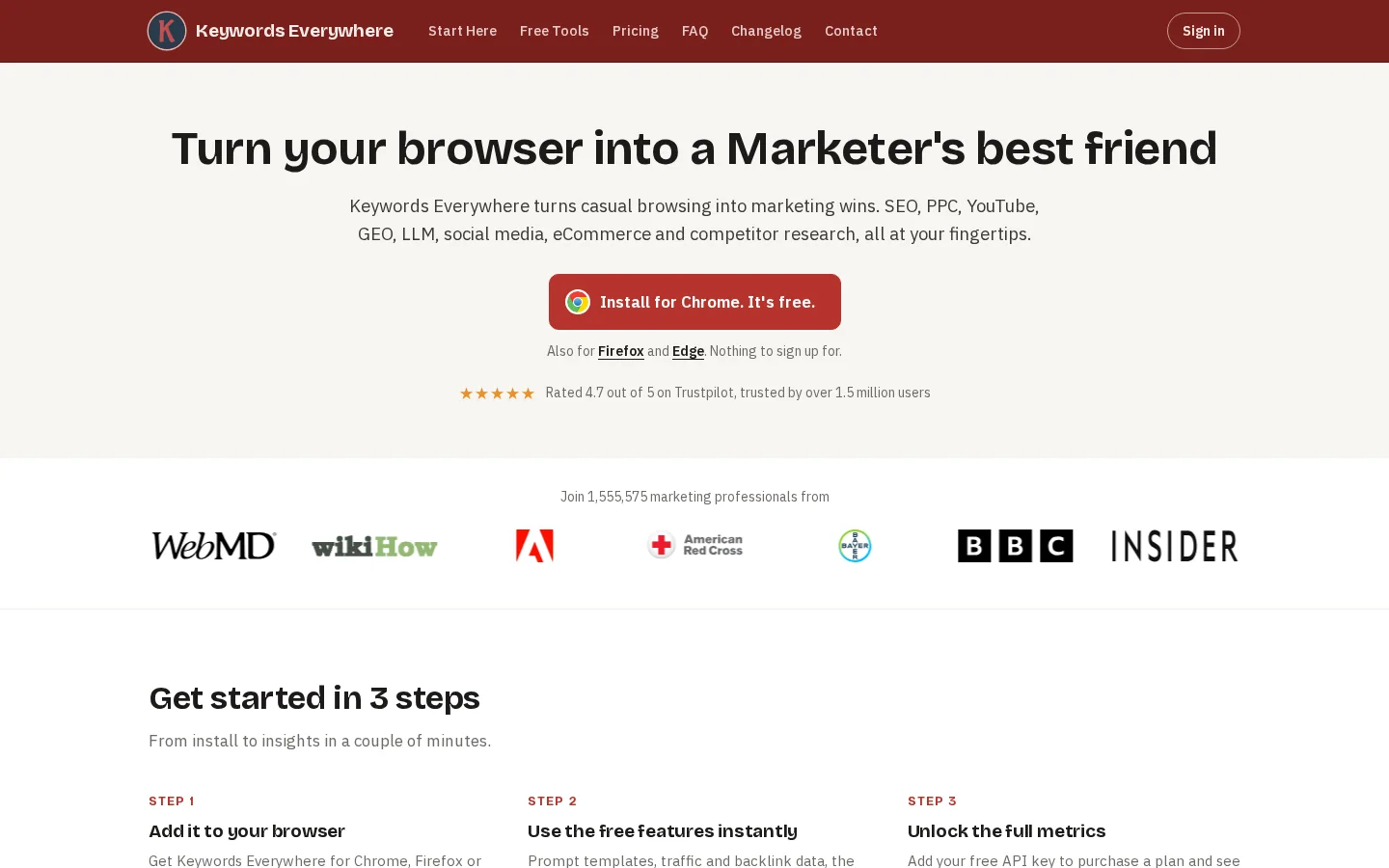
Keywords Everywhere is a browser extension for Chrome, Firefox and Edge. It adds keyword data to search results and other sites, including search volume, CPC, competition and related keywords across Google, YouTube, Amazon, Bing and Etsy. It suits marketers who move between many sites in a day and want the numbers next to the results they are reading.
Its free tier lists 18 features that need no API key. Search volume, CPC, competition and trend data run on credits, so you pay for the data you pull. Unlike AnswerThePublic, it is not a question map: you see data on the searches you are already running, not a separate report. Plans are annual, and the page does not list specific prices.
6.  Semrush
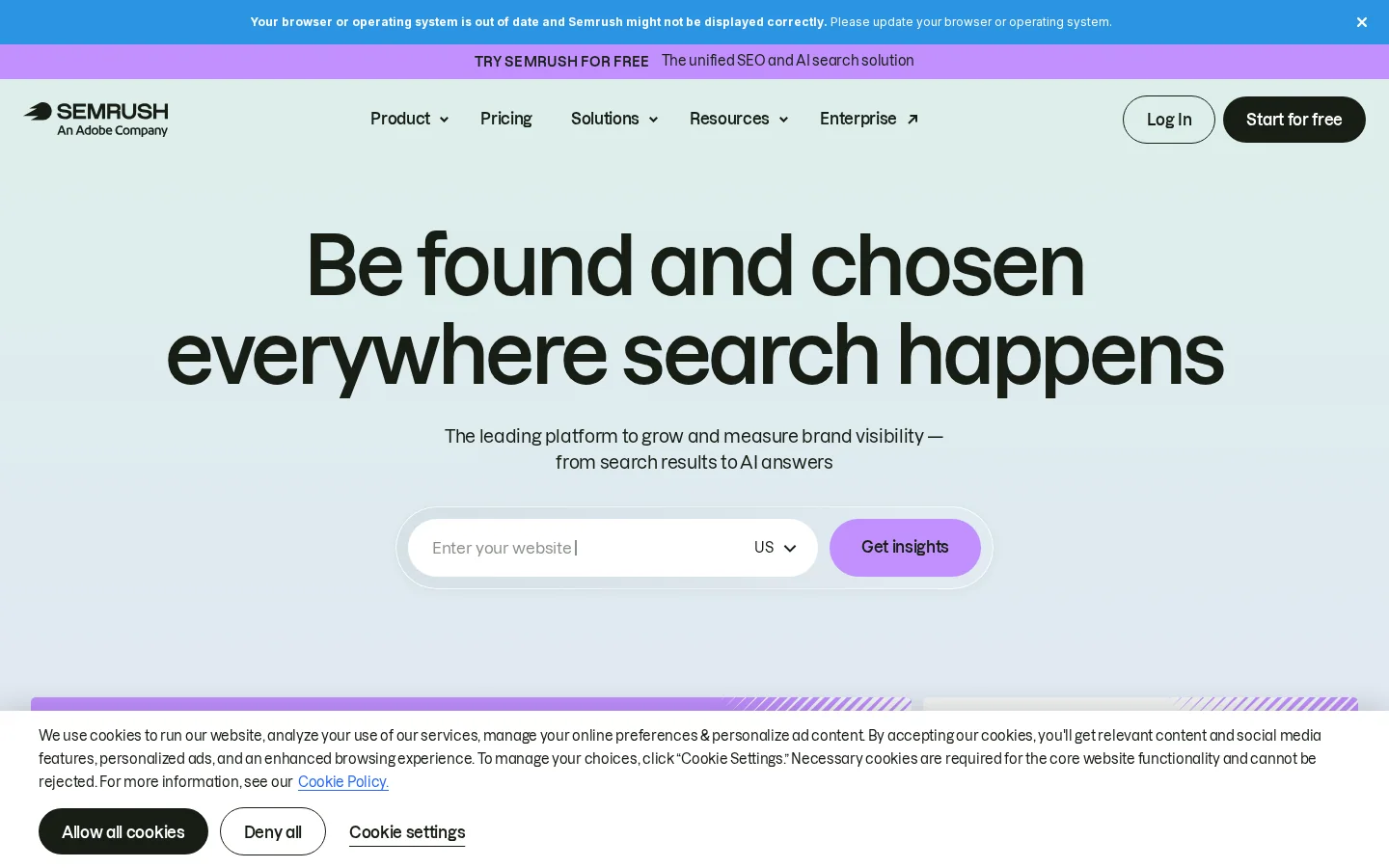
Semrush is a broad platform for keyword research, competitor analysis, rank tracking and site audits. Its homepage also lists AI visibility tracking and content creation. It suits teams that want keyword data next to their other SEO work, such as reporting and content planning. The homepage offers a free seven-day trial but does not show a plan price.
The difference from AnswerThePublic is scope. Semrush covers the whole SEO workflow, which means more features to learn. If you only need questions for one article, a full suite can be more than you use. For a team that runs SEO every week, that breadth is the point.
7.  Ahrefs
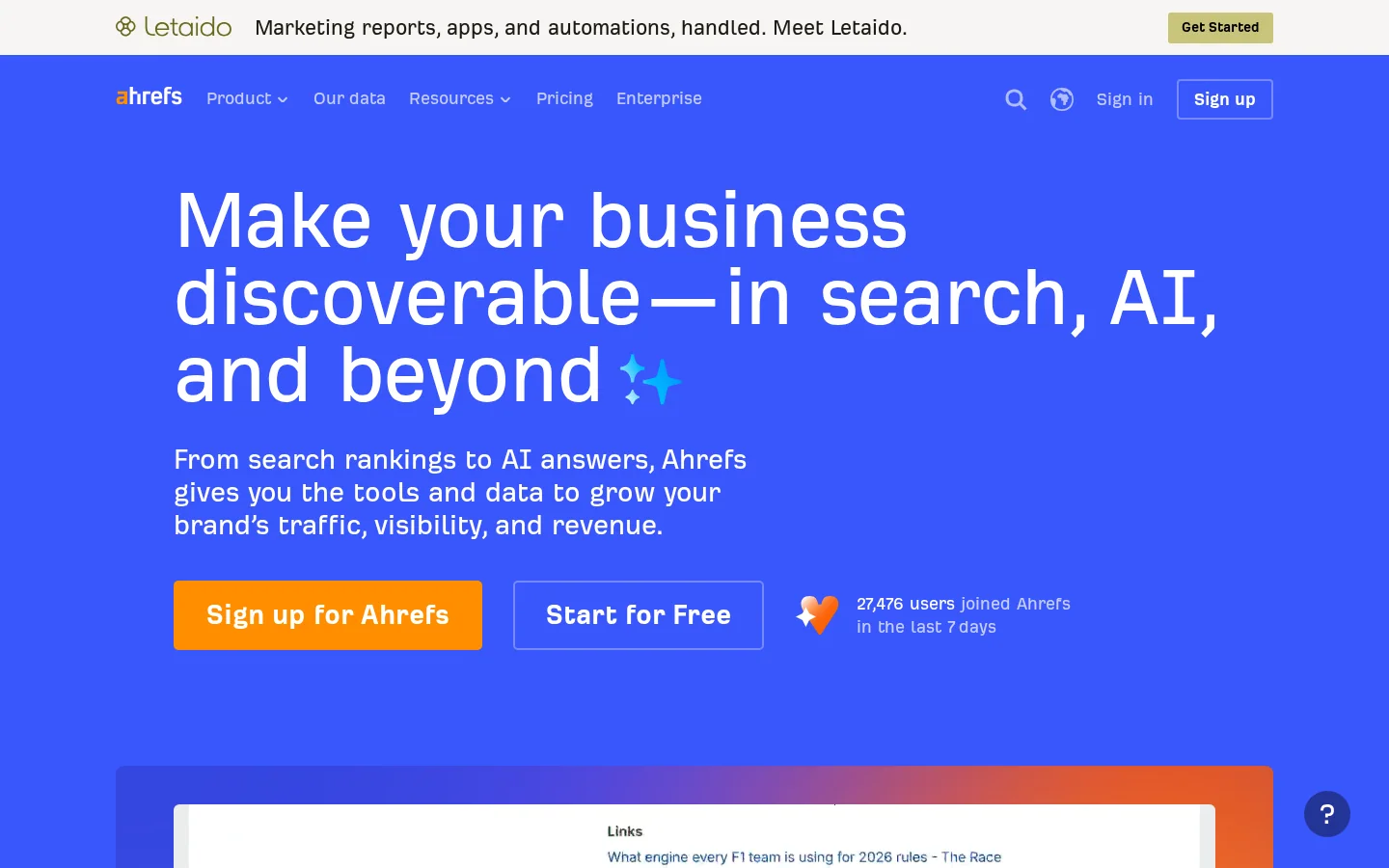
Ahrefs is an SEO and AI marketing platform with tools for search rankings, competitor research, content creation, website health and local SEO. Its Keywords Explorer is presented as a way to learn what your customers are searching for. It suits marketers and agencies who work with links, rankings and audits as well as keywords. The homepage links to a pricing page but does not show plan prices.
Compared with AnswerThePublic, Ahrefs is a wider toolset with a steeper learning curve. Its homepage does not say whether Keywords Explorer lists question keywords, so check its documentation and test a few of your own questions before you rely on it for that job.
8.  Ubersuggest
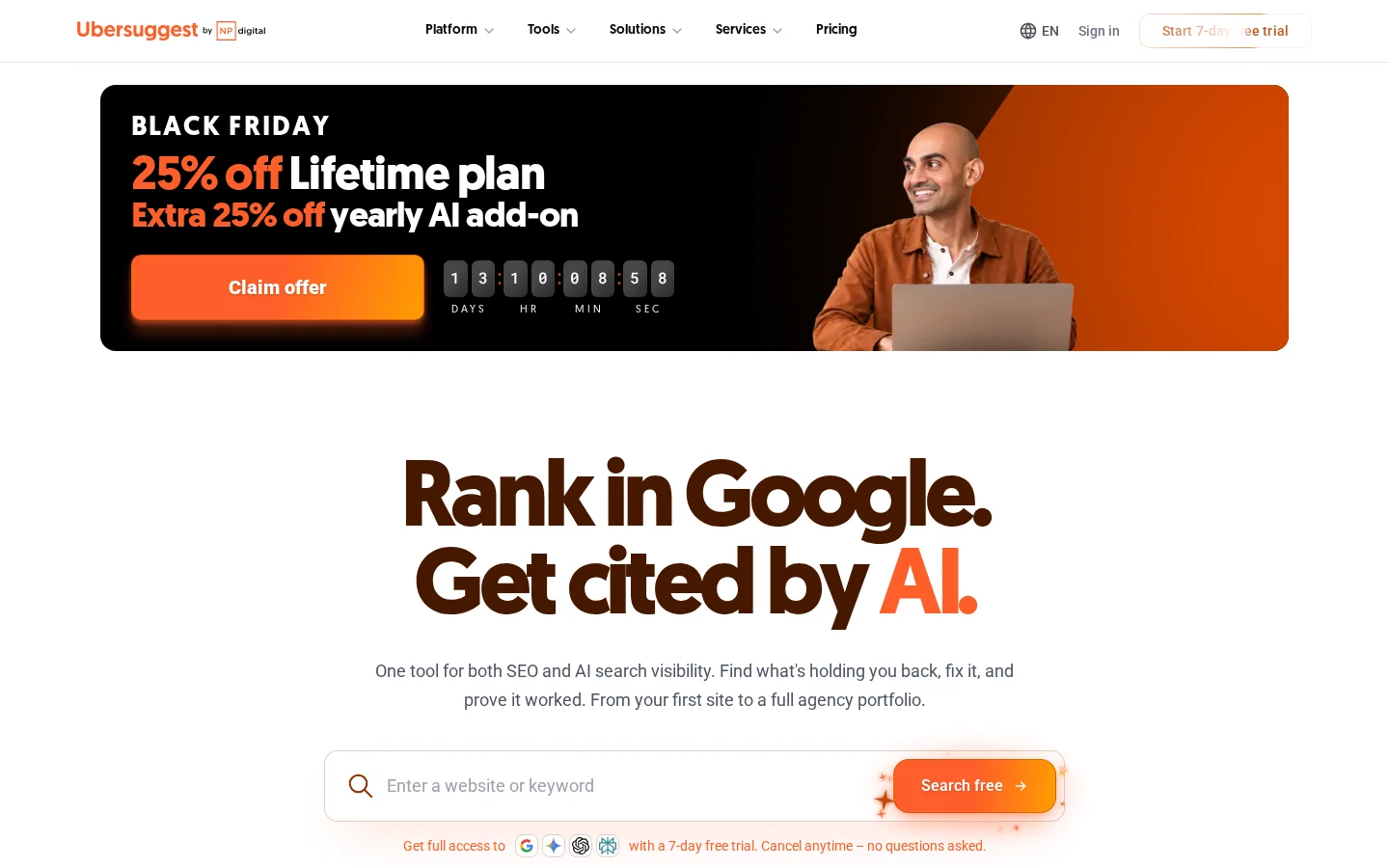
Ubersuggest is an SEO and AI search visibility platform from Neil Patel. It includes a Keyword Ideas tool, bulk keyword analysis, keyword lists, traffic analytics, site audits, backlink analysis and rank tracking. It suits marketers, freelancers and small businesses who want one tool for the basic SEO tasks. Its homepage does not state prices.
Its keyword ideas are the closest match to AnswerThePublic, but the homepage does not say that question keywords are a separate group. The main difference is scope: Ubersuggest adds traffic analytics, audits and tracking of how brands appear in AI tools such as ChatGPT and Perplexity, while AnswerThePublic stays focused on what people ask.
9.  Keysearch
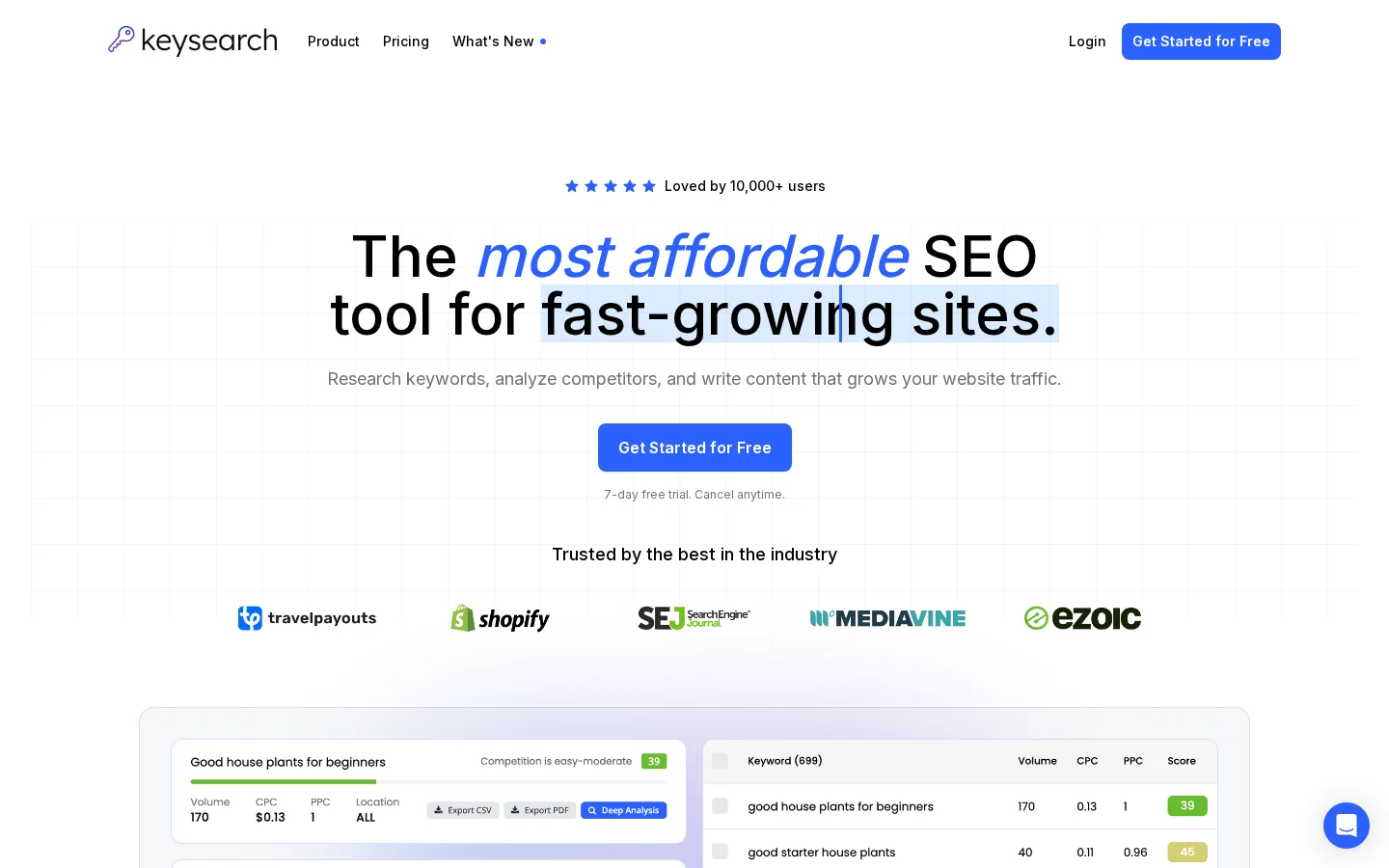
Keysearch is a keyword research tool for bloggers, publishers and small businesses. Its listed features include competitor analysis, rank tracking, SEO audits, SERP analysis and long-tail keyword discovery. The Starter plan costs $24 a month, with 200 keyword searches a day and 80 tracked keywords a month. There is a 7-day free trial, but the homepage does not show a permanent free plan.
The homepage does not describe question-based keywords or autocomplete, so the match with AnswerThePublic is partial. Choose it if you want keyword volume and tracking at a fixed monthly price, and use a question tool alongside it for the ideas.
10.  Google Trends
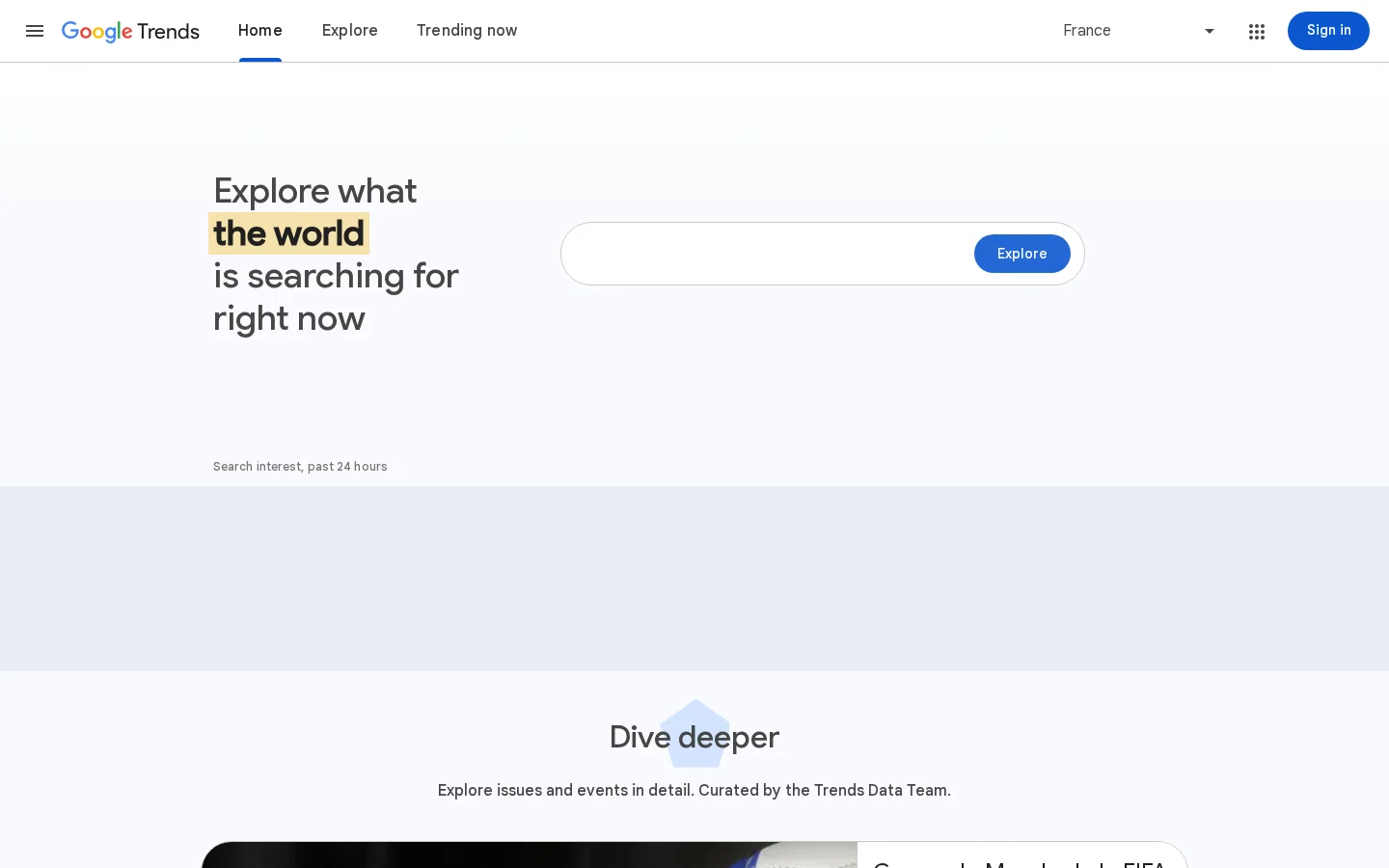
Google Trends shows how interest in a search term changes over time, which searches are trending, and how interest varies by location. It is the quickest check on whether a topic is rising or falling. It suits editors and marketers who plan content around seasons or news cycles.
Google Trends does not list the questions people ask, so it is not a true replacement for AnswerThePublic. Use it to decide when a topic matters, then use a question tool to find the wording. Our guide on how to use Google Trends for SEO covers the settings and limits.
How to Choose the Right AnswerThePublic Alternative
Start from the job, not the brand. A question finder is enough for article ideas and FAQ sections. A keyword suite is worth its cost when you also track rankings, audit pages and report to a client or a boss.
| Tool | Ideal for | Entry price | Main strength |
|---|---|---|---|
| Answer Socrates | Question clusters for content plans | Free plan; paid from $19 a month | Questions grouped into topics |
| AlsoAsked | Questions for one Google query | Not shown on homepage | People Also Ask tree |
| Keyword Tool | Long-tail lists from autocomplete | Free version; Pro not shown | 17 platforms covered |
| Soovle | Quick autocomplete checks | Free | Several engines at once |
| Keywords Everywhere | Data next to search results | Free tier; paid credits | Works inside the browser |
| Semrush | Teams running full SEO workflows | Free seven-day trial; price not shown | Broad SEO toolset |
| Ahrefs | Link, ranking and audit work | Not shown on homepage | Wide toolset |
| Ubersuggest | Basic SEO for small teams | Not shown on homepage | Ideas, audits and tracking |
| Keysearch | Keyword research at a fixed price | $24 a month (Starter) | Volume and tracking |
| Google Trends | Timing and interest over time | No price on its page | Interest over time |
Conclusion
AnswerThePublic is good at one thing: showing the questions people ask. If that is your main need, start with Answer Socrates or AlsoAsked, and add Soovle or Keyword Tool for a quick check across more platforms. If you need volume, rankings and audits in one place, Semrush, Ahrefs, Ubersuggest and Keysearch cover more of the work, with more to learn. Google Trends answers a different question: when to publish.
Whichever tool you pick, test two or three of them on the same topic and compare the lists. Our guide to question keywords shows how to sort what you find, and our roundup of keyword research tools compares more options by budget.