Grammarly is one of the best-known writing assistants, and many people who use it end up looking for something else. Some want a free option or a lower price. Others need deeper editing for long documents, a tool built for academic papers, or a checker that works across several languages. A switch only makes sense when the new tool fixes the problem that made you start looking.
Before you compare prices, decide what you need most. Think about where you write (browser, Word, Google Docs or a desktop app), which languages you use, whether you need help with tone and style or mostly clean grammar, and whether your text is private or sensitive. Those four questions will rule out half the list in a few minutes.
The ten tools below are real writing assistants that you can try today. We checked each official website and included only what those sites show. Where a price is not published on the homepage, we say so instead of guessing. Prices change often, so confirm them on the vendor's pricing page before you pay.
Top 10 Grammarly Alternatives
1.  ProWritingAid
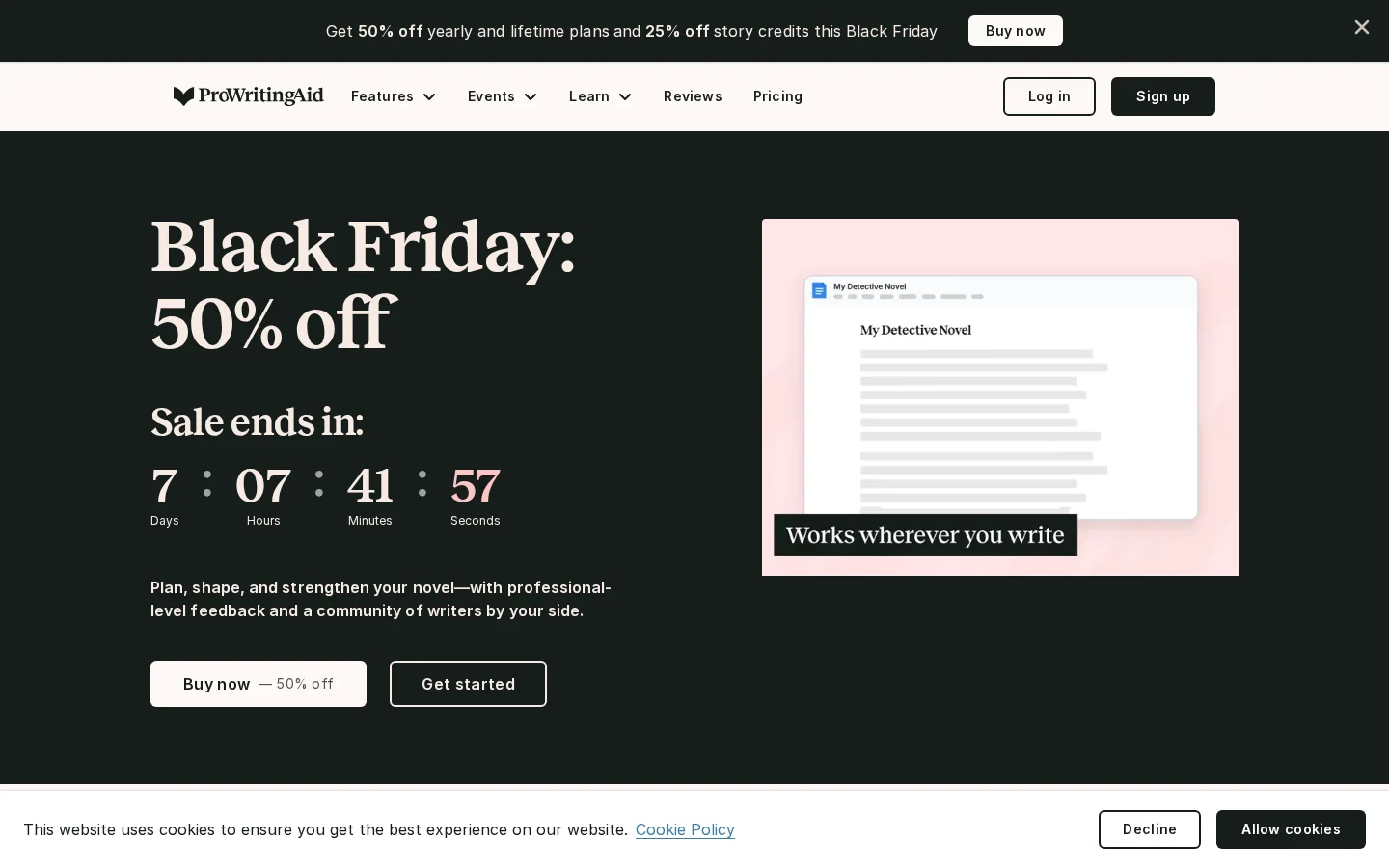
ProWritingAid is a grammar and style editor built around long-form writing. Alongside sentence-level fixes it offers story planning tools, plot analysis, chapter critiques and a virtual beta reader. That makes it a fit for novelists, editors and anyone who revises a full manuscript. Its Premium plan is listed at €30 a month when billed monthly, with a lower rate on yearly billing.
ProWritingAid is built around whole pieces of writing rather than single emails or posts. The trade-off is that its pitch leans toward fiction, so someone who only writes short messages may find most of the extra reports unnecessary. The homepage does not describe a free plan, but paid plans come with a three-day money back guarantee.
2.  LanguageTool
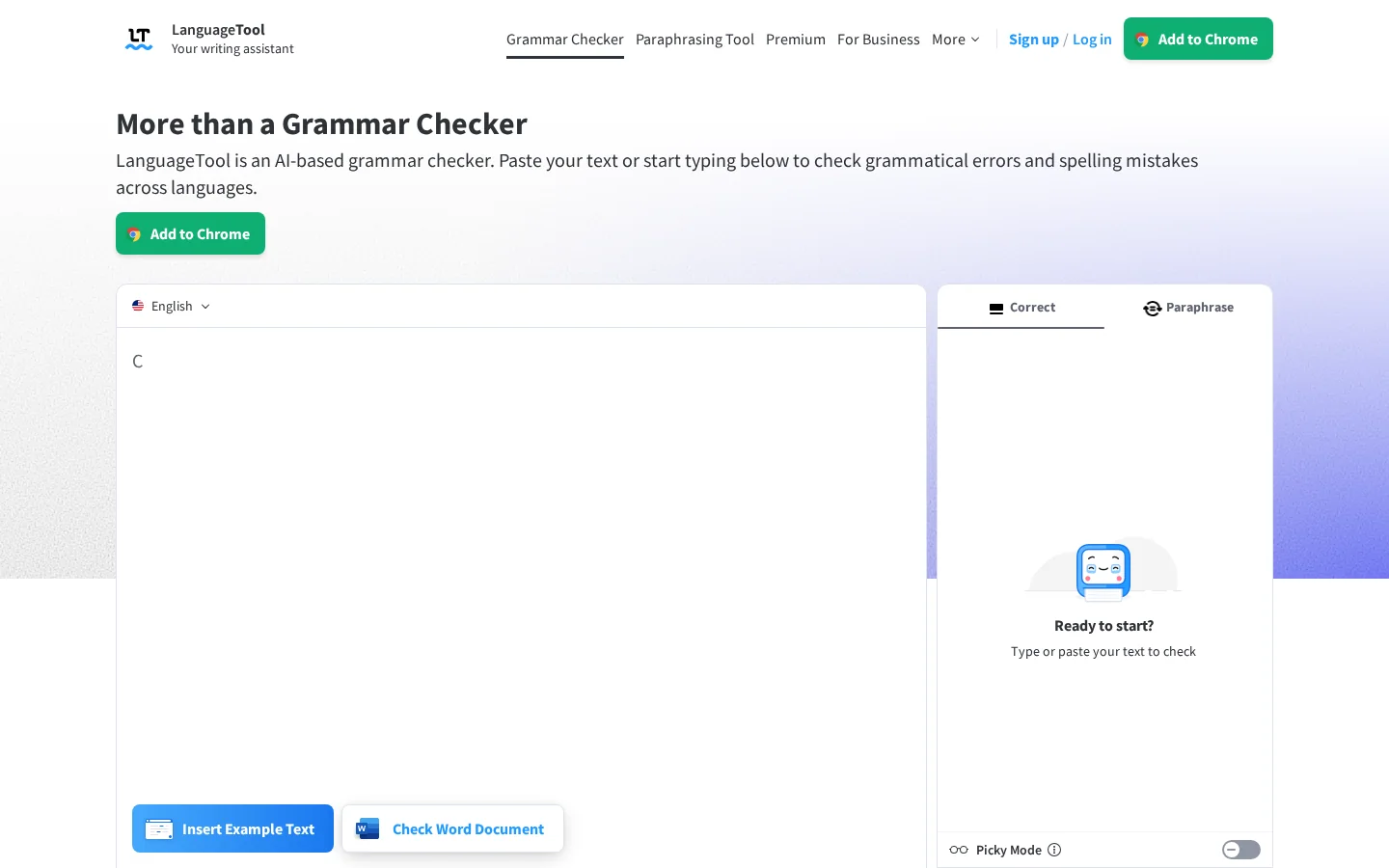
LanguageTool checks grammar, spelling, punctuation, casing and style. Its paraphrasing tool rewrites sentences to be more formal, simpler or more concise. It works in a web editor, in browser and email add-ons, in Office plugins and in desktop apps for macOS and Windows. It suits students, professional writers and businesses, since it supports more than 30 languages and dialects.
The main difference from Grammarly is language coverage. English, Spanish, German, French, Dutch and Portuguese are the core languages, and English has six regional varieties to choose from. The free version covers spelling, simple punctuation and some style issues, while Premium shows all errors. The homepage does not list Premium prices, so check the pricing page before you commit.
3.  Wordtune
 is a reading and writing assistant. It fixes spelling and grammar, shifts tone between formal and casual, and shortens or lengthens sentences. It can also summarize documents, articles, web pages and YouTube videos. It suits everyday emails, academic work and content creation, and it runs as a Chrome or Edge extension, an iOS app or through a business plan.
Wordtune puts rewriting at the centre of the product. That helps when a sentence is correct but awkward, and it saves time when you need the same idea in a different tone. Read each rewrite before you accept it, because a smoother sentence can drift from what you meant. The homepage offers a free sign-up with no credit card and links to a plans page for pricing.
4.  DeepL Write
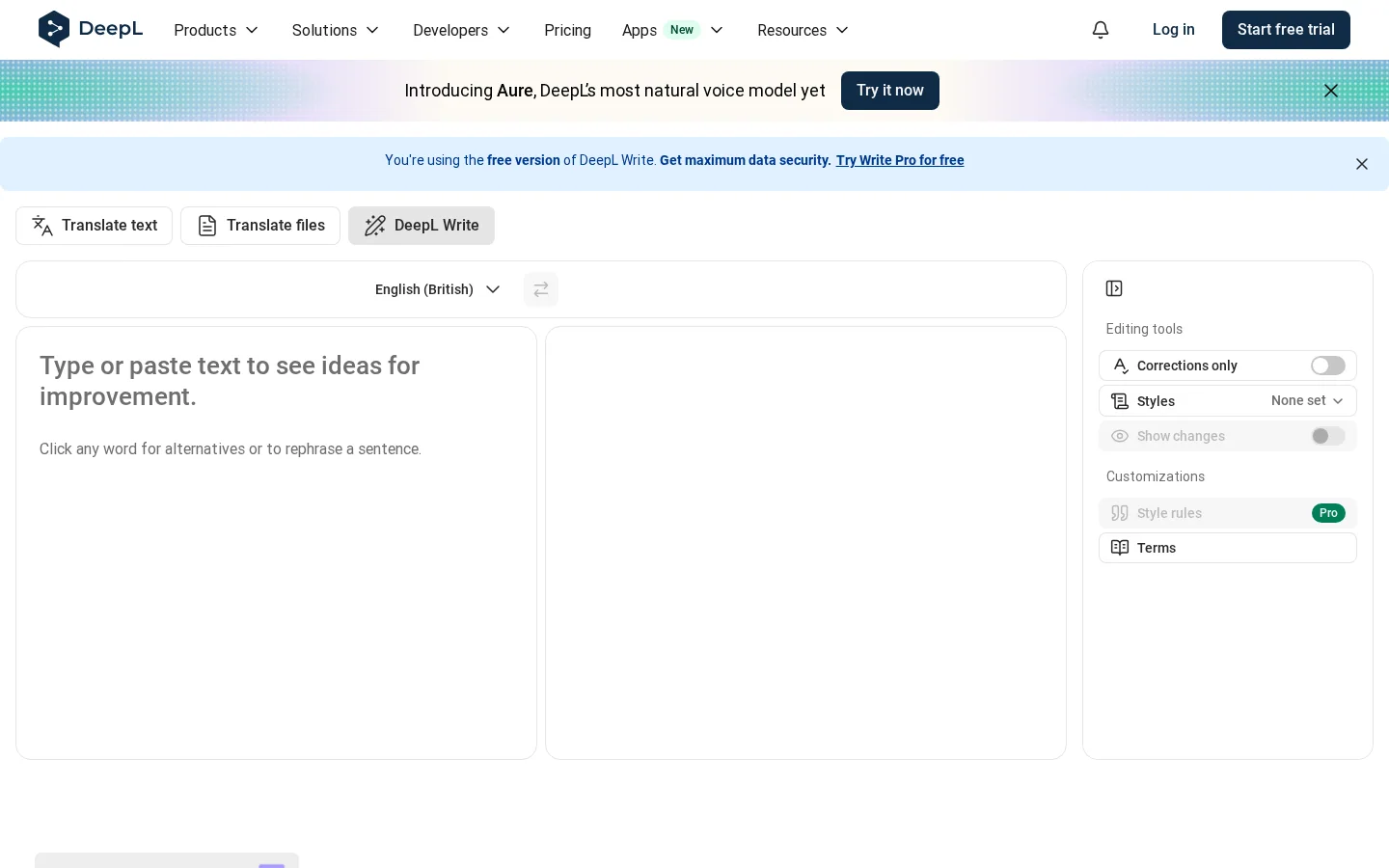
DeepL Write is an AI writing tool from DeepL, the company best known for its translator. It corrects spelling, grammar and punctuation, suggests alternative words and sentences, and lets you pick a writing style and tone. The page does not name one specific audience, but its focus is on adapting your text to the reader you have in mind. Style rules belong to the Pro version, and the page does not list Pro prices.
DeepL Write is a good fit if you already write in several languages or use other DeepL products. The page shows a Start free trial button but does not explain whether a permanent free version exists. Test it on a real draft before you rely on it for daily work.
5.  Hemingway Editor
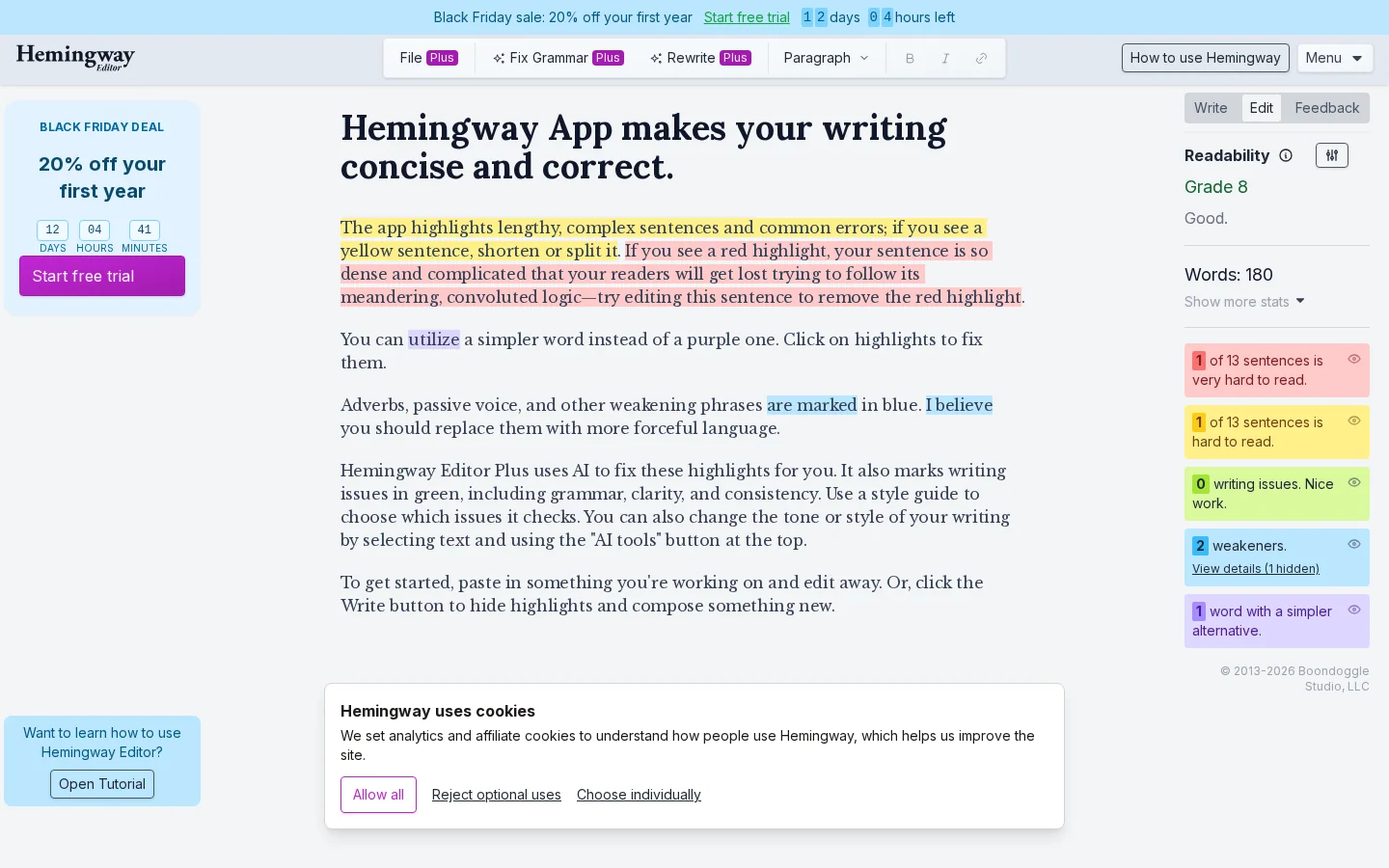
Hemingway Editor is built around readability. It suits writers who want plain, direct prose. Its free online tools include a grammar checker, a paraphrasing tool, an AI proofreader and a readability checker. Hemingway Editor Plus adds the ability to fix highlighted issues, check grammar and adjust tone, and it comes with a free two-week trial that needs no credit card.
Hemingway is one of the quickest tools on this list to try. The price of Plus is not shown on the homepage, so the choice depends on whether you need the paid editing features after the trial ends. If your main goal is to check how clear your writing is, the free readability checker may be enough on its own.
6.  Ginger Software
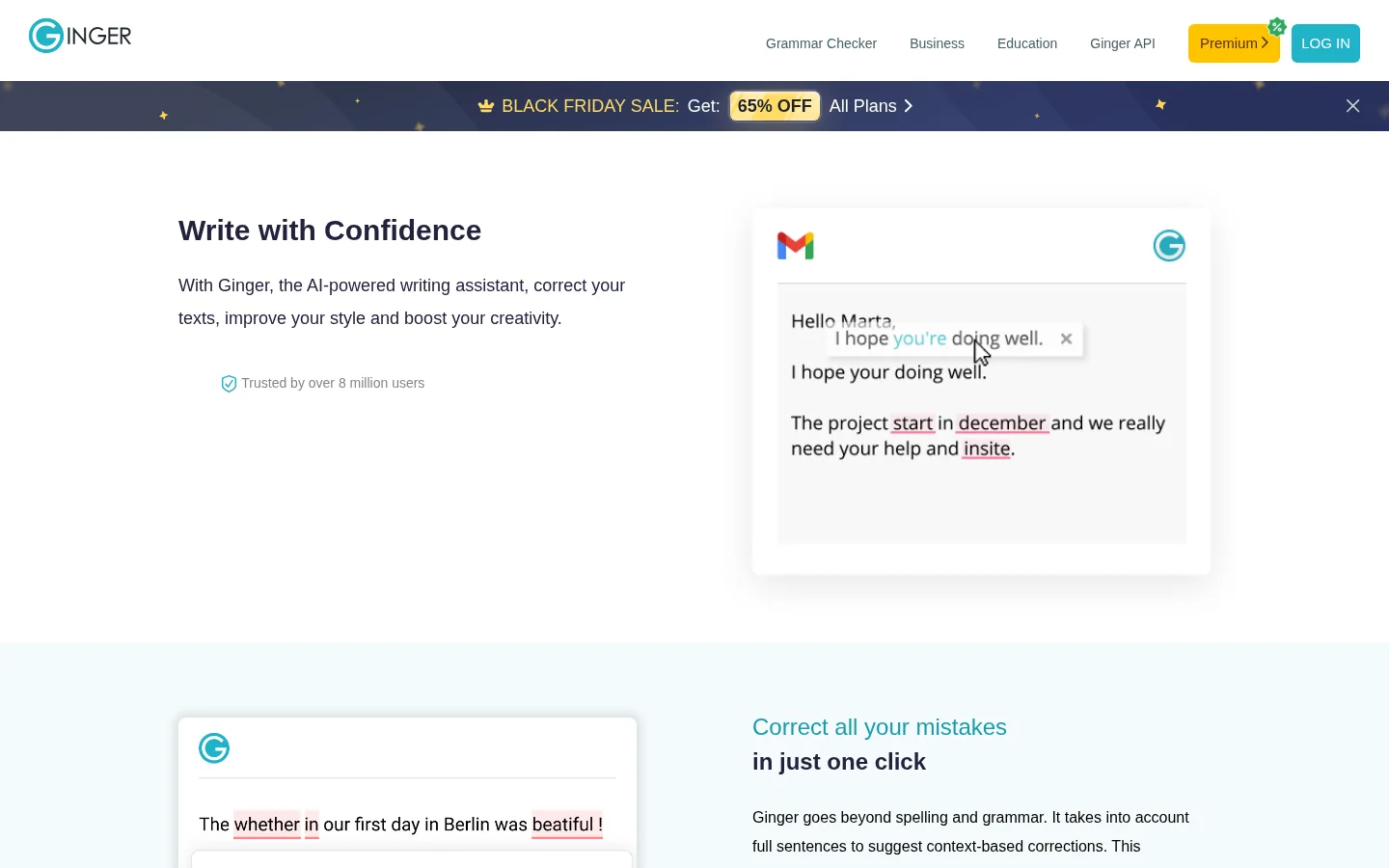
Ginger Software is an AI writing assistant that corrects grammar and spelling using the full sentence, then suggests rephrasings and synonyms. It works on websites, in Microsoft Word, in desktop apps, in browser extensions and in mobile apps. It suits everyday writers, businesses that want staff to sound polished with customers, and educators who help students improve their English. Developers can also add Ginger's features to their own apps through its API.
The homepage shows several free download buttons, including Chrome, Edge and a Word add-in, but no plan prices. Most of the page is taken up by promotions, so check the full price on the plans page before you buy. Ginger is a practical choice if you want one checker that works in the browser, in Word and on your phone.
7.  Outwrite
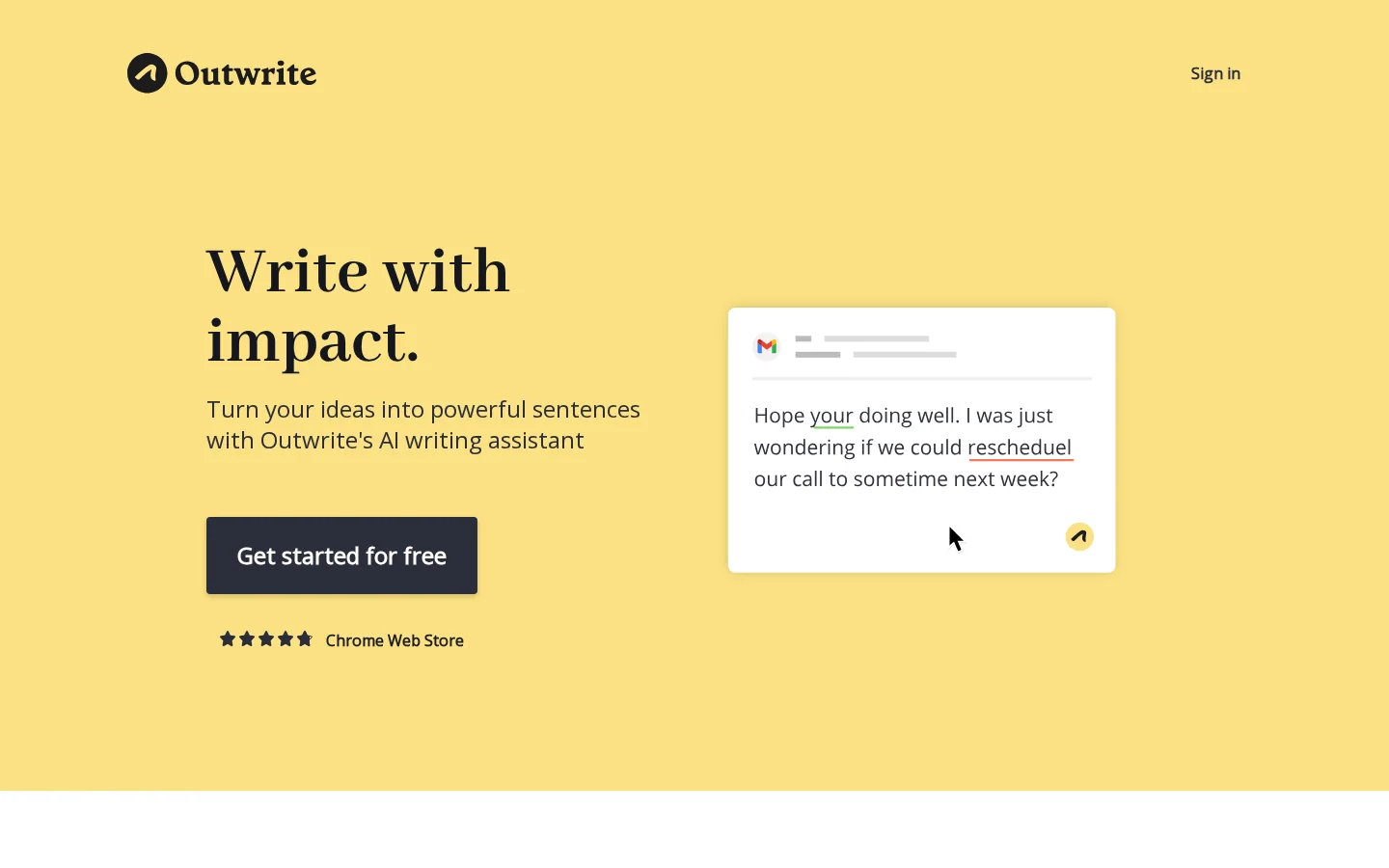
Outwrite is an AI writing assistant for anyone who writes online. It checks spelling, grammar and punctuation, offers style suggestions and paraphrasing, and converts passive voice to active voice. It also shows readability and grade-level scores as you write. It supports English, French and Spanish and works in Google Docs, Word, Outlook, Gmail, LinkedIn and WordPress, as well as a Chrome extension.
Outwrite has a free account, a Pro plan that adds style and structure improvements, and a Teams plan for company communications. The homepage does not show prices or say what the free account includes, so check the pricing page for those details. It is a good match for people who write across many online tools every day.
8.  Linguix
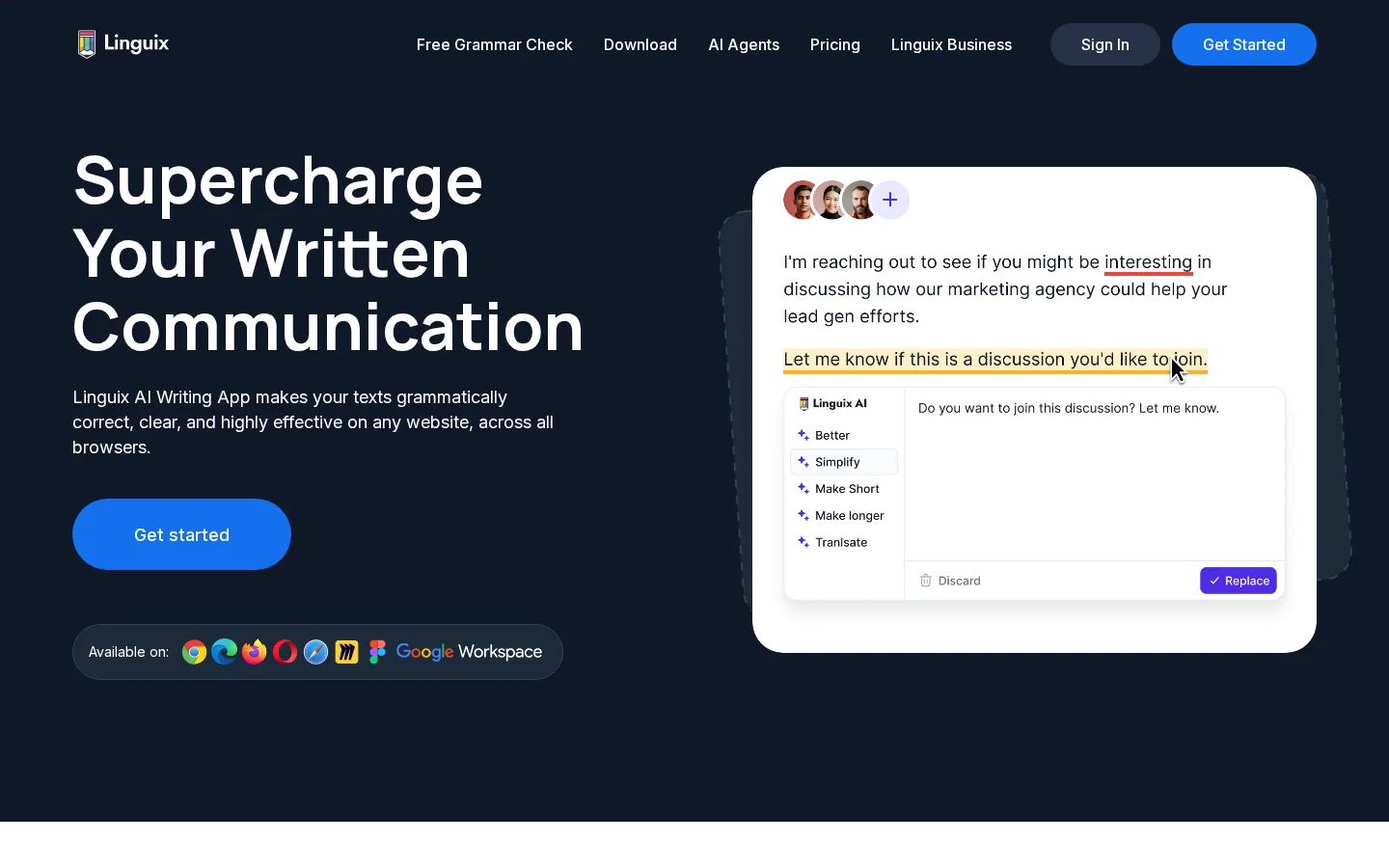
Linguix is a writing app that runs in the browser and checks grammar, spelling and style. It supports English, French, German, Spanish, Portuguese, Italian and Polish. Its extras include a text rewriter, a Content Score that rates sentence length and passive voice, and text shortcuts that expand short commands into full templates. It works on sites such as Gmail, Google Docs and Canva.
Linguix also has team features, with style guides, performance stats and reports, so it fits sales, marketing and customer support teams as well as individuals. The page offers a free extension to try. The homepage does not list plan prices, so check the pricing page before you choose a team plan.
9.  Trinka
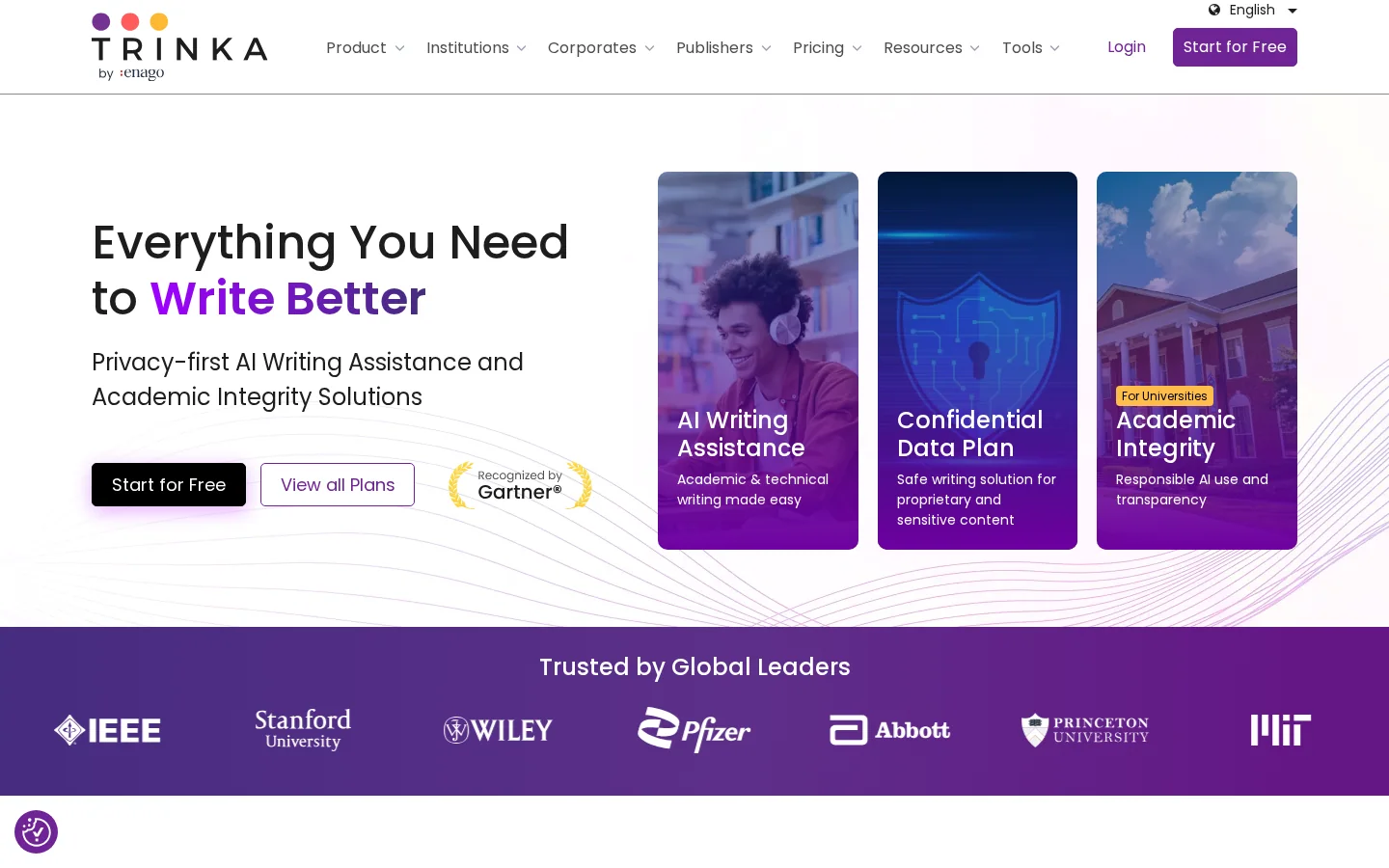
Trinka is an AI writing and grammar checker for academic and technical writing. It offers grammar and language checks, file proofreading, a paraphraser, a consistency check, translation, plagiarism and AI detection, citation tools and a journal finder. It suits students, researchers and professionals who write papers, theses and reports.
There is a free plan with basic grammar and language checks, plus a free AI detector. Premium and Premium Plus can be billed monthly or yearly. Premium includes full writing features and proofreading of up to 120 files a year, and Premium Plus adds more credits and file translation. A confidential data tier exists for sensitive work. The homepage does not list prices. If most of your writing is marketing copy or email, a general tool on this list will suit you better.
10.  Sapling
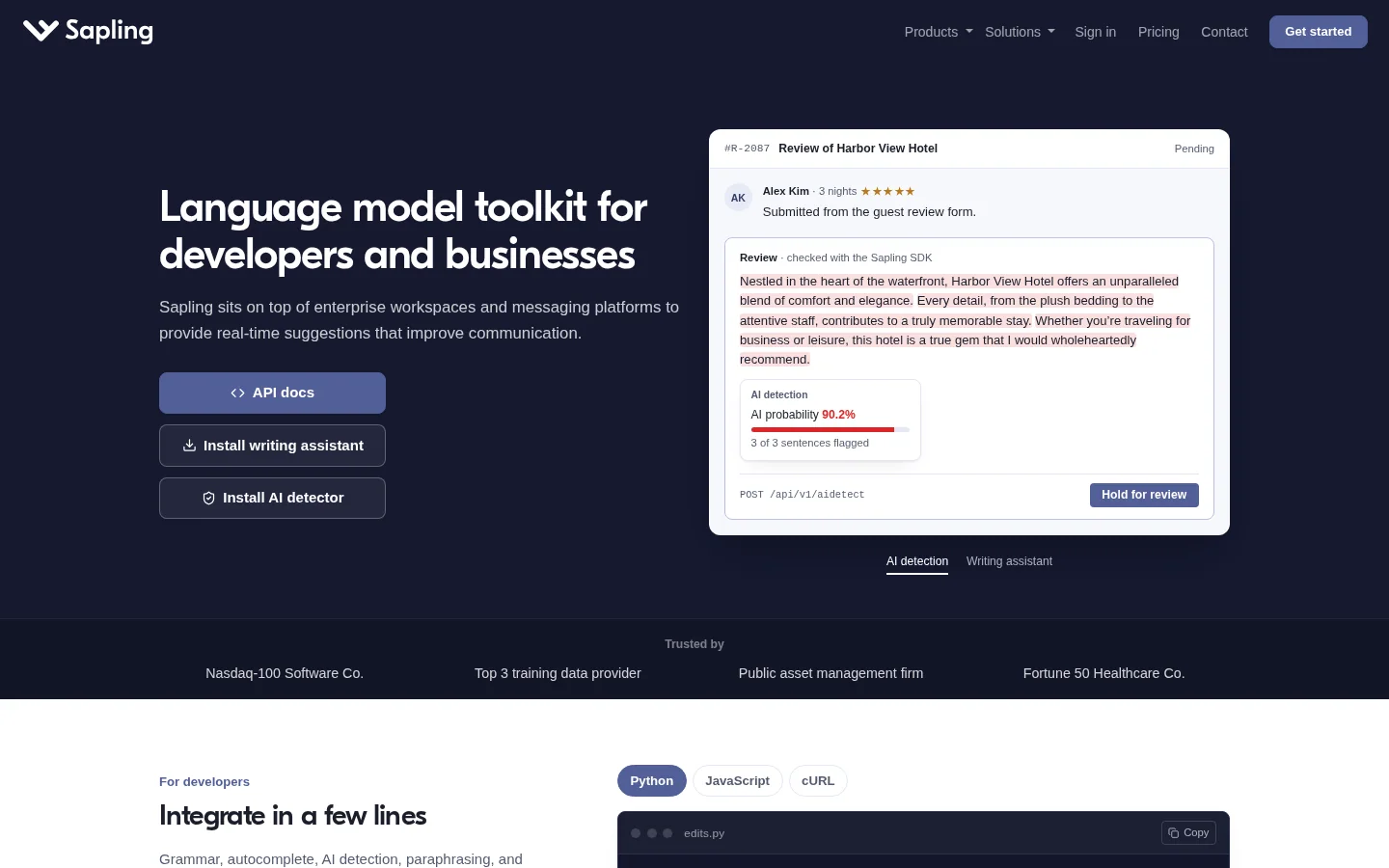
Sapling is a language toolkit built for businesses and developers. It runs inside enterprise workspaces and messaging platforms to give real-time writing suggestions. It offers grammar checking, autocomplete, AI detection, paraphrasing and an API and SDK. It integrates with customer tools such as Zendesk and Salesforce, and it offers an MCP server so AI assistants can call its tools.
Sapling is aimed at teams in regulated industries that need single sign-on, enterprise security and an option for self-hosted deployment. It is less suited to one person writing essays or blog posts. Trying Sapling is free with no card required, and the full pricing sits on a separate page.
How to Choose the Right Grammarly Alternative
Start with the place where you write most. If most of your work happens in the browser, Wordtune, Linguix, Outwrite and LanguageTool all work as extensions. If you write in Word or Google Docs, check each tool's list of integrations before you buy, since not every tool supports every app. Students and researchers should look at Trinka and LanguageTool first, while teams should compare Sapling and Linguix on admin and reporting features.
Next, decide how much you need beyond correction. ProWritingAid suits long manuscripts, Hemingway Editor suits readability checks, and DeepL Write and Wordtune suit rewriting. If privacy matters, read each tool's data policy and look for a confidential or business tier before you paste sensitive text.
Finally, test two or three tools on the same paragraph before you pay. Most of the tools above offer a free plan, a free trial or free tools, so you can compare the suggestions on your own writing. The tool that catches the errors you actually make, and that keeps your voice intact, is usually the right one.
| Tool | Ideal for | Entry price | Main strength |
|---|---|---|---|
| ProWritingAid | Novelists and editors of long manuscripts | €30 a month when billed monthly | Story, plot and chapter feedback |
| LanguageTool | Students and multilingual writers | Not shown on the homepage | Support for more than 30 languages |
| Wordtune | Everyday emails, school work and content | Not shown, free sign-up | Rewriting for tone and length |
| DeepL Write | People who write in several languages | Not shown, free trial offered | Word and sentence alternatives |
| Hemingway Editor | Writers who want clear, plain prose | Plus price not shown, free tools | Free readability checker |
| Ginger Software | Everyday writers and businesses | Not shown on the homepage | Full-sentence grammar correction |
| Outwrite | Online writers across many apps | Not shown, free account | Readability and grade-level scores |
| Linguix | Sales, marketing and support teams | Not shown, free extension | Content Score and text shortcuts |
| Trinka | Academic and technical writers | Not shown, free plan | Citation tools and AI detection |
| Sapling | Businesses and developers | Not shown, free trial | Workflow integrations and API |
Conclusion
No single tool wins every case. ProWritingAid and Trinka go deep on specific kinds of writing, LanguageTool and Ginger cover many languages and apps, and Wordtune, DeepL Write and Hemingway Editor help you improve the way your sentences read. Pick the one that matches where you write, then check the current price on the vendor's site.
If you want to go further on writing with AI, read our practical guide to copywriting with AI that still sounds like you, compare our AI copywriting tools ranked by use case, and read our explanation of how AI text detectors work before you trust a detector score.