

 Keywords Everywhere









People usually look for a Keywords Everywhere alternative for one of three reasons. Some find the credit system hard to plan around. Others need more than keyword numbers on a results page, such as rank tracking, backlinks or content. Some teams want one place for SEO, content and AI search data. The extension is still a fast and low-cost way to see volume, CPC and competition while you browse, so the goal is to pick the tool that matches your work, not the one with the longest feature list.
Four things decide the right fit. First, the data you use every week. Second, how the price grows with use, whether through seats, credits or add-ons. Third, where the data appears: inside the browser, or in a dashboard you open on purpose. Fourth, whether you need an API or an MCP server to connect the data to your own tools. If you are new to these numbers, read our guide on how to read keyword volume and the keyword metrics checklist before you compare prices. The list below covers free tools, specialist keyword tools and wider SEO and GEO platforms.
Top 10 Keywords Everywhere Alternatives
1.  Sorank
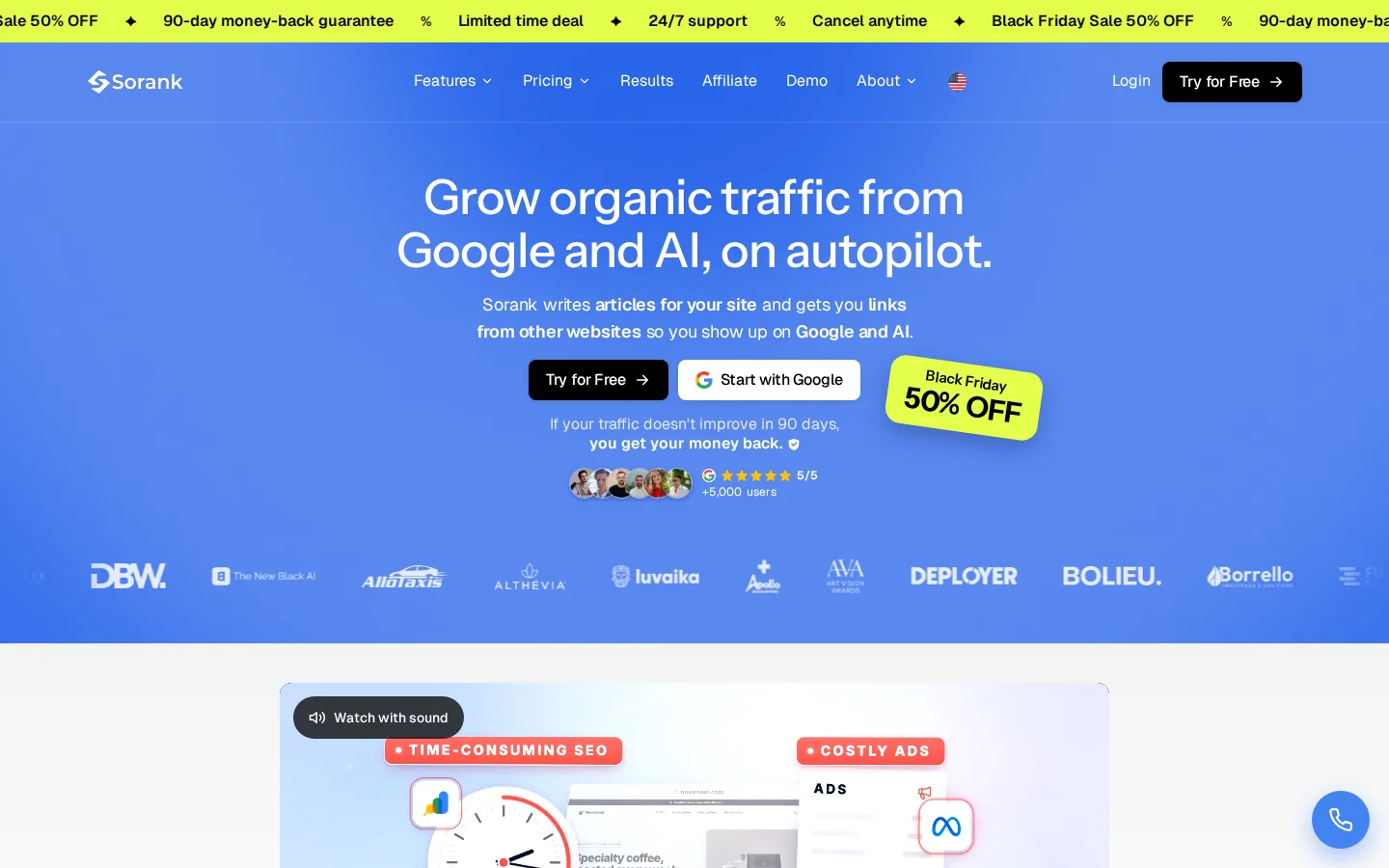
Sorank is a unified SEO and GEO platform. It covers keyword research, content generation and publishing, backlink exchange, a monthly check of what ChatGPT, Claude and Gemini say about your brand, SEO audits, a dashboard and free SEO tools, all in one workspace. Where Keywords Everywhere shows metrics on the results you are already viewing, Sorank is built for the whole job, from choosing a keyword to publishing the page and tracking how it performs.
Sorank suits site owners and small teams who want that work in one place and do not want to join several tools together. If you only need a quick volume check while you browse, a lighter extension will be simpler. Check the current plans on the Sorank site before you decide, since plan prices change and are best read directly on the site.
2.  Semrush
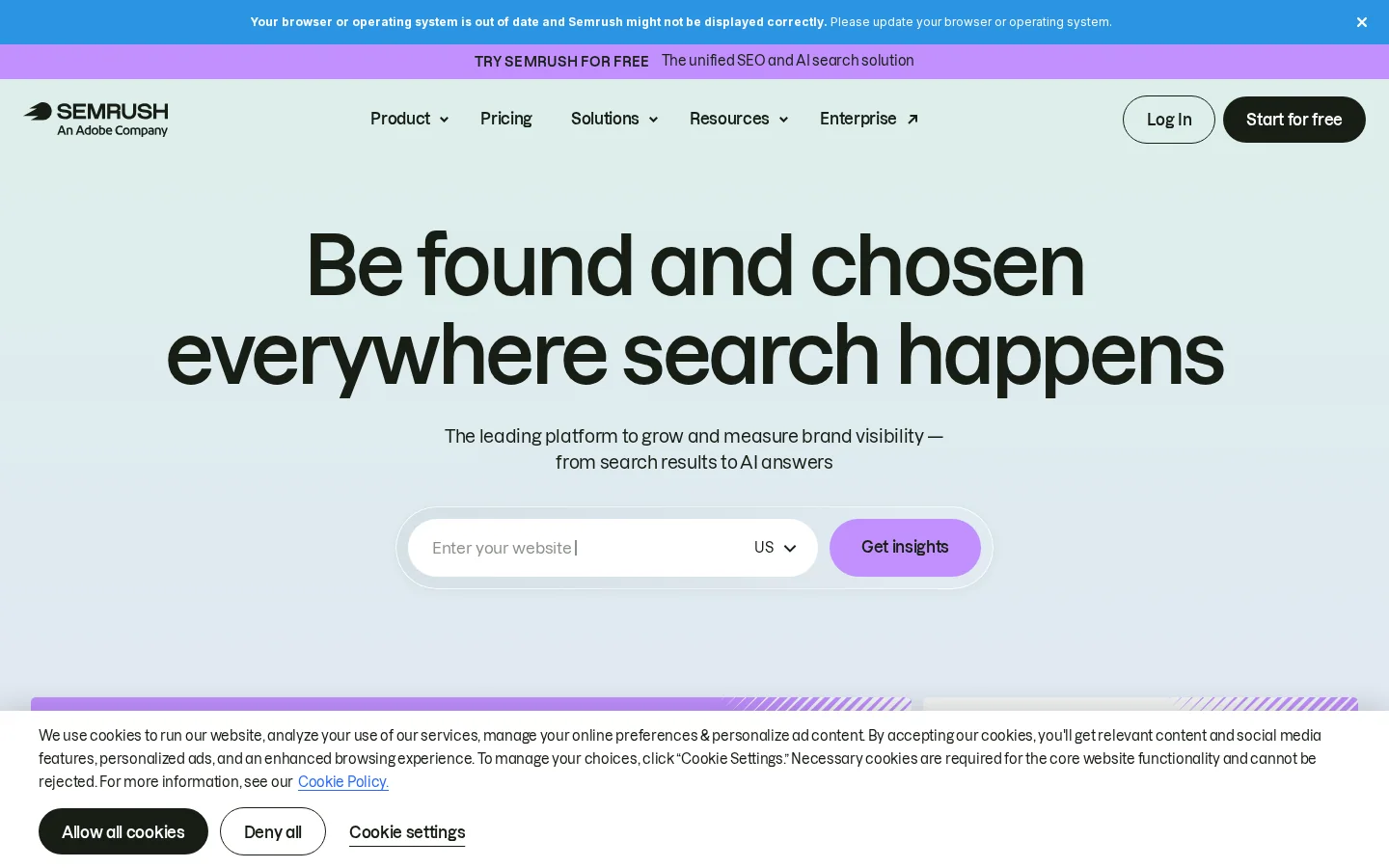
Semrush is a large SEO platform with keyword and competitor research, site audits, rank tracking, backlink analysis and AI visibility tracking. It is aimed at larger SEO teams, agencies and enterprises that want deep data across many areas. The homepage offers a seven-day free trial and lists free tools such as a keyword tool and an SEO checker. Prices sit on its pricing page, not the homepage.
Compared to Keywords Everywhere, Semrush goes much wider. Expect more features to learn and a bill that may grow as you add seats or modules. If you mainly want keyword data inside your browser, it may be more than you need, but for full-scale work it covers ground the extension does not.
3.  Ahrefs
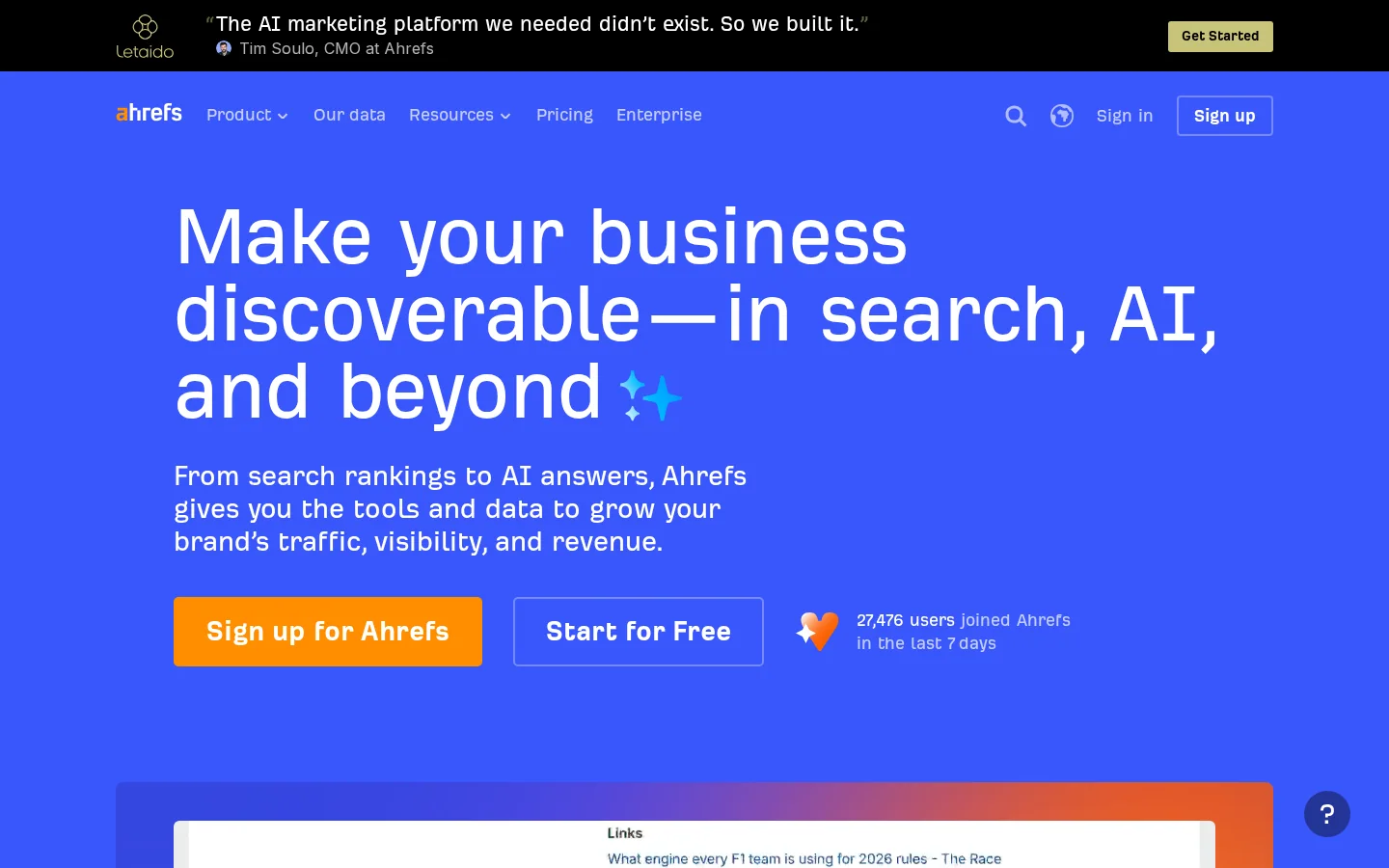
Ahrefs is an SEO platform built on its own web index. It covers search rankings, competitor research, content tools, site health, local SEO and reporting, and it also tracks AI search visibility. Its homepage lists free options, including a set of SEO tools, an AI visibility checker and an SEO browser extension, so you can try part of the work before you pay.
Ahrefs is the closest match to Keywords Everywhere if you like the browser workflow, since its free extension sits alongside a full platform. The trade-off is depth. The paid plans are built for regular research, and the prices are on its pricing page rather than the homepage.
4.  Mangools
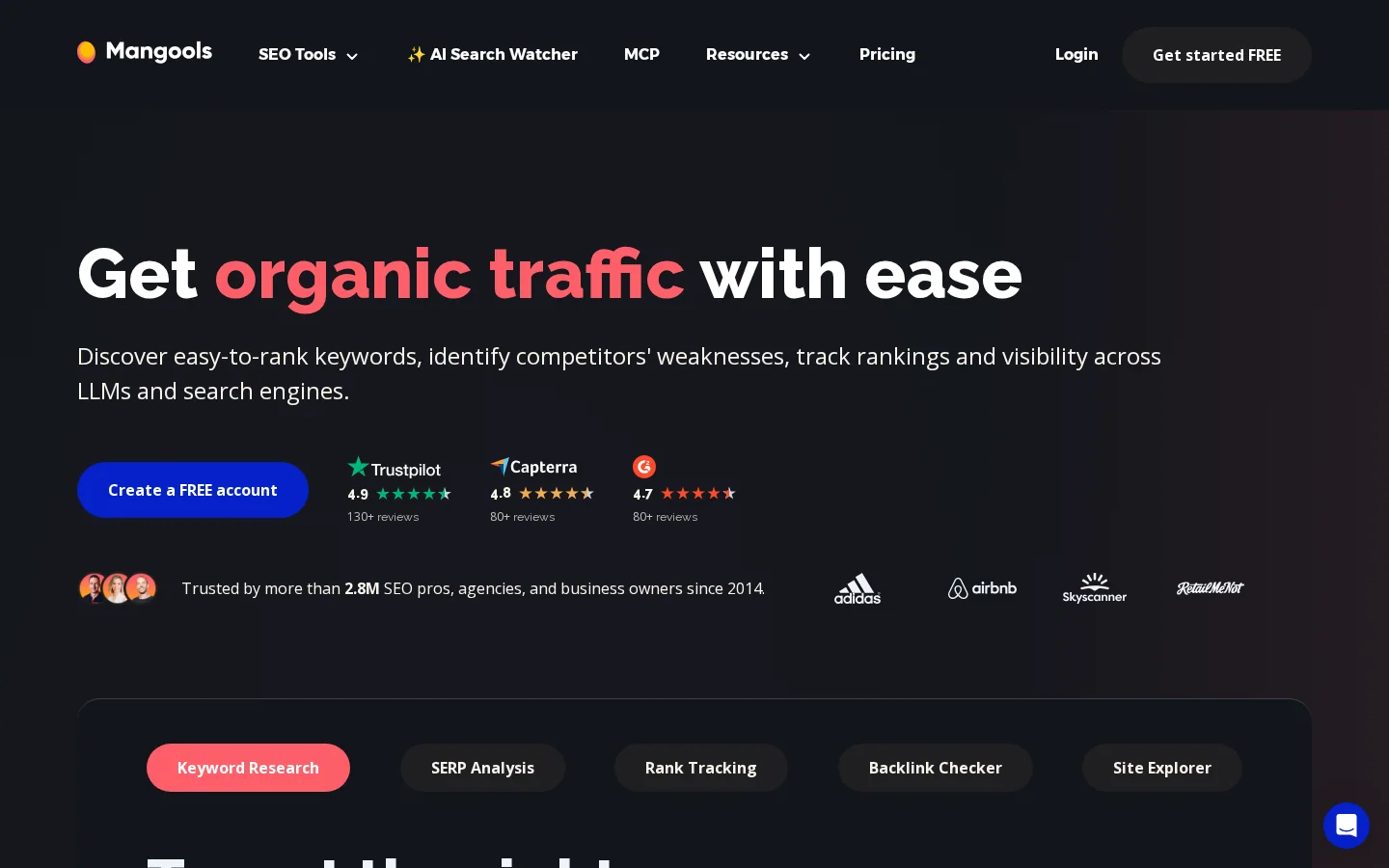
Mangools is an SEO software suite made of focused tools. KWFinder handles keyword research with search volumes and keyword difficulty, SERPChecker analyzes the results page, SERPWatcher tracks rankings by city, and LinkMiner covers backlinks. You can create a free account without a credit card, and some mini tools need no sign-up at all.
It is a good fit for people who want a focused keyword tool with a simple interface and rank tracking in the same subscription. Its main work happens in its own web app, not in the search results of other sites, so the workflow is different from Keywords Everywhere. Plan prices are listed on its pricing page.
5.  Ubersuggest
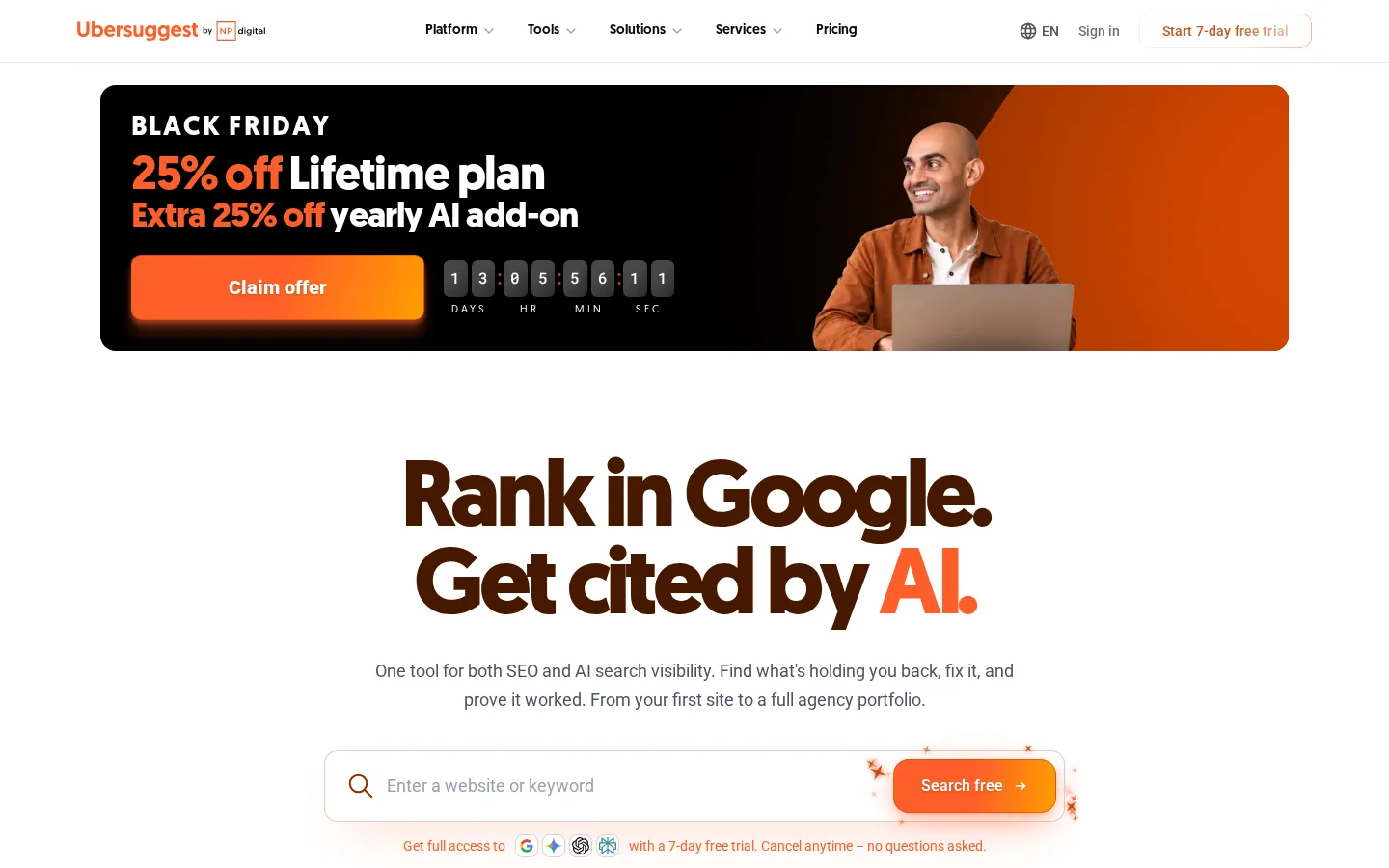
Ubersuggest is an SEO and AI search visibility platform from Neil Patel. It covers keyword research, traffic analytics, site audits, backlink analysis, rank tracking and content ideas, and it tracks how brands appear in ChatGPT, Claude, Perplexity and Google AI Overviews. Its individual plan is listed at 29 dollars a month on monthly billing, with a 7-day free trial. The pricing page does not show a permanent free plan.
Ubersuggest is a broader toolkit that suits solo site owners and small agencies who want audits and rank tracking next to keyword data. The trade-off is that it is not a browser overlay, so the keyword numbers live inside its dashboard. Compared with Keywords Everywhere, it covers more of the SEO workflow in one subscription.
6.  SpyFu
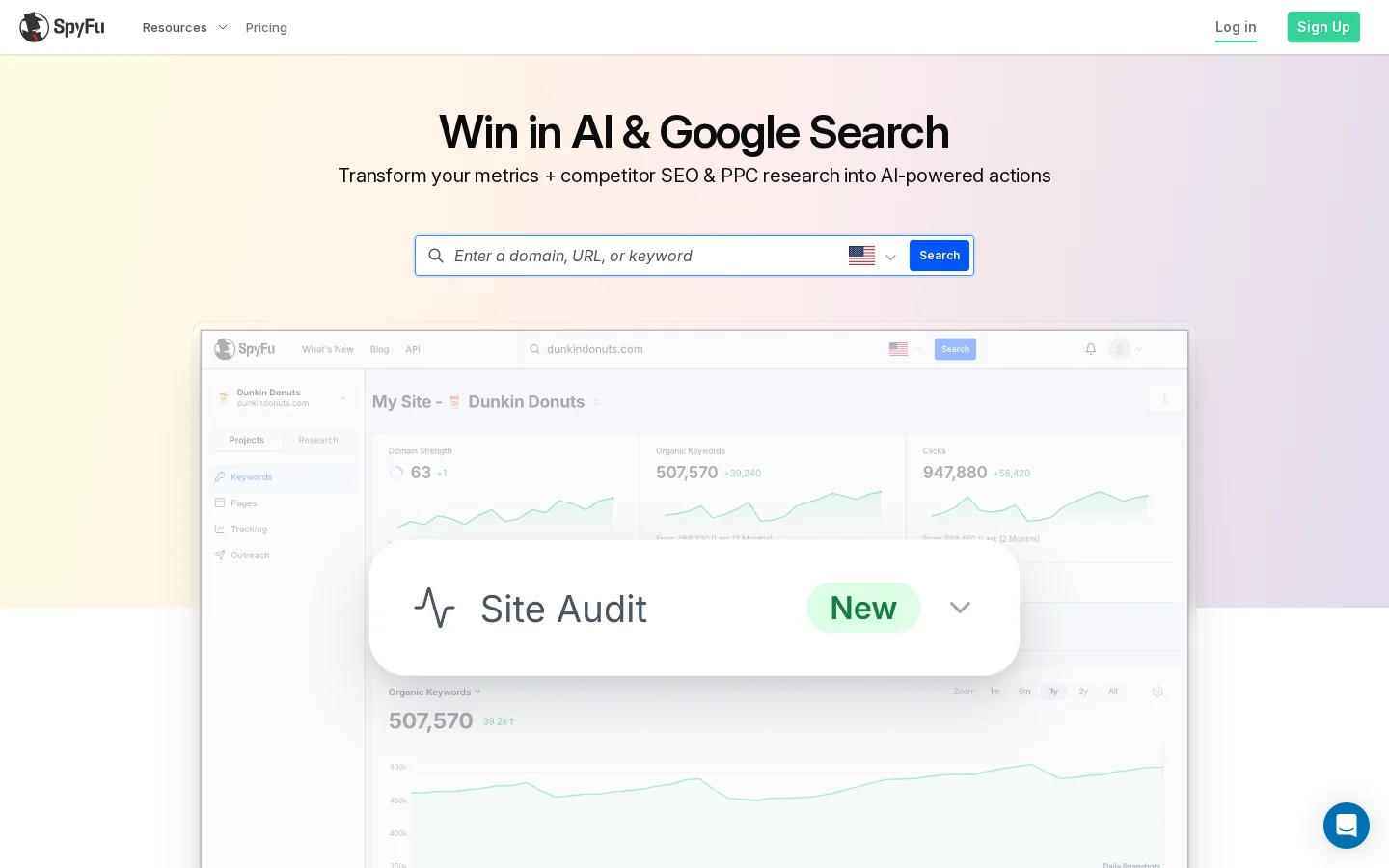
SpyFu focuses on competitor research. It shows the SEO and Google Ads keywords that competitors buy and rank for, which helps you find gaps in your own strategy. Its free offer on the homepage applies to one tool, the PPC Ad Rank Tracker, rather than to the whole product.
SpyFu is a strong choice when your main question is what competitors do. It is less focused on content creation or AI search visibility. Check its pricing page for plan costs, since the homepage does not list them.
7.  Keyword Insights
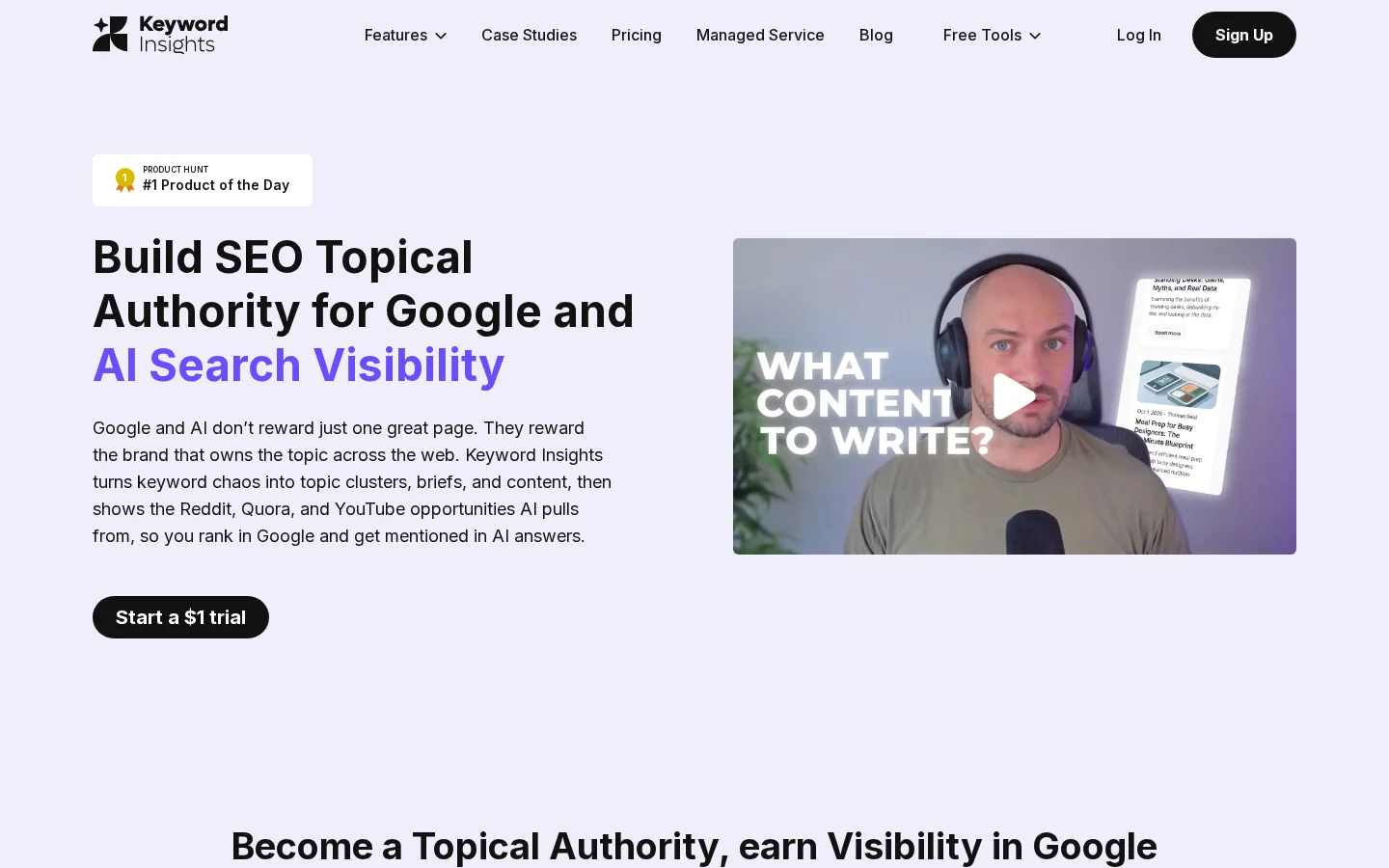
Keyword Insights is built around topical authority. It handles keyword discovery, clustering, search intent analysis and content briefs, and it can find relevant threads on Reddit, Quora and YouTube. Its trial costs 1 dollar for seven days and includes 5000 one-time credits. After the trial, the account moves to a pay-as-you-go version unless you choose a subscription.
It suits content teams that plan topic clusters before they write. It is less of a quick lookup tool than Keywords Everywhere, so expect to spend time inside its workflow. The homepage shows a paid trial but no free plan.
8.  Search Atlas
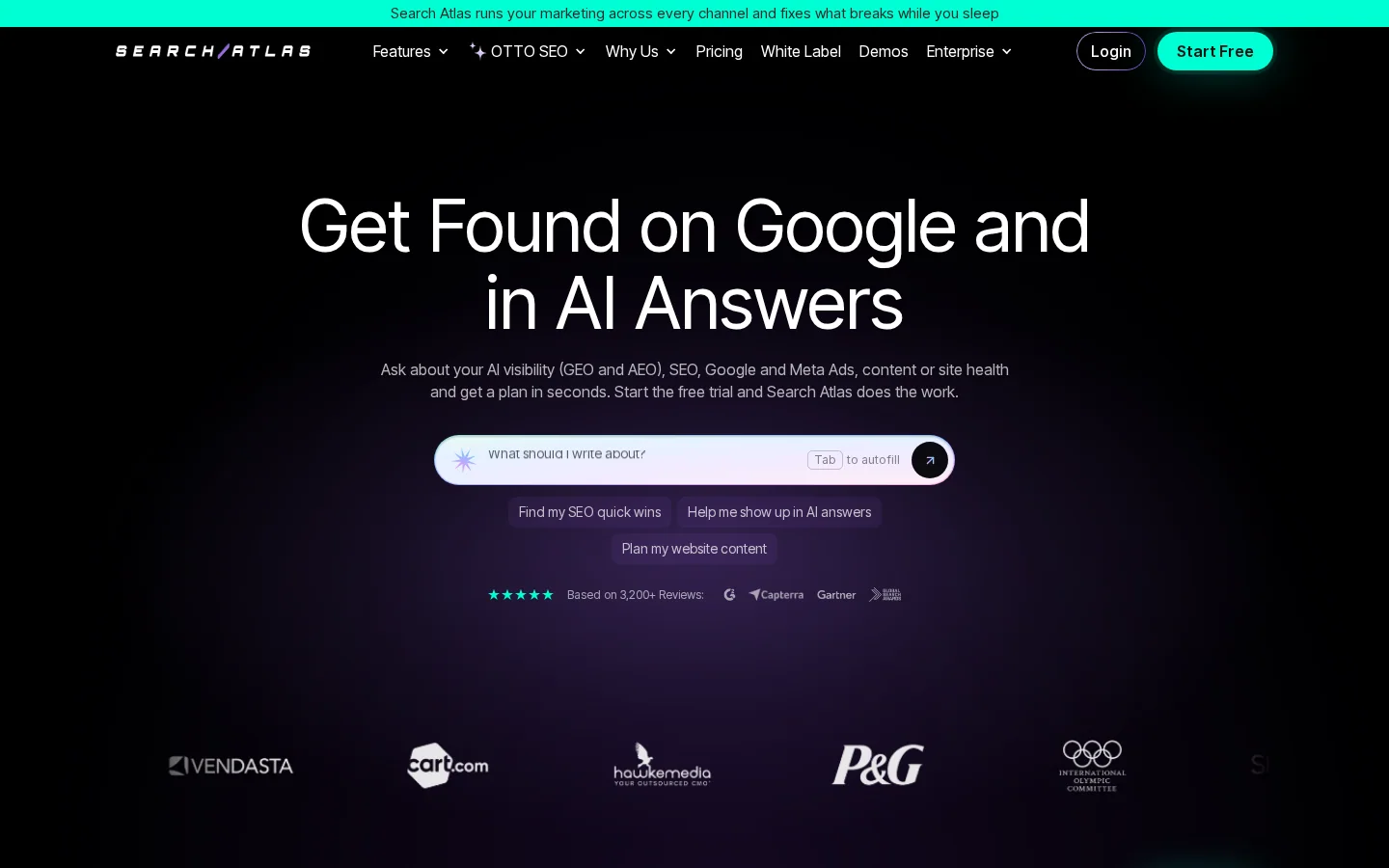
Search Atlas describes itself as an agentic marketing platform. It covers AI search visibility (GEO and AEO), SEO, Google and Meta ads, content and site health, and it can make changes on its own with an optional approval mode. The Starter plan is listed at 99 dollars a month after a 7-day free trial, and you must add a card at signup.
Search Atlas is for teams that want automation across marketing channels, not only keyword research. That breadth means more to set up and a higher starting price than a keyword extension. If you want to review every change first, switch on the approval mode before you let it act on your site.
9.  Keyword Tool
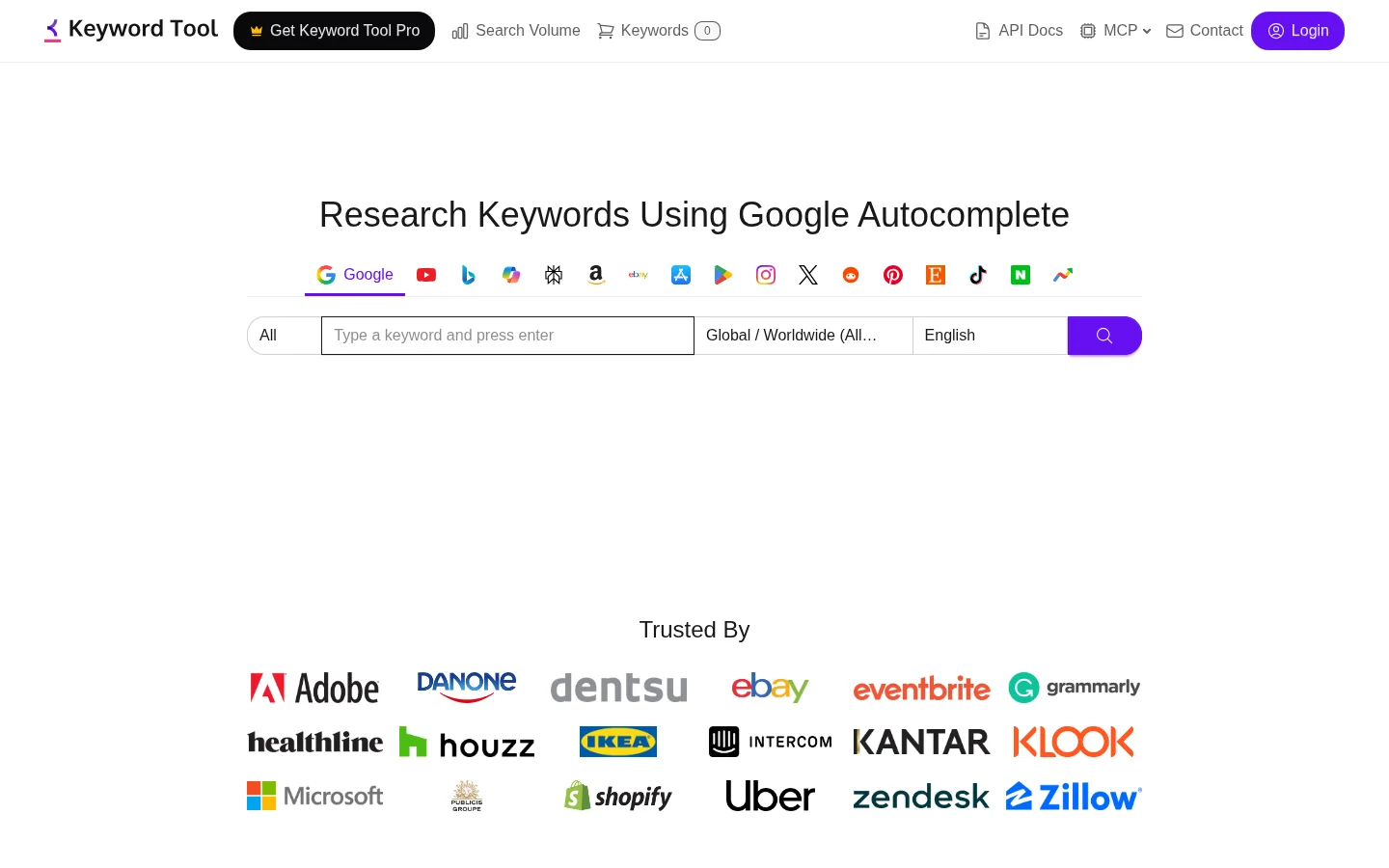
Keyword Tool generates keyword ideas from search engine autocomplete data across 17 platforms, including Google, YouTube, Bing, Amazon and TikTok. Its free version works without an account and gives long-tail suggestions, but search volume, CPC and competition data belong to the paid Pro version.
Keyword Tool is a good pick when your first need is ideas rather than metrics. Pro adds API and MCP server access, which matters if you build your own workflows. Check the Pro page for the current monthly rate.
10.  Keyword Surfer
Keyword Surfer is a Chrome extension listed under the free tools on the Surfer site. The homepage does not say which metrics it shows, so open the extension page before you rely on it for volume data.
It is worth a test if you want a free browser tool and can accept a narrower set of data than a paid platform gives you. Use it alongside a keyword list you already trust, and check a few results by hand.
How to Choose the Right Keywords Everywhere Alternative
Treat the table as a shortlist, not a verdict. Prices change, so the figures here are only the ones we could read on each site when we checked. Where a site only links to a pricing page, we say so instead of guessing. If CPC is new to you, see how cost per click works in paid search before you compare the cost columns.
| Tool | Ideal for | Starting price | Strong point |
|---|---|---|---|
| Sorank | Teams that want research, content and AI visibility in one place | See the Sorank site | One workflow from keyword to published page |
| Semrush | Larger SEO teams and agencies | See the pricing page | Broad SEO data and a 7-day free trial |
| Ahrefs | Users who want a full platform and a free browser extension | See the pricing page | Its own web index and free SEO tools |
| Mangools | Focused keyword research with rank tracking | Free account, paid plans on the pricing page | Simple interface and city-level rank tracking |
| Ubersuggest | Solo site owners and small agencies | 29 dollars a month, billed monthly | Keyword data plus audits and AI visibility |
| SpyFu | Competitor keyword research | See the pricing page | Keywords competitors buy and rank for |
| Keyword Insights | Topic clusters and content planning | 1 dollar for a 7-day trial | Clustering and search intent analysis |
| Search Atlas | Teams that want automation across channels | 99 dollars a month after a 7-day trial | GEO, SEO, ads and content in one platform |
| Keyword Tool | Keyword ideas from autocomplete data | Free version, Pro on its Pro page | Suggestions across 17 platforms |
| Keyword Surfer | Budget users who want a free browser tool | Free | Free Chrome extension from Surfer |
To test a shortlist, pick 20 keywords you already know well and run them through two or three tools. Compare the volumes, the difficulty scores and the time each tool takes to answer your question. Note how many credits or trial days each test uses, because that is where the real cost shows up. A week of honest testing tells you more than any comparison table, including this one.
Why Sorank Stands Out
Sorank is a unified GEO and SEO platform, so the keyword data you collect feeds the next step. Research feeds content, content gets published, and the team tracks what ChatGPT, Claude and Gemini say about the brand each month. That chain is the main reason to choose it over an extension that only shows metrics.
Keywords Everywhere is still useful for quick checks, and Sorank does not replace a free lookup on a search results page. If your budget is tight and your needs are small, start with a free option from the list above and move to a platform when the work grows. For a wider comparison, see our keyword research tools comparison. Look at the features you will use each week, and compare the total cost of those features, not only the entry price.