HyperWrite is an AI writing assistant from OthersideAI. It suggests text as you type through a Chrome extension that works in Gmail and Google Docs, it writes a paragraph on a topic you give it, it drafts email replies, and its Scholar AI tool searches academic articles and returns results with citations. For people who write a lot of email, notes and first drafts, that covers much of the day.
People look for an alternative for a few common reasons. The price may not fit how they work. They may want a chat assistant for longer documents, a tool that checks text they have already written, or a platform that a team can share. The right answer depends on which of these problems you have, so name your problem before you compare features.
The criteria that matter most are the kind of work you do, where the tool needs to live (inside your browser, inside a document or in a chat window), whether a free plan lets you test it on real tasks, and how it handles facts you plan to cite. If you are still deciding whether an AI writing tool is worth using at all, read our overview of what AI writing tools save and where they fail first. The ten tools below run roughly from general assistants to niche ones. Each one is described with its strengths and its limits. Prices come from each tool's official site, and where a site shows no price, we say so.
Top 10 HyperWrite Alternatives
1. ChatGPT
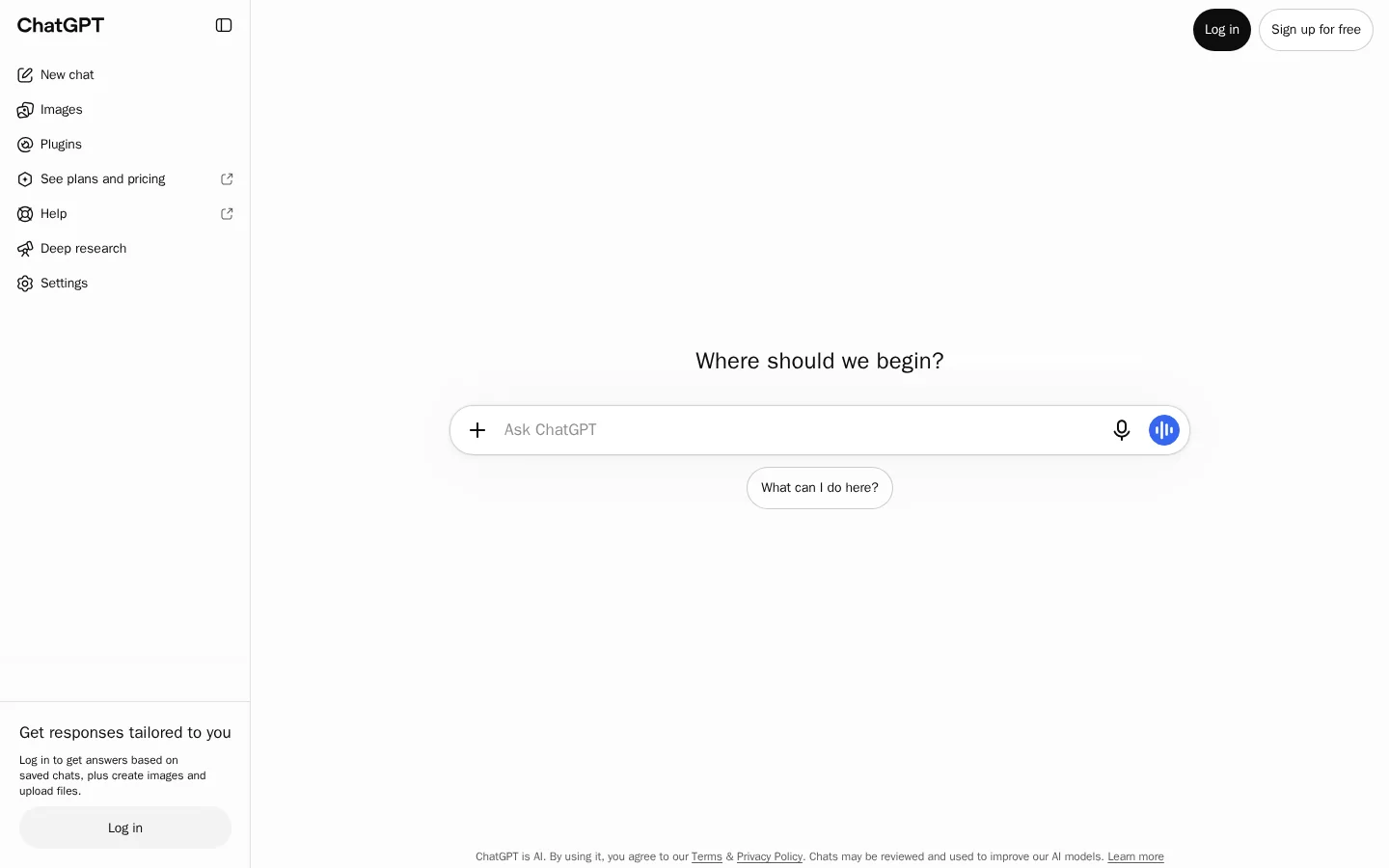
ChatGPT is a general AI assistant for chat, writing, research, image creation and coding. Its features include web search, deep research, file and photo uploads, plugins and voice input, although many of them need you to log in first. It suits people who want one assistant for drafts, brainstorming and quick answers.
ChatGPT differs from HyperWrite in how you use it. You type or paste into a chat window instead of getting suggestions inside Gmail or Google Docs. That makes it flexible but less automatic inside your email. Its homepage does not show prices, so check the plans page for current options and limits before you decide.
2.  Claude
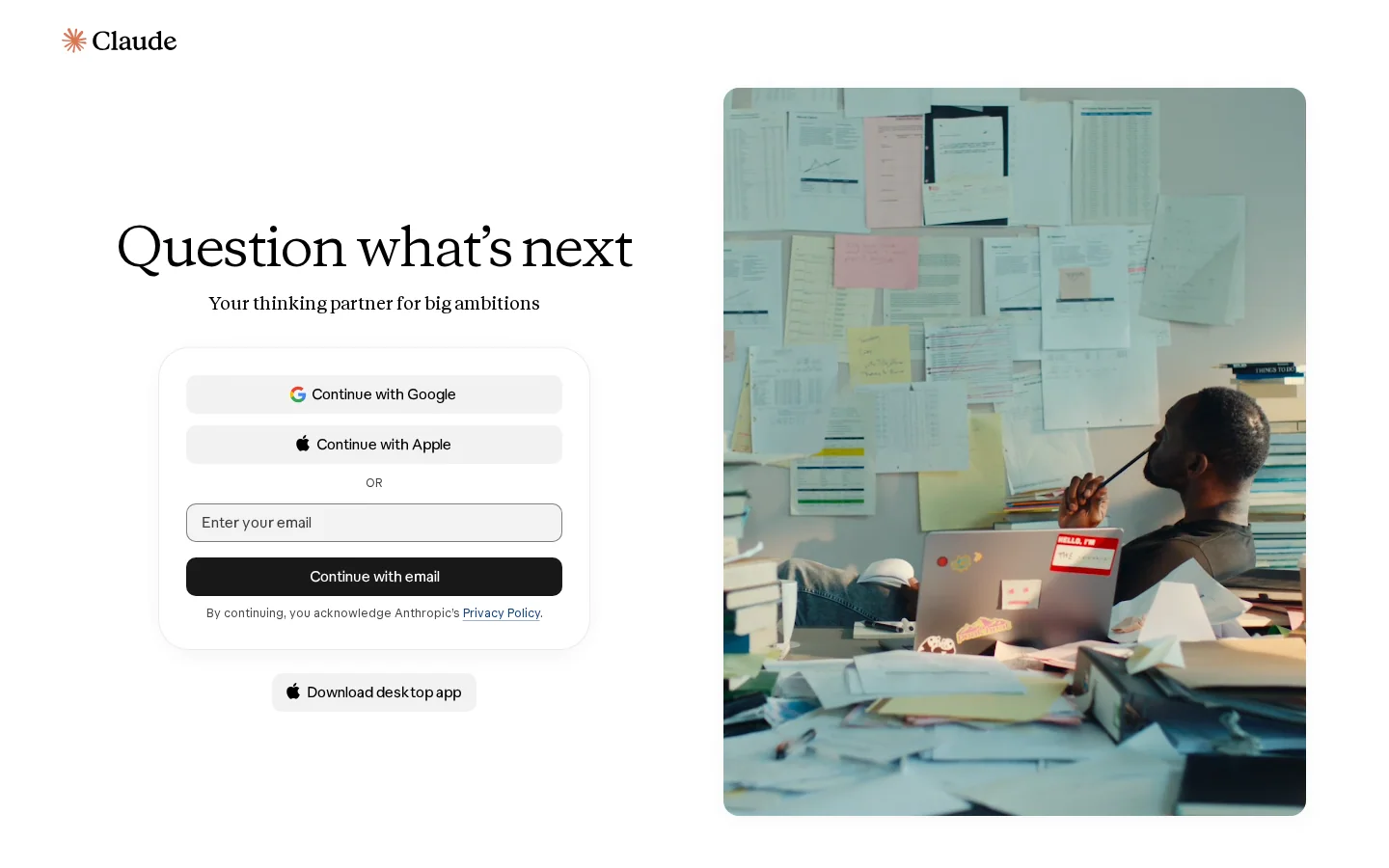
Claude, made by Anthropic, is an AI assistant for chat, writing, research and coding. It runs on a large language model and is available on web, desktop and mobile. Its writing features include Projects, Artifacts, Docs and web search, plus memory across conversations. It suits people who draft and revise longer pieces in one place.
Claude's pricing page lists a free plan at $0, a Pro plan at $17 a month when billed annually ($200 billed up front) or $20 a month when billed monthly, and higher tiers for heavier use. Like ChatGPT, it works as a chat workspace rather than an autocomplete layer over your email, so moving from HyperWrite is a change of habit as much as a change of tool.
3.  Grammarly
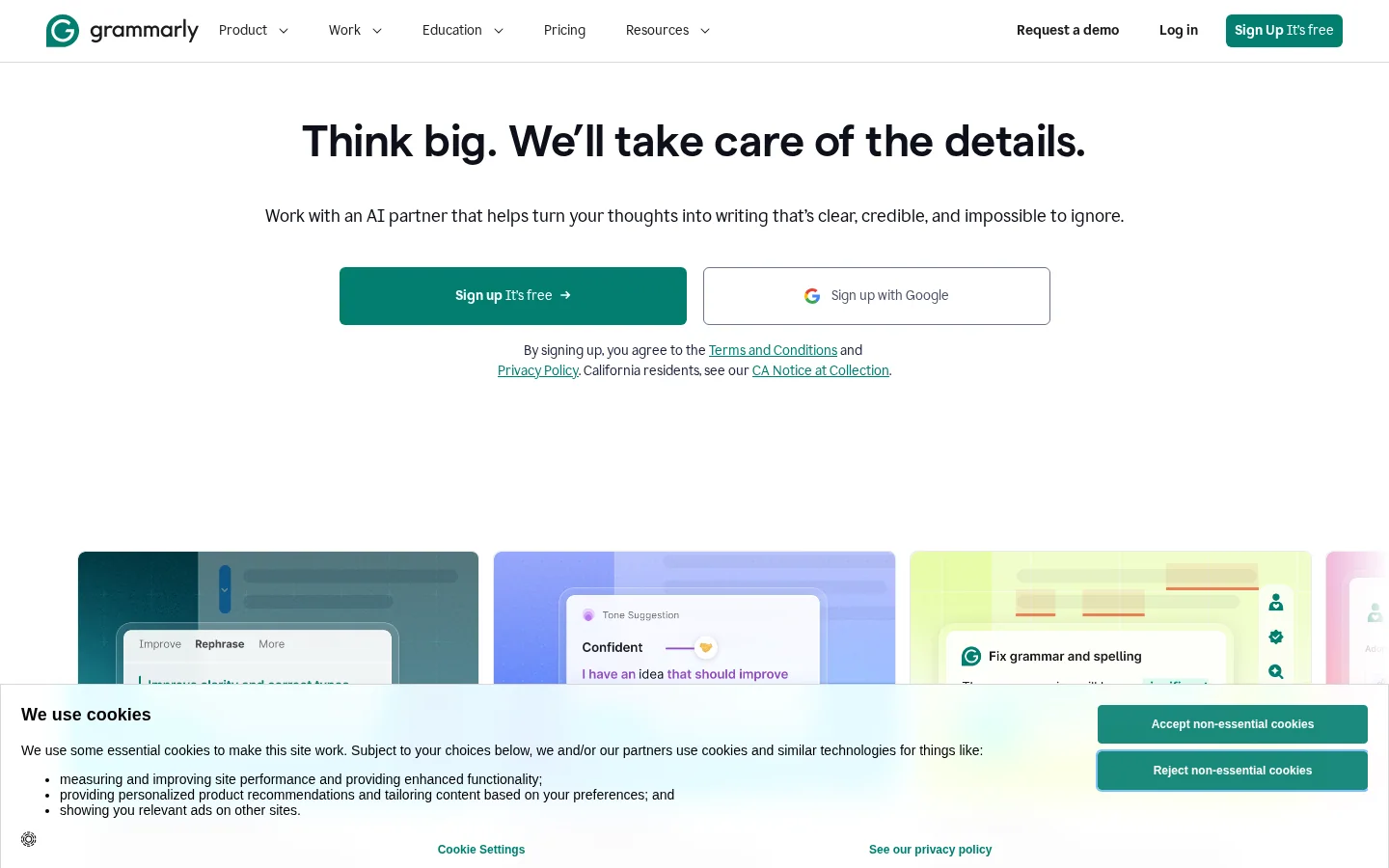
Grammarly is an AI writing assistant for individuals, teams, businesses and schools. Its main jobs are grammar and proofreading, tone adjustments and paragraph rewrites, and it now also includes AI agents such as a humanizer and an AI detector. It works in the browser, on desktop and on mobile, and it has a free plan with a paid Pro plan for more features.
Grammarly is the clearest alternative if your problem is editing rather than drafting. It checks text you already wrote, so it does not generate new documents from scratch the way HyperWrite's AutoWrite does. If you mostly need clean, clear final text, it may fit better than a generator. Test its AI detector and humanizer on your own work before you rely on either one.
4.  Wordtune
 is an AI writing assistant that helps you rephrase, rewrite and polish what you have already written. It offers paraphrasing, switches between formal and casual tone, grammar and spelling correction, summaries of documents and videos, and help continuing a draft. It suits everyday writers, students and non-native English speakers who want more natural prose.
Wordtune is narrower than HyperWrite. Its focus is sentence-level rewriting, so it is a good pick if you draft yourself and want better phrasing. Its pricing page shows a free Basic plan and an Advanced plan at $4.89 a month billed annually. If you need a tool that drafts whole pieces from a topic, this is not the one.
5.  Rytr
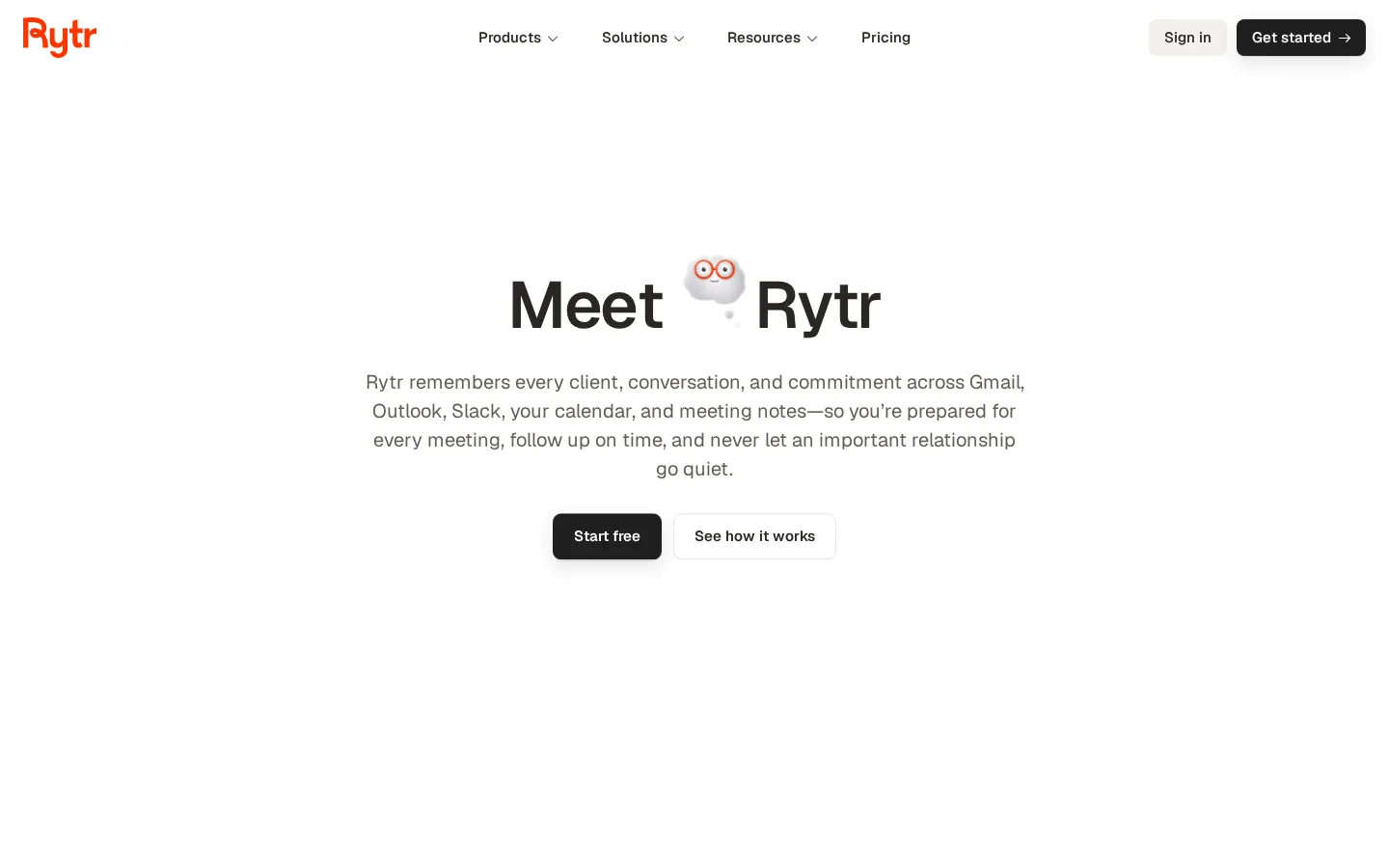
Rytr presents itself on its homepage as an AI relationship manager and writing assistant. It connects to email, Slack, calendars and meeting notes, tracks each contact, prepares meeting briefs and drafts follow-ups. Its Create tool drafts emails and posts in your voice. It suits founders, sales and client-service staff, recruiters and operators who keep many conversations going.
Rytr is a different shape of product from HyperWrite, built around people and relationships more than around a blank page. That makes it a fit for follow-up emails and meeting work. Its free plan is free forever, and paid plans start at $9 a month. If you only want a general drafting tool, check whether the relationship features are worth paying for.
6.  HIX AI
 describes itself as an AI agent workspace. It combines deep research, writing, image, video, slide and coding tools in one place, with access to many AI models. Its writing tools include an AI Writer, an AI Article Writer, the HIX Editor for documents and an AI Translator. It suits marketers, researchers, founders and teachers who want several tools in one account.
HIX AI is broader than HyperWrite, so it may cover several jobs in one account. The trade-off is that a wide tool list can take longer to learn than a single assistant. Its homepage does not show prices, so compare the plans on its site before you sign up, and test the writing tools on a few real tasks.
7.  Notion AI
 is the assistant built into Notion, the workspace for pages, docs, tasks and databases. It works across the pages you keep there and can use your workspace context and connected apps when you enable them. For writing, it offers inline AI blocks that refine text or produce drafts, plus Research Mode for longer reports and summaries. It suits people who already keep their notes and projects in Notion.
Notion AI differs from HyperWrite because it lives inside one workspace rather than across the websites you use. If your writing already sits in Notion, that is an advantage. If it does not, you will need to copy text in and out, which removes much of the benefit. The Notion product page we checked does not show a price.
8.  Copy.ai
 is an AI platform for go-to-market teams. It aims to combine a set of separate AI tools into one system, covering prospecting, inbound lead handling, account-based marketing, content creation, translation and deal coaching. Its features include automated workflows, reusable building blocks called Actions, AI agents with guardrails, a queryable data layer called Tables, a brand voice setting and integrations with over 2000 tools.
Copy.ai is built for sales, marketing and operations teams, not for a single writer working on essays or emails. That makes it a poor fit if you only need a personal assistant, and a strong one if your writing is part of a repeatable team process. Its homepage does not show prices, so check the pricing page to see whether the team plans match your budget.
9.  Jasper
 is an AI platform for marketing teams. It pairs a brand context layer called Jasper IQ with agents that carry out marketing work. Its features include GEO and AI search visibility tools, content pipelines, Jasper Grid for localizing campaigns into many languages, image pipelines, and APIs and MCP integrations. It is aimed at enterprise marketers in product, content, brand, performance and PR roles.
Jasper is built for marketing campaigns at scale, which is far from what HyperWrite is designed for. For a freelancer or a student it is likely more platform than they need. For a marketing team that must keep one brand voice across many languages, it can be a serious option. Its homepage does not show prices, so check the pricing page before you plan a budget.
10.  Sudowrite
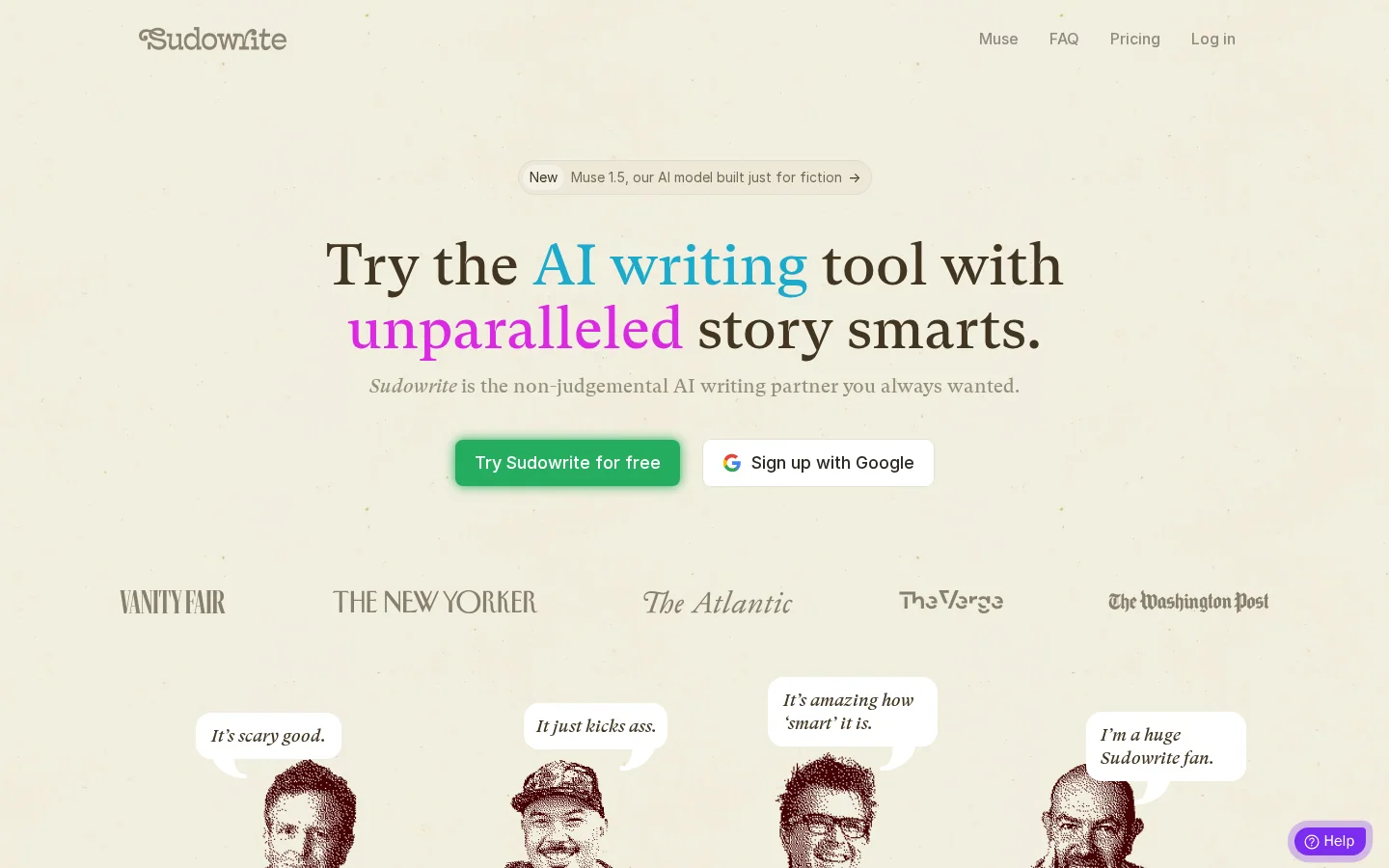
Sudowrite is an AI writing tool for novelists and fiction writers. Its Story Bible helps you go from an idea to an outline to drafted chapters, and it offers tools for descriptions, expansion, revision, feedback, planning and brainstorming. It suits writers working on stories, not essays, emails or business copy.
Sudowrite is a niche pick. It is the right choice if you write fiction and want help organizing a story's world and outline, and a weak one for most other writing. Its Hobby and Student plan is listed at $10 a month after a free trial. If your main writing is non-fiction, one of the general tools above will probably serve you better.
How to Choose the Right HyperWrite Alternative
Choose by the job first, then by price. A chat assistant suits research and longer drafts, an editor suits text you have already written, and a team platform suits repeatable marketing work. Use the table below to narrow the list, then test two or three tools on the same real task before you pay for any of them.
| Tool | Best for | Entry price | Main strength |
|---|---|---|---|
| ChatGPT | One assistant for chat, drafts and research | See the plans page | Web search and deep research |
| Claude | Drafting and revising longer pieces | Free plan, Pro from $17 a month billed annually | Projects, Artifacts and Docs |
| Grammarly | Editing text you already wrote | Free plan and paid Pro plan | Grammar, tone and clarity checks |
| Wordtune | Rewriting your own sentences | Free Basic plan, Advanced at $4.89 a month billed annually | Paraphrasing and tone switches |
| Rytr | Follow-ups and contact tracking | Free plan, paid from $9 a month | Drafts in your voice |
| HIX AI | Several AI tools in one account | See the plans page | Writer, editor and research tools |
| Notion AI | People who keep their work in Notion | No price on the product page | Inline AI blocks inside pages |
| Copy.ai | Sales and marketing teams | See the pricing page | Workflows, agents and integrations |
| Jasper | Marketing teams at scale | See the pricing page | Brand context and campaign localization |
| Sudowrite | Fiction writers | From $10 a month after a free trial (Hobby and Student plan) | Story Bible and chapter drafting |
Conclusion
HyperWrite fits people who want suggestions and drafts inside the sites they already use. The alternatives above cover the other common needs: a chat assistant for research and long drafts, an editor for text you already wrote, a team platform for marketing work, or a niche tool for fiction.
Start with the job, then test two or three tools on the same real task before you pay. Free plans help with that. If you want to go further, read our ranked list of AI copywriting tools or our practical guide to AI copywriting, which covers how to keep your writing sounding like you.