People look for a Google Trends alternative for a few common reasons. Google Trends shows search interest on a relative scale from 0 to 100, not as a count of searches. Terms with low volume often show as 0, so a niche keyword can look dead when it is not.
The right replacement depends on the question you are asking. If you want to spot topics before they peak, you need a trend discovery tool. If you want to plan content around a keyword you already have, you need search volume estimates. If you work on products or visual ideas, a platform-specific tool may tell you more than Google does.
Before you pay for anything, check three things: the data unit (index, counts or estimates), the platform it measures, and how far back its history goes. If the term is new to you, start with what search volume really measures.
Top 10 Google Trends Alternatives
The list is ordered by how close each tool gets to the job most people use Google Trends for, which is checking how the interest in a term moves over time. Tools higher up are closer matches. Tools lower down cover neighboring jobs, such as questions people ask or content performance.
1.  Exploding Topics
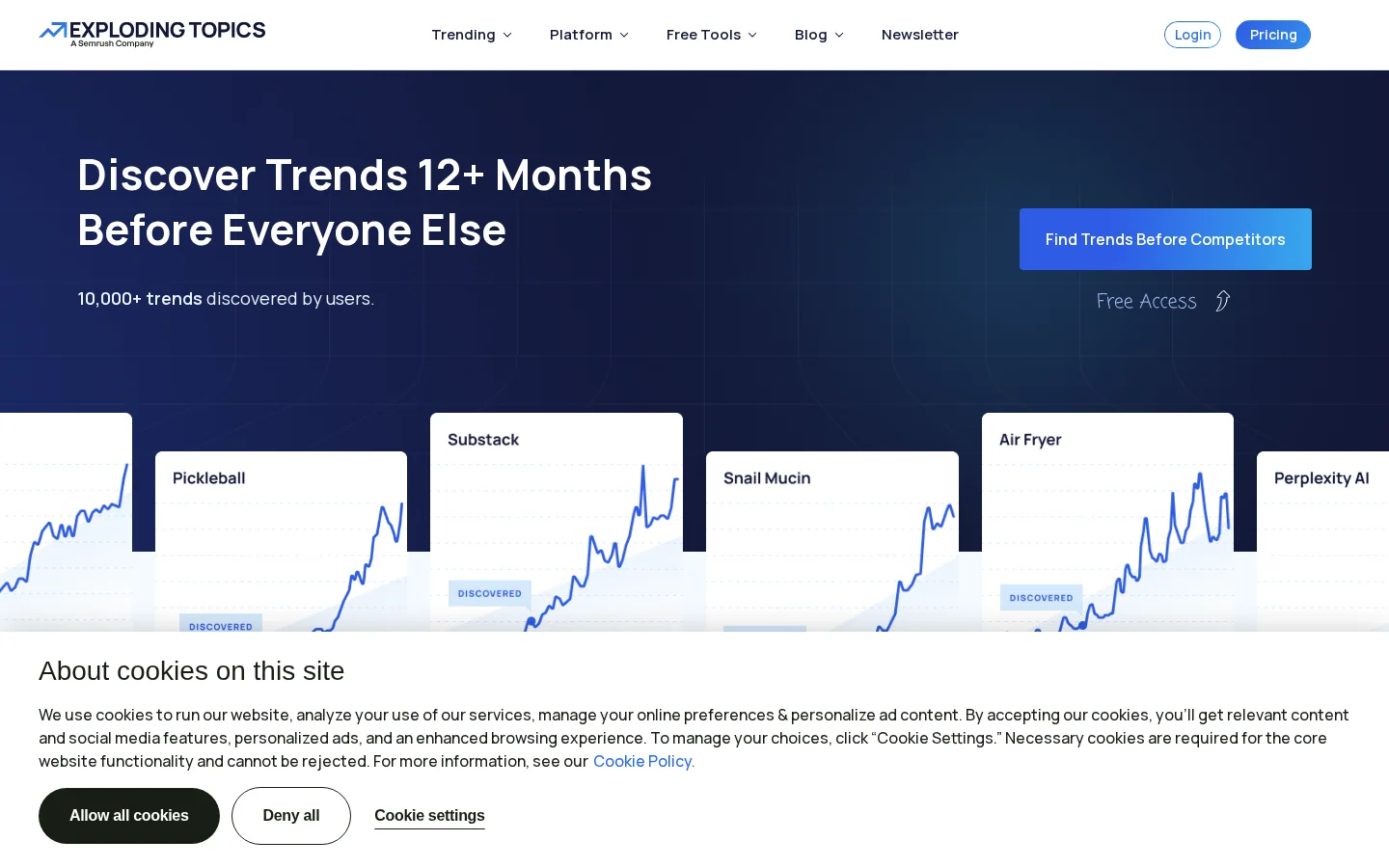
Exploding Topics is a trend discovery platform that looks for rising topics across social media, search engines, forums, news sites, e-commerce stores and podcasts. Machine learning flags emerging trends, and human reviewers filter out fads such as movies and celebrity news. It also has free keyword tools, including keyword research, keyword difficulty and a SERP checker. Paid plans start at $39 a month, and there is a 7-day free trial.
Compared to Google Trends, Exploding Topics is built for finding what you have not searched for yet, not for checking the curve of a term you already know. For a quick look at one keyword, the Google tool is faster. For a list of what is about to grow, Exploding Topics does the work for you.
2.  Glimpse
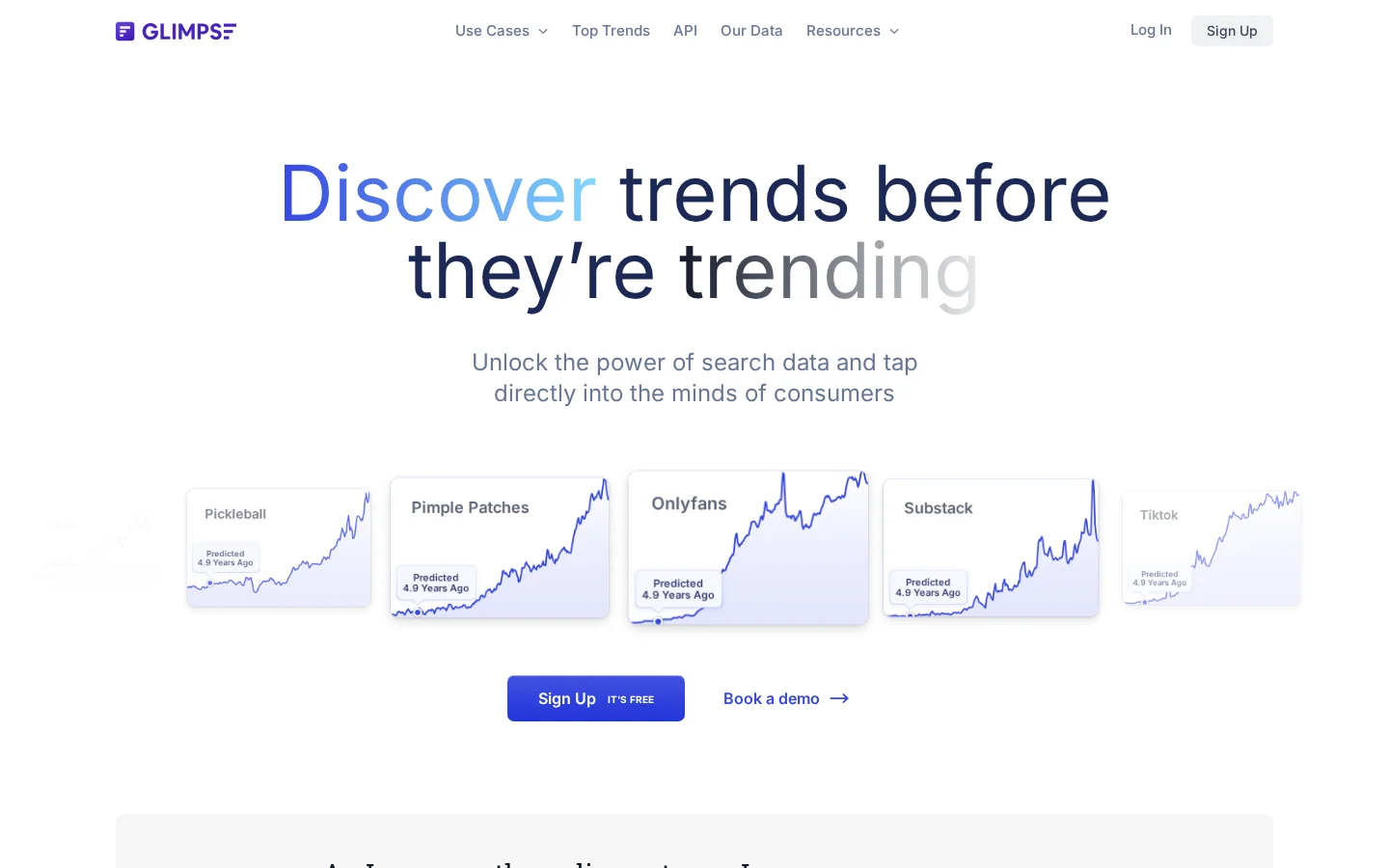
Glimpse is a trend discovery tool built on search data, aimed at SEO, ecommerce, market research, public relations and investing teams. You can look up a keyword by country and see its absolute search volume, its year-over-year and month-over-month growth, related searches, and the channels, such as TikTok, Reddit and YouTube, where people talk about it. Trend alerts tell you when a keyword you follow grows or falls.
Glimpse is the closest match to Google Trends for a single keyword, with real volume numbers and a forecast on top. You can sign up for free, but the site does not publish plan prices and sends larger buyers to a demo. Its claim of 95%+ backtested accuracy is worth testing on your own keywords before you rely on it.
3.  Treendly
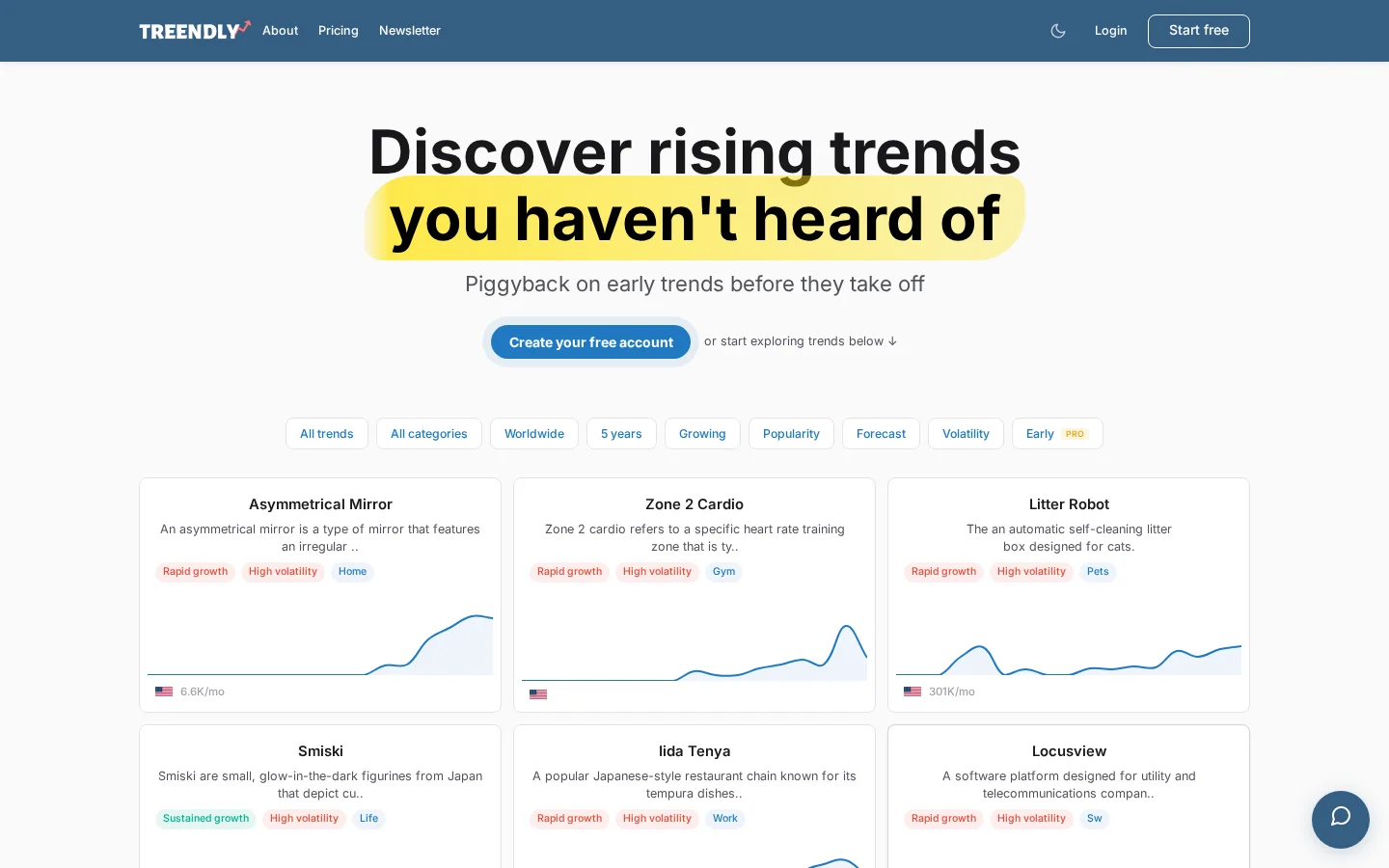
Treendly is a site for spotting rising trends before they go mainstream. Each trend comes with a short description, a growth label such as rapid or sustained growth, a volatility rating, a category and a monthly search volume by country. The Starter plan lets you search unlimited trends and monitor up to 25 of them, and you can sign up without a credit card. Forecast, volatility and some country filters need a paid plan.
Use Treendly when you want a list of ideas, not a chart. It does not name its data sources on the page, so check its figures against a second tool before you commit time to a topic. Its monthly volume numbers are a useful sense check, not a replacement for a full keyword tool.
4.  Pinterest Trends
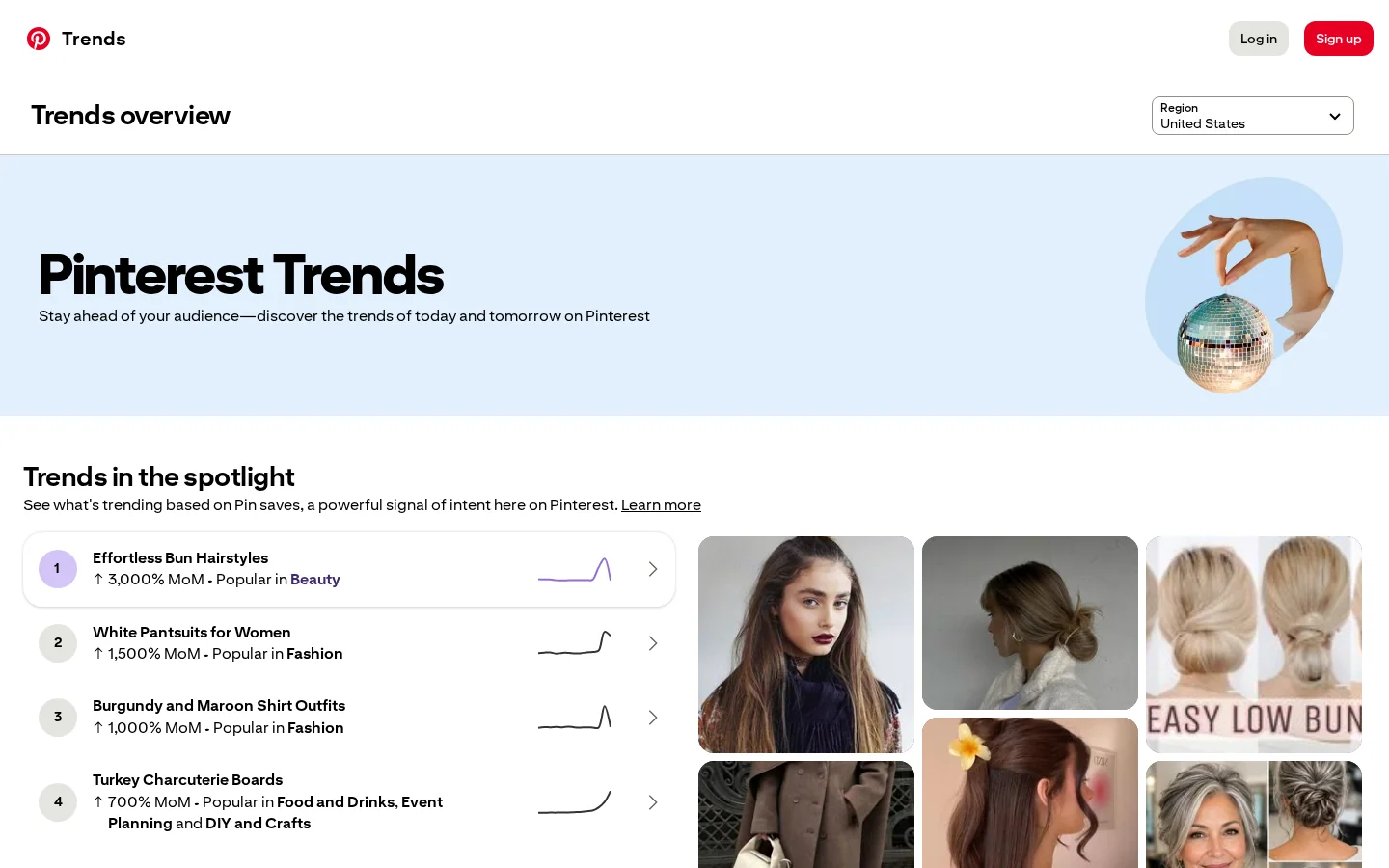
Pinterest Trends shows what people search for on Pinterest, over up to the last two years, by region and country. It flags seasonal keywords, shows weekly, monthly and yearly change, and gives the age and gender split and the top Pins for each term. Values are normalized from 0 to 100, and you need a Pinterest Business account to use the full tool. It does not run in the mobile app.
It fits visual and lifestyle topics such as home, fashion and recipes, where Pinterest is a major search platform. It says nothing about demand on Google, so treat it as a complement to a search tool, not a replacement. Use it to see whether a visual idea is gaining or losing steam.
5.  Keywords Everywhere
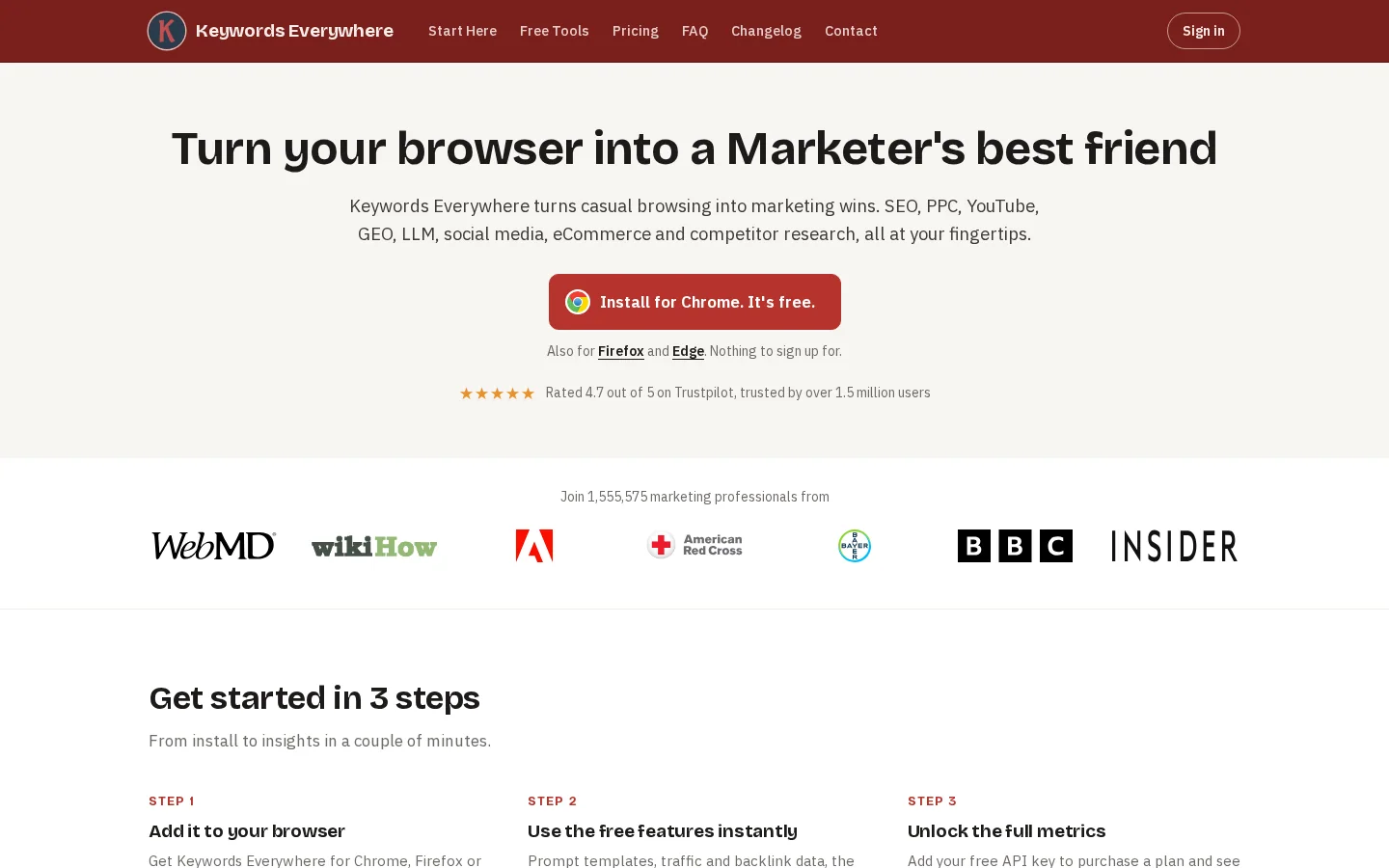
Keywords Everywhere is a browser extension for Chrome, Firefox and Edge. It adds search volume, cost per click, competition and traffic estimates to the pages you already use, including Google, YouTube and Amazon. Trend charts, including 12-month and historical views, run on a paid credit system, and all plans are annual. The free version includes 18 features and needs no API key.
It suits people who research keywords while they browse, because the numbers appear on the results page itself. If you need trend charts often, check the credit cost before you sign up, since each chart uses credits. For occasional checks, the free features may be enough.
6.  Semrush
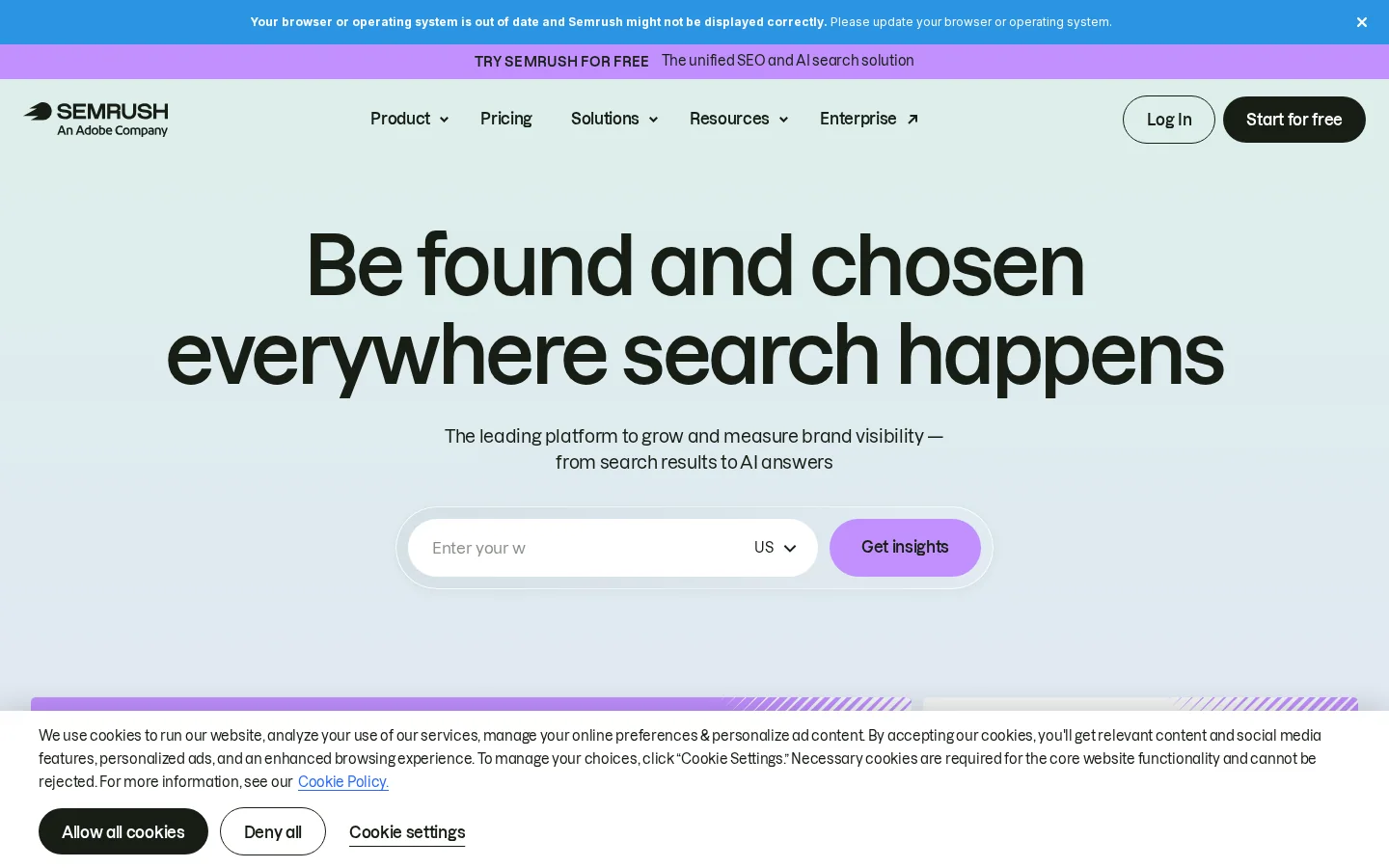
Semrush is a full platform for SEO, competitor research, market analysis, rank tracking and AI visibility. Its market and traffic data goes far beyond a trend graph. Its free tools include a Keyword Tool, a Website Traffic Checker and an SEO Checker, and the paid platform comes with a 7-day free trial. Plan prices sit on a separate pricing page.
Semrush is the right step up when you need trend data next to keyword volume, competitors and rankings in one place. Its plans are built for teams, so for a single trend check it is more tool than most people need. Try the free Keyword Tool first, and move up only if you use the extra data every week.
7.  Ahrefs
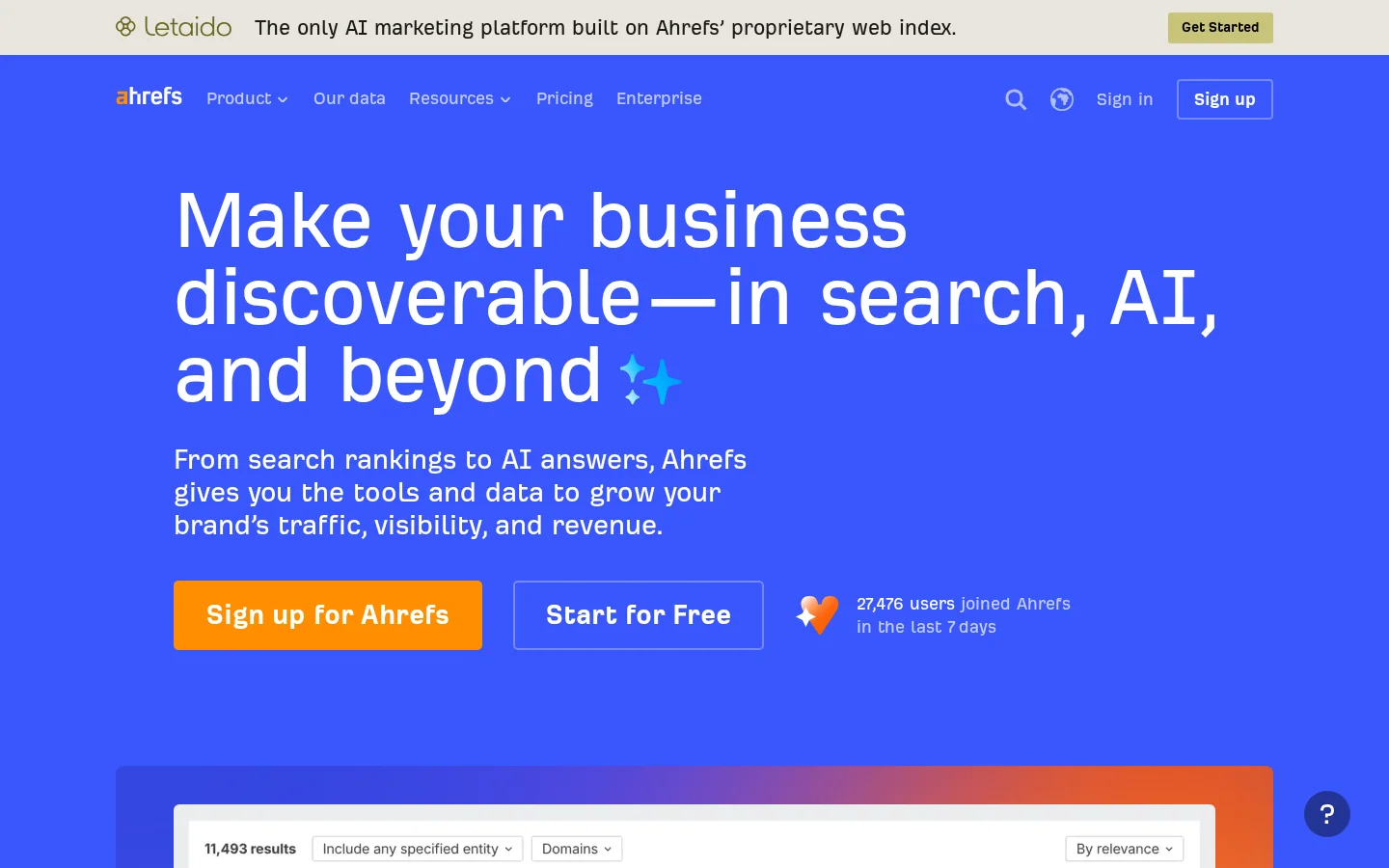
Ahrefs is best known for backlink and keyword data. Its Keywords Explorer shows what people search for, and its Benchmarks section shows monthly trends across search, AI and the web. It also offers free tools, including an AI Visibility Checker, SEO tools and web analytics. Paid plans are listed on a separate pricing page.
Ahrefs suits teams who want trend context next to link and keyword research in one suite. It is less focused on the interest curve of one term than Google Trends, so think of it as a research suite rather than a trend checker. Start with the free tools to see whether its data answers your questions before you pay.
8.  Google Keyword Planner

Google Keyword Planner is Google's own keyword tool, found in the Tools menu of Google Ads. It gives estimates of how many searches a keyword gets each month, the average cost of ads for it, and forecasts of clicks and conversions based on your spend. It does not show trend lines, and it needs a Google Ads account with billing set up.
It is the best choice when you need monthly volume figures for planning content or ads. It is less useful if you only want to see how interest moves over time, since you have to read the monthly figures yourself. Because it comes from Google, its numbers are a good cross-check for the direction Google Trends shows.
9.  AnswerThePublic
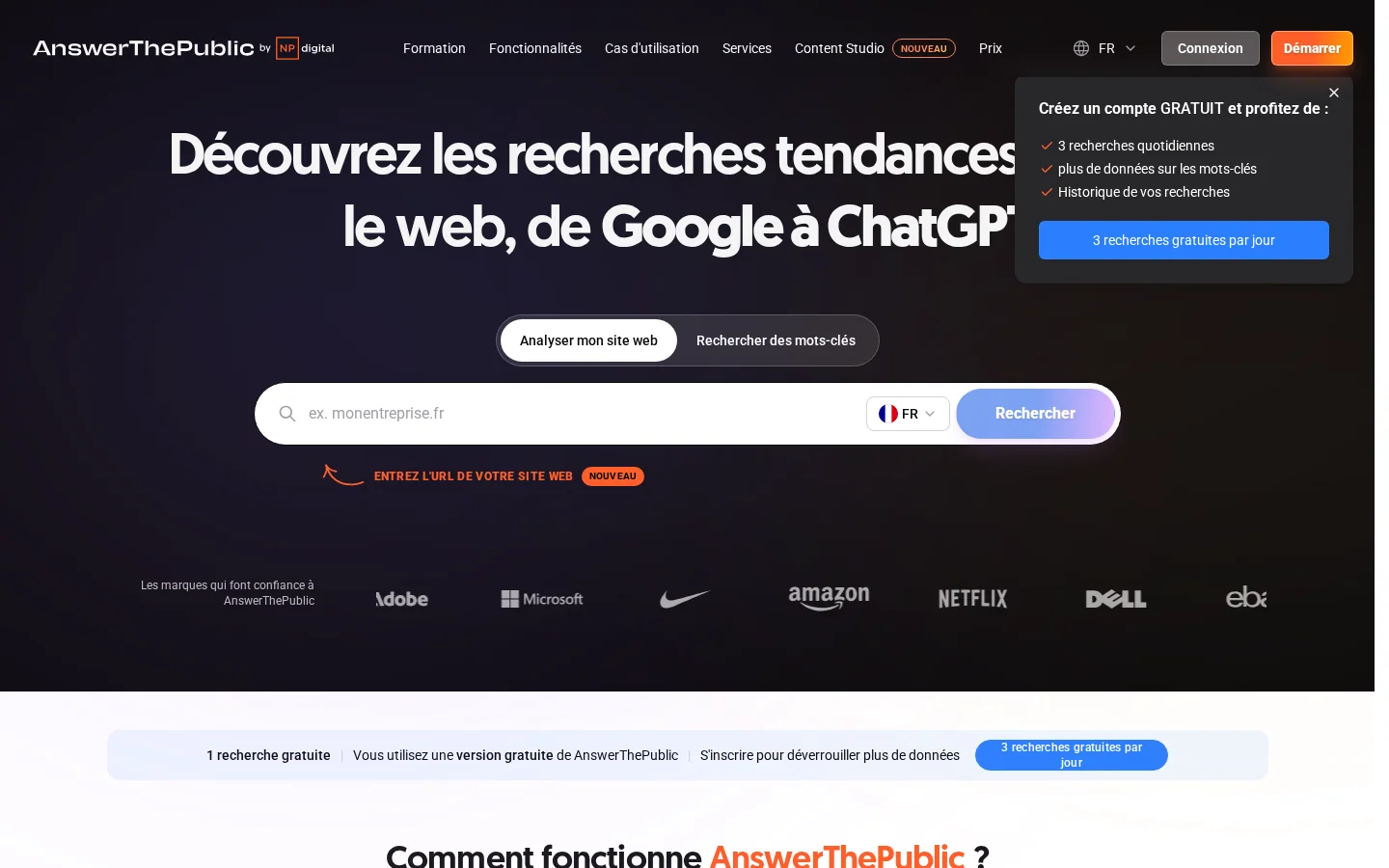
AnswerThePublic is a search listening tool. It shows the questions, prepositions, comparisons and related searches that people type into search engines, which makes it a strong source of article and FAQ ideas. Its Search Listening Alerts notify you when the questions around a topic change. Its pricing is on a separate page, so check it before you sign up.
Use it to find the wording your readers use, not to measure popularity. It answers what people ask, while Google Trends answers how popular a term is. That split is the main reason to pick one or the other, or to use both.
10.  BuzzSumo
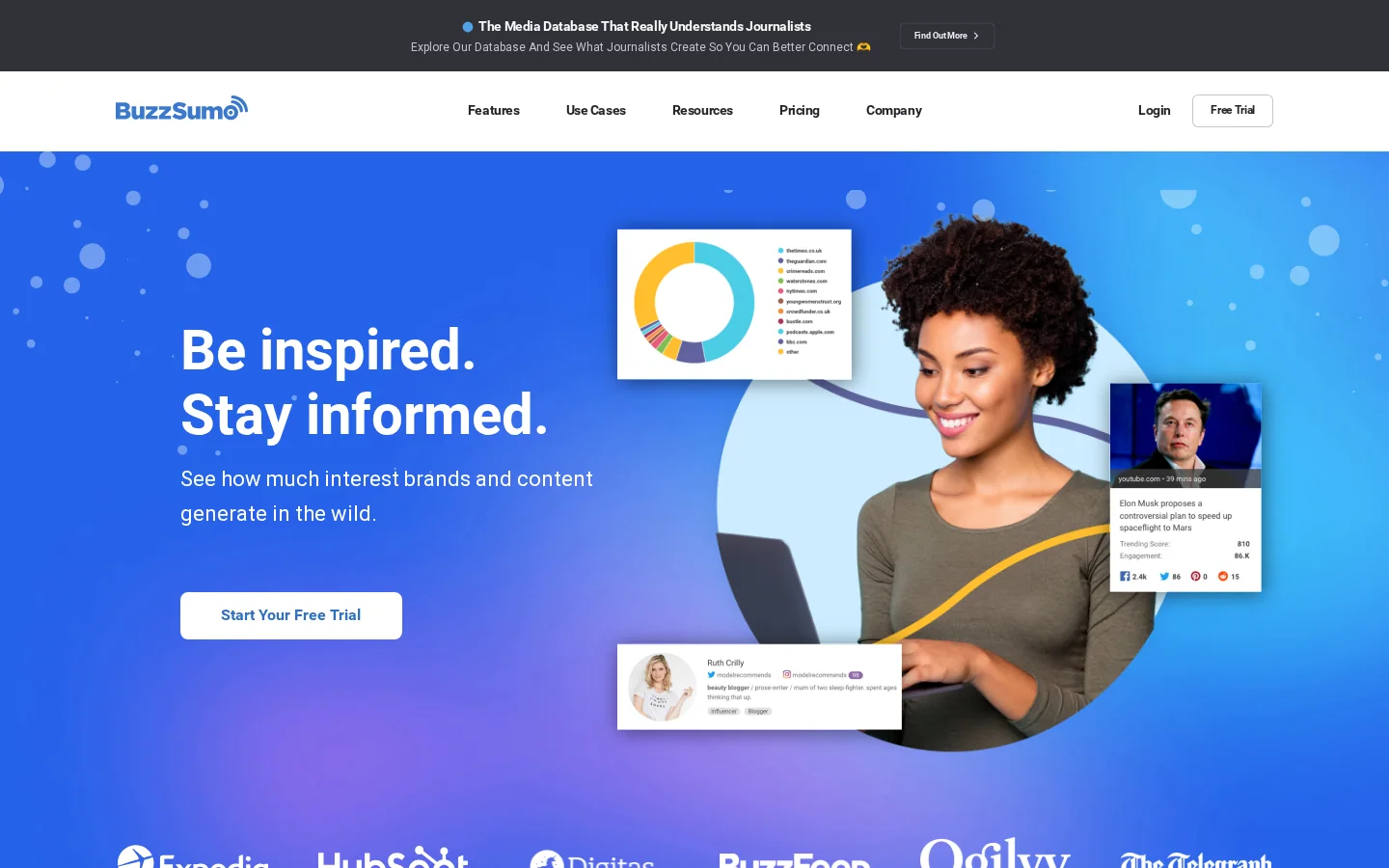
BuzzSumo is a content and media research platform. It surfaces trending topics and articles from a large archive, shows how content performs on Facebook, Twitter, Reddit and YouTube, and includes alerts and a media database for outreach. Its Content Creation plan starts at $199 a month, billed yearly. There is no free plan, only a free trial.
BuzzSumo fits PR and content teams who track what gets shared and who covers a topic. It does not measure how many people type a term into a search box, so it answers a different question from Google Trends. Choose it for content performance and outreach, not for search demand.
How to Choose the Right Google Trends Alternative
Start with the question, not the tool. The table below sums up who each option suits, what it costs to begin with, and what it does best.
| Tool | Best for | Entry price | Main strength |
|---|---|---|---|
| Exploding Topics | Spotting rising topics early | From $39 a month | Trend discovery from many sources |
| Glimpse | Single keyword checks with volume and forecasts | Not stated | Absolute search volume and forecasts |
| Treendly | Ideas for rising trends | Free Starter plan | Monthly volume by country |
| Pinterest Trends | Visual and lifestyle topics | Not stated | Search trends on Pinterest |
| Keywords Everywhere | Keyword checks while browsing | Annual credit plans, free version | Metrics on the pages you visit |
| Semrush | Teams that need trends and SEO data together | Not stated, 7-day trial | Broad market and SEO data |
| Ahrefs | Keyword and link research | Not stated, free tools | Benchmarks and keyword data |
| Google Keyword Planner | Monthly volume for planning content and ads | Needs a Google Ads account | Monthly search estimates |
| AnswerThePublic | Questions for content ideas | Not stated | Questions and related searches |
| BuzzSumo | PR and content performance | From $199 a month, billed yearly | Trending content and media contacts |
If you need to know whether a rising topic is worth a page, use a discovery tool with trend history. If you need to know how many people search for a term each month, look for volume data, and remember that even absolute figures are estimates. If you need the exact wording of real questions, a listening tool wins. Many teams end up with two tools: one for discovery and one for volume.
To test any of them, pick five keywords you already track, including one seasonal term and one new term. Check whether each tool shows the same direction of movement as Google Trends over the same period. If two tools disagree, look at their data sources before you trust either one. Treat an accuracy claim on a vendor's homepage as a claim, not a result.
Conclusion
Google Trends is still the quickest way to see how a term moves. But its index has limits, and the right alternative depends on what you need. For rising topics, start with Exploding Topics or Treendly. For a single keyword with volume and forecasts, try Glimpse. For monthly planning numbers, use Google Keyword Planner, and for the questions your readers ask, try AnswerThePublic.
Whatever you pick, test it on keywords you already know before you pay. For a broader look at reading these numbers, see how to use Google Trends for SEO. To judge a volume figure, read how to analyze keyword search volume. Topics with a calendar pattern also need a plan, so see seasonal SEO planning.