Schema App is built for enterprise teams. It deploys schema markup across large sites and links content to a knowledge graph. That depth is valuable for a large brand, but it is not always what you need. Maybe your site is smaller, or your budget is. Maybe you want to write and fix markup yourself, without a sales call. Schema App does not publish a price, so the first step is usually a quote, and that alone sends many people to compare options.
The right alternative depends on a few criteria. First, how the markup reaches the page: a plugin, an AI generator, a browser tool, or a crawler that checks what is already there. Second, how much control you keep over the entities that describe your business. Third, whether the tool validates the result and keeps it current when pages change. Fourth, the price, and whether a free plan lets you test before you pay. A tool that writes one JSON-LD block is not the same as one that keeps hundreds of URLs consistent.
This list covers tools that write, manage or check schema markup. General SEO suites that only mention structured data in passing are left out. Each entry describes what the tool does, who it suits, and what its public price looks like, based on the official site. Prices change, so confirm them with the vendor before you buy.
Top 10 Schema App Alternatives
1.  WordLift
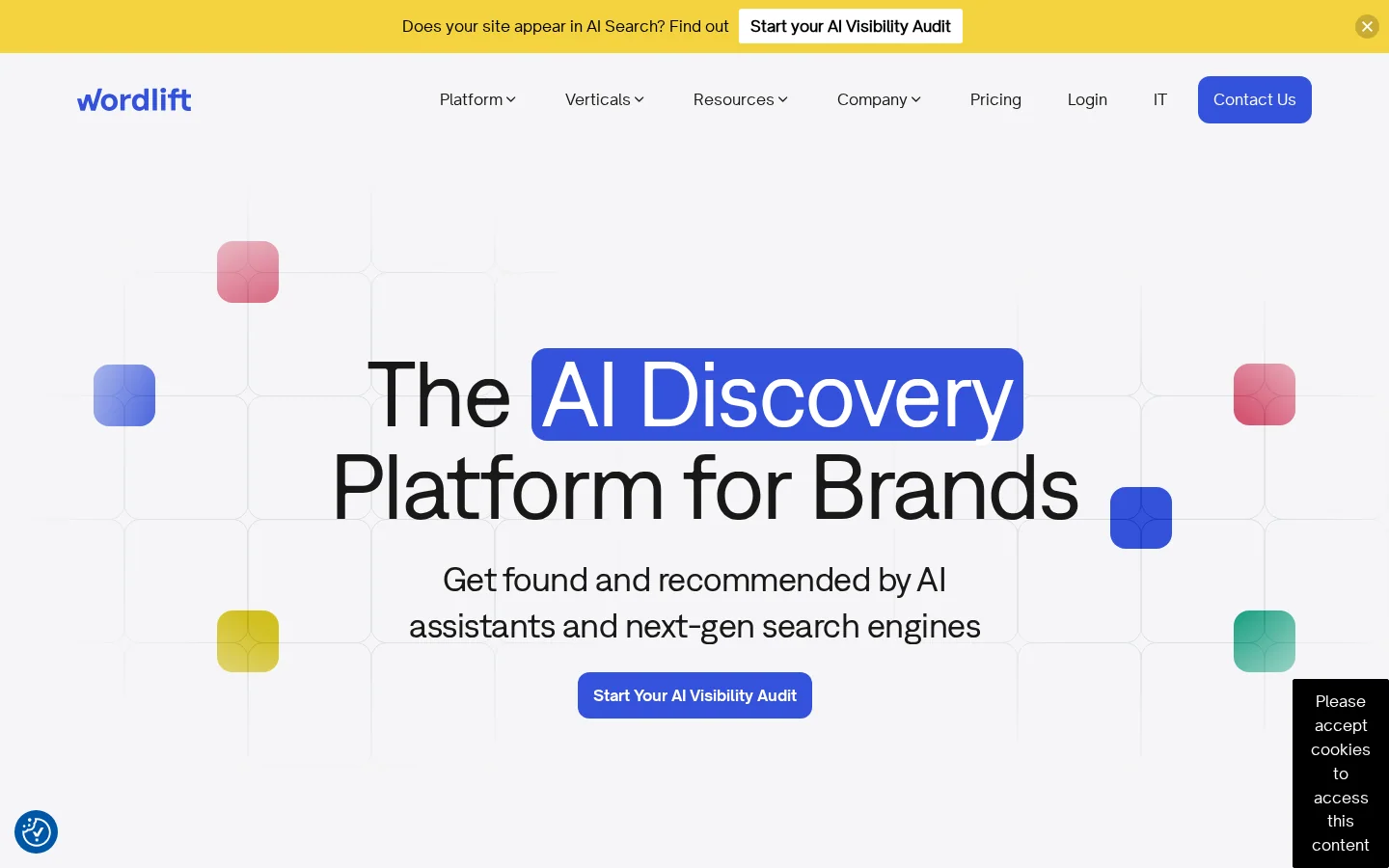
WordLift is an AI discovery platform that builds a knowledge graph from your content and publishes schema markup that ties each page to the entities it describes. It is the closest match to Schema App in method, since both work at the level of entities rather than single JSON-LD blocks. Its site names e-commerce and retail, news and media, travel, legal and SEO agencies as its main audiences.
WordLift also bundles AI content generation and customer agents, so its scope is wider than markup alone. That helps if you want one vendor for several jobs. It is less useful if you only need markup. No starting price appears on the homepage, so you will need to read its pricing page or ask for a quote.
2.  Schemawriter.ai
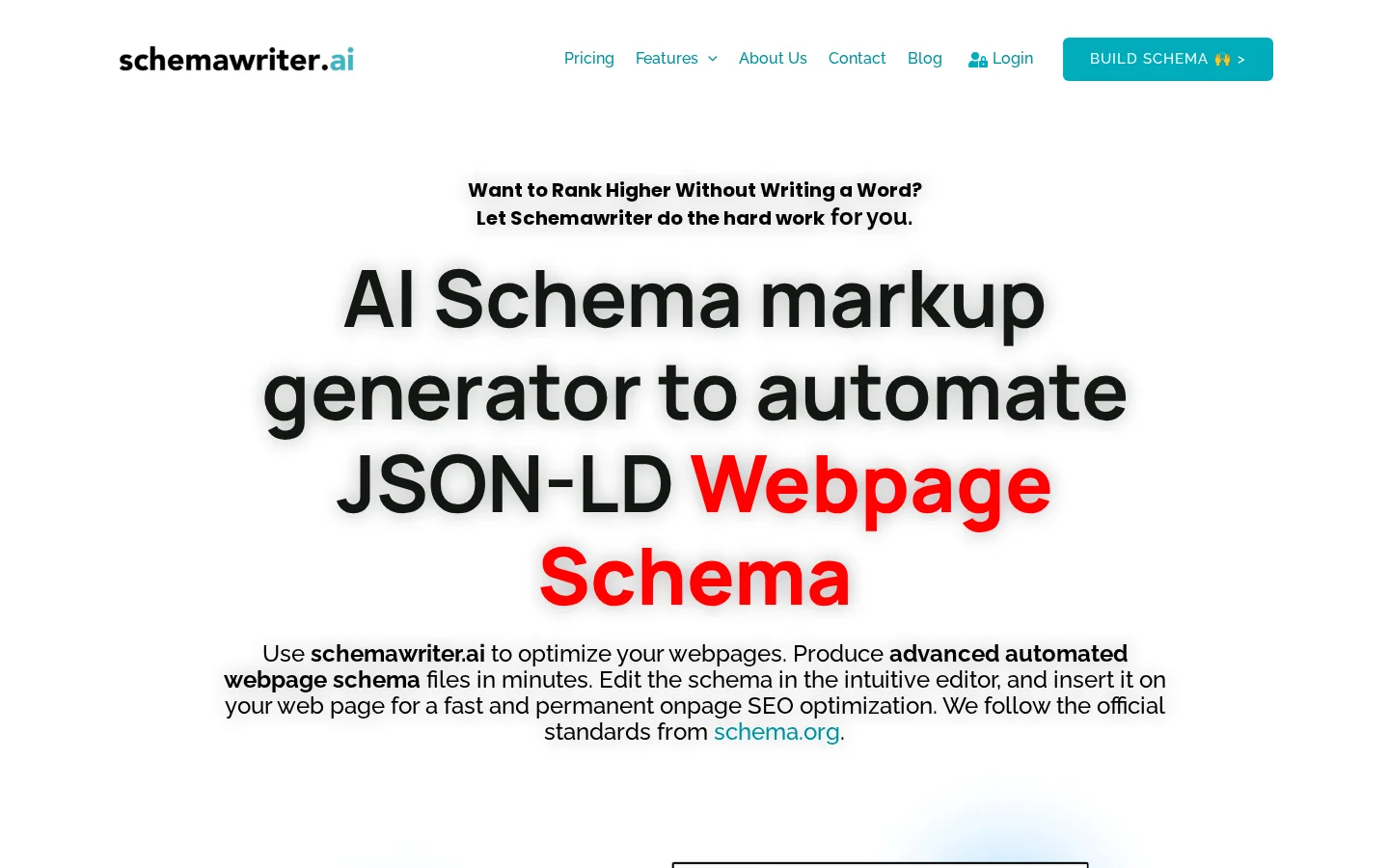
Schemawriter.ai is an AI platform that generates JSON-LD schema markup for web pages. It can also build GeoRadius and local business schema, pull a list of entities from competitor pages, and extract keywords. A built-in editor lets you change the output before it goes on your page. It is aimed at marketers, business owners and agencies, and no coding is needed.
The entry plan, Starter, is listed at $59 per month, or $600 per year. The site shows no free plan or trial. It suits you if you want quick, AI-written markup for pages and local clients. Its focus is generating markup, not managing structured data across a large enterprise site, so it does a different job from Schema App.
3.  Schema Pro
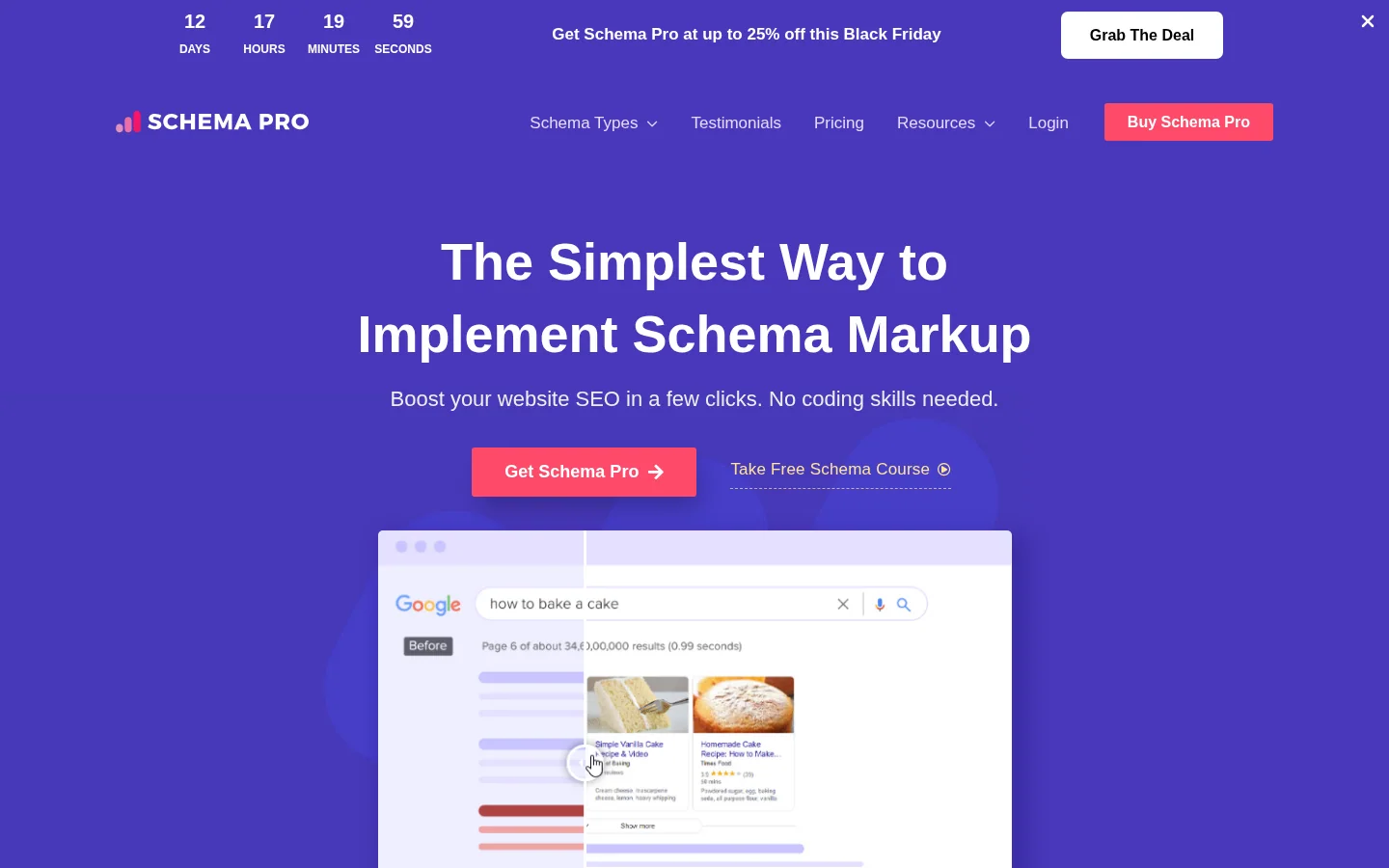
Schema Pro is a WordPress plugin from Brainstorm Force that adds structured data without manual coding. It offers more than twenty schema types, including review, product, recipe, FAQ and event, plus a custom schema tool for anything else. Default data such as the title, author and featured image can be mapped automatically, and you can override it.
You can apply schema in bulk to posts, pages or categories, and it works alongside Yoast SEO. Built-in validation flags required fields and links to Google's testing tool. The page does not show a free version or a starting price, but it does offer a 14-day money-back guarantee, so check its pricing page before you buy. It fits WordPress sites that want to add markup at scale without touching code.
4.  Yoast SEO
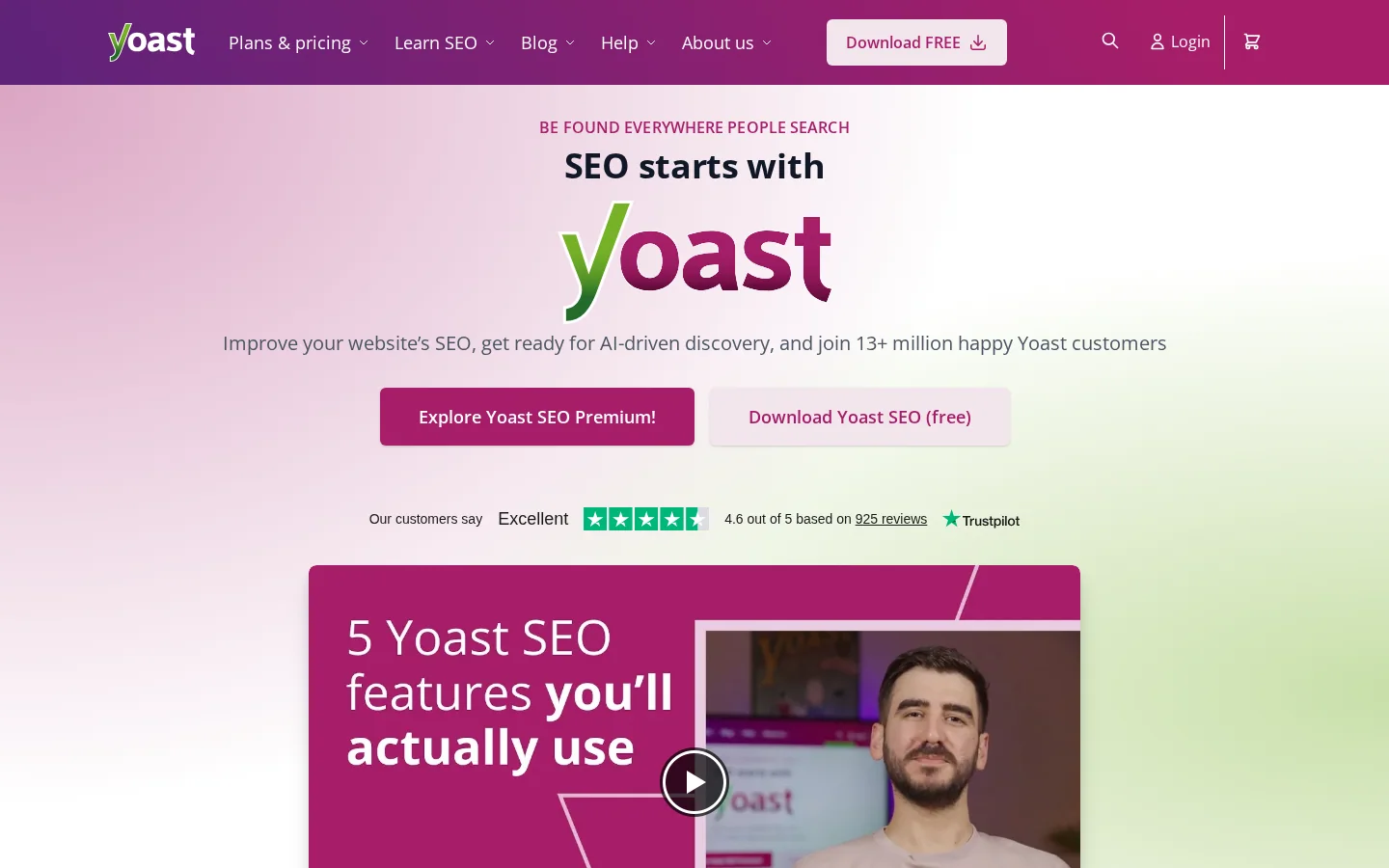
Yoast SEO is one of the best-known SEO plugins for WordPress. Its site highlights schema aggregation, real-time content analysis, redirect and internal linking suggestions, and an automatic llms.txt file that describes your site to AI systems. A free WordPress version is available to download.
The WordPress Premium plan is listed at €118.80 per year, excluding VAT. Yoast is a broad SEO toolkit, so schema is one part of the job, not the whole product. If markup is your main need, Schema App covers entity governance in more depth. If you want one plugin for titles, meta descriptions and markup, Yoast is an easy place to start.
5.  Rank Math
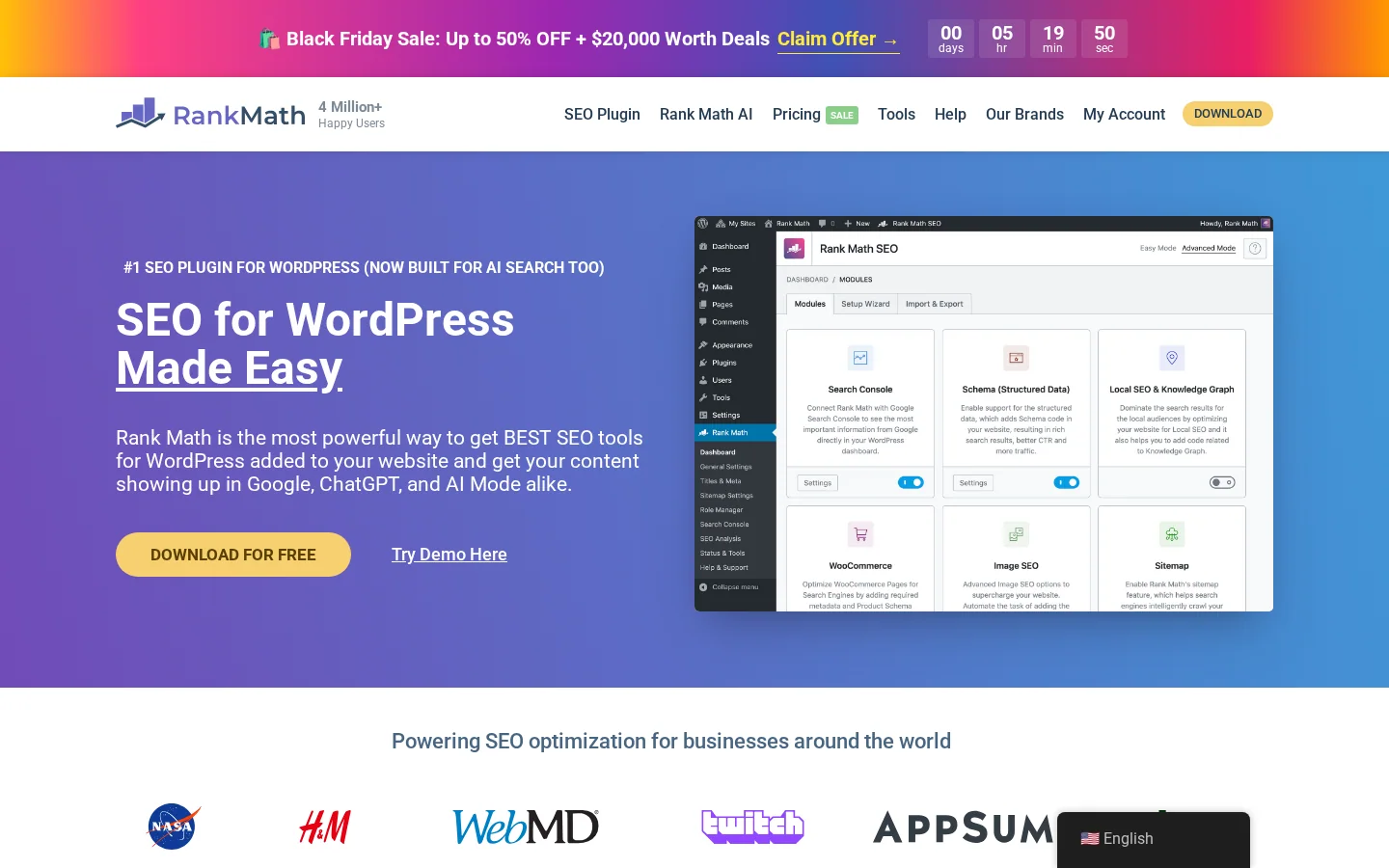
Rank Math is an SEO plugin for WordPress. It supports more than twenty schema types, including FAQ and HowTo, and you can configure them without editing HTML. It also tracks how content performs in traditional results and in AI-generated answers, and it gives built-in optimization tips while you write.
A free version is available to download. Its PRO plans are on a separate pricing page, and we did not read prices from that page, so confirm them before you decide. Like Yoast, Rank Math is a wide SEO plugin, so schema sits next to titles, redirects and indexing settings. It is a practical choice for a WordPress site run by a small team.
6.  InLinks
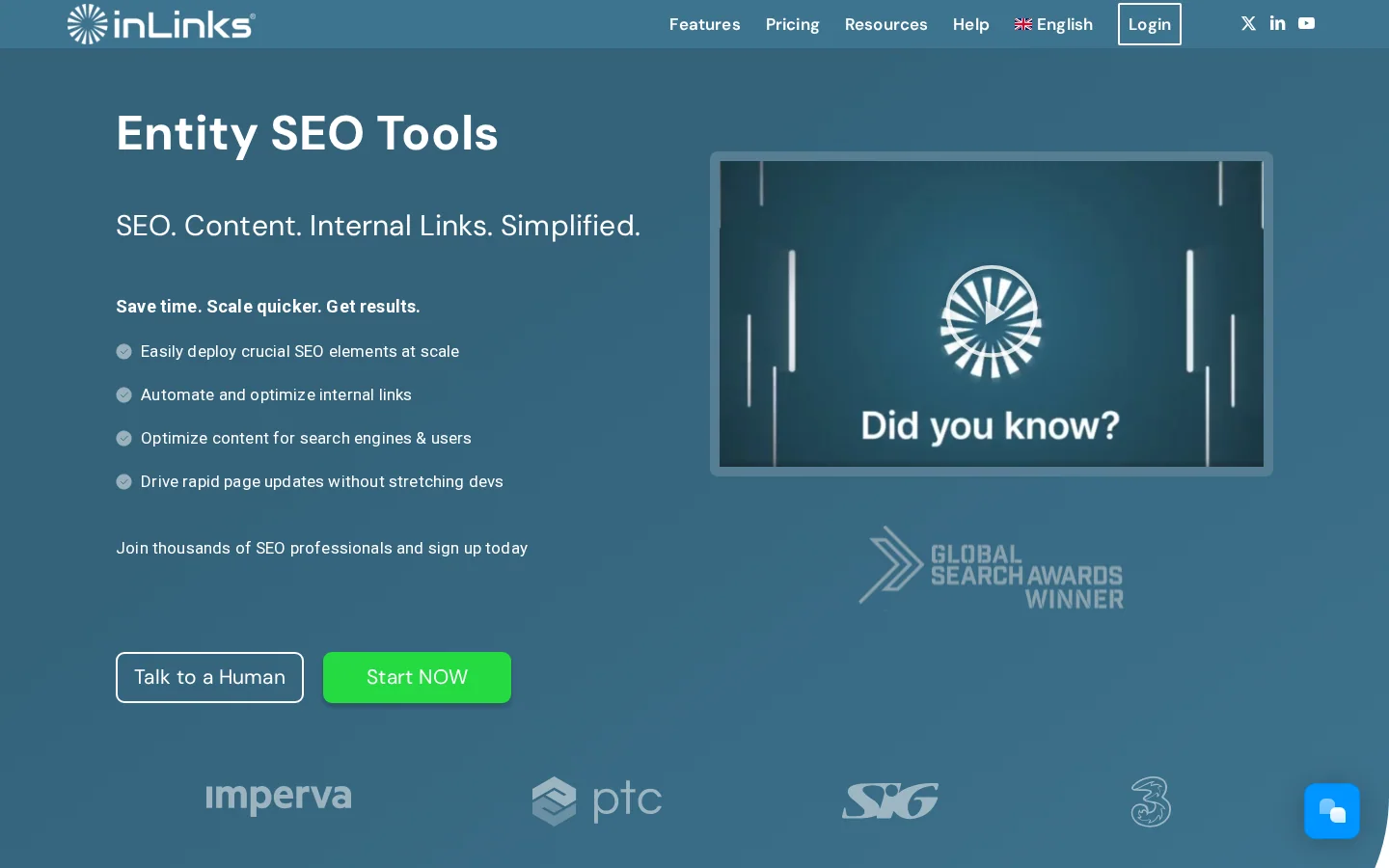
InLinks is an entity SEO tool for SEO professionals. It has a Topic Planner that clusters site concepts and finds content gaps, automated schema markup that names the entities on each page, and an entity-based internal linking audit that can insert the links. It also produces content briefs with an AI writing assistant.
InLinks has a public free plan. Its Freelancer tier is listed from US$49 per month, and its Agency tier from $196 per month. Sites with 100000 or more URLs are handled through tailored contracts. That range makes it accessible for smaller teams, and its entity focus makes it a different product from Schema App, which is built for governance at enterprise scale.
7.  Seomator
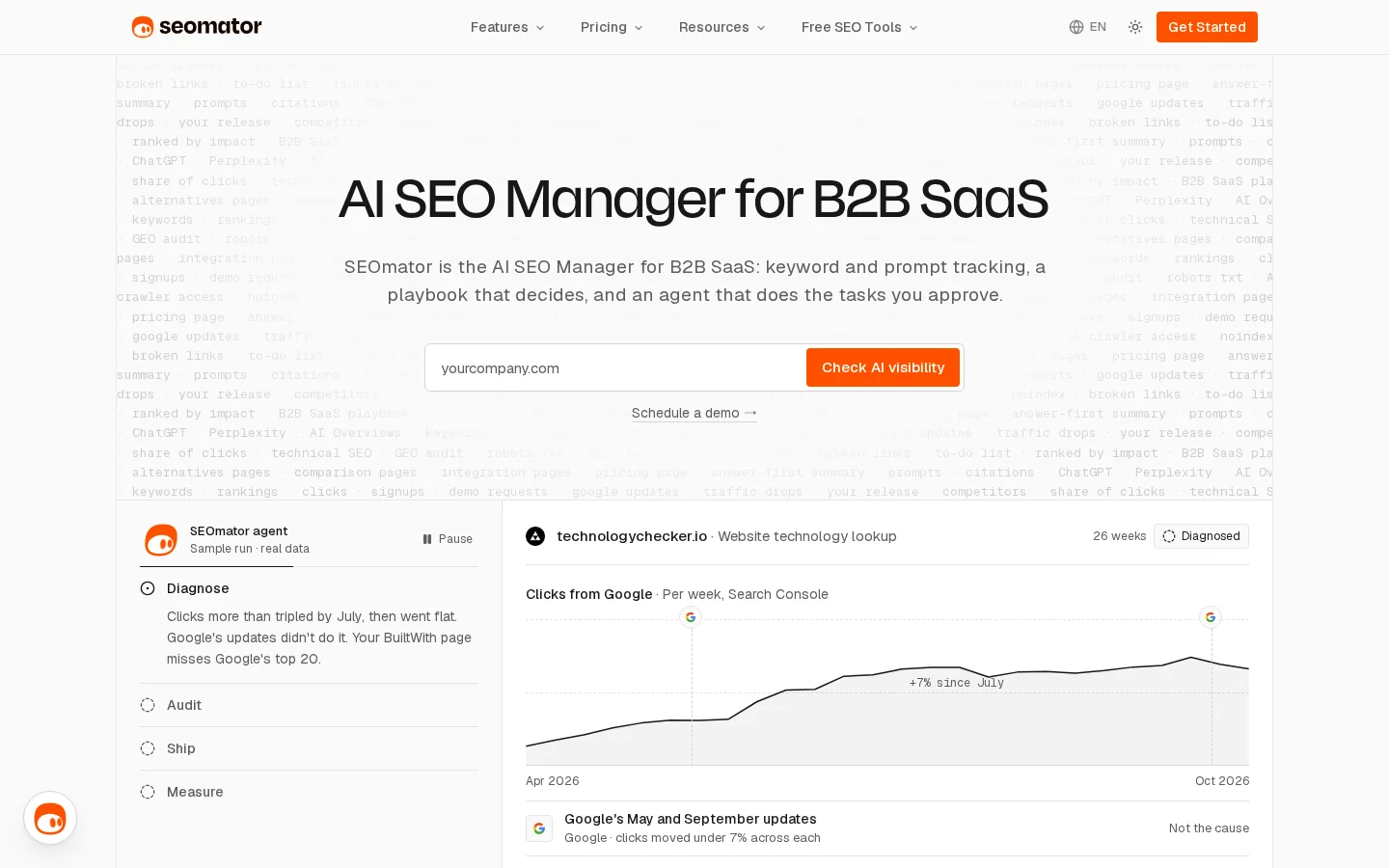
Seomator offers a schema markup generator that builds JSON-LD for one page at a time. You can paste a public URL or page text and let AI recommend a schema type, or pick a type and fill in its fields yourself. It also validates existing JSON-LD and flags fields it does not support.
The generator is free. The page lists $0 for generation, validation, copying and download, with no signup. AI assistance is rate-limited, and the page does not state the limit, but manual generation and validation are always available. It suits a small team or occasional use better than a large site rollout.
8.  xmlschemata.org
xmlschemata.org has a schema markup generator that builds copy-paste JSON-LD for Article, FAQPage, Product, LocalBusiness and BreadcrumbList. You fill in a form and copy the result.
The site says the generator is free, with no limits, no registration and no account. It runs entirely in the browser, so nothing is sent to a server. It covers five schema types only, which fits small sites, a few key pages or a quick check. It does not manage markup over time, so a larger site will need another tool.
9.  Screaming Frog SEO Spider
Screaming Frog SEO Spider is a desktop crawler that SEO teams use for technical audits. Its structured data feature extracts schema from the URLs it crawls and validates it against Schema.org specifications and Google rich result features.
The free version crawls up to 500 URLs and includes structured data support. The paid licence is listed at £199 per year and lifts the crawl limit, although the page notes that the maximum depends on memory and storage. It audits markup rather than writing it, so you still need a generator or your CMS to add schema. It is a good choice when you need to check an existing site at scale.
10.  Structured Data Markup Helper
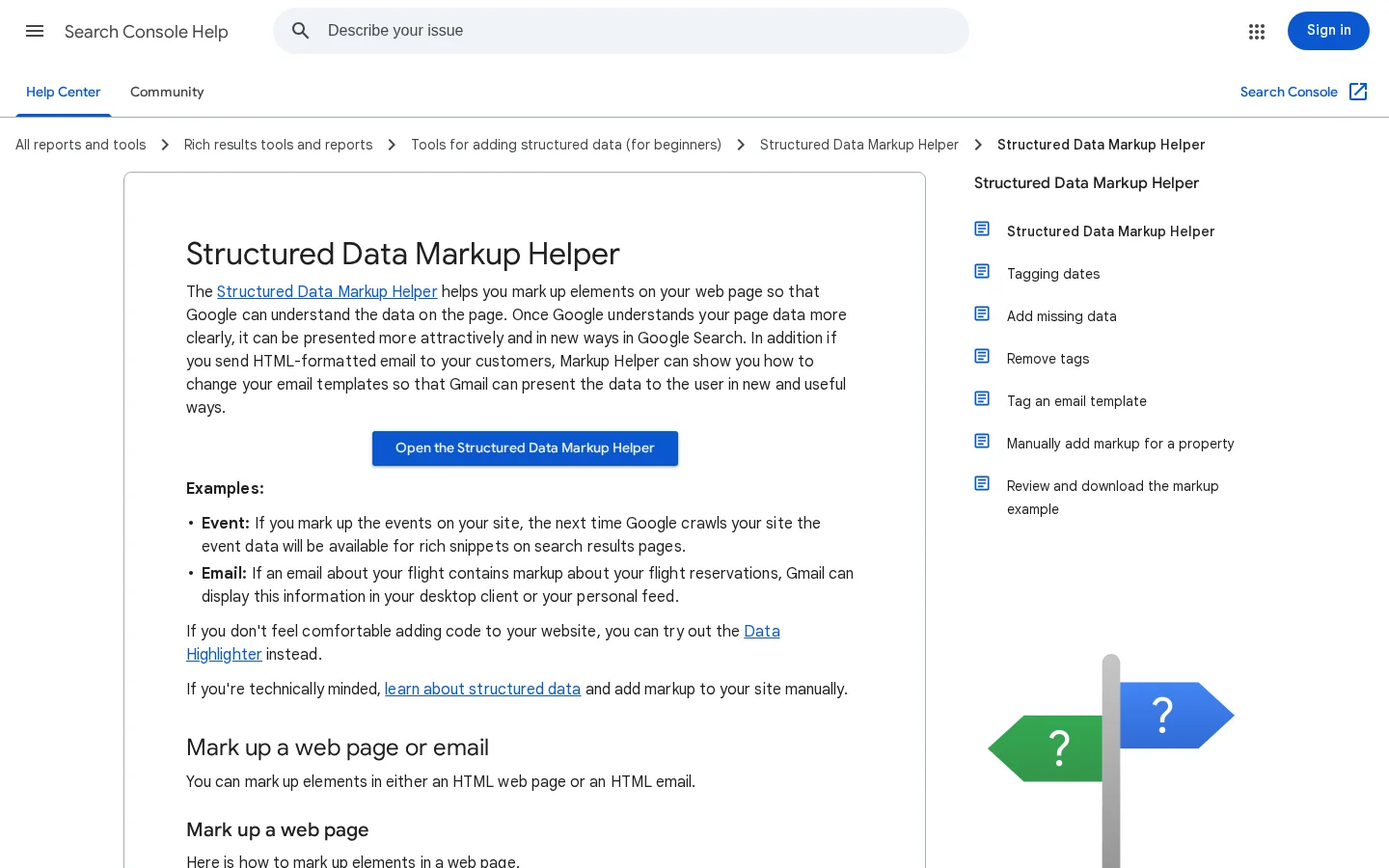
The Structured Data Markup Helper is a tool in Google's help center. You enter a page URL or paste raw HTML, highlight an element, assign it a data type, and export the markup as JSON-LD, which is the default, or as Microdata.
It is a guided tagging tool for one page at a time, and Google's help page does not state a price. It helps you learn how the markup works, straight from the company that reads it. It does not manage entities or validate a whole site, which is the job Schema App is designed for.
How to Choose the Right Schema App Alternative
Start with the job, not the feature list. If you run a WordPress site, a plugin will do most of the work. If you add markup to a few pages each month, a free generator is enough. If you need to audit a large site, a crawler is the right tool. If you manage entities across many brands, a knowledge graph platform comes closer to what Schema App offers. Test the free option first, and check the output with Google's Rich Results Test before you publish.
Markup only helps when it matches the page. For background on what the code does, read our guide to schema markup. If your goal is to be cited in AI answers, our guide to structured data for AI search explains what helps and what does not. To check your own pages, try our free structured data validator.
| Tool | Ideal for | Starting price | Main strength |
|---|---|---|---|
| WordLift | Brands and agencies that want entities and AI content | Not shown on the homepage | Knowledge graph and entity markup |
| Schemawriter.ai | Marketers and agencies with local clients | $59 per month (Starter) | AI-generated JSON-LD and local schema |
| Schema Pro | WordPress sites that want bulk markup | Not shown on the homepage | More than twenty schema types |
| Yoast SEO | WordPress sites that want one SEO toolkit | €118.80 per year (Premium, excl. VAT) | Schema inside a full SEO plugin |
| Rank Math | WordPress sites on a tight budget | Free version available | More than twenty schema types |
| InLinks | SEO professionals working on entities | From US$49 per month (Freelancer) | Automated schema and entity linking |
| Seomator | Single pages and quick checks | Free | AI or manual JSON-LD with validation |
| xmlschemata.org | Five common schema types | Free | Runs in the browser, no account |
| Screaming Frog SEO Spider | Auditing existing markup at scale | Free up to 500 URLs, £199 per year paid | Crawls and validates structured data |
| Structured Data Markup Helper | Learning and tagging one page | Not listed | Guided tagging from Google |
The prices in this table come from each vendor's homepage or pricing link as we read them. Where a vendor shows no price, the cell says so instead of guessing. Enterprise quotes depend on site size, so if you request one from Schema App, have your page count and site structure ready before the call.
Conclusion
Schema App is a serious platform for large organizations, and its enterprise focus is why it asks for a quote. For many teams the right alternative is smaller. A WordPress plugin such as Yoast SEO, Rank Math or Schema Pro covers most sites. A generator such as Seomator or xmlschemata.org is enough for a handful of key pages. A crawler such as Screaming Frog helps you find what is already broken. Pick the tool that matches the job, and test the free option before you pay for anything.
Structured data works best when it is correct and consistent. Start with the page types that matter most to your business, check the output, and review it whenever the site changes. You can build from there, whichever tool you choose.