
Preferences
Privacy is important to us, so you have the option of disabling certain types of storage that may not be necessary for the basic functioning of the website. Blocking categories may impact your experience on the website. More information
Privacy is important to us, so you have the option of disabling certain types of storage that may not be necessary for the basic functioning of the website. Blocking categories may impact your experience on the website. More information

304 Not Modified is a caching response, not an error. Learn how ETag and Last-Modified trigger it, how Googlebot reads it and how to fix false 304s.








Founder Sorank, 7+ years in SEO.
Summary
304 Not Modified is an HTTP status code a server returns to a conditional request when the cached copy is still current. Instead of sending the page again, the server answers with headers only and no body, so the browser or crawler reuses its stored version. It is a normal caching response, not an error.
Want to go further? Ask
A 304 Not Modified response is the server saying "nothing changed since your last visit". It only happens when the client already has a copy and asks, with a validator such as an ETag or a date, whether that copy is still good. If it is, the server skips the download. You save bandwidth and server work, and the visitor or the bot gets its answer faster.
304 Not Modified means the resource you asked for has not changed since the version you already hold, so there is no need to send it again. According to MDN's reference on the 304 status code, it is sent in reply to a conditional GET or HEAD request carrying an If-None-Match or If-Modified-Since header, when that condition evaluates to false.
The response is short by design. The HTTP standard, RFC 9110 section 15.4.5, states that a 304 "cannot contain content or trailers". The server still sends the headers it would have sent with a 200, such as Cache-Control, Date, ETag, Expires and Vary, so the client can refresh its cached metadata.
No, a 304 is not an error. It belongs to the 3xx family, but it does not send the client anywhere else, unlike a 301 redirect. It simply confirms that the stored copy is valid.
Seeing many 304s in your server logs or in the browser's network panel is usually a sign that caching works. MDN even notes that browser developer tools create extra requests that end in 304, so that cache access stays visible. A 304 only becomes a problem in two cases: when the content did change and the server still answers 304, or when the server never answers 304 even though nothing changed. Real errors live elsewhere, in 4xx and 5xx server errors.
A 304 works through a validation exchange in which the client proves which version it has and the server compares it to the current one. The cycle has four steps:
ETag (an identifier of this version) and a Last-Modified date.If-None-Match with the stored ETag, If-Modified-Since with the stored date, or both.Here is what the exchange looks like on the wire:
GET /pricing HTTP/1.1
Host: www.example.com
If-None-Match: "v42-a1b2c3"
If-Modified-Since: Tue, 10 Nov 2026 08:00:00 GMT

HTTP/1.1 304 Not Modified
Date: Thu, 26 Nov 2026 09:15:00 GMT
ETag: "v42-a1b2c3"
Cache-Control: max-age=3600
Vary: Accept-Encoding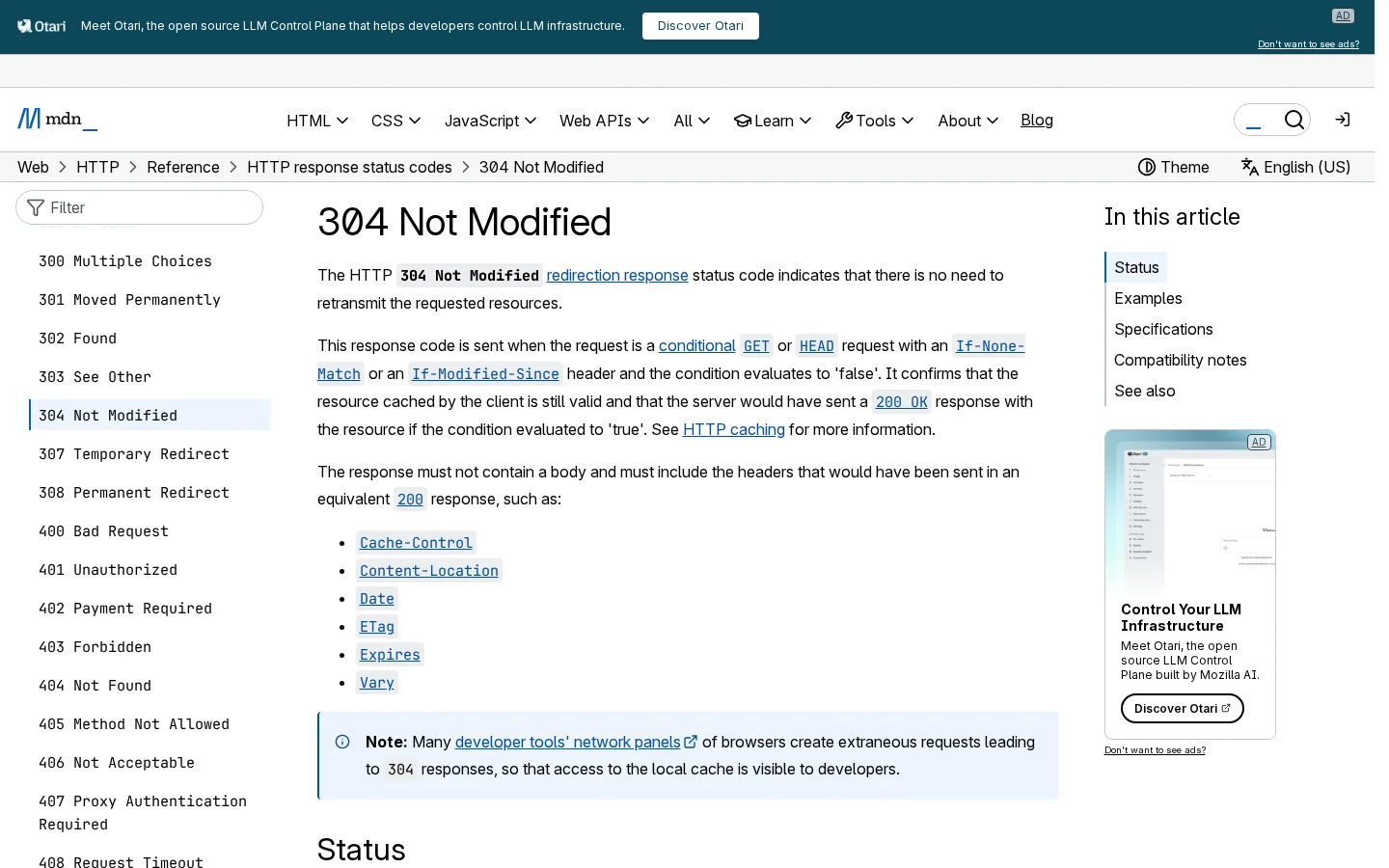
When a request carries both headers, the ETag wins. Section 13.2.2 of the same RFC sets the evaluation order: If-None-Match is checked before If-Modified-Since, and the date is only evaluated when no If-None-Match is present.
ETag identifies a precise version of the content, while Last-Modified records the date it last changed. Both let the server decide whether to answer 304, but they behave differently:
| Criterion | ETag / If-None-Match | Last-Modified / If-Modified-Since |
|---|---|---|
| What it stores | An opaque string, often a hash of the content | A date in HTTP format |
| Precision | Any change produces a new value | One second; two edits in the same second look identical |
| Priority | Evaluated first | Ignored when If-None-Match is present |
| Typical pitfall | Value that differs between servers or on each request | Date that does not move when the page changes, or a badly formatted date |
Google's crawl team leans toward ETag. In Crawling December: HTTP caching (December 9, 2024), Gary Illyes writes that Google strongly recommends ETag "because it's less prone to errors and mistakes", that its crawlers also support Last-Modified based requests, and that you can set both.
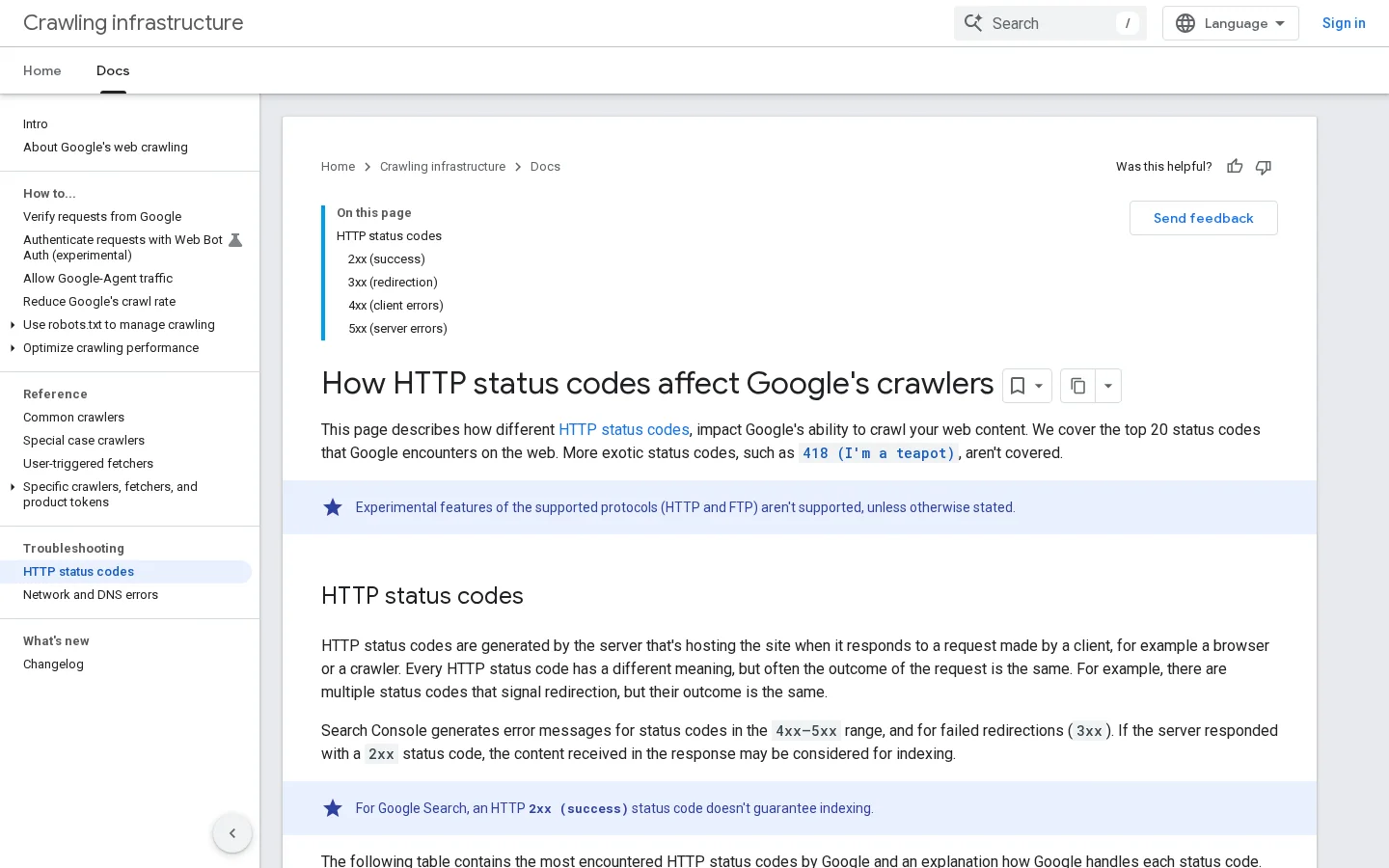
Googlebot reads a 304 as unchanged content and keeps the version it already has. Google's page on how HTTP status codes affect Google's crawlers says that on a 304, its crawlers signal to the next processing system that the content is the same as the last crawl, and that the status code has no other effect on indexing.
The benefit is on your side. In the same caching post, Google explains that a 304 with no body means your server does not spend resources generating the content and does not transfer it, which saves you money on every repeat request until the content changes. On a large site, those saved fetches leave more room in your crawl budget for new and updated pages.
Tip
Google recommends forcing a cache refresh only on significant changes. Updating the copyright year in the footer is not one, so it should not change the ETag on every page.
You can see how often Googlebot gets a 304 in Search Console: the Crawl Stats report breaks crawl requests down by response, and our guide on reading the Crawl Stats report shows where to find that line.
You check it by sending a conditional request yourself and reading the status code. Four methods, from fastest to most complete:
curl -I -H 'If-None-Match: "your-etag"' https://www.example.com/page. A working setup answers 304.An unexpected 304 almost always means a validator did not change when the content did. Check these causes in order:
The reverse case, never getting a 304, means the server sends no validator or sends one that changes on every request. It costs you bandwidth and page speed for returning visitors, but it does not block indexing.
Most 304 problems come from validators that lie in one direction or the other. Here are the five to look for.
304 matters because it makes repeat crawls cheap, so bots spend their time on pages that actually changed. For SEO, that means Googlebot recrawls your unchanged pages at almost no cost to your server and can reach new content faster, which counts most on sites with thousands of URLs.
For GEO, the stakes are the same server capacity. AI crawlers such as GPTBot and ClaudeBot add their own requests on top of search engines. A server that answers unchanged pages with light 304s instead of full pages stays fast and available for every bot, which keeps your content reachable for the AIs that may cite it. The condition is accuracy: a false 304 is worse than none, because it freezes an old version of your page in Google and wherever else it was fetched.
304 Not Modified is a healthy caching response: the server confirms the stored copy is current and sends no body. Give every page a stable ETag built from its content, and a correct Last-Modified date if you can, check that edits change them, and purge your cache layers on publish. Then confirm the setup with curl, your logs and the headers checker, and keep 304s out of your error lists. For the bigger picture, see how 304s fit into crawling.
Sources
No. Google says a 304 tells its systems the content is the same as the last crawl and has no other effect on indexing. It only hurts when the server answers 304 after the page really changed, because Google then keeps the old version.
If the page did not change, there is nothing to fix: the 304 is caching working as intended. If the page changed, make sure your ETag or Last-Modified value updates with the content, then purge your CDN, proxy or plugin cache for that URL.
A 304 means the browser asked the server and the server confirmed the stored copy is still valid, with no body sent. A response served from the browser cache never reaches the server at all, because the cached copy was still fresh.
 “I tested Sorank on a real client site and it's insane. It does everything an agency would bill you $1500 a month for. It's going into production on that client now.”

 Guillaume Guersanguersanguillaume.com“We are an Ads agency and we wanted to get our SEO back on track once and for all. Sorank gave us a clear view of our site, helped us prioritize optimizations, and properly structure our content. The tool is easy to use, well designed for a team, and very practical for centralizing tracking without having to juggle multiple platforms. A very solid foundation to start fresh with our SEO.”
 Gaspard MadouiAds Agency
 “I just let the Sorank software do its thing, and now my DR is 25 and my page is ranking higher.”
 Lucas Flandrefoundertrace.fr“I specialized in GEO thanks to Sorank. The GEO Leaderboard allows me to show my clients their position vs competitors on ChatGPT. It’s a real commercial differentiator.”
 MélanieSEO Freelance“Great service, works well for our website and helps us understand how to improve it to rank better on Google and elsewhere. Congrats, keep going, I recommend it.”
 Hugo T.E-commerce merchant



















