
Preferences
Privacy is important to us, so you have the option of disabling certain types of storage that may not be necessary for the basic functioning of the website. Blocking categories may impact your experience on the website. More information
Privacy is important to us, so you have the option of disabling certain types of storage that may not be necessary for the basic functioning of the website. Blocking categories may impact your experience on the website. More information

Website optimization is the ongoing work that makes a site faster, easier to find and better at turning visitors into customers. Here is how to do it.







Founder Sorank, 7+ years in SEO.
Summary
Website optimization is the ongoing process of making a website faster, easier to find in search and better at turning visitors into customers. It covers page speed, technical health, content and user experience, and each change is measured with tools such as PageSpeed Insights.
Want to go further? Ask
Website optimization means improving every part of a site that affects visitors and search engines at the same time. That includes how fast pages load, whether Google can crawl and index them, how clear the content is, and whether visitors take the next step. Treat it as a loop rather than a one-time project: measure, fix the biggest problem, then measure again.
Start with a baseline. Record how your key pages perform today, then choose the fixes with the biggest effect for the least effort. Run the same order for each cycle.
Website optimization covers four areas. Each one has its own checks and its own fixes, and they affect each other. A fast page that Google cannot index earns no visits, and a page that ranks but loads slowly loses visitors before they read a word.
| Area | What you improve | How you check it |
|---|---|---|
| Speed | Load time, image weight, scripts | Core Web Vitals in PageSpeed Insights |
| Search access | Crawling, indexing, status codes, canonical tags | Page indexing report in Google Search Console |
| Content | Titles, headings and answers to real questions | An on-page audit of each key page |
| Conversion | Calls to action, forms and checkout steps | Conversion rate for each key page |
Google groups loading, responsiveness and visual stability into three Core Web Vitals. For a good experience, Largest Contentful Paint (LCP) should happen within 2.5 seconds of the page starting to load, Interaction to Next Paint (INP) should be 200 milliseconds or less, and Cumulative Layout Shift (CLS) should stay at 0.1 or less. The Google Search Central documentation gives the same thresholds.
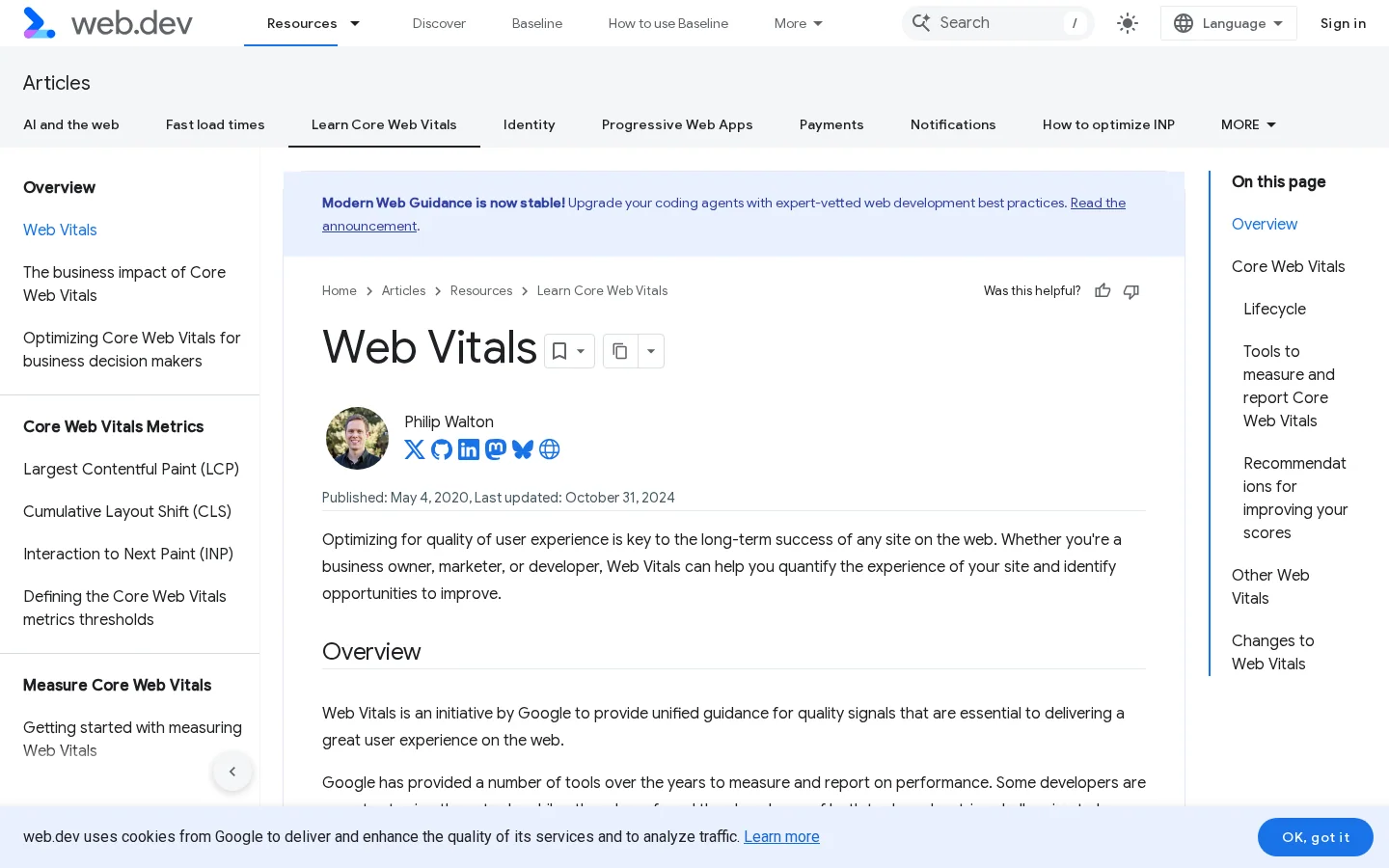
Each metric measures a different thing. LCP tracks how quickly the main content becomes usable. INP tracks how fast the page responds when a visitor clicks, taps or types. CLS tracks how much content unexpectedly shifts while the page is visible, which is why a button can shift just as you tap it. The web.dev guide to Core Web Vitals defines all three. Our glossary entry on Core Web Vitals gives a short version, and our page speed entry covers the loading side in more depth.
The PageSpeed Insights documentation explains the score. A score of 90 or above is good, 50 to 89 needs improvement, and below 50 is poor. It also explains where the data comes from. The lab data comes from Lighthouse, which runs the page in a simulated environment. The field data comes from the Chrome User Experience Report, which records real visitors. Google warns that good lab data does not necessarily mean good real-user experiences, and that scores can change from one run to the next.
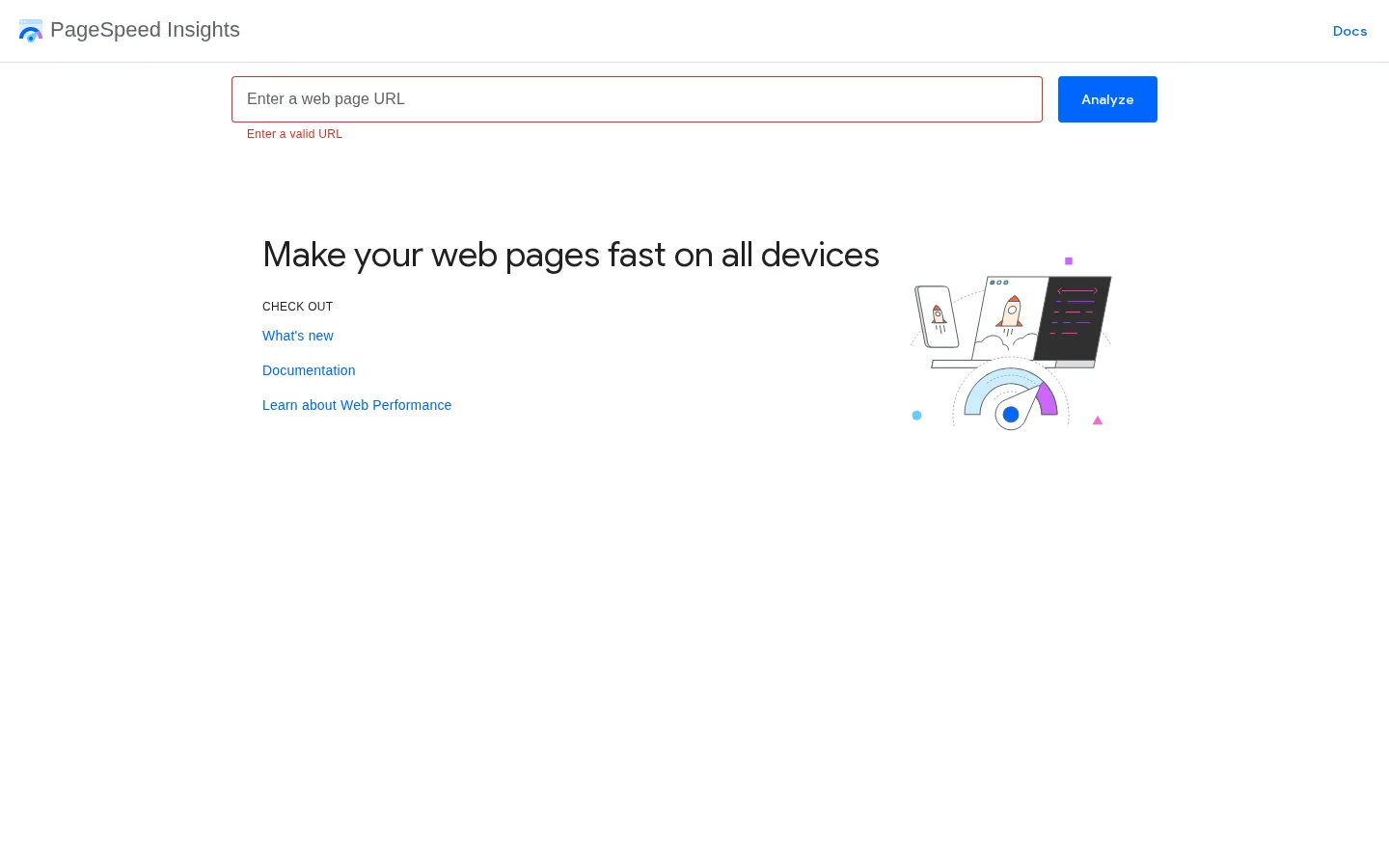
Read the field data first when it is available, because it shows what visitors actually get. Use the lab report to find the cause of a slow metric. For a step-by-step reading of the report, see our PageSpeed Insights guide.
SEO is one part of website optimization. It focuses on getting pages found, crawled and ranked by search engines and AI assistants. Conversion rate optimization focuses on what visitors do once they arrive, such as signing up or buying. Website optimization connects both, together with speed and technical health. Our conversion rate optimization entry explains the CRO side, and SEO and CRO shows how the two fit together.
The technical side makes sure crawlers can reach your pages and read them. It covers status codes, robots directives, canonical tags, XML sitemaps and HTTPS. A page that returns a 404 error or carries a noindex tag cannot rank, however good its text is. Start with our on-page SEO checklist for the page itself, then read the technical SEO basics entry. Our technical SEO optimization guide goes deeper on crawling, indexing and speed. This entry covers the whole site, from speed to conversion, so read both.
Tip
Check the status code of your top pages before you touch anything else. A page that does not return a 200 status needs fixing before any speed work.
You do not need a paid suite to start. Combine a few free tools and check the same key pages each time:
Sorank automates part of this work. Its Content Optimization module, currently in beta, checks every page of your site for errors such as missing titles, broken links and missing image alt text, and lists them page by page. You can review each change before it goes live.
Most wasted effort comes from a few repeat errors. Each one below shows what it is, how to spot it and how to fix it.
What it is: Tuning a page until its PageSpeed Insights score reaches 100 while real visitors still wait. How to spot it: The lab score improves, but the field data in the report does not change over several weeks. How to fix it: Judge the page on the field data first, then use the lab report only to find the cause of a slow metric.
What it is: Spending hours on load time for a page that carries a noindex tag, returns an error or sits behind a long redirect chain. How to spot it: The page shows as excluded in the Page indexing report, or its status code is not 200. How to fix it: Fix the status code, the robots directives and the canonical tag first, then measure speed.
What it is: Images, embeds or ads that load without a set size, so the text jumps when they appear. How to spot it: A high CLS value in the report, and visitors who tap the wrong link. How to fix it: Set width and height on images and reserve space for ads and embeds, then check CLS again.
What it is: Publishing a redesign, new templates and dozens of edits in one go, with no baseline to compare. How to spot it: You cannot say which change improved the results or hurt them. How to fix it: Record a baseline for each key page, change one group of elements at a time, and test again on the live site.
Google highly recommends that site owners achieve good Core Web Vitals for success with Search, and says that, together with other page experience aspects, these metrics align with what its core ranking systems seek to reward. It does not present them as a ranking signal on their own, so treat speed as part of a better page rather than a shortcut.
AI assistants face the same basics. Their answers start from pages that can be crawled, indexed and read, so the fixes that help a page appear in search also help it appear in AI answers.
Website optimization is a loop, not a one-off task. Measure your key pages, fix the blockers first, confirm the result on real visitors, then repeat after each change. Start with the page that brings the most traffic and extend the same method across the site.
Sources
No. SEO is one part of website optimization, focused on search visibility. Website optimization also covers page speed, technical health and what visitors do once they land.
Optimization is not a one-time job. Check your key pages after every major change, and run a full review after a redesign, a migration or a large batch of new content.
Start with the Core Web Vitals in PageSpeed Insights, which measure loading, responsiveness and visual stability. Read the field data first, because it shows what real visitors experience.
 “I tested Sorank on a real client site and it's insane. It does everything an agency would bill you $1500 a month for. It's going into production on that client now.”

 Guillaume Guersanguersanguillaume.com“We are an Ads agency and we wanted to get our SEO back on track once and for all. Sorank gave us a clear view of our site, helped us prioritize optimizations, and properly structure our content. The tool is easy to use, well designed for a team, and very practical for centralizing tracking without having to juggle multiple platforms. A very solid foundation to start fresh with our SEO.”
 Gaspard MadouiAds Agency
 “I just let the Sorank software do its thing, and now my DR is 25 and my page is ranking higher.”
 Lucas Flandrefoundertrace.fr“I specialized in GEO thanks to Sorank. The GEO Leaderboard allows me to show my clients their position vs competitors on ChatGPT. It’s a real commercial differentiator.”
 MélanieSEO Freelance“Great service, works well for our website and helps us understand how to improve it to rank better on Google and elsewhere. Congrats, keep going, I recommend it.”
 Hugo T.E-commerce merchant



















