
Preferences
Privacy is important to us, so you have the option of disabling certain types of storage that may not be necessary for the basic functioning of the website. Blocking categories may impact your experience on the website. More information
Privacy is important to us, so you have the option of disabling certain types of storage that may not be necessary for the basic functioning of the website. Blocking categories may impact your experience on the website. More information

A search query is the exact text a person types or speaks into a search engine. Learn how it differs from a keyword and where to find yours.








Founder Sorank, 7+ years in SEO.
Summary
A search query is the exact word, phrase or question that a person types or speaks into a search engine or AI assistant to find information, a product or a website, and it is the raw input that decides which results appear.
Want to go further? Ask
A search query is what the person actually typed, word for word. If someone enters "best cheap running shoes for beginners", that whole string is the query. The search engine reads it, works out what the person wants, and returns the pages that answer it best. Every visit that starts with a search begins with a query, so the queries that reach your site are the first thing to understand in SEO and GEO.
A keyword is the term you plan a page around, and a search query is the exact text someone entered. One keyword such as "running shoes" can match many queries, like "best running shoes for flat feet" or "running shoes sale near me". You choose the keyword, but the queries show how real people phrase their need. The difference matters because the same keyword can hide very different goals. To learn how to read that goal, start with search intent.
Most queries fall into a few groups by goal. Informational queries want an answer, navigational queries look for one specific site, transactional queries aim to buy or sign up, and local queries add a place. Each type calls for a different kind of page.
| Type | What the person wants | Example query |
|---|---|---|
| Informational | To learn or understand something | how do search engines rank pages |
| Navigational | To reach one known website | youtube login |
| Transactional | To buy or sign up | buy linen duvet cover queen |
| Local | To find a service near them | emergency plumber Lyon |
A guide answers an informational query, while a product or category page should answer a transactional one. If the page type does not match the query, the visitor is likely to leave without finding what they wanted.
The main source is the Performance report in Google Search Console. Google says the Queries dimension "groups your data by the search query users typed", so each row is a real phrase that led people to your site. The default view covers the past three months, so change the date range when you need a longer trend.
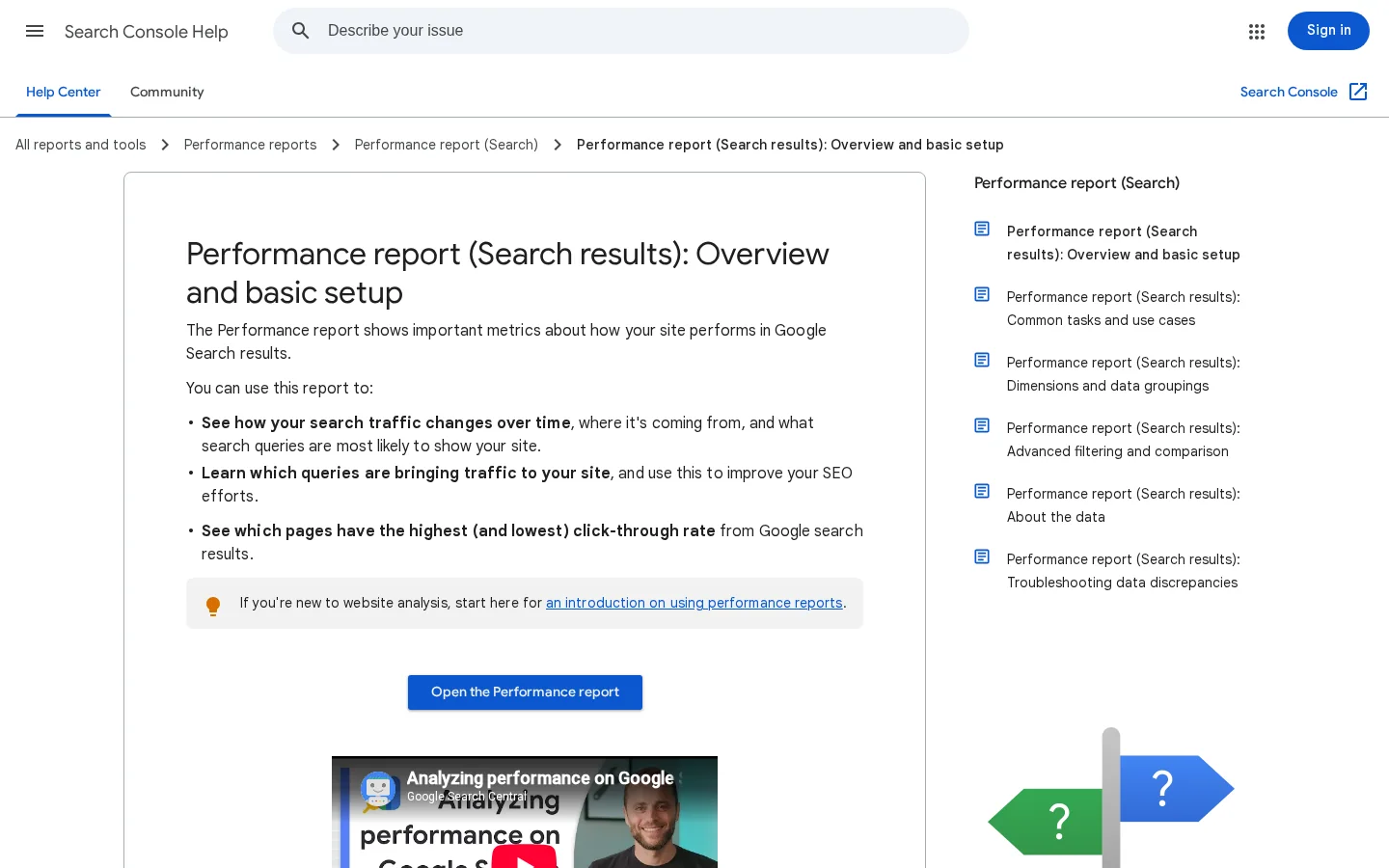
Some queries are missing from the table. In its October 2022 post on Search Console performance data, Google defines anonymized queries as those that "aren't issued by more than a few dozen users over a two-to-three month period", and it leaves them out of the table. They still count in the chart totals unless you filter by query. In one example from that post, the rows add up to 450 clicks while the chart total is 550. Use the chart totals to read trends, and the table to find the phrases you can act on.
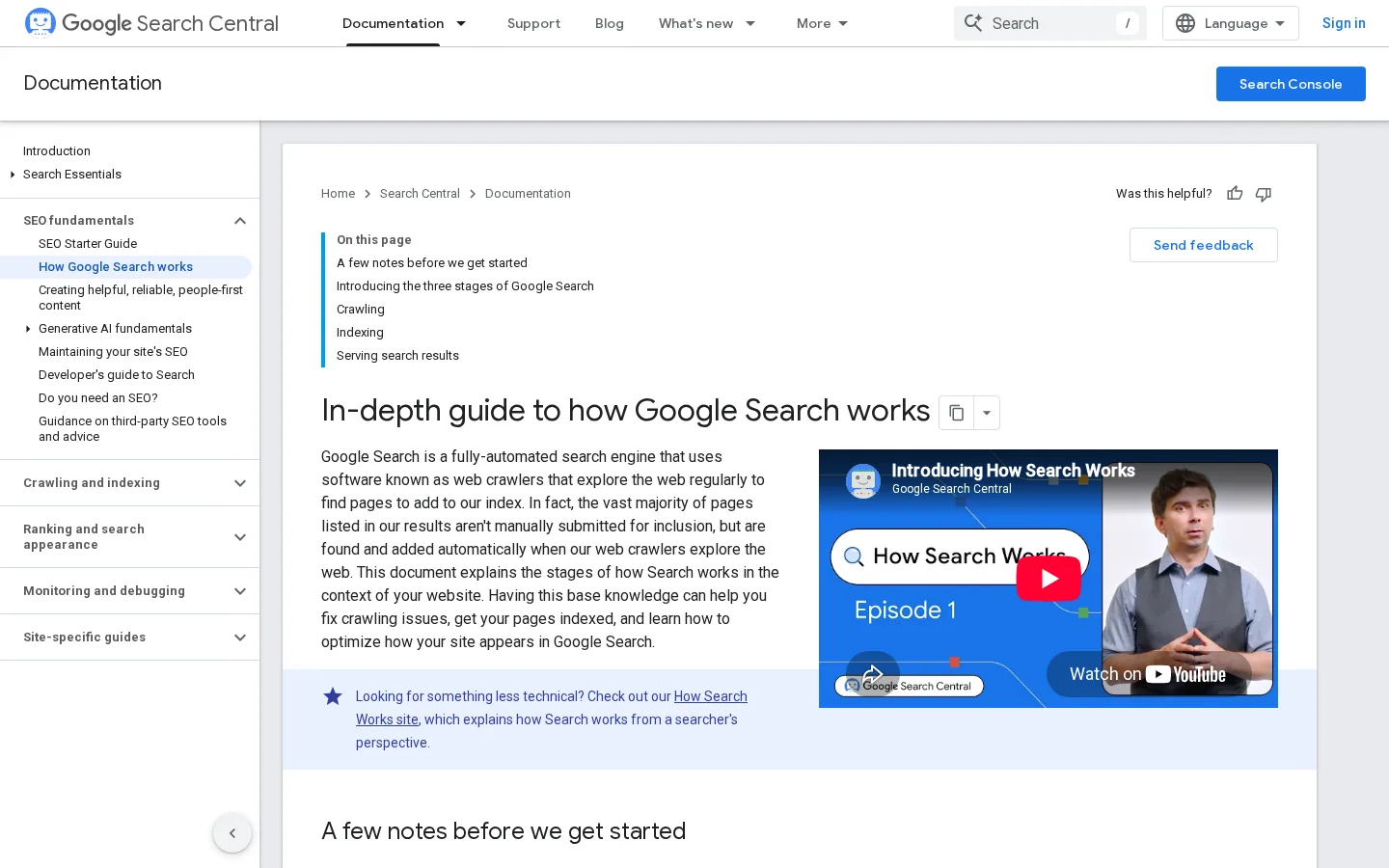
When someone searches, according to Google's guide to how Search works, its machines "search the index for matching pages", then return the results they believe are "the highest quality and most relevant to the user's query". Relevancy is "determined by hundreds of factors", and results are "specific to the time, place, device, and recent history of the person searching". The same query can therefore show different results to two people.
AI assistants read a query, then often rewrite it into more precise searches before they answer. One question can turn into several sub-searches, a process covered in our guide to query fan-out. Engines also rewrite queries to fix typos and add synonyms, which is the subject of search query optimization. That page looks at the system side. This page looks at the query from the searcher's side, as the words you can measure and use in your content.
Start from the queries you already get, then build your content around them. Follow these steps:
Sorank automates part of this work. It reads your Google queries and the questions AI models run, then scores each keyword by volume, difficulty and intent, so you choose which ones go into your calendar. See automated keyword research, or test a few terms with the free keyword suggestions tool.
Tip
Put the query's own wording into a heading, not your internal keyword label. When a visitor sees the phrase they typed in your H2, they know the section answers their question.
What it is: writing headings from your keyword list, so every title sounds like a tool export. How to spot it: your H2s read like "running shoes guide" instead of the questions people ask. How to fix it: open the Queries tab, pick the phrases with the same goal, and rewrite each heading with the closest real wording.
What it is: assuming the Queries table lists every search that brought visitors. How to spot it: the total in the chart is higher than the sum of the rows. How to fix it: read trends from the chart totals, and remember that a filter also hides anonymized queries, so totals can change when you filter.
What it is: deciding on a query from the three-month default view alone. How to spot it: a seasonal query looks like it disappeared, or a new query looks like a breakthrough after a few weeks. How to fix it: compare a longer period and check whether the query returns in the same season.
What it is: creating a new article for each small variation of the same phrase. How to spot it: several of your pages target the same queries and compete for the same results. How to fix it: group the variations by intent, keep one strong page per group, and merge the weaker pages into it.
The query is where demand shows itself. Search volume estimates how many people type a phrase, and your own Search Console data shows which queries already bring visitors. For AI search, the same logic applies: the AI's own searches decide which sources it reads. Branded queries show who already knows your name, while long-tail keywords show the precise needs that a broad page cannot answer well.
A search query is the real wording a person types or speaks, and it is the most direct signal of what they want. Read your queries in Search Console, group them by goal, and write each page around the words people actually use. Keep the chart totals and the table side by side, because each one shows a different part of the picture.
Sources
A keyword is the term you plan a page around, while a search query is the exact text someone entered. One keyword can match many queries, so the queries show how real people phrase their need.
In the Performance report of Google Search Console, open the Queries tab. Some queries are hidden for privacy, so the table is never complete, but it is the most direct source of the words people use to find you.
Yes. AI assistants often rewrite one question into several searches before they answer, a process called query fan-out. Tracking those searches shows which sub-questions your content must answer to be cited.
 “I tested Sorank on a real client site and it's insane. It does everything an agency would bill you $1500 a month for. It's going into production on that client now.”

 Guillaume Guersanguersanguillaume.com“We are an Ads agency and we wanted to get our SEO back on track once and for all. Sorank gave us a clear view of our site, helped us prioritize optimizations, and properly structure our content. The tool is easy to use, well designed for a team, and very practical for centralizing tracking without having to juggle multiple platforms. A very solid foundation to start fresh with our SEO.”
 Gaspard MadouiAds Agency
 “I just let the Sorank software do its thing, and now my DR is 25 and my page is ranking higher.”
 Lucas Flandrefoundertrace.fr“I specialized in GEO thanks to Sorank. The GEO Leaderboard allows me to show my clients their position vs competitors on ChatGPT. It’s a real commercial differentiator.”
 MélanieSEO Freelance“Great service, works well for our website and helps us understand how to improve it to rank better on Google and elsewhere. Congrats, keep going, I recommend it.”
 Hugo T.E-commerce merchant



















