
Preferences
Privacy is important to us, so you have the option of disabling certain types of storage that may not be necessary for the basic functioning of the website. Blocking categories may impact your experience on the website. More information
Privacy is important to us, so you have the option of disabling certain types of storage that may not be necessary for the basic functioning of the website. Blocking categories may impact your experience on the website. More information

Spam score is a risk number for a website or an email. Learn what Moz's Spam Score and email spam filter scores mean and how to check them.








Founder Sorank, 7+ years in SEO.
Summary
Spam score is a risk number for a website or an email. For SEO, Moz's Spam Score is a percentage that estimates how closely a site matches sites Google penalized. For email, it is the points a filter such as SpamAssassin adds to a message, which is marked as spam once the total reaches a limit of 5.0.
Want to go further? Ask
Spam score has two meanings. In SEO, it is a risk signal about a website, its links and its pages. In email, it is a number from a spam filter. Both measure risk, but they are calculated in different ways, so check which one you are looking at before you act on it.
A website spam score estimates whether a site shares traits with sites that search engines have penalized. The best known version is Moz's Spam Score, a metric from the SEO software company Moz. It is built from signals on a site and on its inbound links, and it is compared with patterns seen on penalized sites.
Moz's Spam Score is shown as a percentage. The higher the percentage, the closer the signals are to those of penalized sites. It is a risk estimate. It does not prove that a site has been penalized, and Google does not publish a spam score of its own.
An authority score measures something else. A metric such as Domain Rating shows how strong a site's link profile is, while spam score shows how risky that profile looks. Read the two together.
In email, a spam score comes from a filter. SpamAssassin, an open source filter, runs a set of tests on each message. Each test that fires adds points, and the sum is the spam score. The SpamAssassin configuration documentation says that whatever tests fired so far determine the final score, and that rules can carry positive or negative values.
The filter then compares the total with a threshold, set by the required_score option. The documentation gives the default as 5.0 and calls it quite aggressive. It suggests a more conservative value, such as 8.0 or 10.0, for a service with many users.
required_score 5.0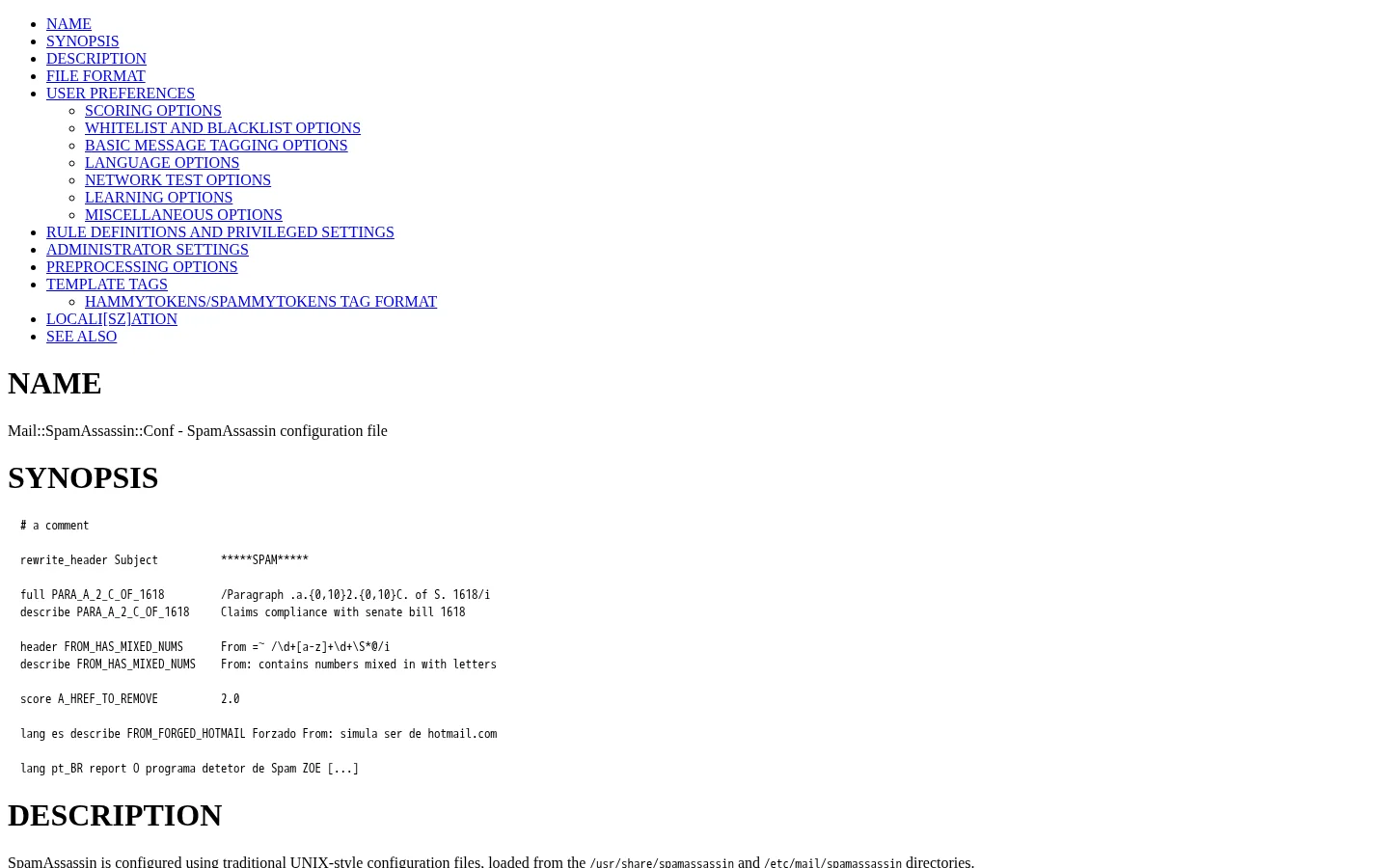
For how to keep your own messages out of the filter, read email outreach rules.
For email, the threshold in the filter settings sets the line. The default is 5.0. The documentation also advises a very high score, such as 15.0 or more, before any automatic deletion of messages.
For a website, a high Spam Score is a reason to look at the links and pages behind it, not a verdict on the site.
For a website, open the domain in Moz's Link Explorer and expand the Spam Score section. It lists the signals that fired and sample domains linked to them, so you can see which part of the link profile is risky. Then review the backlinks behind each signal. A full backlink audit walks through each link step by step. A free backlink checker on sorank.com is one way to get the list of links that point to a site.
Warning
A high score is a signal to investigate. Confirm each risky link on its own page before you change anything.
For email, look at the full headers of a message. When a filter keeps SpamAssassin's default headers, each message carries a status line with its score and the required score, so you can read both numbers in one place.
This mistake is a report that says Google has judged a site by its spam score. You spot it when a score is used as proof of a penalty. Fix it by treating the score as Moz's own estimate. Then check the links and pages behind it, and check whether Google Search Console shows a manual action on the site.
This mistake is removing every link from a high-score domain. You spot it when a disavow file is built from a list of domains with no check of each page. Google defines link spam as links made "primarily for the purpose of manipulating search rankings". Fix it by reading each link and disavowing only the ones that fit that definition. The toxic backlinks guide explains when disavowing is needed.
This mistake is keeping 5.0 on every mail flow. You spot it when real messages land in the spam folder and nobody reads their scores. Fix it by reading the scores of real messages first, then change the threshold in small steps and check the results again. The documentation's own warning that 5.0 is aggressive is the reason to test.
This mistake is comparing Moz's percentage with an email filter's points as if they were the same scale. You spot it in a report that lists one "spam score" with no tool named. Fix it by writing the tool and its scale next to every number, and never comparing numbers from different tools.
A spam score is an early warning. A site with risky links or thin pages may lose the trust that links and content need to rank. Pages written in bulk with little value also raise the risk, which is why AI spam is a separate risk to manage.
The same care applies to GEO, the work of getting cited by AI. A clean link profile makes a site easier to trust. Build new links on a plan, as explained in link building, and compare the cost and risk of each method in AI citations vs backlinks.
Spam score has two meanings. For a website, it is Moz's percentage estimate of how much a site looks like penalized sites, and it is a reason to check links. For email, it is the points a filter adds to a message, judged against a threshold that defaults to 5.0. Check which meaning you have, write down the tool, and review the source before you act. To see how a related metric differs, read about domain authority.
Sources
For a website, Moz's Spam Score is a risk estimate, not a pass or fail mark, so a high score is a reason to review links, not proof of a penalty. For email, the default SpamAssassin threshold is 5.0, a value the documentation calls quite aggressive.
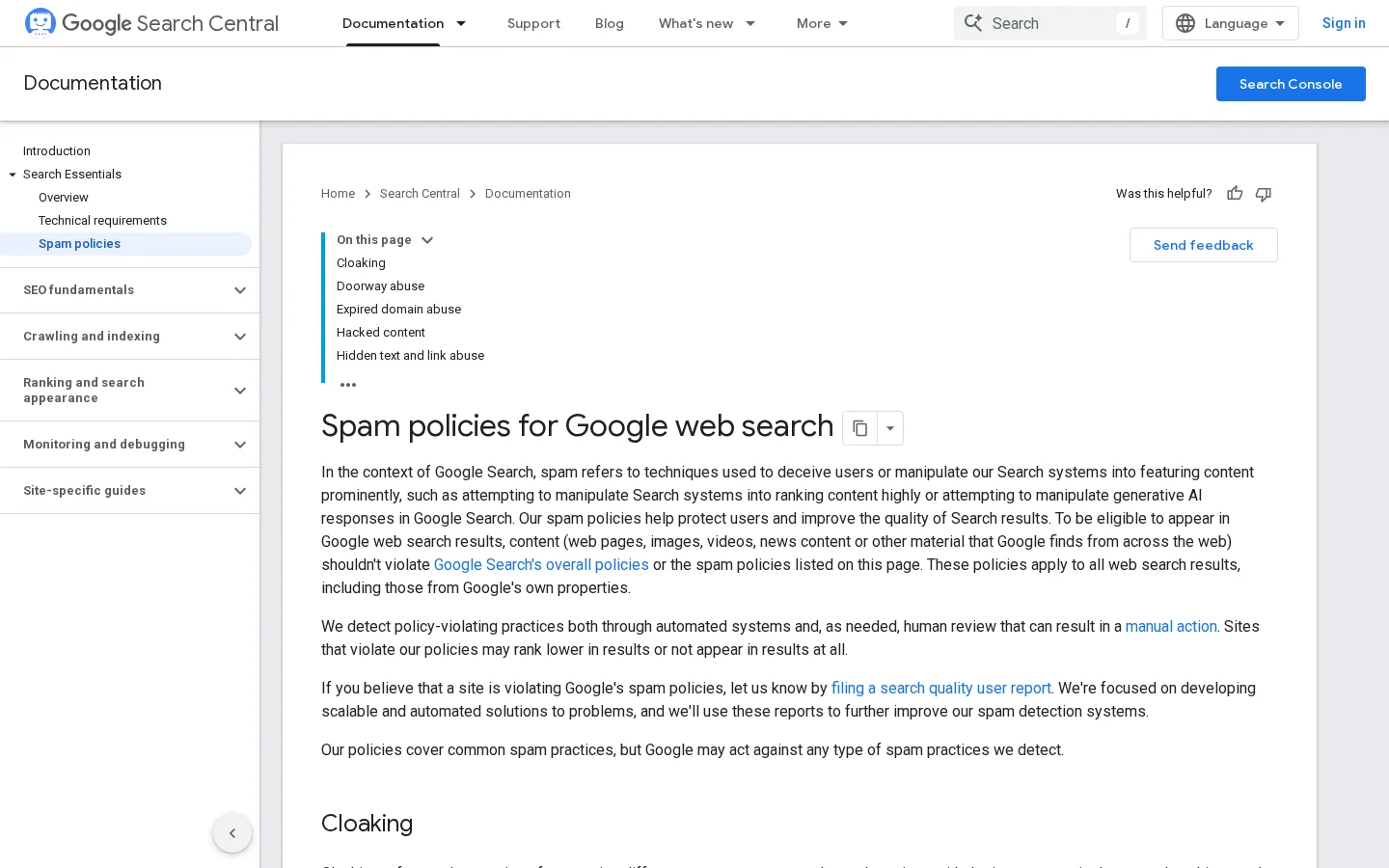
No. Moz's Spam Score is Moz's own estimate. Google's spam policies describe behavior it penalizes, such as link spam, not a numeric score.
Start by reviewing the links and pages the tool flags. Remove or disavow only the links that are a real problem, and fix pages with thin or duplicate content. Then check again after your changes.
 “I tested Sorank on a real client site and it's insane. It does everything an agency would bill you $1500 a month for. It's going into production on that client now.”

 Guillaume Guersanguersanguillaume.com“We are an Ads agency and we wanted to get our SEO back on track once and for all. Sorank gave us a clear view of our site, helped us prioritize optimizations, and properly structure our content. The tool is easy to use, well designed for a team, and very practical for centralizing tracking without having to juggle multiple platforms. A very solid foundation to start fresh with our SEO.”
 Gaspard MadouiAds Agency
 “I just let the Sorank software do its thing, and now my DR is 25 and my page is ranking higher.”
 Lucas Flandrefoundertrace.fr“I specialized in GEO thanks to Sorank. The GEO Leaderboard allows me to show my clients their position vs competitors on ChatGPT. It’s a real commercial differentiator.”
 MélanieSEO Freelance“Great service, works well for our website and helps us understand how to improve it to rank better on Google and elsewhere. Congrats, keep going, I recommend it.”
 Hugo T.E-commerce merchant



















