
Preferences
Privacy is important to us, so you have the option of disabling certain types of storage that may not be necessary for the basic functioning of the website. Blocking categories may impact your experience on the website. More information
Privacy is important to us, so you have the option of disabling certain types of storage that may not be necessary for the basic functioning of the website. Blocking categories may impact your experience on the website. More information

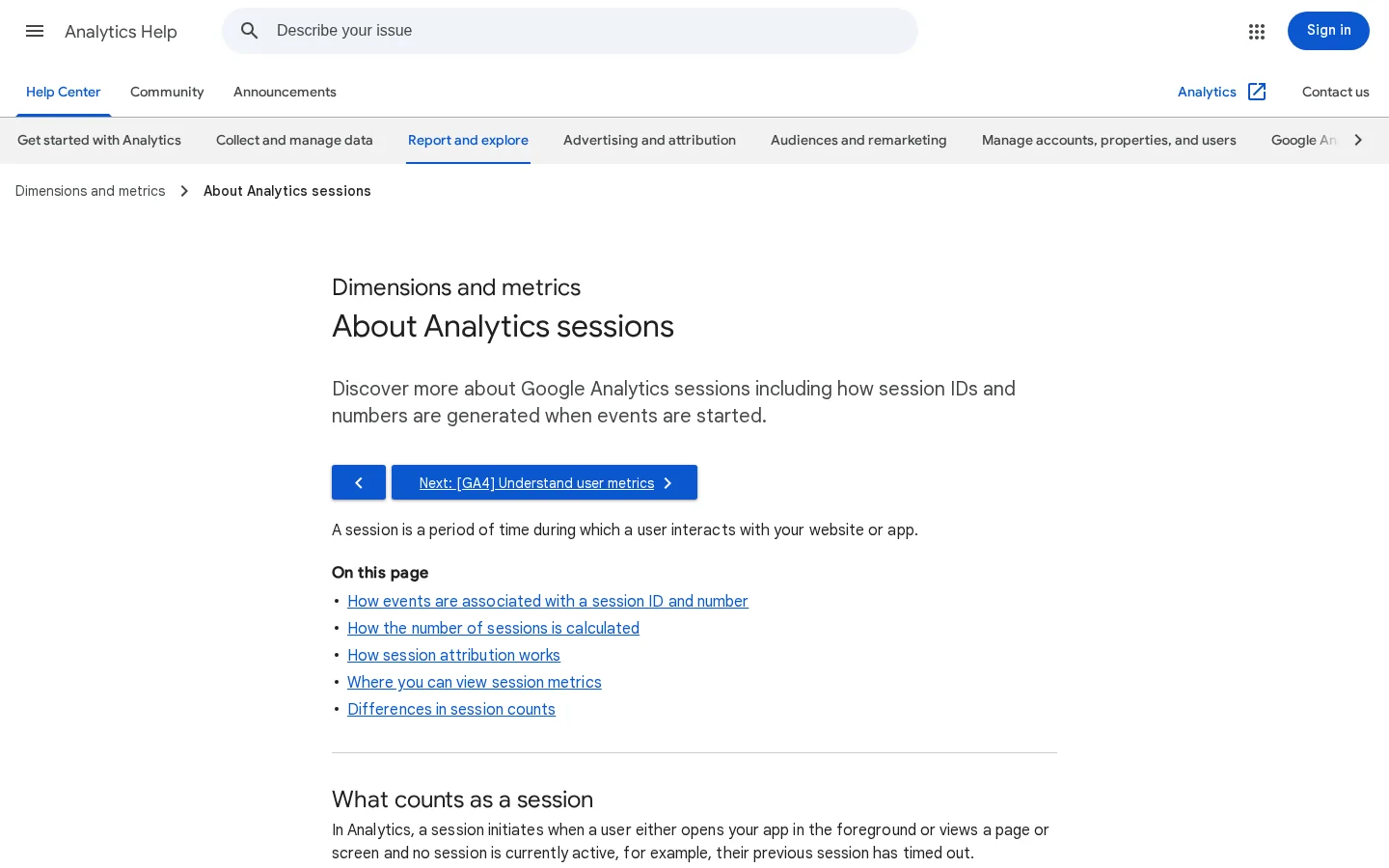
A session in Google Analytics is one visit to your site. Learn how GA4 starts, ends and counts sessions, and how they differ from users and UA.








Founder Sorank, 7+ years in SEO.
Summary
A session in Google Analytics is a period during which one user interacts with your website or app, starting with a first page view or app open and ending after 30 minutes of inactivity by default. GA4 counts sessions by estimating the number of unique session IDs, so one user can generate many sessions.
Want to go further? Ask
Sessions in Google Analytics are the unit that turns a stream of clicks into visits. Every page view, scroll, click or purchase belongs to a session. When you read "sessions" in a report, you read how many separate visits your site received, not how many people came. This page explains how a session starts and ends, how Google Analytics 4 (GA4) counts it, how it differs from Universal Analytics and from users, and which mistakes distort the number.
A session is a group of interactions one user has with your site within a given time frame. Google's legacy documentation calls it the container for a user's actions: a single session can hold several page views, events and ecommerce transactions (Analytics Help, How a web session is defined in Universal Analytics).
In GA4, the definition is the same idea with an event-based model. A session starts when a user opens your app in the foreground or views a page while no session is active. It ends after a period of inactivity. There is no limit on how long a session can last, as long as the user keeps interacting.
Think of it this way: a user is a person (or more exactly, a browser or device), a session is one visit of that person, and an event is one action during the visit.
A GA4 session starts with the first page or screen view when no session is active, and ends after 30 minutes without any interaction. Each new interaction resets the 30-minute countdown.
Google's own example makes it concrete. A user arrives at 14:01, so the session would expire at 14:31. They interact at 14:02, and the expiry moves to 14:32. If they then take a 29-minute break, the session continues as if they never left. If the break lasts 31 minutes, the first session ends and a new one starts when they come back (Analytics Help, legacy session example).
So a session ends in GA4 in only one case: inactivity longer than the timeout. Closing the tab does not end it immediately. Opening a second tab does not create a second session.
Note
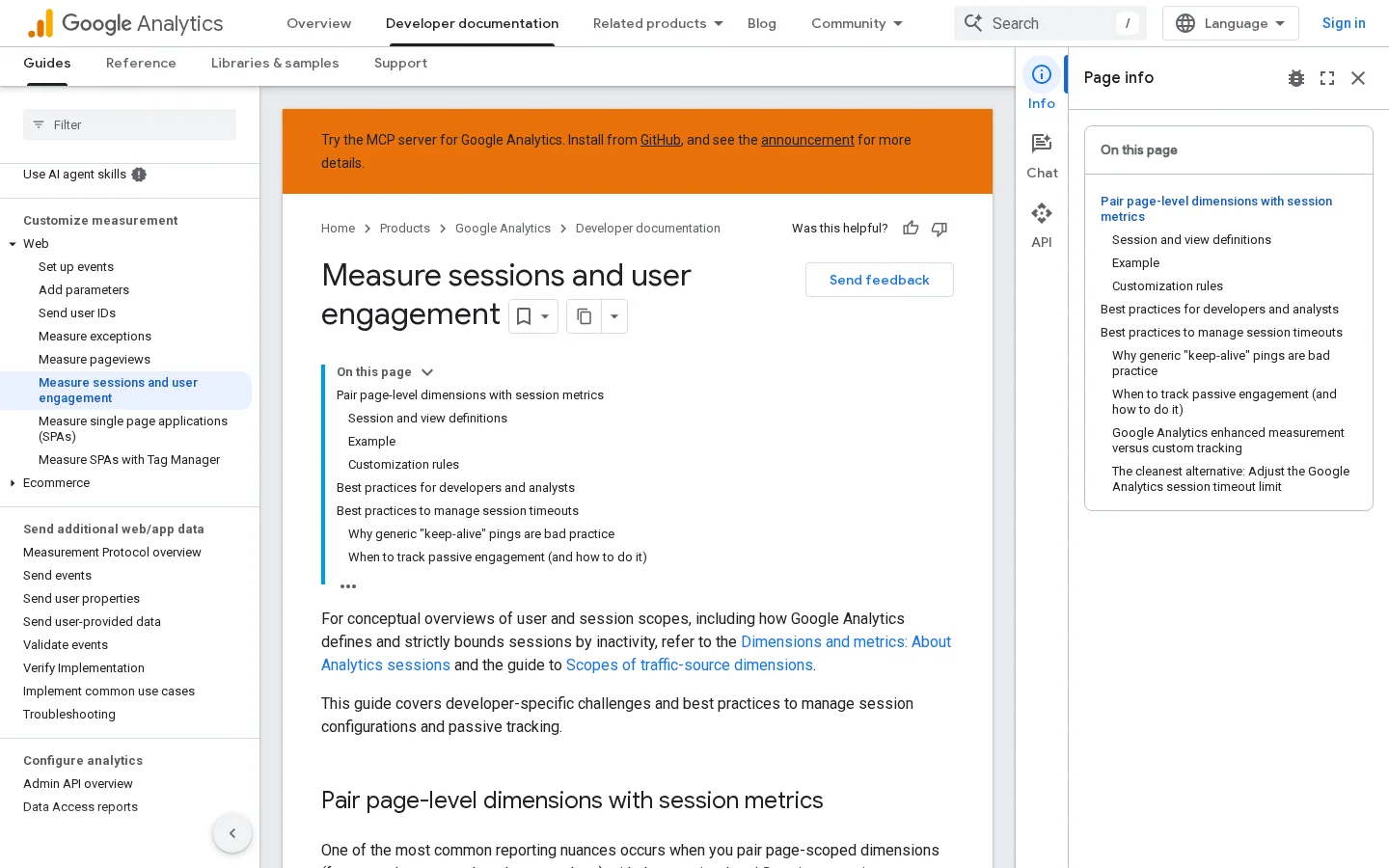
The 30-minute default is a setting, not a law. On the web, you can change it per data stream. Google's developer guide on GA4 sessions gives a maximum of 7 hours and 55 minutes.
GA4 counts sessions by estimating the number of unique session IDs it received. When a session begins, Analytics collects a session_start event and generates two values that are attached to every following event:
Google explains that sessions are estimated by counting unique session IDs, and that since October 2021 this count uses HyperLogLog++ (HLL++), an algorithm that estimates distinct counts (Analytics Help, About Analytics sessions). The result is very close to the real number, but not identical. Google's example shows 1463 sessions in reports against 1501 in BigQuery for the same week, and both sources show the same 25% growth week over week.
Because ga_session_id is only a timestamp, two users can start a session in the same second. In BigQuery, you get a unique session key by combining it with the user identifier:
SELECT COUNT(DISTINCT CONCAT(user_pseudo_id, CAST((SELECT value.int_value FROM UNNEST(event_params) WHERE key = 'ga_session_id') AS STRING))) AS sessions FROM `your-project.analytics_123456789.events_*`Note also that events sent through the Measurement Protocol or Data Import do not carry a session ID automatically. If you send server-side events, add it yourself or they will not join any session.
GA4 ends a session only on inactivity, while Universal Analytics also cut sessions at midnight and on every campaign change. Google's comparison page states that in GA4, "sessions aren't restarted at midnight or when new campaign parameters are encountered," and that GA4 uses a statistical estimate where Universal Analytics did not (Analytics Help, Comparing metrics: Google Analytics vs. Universal Analytics).
| Rule | Universal Analytics | GA4 |
|---|---|---|
| Inactivity timeout | 30 minutes by default | 30 minutes by default |
| New session at midnight | Yes, in the view's time zone | No |
| New session on campaign change | Yes (new source, new gclid, new referrer) | No |
| How the total is calculated | Exact count | Estimate (HLL++) |
| Bounce rate | Single-page sessions with no interaction | Sessions that were not engaged |
The practical effect: a user who visits at 23:50 and leaves at 00:10, or who comes back through a paid ad during an organic visit, made two sessions in Universal Analytics and makes one in GA4. That is why GA4 often shows fewer sessions than the old property did for the same traffic. Universal Analytics has been retired, so this mainly matters when you compare old reports with new ones.
Users count people (browsers or devices, in practice), sessions count visits. One user who comes three times in a week counts as one user and three sessions. In GA4, the "Users" label in most reports refers to active users, the number of distinct users who visited your site or app.
| Metric | What it counts | Typical relation |
|---|---|---|
| Users | Distinct people (browser or device IDs) | The smallest number |
| Sessions | Distinct visits of those users | Equal to or higher than users |
| Views | Every page or screen load, repeats included | Equal to or higher than sessions |
| Events | Every action recorded | The largest number |
The ratio of sessions to users tells you how often people come back. A rising ratio means returning visitors. For the first-visit side of the story, read our definition of new users in analytics.
Sessions and views also differ by page. Google's developer guide gives the example of a visit going from /home to /products and back to /home: /home gets 2 views but 1 session, /products gets 1 view and 1 session. If you add up the session column you get 2, but the visit was only 1 session (Google for Developers, GA4 sessions).
An engaged session is a session that lasts 10 seconds or longer, has at least one key event, or has 2 or more page or screen views (Analytics Help, engaged session definition). It is the base of the GA4 engagement rate, and the GA4 bounce rate is simply the share of sessions that were not engaged. We cover the formula and good values in our page on engaged sessions and engagement rate.
Other session-based metrics you will meet in reports:
You find sessions in the Acquisition and Engagement reports and in Explorations. The Traffic acquisition report is the most useful one: it shows sessions by session source, medium and default channel group, so you see how many visits came from organic search, referral or direct. To break them down further, use session-scoped GA4 dimensions such as session source or landing page.
To change the session timeout on a website:
Change it only if your visitors really stay inactive for long periods with the page open: long video courses, documentation read next to a code editor. For a classic blog or online shop, keep the default.
Most wrong conclusions about sessions come from a few avoidable errors.
Sessions are the number that tells you whether your search visibility turns into visits. Search Console shows clicks from Google; GA4 shows the sessions those clicks start, and what happened next. Filtering sessions on the Organic Search channel is the standard way to measure organic traffic growth, and our guide on using GA4 to measure organic and AI traffic shows the setup step by step.
For GEO, sessions are also how you see visits from AI assistants. A user who clicks a source link in ChatGPT, Gemini or Perplexity starts a session with that referrer, so you can count those visits and compare their engagement with Google visits. If you want Google and AI traffic in one place without building reports, the Sorank GEO and SEO dashboard brings Search Console, Analytics and visits from AI assistants together.
A session in Google Analytics is one visit: it starts with a first interaction and ends after 30 minutes of inactivity by default. GA4 does not cut sessions at midnight or on campaign changes, estimates the total with HLL++, and adds engaged sessions to separate real visits from quick exits. Read sessions next to users and views, never add them up across pages, and track them by channel to see what your SEO and your AI visibility really bring. To see how all visit sources fit together, read our overview of website traffic sources.
Sources
A session has no maximum length: it lasts as long as the user keeps interacting. It ends after 30 minutes of inactivity by default, and you can change that timeout in the settings of your web data stream.
Users count distinct people (browsers or devices), while sessions count their visits. One person who comes back several times counts as one user and several sessions, so sessions are usually equal to or higher than users.
No. Universal Analytics started a new session at midnight and on every campaign change, but GA4 ends a session only after the inactivity timeout. This is one reason GA4 often reports fewer sessions than Universal Analytics did.
 “I tested Sorank on a real client site and it's insane. It does everything an agency would bill you $1500 a month for. It's going into production on that client now.”

 Guillaume Guersanguersanguillaume.com“We are an Ads agency and we wanted to get our SEO back on track once and for all. Sorank gave us a clear view of our site, helped us prioritize optimizations, and properly structure our content. The tool is easy to use, well designed for a team, and very practical for centralizing tracking without having to juggle multiple platforms. A very solid foundation to start fresh with our SEO.”
 Gaspard MadouiAds Agency
 “I just let the Sorank software do its thing, and now my DR is 25 and my page is ranking higher.”
 Lucas Flandrefoundertrace.fr“I specialized in GEO thanks to Sorank. The GEO Leaderboard allows me to show my clients their position vs competitors on ChatGPT. It’s a real commercial differentiator.”
 MélanieSEO Freelance“Great service, works well for our website and helps us understand how to improve it to rank better on Google and elsewhere. Congrats, keep going, I recommend it.”
 Hugo T.E-commerce merchant



















