
Preferences
Privacy is important to us, so you have the option of disabling certain types of storage that may not be necessary for the basic functioning of the website. Blocking categories may impact your experience on the website. More information
Privacy is important to us, so you have the option of disabling certain types of storage that may not be necessary for the basic functioning of the website. Blocking categories may impact your experience on the website. More information

A new user is a first-time visitor to a site or app. Learn how Google Analytics 4 counts them, how they differ from total users and how to read the number.








Founder Sorank, 7+ years in SEO.
Summary
A new user is a person who visits a website or opens an app for the first time. In Google Analytics 4, a user counts as new when the browser or device has no earlier record and the first_visit event fires.
Want to go further? Ask
New users is a count of first-time visitors. It is the first number to check when you want to know whether your site reaches people who have never seen it before. The term means something slightly different in each tool and in each product, so this page explains the common meanings and how to read the number without fooling yourself.
In Google Analytics, New Users is a metric. Google defines it as the number of new unique users who logged the first_open or first_visit event in the date range you choose. The Google help page on dimensions and metrics gives the exact definition and a table that shows how each metric is filled in.
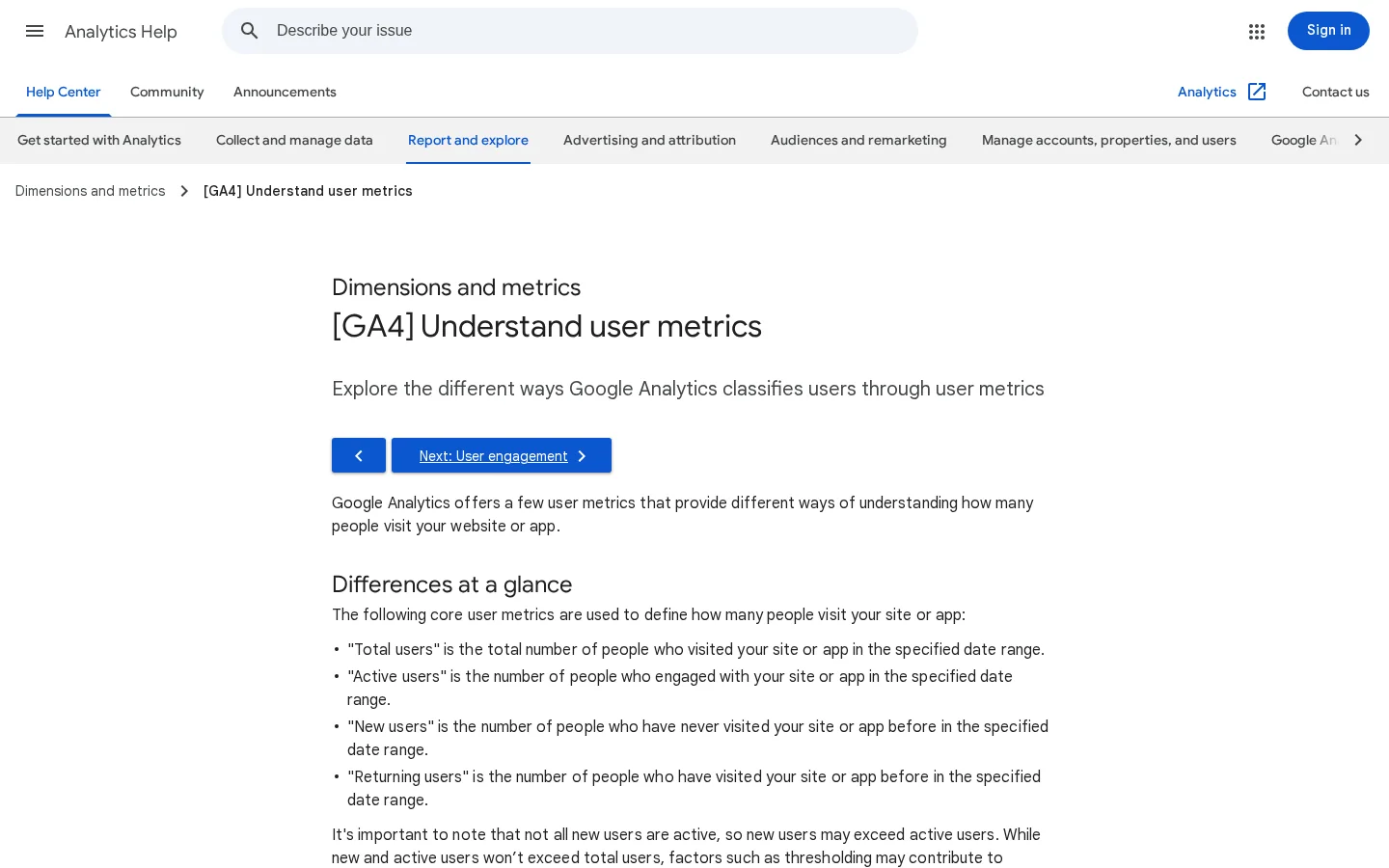
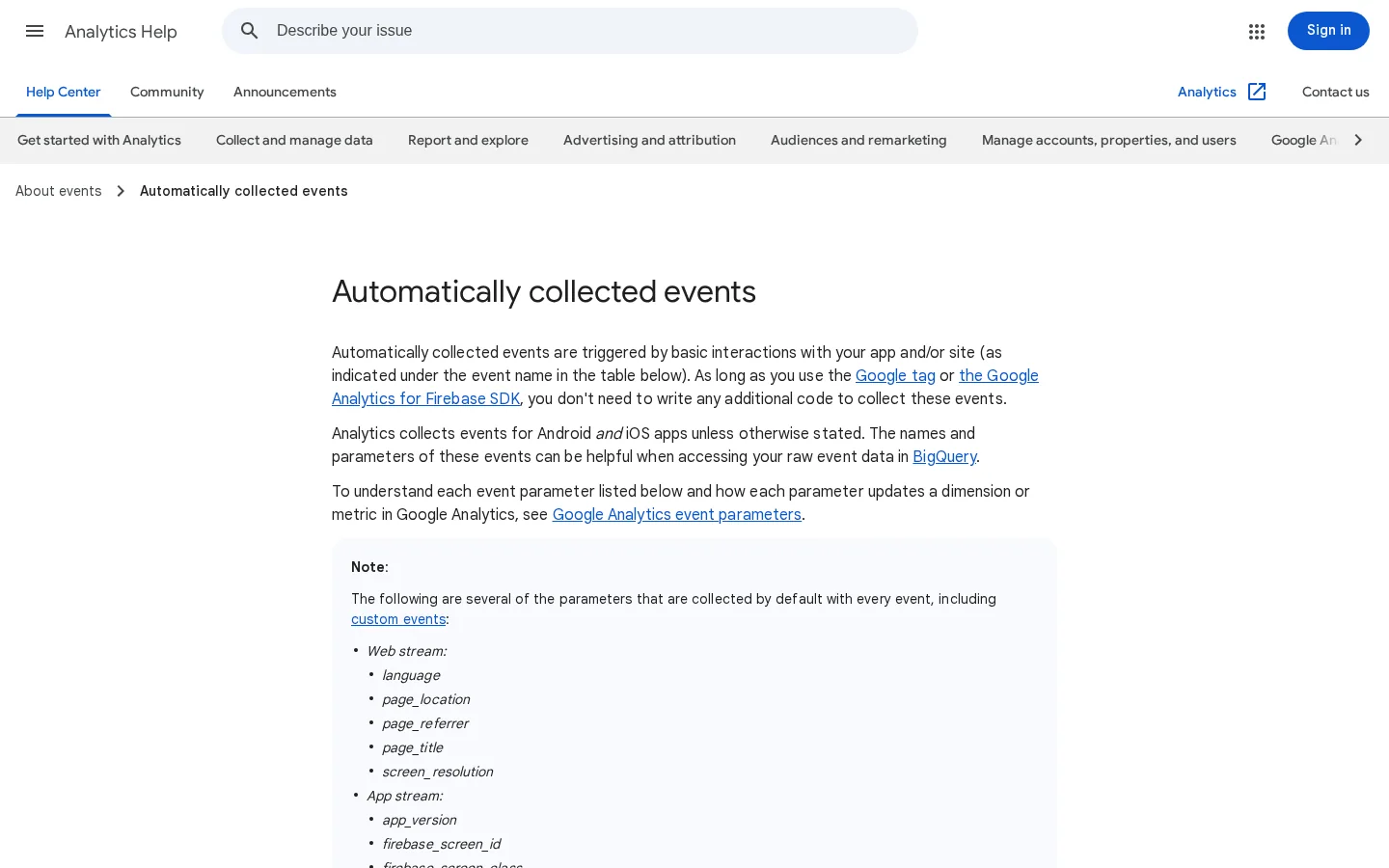
GA4 uses a cookie stored in the browser. When a browser with no cookie reaches your site, GA4 records a first_visit event. Google describes this event as the first time a user visits a website, as shown in its list of automatically collected events. Because the event marks the first visit, a returning browser does not count as new again.
The rule has a side effect. If a person clears their cookies, or switches to a new browser, the browser has no record of the earlier visit. GA4 then counts that person as new again. Your New Users number can grow without one extra person arriving.
No. GA4 sees browsers and devices, not people. Someone who visits on a phone and later on a laptop is counted as one new user on each device. The same person can also be counted again after clearing cookies. Only if your site sends a user ID can GA4 link the visits of one person.
This is why a New Users count is always an estimate of first-time visitors, not an exact headcount of people. Use it to compare periods and channels, not to count customers.
New Users is one of three user counts that GA4 shows. They answer different questions, and mixing them up is the most common reading error.
| Metric | What it counts | Use it to answer |
|---|---|---|
| New users | Users who logged first_open or first_visit in the date range | How many first-time visitors arrived? |
| Total users | Users who triggered any event in the date range | How many people visited, new or returning? |
| Active users | Users who engaged with the site or app in the date range | How many visitors did more than land on a page? |
Total users is always at least as large as new users. If the two numbers are close, most of your visitors are arriving for the first time. Compare the gap with engaged sessions to see whether those first-time visitors stay.
In a software product, the team often uses "new users" for people who created an account. That is a rule your company sets, not a rule from Google. GA4 has no idea what an account is unless you send that data yourself.
Write the rule down before you report it. For example: "A new user is a person who created an account in the period." Then track the sign-up as its own event, following a guide to conversion tracking, so the two numbers never get mixed.
Read the number in this order:
New users show whether search and AI bring people who have never visited your site. A page that brings many new visitors is reaching a new audience. A page that brings only returning visitors is serving people who already know you. Read the guide to Google Analytics for SEO to set up the reports that split organic and AI traffic.
To turn the visitors you get into a rate you can follow over time, the free conversion rate calculator on Sorank does the division for you. Keep the date range and the definition the same every time you compare.
New Users counts first-time visitors. In GA4, it means the people who logged a first_open or first_visit event in a date range, and those people are browsers and devices, not names. Read the number next to total users and engagement, and write down your own definition for sign-ups.
Sources
GA4 counts a new user when a browser with no earlier cookie visits the site. The first_visit event is recorded at that moment. Later visits from the same browser are not counted as new again.
No. GA4 counts browsers and devices, not people. One person who visits on a phone and a laptop can count as two new users, and clearing cookies can make the same person count as new again.
Total users counts everyone who triggered any event in the date range, including people who came back. New users counts only first-time visitors, so total users is always at least as large.
 “I tested Sorank on a real client site and it's insane. It does everything an agency would bill you $1500 a month for. It's going into production on that client now.”

 Guillaume Guersanguersanguillaume.com“We are an Ads agency and we wanted to get our SEO back on track once and for all. Sorank gave us a clear view of our site, helped us prioritize optimizations, and properly structure our content. The tool is easy to use, well designed for a team, and very practical for centralizing tracking without having to juggle multiple platforms. A very solid foundation to start fresh with our SEO.”
 Gaspard MadouiAds Agency
 “I just let the Sorank software do its thing, and now my DR is 25 and my page is ranking higher.”
 Lucas Flandrefoundertrace.fr“I specialized in GEO thanks to Sorank. The GEO Leaderboard allows me to show my clients their position vs competitors on ChatGPT. It’s a real commercial differentiator.”
 MélanieSEO Freelance“Great service, works well for our website and helps us understand how to improve it to rank better on Google and elsewhere. Congrats, keep going, I recommend it.”
 Hugo T.E-commerce merchant



















