
Preferences
Privacy is important to us, so you have the option of disabling certain types of storage that may not be necessary for the basic functioning of the website. Blocking categories may impact your experience on the website. More information
Privacy is important to us, so you have the option of disabling certain types of storage that may not be necessary for the basic functioning of the website. Blocking categories may impact your experience on the website. More information

(Not provided) hides the Google keywords behind your organic visits. Learn why it exists and how to find those queries with Search Console and GA4.








Founder Sorank, 7+ years in SEO.
Summary
(not provided) is the label Google Analytics shows instead of the search keyword when Google does not pass the query to your site. It started in 2011, when Google encrypted searches for signed-in users. The visit is real organic traffic, but the words behind it are hidden. Google Search Console is where you find them.
Want to go further? Ask
(Not provided) is not an error in your tracking. It is a privacy choice made by Google: the visitor came from a Google results page, your analytics tool knows that, but it never receives the words the person typed. You lose the link between a visit and its keyword, not the visit itself. The good news: most of that keyword data still exists, just in another tool and in another form.
"(Not provided)" means Google Analytics knows a visit came from Google organic search but does not know which query brought it. In Universal Analytics, it appeared as the top line of the organic keywords report. In GA4, you still see it in the session manual term dimension for google / organic traffic.
Before encryption, the query travelled to your site inside the referrer, the address of the page the visitor came from. Your analytics tool read it and filled the keyword report. Since Google search runs over HTTPS, that referrer only says "google.com". The search query stays on Google's side.
So the label hides three things you used to see per visit:
Google hides search keywords to protect user privacy: a search reveals health worries, money problems or a home address, and a referrer can leak it to any site clicked. The change came in steps.
How "(not provided)" grew
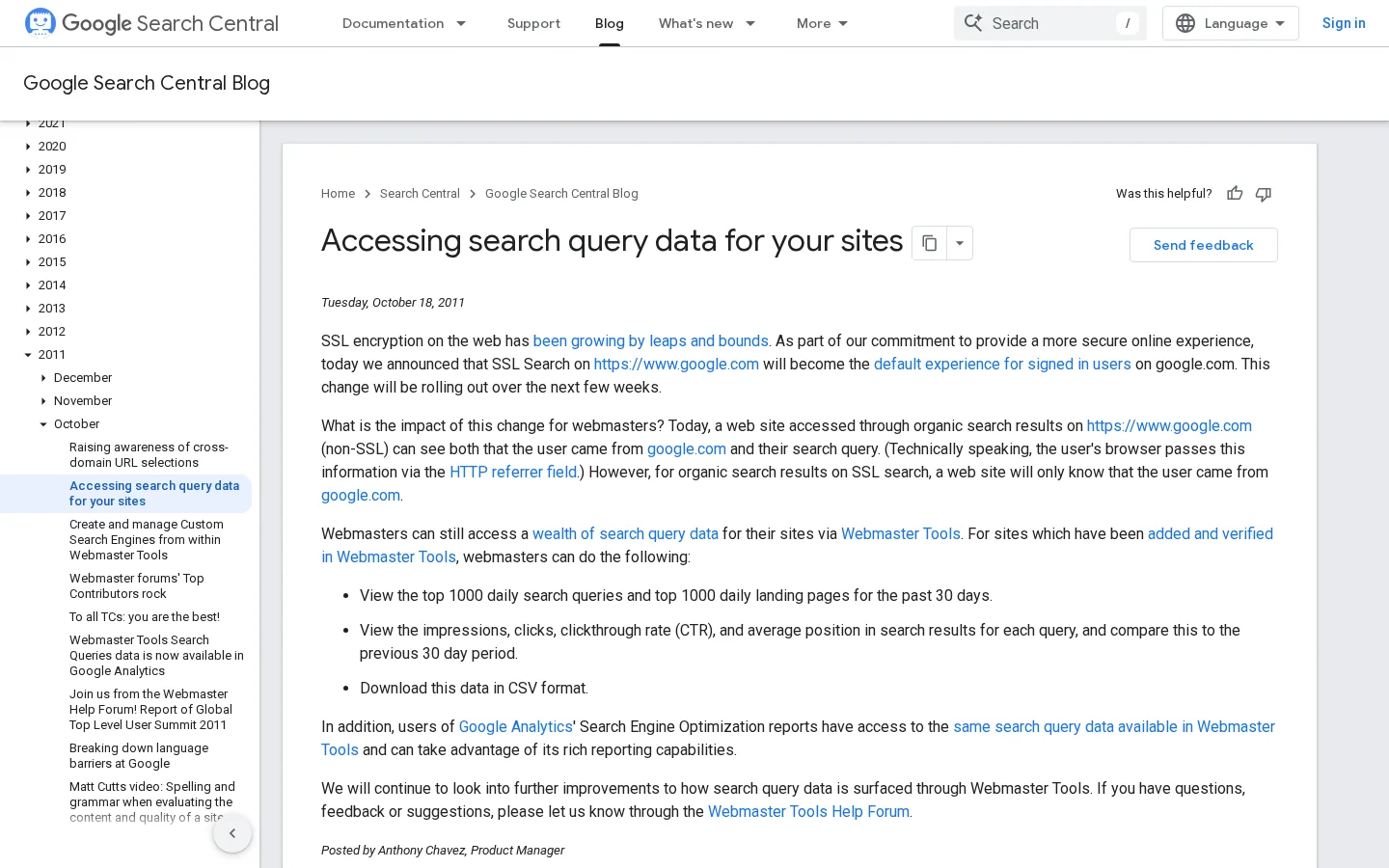
The first step was announced on the Google Search Central blog on October 18, 2011: for organic results from SSL search, a site "only learns that the user came from google.com", not the query. In the same post, Google pointed site owners to Webmaster Tools, which then showed the top 1000 daily queries over the past 30 days.
Two years later, Google confirmed it wanted "to provide SSL protection to as many users as we can, in as many regions as we can", as reported by Search Engine Roundtable on September 24, 2013. From then on, nearly all Google organic keywords disappeared from analytics tools. Keep in mind that HTTPS on your own site does not change this: the query is hidden by Google before the visitor even reaches you.
You find them in Google Search Console, the free tool where Google reports the queries your pages appeared for. You will not get the keyword of each visit, but you get the queries for each page, with clicks, impressions, CTR and average position.
Recover your hidden keywords in 5 steps
The Google Search Console Performance report is the starting point. Filter by page, and you see which queries bring clicks to that page. That is the closest thing to the old keyword report.
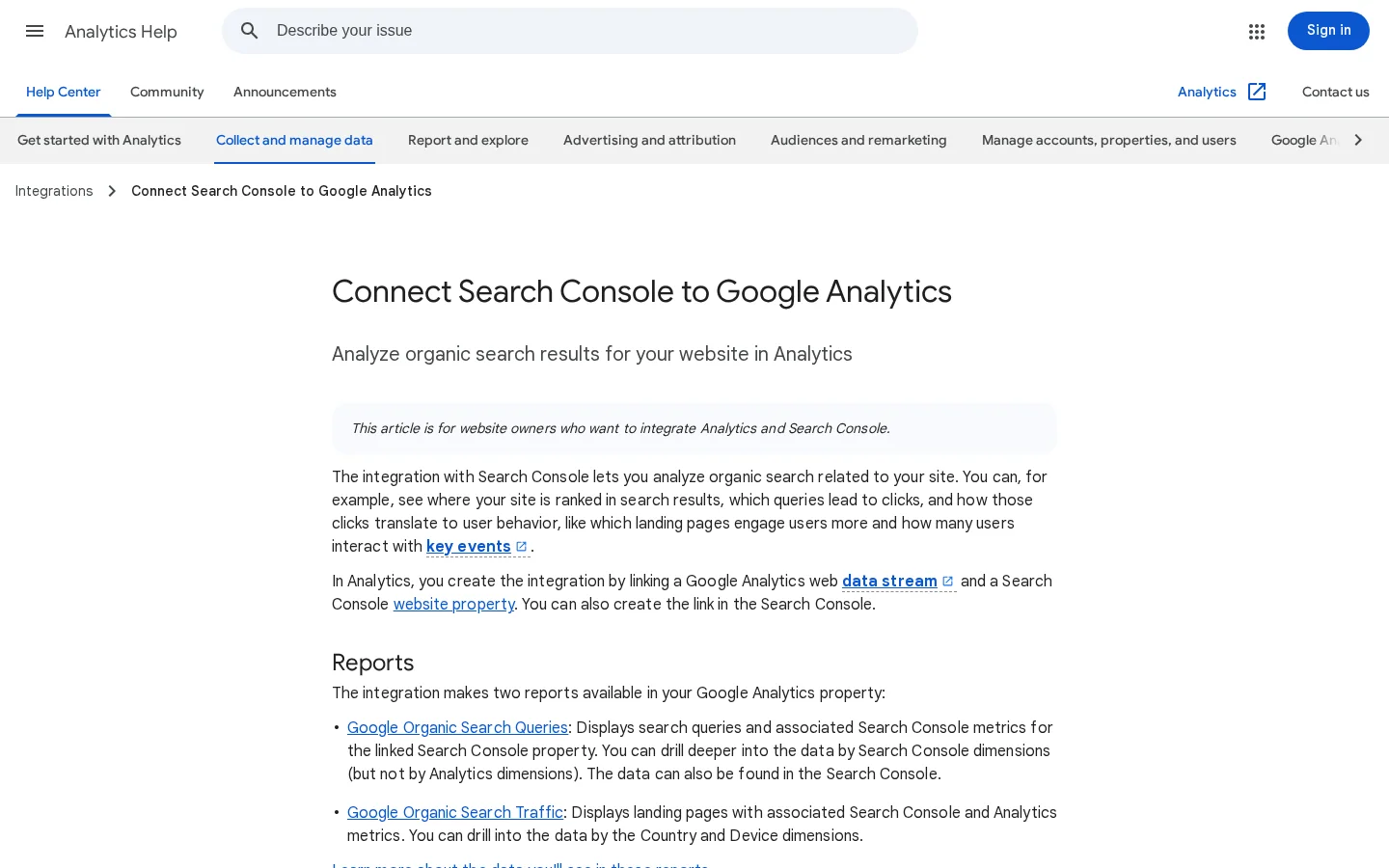
Then link it to GA4. According to the Google Analytics Help page on Search Console links, you need the Editor role on the Analytics property and must be a verified owner of the Search Console property. The link adds two reports: Google Organic Search Queries and Google Organic Search Traffic. They are unpublished by default, so publish them from the Library. The same page notes the limits: 16 months of data at most, a 48 hour delay, and only the landing page, device and country dimensions work with Search Console metrics.
For the full picture of what each tool measures, read our guide to Google Analytics vs Search Console. If you want the raw rows, the Search Analytics API accepts a request like this one:
{
  "startDate": "START_DATE",
  "endDate": "END_DATE",
  "dimensions": ["query", "page"],
  "rowLimit": 25000,
  "startRow": 0
}
Increase startRow by 25000 to get the next page of results.
No. The three labels come from different causes, and mixing them up leads to wrong conclusions.
| Label | Where you see it | What it means | Can you recover it? |
|---|---|---|---|
| (not provided) | Google Analytics, organic keyword or term | Google did not pass the query | Partly, through Search Console |
| (not set) | Google Analytics, many dimensions | Analytics received no value for that dimension | Often, by fixing tagging or UTM parameters |
| Anonymized queries | Search Console, missing rows | Queries too rare to show without risking privacy | No |
Anonymized queries are the second layer of hidden data. Google's performance data deep dive of October 19, 2022 defines them as queries "that aren't issued by more than a few dozen users over a two-to-three month period". Their clicks count in the chart total, but they have no row. In Google's own example, the listed queries add up to 450 clicks while the total shows 550. The same post sets the API limit at 50000 rows per day per site per search type.
Note
This is why the sum of your query rows never matches your total clicks. Nothing is broken: the gap is mostly the long tail of rare queries, which is often where your long-tail keywords live.
No. You can recover most of the queries, but never the keyword of a single visit or a single conversion. Search Console gives aggregated data by query and by page, not per session.
Some tools estimate the hidden keywords by matching landing pages with ranking data. That gives a probable split, not a measurement. Treat it as a hint, and keep Search Console as your source of truth for organic traffic by query.
Other search engines behave differently. If a visit from another engine also shows no keyword, Google Search Console will not help: you need that engine's own webmaster tool.
Most errors come from reading the label as a tracking problem or trying to fill the gap with guesses.
It matters because keyword research and reporting both depend on knowing which queries bring visitors. Without that data, you guess which pages to update, which topics to expand and which brand searches grow.
For GEO, the problem is even larger. Visits from AI assistants carry no query at all, and some arrive with no referrer, which is the issue described in our page on AI dark traffic. (Not provided) was the first time marketers lost sight of the words behind a visit; AI search makes that the normal case. Working by page and by topic, rather than by single keyword, is the habit that works for both.
Sorank's GEO and SEO dashboard pulls clicks, impressions, CTR and average position straight from Search Console, next to the visits sent by ChatGPT, Claude, Gemini, Perplexity and Grok, so you see both sources page by page without exports.
(Not provided) is Google's way of keeping search queries private since 2011. The visits are still there; only the keyword per visit is gone. Read your queries in Search Console, link it to GA4, work by landing page, and accept that rare queries stay anonymized. To go further with GA4, see our guide on using Google Analytics for SEO.
Sources
Google encrypts its searches and does not pass the query to the sites people click. Your analytics tool knows the visit came from Google organic search, but not the words typed, so it shows (not provided).
Open the Performance report in Google Search Console and filter by page to see the queries that bring clicks. You can also link Search Console to GA4 to get the Google Organic Search Queries report next to your Analytics data.
Yes. GA4 has no keyword report for Google organic traffic, and the session manual term often shows (not provided). The queries are only available through the Search Console link or in Search Console itself.
 “I tested Sorank on a real client site and it's insane. It does everything an agency would bill you $1500 a month for. It's going into production on that client now.”

 Guillaume Guersanguersanguillaume.com“We are an Ads agency and we wanted to get our SEO back on track once and for all. Sorank gave us a clear view of our site, helped us prioritize optimizations, and properly structure our content. The tool is easy to use, well designed for a team, and very practical for centralizing tracking without having to juggle multiple platforms. A very solid foundation to start fresh with our SEO.”
 Gaspard MadouiAds Agency
 “I just let the Sorank software do its thing, and now my DR is 25 and my page is ranking higher.”
 Lucas Flandrefoundertrace.fr“I specialized in GEO thanks to Sorank. The GEO Leaderboard allows me to show my clients their position vs competitors on ChatGPT. It’s a real commercial differentiator.”
 MélanieSEO Freelance“Great service, works well for our website and helps us understand how to improve it to rank better on Google and elsewhere. Congrats, keep going, I recommend it.”
 Hugo T.E-commerce merchant



















