
Preferences
Privacy is important to us, so you have the option of disabling certain types of storage that may not be necessary for the basic functioning of the website. Blocking categories may impact your experience on the website. More information
Privacy is important to us, so you have the option of disabling certain types of storage that may not be necessary for the basic functioning of the website. Blocking categories may impact your experience on the website. More information

Hidden text is content search engines can read but visitors cannot see. Learn which techniques Google penalizes, what it accepts, and how to check a page.







Founder Sorank, 7+ years in SEO.
Summary
Hidden text is text or links that search engines can read but a human visitor cannot easily see, such as white text on a white background, text hidden behind an image, or text placed off-screen with CSS. Google treats it as spam when it is used to manipulate rankings.
Want to go further? Ask
Hidden text is content that sits on a page in a way that visitors cannot see or easily find. Some site owners use it to add keywords that do not help readers. Google groups it under "hidden text and link abuse" in its spam policies.
Hidden text is any text that a search engine can read but a visitor does not see. It is a problem only when the goal is to manipulate rankings. Google's spam policies say that hidden text or link abuse is content placed "solely to manipulate search engines" and "not to be easily viewable by human visitors."
Hidden text is one of the tactics in black hat SEO, the group of methods that break search engine rules. Not every hidden element is a problem. Menus, tabs and tooltips are common on good sites, and Google accepts many of them.
Google lists hidden text as a spam violation. Deliberate abuse is the target, so the intent behind the text matters. Google also says its systems are good at spotting hidden text. John Mueller of Google said that "our systems are pretty good at recognizing hidden text, good at ignoring it", as Search Engine Roundtable reported. In practice, the hidden words often gain nothing, but deliberate abuse is still a spam violation.
If you think a page was hit by a penalty, read our guide to Google penalties and manual actions before you change anything.
Google's spam policies give these examples of hidden text, from the Google spam policies page:
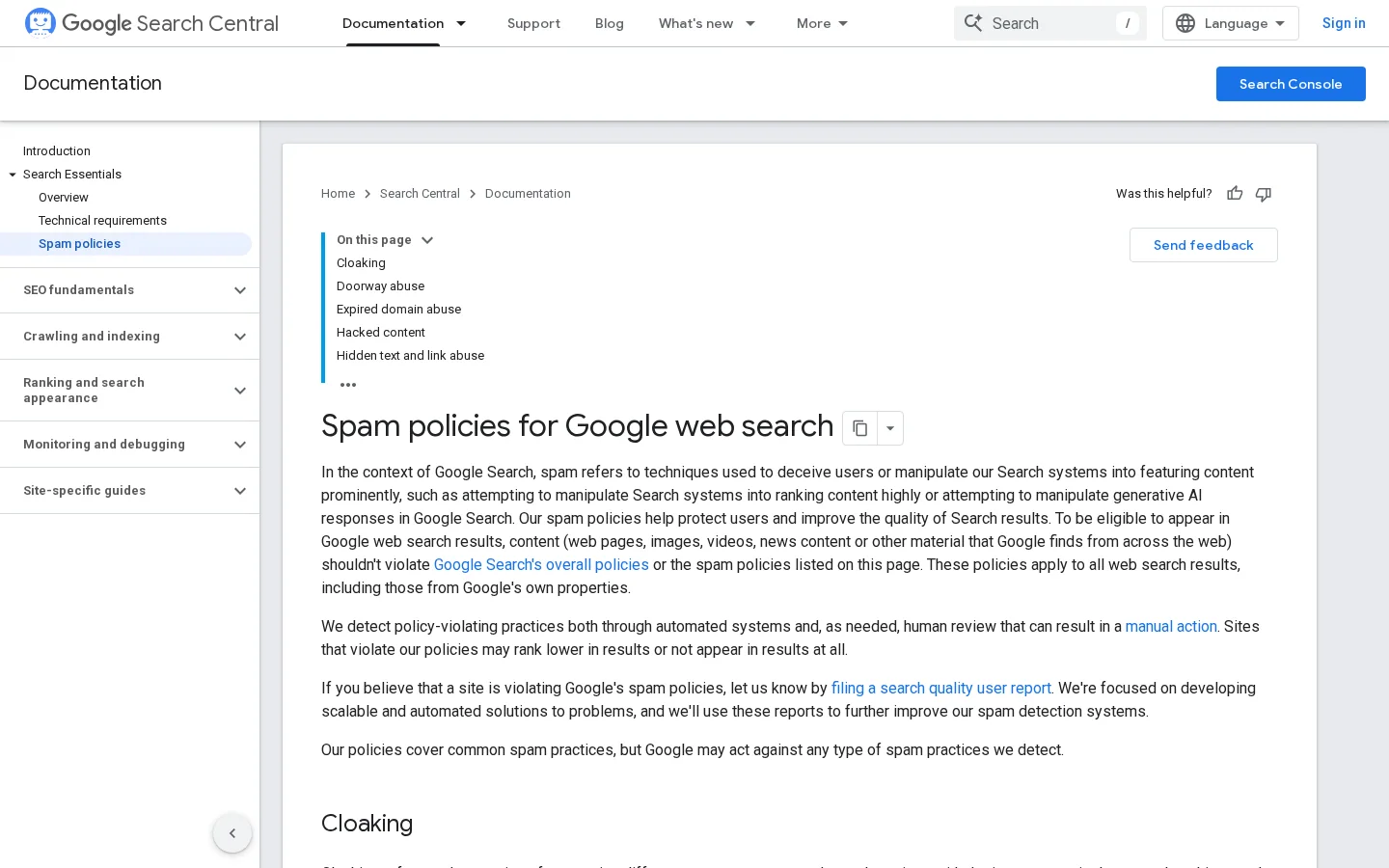
Google's example uses a size of 0, but a font too small to read is the same idea. Hidden text often comes with keyword stuffing. Google defines keyword stuffing as filling a page with keywords or numbers to manipulate rankings. Its examples include "lists of phone numbers without substantial added value" and "blocks of text that list cities and regions" the page wants to rank for. Read our keyword stuffing guide for the full rules, and check your own text with the keyword density calculator before you publish.
Google allows hidden content when it helps the reader and is not made to fool a search engine. Google's spam policies say that tooltips and text that is only accessible to screen readers do not violate its policies.
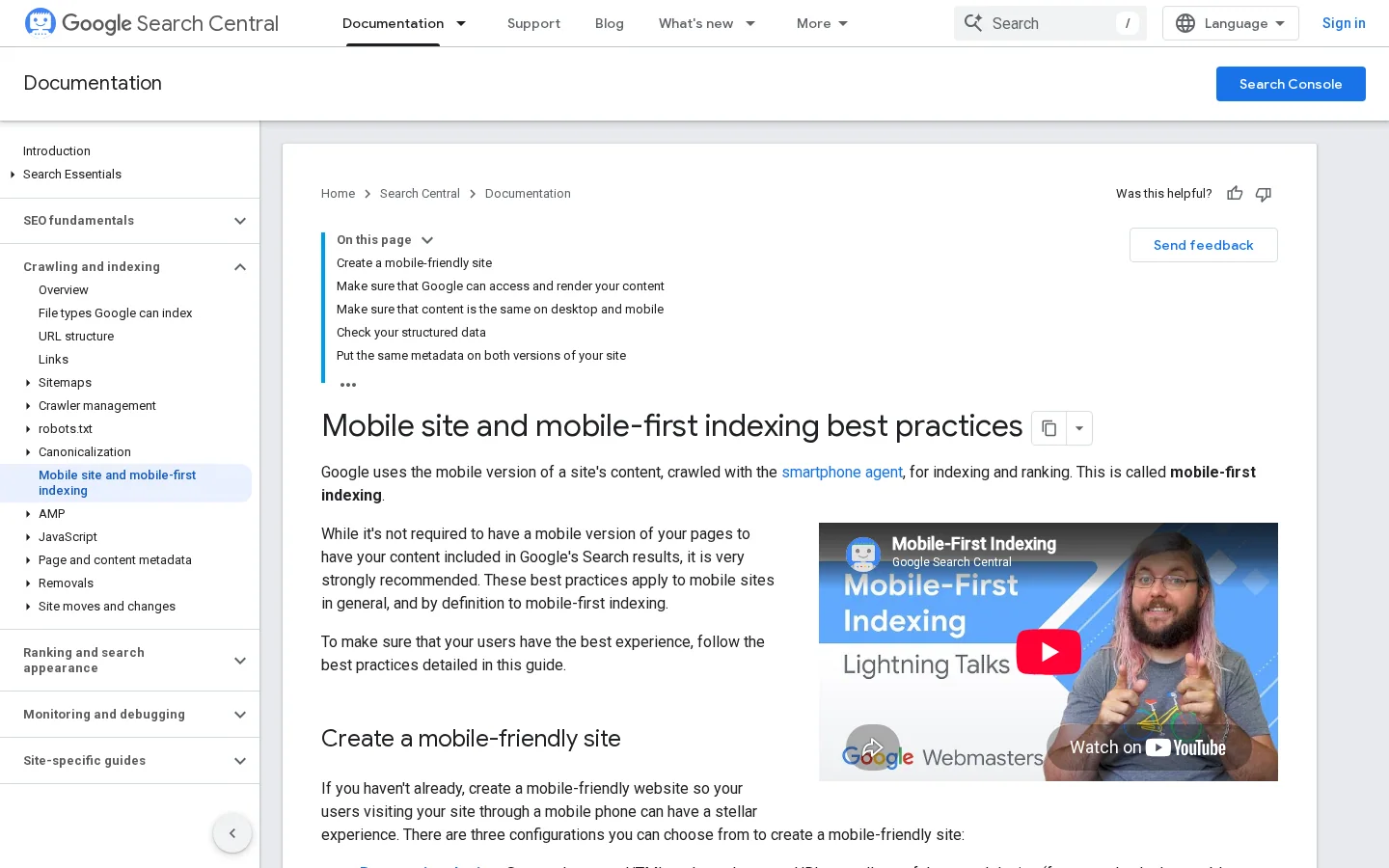
Tabs and accordions are allowed too. Google's mobile indexing guidance even suggests moving content into accordions or tabs to save space. The condition is that the content must match the desktop version, because Google indexes the mobile site. Google also says it won't load content that requires a user interaction, such as clicking, swiping or typing, to appear. So put the text in the page from the start, and let the tab or the click only show or hide it.
Other accepted hidden elements include:
Alt text is a related case. It should describe the image for screen readers and search engines. Packing it with keywords turns it into keyword stuffing. See our alt text guide for the rules.
Cloaking is showing one version of a page to search engines and another to users. Google's spam policies define it as presenting "different content to users and search engines" with the intent to manipulate rankings and mislead users. Hidden text keeps one page but hides some of its words. Cloaking serves two different pages, depending on who asks.
For the methods Google accepts, see our guide to white hat SEO.
You can check a page in four steps:
Many hidden text problems are not planned. They come from themes, templates and copied code. Check your site for these four mistakes.
What it is: a long block of city names or service keywords placed in a footer or a menu that few readers open. How to spot it: the block reads like a list, not a sentence, and it appears on every page. How to fix it: keep the links a reader needs, remove the rest, and write any list as a useful sentence.
What it is: a template sets a text block to white on white, or hides a block that should be visible. How to spot it: select-all shows a highlighted block with no words, or the Search Console screenshot shows an empty area. How to fix it: remove the hiding style, or make sure the text is visible or sits in a tab that a reader can open.
What it is: image descriptions that list keywords, such as "cheap shoes best shoes buy shoes online". How to spot it: the alt text is longer than the text around the image and does not describe the picture. How to fix it: write one plain sentence about what the image shows. The free alt text checker finds images without a proper alt attribute.
What it is: a tab or read-more block whose text is added to the page only after a visitor clicks, swipes or types. How to spot it: the text is missing from the page source and appears only after an action. How to fix it: put the text in the page from the start, and let the click only show or hide it.
Hidden text matters because it breaks the link between a page and what a reader gets from it. Search engines expect the page a visitor sees to match what they index. AI answers depend on trust too. A page that shows one thing to machines and another to readers is a weak base for being cited, so read more about how AI citations work before you chase them.
Sorank writes and publishes the articles of a site, so the text on each page is text meant for readers. Before you publish, a free on-page SEO audit helps you review the page.
Hidden text is text that search engines read but visitors cannot see, and Google treats it as spam when it is made to manipulate rankings. The safe rule is simple. Show readers the words that count, use tabs and accordions only for content that is already on the page, and keep alt text honest.
Sources
Google lists hidden text as a spam violation when it is placed to manipulate search results. Google also says its systems are good at ignoring hidden text, so the hidden words often gain nothing. Deliberate abuse is still a violation.
Yes. Google accepts content inside tabs and accordions, as long as it matches the desktop version and is in the page from the start. Text that only loads after a click, swipe or typing may not be seen by Google.
Hidden text keeps one page but hides some of its words from visitors. Cloaking shows one page to search engines and a different page to users. Both break Google's spam policies when used to manipulate rankings.
 “I tested Sorank on a real client site and it's insane. It does everything an agency would bill you $1500 a month for. It's going into production on that client now.”

 Guillaume Guersanguersanguillaume.com“We are an Ads agency and we wanted to get our SEO back on track once and for all. Sorank gave us a clear view of our site, helped us prioritize optimizations, and properly structure our content. The tool is easy to use, well designed for a team, and very practical for centralizing tracking without having to juggle multiple platforms. A very solid foundation to start fresh with our SEO.”
 Gaspard MadouiAds Agency
 “I just let the Sorank software do its thing, and now my DR is 25 and my page is ranking higher.”
 Lucas Flandrefoundertrace.fr“I specialized in GEO thanks to Sorank. The GEO Leaderboard allows me to show my clients their position vs competitors on ChatGPT. It’s a real commercial differentiator.”
 MélanieSEO Freelance“Great service, works well for our website and helps us understand how to improve it to rank better on Google and elsewhere. Congrats, keep going, I recommend it.”
 Hugo T.E-commerce merchant



















