
Preferences
Privacy is important to us, so you have the option of disabling certain types of storage that may not be necessary for the basic functioning of the website. Blocking categories may impact your experience on the website. More information
Privacy is important to us, so you have the option of disabling certain types of storage that may not be necessary for the basic functioning of the website. Blocking categories may impact your experience on the website. More information

A link graph is the map of links between web pages. Learn how search engines use it, how to read yours and how to tell it apart from other uses.







Founder Sorank, 7+ years in SEO.
Summary
A link graph is a map of how web pages connect through hyperlinks. Each page is a point and each link is a line from one page to another. In SEO, search engines build this map as they crawl, then use it to judge which pages matter.
Want to go further? Ask
A link graph is the network of links between pages on the web. In that network, each page is a node and each hyperlink is an edge. This guide covers the SEO meaning, the one most people search for, and shows how it differs from the other meanings of the term. For a single link, start with our link glossary entry.
In SEO, a link graph is the map of links that search engines build from the web. Take a running shoe store. A blog reviews running shoes and links to the store. That link is one edge in the graph, running from the blog to the store. Add all the other links between sites, and you have the whole link graph.
Your own site has a link graph too. Every menu item, footer link and link inside an article connects two pages on your site. Together, these internal links show search engines how your pages relate to each other. For the planning side, read our internal linking strategy guide.
Search engines build the graph while they crawl. Google's own guidance says it uses links to find new pages to crawl, so each link it follows adds an edge to its map. Generally, Google can only follow a link that is an anchor element with an href attribute.
<a href="https://www.example.com/running-shoes/">best running shoes</a>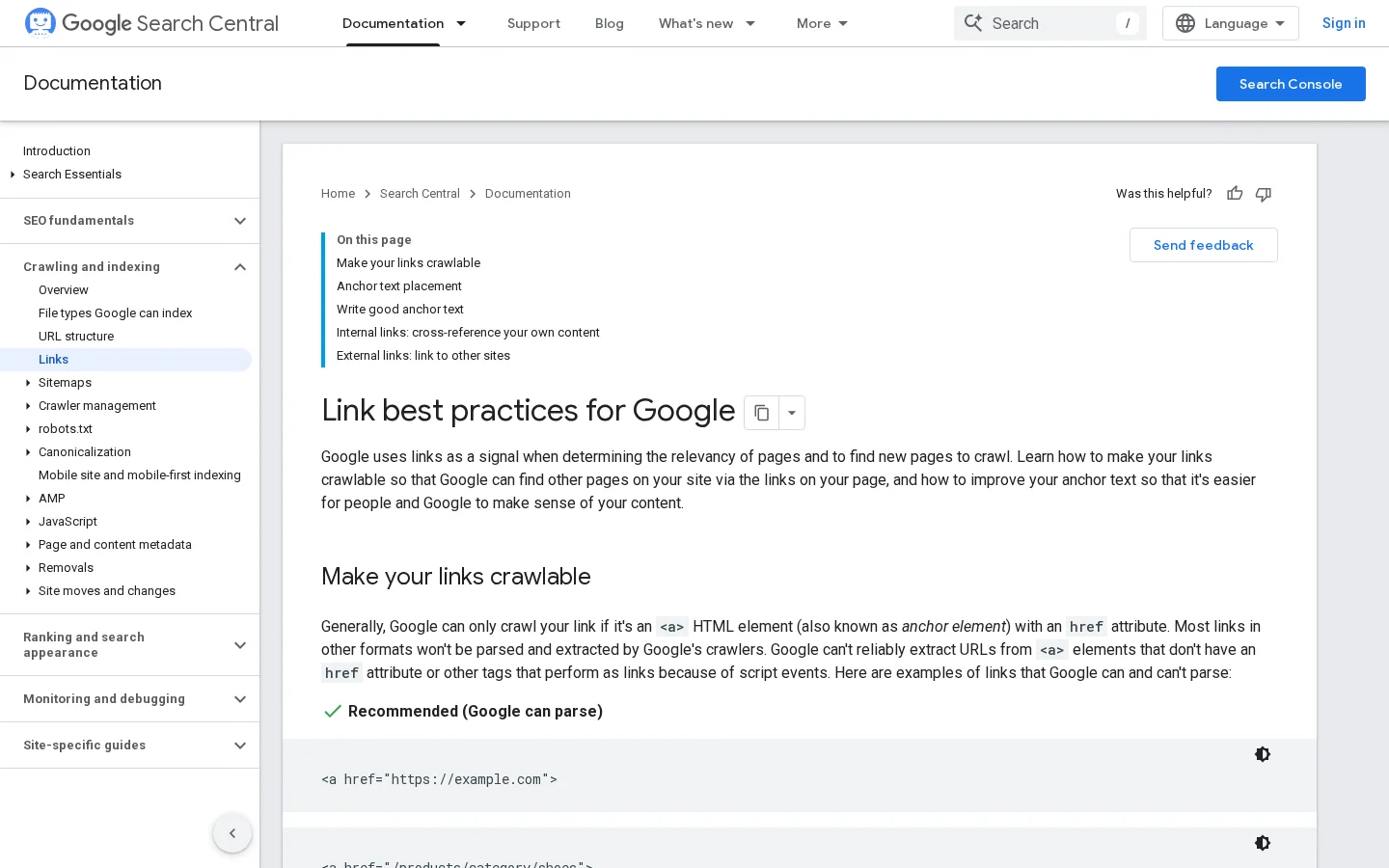
A link that depends on a click script, with no href, can stay hidden from the crawler. Keep your important links as plain anchor elements.
Search engines use the graph to judge how important and relevant each page is. The idea goes back to 1998, when Sergey Brin and Lawrence Page described a search engine that makes heavy use of the structure present in hypertext. The best-known method built on that structure is PageRank, which scores a page by the links that point to it.
Quality counts more than quantity. A few links from relevant, trusted sites usually help more than a long list from weak or unrelated sites. A local bakery gains more from one link from the city newspaper or a food blog than from a pile of random directory listings.
Anchor text also matters. The words in a link tell readers and search engines what the target page is about, so vary them and keep them descriptive.
Use a backlink tool that draws the graph for you. Majestic describes a link graph as a visual representation of a site's link profile. Its view shows the sites that link to you, the sites that link to those, and up to four levels of links behind them. Clusters of linked sites can reveal patterns worth checking.
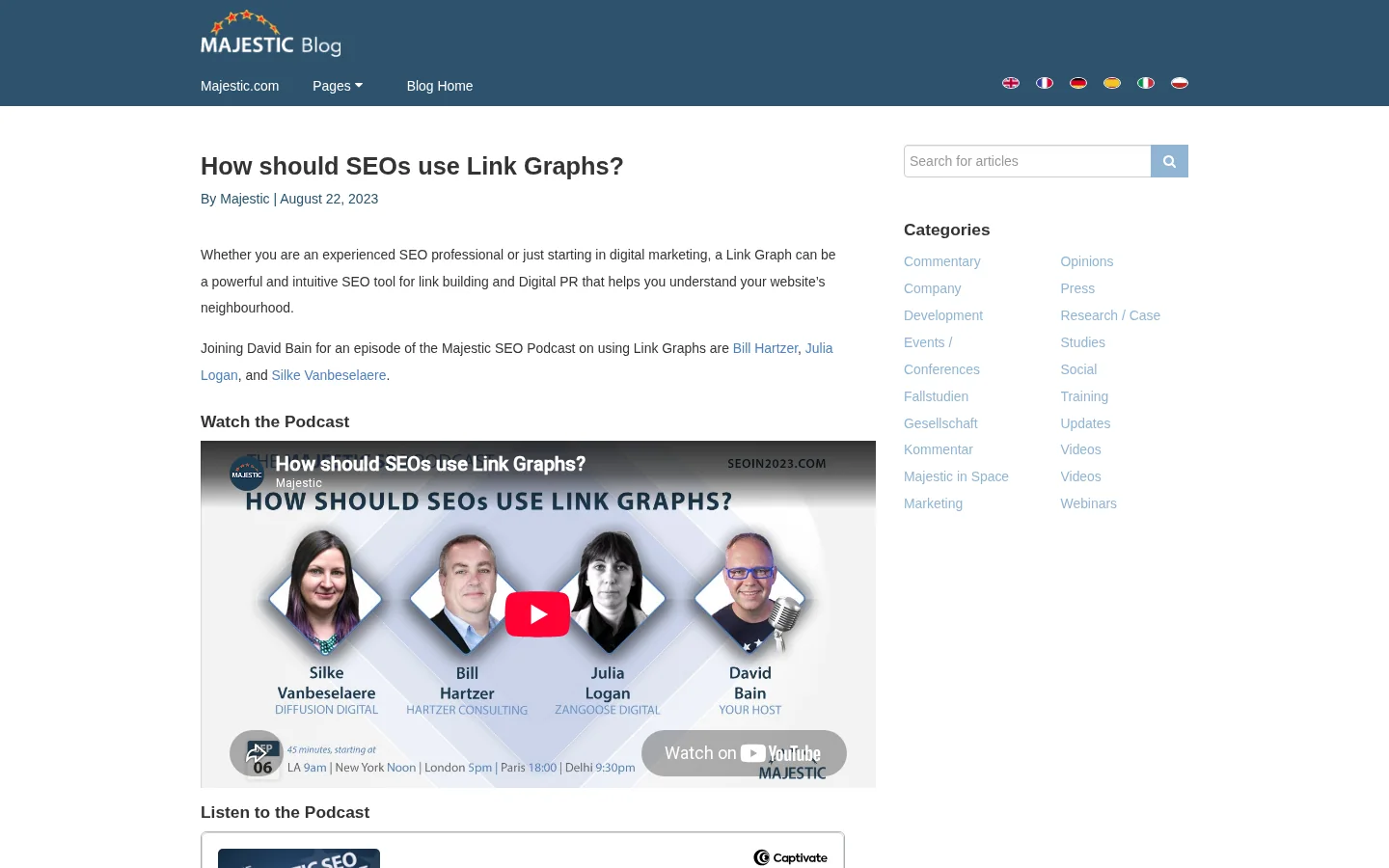
Use the map to find lost links and new sources. Majestic's Citation Flow metric sums up part of this network in one number, which makes it a useful starting point for comparing sites.
Tip
Sort your links by relevance before you count them. A short list of links from sites in your niche often helps more than a long list of unrelated ones.
The term has several meanings. Check the context before you act on a result, because the nodes and edges mean different things in each field.
| Meaning | Where you meet it | What a node is |
|---|---|---|
| SEO link graph | Search engines and SEO tools | A web page or a website |
| Graph theory | Mathematics and computer science | An abstract point, with no link to the web |
| Data visualization | Dashboards and investigation software | A record, such as a person, company or event |
| Knowledge graph | Search engines' entity data | A real-world entity, such as a brand |
Only the first row is about the links between web pages. A knowledge graph maps entities, such as brands and people, and the relations between them, not pages. A chart in a data tool can show records linked to each other, but those records are not web pages.
The link graph decides which pages search engines find and how much they trust them. Your internal links shape it from inside your site, and your backlinks shape it from outside. For internal linking and outside links alike, the aim is the same: keep the pages you want found easy to reach. For GEO, strong links also help the pages you want AI models to cite stay easy to find.
Sorank's natural backlink acquisition places links to your site inside published articles on sites in your niche. Each link sits in context, and reciprocal swaps are excluded.
A link graph is the map of links between web pages. In SEO, it is the map that search engines use to find and judge your pages. Know which meaning you need, sort your links by quality, and fix any page that no other page links to.
Sources
A backlink is one link from another site to yours. The link graph is the whole network of links, including your backlinks, your internal links and the links between all other sites. Each backlink is one edge in that graph.
Search engines use links to judge how important and relevant a page is, so links affect rankings. Google says it uses links to find new pages and to understand their relevancy. Focus on a few relevant, trusted links rather than a long list of weak ones.
Use a backlink tool such as Majestic, which draws your site's links as a visual map. Check the sites that link to you, then the sites that link to them. Look for lost links and clusters that look unnatural.
 “I tested Sorank on a real client site and it's insane. It does everything an agency would bill you $1500 a month for. It's going into production on that client now.”

 Guillaume Guersanguersanguillaume.com“We are an Ads agency and we wanted to get our SEO back on track once and for all. Sorank gave us a clear view of our site, helped us prioritize optimizations, and properly structure our content. The tool is easy to use, well designed for a team, and very practical for centralizing tracking without having to juggle multiple platforms. A very solid foundation to start fresh with our SEO.”
 Gaspard MadouiAds Agency
 “I just let the Sorank software do its thing, and now my DR is 25 and my page is ranking higher.”
 Lucas Flandrefoundertrace.fr“I specialized in GEO thanks to Sorank. The GEO Leaderboard allows me to show my clients their position vs competitors on ChatGPT. It’s a real commercial differentiator.”
 MélanieSEO Freelance“Great service, works well for our website and helps us understand how to improve it to rank better on Google and elsewhere. Congrats, keep going, I recommend it.”
 Hugo T.E-commerce merchant



















