
Preferences
Privacy is important to us, so you have the option of disabling certain types of storage that may not be necessary for the basic functioning of the website. Blocking categories may impact your experience on the website. More information
Privacy is important to us, so you have the option of disabling certain types of storage that may not be necessary for the basic functioning of the website. Blocking categories may impact your experience on the website. More information

Keyword relevance is how well a page matches a search query. Learn the signals Google uses, how to check your pages and how to improve them.








Founder Sorank, 7+ years in SEO.
Summary
Keyword relevance is how well a page matches a search query. It measures whether the page uses the words the searcher used, covers the related terms, and answers the intent behind the query. Google does not show a score for it. It judges relevance through many signals.
Want to go further? Ask
Keyword relevance is the match between a search and a page. If someone types a query, a relevant page explains the topic in plain words, uses the query's terms where a reader expects them, and gives the answer near the top. A page that repeats the words but does not answer the question is weakly relevant, even if the keyword appears many times.
This is not the same as content relevance. Content relevance judges a whole page against its topic. Keyword relevance starts from one query and asks whether the page answers it.
Google does not publish a single relevance score. It uses many signals. Its guide to ranking results starts with the simplest one: content that contains the same keywords as the search query, in its headings or body text. Then it looks further. Its systems check for other relevant material such as pictures, videos or a list, and its synonym system can find pages that answer a query even when they use different words. Read the Google guide on how search ranks results for the full list.
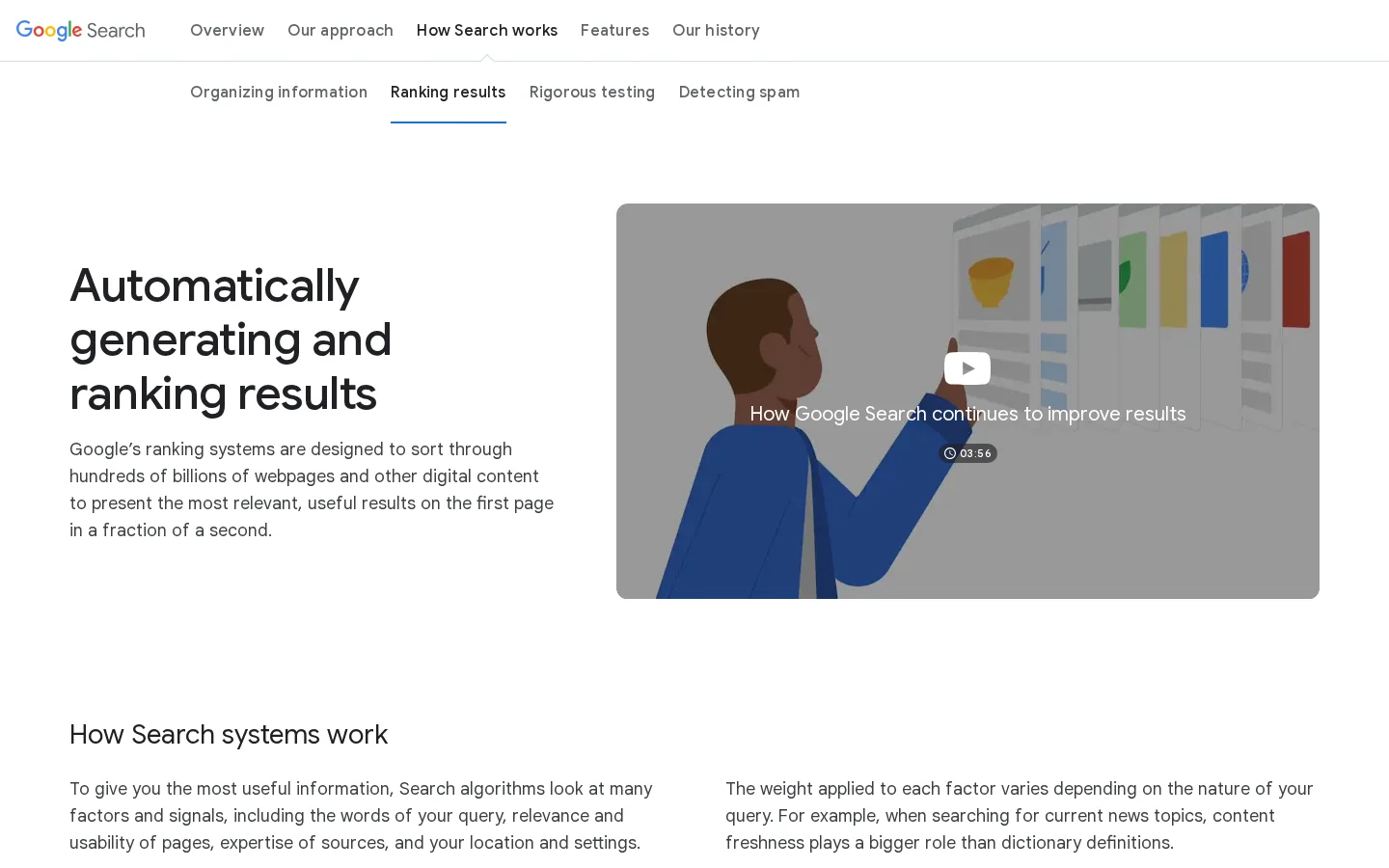
Relevance comes from several signals at once. The main ones are these:
Intent is the signal most pages miss. Before you write, name the goal behind the query. Our entry on search intent shows how to sort queries by that goal.
| Check | Weak sign | Strong sign |
|---|---|---|
| Title | Keyword repeated, promise vague | Keyword once, with a clear promise |
| First paragraph | Long history before the answer | Answer in the first two sentences |
| Format | Essay where readers expect a list | Format that matches the top results |
| Related terms | Only the exact keyword | Terms a reader expects, used naturally |
You cannot read a relevance score from Google. You can read the evidence it leaves. Start with the queries your page already gets. The Search Console Performance report lists the queries that bring clicks and impressions to your site. If those queries match your target keyword, Google already links the page to it. If they do not, the page may answer a different search, and you need to decide which one you want.
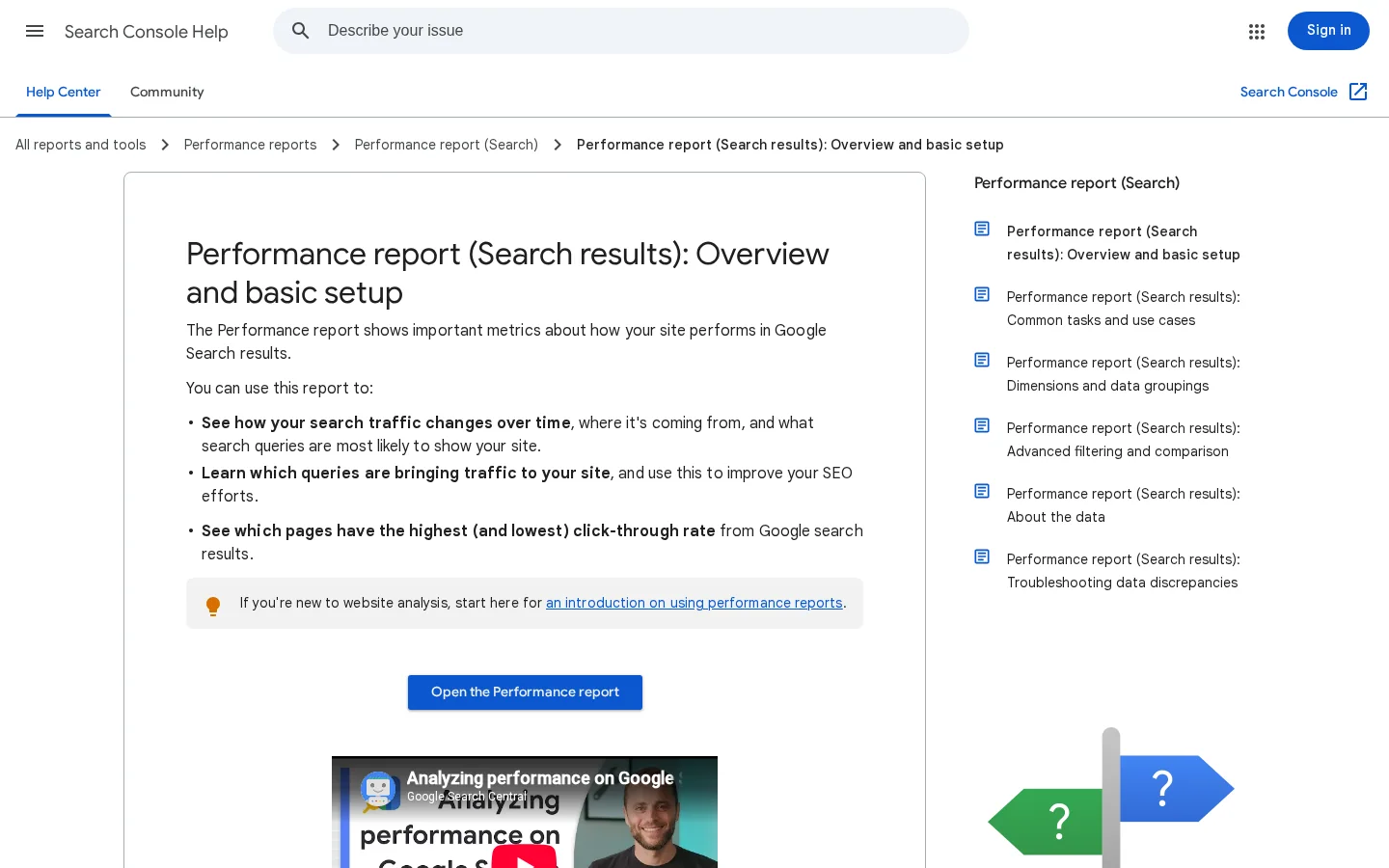
Then read the top ten results for the same query. Note the format, the length and the angle of the pages that rank. Your page should answer at least as directly. To check how often a term appears in your text, use the keyword density calculator. Treat the result as a warning sign, not as a target.
If you want this work done for every page of your site, Sorank's automated keyword research finds the queries for your site, so you can match each page to one of them.
Tip
Change one page at a time. Update the title and the first paragraph, wait for new data in Search Console, and compare the queries before and after. A change you cannot measure is only a guess.
This is repeating the exact keyword in sentences where it does not fit. To spot it, read the page out loud. If the sentences sound strange, or the keyword appears in every heading, the page is stuffed. To fix it, rewrite each stuffed sentence with a related term or a pronoun, and keep the keyword only in the title, the first heading and the first paragraph.
This is a product page written for a question that asks for an explanation, or a guide written for a buyer. To spot it, compare your format with the top results for the query. If the format is different, the page is off target. To fix it, change the format and the first answer to match the searcher, or pick a different query for this page.
This is when several pages of your site target the same query, so they compete with each other. To spot it, check Search Console for the same query showing several of your URLs. To fix it, merge the pages or change the target of one of them. The keyword cannibalization entry lists the steps.
This is writing only the main term and nothing around it. To spot it, check whether the page could fit any topic with the same name. To fix it, add the terms a reader expects in this topic. Planning one main query per page helps you avoid this, as explained in our keyword mapping entry.
For SEO, a relevant page is one that Google can match to a search. For GEO, the same match decides whether AI answers quote you. Pages that state the answer early are easier for AI models to quote. For local businesses, relevance also means how well the business profile matches a local search. Our guide on local SEO ranking factors explains how relevance is weighed against distance and prominence.
Keyword relevance is the match between a search and a page. Start with the query and its goal, put the keyword where readers look first, and check the queries your page already gets. Then fix the gaps you can see.
Sources
No. Google does not publish a keyword relevance score. It uses many signals, such as the keywords on your page, related content, the intent behind the query and aggregated interaction data.
Open the Search Console Performance report and look at the queries your page already gets. If they match your target keyword, the page is on the right track. Then compare your page with the top ten results for the same query.
Not by itself. A page needs to answer the question the searcher has, with the keyword used where it fits. Repeating it in awkward sentences makes the page harder to read and does not add meaning.
 “I tested Sorank on a real client site and it's insane. It does everything an agency would bill you $1500 a month for. It's going into production on that client now.”

 Guillaume Guersanguersanguillaume.com“We are an Ads agency and we wanted to get our SEO back on track once and for all. Sorank gave us a clear view of our site, helped us prioritize optimizations, and properly structure our content. The tool is easy to use, well designed for a team, and very practical for centralizing tracking without having to juggle multiple platforms. A very solid foundation to start fresh with our SEO.”
 Gaspard MadouiAds Agency
 “I just let the Sorank software do its thing, and now my DR is 25 and my page is ranking higher.”
 Lucas Flandrefoundertrace.fr“I specialized in GEO thanks to Sorank. The GEO Leaderboard allows me to show my clients their position vs competitors on ChatGPT. It’s a real commercial differentiator.”
 MélanieSEO Freelance“Great service, works well for our website and helps us understand how to improve it to rank better on Google and elsewhere. Congrats, keep going, I recommend it.”
 Hugo T.E-commerce merchant



















