
Preferences
Privacy is important to us, so you have the option of disabling certain types of storage that may not be necessary for the basic functioning of the website. Blocking categories may impact your experience on the website. More information
Privacy is important to us, so you have the option of disabling certain types of storage that may not be necessary for the basic functioning of the website. Blocking categories may impact your experience on the website. More information

A deep link opens a specific page of a website or a screen in an app, not the home page. Compare the formats, App Links, Universal Links and their limits.








Founder Sorank, 7+ years in SEO.
Summary
A deep link is a link that opens a specific page of a website or a screen inside a mobile app, instead of the home page. It takes the reader straight to the exact content, such as a product or an article.
Want to go further? Ask
A deep link works like any other link, but its target is a page inside a site or a screen inside an app. On the web, it points to an inner page. On a phone, it opens the app at the right screen. In both cases, the reader does not start from the home page and search for the content. Do not confuse it with an anchor link, which only jumps to a section of the same page.
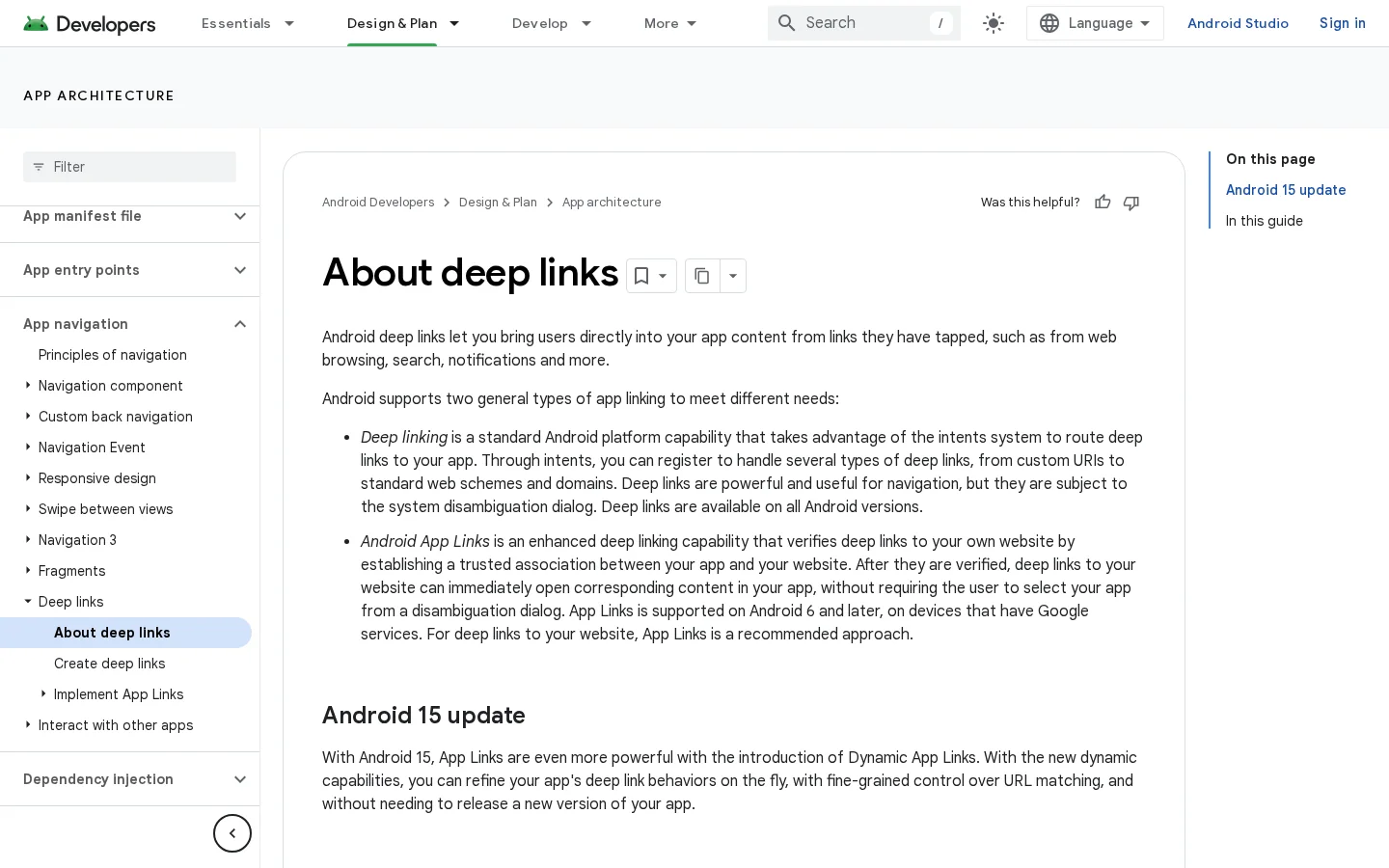
Android describes deep links as links that bring users directly into app content from the links they have tapped, such as from web browsing, search, notifications and more. For a business, the common places are these:
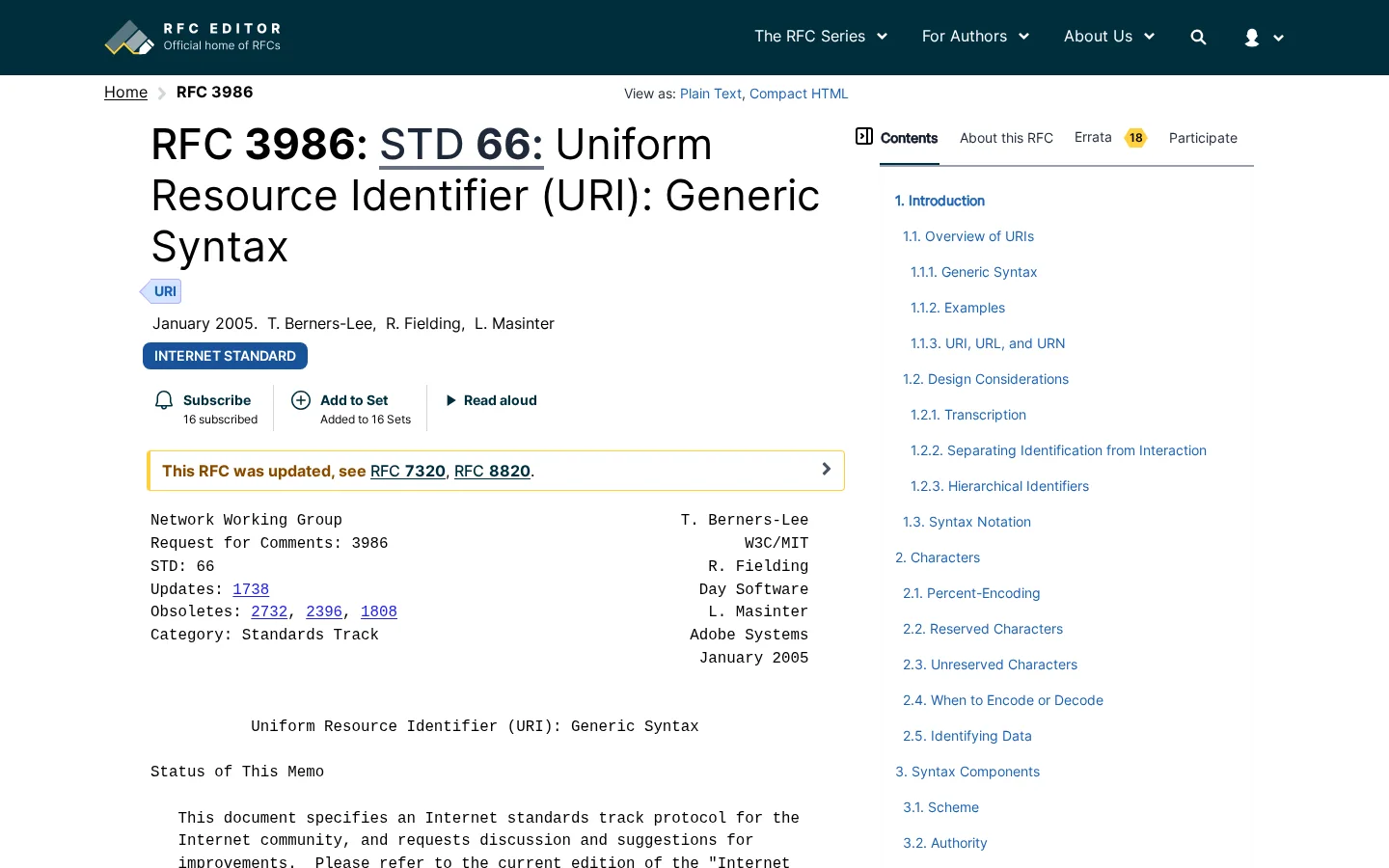
When someone taps a deep link, the phone or the browser reads the address first. The address is a URL that starts with a scheme, the part before the colon, such as https or myapp. The standard for this syntax is RFC 3986. It says a scheme starts with a letter, then uses only letters, digits, plus, minus and dot.
Next, the system checks whether an app has registered to handle that scheme or that domain. If one has, the app opens at the matching screen. If none has, the link opens in a browser or does nothing, depending on the format.
There are four formats you will meet most often. Each one solves a different problem, and each has its own limits.
| Format | Example | When the app is installed | When the app is missing |
|---|---|---|---|
| Custom scheme | myapp://product/42 | Opens the app at the matching screen | Nothing opens, or an error appears |
| HTTPS link | https://example.com/product/42 | Opens the web page in the browser, unless the app is set up to take it | Opens the web page in the browser |
| App Links (Android) | https://example.com/product/42 | Opens the app at the matching screen, once the link is verified | Opens the web page in the browser |
| Universal Links (iOS) | https://example.com/product/42 | Opens the app at the matching screen, once the link is set up | Opens the web page in the browser |
The custom scheme is the oldest format. It is the simplest to set up, but it cannot open a page on the web. HTTPS links are ordinary web addresses. They become deep links into an app only when the app is set up to handle them, and that setup is what App Links and Universal Links do.
On Android, deep links are subject to the system disambiguation dialog, the box that asks which app to open. Once you verify your own website, App Links open the content in your app directly, without that dialog. They are supported on Android 6 and later, on devices that have Google services.
Universal Links are the iOS version of the same idea. The app and the website agree through a file on your domain, and the app opens for matching addresses when it is installed.
No format works everywhere. Check these limits before you choose one.
One limit applies to all four formats. A deep link is only as good as the screen it opens. If the app removes that screen in an update, the link sends the user to an error or to the home screen.
Tip
Test each link on a real phone, once with the app installed and once without it. A link can work in one case and fail in the other.
On the web, a deep link is a backlink that points to an inner page instead of the home page. When another site links to your product page, that page receives the link directly. It does not depend only on the home page to pass authority on.
A link is only useful if the page behind it is complete. A deep link to a thin page gives the visitor nothing to act on, so make sure the target page has a clear title, the answer to the first question, and a next step.
Sorank's natural backlink acquisition places contextual links inside published articles on sites in your niche. The dashboard shows the page each link points to, so you can check whether the links reach your inner pages.
Inside your own site, internal linking does the same job. Each link to a deep page tells visitors and search engines which page matters for a topic.
Three mistakes come back often. Check each one before you publish a link.
What it is: the app has links such as myapp://product/42 and no web link for the same screen. How to spot it: a link shared in an email or on social media does nothing, or shows an error. How to fix it: add an HTTPS link for each important screen, then set up App Links or Universal Links so the app opens from it.
What it is: the link points to an address that now redirects, or returns a 404 error. How to spot it: follow the link and count the steps, or run it through a redirect checker. How to fix it: update the link to the final address, or set up a 301 redirect from the old address to the new one.
What it is: every link to an inner page uses the same exact keyword. How to spot it: look at the anchor text of your backlinks. If most of them say the same words, the pattern looks forced. How to fix it: mix exact, partial and descriptive anchors. The anchor text optimization guide shows how to audit and balance them.
Search engines rank pages, not home pages. A deep link to the page that answers a question tells them which page to show. AI tools work the same way. They cite the page that holds the answer, so a clear link to that page makes it easier to find and to quote. Use the same care for both: one page per question, a link that opens it, and an address that does not change.
A deep link opens the exact page or screen that matches what the reader wants. For links shared outside an app, use an HTTPS address with App Links or Universal Links. Use a custom scheme only for flows inside your own apps. On the web, point your strongest links to the inner pages that answer a question, and test each link on a phone.
Sources
A normal link can point to any page, and a deep link does the same job for apps. It opens one exact page or screen, so the reader does not have to start from the home page.
No. A custom scheme like myapp:// only works where the app is installed, and it cannot open in a normal browser. An App Link uses a normal https address, so it can still open the website when the app is missing.
They can. A link from another site to an inner page gives that page its own authority, not only the home page. Point your links to the pages that answer a real question.
 “I tested Sorank on a real client site and it's insane. It does everything an agency would bill you $1500 a month for. It's going into production on that client now.”

 Guillaume Guersanguersanguillaume.com“We are an Ads agency and we wanted to get our SEO back on track once and for all. Sorank gave us a clear view of our site, helped us prioritize optimizations, and properly structure our content. The tool is easy to use, well designed for a team, and very practical for centralizing tracking without having to juggle multiple platforms. A very solid foundation to start fresh with our SEO.”
 Gaspard MadouiAds Agency
 “I just let the Sorank software do its thing, and now my DR is 25 and my page is ranking higher.”
 Lucas Flandrefoundertrace.fr“I specialized in GEO thanks to Sorank. The GEO Leaderboard allows me to show my clients their position vs competitors on ChatGPT. It’s a real commercial differentiator.”
 MélanieSEO Freelance“Great service, works well for our website and helps us understand how to improve it to rank better on Google and elsewhere. Congrats, keep going, I recommend it.”
 Hugo T.E-commerce merchant



















