
Preferences
Privacy is important to us, so you have the option of disabling certain types of storage that may not be necessary for the basic functioning of the website. Blocking categories may impact your experience on the website. More information
Privacy is important to us, so you have the option of disabling certain types of storage that may not be necessary for the basic functioning of the website. Blocking categories may impact your experience on the website. More information

Rank volatility is how much your Google positions move over time. Learn how to measure it, read the score and tell a Google update from a normal swing.







Founder Sorank, 7+ years in SEO.
Summary
Rank volatility is how much the position of a page or keyword in Google search results moves up and down over time. A low volatility means your rankings are stable. A high volatility means they shift often, which can come from a Google update or a change in the results page.
Want to go further? Ask
Rank volatility measures movement, not quality. A page can drop a few positions and still be a strong page. The term is used in two ways: for one keyword or page, and for the whole first page of Google across many queries. This page covers both.
Rank volatility is measured by comparing positions over time. For one keyword, record the position each day, add up the size of each daily move, and divide by the number of days minus one. The result is the average daily movement. To collect the daily positions, use a rank tracking tool or a spreadsheet.
volatility = (|p2 - p1| + |p3 - p2| + ... + |pn - pn-1|) / (n - 1)

p1 to pn = the daily position of one keyword
n        = the number of days measured
Here is how to read it. A move from position 4 to position 9 counts as 5 positions. A keyword that never moves has a score of 0. The higher the score, the more the position shifts from day to day.
Read the score in two ways. First, compare a keyword with its own history. A score that rises sharply compared with last month is a signal, even if the number looks small. Second, compare the keyword with the market. If many sites move together, the cause is likely outside your site.
A single keyword tells you little about the market. Our free SERP Volatility Sensor scores how much Google's first page changes each day, from 0 to 10, so you can see whether a drop is market-wide or specific to your site.
Most spikes come from one of four causes. Each one leaves a different trail, so check them in this order.
Check the dates before you change anything. Google lists its ranking updates on the Search Status Dashboard, with a start date and a duration. Then compare your drop with those dates. A drop that starts on the same day as a listed update points to that update.
| What you see | What it usually means | What to do |
|---|---|---|
| A drop that starts on a listed update date | The update | Wait a full week, then compare the data |
| A drop on one keyword only, with no update | Your page or a rival page | Check the page and the results for that keyword |
| Many sites move on the same day | A market-wide change | Do not rewrite. Watch the score for a few days |
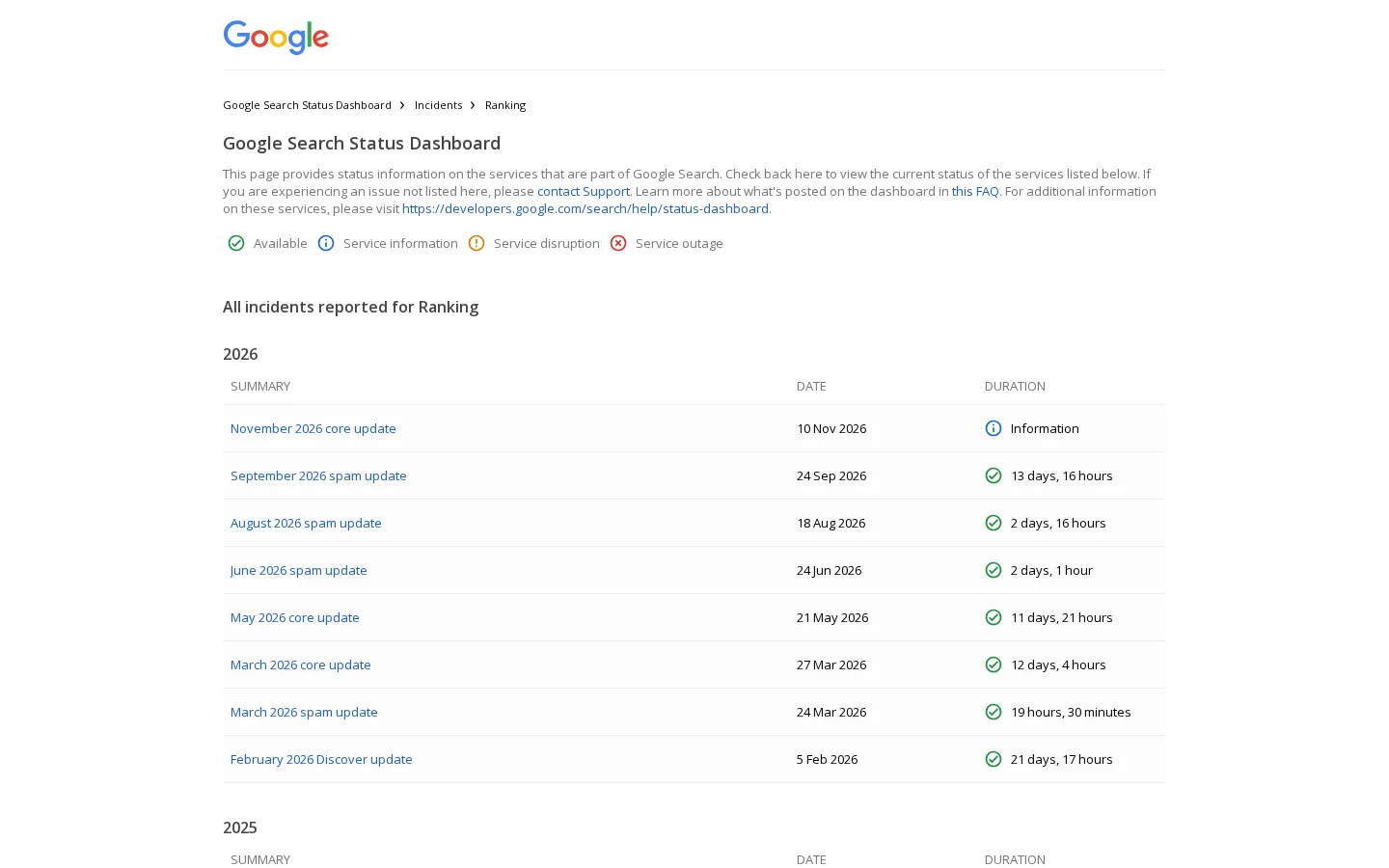
The history page lists each update by name, start date and length. Entries range from under a day to 45 days. The March 2025 core update, for example, ran for 13 days and 21 hours. Check the list on the Google Search Status Dashboard before you blame your content.
Wait at least a full week after a core update ends. Google's core update guidance says: "We recommend waiting at least a full week after a core update completes before analyzing your site in Search Console." Then compare the week after the update with the week before it began. This isolates what changed.
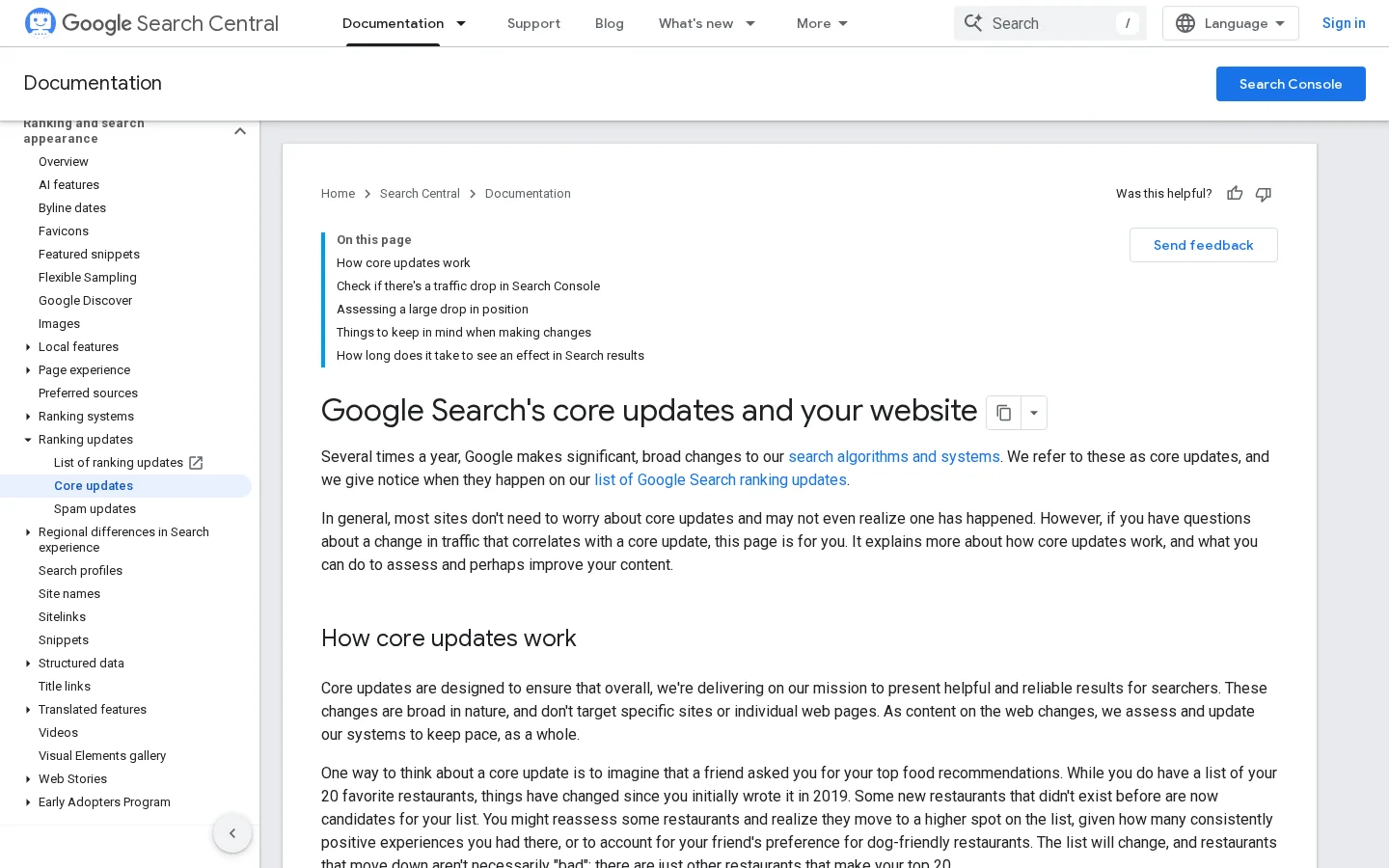
Rank volatility measures movement. Average position measures where you sit on average. In its performance report, Google defines the value as the average position of the topmost result from your site, as stated in the Search Console performance report guidance. A page can keep a stable average while its daily results swing, so read both together. See average position for the metric itself and ranking for how the order is set.
Rank volatility describes Google's list. AI answers shift in a different way: the same question can cite other sources on another day. Our article on AI search volatility covers why answers keep changing and how to respond. Track both, because a stable Google position does not mean a stable place in AI answers.
A volatility score has three limits. It does not say why positions moved. It does not say how much traffic the move cost you. And it depends on the keywords you pick, so a score for a narrow list may not match the market.
Most errors come from reading one number too early. Here are three.
This is changing a page after a single bad day. You spot it when a sharp move shows on one date only. Fix it by checking the next seven days before you touch the page, and by comparing the same keyword group.
This is blaming Google for every move. You spot it when the drop lines up with no entry on the Search Status Dashboard. Fix it by checking the dates first, then your own recent changes, then the changes of your competitors.
This is judging your site alone while the whole first page moves. You spot it when many sites change on the same day. Fix it by comparing your keyword with the market-wide score before you rewrite anything.
Volatility tells you whether a drop is a problem to fix or noise to ignore. Teams that read volatility well ask one question first: did the market move, or did we? That answer decides whether the work goes to the page, to the links, or nowhere. For SEO, it protects your effort: you avoid rewriting good pages after a normal swing. Google Search Console shows the Google side. For GEO, the same habit applies to AI answers. Sorank also tracks how often ChatGPT, Gemini and Claude mention your brand, see AI mention tracking.
Rank volatility is the size of your position changes over time. Measure it for each keyword, read it against the market, and check Google's update dates before you act. Wait a full week after an update before you judge the data. Use the score to decide what to fix, not to panic.
Sources
No. Rank volatility is a measurement, not a ranking factor. It describes how much your positions move, so it tells you about the results, not about why your page ranks.
Positions can change from day to day. Google says results depend on the time, place, device and recent history of the person searching.
Google recommends waiting at least a full week after a core update completes before you analyze your site in Search Console. Compare that week with the week before the update began.
 “I tested Sorank on a real client site and it's insane. It does everything an agency would bill you $1500 a month for. It's going into production on that client now.”

 Guillaume Guersanguersanguillaume.com“We are an Ads agency and we wanted to get our SEO back on track once and for all. Sorank gave us a clear view of our site, helped us prioritize optimizations, and properly structure our content. The tool is easy to use, well designed for a team, and very practical for centralizing tracking without having to juggle multiple platforms. A very solid foundation to start fresh with our SEO.”
 Gaspard MadouiAds Agency
 “I just let the Sorank software do its thing, and now my DR is 25 and my page is ranking higher.”
 Lucas Flandrefoundertrace.fr“I specialized in GEO thanks to Sorank. The GEO Leaderboard allows me to show my clients their position vs competitors on ChatGPT. It’s a real commercial differentiator.”
 MélanieSEO Freelance“Great service, works well for our website and helps us understand how to improve it to rank better on Google and elsewhere. Congrats, keep going, I recommend it.”
 Hugo T.E-commerce merchant



















