
Preferences
Privacy is important to us, so you have the option of disabling certain types of storage that may not be necessary for the basic functioning of the website. Blocking categories may impact your experience on the website. More information
Privacy is important to us, so you have the option of disabling certain types of storage that may not be necessary for the basic functioning of the website. Blocking categories may impact your experience on the website. More information

Over-optimization SEO is when SEO tactics hurt your rankings. Learn the warning signs, from keyword stuffing to exact-match anchors, and how to fix them.








Founder Sorank, 7+ years in SEO.
Summary
Over-optimization SEO is the practice of pushing SEO tactics past the point where they help and start to hurt your site. Keywords, anchor texts and links look forced, and the page reads as if it was written for search engines instead of people. Rankings can fall. The fix is to write for readers first and vary your wording.
Want to go further? Ask
Over-optimization SEO describes a site where every SEO signal has been pushed too hard. One tactic on its own is harmless. The problem starts when the same exact phrase repeats in the title, the headers, the body, the image alt text and the links, until the site looks manufactured. Google's spam policies describe several of the patterns behind it, such as keyword stuffing and link spam.
Good SEO helps a reader find the answer they came for. Over-optimization keeps the SEO work but loses the reader. A page can have the right topic, a clear title and solid links, and still be over-optimized if each element repeats the same phrase. The difference is not the tactic itself. It is the dose, and whether a person would read the page the same way without a search engine in mind.
Check for these signs. One sign alone is not proof, but several together usually mean the site needs a review.
Each sign points to a different part of the site. Keyword use lives in the text, anchor text lives in the links, and competing pages live in your site structure. That is why a fix has to cover all three, not only the text.
No. Keyword stuffing is the most visible form of over-optimization. Google's spam policies define it as filling a web page with keywords or numbers in an attempt to manipulate rankings. The practice does not stop at the body text. It also shows up in meta tags, headers and image alt text.
Keyword stuffing is only one part of the picture. Our article on keyword stuffing shows how to write a sentence with a keyword in it without forcing the phrase. This entry looks at the whole site, because over-optimization can also come from links, page structure and repeated pages. A keyword density check can show you where a term repeats, but it cannot tell you whether a page reads well.
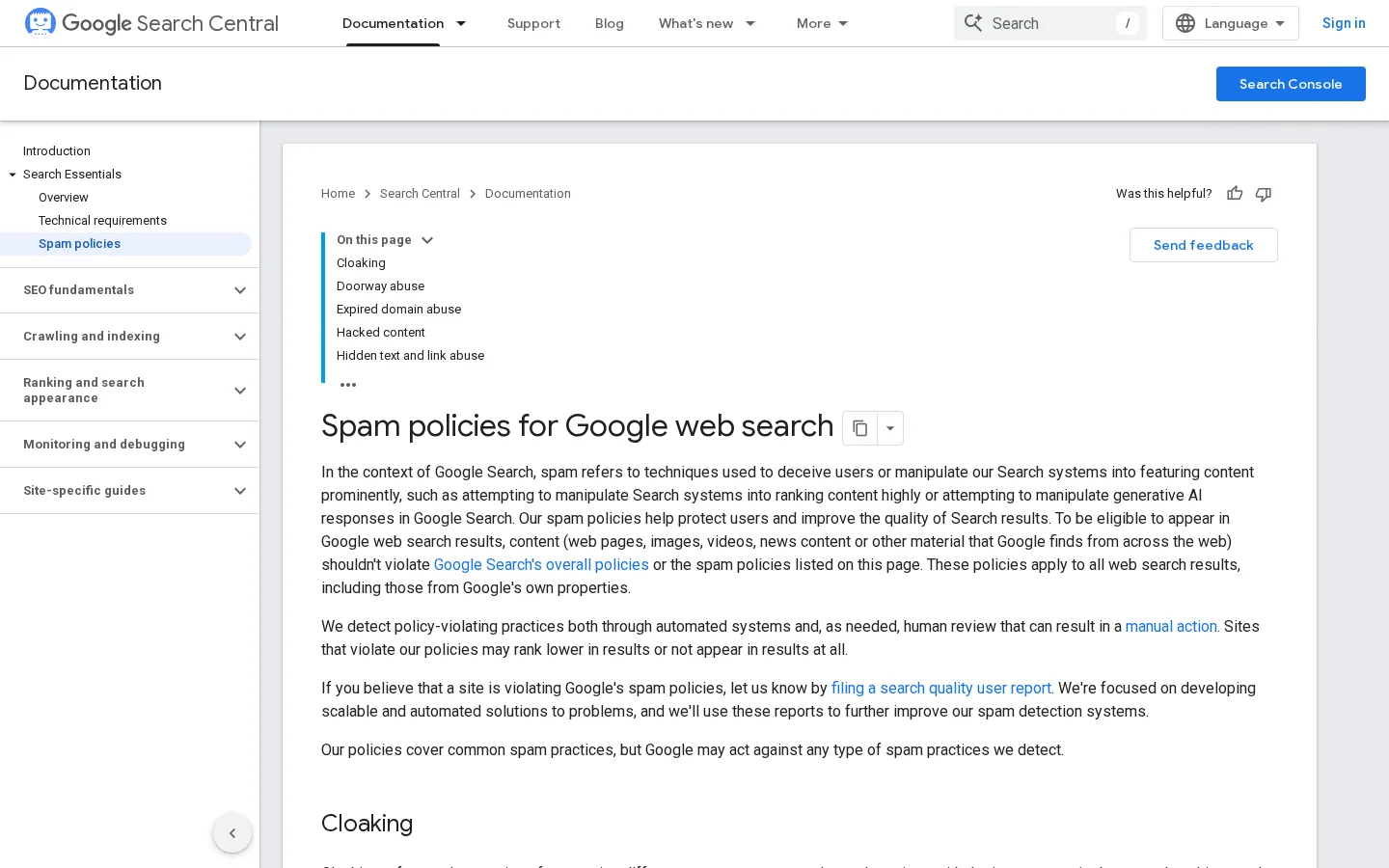
They can. Google's spam policies list links with optimized anchor text in articles, guest posts and press releases published on other sites as link spam when the placement is paid for. An exact-match anchor in a paid placement is a clear warning sign.
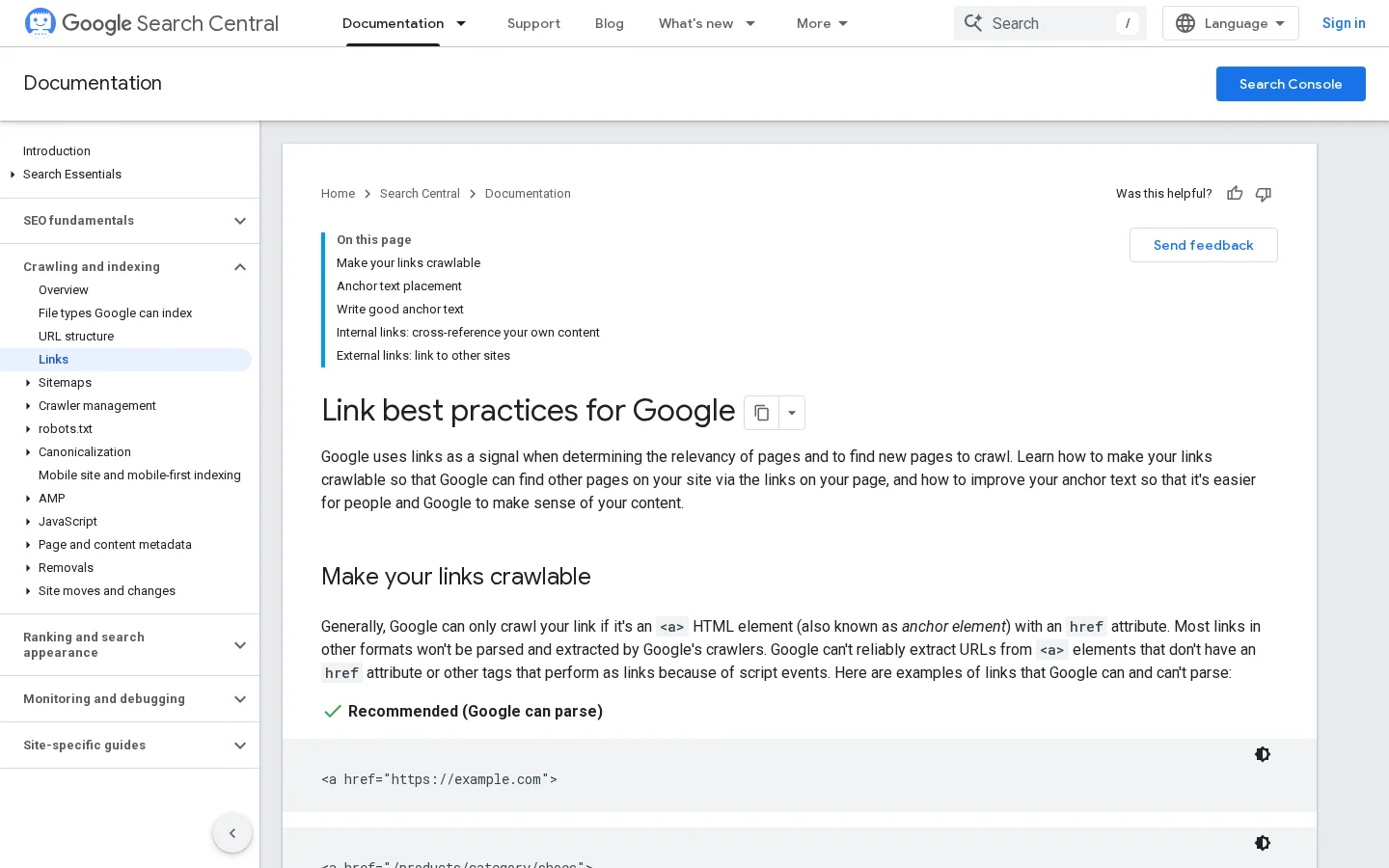
Google's own guide to links asks for descriptive anchor text: text that is specific, reasonably concise and relevant to both pages. A good test is to read the anchor text alone, out of context. If it makes sense without the sentence around it, it is probably fine. Generic phrases such as "click here" and "read more" fail that test, and so does one keyword pasted into every link. For a full audit of your anchors, see our anchor text optimization guide, which covers the mix of exact, partial and descriptive phrases.
Start where the pressure is highest. Most sites recover by changing the text and the links, not by rebuilding everything.
Sorank can help with the slow parts. Its content optimization feature rewrites and fixes older pages on autopilot, and its topic cluster generator plans pages with anti-cannibalization built in, so two pages do not compete for the same term.
What it is: every H2 and H3 on a page starts with the same phrase. How to spot it: read only the headers. If they read like a list of keywords, the page is over-optimized. How to fix it: write each header as the question a reader would ask, and let the wording vary.
What it is: all the links that point to a page use the same exact phrase. How to spot it: sort your internal and backlink anchors by frequency. If one phrase tops the list by far, it is a risk. How to fix it: mix exact, partial and descriptive anchors, and let some links use the page name or a plain description.
What it is: one page per city, product or keyword variation, with the same text and only a few words swapped. How to spot it: put two of the pages side by side and read them. If they are almost the same, the site has duplicate content. How to fix it: merge the pages into one strong page, or add real information that is different on each page.
Google's guidance on creating helpful content asks whether content is made primarily to attract visits from search engines. It also asks whether a reader will leave feeling they have had a satisfying experience. A page that fails the first question and the second is at risk, whatever tactic was used to build it.
For GEO the stakes are similar. AI models read the text of your page, not your intentions. A page that reads as forced gives an AI little reason to quote it, while a page that answers the question plainly is easy to lift into an answer. Fixing over-optimization makes the page better for both the reader and the AI.
Over-optimization SEO happens when the effort to rank pushes the page away from the reader. The signs are repeated keywords, exact-match anchors and pages that compete with each other. The fix is to write for people first, vary your links and merge the pages that fight for one term. Check your site often, because a pattern that helped once can hurt later.
Sources
Over-optimization is when SEO work goes past the point of helping. Keywords, anchor texts and links look forced, and the page reads as if it was written for search engines. It can hurt both rankings and the trust of your readers.
No. Keyword stuffing is one form of over-optimization. Google's spam policies define it as filling a page with keywords or numbers to manipulate rankings. Over-optimization can also come from links, page structure and pages that compete with each other.
Read your pages out loud and read only your link anchors. If the phrasing feels forced, or one exact phrase dominates your anchors, your site needs a review. Merge the pages that compete for the same term.
 “I tested Sorank on a real client site and it's insane. It does everything an agency would bill you $1500 a month for. It's going into production on that client now.”

 Guillaume Guersanguersanguillaume.com“We are an Ads agency and we wanted to get our SEO back on track once and for all. Sorank gave us a clear view of our site, helped us prioritize optimizations, and properly structure our content. The tool is easy to use, well designed for a team, and very practical for centralizing tracking without having to juggle multiple platforms. A very solid foundation to start fresh with our SEO.”
 Gaspard MadouiAds Agency
 “I just let the Sorank software do its thing, and now my DR is 25 and my page is ranking higher.”
 Lucas Flandrefoundertrace.fr“I specialized in GEO thanks to Sorank. The GEO Leaderboard allows me to show my clients their position vs competitors on ChatGPT. It’s a real commercial differentiator.”
 MélanieSEO Freelance“Great service, works well for our website and helps us understand how to improve it to rank better on Google and elsewhere. Congrats, keep going, I recommend it.”
 Hugo T.E-commerce merchant



















