
Preferences
Privacy is important to us, so you have the option of disabling certain types of storage that may not be necessary for the basic functioning of the website. Blocking categories may impact your experience on the website. More information
Privacy is important to us, so you have the option of disabling certain types of storage that may not be necessary for the basic functioning of the website. Blocking categories may impact your experience on the website. More information

Edge SEO changes SEO on a CDN's edge servers, without editing your site's code. Learn how it works, the tools, the uses and the risks.








Founder Sorank, 7+ years in SEO.
Summary
Edge SEO is the practice of making SEO changes, such as redirects, headers, hreflang tags and structured data, on the edge servers of a content delivery network (CDN) instead of editing the code of the website itself. It helps when a fix is stuck in a slow release cycle.
Want to go further? Ask
Edge SEO means changing a page's SEO on the servers at the edge of the network, not in the code of your website. Your site sends its pages through a CDN, a group of servers spread around the world that keep copies of your pages close to visitors. A small piece of code runs on those servers and changes the response before it reaches the visitor or the search engine bot. Your site's own code stays the same.
A request from a browser or a bot first reaches the nearest edge server. That server can run a function, usually written in JavaScript. The function reads the request, then changes the response: it can add a header, send a redirect, insert a tag or return a different HTML head. If the function does nothing, the request goes to your origin server as usual, which is the server that holds the real website.
The change lives outside your CMS. That is why edge SEO helps when a theme or plugin limits what you can edit, or when a developer queue is too long for a small fix.
Three platforms come up most often. Each one is a serverless service, which means you upload code and the provider runs it on its own network. You do not manage the servers yourself.
| Platform | Company | Where the code runs |
|---|---|---|
| Cloudflare Workers | Cloudflare | Cloudflare's global network |
| Fastly Compute | Fastly | Fastly's edge points of presence, the local data centers close to users |
| EdgeWorkers | Akamai | Akamai's edge servers, running JavaScript functions |
Cloudflare Workers is the best-known option. Cloudflare describes it as a way to build and deploy serverless applications across Cloudflare's global network.
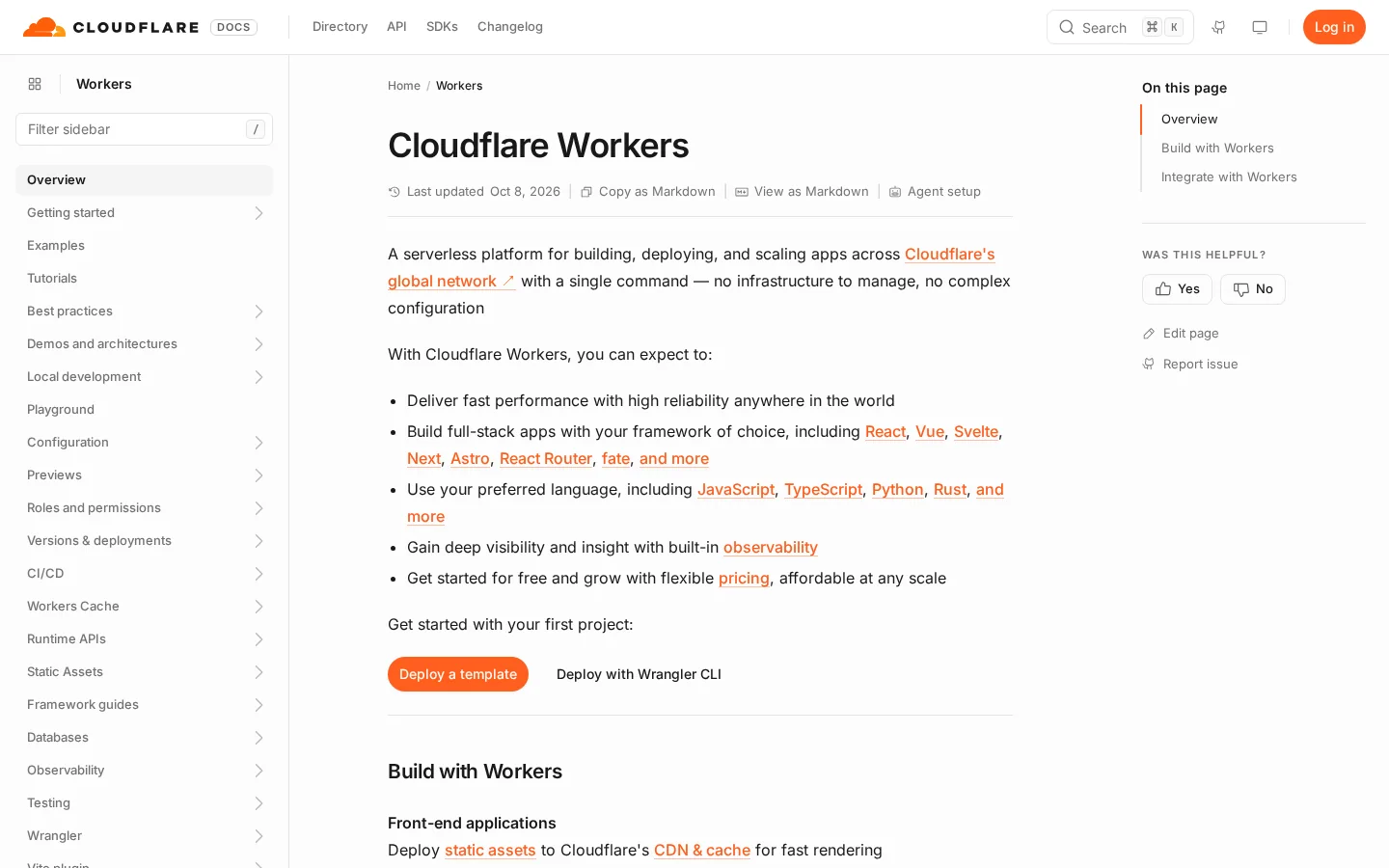
Fastly Compute runs code across its edge network. Fastly calls it the serverless platform that lets you easily build the best experiences for your users. Akamai offers a similar service called EdgeWorkers, which lets you run JavaScript functions on its edge servers.
The three most common uses are redirects, structured data and caching rules. Each one can ship without a site release.
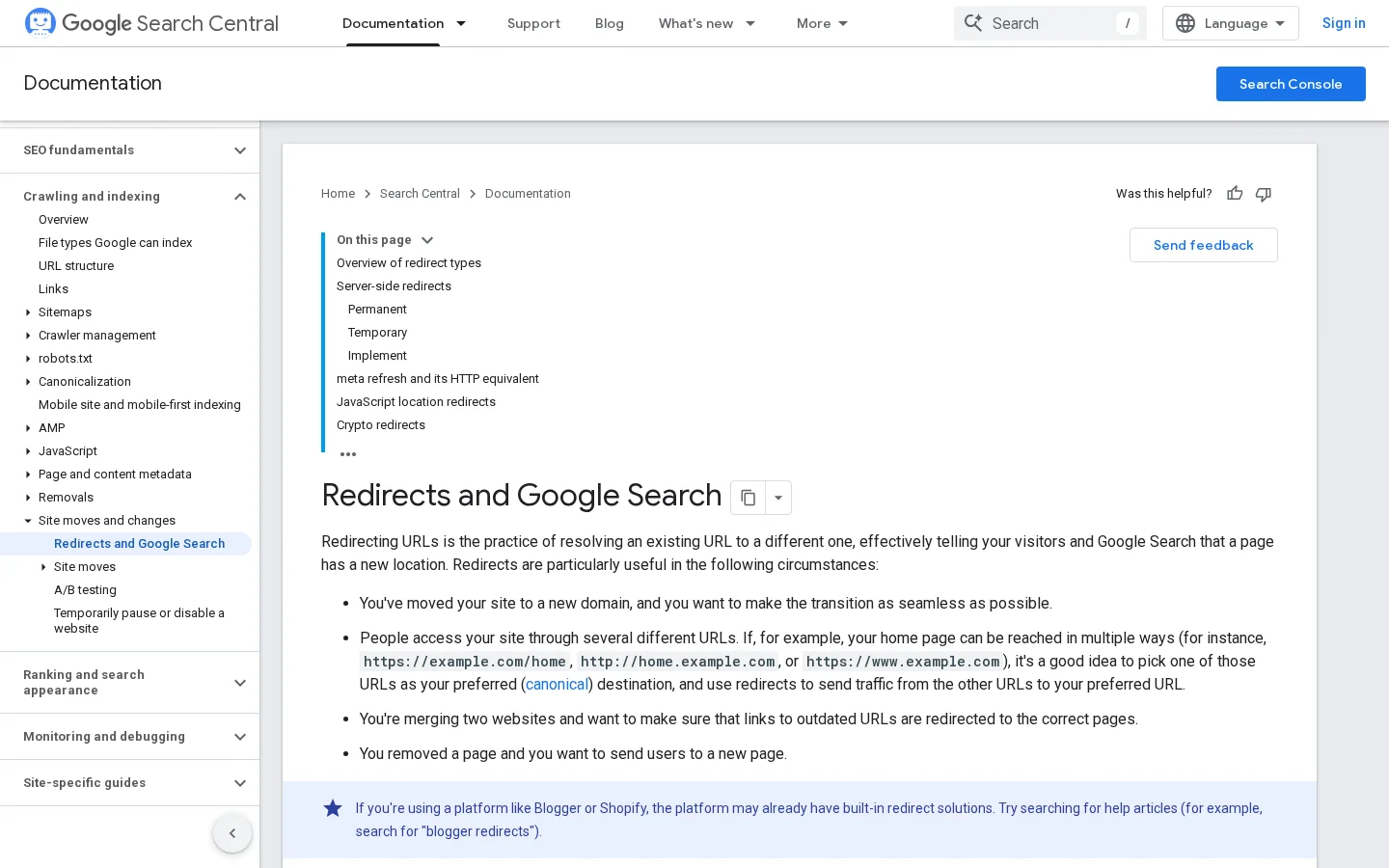
Redirects are the most common job. A worker can send an old URL to a new one with a 301 redirect. Google's documentation says that Googlebot follows a 301 and uses it as a signal that the target should be the canonical page. A 302 redirect is meant for short-term changes, since Google keeps the original URL in its results. For more on this, read the complete guide to SEO redirects.
Structured data is the second use. Edge code can add schema markup or hreflang tags, which tell search engines which language version of a page to show. The third use is caching. Edge code can set cache headers and compress responses, which affects page speed for every visitor.
You can set up edge SEO in five steps. Start small, and keep one change in each function.
Here is a simple Cloudflare Worker that sends one old URL to a new one with a 301 redirect:
export default {
  async fetch(request) {
    const url = new URL(request.url);
    if (url.pathname === "/old-page") {
      return Response.redirect(url.origin + "/new-page", 301);
    }
    return fetch(request);
  },
};Edge code gets you in trouble only when it shows search engines something that visitors do not see. Google's spam policies describe cloaking as presenting different content to users and search engines with the intent to manipulate rankings.
A redirect that sends every visitor and every bot to the same new page is normal. A keyword-rich page that only bots receive is cloaking. The test is simple: if a person and Googlebot would see different text, stop and fix it.
Edge SEO brings four main risks.
Edge SEO is a technical tool, not a complete SEO strategy. It does not replace good content.
Three mistakes come up most often.
It matters because a fix reaches search engines faster. A change that waits in a development queue can sit for a long time, while an edge change can go live the same day. Faster fixes help with crawlability: if bots cannot reach or read a page, neither Google nor the AI models can use it.
Edge SEO is a developer task. If your gap is content rather than code, the AI content calendar that plans and publishes your blog covers that side, so new pages go out on a steady schedule.
Edge SEO lets you change SEO on the CDN without a site release. Start with one fix, such as a 301 redirect. Test it, check the result, and keep each rule small. Edge code is a tool, not a plan, so keep your content work going as well.
Sources
No. Technical SEO covers the whole site, such as crawlability, speed and indexing. Edge SEO is one way to make some of those fixes, on the CDN instead of the origin server.
Usually, yes. A developer writes and tests the first function. Later changes are often small edits to the same code.
It can, if the edge code shows bots something visitors do not see, or sends redirects to the wrong pages. Test each change and check the result in Google Search Console.
 “I tested Sorank on a real client site and it's insane. It does everything an agency would bill you $1500 a month for. It's going into production on that client now.”

 Guillaume Guersanguersanguillaume.com“We are an Ads agency and we wanted to get our SEO back on track once and for all. Sorank gave us a clear view of our site, helped us prioritize optimizations, and properly structure our content. The tool is easy to use, well designed for a team, and very practical for centralizing tracking without having to juggle multiple platforms. A very solid foundation to start fresh with our SEO.”
 Gaspard MadouiAds Agency
 “I just let the Sorank software do its thing, and now my DR is 25 and my page is ranking higher.”
 Lucas Flandrefoundertrace.fr“I specialized in GEO thanks to Sorank. The GEO Leaderboard allows me to show my clients their position vs competitors on ChatGPT. It’s a real commercial differentiator.”
 MélanieSEO Freelance“Great service, works well for our website and helps us understand how to improve it to rank better on Google and elsewhere. Congrats, keep going, I recommend it.”
 Hugo T.E-commerce merchant



















