الخلاصة
يحوّل هذا المحول أي صفحة ويب إلى Markdown منظّم، مع الحفاظ على العناوين والقوائم والروابط والتنسيق وإزالة ضجيج HTML. يناسب النص الناتج التوثيق وترحيل المحتوى وأدوات الذكاء الاصطناعي، لكن راجعوا قبل إعادة استخدامه تسلسل العناوين والمسارات النسبية والصور.
هل تريد التعمق أكثر؟ اسأل


محتوى الويب محبوس داخل HTML، ملفوف في وسوم div، ومنسّق بـ CSS، ومكدّس بالبرامج النصية التي تجعل إعادة استخدامه أو ترحيله شبه مستحيلة. وتحويل صفحات الويب إلى Markdown يحرّر محتواكم في صيغة نظيفة وقابلة للنقل تعمل في كل مكان: مواقع التوثيق، ومستودعات Git، وتطبيقات تدوين الملاحظات، ومنصات إدارة المحتوى.
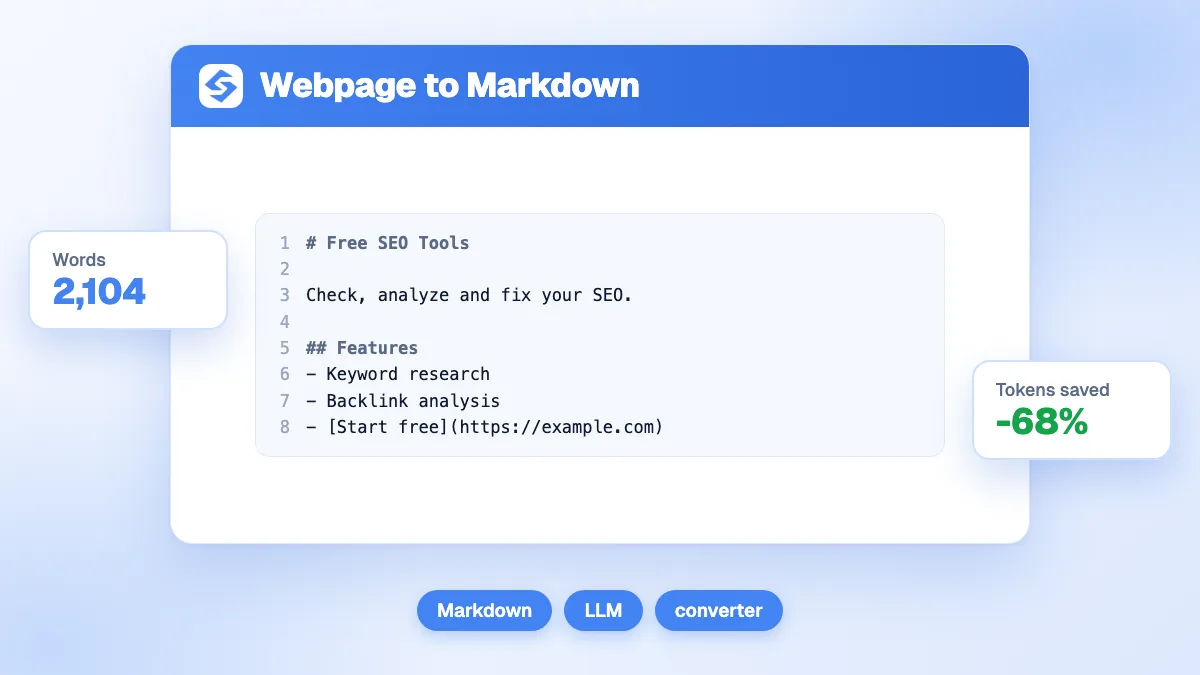
يحوّل محول صفحات الويب إلى Markdown من Sorank أي صفحة ويب إلى Markdown منظّم بنقرة واحدة، مع الحفاظ على العناوين والقوائم والروابط والتنسيق، وإزالة كل ضجيج HTML.
لماذا صار Markdown الصيغة العالمية للمحتوى
أصبح Markdown المعيار الفعلي لكتابة المحتوى وتخزينه في قطاع التقنية، ولأسباب وجيهة:
- الاستقلال عن المنصة: تعمل ملفات Markdown في أي محرر نصوص، وأي نظام تشغيل، وأي منصة. وعلى خلاف HTML أو الصيغ المغلقة، لا يبقى محتواكم حبيس أداة بعينها.
- ملائم لإدارة الإصدارات: Markdown نص عادي، ما يجعله مثاليًا لمسارات العمل القائمة على Git. فيمكنكم تتبع التغييرات، وإنشاء المقارنات، والتعاون على المحتوى كما يتعاون المطورون على الشيفرة.
- محصّن ضد الزمن: تأتي منصات إدارة المحتوى وتذهب، بينما تبقى ملفات Markdown مقروءة وقابلة للاستخدام إلى ما لا نهاية. فمحتواكم ينجو من أي ترحيل بين المنصات.
- نظيف ومركّز: تدفعكم الكتابة بـ Markdown إلى التركيز على بنية المحتوى بدل مظهره البصري. فالتنسيق دلالي: العناوين عناوين، والقوائم قوائم، من دون إغراء التنسيق الدقيق بالبكسل.
- متوافق مع الذكاء الاصطناعي ونماذج اللغة: تعطي نماذج اللغة الكبيرة نتائج أفضل بكثير حين تعمل على مدخلات Markdown نظيفة مقارنةً بشيفرة HTML الخام. وتحويل محتوى الويب إلى Markdown قبل معالجته بأدوات الذكاء الاصطناعي يرفع جودة المخرجات.
حالات استخدام شائعة لتحويل صفحات الويب إلى Markdown
تحويل صفحات الويب إلى Markdown مفيد في كثير من مسارات العمل المهنية:
- ترحيل المحتوى: نقل المحتوى بين منصات إدارة المحتوى (من WordPress إلى Hugo، ومن Webflow إلى Gatsby، وغير ذلك) يصبح أبسط بكثير حين تحوّلون الصفحات أولًا إلى Markdown كصيغة وسيطة.
- التوثيق: كثيرًا ما يحتاج كتّاب المحتوى التقني إلى تحويل توثيق واجهات البرمجة على الويب، أو مقالات المساعدة، أو مدخلات قاعدة المعرفة، إلى Markdown لإدراجها في توثيق المطورين أو ملفات README.
- البحث والأرشفة: حفظ محتوى الويب بصيغة Markdown ينشئ أرشيفات خفيفة وقابلة للبحث من دون ترهّل صفحات HTML الكاملة. وهو مثالي لملاحظات البحث، وتحليل المنافسة، وتنسيق المحتوى.
- إعادة توظيف المحتوى: يمكن تحويل مقالات المدونة والمقالات ونصوص صفحات الهبوط إلى Markdown ثم إعادة تنسيقها لنشرات بريدية، أو سلاسل منشورات على الشبكات الاجتماعية، أو أدلة PDF، أو تسلسلات بريدية.
- تدقيق محتوى السيو: عرض محتوى صفحة بصيغة Markdown نظيفة يزيل مشتتات التصميم، فيسهّل تقييم بنية المحتوى، وتسلسل العناوين، وتوزيع الكلمات المفتاحية.
كيف يعمل المحوّل
يجري محول صفحات الويب إلى Markdown تحويلًا ذكيًا من HTML إلى Markdown:
- جلب HTML: تسترجع الأداة محتوى HTML الكامل للصفحة المستهدفة، وتتعامل تلقائيًا مع عمليات إعادة التوجيه واختلاف ترميزات المحارف.
- استخراج المحتوى: يحدد المحوّل منطقة المحتوى الرئيسية، ويستبعد قوائم التنقل والتذييلات والأشرطة الجانبية وسائر العناصر غير المحتوى، ليركّز على ما يهم.
- تعيين العناصر: يُعيّن كل عنصر HTML إلى مقابله في Markdown: تتحول h1-h6 إلى عناوين بعلامة #، ويتحول strong إلى **عريض**، وتتحول وسوم الروابط إلى [نص](رابط)، وهكذا.
- الحفاظ على البنية: تُحوّل القوائم المتداخلة وبنى الجداول وكتل الشيفرة بعناية للحفاظ على تسلسلها المنطقي في مخرجات Markdown.
- مخرجات نظيفة: تُزال المسافات الزائدة والوسوم الفارغة والعناصر غير المحتوى لإنتاج Markdown مختصر وسهل القراءة.
مرجع سريع لصياغة Markdown
لمن يبدأ مع Markdown، هذه أكثر عناصر التنسيق شيوعًا في المخرجات المحوّلة:
- العناوين: الأسطر التي تبدأ برمز # تدل على مستوى العنوان. فـ # هو h1، و## هو h2، وهكذا حتى h6.
- العريض والمائل: النص المحاط بـ **نجمتين** عريض، و*نجمة واحدة* مائل، و***ثلاث نجمات*** يجمع الاثنين.
- الروابط: تظهر الروابط بصيغة [نص الرابط](الرابط)، فيبقى النص القابل للنقر ووجهته معًا.
- القوائم: تستخدم القوائم غير المرتبة النقاط - أو *، بينما تستخدم القوائم المرتبة الأرقام (1. 2. 3.). وتُزاح العناصر المتداخلة إلى الداخل.
- الصور: تُكتب الصور بصيغة ، وهي شبيهة بالروابط مع علامة تعجب في البداية.
- الشيفرة: تستخدم الشيفرة داخل السطر `علامات الاقتباس المائلة`، بينما تستخدم كتل الشيفرة ثلاث علامات مع معرّف لغة اختياري لإبراز الصياغة.
- الاقتباسات: الأسطر التي تبدأ بـ > تمثل نصًا مقتبسًا، وتُستخدم عادةً في التنبيهات أو الاستشهادات.
أفضل الممارسات في تحويل المحتوى
للاستفادة القصوى من تحويل صفحات الويب إلى Markdown، اتبعوا هذه النصائح:
- راجعوا تسلسل العناوين: بعد التحويل، تأكدوا من أن العناوين تتبع ترتيبًا منطقيًا (h1 ثم h2 ثم h3). فكثير من صفحات الويب تسيء استخدام وسوم العناوين لأغراض التنسيق لا البنية.
- تحققوا من سلامة الروابط: قد تستخدم الروابط المحوّلة مسارات نسبية يلزم تحويلها إلى روابط مطلقة إذا كان Markdown سيُستخدم خارج النطاق الأصلي.
- احفظوا الصور على حدة: يشير Markdown إلى الصور بروابطها. فإذا كنتم تؤرشفون المحتوى، نزّلوا الصور على حدة وحدّثوا مراجع Markdown إلى مسارات محلية.
- نظّفوا الشوائب: بعض بنى HTML المعقدة مثل التخطيطات متعددة الأعمدة أو الأدوات التفاعلية قد لا تتحول بشكل مثالي. راجعوا المخرجات وبسّطوها عند الحاجة.
- اعتمدوا تنسيقًا موحدًا: إذا كنتم تحوّلون عدة صفحات لمشروع توثيق، فحدّدوا أعرافًا للتنسيق (أنماط العناوين، ورموز القوائم، وصيغ الروابط) وطبّقوها باتساق على كل الملفات المحوّلة.