
Preferences
Privacy is important to us, so you have the option of disabling certain types of storage that may not be necessary for the basic functioning of the website. Blocking categories may impact your experience on the website. More information
Privacy is important to us, so you have the option of disabling certain types of storage that may not be necessary for the basic functioning of the website. Blocking categories may impact your experience on the website. More information

Optimized content is a page built to answer one question and rank on Google. Learn what it means and the free steps to improve any text.








Founder Sorank, 7+ years in SEO.
Summary
Optimized content is a web page written and structured so that Google and AI models can find, understand and trust it, and so that it answers the exact question the reader has. It uses a clear title, a direct answer at the top, logical headings, and useful facts a reader can check.
Want to go further? Ask
Optimized content is writing built for two readers at once: the person who types a question into a search engine, and the system that decides whether to show the page. A page is optimized when a reader finds a complete answer near the top, and when its title, headings and links tell search engines what it is about.
Google's guidance on helpful content says its ranking systems aim to prioritize content "created to benefit people, and not content that's created to manipulate search engine rankings." Keep that test in mind for every change you make.
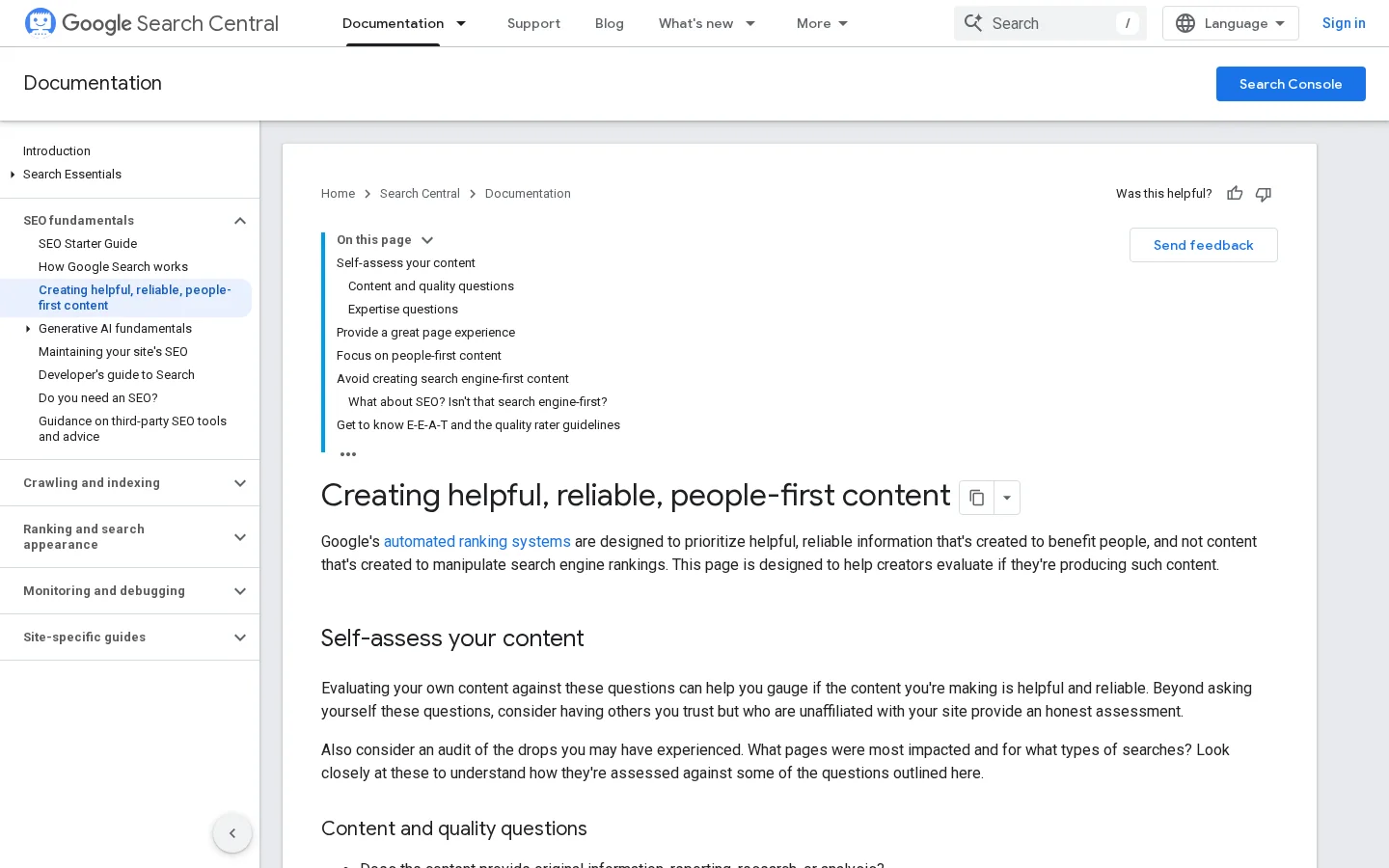
Optimized content is a page that gives a complete answer to one question, in plain words, with a structure that search engines can read without guessing. The answer goes first. The headings show the reader where to look. The title tells both the reader and Google what the page covers.
Optimized does not mean stuffed with keywords. It means the page was built around what a real person wants to know. Google's SEO Starter Guide asks creators to consider "the search terms your readers might use, including terms from both newcomers and experts."
Follow these seven steps in order. They use free tools only: a search engine, a text editor and your own knowledge of the topic.
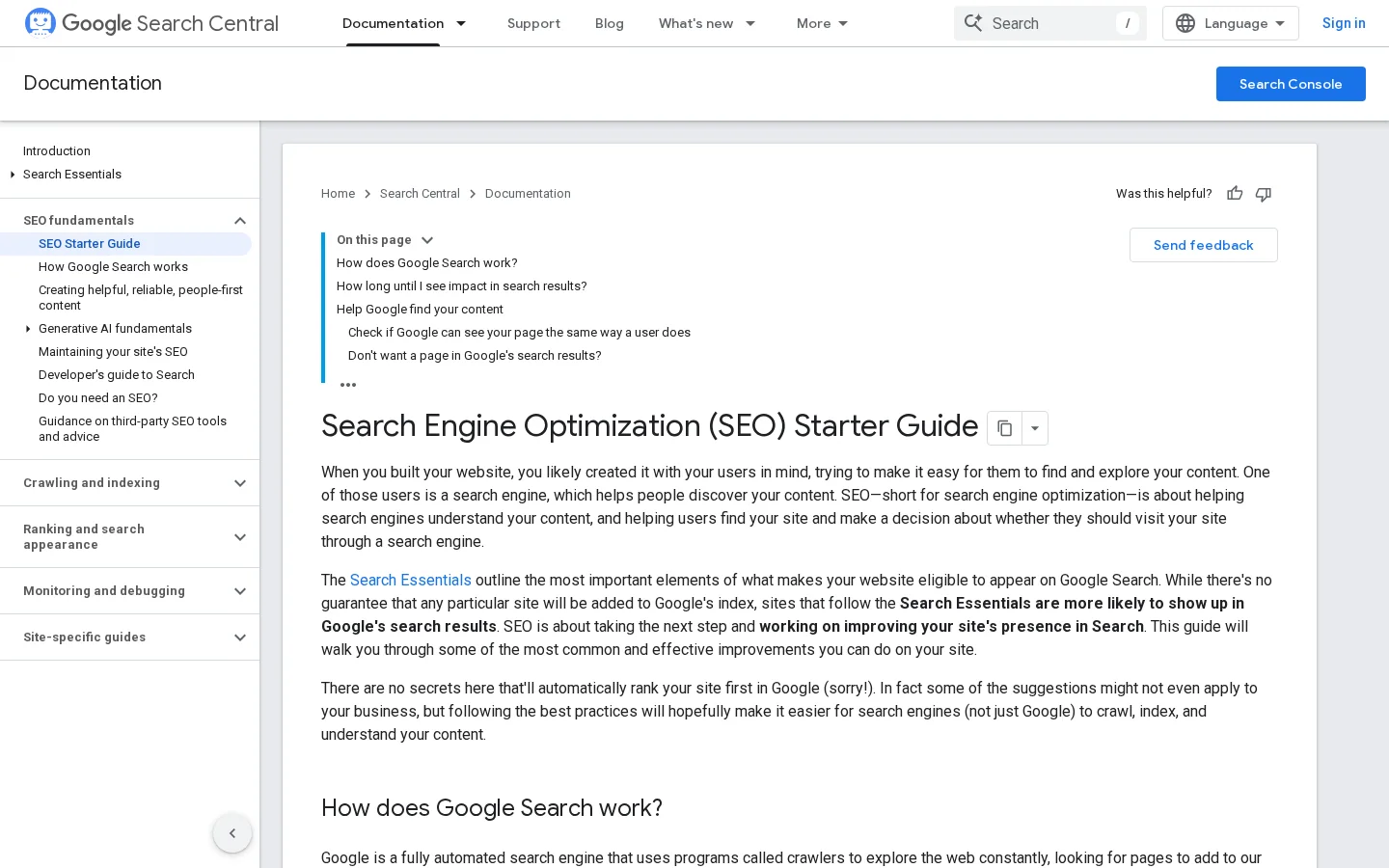
Optimized content uses the words people search for, and it uses them where they fit. Keyword stuffing repeats one phrase until the text reads badly. The helpful content guidance asks whether a page is "primarily made to attract visits from search engines," and a stuffed page usually fails that test.
The difference is clearest when a person reads the page aloud. An optimized page sounds like an expert explaining the topic. A stuffed page sounds like a list of phrases.
Check four things. First, the answer must appear in the first paragraph. Second, the title and headings must describe what follows. Third, the page must link to related pages that help the reader go further. Fourth, a reader who is new to the topic must be able to explain it after reading. If one of these fails, fix that part before you change anything else.
You can run a quick check of the on-page elements with our free on-page SEO audit tool. Use it as a checklist, not as a goal. A high score in a tool does not make a page useful to a reader.
No. A single page can be optimized with the steps above and nothing else. Paid software helps when the same work repeats across many pages, because it can check and update them faster. Sorank does this on autopilot and can fix and rewrite old pages for you.
Keep your own judgment in the loop. Software can suggest a rewrite, but you still decide whether the facts are right and whether the page sounds like your business.
What it is: the same phrase repeated in every paragraph until the text sounds unnatural. How to spot it: read one paragraph aloud and listen for the repetition. How to fix it: keep the main phrase in the title, the first paragraph and one heading, then use related words elsewhere. For why a fixed percentage is not a rule, see our keyword density entry.
What it is: a title such as "Blog" or "Welcome" that does not describe the page. How to spot it: read the title alone, then ask what the page is about. If you cannot tell, the title fails. How to fix it: name the topic and the answer in plain words, and keep the title unique to that page.
What it is: a long introduction, with the answer only in the last section. How to spot it: check whether the answer appears on the first screen of the page. How to fix it: move the direct answer to the first paragraph, then develop the rest below it.
What it is: a new date on a page whose content has not changed. The helpful content guidance asks whether a site is "changing the date of pages to make them seem fresh when the content has not substantially changed." How to spot it: compare the date shown with the last real edit. How to fix it: update the facts, examples and sources, or remove the page if it no longer serves a reader. Our entry on content freshness covers why recency matters.
What it is: a page that repeats what other pages say without adding anything. The helpful content guidance asks, "Are you mainly summarizing what others have to say without adding much value?" How to spot it: ask whether your page contains one fact, example or step that the top results do not have. How to fix it: add a worked example, a first-hand observation or a clear method. Our entry on thin content covers the same problem at the level of a whole page.
Search engines rank pages that answer the question, and AI models choose sources they can quote. A page with a direct answer, clear headings and checkable facts gives both systems something to use. Without those, the page is harder to find and harder to cite. Our entry on content quality signals covers what search engines and AI use to judge a page.
Optimized content starts with one question and a direct answer. Add a clear title, headings that name the questions, and facts with their sources. Then read the page as a stranger would. You do not need paid software to start. Begin with the page that matters most to your business, then repeat the steps on the others.
Sources
Optimized content uses the words people search for, and it uses them where they fit. Keyword stuffing repeats one phrase until the text reads badly. Google asks whether a page is made for people or only to attract search engine visits.
No. The steps in this guide work with a search engine, a text editor and your knowledge of the topic. Paid software helps mainly when you must update many pages at once.
Check that the answer is in the first paragraph, that the title and headings describe the content, that related pages are linked, and that a reader who is new to the topic can explain it afterwards.
 “I tested Sorank on a real client site and it's insane. It does everything an agency would bill you $1500 a month for. It's going into production on that client now.”

 Guillaume Guersanguersanguillaume.com“We are an Ads agency and we wanted to get our SEO back on track once and for all. Sorank gave us a clear view of our site, helped us prioritize optimizations, and properly structure our content. The tool is easy to use, well designed for a team, and very practical for centralizing tracking without having to juggle multiple platforms. A very solid foundation to start fresh with our SEO.”
 Gaspard MadouiAds Agency
 “I just let the Sorank software do its thing, and now my DR is 25 and my page is ranking higher.”
 Lucas Flandrefoundertrace.fr“I specialized in GEO thanks to Sorank. The GEO Leaderboard allows me to show my clients their position vs competitors on ChatGPT. It’s a real commercial differentiator.”
 MélanieSEO Freelance“Great service, works well for our website and helps us understand how to improve it to rank better on Google and elsewhere. Congrats, keep going, I recommend it.”
 Hugo T.E-commerce merchant



















