
Preferences
Privacy is important to us, so you have the option of disabling certain types of storage that may not be necessary for the basic functioning of the website. Blocking categories may impact your experience on the website. More information
Privacy is important to us, so you have the option of disabling certain types of storage that may not be necessary for the basic functioning of the website. Blocking categories may impact your experience on the website. More information

Text to HTML ratio is the share of a page's code that is visible text. Learn the formula, typical values, what Google says and how to check yours.








Founder Sorank, 7+ years in SEO.
Summary
Text to HTML ratio is the share of a page's code that is visible text. You find it by dividing the size of the text by the size of the whole HTML file, then multiplying by 100. Google does not use this ratio as a ranking signal, but a bloated page can still slow down crawling and loading.
Want to go further? Ask
Text to HTML ratio compares the words a visitor reads with all the code that builds the page, including tags, scripts and styles. A high ratio means most of the file is content. A low ratio means the markup does most of the work. You will see this metric in many SEO audit reports, but the question behind it is simpler: is your page light, clear and full of useful text?
You divide the size of the visible text by the size of the full HTML, then multiply by 100. Use the same unit for both numbers, either characters or bytes.
Text to HTML ratio = (size of the visible text / size of the full HTML) × 100Here is a simple example. A page has 500 characters of visible text inside 1000 characters of HTML. The ratio is 500 divided by 1000, times 100, so 50 percent.
Many SEO blogs quote a range of 25 to 70 percent. We found no study or Google page behind that range, and the sites that repeat it name no source. Treat it as a rough guide, not a target.
The right number also depends on the type of page. Articles and blog posts contain a lot of text, so they tend to score higher. Product pages with image grids, filters and tracking scripts tend to score lower. A low score on such a page is normal and does not mean the page is broken.
Not directly. John Mueller, Search Advocate at Google, said on Reddit that the ratio "makes absolutely no sense at all for SEO". Search Engine Roundtable reported his comment on August 11, 2023. So you should not chase the number as a ranking goal.
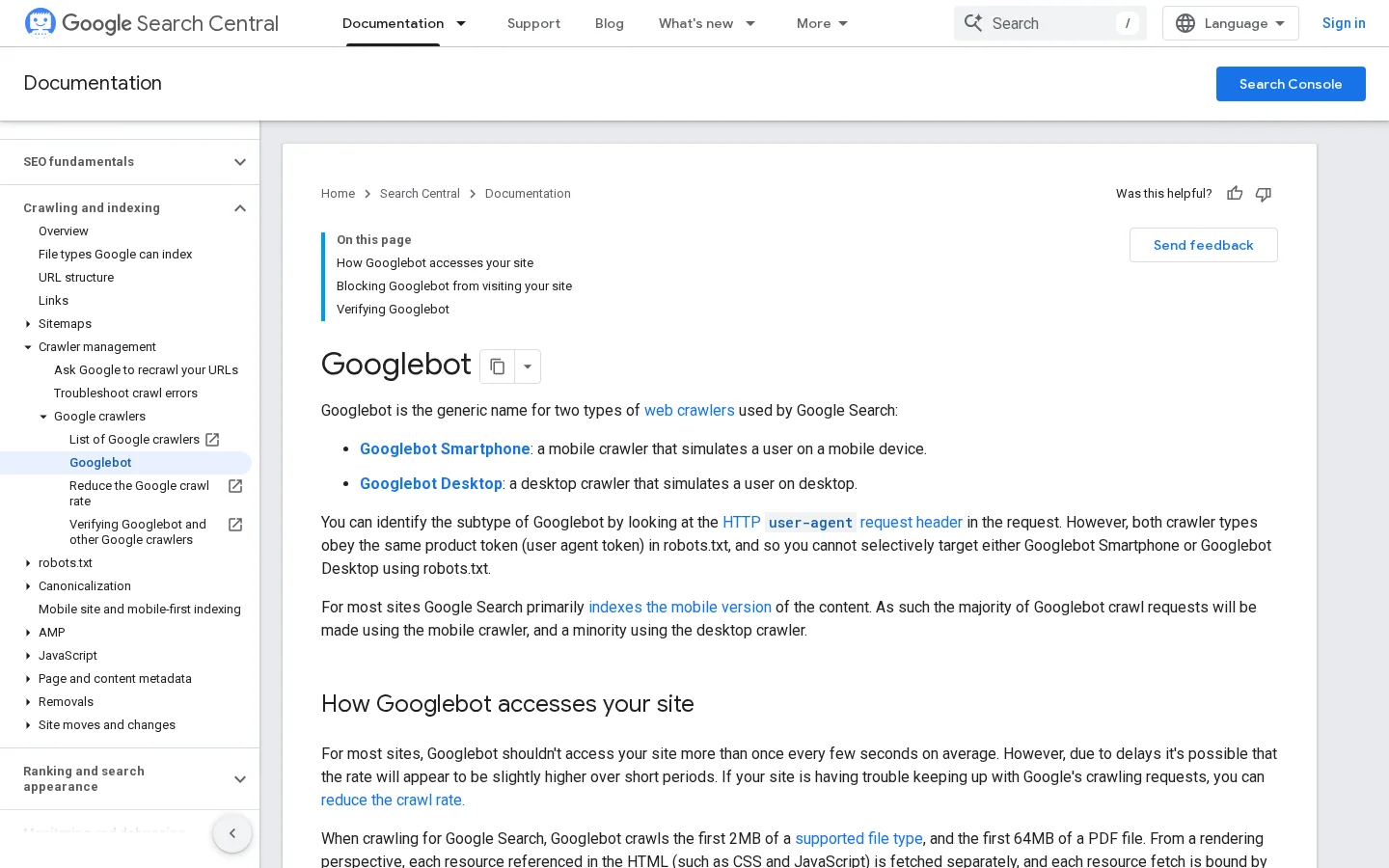
The ratio can still matter indirectly, because a heavy page can cause real problems. Google's crawler documentation says that Googlebot crawls the first 2MB of a supported file type, and that the limit applies to uncompressed data. Googlebot does not read past that point, so content placed after it may never be seen. That is a crawling problem, not a ratio problem, and it is the number to check.
Heavy code also slows the page down, which is why cutting code often goes together with page speed work.
Most low ratios come from code, not from a lack of writing. The common causes are:
div tags, often produced by visual page builders.Nesting is the easiest cause to fix with semantic HTML. A cleaner structure uses fewer wrappers and clear section tags:
<main>
  <section>
    <p>Your text goes here.</p>
  </section>
</main>
Our guide to semantic HTML explains which tags to use and why they matter.
You can measure it by hand in a few minutes:
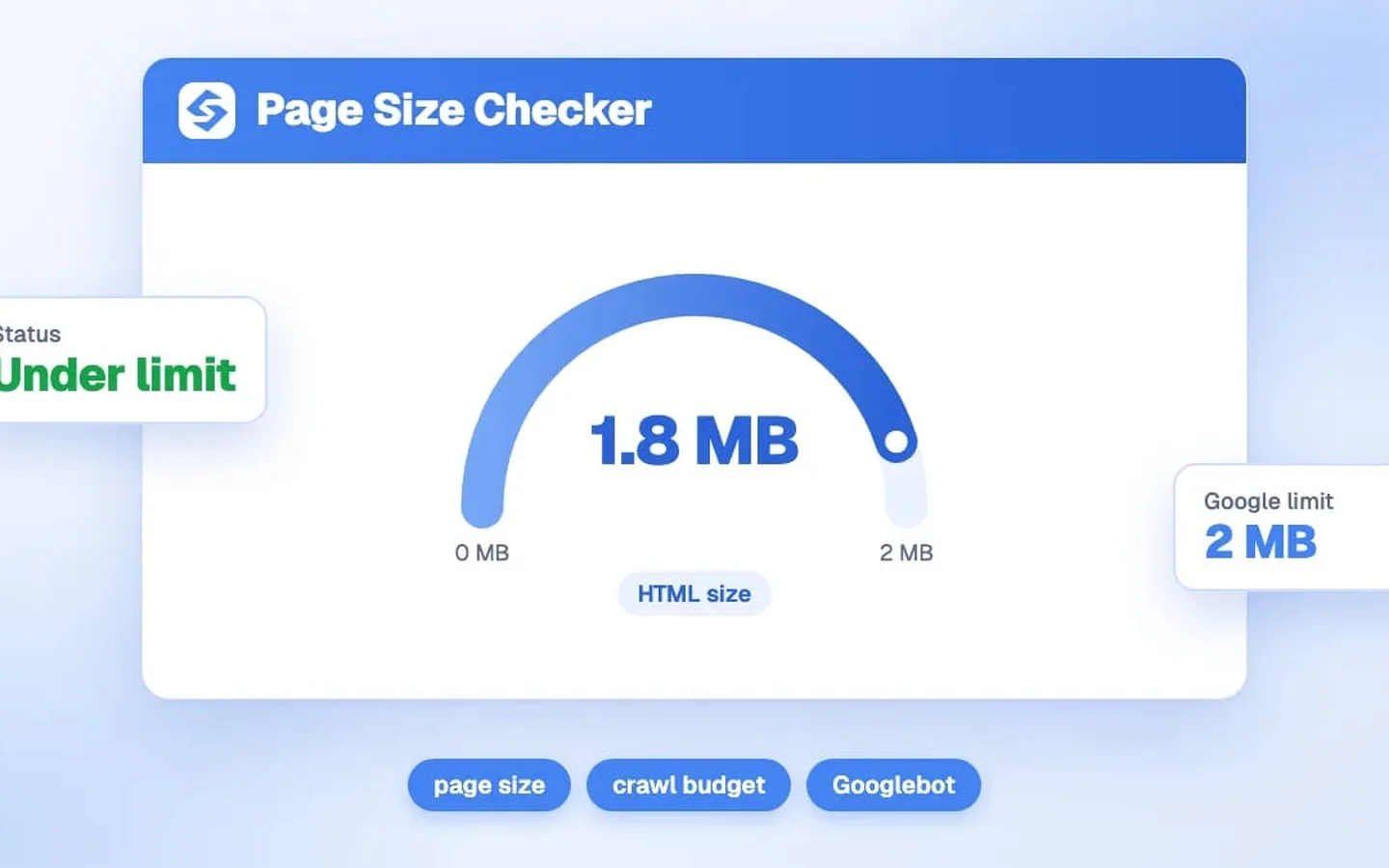
To check the size limit, use our free page size checker. It tests a URL against Google's 2MB crawl limit, which matters more than the ratio itself.
Note
The ratio is a symptom, not a goal. Read it together with the page size, the load time and the text itself.
Work on both sides: cut code that adds nothing, and add text that answers a question. Start with these steps:
main, section and article.Keep the text useful. Filler sentences add words but no value, and they make the page harder to read. If a page is thin, content optimization can help rewrite it. Our thin content entry explains what to fix first.
What it is: Treating the ratio as a score to raise. Pages get longer with no new information, the number moves, and the page does not get better.
How to spot it: Your edits add words, but the questions visitors ask are still not answered.
How to fix it: List the top questions for the page first. Then check that every paragraph answers one of them.
What it is: Repeating the same keyword, or padding the page with generic sentences.
How to spot it: Paragraphs say the same thing in different words, or the text only reads well to a search engine.
How to fix it: Delete the padding. Keep only the sentences that give a visitor a fact, a step or an answer.
What it is: Removing scripts, styles or structured data to shrink the file, and breaking the page in the process.
How to spot it: A form, a menu, a price or a rich result stops working after the edit.
How to fix it: Move the code to an external file instead of deleting it, and test the page after each change. Keep your JSON-LD schema intact.
For SEO, the ratio is a useful warning sign, not a ranking lever. It points you to bloated pages that may be slow, hard to crawl or close to Google's 2MB limit. For GEO, the same clean structure helps. AI systems need to find the answer inside your page, and clear headings with visible text are easier to read than a page buried in code. Aim for a page that both a visitor and a crawler can read in full, with a sound crawlability setup.
Check the content depth of each important page too. A page with more useful text and less code usually answers the question better.
The text to HTML ratio is the share of a page's code that is visible text. Google says it is not a direct ranking factor. Use it as a prompt to look at the page: is the code heavy, is the text useful, and does the page stay under Google's 2MB limit? Fix those three things, and the ratio usually follows.
Sources
Divide the size of the visible text by the size of the full HTML, then multiply by 100. Use the same unit, bytes or characters, for both numbers.
Not directly. John Mueller of Google said the ratio makes no sense for SEO. A bloated page can still cause crawling and speed problems, so check its size too.
Many SEO blogs quote 25 to 70 percent, but we found no study or Google page behind that range. Use it as a rough guide and judge the page by its content and load speed.
 “I tested Sorank on a real client site and it's insane. It does everything an agency would bill you $1500 a month for. It's going into production on that client now.”

 Guillaume Guersanguersanguillaume.com“We are an Ads agency and we wanted to get our SEO back on track once and for all. Sorank gave us a clear view of our site, helped us prioritize optimizations, and properly structure our content. The tool is easy to use, well designed for a team, and very practical for centralizing tracking without having to juggle multiple platforms. A very solid foundation to start fresh with our SEO.”
 Gaspard MadouiAds Agency
 “I just let the Sorank software do its thing, and now my DR is 25 and my page is ranking higher.”
 Lucas Flandrefoundertrace.fr“I specialized in GEO thanks to Sorank. The GEO Leaderboard allows me to show my clients their position vs competitors on ChatGPT. It’s a real commercial differentiator.”
 MélanieSEO Freelance“Great service, works well for our website and helps us understand how to improve it to rank better on Google and elsewhere. Congrats, keep going, I recommend it.”
 Hugo T.E-commerce merchant



















