Preferences
Privacy is important to us, so you have the option of disabling certain types of storage that may not be necessary for the basic functioning of the website. Blocking categories may impact your experience on the website. More information
Privacy is important to us, so you have the option of disabling certain types of storage that may not be necessary for the basic functioning of the website. Blocking categories may impact your experience on the website. More information

Product attributes are the details that describe an item, like color, size, weight and material. Learn how they help buyers buy, compare and find.








Founder Sorank, 7+ years in SEO.
Summary
A product attribute is a specific detail that describes a product, such as its color, size, weight or material. Online stores use attributes to show shoppers what an item is, so they can buy it, compare it with others and find it through filters and search.
Want to go further? Ask
Product attributes are the facts that set one product apart from another. They sit on the product page, in the store catalog and in the data sent to shopping platforms. If a shopper cannot find these facts, they leave the page and look elsewhere.
A product attribute is one fact about an item, written as a name and a value. For a jacket, the name is color and the value is navy. For a shirt, the name is size and the value is medium. Some attributes are simple words, such as a material. Others are measurements, such as a weight or a length.
Color, size, weight and material are four common examples. Each one answers a question a buyer has before they click "add to cart": what does it look like, how big is it, how heavy is it and what is it made of?
Attributes fall into a few groups. The right group depends on what you sell.
A bag store needs capacity and material. A clothing store needs size, color and fit. An electronics store needs model, power and warranty. Pick the attributes a buyer would ask about before they buy, and fill them in for every product.
Shoppers decide fast. Attributes give them the facts that close the sale. Someone who wants a backpack for a laptop needs to know the size, the material and whether it has a laptop sleeve. If the page hides these facts, the shopper cannot tell if the product fits their need, and the sale stops there.
Clear attributes also give buyers fewer reasons to return an item. When the size, color and weight on the page match the product that arrives, the buyer knows what they ordered.
A comparison works only when every product has the same attributes. If one jacket lists its material and another does not, the shopper cannot compare them. Set one list of attributes for each type of product, and fill every field with the same kind of value.
| Attribute | What the buyer learns | Example value |
|---|---|---|
| Material | What the product is made of and how it feels | Cotton |
| Weight | How heavy the item is to carry or ship | 250 g |
| Size | Whether it fits a body, a space or a device | Medium |
| Color | How the item looks and which options exist | Navy |
Many stores let shoppers narrow results with filters, and those filters are built from attributes. A shopper who clicks the size M filter sees only the products that have that value. A product with a missing attribute drops out of these results. Stores also build category pages on the same attributes, so the page structure depends on clean data. Read how to optimize collection pages that rank and sell for the page side of this.
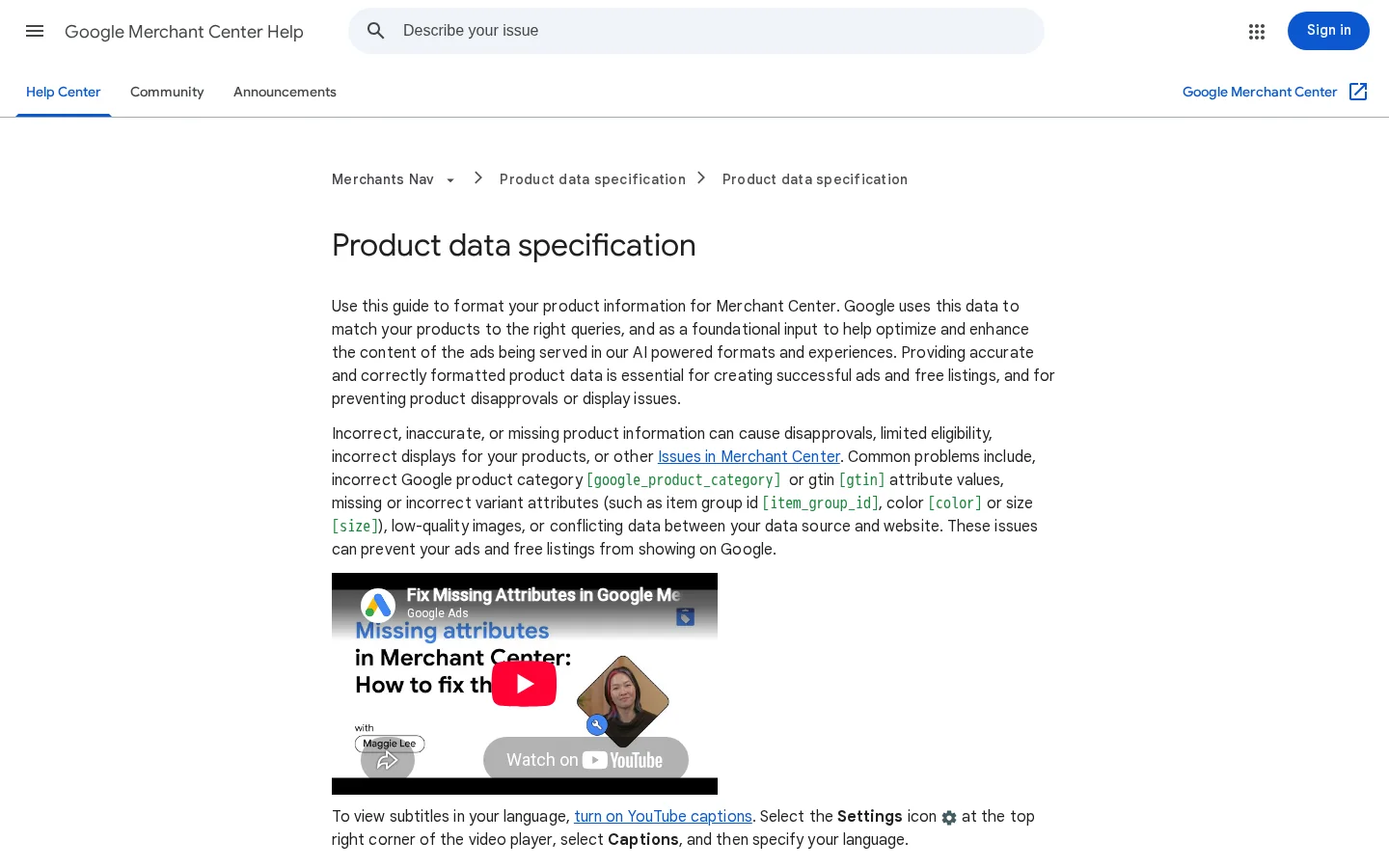
If you sell on Google Shopping, your attributes travel in a product feed sent through Merchant Center. Google says it "uses this data to match your products to the right queries." The required list depends on the product. Color and size are required for apparel and for any product sold in several colors or sizes. Brand is required for new products, except movies, books and music recordings. GTIN is strongly recommended when you have one. Weight is optional. Our guide to Google Shopping Ads covers campaigns and feeds, while this page explains the attributes themselves.
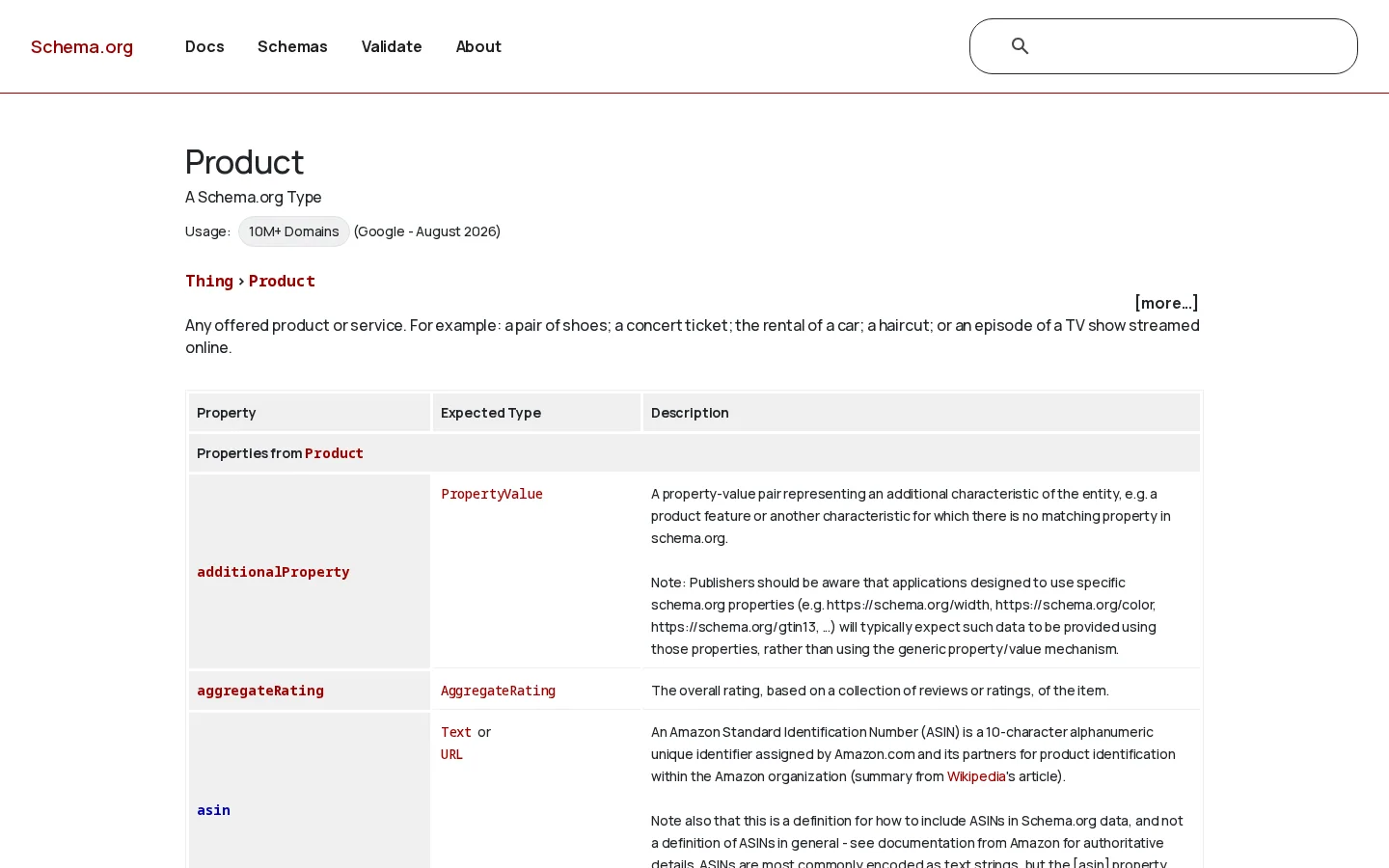
Attributes can also be written as structured data in the page code, in a format called JSON-LD, so that search engines read them without guessing. The Product type on schema.org has properties for color, size, weight and material. Its definition of material gives leather, wool, cotton and paper as examples. Structured data is explained in our schema markup entry.
{
  "@context": "https://schema.org",
  "@type": "Product",
  "name": "Cotton Crew Neck T-Shirt",
  "color": "Navy",
  "size": "M",
  "weight": "250 g",
  "material": "Cotton"
}
Sorank does not manage product feeds. If you add Product markup like this to a page, the free Structured Data Validator tests the JSON-LD for you.
Tip
Use the same words on every product. Write "navy" on each item, not "navy" on one and "dark blue" on another, so the filter shows one option.
This is a field left empty, often size, color or brand. A missing value hides the product from every filter that uses it. To spot it, filter your catalog by each attribute and count the products that do not show up. To fix it, make the field required in your catalog and fill it in before a product goes live.
The store lists "navy", "dark blue" and "midnight" as three colors, so a shopper who filters by navy sees only some of the products. To spot it, read the list of values for one attribute and look for near duplicates. To fix it, choose one word for each value and update the older products.
The title says "Cotton T-Shirt, Navy, Medium", but the color, size and material fields are empty. Filters and feeds read the fields, so a value that only appears in the title does not count. To spot it, open a catalog export and look for empty fields next to full titles. To fix it, copy each value from the title into its own field.
For SEO, attributes help a search engine match a product to a query such as "navy cotton t-shirt". For GEO, the same facts help an AI model answer a shopping question. A model asked for a waterproof backpack that fits a laptop can only point to your product if your page states both facts. Structured facts of this kind are the data that knowledge graphs organize.
Product attributes are the facts that describe a product. Color, size, weight and material are the core examples, and every product page needs them filled in. Buyers use them to decide, compare and find. Search engines and AI models use them to understand the product. Start by listing the attributes your buyers ask about, then fill them in for every item.
Sources
Color, size, weight and material are common examples. A navy cotton t-shirt in size medium has four attributes, and each one helps a shopper decide whether to buy it.
No. A variant is one version of a product, such as the same t-shirt in navy and in red. Color and size are often the attributes that create those variants, and Google requires them for products sold in several colors or sizes.
Yes. Google uses this data to match products to the right queries, so a missing attribute can weaken a match. Merchant Center lists which attributes each type of product needs.
 “I tested Sorank on a real client site and it's insane. It does everything an agency would bill you $1500 a month for. It's going into production on that client now.”

 Guillaume Guersanguersanguillaume.com“We are an Ads agency and we wanted to get our SEO back on track once and for all. Sorank gave us a clear view of our site, helped us prioritize optimizations, and properly structure our content. The tool is easy to use, well designed for a team, and very practical for centralizing tracking without having to juggle multiple platforms. A very solid foundation to start fresh with our SEO.”
 Gaspard MadouiAds Agency
 “I just let the Sorank software do its thing, and now my DR is 25 and my page is ranking higher.”
 Lucas Flandrefoundertrace.fr“I specialized in GEO thanks to Sorank. The GEO Leaderboard allows me to show my clients their position vs competitors on ChatGPT. It’s a real commercial differentiator.”
 MélanieSEO Freelance“Great service, works well for our website and helps us understand how to improve it to rank better on Google and elsewhere. Congrats, keep going, I recommend it.”
 Hugo T.E-commerce merchant