
Preferences
Privacy is important to us, so you have the option of disabling certain types of storage that may not be necessary for the basic functioning of the website. Blocking categories may impact your experience on the website. More information
Privacy is important to us, so you have the option of disabling certain types of storage that may not be necessary for the basic functioning of the website. Blocking categories may impact your experience on the website. More information

Amazon Rufus is Amazon's AI shopping model, now called Alexa for Shopping. Learn what it does, where to find it, its limits and how to use it.








Founder Sorank, 7+ years in SEO.
Summary
Amazon Rufus is Amazon's AI (artificial intelligence) model for shopping. It answers product questions, compares items and recommends products, using Amazon's catalog, customer reviews and community questions and answers. Amazon launched it in beta in February 2024 and renamed it Alexa for Shopping in May 2026.
Want to go further? Ask
Amazon Rufus is the chat tool that Amazon built into its shopping app and website. You type or speak a question, and it answers in full sentences instead of a list of links. This page explains what it does, where to find it, how to use it step by step, and whether it really helps you choose a product. It also covers the name change, which matters if you search for the old name.
Amazon Rufus is a shopping tool built on generative AI, the kind of AI that writes answers in sentences. Amazon says it answers shopping questions from its product catalog, customer reviews, community questions and answers, and information from across the web. Amazon's launch article says it started in beta in February 2024 and is available to all U.S. customers in the Amazon Shopping app and on desktop.
Yes. Amazon says that on May 13, 2026, Rufus was renamed Alexa for Shopping. Amazon's how-to guide describes Alexa for Shopping as bringing together Rufus and Alexa+. Many guides and search results still use the name Rufus, so this page uses both names.
Rufus handles three main kinds of request: answers, comparisons and recommendations. Amazon's guide gives examples like these:
Amazon's article on personal shopping features describes three additions. Amazon says Rufus now has account memory. Rufus also shows a 30- and 90-day price tracker. The third addition is auto-buy: a request stays active for six months or until you cancel it.
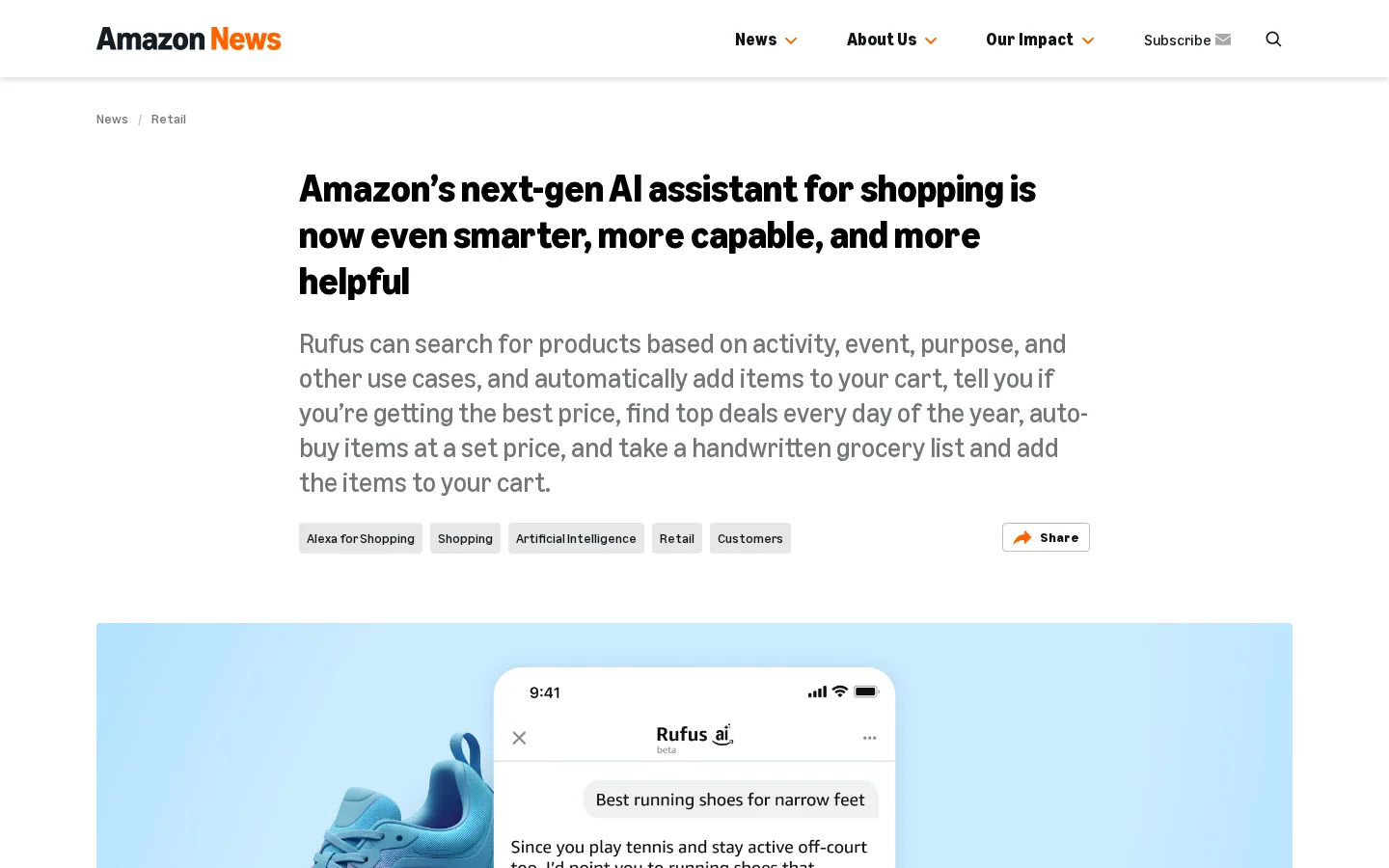
In the Amazon Shopping app, update the app first. Then tap the Rufus icon in the navigation bar at the bottom of the screen. It shows chat bubbles with a sparkle. On the desktop site, click the Rufus icon at the top left of the screen, as Amazon's how-to guide explains. Rufus also answers questions on product detail pages, according to Amazon's launch article.
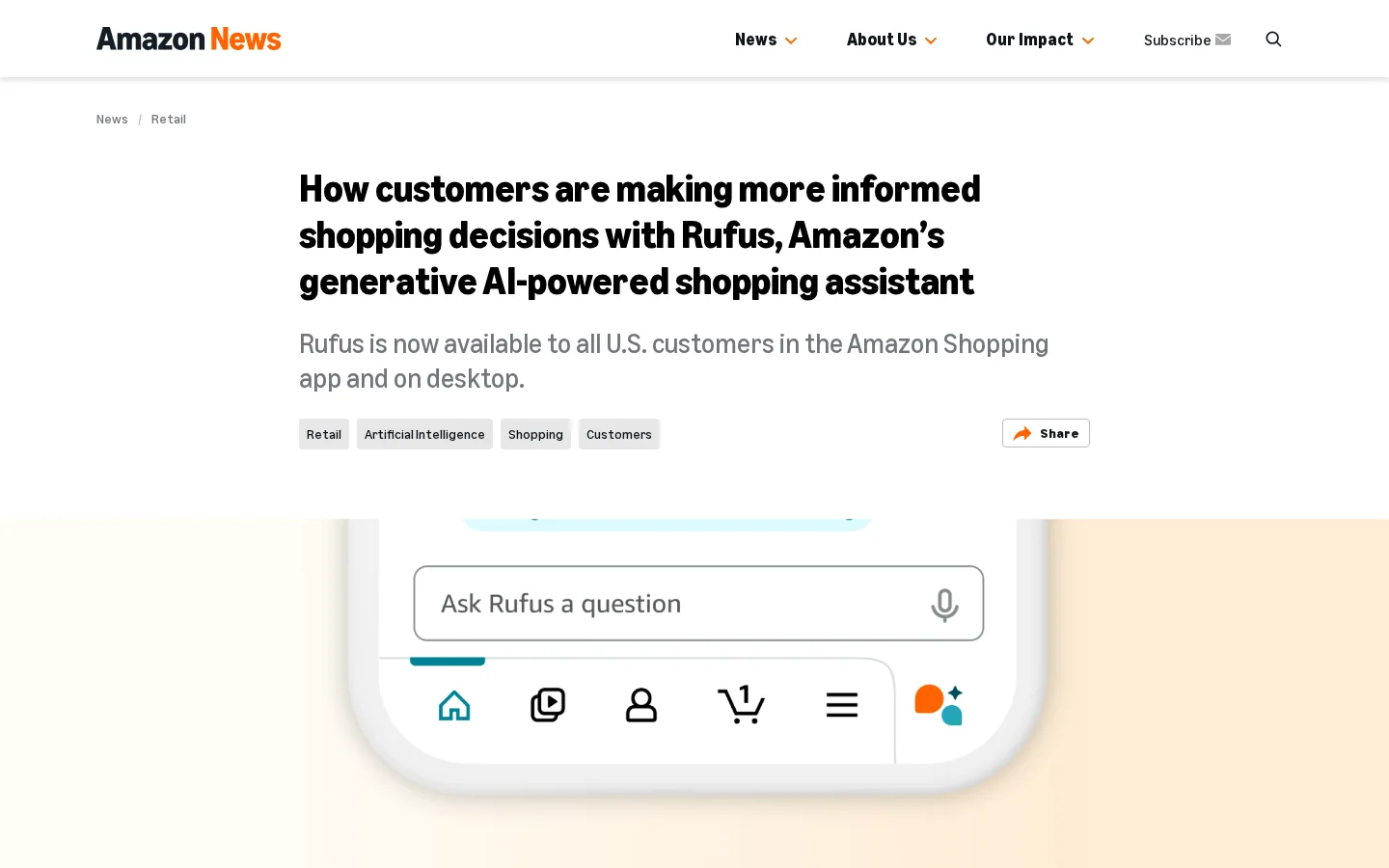
Follow these steps the first time you use it.
A normal search box matches keywords to products and shows a grid of results. Rufus answers in sentences, the same idea as AI search, so you can ask whether a pickleball paddle suits beginners, and it answers from the product details and reviews. In the app, you type or speak in the search bar, and a Rufus chat box opens at the bottom of the screen. You can close it by swiping down.
Rufus answers from the information it reads, so an answer is only as complete as that information. Amazon names its catalog, reviews, community questions and answers, and web information as sources. A product with few reviews or thin listing details gives it less to work with.
Two more limits matter for buyers. Rufus has already changed its name once, so menus and features may look different on your screen. Amazon's pages describe the features but give no accuracy figures, so you cannot tell from them how often the answers are right. Test it on a product you already know before you rely on it.
It helps most when you know what you need and want a quick comparison. It can narrow a long list, or show how two kinds of product differ. It helps less when the answer you need is not in the listing, or when you want an independent test, because its answers come from Amazon's catalog, reviews and web information. Think of it as a first filter, not a final judge. To see how buyers use AI to shop in general, read the glossary entry on AI shopping, and the guide on AI uses in online stores.
Three mistakes come up often.
What it is: you look for Rufus and find guides that use an old name, after the change on May 13, 2026. How to spot it: your results mention Rufus but never Alexa for Shopping. How to fix it: search for both names, and use the newer name in your notes.
What it is: you decide to buy after a single reply. How to spot it: you have not opened the product page or read its reviews. How to fix it: ask a follow-up question, then compare the answer with the specifications and reviews on the page itself.
What it is: an auto-buy request stays active after you stop needing it. How to spot it: you set one months ago and no longer remember it. Amazon says requests stay active for six months or until you cancel. How to fix it: review your requests every few months, and cancel the ones you no longer want.
For a seller, Rufus reads the same kind of material shoppers see: the product catalog, the reviews, and the community questions and answers. Clear product details and honest reviews therefore feed the answers it gives, so the product listing is part of your GEO work. GEO (generative engine optimization) is the work of getting cited in AI answers. It sits next to SEO (search engine optimization), the work of ranking in search results. For the Amazon side of ranking, read how Amazon search works and how to rank your products.
Sorank's GEO optimization measures how often ChatGPT, Claude and Gemini mention your brand, then publishes articles they can cite. Check your own visibility with the free AI search visibility test, and learn how AI models pick what to cite in the glossary entry on AI citations.
Amazon Rufus is Amazon's AI model for shopping, renamed Alexa for Shopping in May 2026. Use it for quick questions, product comparisons and first ideas. Check each answer on the product page, and review your auto-buy requests every few months.
Sources
In the Amazon Shopping app, tap the Rufus icon in the navigation bar at the bottom of the screen. On the desktop site, click the Rufus icon at the top left of the screen. Update the app first if you do not see it.
Yes. Amazon's guide gives the example of comparing OLED and QLED TVs. Rufus can also compare kinds of products, such as drip and pour-over coffee makers. Check each answer against the product page before you buy.
Yes. Amazon says Rufus was renamed Alexa for Shopping on May 13, 2026. Amazon describes the new name as bringing together Rufus and Alexa+.
 “I tested Sorank on a real client site and it's insane. It does everything an agency would bill you $1500 a month for. It's going into production on that client now.”

 Guillaume Guersanguersanguillaume.com“We are an Ads agency and we wanted to get our SEO back on track once and for all. Sorank gave us a clear view of our site, helped us prioritize optimizations, and properly structure our content. The tool is easy to use, well designed for a team, and very practical for centralizing tracking without having to juggle multiple platforms. A very solid foundation to start fresh with our SEO.”
 Gaspard MadouiAds Agency
 “I just let the Sorank software do its thing, and now my DR is 25 and my page is ranking higher.”
 Lucas Flandrefoundertrace.fr“I specialized in GEO thanks to Sorank. The GEO Leaderboard allows me to show my clients their position vs competitors on ChatGPT. It’s a real commercial differentiator.”
 MélanieSEO Freelance“Great service, works well for our website and helps us understand how to improve it to rank better on Google and elsewhere. Congrats, keep going, I recommend it.”
 Hugo T.E-commerce merchant



















