
Preferences
Privacy is important to us, so you have the option of disabling certain types of storage that may not be necessary for the basic functioning of the website. Blocking categories may impact your experience on the website. More information
Privacy is important to us, so you have the option of disabling certain types of storage that may not be necessary for the basic functioning of the website. Blocking categories may impact your experience on the website. More information

Content groups bucket related pages in Google Analytics 4 to measure performance by category. How to set up content_group and why it matters for SEO.








Founder Sorank, 7+ years in SEO.
Summary
Content groups are labels that bucket related pages or screens into one category, so Google Analytics 4 can report on them as a single unit. You set them with a content_group parameter, through the Google tag or Google Tag Manager, and then compare whole sections of a site instead of single URLs.
Want to go further? Ask
Content groups are a way to bundle the pages of a website into logical categories that match how your business thinks about its content. Instead of scrolling through hundreds of individual URLs, you look at metrics by group, such as guides, product pages or case studies, and see at a glance which sections work and which need attention.
A content group is a label applied to a set of related pages so that analytics can count them together. Google's help documentation says that content groups "categorize pages and screens into custom buckets", for example one bucket for pages about men's clothing and another for pages about women's clothing, so you can see their metrics side by side. The grouping mirrors the thematic structure of the site: all tutorials together, all pricing pages together, all articles about one topic together.
This matters because individual URLs often hide patterns. A single blog post may look unremarkable, while the blog as a whole is your strongest source of organic visits. Content groups reveal that category-level picture, which is hard to see when every page is its own line in a report.
In Google Analytics 4, a content group is an event parameter named exactly content_group. The Google Analytics help page on creating content groups lists three setup paths, and the right one depends on who controls your site:
| Method | Who it suits | Trade-off |
|---|---|---|
| Google tag on each page | Sites where developers edit page templates | Precise, but every page needs the value |
| Google Tag Manager RegEx table | Teams without developer help | Fast to deploy, but breaks when URL structures change |
| Firebase for apps | Mobile apps and their screens | Works with screens instead of web pages |
With a RegEx table in Google Tag Manager, you match the page path, set a default group for pages that match nothing, and pass the variable to the content_group field of your GA4 configuration tag. Google's developer reference shows the same parameter used with gtag('config', 'STREAM_ID', { 'content_group': '/news/sports' }) for a single stream, or with gtag('set', 'content_group', '/news/sports') for every page.
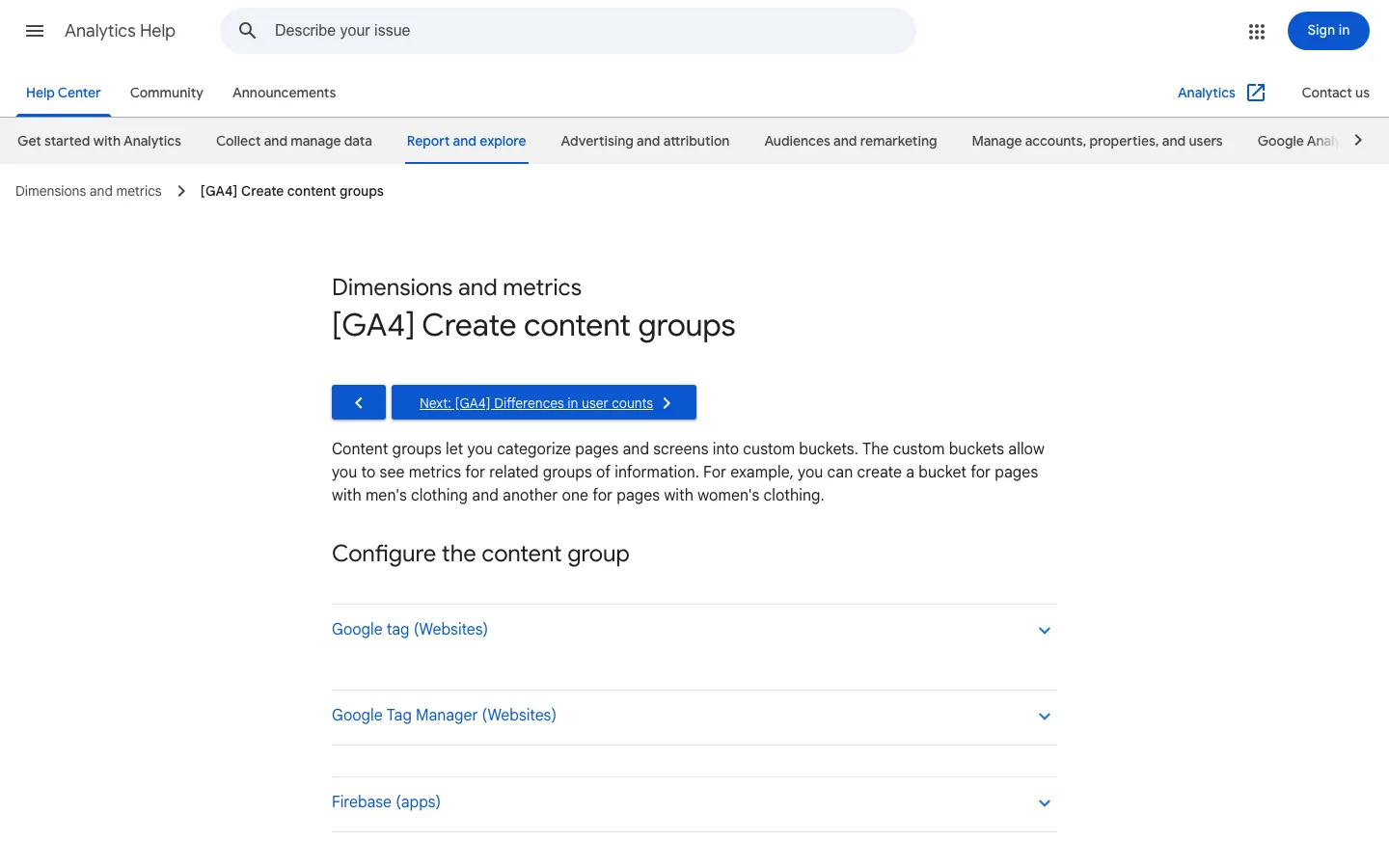
Google's help documentation adds that extra groupings need their own custom parameters, which you then register as custom dimensions. For a first setup, one well-named content group is enough to start reporting.
Content groups are an analytics construct, while related ideas describe how content is organized on the site itself. A content cluster is a set of pages interlinked around one central topic, and a topical map plans that structure across a whole subject area.
The two work together. You design clusters and a topical map to build authority, then create matching content groups to measure whether each cluster performs. The map is the plan and the group is the scoreboard, which keeps strategy and measurement aligned.
Teams use content groups to compare performance across site sections, find their best content types, and measure engagement and conversions by category without exporting data by hand. An online store might group pages into men, women and accessories to see which category attracts the most visitors and converts best.
A publisher might separate news, guides and tutorials to learn which format keeps readers longest. A software company might group documentation, blog and landing pages to see how each one supports the path to a sign-up. Each grouping answers one business question, which is why the groups should be chosen before the data is collected. To see how section results fit next to search data, look at the GEO and SEO dashboard from Sorank, and for a step by step GA4 layout, read how to build a Google Analytics dashboard in GA4.
Keep groups few and meaningful, and align them with the decisions you actually make. Always define a default group, so that unmatched pages do not pile up as not set. Document the rules, so that new pages land in the right group as the site grows, and revisit the scheme when priorities change.
Name groups in the plain language your team already uses. A bucket called "Guides" is more useful in a monthly report than a code such as "grp_04", and it is easier to explain to a colleague who did not set it up.
For SEO, content groups show which thematic areas earn traffic, engagement and conversions, so you can invest in the winners and fix or prune the rest. Grouping backlink articles together, for example, shows how well that topic performs and how much topical authority you are building around it.
For generative engine optimization, the same category view helps you see which sections attract the questions that AI assistants also answer. Tracking groups alongside AI search analytics shows where coverage is strong and where it is thin, so you can prioritize the sections most likely to earn AI citation optimization wins.
Content groups turn page-level detail into category-level clarity, so you can measure how entire sections of a site perform. In Google Analytics 4 they rely on the content_group parameter, set through the Google tag or Google Tag Manager, and they reward a small, well-planned set of buckets. Used with your cluster plan and your map of topics, they become the scoreboard for your content strategy.
Sources
A content group is an analytics label that buckets pages so you can measure them together. A content cluster is a set of interlinked pages on your site around one central topic. Clusters build authority, and groups show whether each cluster performs.
No. The content_group parameter only applies to data collected after it is set up, so past pageviews are not regrouped. Plan your groups before you implement them.
Most small teams start with a Google Tag Manager RegEx table, because it needs no developer. Set a default group for unmatched pages, and move to a value pushed from the data layer later if your URL structure changes often.
 “I tested Sorank on a real client site and it's insane. It does everything an agency would bill you $1500 a month for. It's going into production on that client now.”

 Guillaume Guersanguersanguillaume.com“We are an Ads agency and we wanted to get our SEO back on track once and for all. Sorank gave us a clear view of our site, helped us prioritize optimizations, and properly structure our content. The tool is easy to use, well designed for a team, and very practical for centralizing tracking without having to juggle multiple platforms. A very solid foundation to start fresh with our SEO.”
 Gaspard MadouiAds Agency
 “I just let the Sorank software do its thing, and now my DR is 25 and my page is ranking higher.”
 Lucas Flandrefoundertrace.fr“I specialized in GEO thanks to Sorank. The GEO Leaderboard allows me to show my clients their position vs competitors on ChatGPT. It’s a real commercial differentiator.”
 MélanieSEO Freelance“Great service, works well for our website and helps us understand how to improve it to rank better on Google and elsewhere. Congrats, keep going, I recommend it.”
 Hugo T.E-commerce merchant



















