환경 설정

개인정보 보호는 저희에게 중요합니다. 웹사이트의 기본 기능에 반드시 필요하지 않은 특정 유형의 저장소는 사용자가 직접 비활성화할 수 있습니다. 카테고리를 차단하면 웹사이트 이용 경험에 영향을 줄 수 있습니다. 더 보기

모든 쿠키 허용

Bounce Rate Calculator: Measure Your Site Engagement

Calculate your bounce rate from single-page sessions and total sessions. Understand what your score means and how to improve it with this free calculator.


Thibault Besson-Magdelain, Sorank 설립자

저자 소개

Thibault Besson-Magdelain

Sorank 설립자, 5년 이상의 SEO 경력 보유, GEO 전문가.

Learn everything to know on Bounce Rate Calculator !

생성일
4/9/26
최종 업데이트:
4/9/26
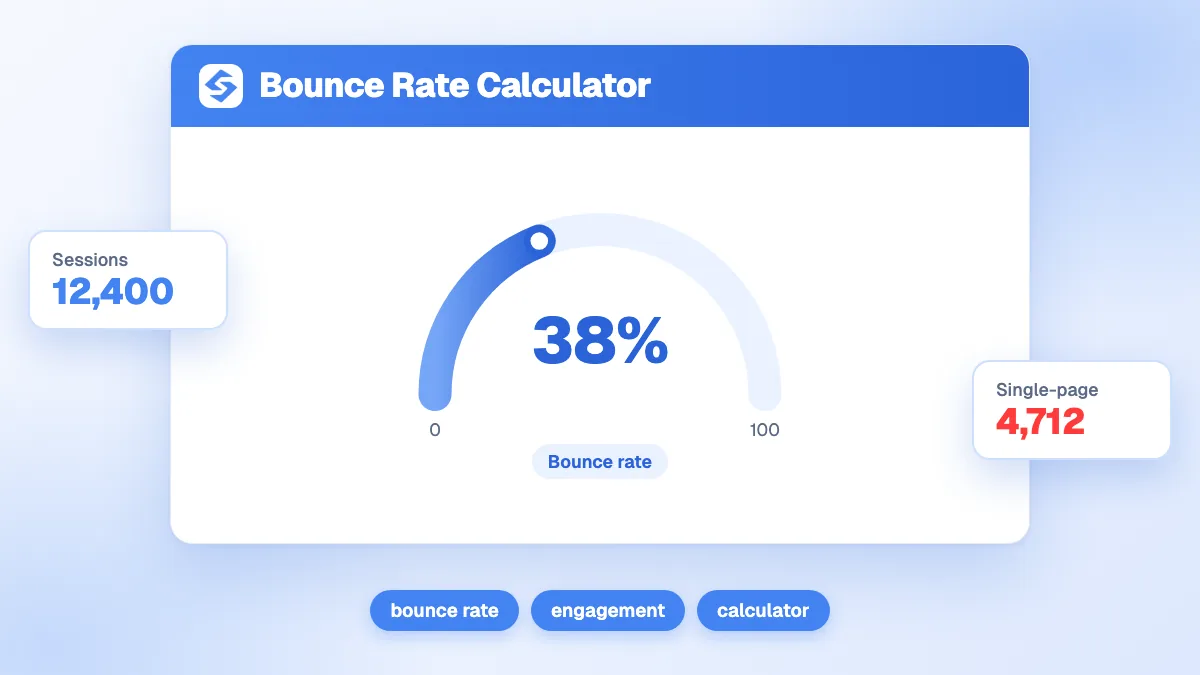
Bounce rate calculator showing single-page sessions and total sessions fields with the bounce rate result

Bounce rate is the percentage of sessions in which a visitor lands on a page and leaves without interacting further or visiting another page. It reflects how well your content matches visitor intent and how effectively your site encourages exploration. Use the calculator above to get your bounce rate straight away.

How bounce rate is calculated

The formula uses two inputs:

Bounce Rate = (Single-page sessions / Total sessions) x 100

For example, if your site had 600 single-page sessions out of 1,500 total sessions: 600 / 1,500 x 100 = 40%. A single-page session is one where the visitor viewed only one page and did not trigger any other interaction tracked by your analytics tool before leaving.

How to interpret and improve your bounce rate

  • Context matters more than the raw number. A 70% bounce rate on a news article or a contact page is not alarming. A 70% bounce rate on a product listing page is a concern. Always segment by page type before drawing conclusions.
  • Check page load speed first. Slow pages are the most common cause of avoidable bounces. A page that takes more than 3 seconds to load loses a large share of mobile visitors before they see any content.
  • Match content to search intent. If a visitor lands from an informational query and immediately finds a hard-sell page, they will leave. Align your landing page copy and structure with what the query implies the visitor wants.
  • Improve internal linking. Clear links to related articles, relevant products or logical next steps give visitors a reason to stay. A single well-placed contextual link can measurably reduce bounce rate.
  • Review mobile experience. A high mobile bounce rate combined with a low desktop bounce rate points to a UX issue on small screens: font too small, buttons too close together or layout breaking on certain devices.
  • Check for tracking gaps. If you have recently migrated analytics or changed tag manager configurations, a sudden bounce rate change may reflect a measurement error rather than a real behavioral shift.

Benchmark to keep in mind

Average bounce rates vary widely by industry and page type. Blog content and landing pages often sit between 60% and 80%, while e-commerce category pages tend to range from 30% to 50%. These are indicative averages from aggregated industry reports. Your actual target should be based on your historical baseline and a comparison of pages that convert well versus those that do not.

If you want to track engagement signals alongside your SEO rankings and AI visibility, Sorank brings together rank tracking, GEO monitoring and site auditing in one platform.

자주 묻는 질문

What is a good bounce rate?

There is no single universal benchmark. Blog posts and single-purpose pages (contact, thank-you) routinely see rates above 60%, while transactional pages should aim lower. Compare page types within your own site and focus on improving pages where a high bounce rate correlates with poor conversion.

Does bounce rate affect SEO rankings?

Google has not confirmed bounce rate as a direct ranking signal. However, a high bounce rate on a landing page often signals a relevance or quality issue that indirectly affects organic performance. Fixing the underlying causes (slow load, mismatched intent) tends to improve both UX and ranking.

How is bounce rate different in GA4 compared to Universal Analytics?

GA4 replaced bounce rate with engagement rate (the proportion of sessions that lasted over 10 seconds, had a conversion, or included multiple pages). Engagement rate is essentially the inverse of the traditional bounce rate. If you are using GA4, compare engagement rate rather than bounce rate with older data from Universal Analytics.

기타 무료 SEO 도구