환경 설정

개인정보 보호는 저희에게 중요합니다. 웹사이트의 기본 기능에 반드시 필요하지 않은 특정 유형의 저장소는 사용자가 직접 비활성화할 수 있습니다. 카테고리를 차단하면 웹사이트 이용 경험에 영향을 줄 수 있습니다. 더 보기


모든 쿠키 허용

Ranking Improvement Traffic Calculator: Simulate Your Position Gain

Enter your keyword volume, current position and target position. The ranking gain simulator shows extra clicks and revenue in seconds.


Thibault Besson-Magdelain, Sorank 설립자

저자 소개

Thibault Besson-Magdelain

Sorank 설립자, 5년 이상의 SEO 경력 보유, GEO 전문가.

Learn everything to know on Ranking Gain Simulator !

생성일
4/9/26
최종 업데이트:
4/9/26
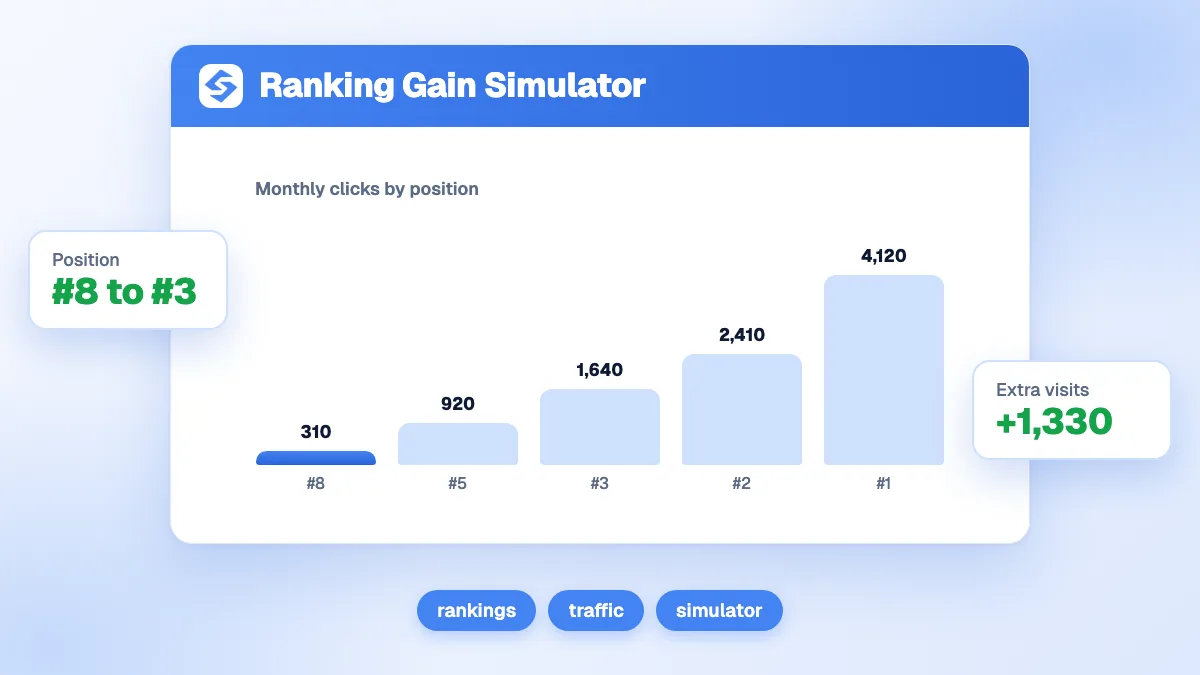
Ranking gain simulator showing extra clicks and revenue when moving from position 8 to position 3

Moving a keyword from position 8 to position 3 sounds like a small step, but the click-through rate difference is dramatic. This ranking improvement traffic calculator shows you exactly how many extra clicks and how much extra revenue that position gain is worth, based on real median CTR data aggregated from millions of queries. Enter your search volume, current position, target position, conversion rate and average order value in the calculator above to get your projection.

How ranking gain is calculated

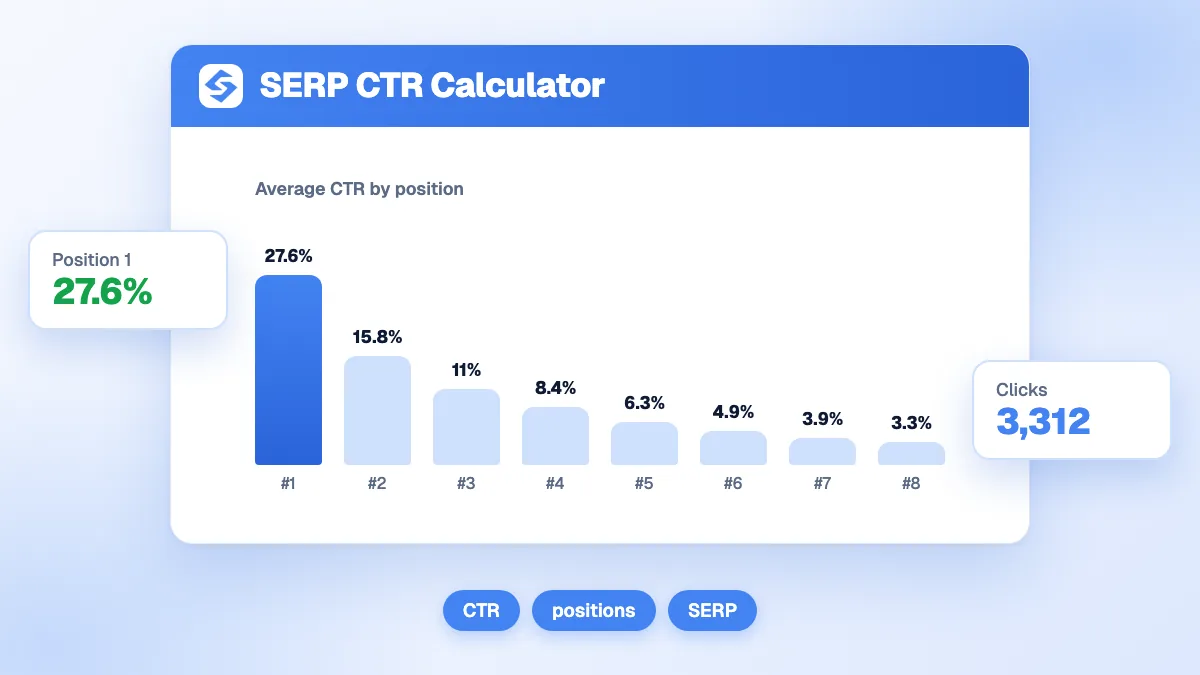
The formula uses a median CTR curve built from public aggregate data (Backlinko, SISTRIX, Advanced Web Ranking). Each position maps to a CTR value: position 1 scores 27.6%, position 3 scores 10.2%, position 8 scores 2.7%. The calculation is straightforward:

  • Extra clicks = Search volume x (CTR at target position - CTR at current position)
  • Extra revenue per month = Extra clicks x Conversion rate x Average order value
  • Annual extra revenue = Monthly figure x 12

Step-by-step example. A keyword has 4000 monthly searches. You currently rank at position 8 (CTR 2.7%) and want to reach position 3 (CTR 10.2%). Extra clicks = 4000 x (0.102 - 0.027) = 4000 x 0.075 = 300 extra clicks per month. With a 2% conversion rate and a 120€ average order: extra revenue = 300 x 0.02 x 120€ = 720€/month, or 8640€/year. Adjust the inputs to match your own numbers.

How to use your result

  • Prioritise keywords by revenue potential. Run the simulation for every keyword in your list. Sort by extra revenue and work top-down. A moderately competitive keyword with high volume and a decent order value often outperforms a low-competition keyword with tiny volume.
  • Check the gap before committing budget. If moving from position 8 to position 3 requires a major content overhaul or a significant link-building campaign, compare the projected revenue gain against the investment. The simulator gives you the numerator; your cost estimate gives the denominator.
  • Validate CTR assumptions against your Search Console data. The default curve is a median across all industries. Your actual CTR may differ. If your Search Console shows a different CTR for a given position, enter the volume that produces that real CTR in the impressions field to calibrate.
  • Account for AI Overviews. When a Google AI Overview appears above the results, CTR at position 1 can drop sharply. If your target keyword triggers an AI Overview, your actual gains may be lower than the baseline simulation. Build this into your planning.
  • Track progress monthly. Position gains happen gradually. Use the simulator to set quarterly milestones: what revenue would positions 6, 5, and 4 each represent on the path to position 3?

Reference benchmark

Across a large sample of queries, position 1 captures a median CTR of 27.6% while position 10 captures only 1.8% (meta-analysis of 6 studies, 2023-2025). A single position gain in the top 5 can increase clicks by 30 to 50% on its own. These are industry averages; real CTR depends on your niche, SERP features and brand recognition.

If you want to track ranking movements and measure real CTR gains over time, Sorank monitors your organic and AI visibility in one dashboard.

자주 묻는 질문

What CTR values does the ranking gain simulator use?

It uses a median CTR curve derived from aggregate public studies (Backlinko, SISTRIX, Advanced Web Ranking, 2023-2025): position 1 = 27.6%, position 3 = 10.2%, position 8 = 2.7%. Your actual CTR may vary by industry and SERP features.

Can I use this simulator for multiple keywords at once?

The calculator runs one keyword at a time. Run it separately for each keyword, note the results, then prioritise by extra revenue or by the feasibility of the position gain.

Does the simulator account for seasonal search volume?

No. It uses the monthly volume you enter as a constant. For seasonal keywords, run separate simulations for peak and off-peak months and average the results.

기타 무료 SEO 도구