
העדפות
הפרטיות חשובה לנו, ולכן יש לך אפשרות להשבית סוגים מסוימים של אחסון שייתכן שאינם נחוצים לתפקוד הבסיסי של האתר. חסימת קטגוריות עלולה להשפיע על חווית השימוש שלך באתר. מידע נוסף

הפרטיות חשובה לנו, ולכן יש לך אפשרות להשבית סוגים מסוימים של אחסון שייתכן שאינם נחוצים לתפקוד הבסיסי של האתר. חסימת קטגוריות עלולה להשפיע על חווית השימוש שלך באתר. מידע נוסף
הפוך את אפליקציית ה-Bubble שלך גלויה ל-Google ולחיפוש AI. השתמש בדפים ידידותיים ל-SEO, סוגי נתונים, JSON-LD וב-Data API כך ש-ChatGPT, Perplexity, Claude ו-Gemini יוכלו לקרוא ולצטט את אפליקציית ה-no-code שלך.
.webp)
.webp)





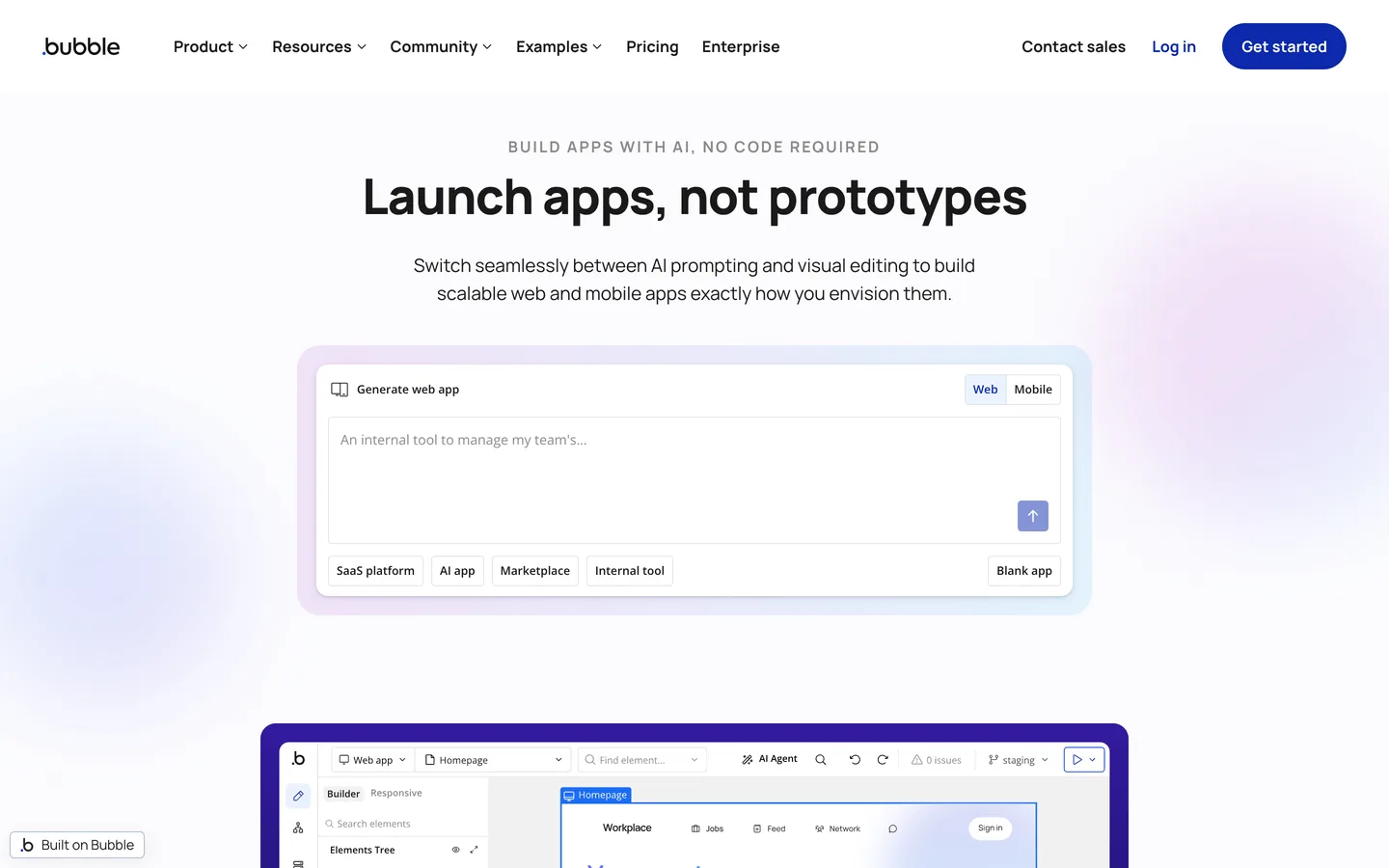


בנית אפליקציית ווב על Bubble ורוצה שעוזרים יצטטו אותה, לא רק ש-Google יעשה לה אינדוקס? Bubble היא פלטפורמת no-code מלאה שבה אתה מדגם נתונים כסוגים, בונה דפים ויזואלית ומריץ לוגיקה עם workflows. כוח זה מגיע עם מציאות רינדור: אפליקציות Bubble הן דינמיות, אז לקבל ציטוט בתשובות AI דורש הגדרה מכוונת לסורקים ולעוזרים. התחל עם geo seo audit בסיסי ועקוב אחר כל שיפור ב-geo seo dashboard חי. מדריך זה מראה איך לבנות דפים וסוגי נתונים, לחשוף תוכן קריא, להוסיף schema ולהריץ בלוג Data API כך ש-Google ועוזרים כמו ChatGPT, Perplexity, Claude ו-Gemini יבינו ויצטטו את האפליקציה שלך.
SEO קלאסי עדיין מניע תנועה, ועוזרי AI מסכמים כעת את הרשת ומציגים רשימה קצרה של מקורות. Generative Engine Optimization היא הפרקטיקה של להפוך לאחד המקורות המצוטטים הללו. Bubble נותן לך מסד נתונים אמיתי שבו תוכן חי כדברים מובנים עם שדות, מה שאידיאלי לישויות. העבודה היא לחשוף את הדברים האלה כדפים קריאים, ציבוריים וסריקים עם מטא-דאטה ברור, כך שמודלים יוכלו למפות את המוצר שלך ולצטט את הדף הנכון.
התחל עם benchmark. שאל את העוזרים המובילים את השאלות האמיתיות שהקהל שלך שואל, ואז רשום אם אתה מצוטט, אילו URLs מופיעים, ואיך המתחרים מוזכרים. עקוב אחר אזכורי מותג עם ai mention tracking, בחן את הציטוטים שאתה מרוויח דרך ai cited backlinks, והרץ geo seo audit בסיסי כדי למפות את הישויות שכבר מקושרות אליך.
ב-GEO, הכוונה מגיעה כבקשות. אסוף את הניסוח המדויק שאנשים משתמשים בו בצ'אט ובקול, ואז קבץ אותו לפי משימה: ללמוד, להשוות, לבחור ולפעול. הרחב את הכיסוי עם query fan-out tool ותעדף נושאים עם keyword research. עבור כל אשכול, בחר דף קנוני אחד, לעיתים דף דינמי המונע על ידי דבר Bubble, והפוך אותו לתמציתי, ניתן לציטוט ומגובה בראיות ברורות.
ב-Bubble, תוכן חי כסוגי נתונים (דברים) עם שדות מוגדרי-סוג. צור סוגים כמו Article, Product, Feature ו-FAQ, תן לכל אחד כותרת ברורה, סיכום וגוף, ואז בנה דף דינמי שקורא דבר אחד מה-URL ומציג אותו. מפה שדות ל-H1 יחיד, מבוא קצר וסעיפים מובנים. מודל דבר-לדף זה שומר על עקביות שמות ועובדות, ומאפשר לתבנית דף אחת לשרת כל רשומה עם URL נקי וייחודי.
דפי Bubble מוצגים עם JavaScript, אז אשר שהתוכן שברצונך שיצוטט מופיע בדף עבור סורקים. השתמש בהגדרות SEO ו-metatags של Bubble להוספת כותרות ותיאורים לכל דף, קבע דפים כציבוריים היכן שכללי פרטיות מאפשרים, והעדף דפים ידידותיים ל-SEO עבור תוכן שברצונך שיעשה עליו אינדוקס. בדוק את הדף המוצג עם בדיקת fetch ו-render, ושמור על התנהגות אפליקציה מחוברת בנפרד מתוכן ציבורי ניתן לציטוט.
כללי פרטיות של Bubble שולטים באילו שדות נחשפים. עבור תוכן שברצונך שיצוטט, אפשר קריאה ציבורית בשדות שמזינים את הדף, כמו כותרת, סיכום וגוף, תוך שמירה על נתוני משתמש רגישים מוגנים. איזון זה מאפשר לסורקים ולסוכני AI לראות את המילים החשובות מבלי לחשוף רשומות פרטיות. סקור כללי פרטיות לכל סוג נתונים, מכיוון שהם גם שולטים במה ש-Data API יכול להחזיר.
השתמש ב-metatags דינמיים כך שכל דף מונע רשומה מקבל כותרת ותיאור מטא מדויקים וייחודיים הבנויים משדותיו. שמור על ישות ראשית אחת לדף, קבע URLs קנוניים כדי לאחד כפילויות, ואשר שתגי Open Graph תואמים לכוונת הדף. תן לכל תמונה טקסט alt תיאורי המבוסס על הנתונים שלך במידת האפשר, ושמור על URLs קריאים במקום להסתמך על מזהים פנימיים.
הוסף JSON-LD בכותרת הדף או ברכיב HTML, מאוכלס משדותיך. השתמש ב-Article בתוספת WebPage ו-BreadcrumbList לדפי תוכן, Product עם offers לדברים של מוצר, HowTo למדריכים, ו-FAQPage לבלוקי שאלות. הוסף schema Organization לכל האתר עם name, logo, sameAs ו-contactPoint. משום שהשדות שלך ממפים בצורה נקייה לתכונות schema כמו name, description, image ו-datePublished, הנתונים המובנים נשארים מדויקים ככל שהנתונים שלך גדלים.
צור בלוקי שאלה ותשובה מפורשים המשקפים בקשות אמיתיות, מכיוון שאלו הם התכנים הניתנים לציטוט ביותר עבור חיפוש AI. שמור כל תשובה בין 50 ל-120 מילים, צטט את ה-URL הפנימי הרלוונטי, וכלול מקור חיצוני מוסמך אחד. עבור הליכים, רשום חומרים, שלבים וזמן נדרש בפורמט HowTo. סוג נתונים FAQ מאפשר לך לתבנת דפוסים אלה ולהציג אותם בדפים הדינמיים המתאימים.
Bubble מאפשר לך לערוך robots ויכול לייצר sitemap, אז שלח אותו ב-Google Search Console ושמור אותו עדכני ככל שהרשומות גדלות. אפשר את הספריות שמחזיקות תוכן ניתן לציטוט וחסום רעש. הוסף קובץ llms.txt בשורש כדי לסמן כללי סריקה מועדפים עבור סוכני AI, את ה-URLs בעדיפות לציטוט, ותנאי השימוש החוזר שלך. קבצים אלה הופכים את האפליקציה שלך לניתנת לחיזוי עבור מנועי חיפוש ועוזרים כאחד.
השתמש בקבוצות חוזרות וקישורים בין דברים קשורים לבניית האבי נושא המקבצים דפים דינמיים קשורים, והוסף breadcrumbs כדי לבטא היררכיה. כתוב טקסט עוגן תיאורי והאץ את התכנון עם topical cluster generator. אם חלקים מהמערך שלך רצים במקום אחר, החל את אותם עקרונות על softr, webflow, framer, ו-wordpress, וחבר אותם בקישור עקבי.
GEO עדיין רץ על סמכות. הרוויח ציטוטים מפרסומים אמינים, מחקר ראשוני וקהילות מתמחות. פרסם תחת מומחים בשם, הצג אישורי סוקרים, ושמור ביוגרפיות מחברים ודף About שמחזקים E-E-A-T. עקוב אחר ההתקדמות עם domain authority tracker ככל שאזכורים מצטברים.
Bubble חושף Data API ויש לו אפליקציית Make.com ייעודית, ובלוג Bubble הוא סוג נתונים שאתה יוצר דרך אותו Data API, כך ש-Sorank מתחבר דרך גשר webhook של Make.com: כל מאמר ש-Sorank מייצר נשלח לתרחיש Make.com, ו-Make יוצר דבר בלוג חדש במסד הנתונים של Bubble שלך דרך אפליקציית Bubble הייעודית וה-Data API, שאז דף הבלוג הדינמי שלך מציג. אין מחבר Sorank מובנה, ומסלול ה-webhook פלוס Make ממכן פרסום מקצה לקצה. הפק טיוטות אופטימליות במהירות עם blog article generator, אשר ש-Data API מופעל וכללי פרטיות מאפשרים את קריאת היצירה, וחזור לבלוג המתארח של Sorank אם ההגדרה שלך מגבילה זאת.
עקוב אחר אילו בקשות מפעילות את המותג שלך, אילו דפים מצוטטים, והיכן המתחרים מנצחים. השווה את עצמך עם seo competitor spy, צפה בדירוג שלך ב-geo leaderboard, וייחס המרות מעוזרים עם דפי נחיתה מתויגים ו-UTMs ייחודיים. סקור מדי חודש, רענן את הרשומות שזוכות בציטוטים, והרחב את האשכולות המבצעים.
Bubble נותן לך מסד נתונים אמיתי ושליטה מלאה; GEO נותן לך את האסטרטגיה. כאשר הדברים שלך ממפים לישויות ברורות, הדפים הדינמיים שלך מציגים תוכן קריא עם מטא-דאטה ו-JSON-LD מדויקים, ובלוג Data API מכסה את הזנב הארוך, עוזרים מצטטים אותך בביטחון. דגמן את הנתונים שלך, הפוך דפים לציבוריים וקריאים, הוסף schema ותשובות ניתנות לציטוט, חבר את Sorank דרך Make.com, ותן ל-Sorank להוביל ביקורות, תוכן ומעקב אזכורים.

Bubble יכול לעבוד עבור GEO כאשר אתה מטפל ברינדור הדינמי שלו במכוון. מסד הנתונים האמיתי שלו מאחסן תוכן כסוגי נתונים עם שדות מוגדרי-סוג, מה שאידיאלי לישויות, אז בנה דפים דינמיים שקוראים דבר מה-URL ומציגים H1, סיכום וסעיפים ברורים. השתמש בהגדרות SEO ו-metatags של Bubble לכותרות ותיאורים לכל דף, קבע דפים כציבוריים עם כללי פרטיות המאפשרים קריאה בשדות התוכן, הוסף JSON-LD עבור Article, FAQPage ו-Organization, ואשר שהטקסט מופיע בדף המוצג. הוסף sitemap וקובץ llms.txt כך ש-ChatGPT, Perplexity, Claude ו-Gemini יוכלו להגיע ולצטט את התוכן שלך.
כתוב תוכן ממוקד תשובה הממופה לבקשות אמיתיות. צור סוג נתונים עם כותרת ברורה, סיכום בן שני משפטים וגוף, ואז הצג אותו בדף דינמי הפותח בסיכום ובמתאר סריק. בנה בלוקי FAQ מפורשים עם תשובות של 50 עד 120 מילים, גבה אותם עם schema FAQPage, והשתמש בקבוצות חוזרות כהאבי נושא המקשרים דפים קשורים. הוסף schema Article ו-HowTo, קבע כללי פרטיות כך ששדות התוכן ניתנים לקריאה ציבורית, שמור על ישות אחת לדף, ועגן כל טענה למקור. אשר שהמילים מוצגות ב-HTML הראשוני כך שמנועי AI יוכלו לצטט אותן.
Bubble חושף Data API ויש לו אפליקציית Make.com ייעודית, ובלוג Bubble הוא סוג נתונים שאתה יוצר דרך אותו Data API, כך ש-Sorank מתחבר דרך גשר webhook של Make.com ולא דרך מחבר מובנה. כל מאמר ש-Sorank מייצר נשלח לתרחיש Make.com, ו-Make יוצר דבר בלוג חדש במסד הנתונים של Bubble שלך דרך אפליקציית Bubble הייעודית וה-Data API, שאז דף הבלוג הדינמי שלך מציג. מעבר לפרסום, Sorank מריץ ביקורות GEO ו-SEO מותאמות לאפליקציה שלך, עוקב אחר אזכורי AI ב-ChatGPT, Perplexity ו-Gemini, מנטר מתחרים, ומציע אופטימיזציות תוכן מלוח בקרה אחד. אשר ש-Data API מופעל וכללי פרטיות מאפשרים את קריאת היצירה, וחזור לבלוג המתארח של Sorank אם ההגדרה שלך מגבילה זאת.










.svg)
.svg)


