






הפקת תוכן איכותי ומובנה היטב מועילה ל-GEO רק אם סורקי הבינה המלאכותית באמת מצליחים להגיע לתוכן הזה ולעבד אותו. הוראה אחת שהוצבה לא נכון ב-robots.txt, מערך תצוגה שנשען כולו על JavaScript או קובץ llms.txt חסר יכולים להוציא בשקט את כל האתר שלכם מצינורות האימון והאחזור של כל מנוע בינה מלאכותית גדול. הכלי שלמעלה בודק דומיין שתספקו ומברר אם סורקי הבינה המלאכותית המרכזיים, ובהם GPTBot, OAI-SearchBot, PerplexityBot, Google-Extended ו-ClaudeBot, יכולים לגשת לדפים שלכם ולעבד אותם כראוי.
מה הבדיקה בוחנת
הכלי שלמעלה מעריך ארבע קטגוריות עיקריות של יכולת סריקה:
- הוראות robots.txt: הבדיקה קוראת את קובץ ה-robots.txt שלכם ומזהה אילו user-agent של סורקי בינה מלאכותית חסומים במפורש, אילו נחסמים בטעות בגלל כללי wildcard ואילו אינם מופיעים באף רשימת היתר. היא גם בודקת אם הקובץ עצמו נגיש, מעוצב כראוי ואינו חורג ממגבלת 500 KB שחלק מהסורקים אוכפים.
- כותרות meta robots ו-X-Robots-Tag: קובץ robots.txt שמתיר סריקה אינו מספיק אם דפים בודדים נושאים תגית meta מסוג
noindexאוnoarchive, או אם כותרות התגובה של השרת מורות לבוטים לדלג על הדף. הבדיקה בוחנת את שני המקורות. - תלות בתצוגת JavaScript: דפים שמספקים תוכן קריטי אך ורק דרך JavaScript אינם נראים לסורקים שאינם מריצים סקריפטים. הבדיקה מזהה אם התוכן המרכזי בדפים שלכם זמין ב-HTML הגולמי או רק לאחר תצוגה בצד הלקוח.
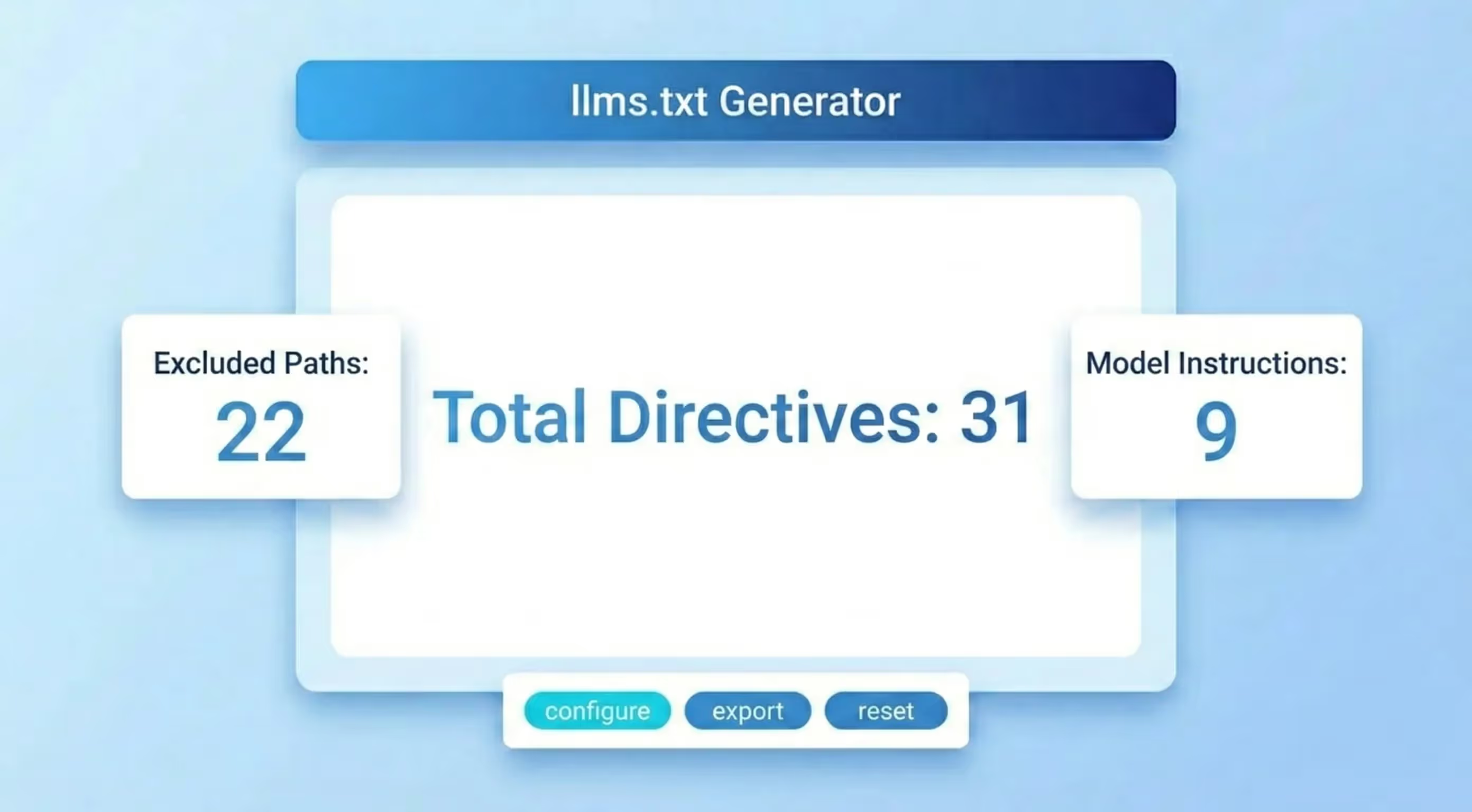
- Sitemap ו-llms.txt: קובץ sitemap.xml מתוחזק היטב עוזר לסורקי הבינה המלאכותית לגלות דפים ביעילות. התקן החדש יותר llms.txt, שנבנה בהשראת robots.txt אך תוכנן במיוחד עבור מודלי שפה, מאפשר לכם להצהיר אילו חלקים באתר מתאימים לצריכה על ידי בינה מלאכותית ולתמצת את התוכן שלכם בצורה קריאה למכונה. הבדיקה מבררת אם שני הקבצים קיימים ומעוצבים כראוי.
איך לפרש את התוצאות ומה לעשות איתן
הכלי שלמעלה מסמן כל בעיה ברמת חומרה. כך כדאי לתעדף את התיקונים:
- סורקי בינה מלאכותית חסומים ב-robots.txt: הסירו או צמצמו את ההוראה שחוסמת את ה-user-agent הרלוונטי. אם אתם חוסמים בכוונה את כל סורקי הבינה המלאכותית מטעמי רישוי, ודאו שמדובר בהחלטת מדיניות מכוונת ולא בחסימת wildcard מקרית שהגיעה מתבנית של מערכת ניהול התוכן.
- noindex בדפים מרכזיים: עברו על כל דף מסומן. אם דף מכיל תוכן בעל ערך שאתם רוצים שיצוטט, הסירו את הוראת ה-noindex. אם הדף מוחרג בכוונה, ודאו שהחסימה אכן הייתה מכוונת ואינה הוראה מסביבת הרצה שנשארה במקומה אחרי ההשקה.
- תוכן שקיים רק ב-JavaScript: הטמיעו תצוגה בצד השרת (SSR) או יצירת אתר סטטי (SSG) עבור תוכן שאתם רוצים שסורקי הבינה המלאכותית יאנדקסו. לכל הפחות, ודאו שכותרות הדפים, הכותרות הפנימיות ו-200 המילים הראשונות של גוף הטקסט זמינים ב-HTML שמוגש מהשרת עוד לפני ש-JavaScript רץ.
- sitemap חסר או מיושן: הפיקו sitemap.xml עדכני שכולל את כל הכתובות הקנוניות, מחריג דפים מופנים או דפי noindex ומוזכר ב-robots.txt. עדכנו אותו אוטומטית בכל פרסום של תוכן חדש.
- אין קובץ llms.txt: צרו קובץ llms.txt בשורש הדומיין שלכם. לכל הפחות, כללו בו תיאור קצר של האתר, את הנושאים המרכזיים שהוא מכסה וקישורים לדפים החשובים ביותר. זהו אות בעלות נמוכה שיכול לשפר משמעותית את האופן שבו סורקי הבינה המלאכותית מסווגים את האתר שלכם.
נקודת ייחוס על גישת הסריקה של הבינה המלאכותית
AI Overviews מופיעים כיום בכ-31% משאילתות גוגל, ודפים בעמדה הראשונה מתחת ל-AI Overview מאבדים עד 58% מהקליקים הצפויים (Ahrefs, 2025). הדפים שקולטים את התנועה שנודדת הם אלה שמצוטטים בתוך תשובת הבינה המלאכותית. יכולת הסריקה היא התנאי המקדים: אם בוט בינה מלאכותית אינו יכול לגשת לתוכן שלכם, שום מיטוב בתוך הדף לא יזכה אתכם בציטוט. לכן תיקון חסמי הסריקה הוא נקודת הפתיחה בעלת המנוף הגבוה ביותר בכל אסטרטגיית GEO.
לניטור שוטף של יכולת הסריקה לבינה מלאכותית ושל ביצועי הציטוט בכל מנועי הבינה המלאכותית המרכזיים, Sorank עוקב אחר נראות ה-GEO שלכם ומתריע כשהגישה משתנה.






.webp)
.webp)











.svg)
.svg)


